Page 108 of 338
Windshield Washer
To wash your windshield, pull the windshield wiper/
washer lever toward you with the ignition turned to ON.
{CAUTION:
In freezing weather, do not use your washer
until the windshield is warmed. Otherwise the
washer uid can form ice on the windshield,
blocking your vision.
When you release the lever, the washers will stop, but
the wipers will continue to wipe for about three cycles
and will either stop or will resume at the speed you were
using before.
Cruise Control
If your vehicle has cruise control, you can maintain
a speed of about 18 mph (29 km/h) or more without
keeping your foot on the accelerator. This can really help
on long trips. Cruise control does not work at speeds
below 18 mph (29 km/h).When you apply your brakes, the cruise control shuts off.
{CAUTION:
Cruise control can be dangerous where you
can not drive safely at a steady speed. So, do
not use your cruise control on winding roads
or in heavy traffic.
Cruise control can be dangerous on slippery
roads. On such roads, fast changes in tire
traction can cause needless wheel spinning,
and you could lose control. Do not use cruise
control on slippery roads.
If your vehicle is in cruise control when the optional
traction control system begins to limit wheel spin,
the cruise control will automatically disengage.
SeeTraction Control System (TCS) on page 4-8.
When road conditions allow you to safely use it again,
you may turn the cruise control back on.
3-10
Page 109 of 338
Setting Cruise Control
{CAUTION:
If you leave your cruise control on when you
are not using cruise, you might hit a button
and go into cruise when you do not want to.
You could be startled and even lose control.
Keep the cruise control switch off until you
want to use cruise control.
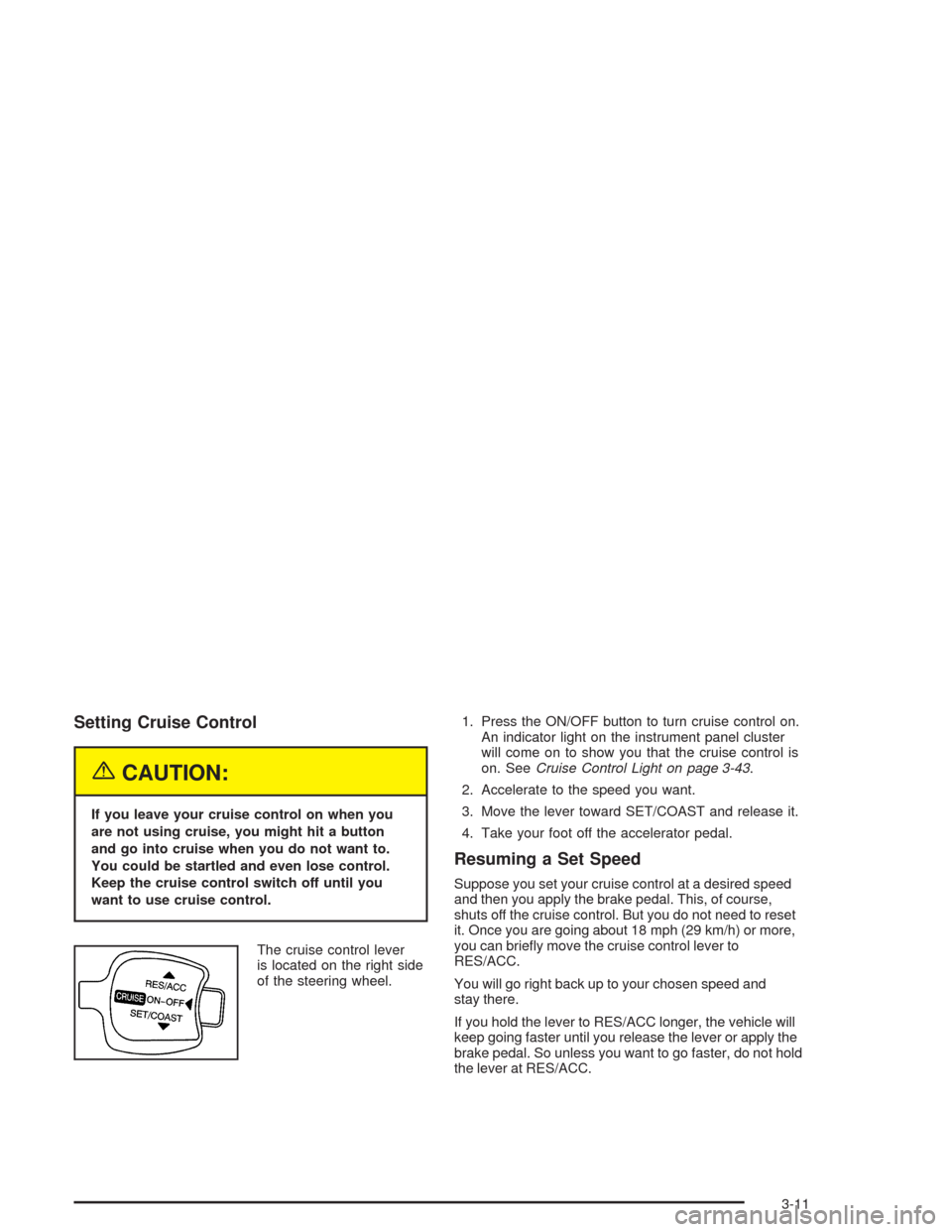
The cruise control lever
is located on the right side
of the steering wheel.1. Press the ON/OFF button to turn cruise control on.
An indicator light on the instrument panel cluster
will come on to show you that the cruise control is
on. SeeCruise Control Light on page 3-43.
2. Accelerate to the speed you want.
3. Move the lever toward SET/COAST and release it.
4. Take your foot off the accelerator pedal.
Resuming a Set Speed
Suppose you set your cruise control at a desired speed
and then you apply the brake pedal. This, of course,
shuts off the cruise control. But you do not need to reset
it. Once you are going about 18 mph (29 km/h) or more,
you can briefly move the cruise control lever to
RES/ACC.
You will go right back up to your chosen speed and
stay there.
If you hold the lever to RES/ACC longer, the vehicle will
keep going faster until you release the lever or apply the
brake pedal. So unless you want to go faster, do not hold
the lever at RES/ACC.
3-11
Page 113 of 338
Fog Lamps
If your vehicle has this feature, use your fog lamps for
better visibility in foggy or misty conditions.
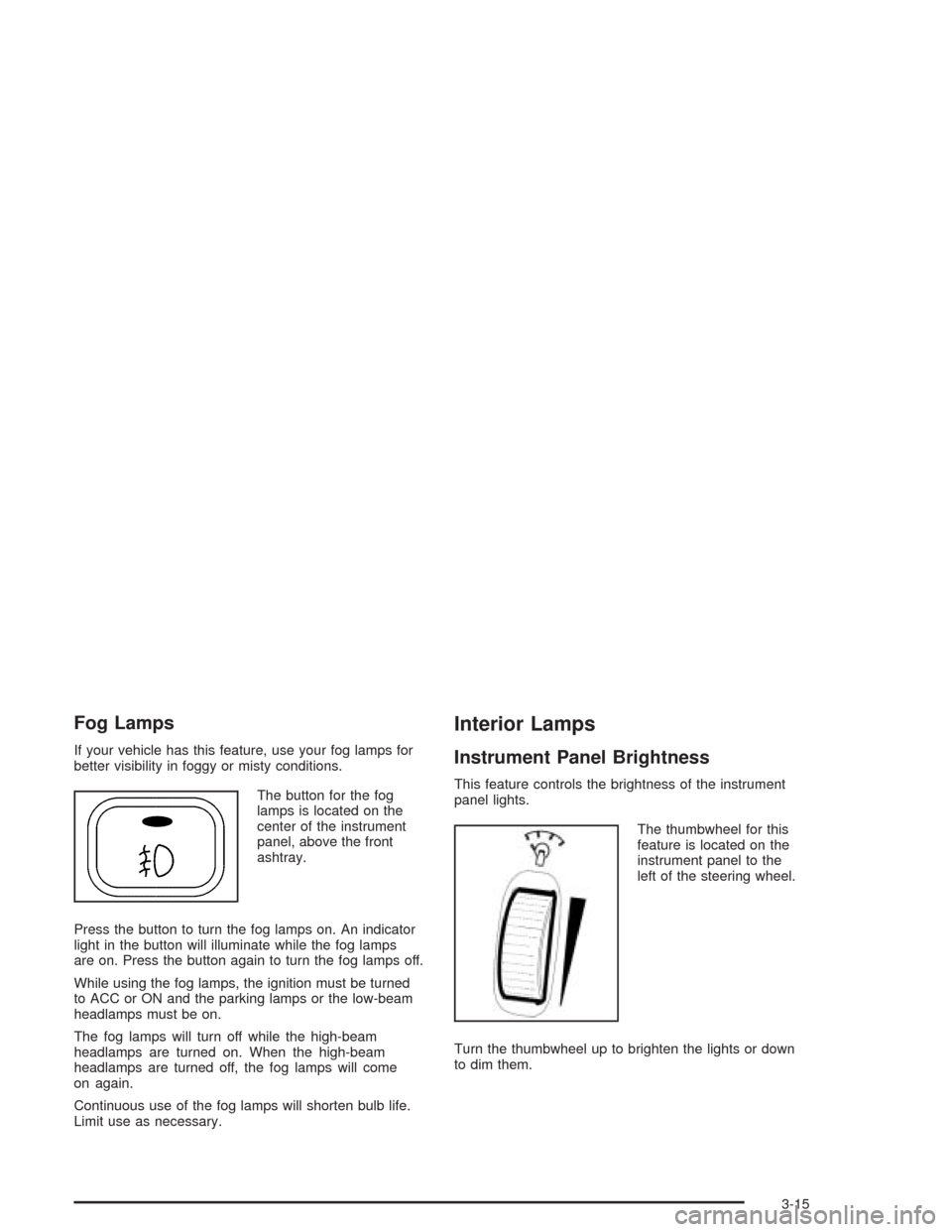
The button for the fog
lamps is located on the
center of the instrument
panel, above the front
ashtray.
Press the button to turn the fog lamps on. An indicator
light in the button will illuminate while the fog lamps
are on. Press the button again to turn the fog lamps off.
While using the fog lamps, the ignition must be turned
to ACC or ON and the parking lamps or the low-beam
headlamps must be on.
The fog lamps will turn off while the high-beam
headlamps are turned on. When the high-beam
headlamps are turned off, the fog lamps will come
on again.
Continuous use of the fog lamps will shorten bulb life.
Limit use as necessary.
Interior Lamps
Instrument Panel Brightness
This feature controls the brightness of the instrument
panel lights.
The thumbwheel for this
feature is located on the
instrument panel to the
left of the steering wheel.
Turn the thumbwheel up to brighten the lights or down
to dim them.
3-15
Page 126 of 338
Outlet Adjustment
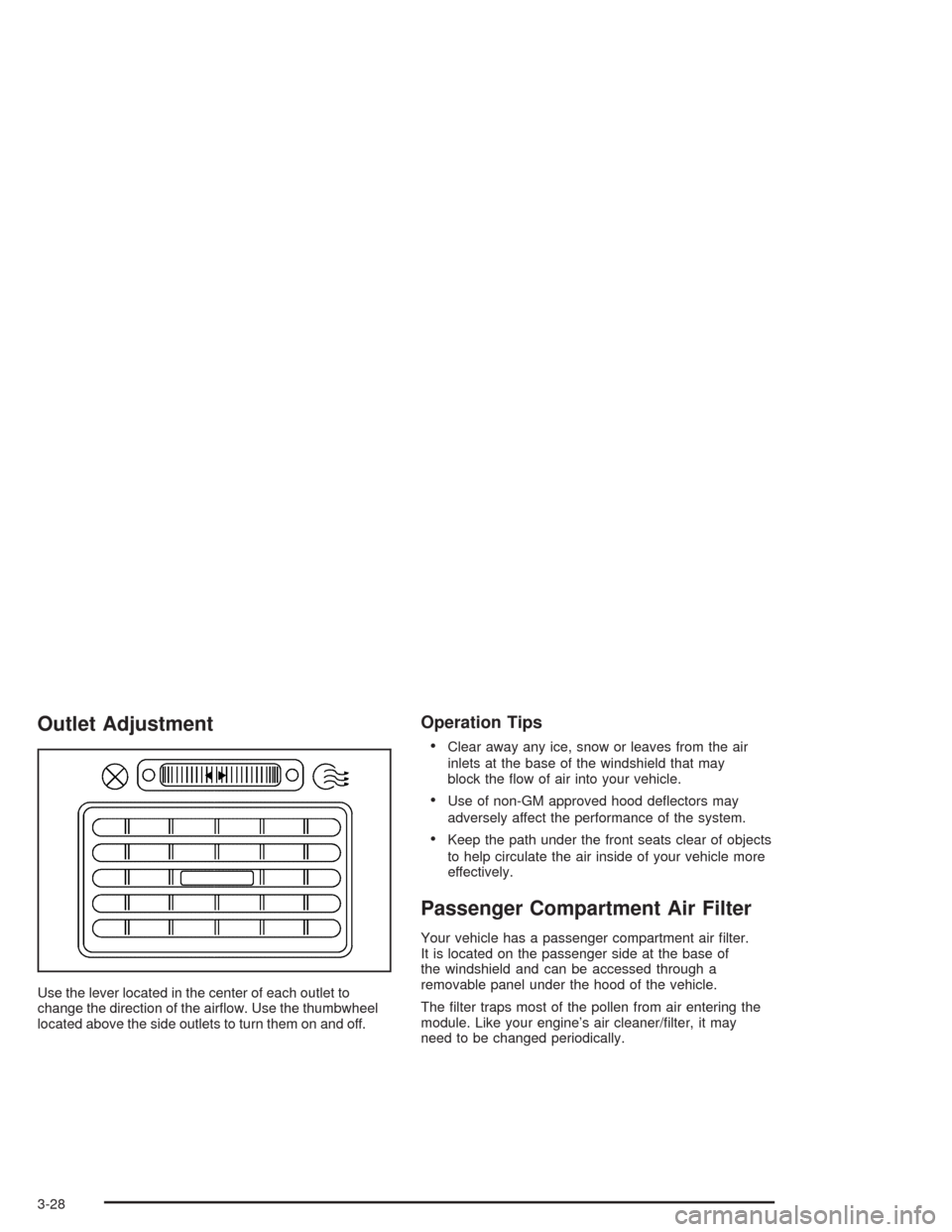
Use the lever located in the center of each outlet to
change the direction of the airflow. Use the thumbwheel
located above the side outlets to turn them on and off.
Operation Tips
•
Clear away any ice, snow or leaves from the air
inlets at the base of the windshield that may
block the flow of air into your vehicle.
•Use of non-GM approved hood deflectors may
adversely affect the performance of the system.
•Keep the path under the front seats clear of objects
to help circulate the air inside of your vehicle more
effectively.
Passenger Compartment Air Filter
Your vehicle has a passenger compartment air filter.
It is located on the passenger side at the base of
the windshield and can be accessed through a
removable panel under the hood of the vehicle.
The filter traps most of the pollen from air entering the
module. Like your engine’s air cleaner/filter, it may
need to be changed periodically.
3-28
Page 130 of 338
Speedometer and Odometer
Your speedometer lets you see your speed in both
miles per hour (mph) and kilometers per hour (km/h).
Your odometer shows how far your vehicle has
been driven in kilometers.
Trip Odometer
The trip odometer can record the number of kilometers
traveled for up to two trips.
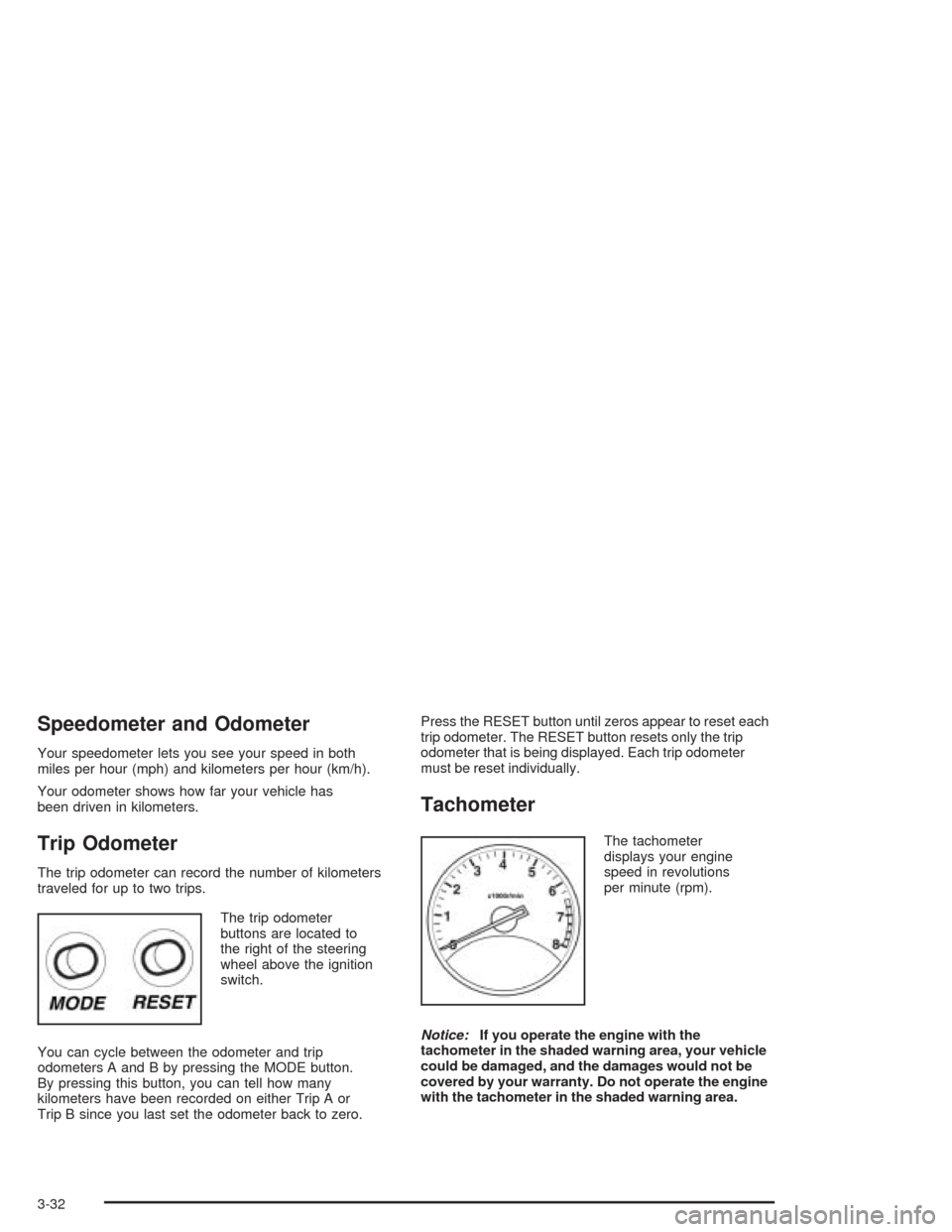
The trip odometer
buttons are located to
the right of the steering
wheel above the ignition
switch.
You can cycle between the odometer and trip
odometers A and B by pressing the MODE button.
By pressing this button, you can tell how many
kilometers have been recorded on either Trip A or
Trip B since you last set the odometer back to zero.Press the RESET button until zeros appear to reset each
trip odometer. The RESET button resets only the trip
odometer that is being displayed. Each trip odometer
must be reset individually.
Tachometer
The tachometer
displays your engine
speed in revolutions
per minute (rpm).
Notice:If you operate the engine with the
tachometer in the shaded warning area, your vehicle
could be damaged, and the damages would not be
covered by your warranty. Do not operate the engine
with the tachometer in the shaded warning area.
3-32
Page 135 of 338
Traction Control System (TCS)
Warning Light
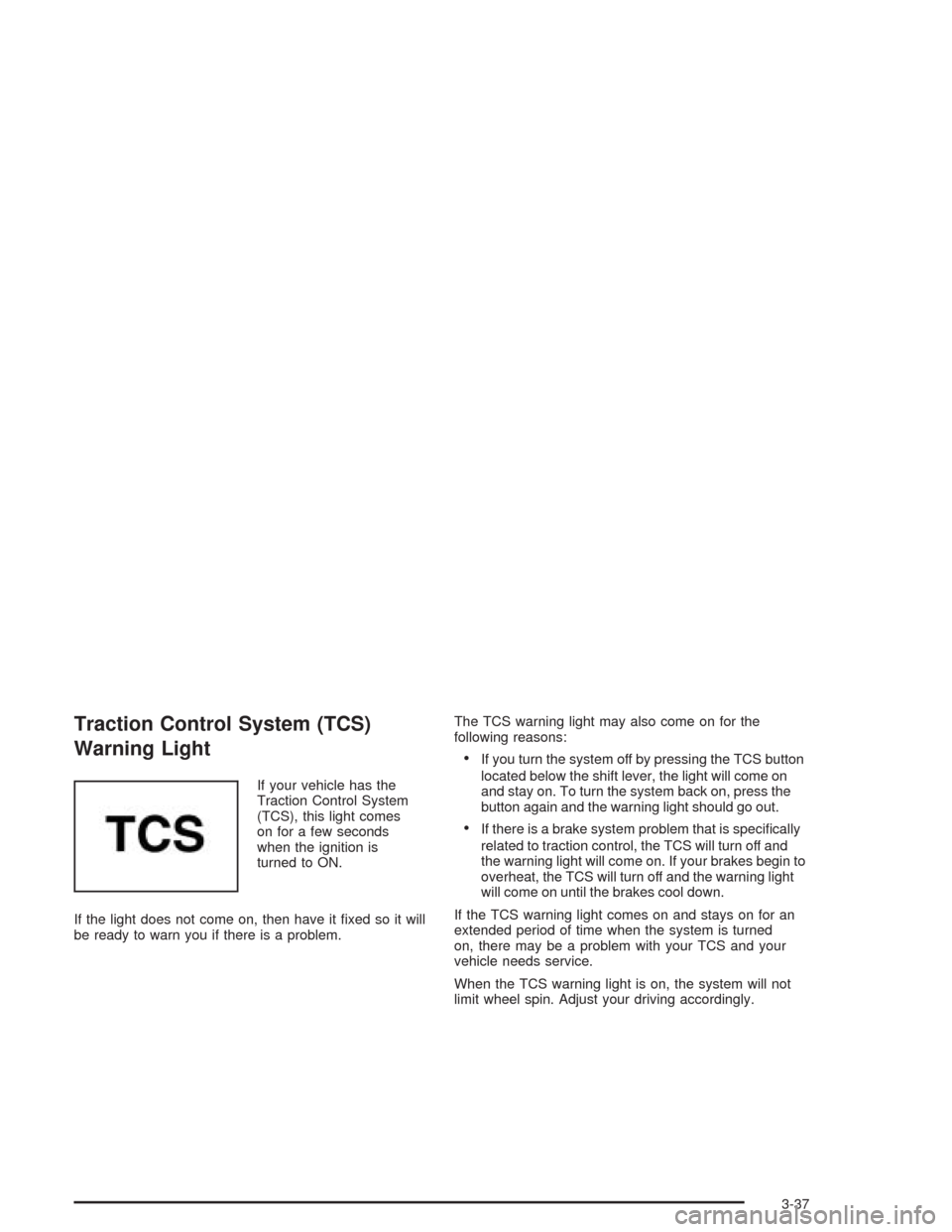
If your vehicle has the
Traction Control System
(TCS), this light comes
on for a few seconds
when the ignition is
turned to ON.
If the light does not come on, then have it fixed so it will
be ready to warn you if there is a problem.The TCS warning light may also come on for the
following reasons:
•If you turn the system off by pressing the TCS button
located below the shift lever, the light will come on
and stay on. To turn the system back on, press the
button again and the warning light should go out.
•If there is a brake system problem that is specifically
related to traction control, the TCS will turn off and
the warning light will come on. If your brakes begin to
overheat, the TCS will turn off and the warning light
will come on until the brakes cool down.
If the TCS warning light comes on and stays on for an
extended period of time when the system is turned
on, there may be a problem with your TCS and your
vehicle needs service.
When the TCS warning light is on, the system will not
limit wheel spin. Adjust your driving accordingly.
3-37
Page 157 of 338
Audio Steering Wheel Controls
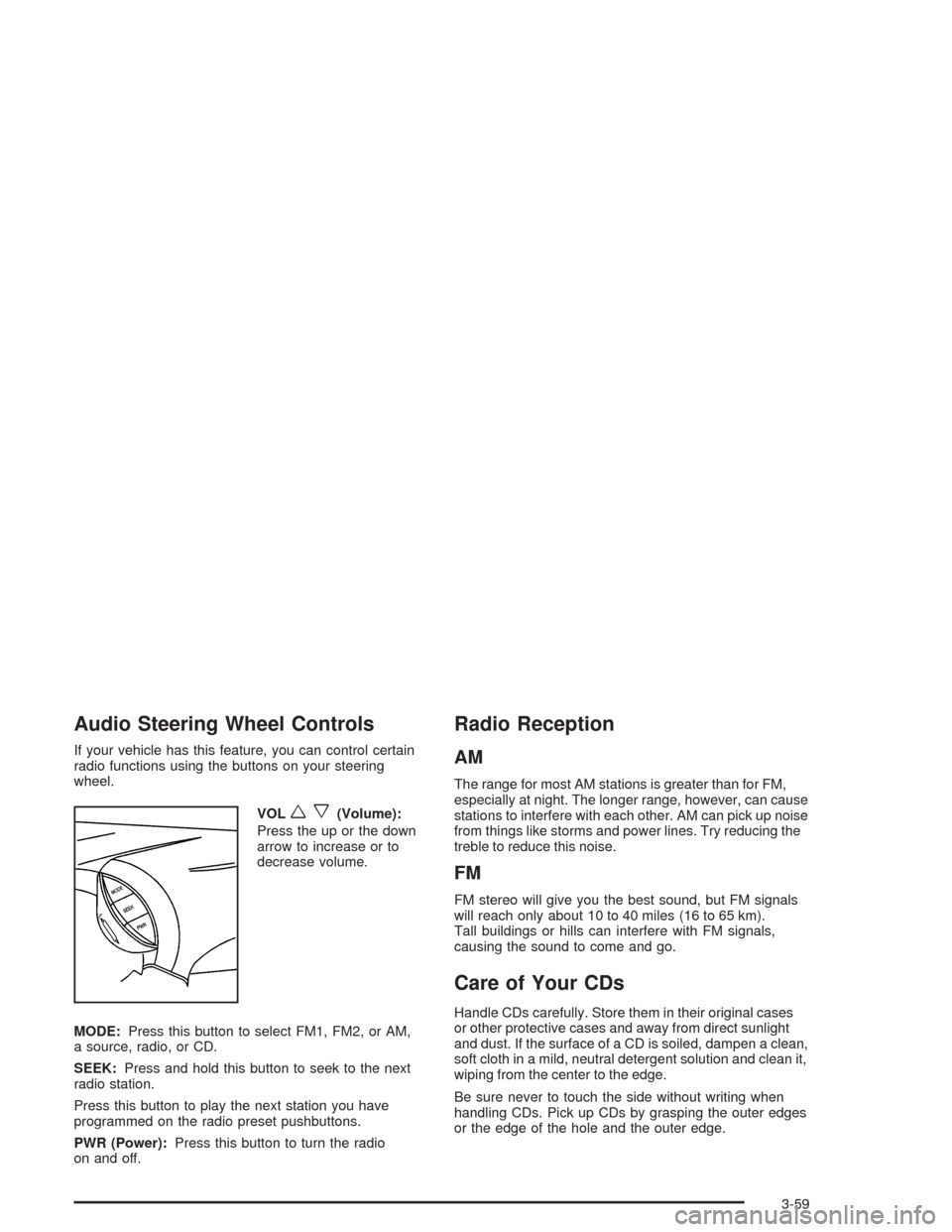
If your vehicle has this feature, you can control certain
radio functions using the buttons on your steering
wheel.
VOL
wx(Volume):
Press the up or the down
arrow to increase or to
decrease volume.
MODE:Press this button to select FM1, FM2, or AM,
a source, radio, or CD.
SEEK:Press and hold this button to seek to the next
radio station.
Press this button to play the next station you have
programmed on the radio preset pushbuttons.
PWR (Power):Press this button to turn the radio
on and off.
Radio Reception
AM
The range for most AM stations is greater than for FM,
especially at night. The longer range, however, can cause
stations to interfere with each other. AM can pick up noise
from things like storms and power lines. Try reducing the
treble to reduce this noise.
FM
FM stereo will give you the best sound, but FM signals
will reach only about 10 to 40 miles (16 to 65 km).
Tall buildings or hills can interfere with FM signals,
causing the sound to come and go.
Care of Your CDs
Handle CDs carefully. Store them in their original cases
or other protective cases and away from direct sunlight
and dust. If the surface of a CD is soiled, dampen a clean,
soft cloth in a mild, neutral detergent solution and clean it,
wiping from the center to the edge.
Be sure never to touch the side without writing when
handling CDs. Pick up CDs by grasping the outer edges
or the edge of the hole and the outer edge.
3-59
Page 165 of 338
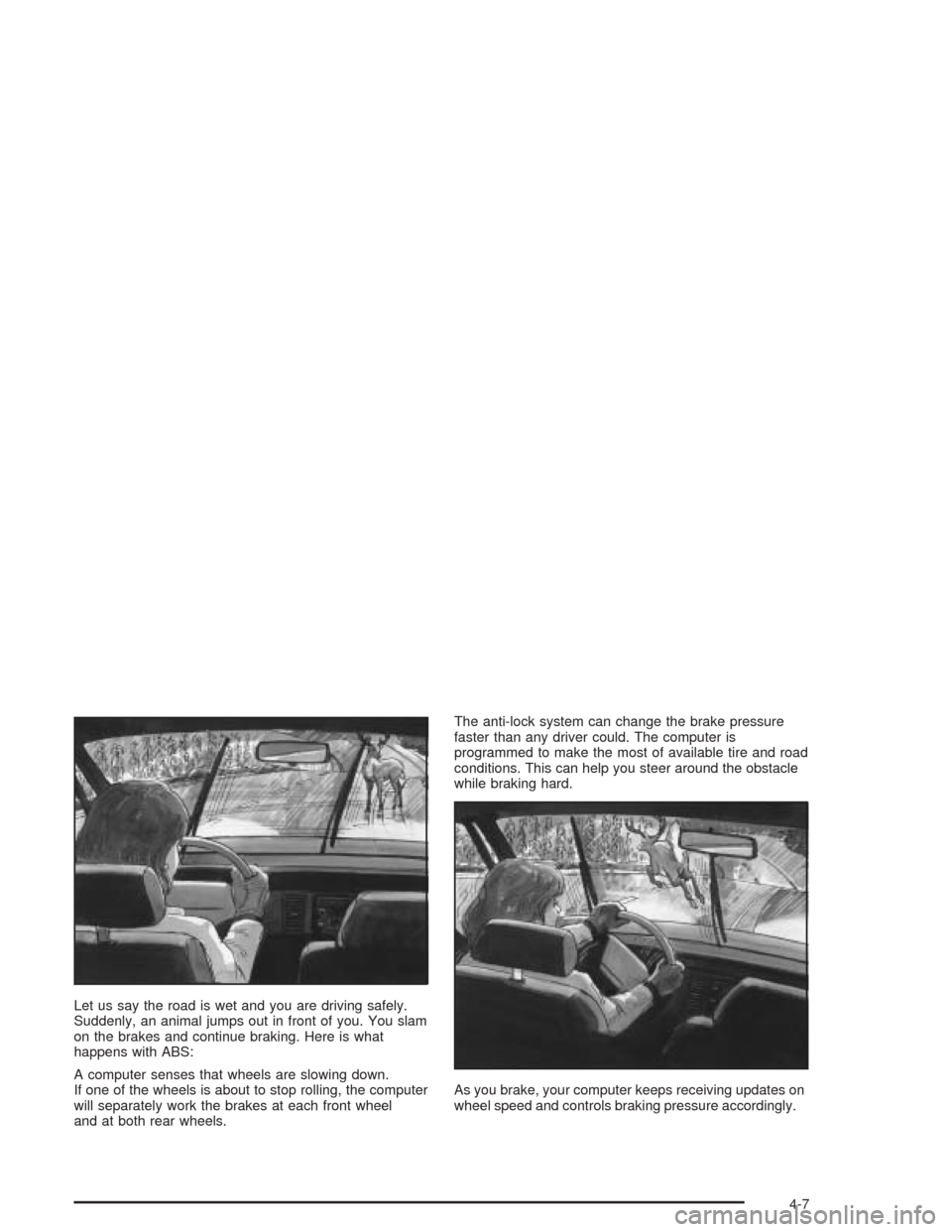
Let us say the road is wet and you are driving safely.
Suddenly, an animal jumps out in front of you. You slam
on the brakes and continue braking. Here is what
happens with ABS:
A computer senses that wheels are slowing down.
If one of the wheels is about to stop rolling, the computer
will separately work the brakes at each front wheel
and at both rear wheels.The anti-lock system can change the brake pressure
faster than any driver could. The computer is
programmed to make the most of available tire and road
conditions. This can help you steer around the obstacle
while braking hard.
As you brake, your computer keeps receiving updates on
wheel speed and controls braking pressure accordingly.
4-7