Page 144 of 338
Secondary Information
Center (SIC)
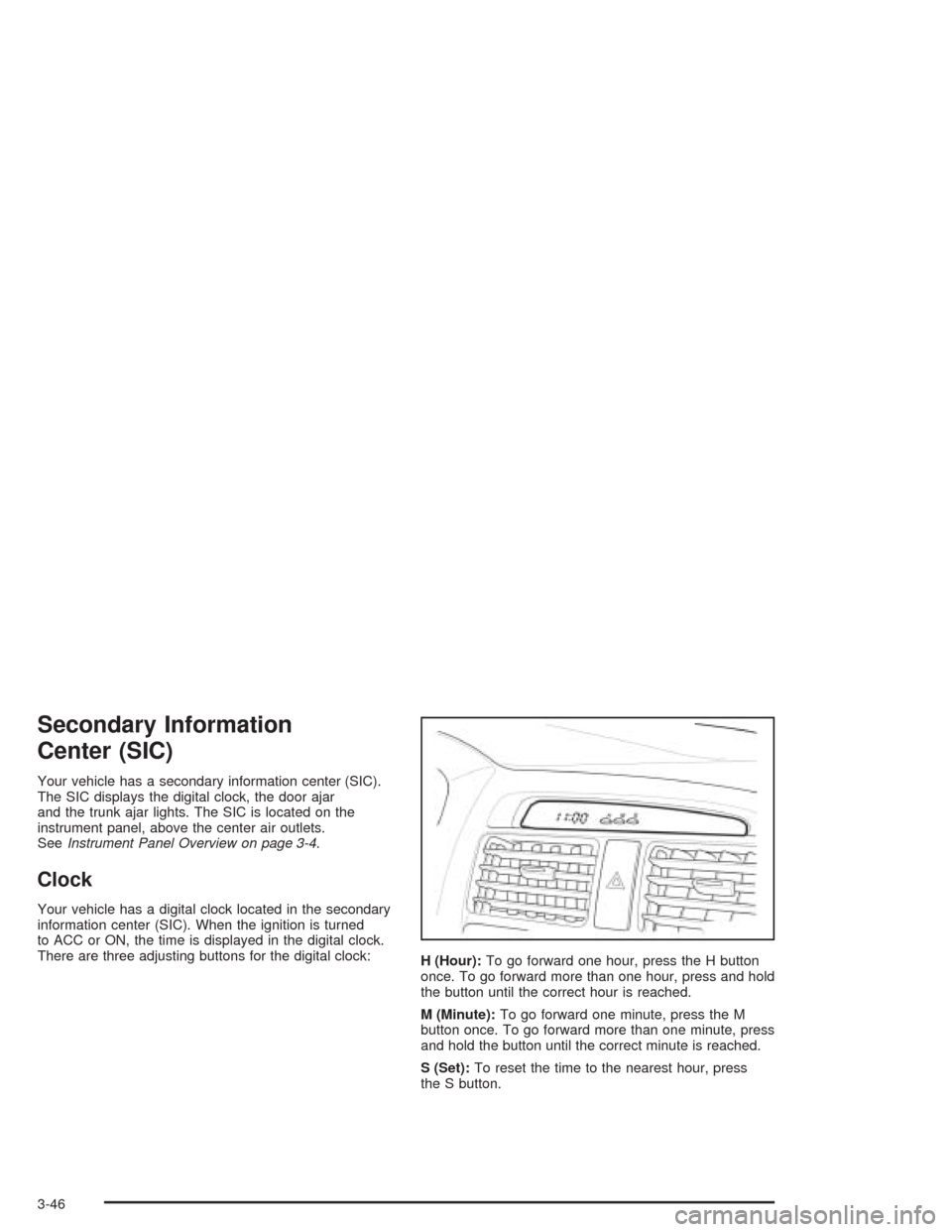
Your vehicle has a secondary information center (SIC).
The SIC displays the digital clock, the door ajar
and the trunk ajar lights. The SIC is located on the
instrument panel, above the center air outlets.
SeeInstrument Panel Overview on page 3-4.
Clock
Your vehicle has a digital clock located in the secondary
information center (SIC). When the ignition is turned
to ACC or ON, the time is displayed in the digital clock.
There are three adjusting buttons for the digital clock:
H (Hour):To go forward one hour, press the H button
once. To go forward more than one hour, press and hold
the button until the correct hour is reached.
M (Minute):To go forward one minute, press the M
button once. To go forward more than one minute, press
and hold the button until the correct minute is reached.
S (Set):To reset the time to the nearest hour, press
the S button.
3-46
Page 145 of 338
For example, if the Set button is pressed while the time
is between 8:00 and 8:29, the display is set to 8:00.
If this button is pressed while the time is between 8:30
and 8:59, the display is set to 9:00.
After disconnecting the battery or replacing the fuse,
reset the clock.
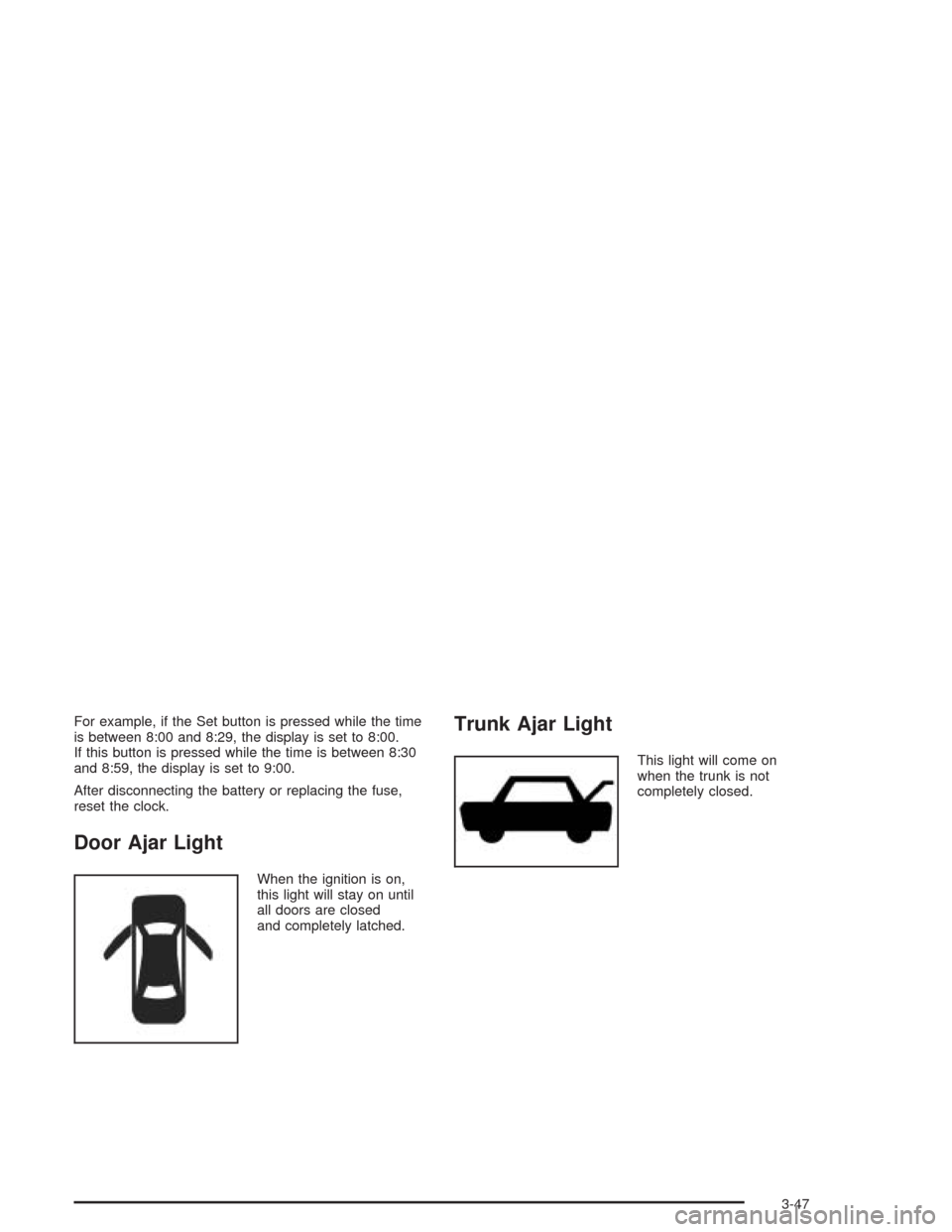
Door Ajar Light
When the ignition is on,
this light will stay on until
all doors are closed
and completely latched.
Trunk Ajar Light
This light will come on
when the trunk is not
completely closed.
3-47
Page 153 of 338
Trunk-Mounted CD Changer
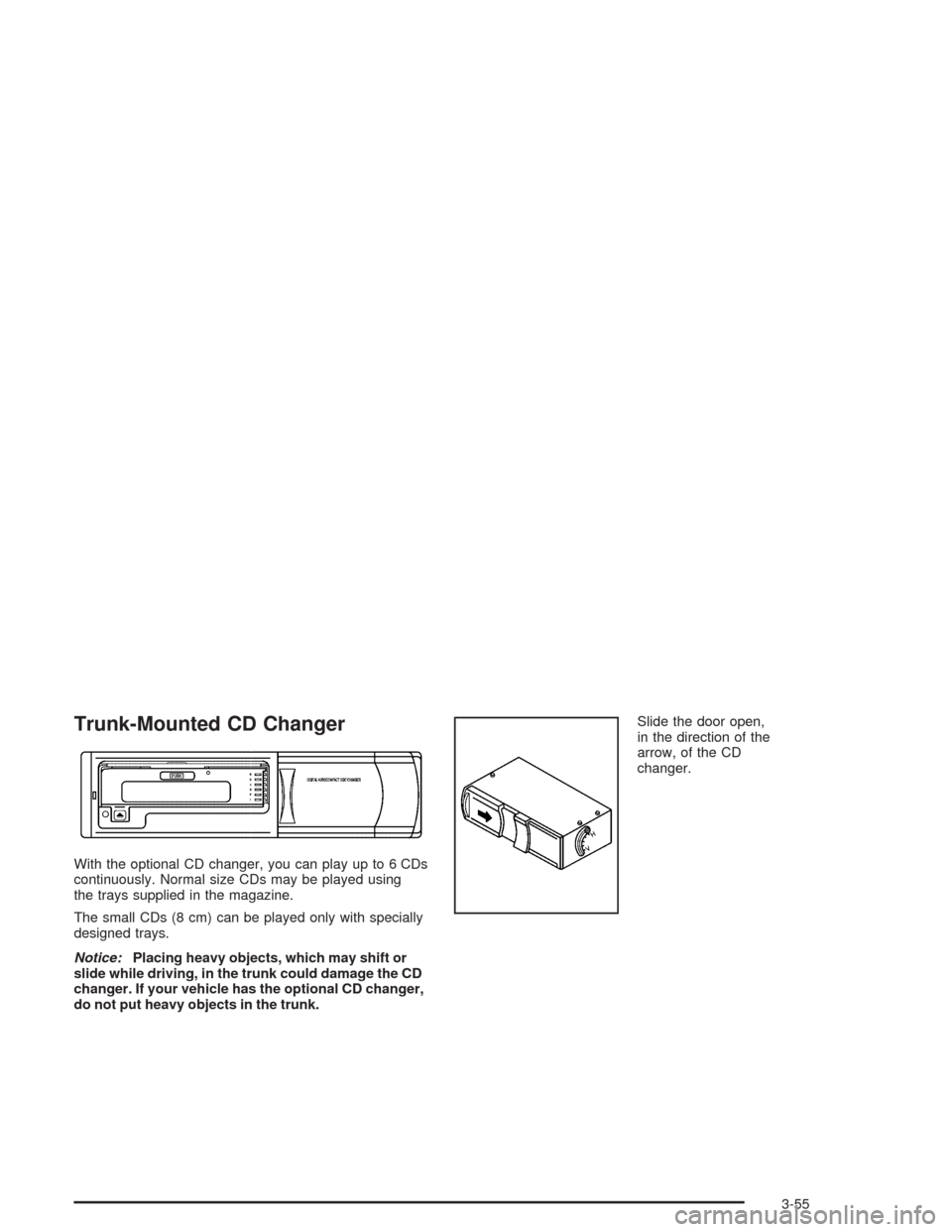
With the optional CD changer, you can play up to 6 CDs
continuously. Normal size CDs may be played using
the trays supplied in the magazine.
The small CDs (8 cm) can be played only with specially
designed trays.
Notice:Placing heavy objects, which may shift or
slide while driving, in the trunk could damage the CD
changer. If your vehicle has the optional CD changer,
do not put heavy objects in the trunk.Slide the door open,
in the direction of the
arrow, of the CD
changer.
3-55
Page 155 of 338
Whenever a CD magazine with CDs is loaded in the
changer and the door is closed, the CD symbol will
appear on the radio display. If the CD changer is
checking the magazine for CDs, the CD symbol will flash
on the display until the changer is ready to play. If CD
changer mode is entered during initialization, LOADING
will appear on the display. When a CD begins playing,
a CD and track number will appear on the radio display.
The CD numbers are listed on the front of the magazine.
All of the CD functions are controlled by the radio
pushbuttons except for ejecting the magazine.
Playing a CD
If an error appears on the display, see “CD Messages”
later in this section.
The following buttons are used for the trunk-mounted
CD changer.
TRACK (Reverse/Fast Forward):Turn this knob
counterclockwise or clockwise to select the previous or
next track on the current CD.
Push and hold this knob counterclockwise to quickly
reverse or clockwise to quickly advance within a track.
As the CD advances, the elapsed time of the track
will appear on the display.
5 DN (Previous):Press and hold this pushbutton to
select the previous CD in the magazine.6 UP (Next):Press and hold this pushbutton to select
the next CD in the magazine.
2 RPT (Repeat):Press this pushbutton to repeat the
current track RPT will appear on the display. Press this
pushbutton again to turn off repeat play.
3 INT (Scan):To scan the tracks on the current CD,
press this pushbutton until INTRO appears on the
display. You will hear the first ten seconds of each track
on the CD. To stop scanning, press this pushbutton
again.
4 RDM (Random):Press this pushbutton to listen to
the tracks on the current CD in random, rather than
sequential, order. RDM will appear on the display.
Press this pushbutton again to turn off random play.
While in random, you can turn the tune knob to select
another track.
AM/FM:Press this button to listen to the radio when
playing a CD.
CD:Press this button to play a CD when listening to
the radio. CDC will appear on the display when the CD
changer has been selected.
Press this button while a CD is playing to pause the
CD. Press this button again to resume play.
3-57
Page 182 of 338
Winter Driving
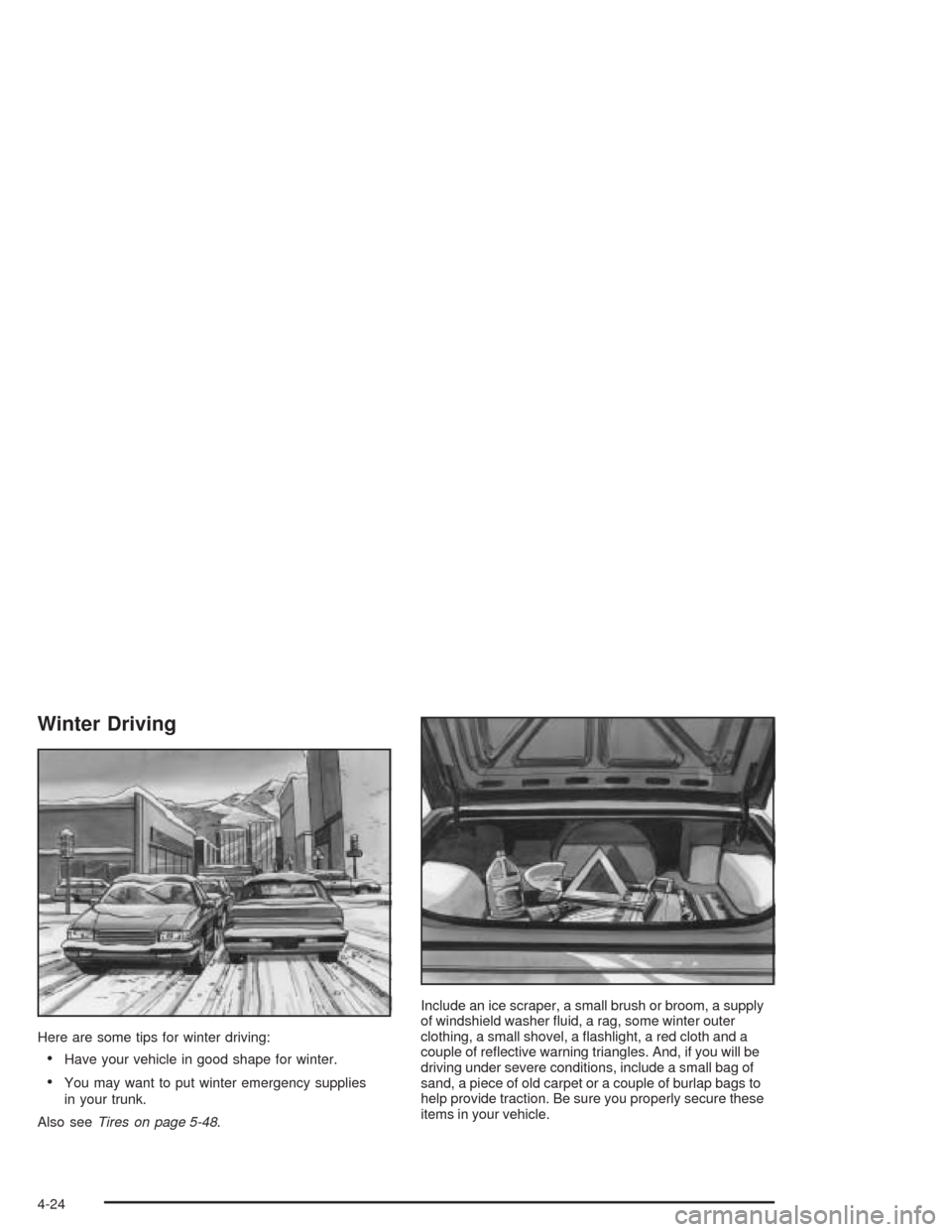
Here are some tips for winter driving:
•Have your vehicle in good shape for winter.
•You may want to put winter emergency supplies
in your trunk.
Also seeTires on page 5-48.Include an ice scraper, a small brush or broom, a supply
of windshield washer fluid, a rag, some winter outer
clothing, a small shovel, a flashlight, a red cloth and a
couple of reflective warning triangles. And, if you will be
driving under severe conditions, include a small bag of
sand, a piece of old carpet or a couple of burlap bags to
help provide traction. Be sure you properly secure these
items in your vehicle.
4-24
Page 192 of 338
Certication Label
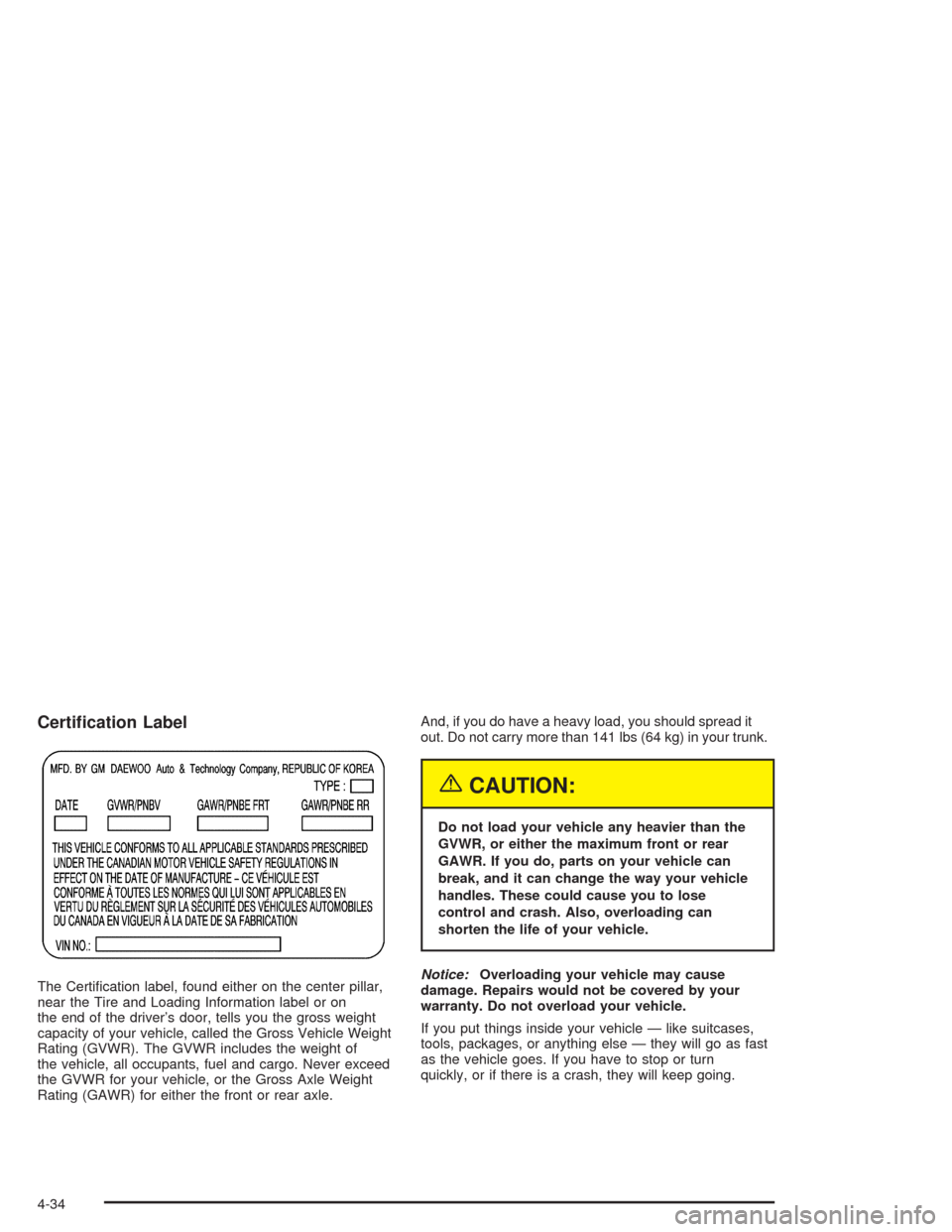
The Certification label, found either on the center pillar,
near the Tire and Loading Information label or on
the end of the driver’s door, tells you the gross weight
capacity of your vehicle, called the Gross Vehicle Weight
Rating (GVWR). The GVWR includes the weight of
the vehicle, all occupants, fuel and cargo. Never exceed
the GVWR for your vehicle, or the Gross Axle Weight
Rating (GAWR) for either the front or rear axle.And, if you do have a heavy load, you should spread it
out. Do not carry more than 141 lbs (64 kg) in your trunk.
{CAUTION:
Do not load your vehicle any heavier than the
GVWR, or either the maximum front or rear
GAWR. If you do, parts on your vehicle can
break, and it can change the way your vehicle
handles. These could cause you to lose
control and crash. Also, overloading can
shorten the life of your vehicle.
Notice:Overloading your vehicle may cause
damage. Repairs would not be covered by your
warranty. Do not overload your vehicle.
If you put things inside your vehicle — like suitcases,
tools, packages, or anything else — they will go as fast
as the vehicle goes. If you have to stop or turn
quickly, or if there is a crash, they will keep going.
4-34
Page 193 of 338
{CAUTION:
Things you put inside your vehicle can strike
and injure people in a sudden stop or turn,
or in a crash.
Put things in the trunk of your vehicle.
In a trunk, put them as far forward as you
can. Try to spread the weight evenly.
Never stack heavier things, like suitcases,
inside the vehicle so that some of them
are above the tops of the seats.
Do not leave an unsecured child restraint
in your vehicle.
When you carry something inside the
vehicle, secure it whenever you can.
Do not leave a seat folded down unless
you need to.
Towing a Trailer
Do not use your vehicle to tow a trailer. The vehicle is
not designed or intended for such a use. Towing a trailer
can adversely affect handling, durability and fuel
economy.
4-35
Page 204 of 338
Filling a Portable Fuel Container
{CAUTION:
Never ll a portable fuel container while it is in
your vehicle. Static electricity discharge from
the container can ignite the gasoline vapor.
You can be badly burned and your vehicle
damaged if this occurs. To help avoid injury
to you and others:
Dispense gasoline only into approved
containers.
Do not ll a container while it is inside a
vehicle, in a vehicle’s trunk, pickup bed
or on any surface other than the ground.
Bring the ll nozzle in contact with the
inside of the ll opening before operating
the nozzle. Contact should be maintained
until the lling is complete.
Do not smoke while pumping gasoline.
Checking Things Under
the Hood
{CAUTION:
An electric fan under the hood can start up
and injure you even when the engine is not
running. Keep hands, clothing and tools away
from any underhood electric fan.
{CAUTION:
Things that burn can get on hot engine parts
and start a re. These include liquids like fuel,
oil, coolant, brake uid, windshield washer and
other uids, and plastic or rubber. You or
others could be burned. Be careful not to drop
or spill things that will burn onto a hot engine.
5-10