2004 CHEVROLET CAVALIER instrument panel
[x] Cancel search: instrument panelPage 74 of 354

Lockout Protection
If your vehicle is equipped with remote keyless entry,
you have lockout protection. This feature stops the
power door locks from locking when the key is in the
ignition and the door is open.
If the power door lock switch is pressed when a door is
open and the key is in the ignition, all the doors will
lock and the driver’s door will unlock.
Leaving Your Vehicle
If you are leaving the vehicle, open your door and set
the locks from the inside. Then get out and close
the door.
Trunk
To unlock the trunk from the outside, insert the key and
turn the trunk lock cylinder or use the remote keyless
entry transmitter if your vehicle has one.
When closing the trunk, close from the center to ensure
it fully latches. Although you may use one hand to
unlock the trunk, it is recommended that two hands on
the upper surface be used to close the trunk.
{CAUTION:
It can be dangerous to drive with the trunk lid
open because carbon monoxide (CO) gas can
come into your vehicle. You can not see or
smell CO. It can cause unconsciousness and
even death. If you must drive with the trunk lid
open or if electrical wiring or other cable
connections must pass through the seal
between the body and the trunk lid:
Make sure all other windows are shut.
Turn the fan on your heating or cooling
system to its highest speed and select the
control setting that will force outside air
into your vehicle. See Climate Control
System in the Index.
If you have air outlets on or under the
instrument panel, open them all the way.
SeeEngine Exhaust on page 2-28.
2-10
Page 75 of 354
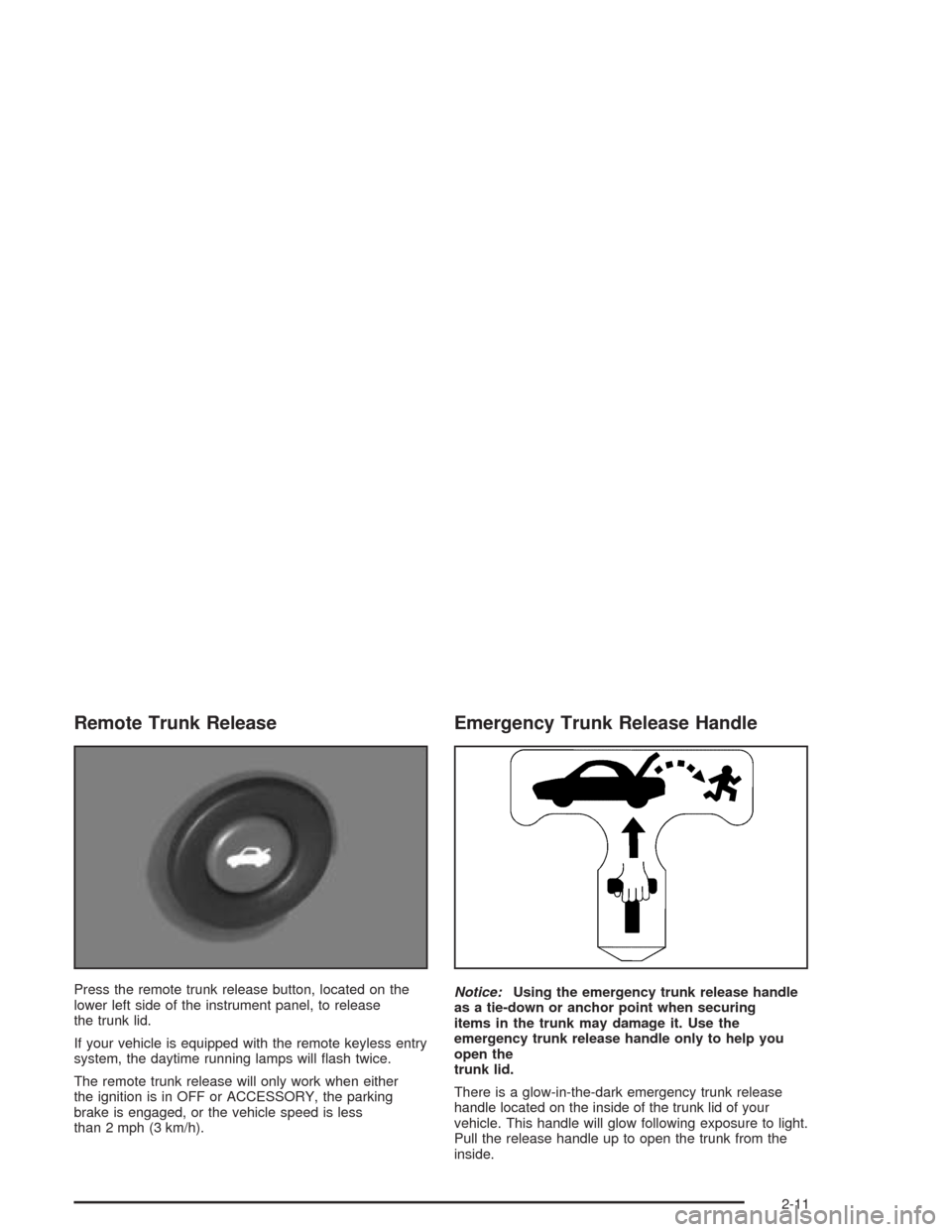
Remote Trunk Release
Press the remote trunk release button, located on the
lower left side of the instrument panel, to release
the trunk lid.
If your vehicle is equipped with the remote keyless entry
system, the daytime running lamps will ash twice.
The remote trunk release will only work when either
the ignition is in OFF or ACCESSORY, the parking
brake is engaged, or the vehicle speed is less
than 2 mph (3 km/h).
Emergency Trunk Release Handle
Notice:Using the emergency trunk release handle
as a tie-down or anchor point when securing
items in the trunk may damage it. Use the
emergency trunk release handle only to help you
open the
trunk lid.
There is a glow-in-the-dark emergency trunk release
handle located on the inside of the trunk lid of your
vehicle. This handle will glow following exposure to light.
Pull the release handle up to open the trunk from the
inside.
2-11
Page 78 of 354

Theft-Deterrent Systems
Vehicle theft is big business, especially in some cities.
Although your vehicle has a number of theft-deterrent
features, we know that nothing we put on it can make it
impossible to steal.
Content Theft-Deterrent
Arming the System
With the ignition off, press the LOCK button on the
remote keyless entry transmitter to arm the system
immediately after all doors and the trunk are closed. If
the LOCK button is pressed again within ve seconds,
the horn will chirp to conrm that the system has
been armed.
Once the system is armed, the THEFT SYSTEM light
on your instrument panel will ash and remain ashing.
This conrms the system is armed and monitoring
the doors and trunk. If the light is on solid, the system is
not properly activated due to either a door or the
trunk being ajar.
If you don’t want to arm the system, lock the car with
the lock levers on the doors or with the power door
lock switch.
Disarming the System
If the system is armed, press the UNLOCK button on
the transmitter to disarm the system. The THEFT
SYSTEM light will stop ashing.
If the system is armed, turning the key to START will
also disarm the system.
If the system is armed and the trunk is opened using
the trunk release button on the transmitter, the system
will temporarily disarm itself and re-arm when the
trunk has been closed. This allows the customer to exit
the vehicle, lock the doors using the transmitter, and
open the trunk using the transmitter without having
to disarm and subsequently re-arm the system.
How the System Alarm is Activated
If the system is armed, opening any door or trunk, or
using a wrong key to start the vehicle will cause a
pre-alarm chirp for 10 seconds and then a full alarm of
horn and headlights for two minutes.
If an alarm event has nished and all doors and trunk
are closed, the content theft security system will
re-arm itself.
2-14
Page 81 of 354
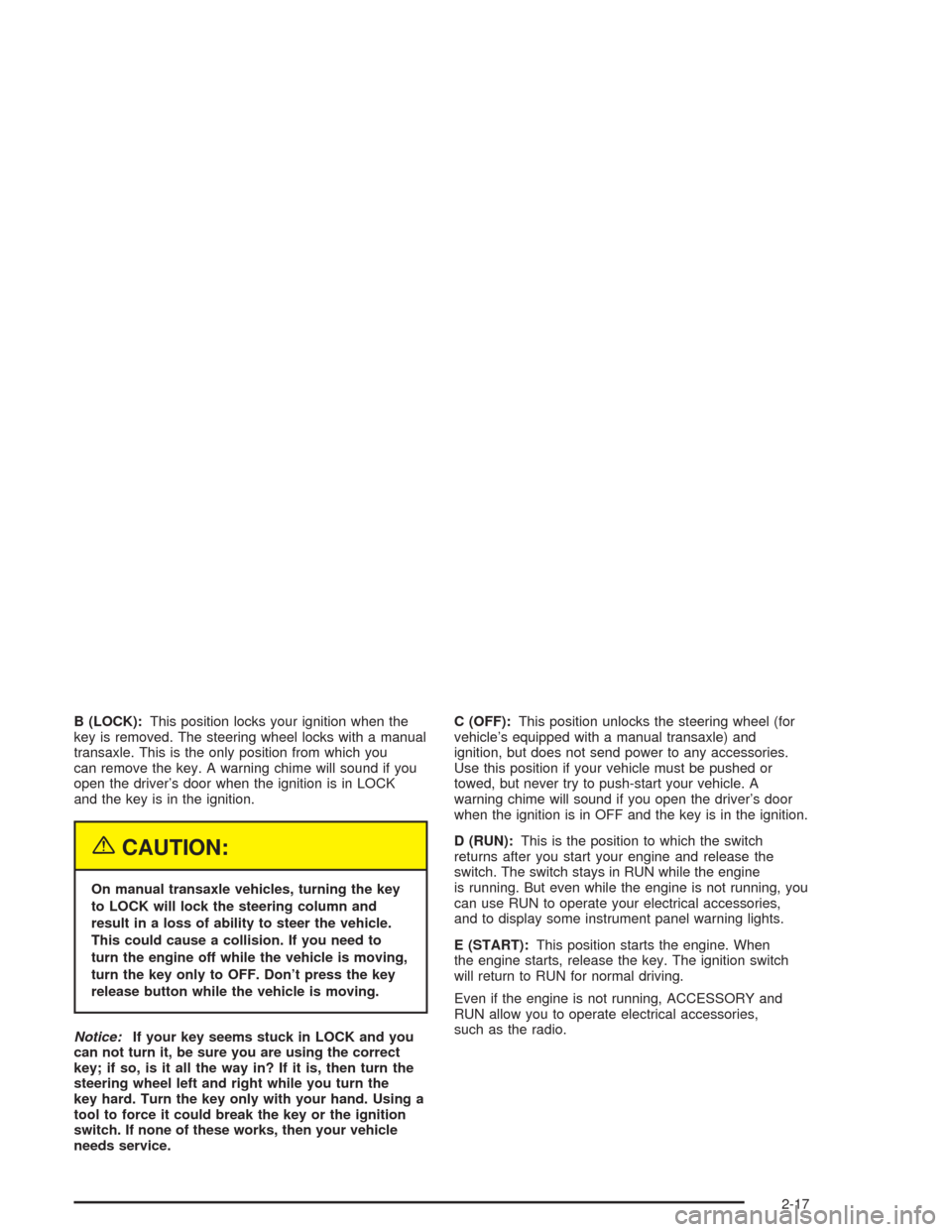
B (LOCK):This position locks your ignition when the
key is removed. The steering wheel locks with a manual
transaxle. This is the only position from which you
can remove the key. A warning chime will sound if you
open the driver’s door when the ignition is in LOCK
and the key is in the ignition.
{CAUTION:
On manual transaxle vehicles, turning the key
to LOCK will lock the steering column and
result in a loss of ability to steer the vehicle.
This could cause a collision. If you need to
turn the engine off while the vehicle is moving,
turn the key only to OFF. Don’t press the key
release button while the vehicle is moving.
Notice:If your key seems stuck in LOCK and you
can not turn it, be sure you are using the correct
key; if so, is it all the way in? If it is, then turn the
steering wheel left and right while you turn the
key hard. Turn the key only with your hand. Using a
tool to force it could break the key or the ignition
switch. If none of these works, then your vehicle
needs service.C (OFF):This position unlocks the steering wheel (for
vehicle’s equipped with a manual transaxle) and
ignition, but does not send power to any accessories.
Use this position if your vehicle must be pushed or
towed, but never try to push-start your vehicle. A
warning chime will sound if you open the driver’s door
when the ignition is in OFF and the key is in the ignition.
D (RUN):This is the position to which the switch
returns after you start your engine and release the
switch. The switch stays in RUN while the engine
is running. But even while the engine is not running, you
can use RUN to operate your electrical accessories,
and to display some instrument panel warning lights.
E (START):This position starts the engine. When
the engine starts, release the key. The ignition switch
will return to RUN for normal driving.
Even if the engine is not running, ACCESSORY and
RUN allow you to operate electrical accessories,
such as the radio.
2-17
Page 99 of 354

Instrument Panel Overview...............................3-2
Hazard Warning Flashers................................3-4
Other Warning Devices...................................3-5
Horn.............................................................3-5
Tilt Wheel.....................................................3-5
Turn Signal/Multifunction Lever.........................3-6
Exterior Lamps.............................................3-11
Interior Lamps..............................................3-14
Accessory Power Outlets...............................3-15
Ashtrays and Cigarette Lighter........................3-16
Climate Controls............................................3-16
Climate Control System.................................3-16
Outlet Adjustment.........................................3-19
Warning Lights, Gages, and Indicators............3-20
Instrument Panel Cluster................................3-21
Speedometer and Odometer...........................3-22
Tachometer.................................................3-22
Safety Belt Reminder Light.............................3-23
Air Bag Readiness Light................................3-23
Charging System Light..................................3-24
Up-Shift Light...............................................3-25
Brake System Warning Light..........................3-25
Anti-Lock Brake System Warning Light.............3-26
Enhanced Traction System Warning Light.........3-27
Enhanced Traction System Active Light............3-28
Engine Coolant Temperature Gage..................3-28Low Coolant Warning Light............................3-29
Malfunction Indicator Lamp.............................3-29
Oil Pressure Light.........................................3-32
Passlock
®Warning Light................................3-33
Check Gages Warning Light...........................3-33
Service Vehicle Soon Light............................3-34
Fuel Gage...................................................3-34
Audio System(s).............................................3-35
Setting the Time for Radios without
Radio Data Systems (RDS)........................3-35
Setting the Time for Radios with Radio
Data Systems (RDS)..................................3-36
AM-FM Radio...............................................3-36
Radio with CD (Base Level)...........................3-39
Radio with CD (Up Level)..............................3-43
Radio with CD (MP3)....................................3-52
Personal Choice Radio Controls......................3-66
Theft-Deterrent Feature (Non RDS Radios).......3-67
Theft-Deterrent Feature (RDS Radios).............3-67
Radio Reception...........................................3-67
Care of Your CDs.........................................3-68
Care of Your CD Player................................3-68
Fixed Mast Antenna......................................3-68
XM™ Satellite Radio Antenna System.............3-68
Chime Level Adjustment................................3-68
Section 3 Instrument Panel
3-1
Page 100 of 354

Instrument Panel Overview
3-2
Page 101 of 354

The main components of your instrument panel are the following:
A. Fog Lamp Button. See “Fog Lamps” underExterior
Lamps on page 3-11.
B. Instrument Panel Brightness Control. See
“Instrument Panel Brightness” underInterior Lamps
on page 3-14.
C. Turn Signal/Multifunction Lever. SeeTurn
Signal/Multifunction Lever on page 3-6.
D. Instrument Panel Cluster. SeeInstrument Panel
Cluster on page 3-21.
E. Hazard Warning Flashers Switch. SeeHazard
Warning Flashers on page 3-4.
F. Ignition Switch. SeeIgnition Positions on page 2-16.
G. Windshield Wiper/Washer Controls. See “Windshield
Wipers” and “Windshield Washers” underTurn
Signal/Multifunction Lever on page 3-6.
H. Cigarette Lighter. SeeAshtrays and Cigarette
Lighter on page 3-16.
I. Audio System. SeeAudio System(s) on page 3-35.J. Climate Controls and Rear Window Defogger. See
Climate Control System on page 3-16.
K. Fuse Panel. See “Instrument Panel Fuse Block”
underFuses and Circuit Breakers on page 5-81.
L. Remote Trunk Release Button. See “Remote Trunk
Release” underTrunk on page 2-10.
M. Hood Release Lever. SeeHood Release on
page 5-10.
N. Tilt Steering Wheel Lever. SeeTilt Wheel on
page 3-5.
O. Parking Brake Lever. SeeParking Brake on
page 2-25.
P. Accessory Power Outlet. SeeAccessory Power
Outlets on page 3-15.
Q. Shift Lever. SeeAutomatic Transaxle Operation on
page 2-20andManual Transaxle Operation on
page 2-23.
3-3
Page 104 of 354

Turn Signal/Multifunction Lever
The lever on the left side of the steering column
includes the following:
Turn and Lane-Change Signals
Headlamp High/Low-Beam Changer
Flash-to-Pass
Cruise Control
For information on the exterior lamps, seeExterior
Lamps on page 3-11.
Turn and Lane-Change Signals
The turn signal has two upward (for right) and two
downward (for left) positions. These positions allow you
to signal a turn or a lane change.
To signal a turn, move the lever all the way up or down.
When the turn is nished, the lever will return
automatically.
An arrow on the instrument
panel cluster will ash in
the direction of the
turn or lane change.
To signal a lane change, just raise or lower the lever
until the arrow starts to ash. Hold it there until you
complete your lane change. The lever will return by itself
when you release it.
As you signal a turn or a lane change, if the arrows
ash rapidly, a signal bulb may be burned out and other
drivers will not see your turn signal. If a bulb is burned
out, replace it to help avoid an accident.
If the arrows do not go on at all when you signal a turn,
check the fuse. SeeFuses and Circuit Breakers on
page 5-81.
3-6