Page 155 of 410
{CAUTION:
If the air bag readiness light stays on after you
start your vehicle, it means the air bag system
may not be working properly. The air bags in
your vehicle may not inate in a crash, or they
could even inate without a crash. To help
avoid injury to yourself or others, have your
vehicle serviced right away if the air bag
readiness light stays on after you start your
vehicle.
The air bag readiness light should ash for a few
seconds when you turn the ignition key to RUN. If the
light doesn’t come on then, have it xed so it will
be ready to warn you if there is a problem.
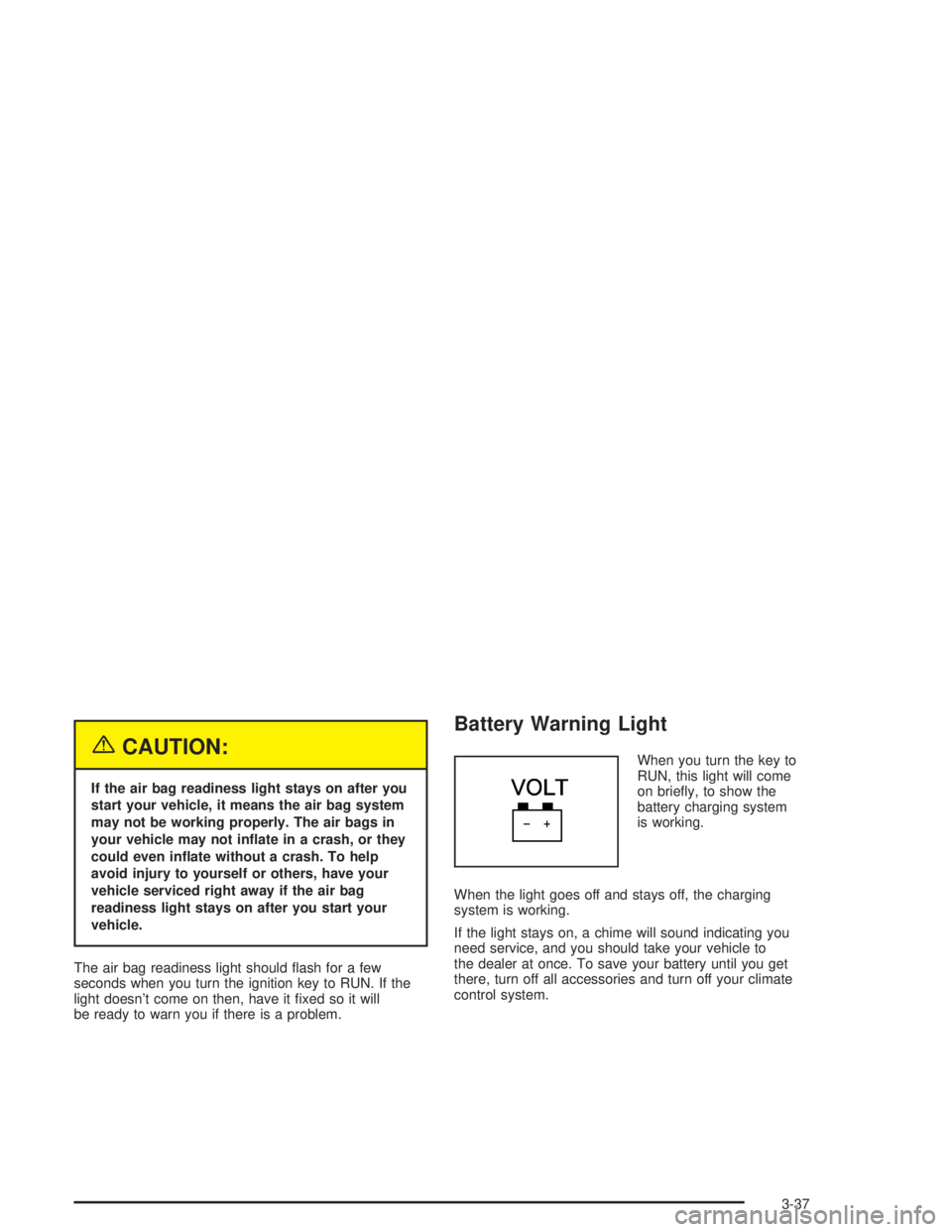
Battery Warning Light
When you turn the key to
RUN, this light will come
on briey, to show the
battery charging system
is working.
When the light goes off and stays off, the charging
system is working.
If the light stays on, a chime will sound indicating you
need service, and you should take your vehicle to
the dealer at once. To save your battery until you get
there, turn off all accessories and turn off your climate
control system.
3-37
Page 156 of 410
Brake System Warning Light
Your vehicle’s hydraulic brake system is divided into two
parts. If one part isn’t working, the other part can still
work and stop you. For good braking, though, you need
both parts working well.
If the warning light comes on, there is a brake problem.
Have your brake system inspected right away.
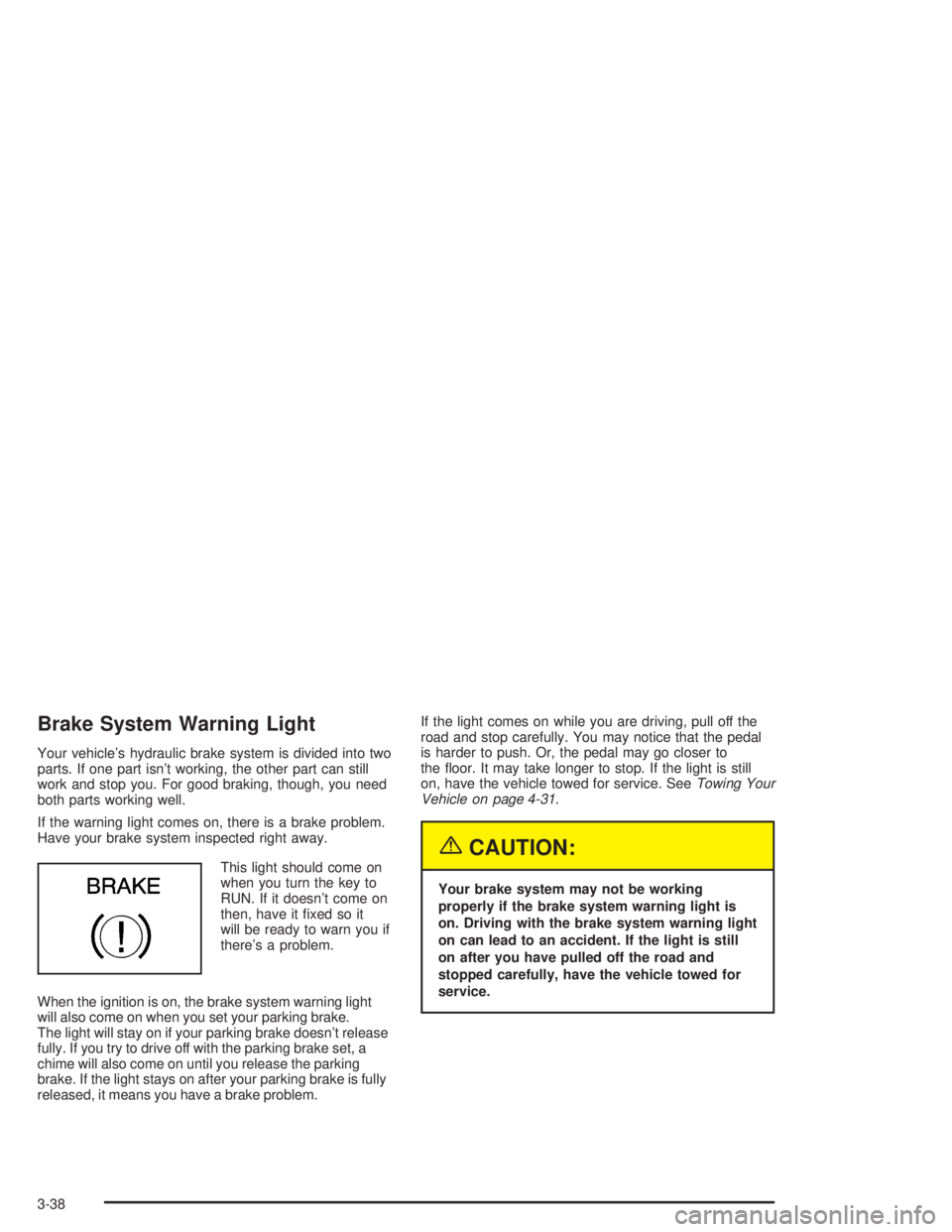
This light should come on
when you turn the key to
RUN. If it doesn’t come on
then, have it xed so it
will be ready to warn you if
there’s a problem.
When the ignition is on, the brake system warning light
will also come on when you set your parking brake.
The light will stay on if your parking brake doesn’t release
fully. If you try to drive off with the parking brake set, a
chime will also come on until you release the parking
brake. If the light stays on after your parking brake is fully
released, it means you have a brake problem.If the light comes on while you are driving, pull off the
road and stop carefully. You may notice that the pedal
is harder to push. Or, the pedal may go closer to
the oor. It may take longer to stop. If the light is still
on, have the vehicle towed for service. SeeTowing Your
Vehicle on page 4-31.
{CAUTION:
Your brake system may not be working
properly if the brake system warning light is
on. Driving with the brake system warning light
on can lead to an accident. If the light is still
on after you have pulled off the road and
stopped carefully, have the vehicle towed for
service.
3-38
Page 157 of 410
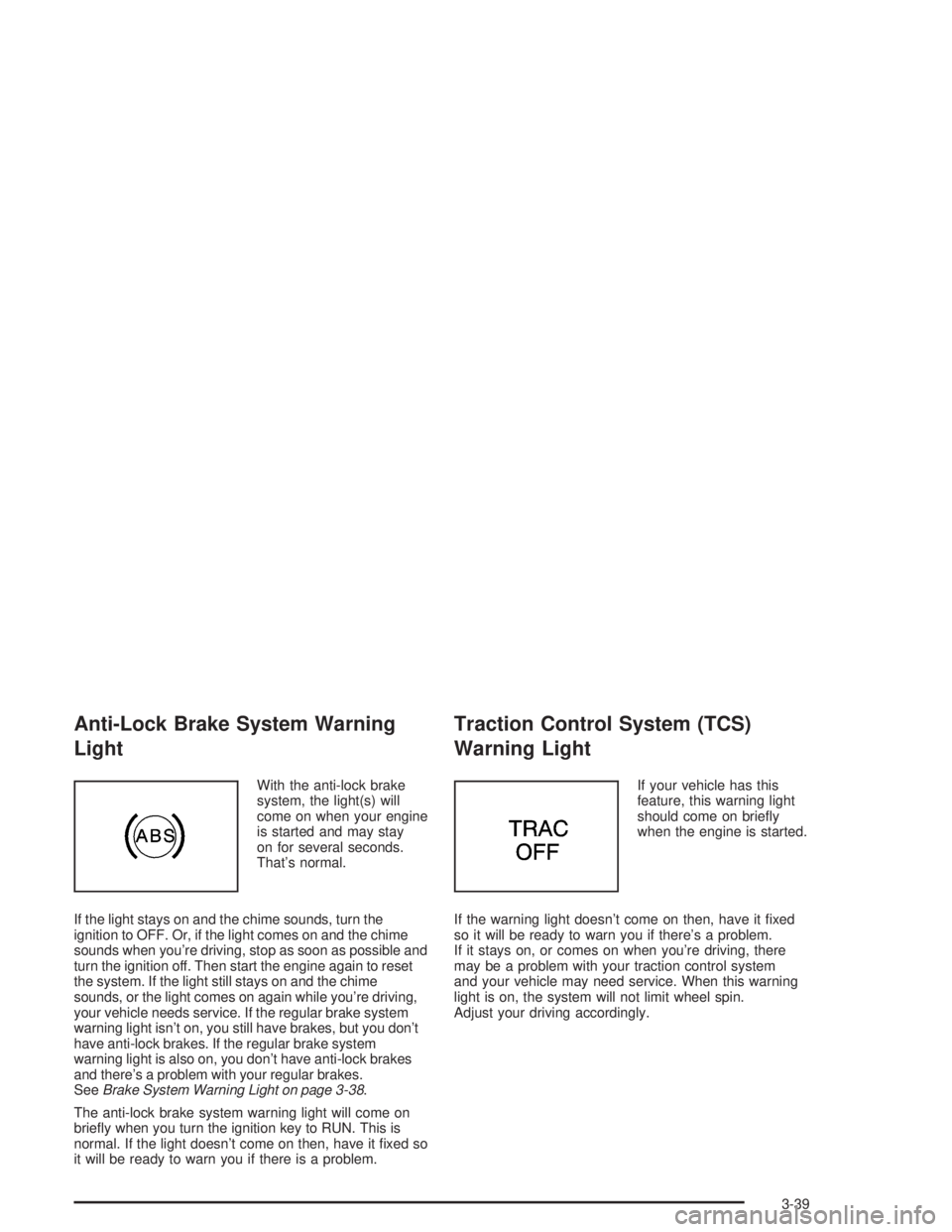
Anti-Lock Brake System Warning
Light
With the anti-lock brake
system, the light(s) will
come on when your engine
is started and may stay
on for several seconds.
That’s normal.
If the light stays on and the chime sounds, turn the
ignition to OFF. Or, if the light comes on and the chime
sounds when you’re driving, stop as soon as possible and
turn the ignition off. Then start the engine again to reset
the system. If the light still stays on and the chime
sounds, or the light comes on again while you’re driving,
your vehicle needs service. If the regular brake system
warning light isn’t on, you still have brakes, but you don’t
have anti-lock brakes. If the regular brake system
warning light is also on, you don’t have anti-lock brakes
and there’s a problem with your regular brakes.
SeeBrake System Warning Light on page 3-38.
The anti-lock brake system warning light will come on
briey when you turn the ignition key to RUN. This is
normal. If the light doesn’t come on then, have it xed so
it will be ready to warn you if there is a problem.
Traction Control System (TCS)
Warning Light
If your vehicle has this
feature, this warning light
should come on briey
when the engine is started.
If the warning light doesn’t come on then, have it xed
so it will be ready to warn you if there’s a problem.
If it stays on, or comes on when you’re driving, there
may be a problem with your traction control system
and your vehicle may need service. When this warning
light is on, the system will not limit wheel spin.
Adjust your driving accordingly.
3-39
Page 158 of 410
The traction control system warning light may come on
for the following reasons:
If you turn the system off by pressing the button
located on the end of the shift lever, the warning
light will come on and stay on. To turn the system
back on, press the button again. The warning
light should go off. SeeTraction Control System
(TCS) on page 4-9for more information.
If there’s a brake system problem that is specically
related to traction control, the traction control
system will turn off, the warning light will come on
and the chime will sound.
If the traction control system is affected by an
engine-related problem, the system will turn off,
the warning light will come on and the chime
will sound.
If the traction control system warning light comes on
and stays on for an extended period of time when the
system is turned on, your vehicle needs service.
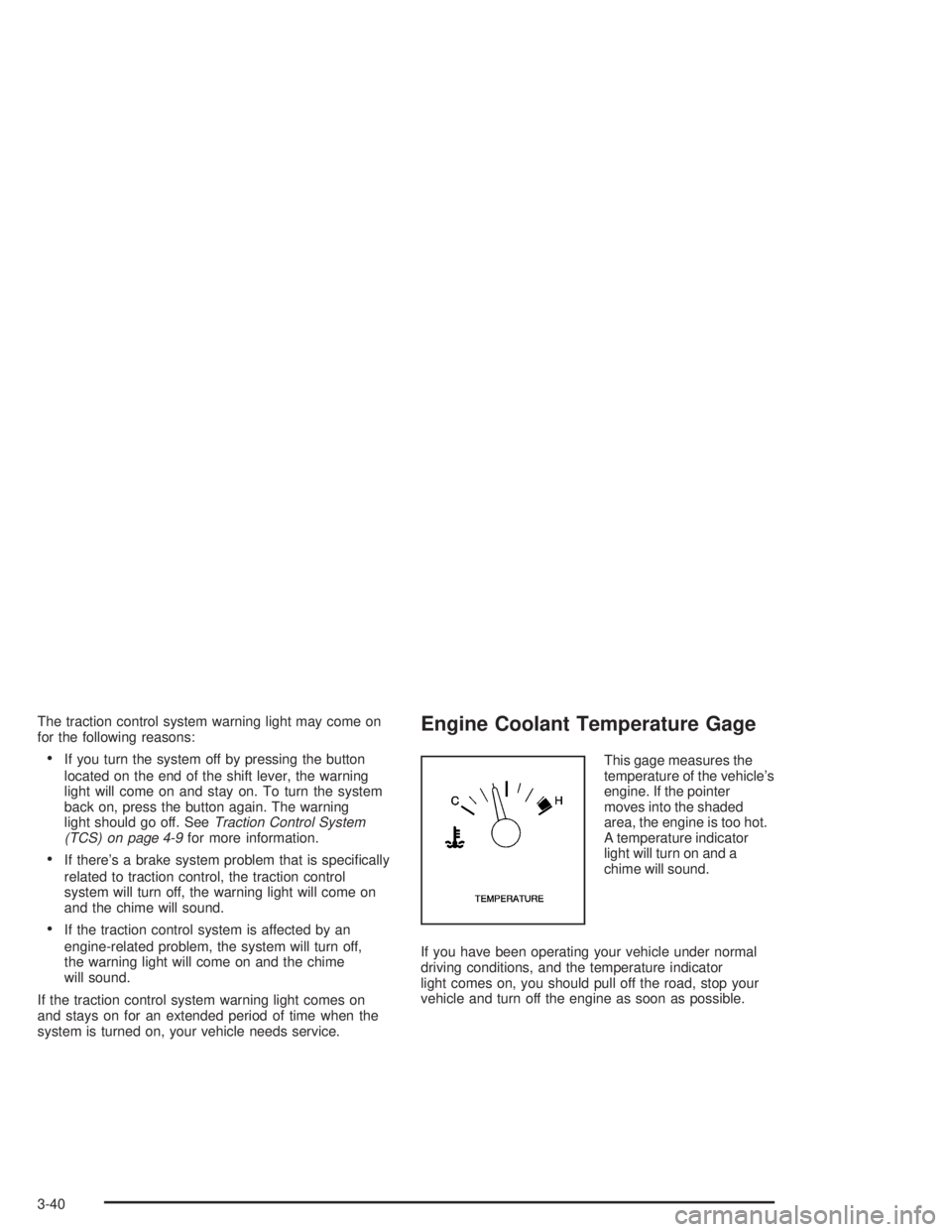
Engine Coolant Temperature Gage
This gage measures the
temperature of the vehicle’s
engine. If the pointer
moves into the shaded
area, the engine is too hot.
A temperature indicator
light will turn on and a
chime will sound.
If you have been operating your vehicle under normal
driving conditions, and the temperature indicator
light comes on, you should pull off the road, stop your
vehicle and turn off the engine as soon as possible.
3-40
Page 163 of 410
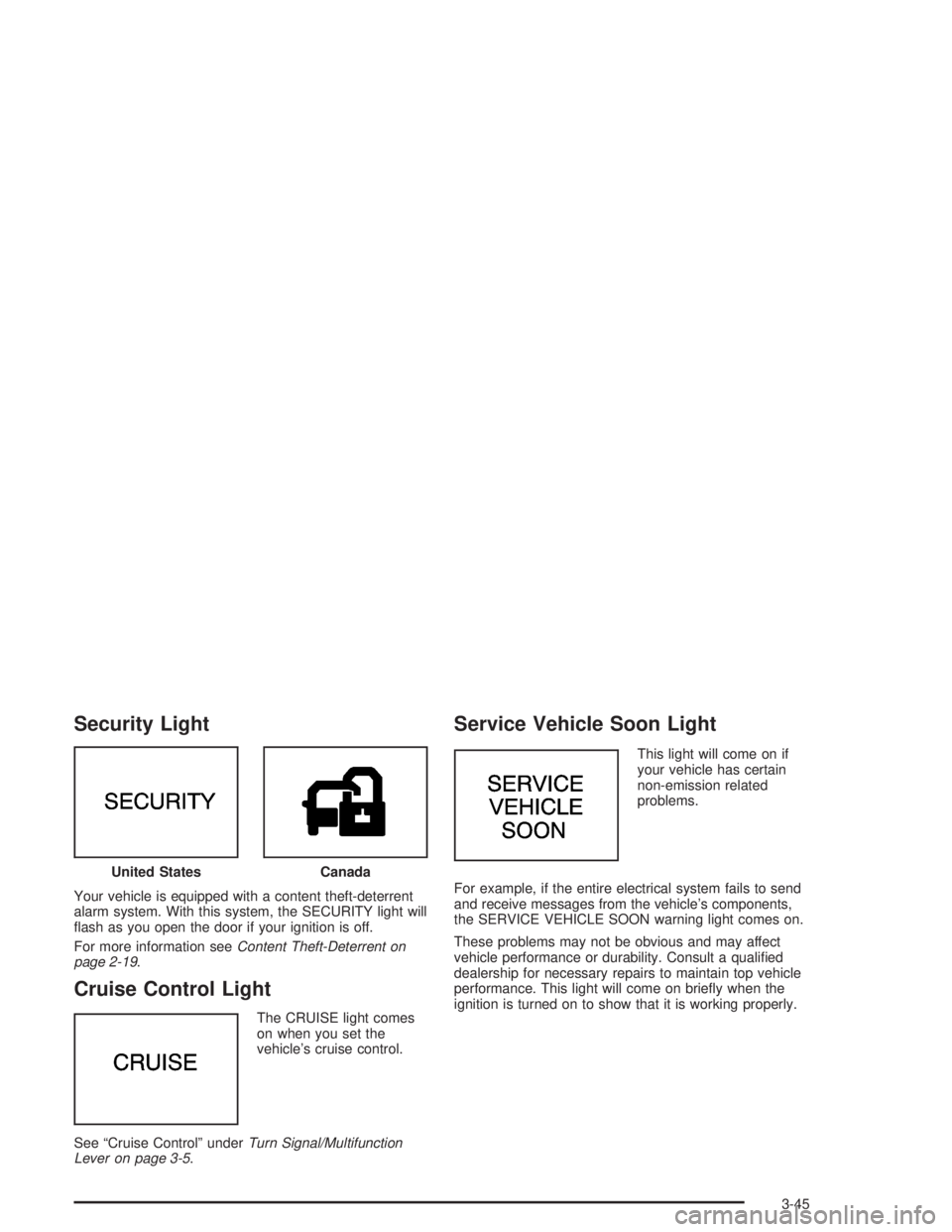
Security Light
Your vehicle is equipped with a content theft-deterrent
alarm system. With this system, the SECURITY light will
ash as you open the door if your ignition is off.
For more information seeContent Theft-Deterrent on
page 2-19.
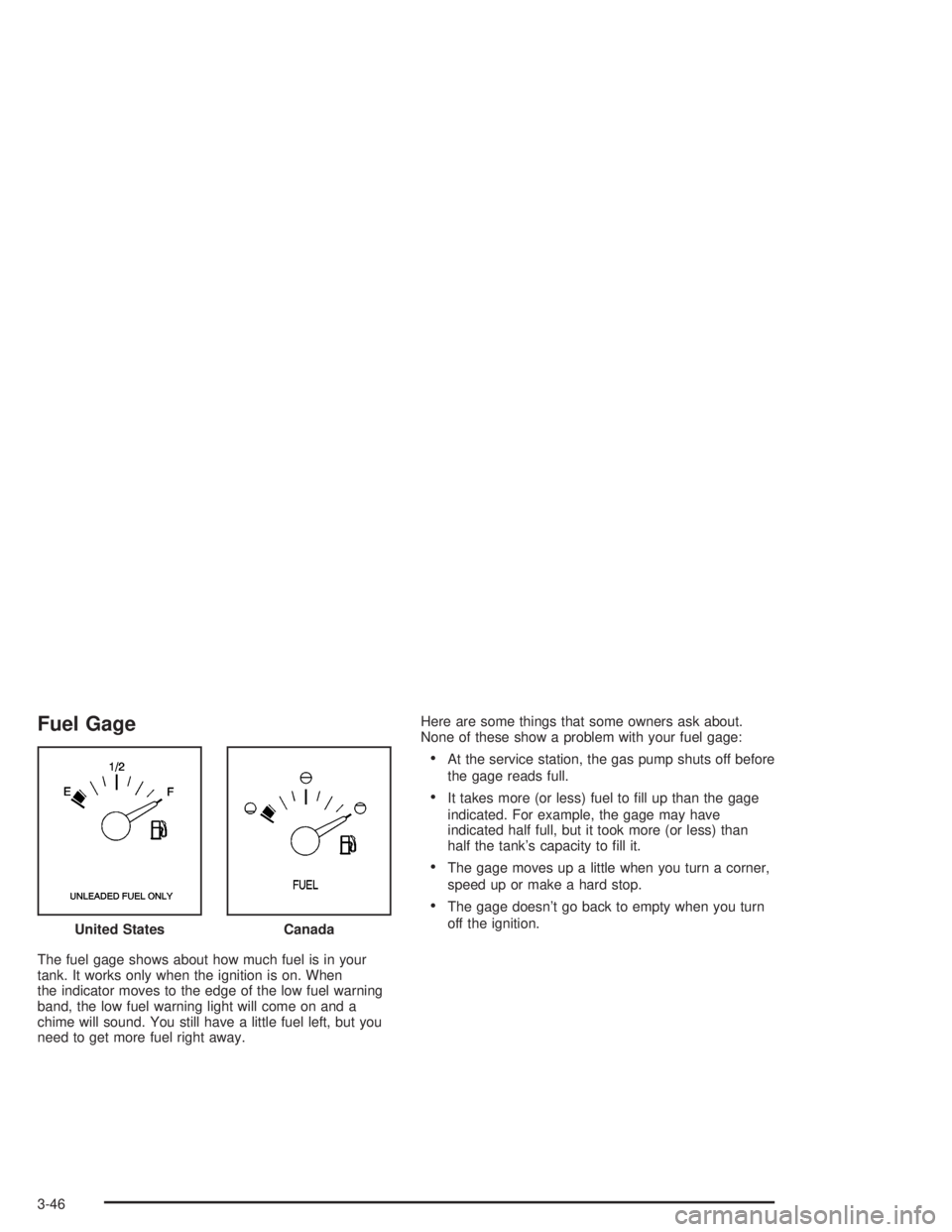
Cruise Control Light
The CRUISE light comes
on when you set the
vehicle’s cruise control.
See “Cruise Control” underTurn Signal/Multifunction
Lever on page 3-5.
Service Vehicle Soon Light
This light will come on if
your vehicle has certain
non-emission related
problems.
For example, if the entire electrical system fails to send
and receive messages from the vehicle’s components,
the SERVICE VEHICLE SOON warning light comes on.
These problems may not be obvious and may affect
vehicle performance or durability. Consult a qualied
dealership for necessary repairs to maintain top vehicle
performance. This light will come on briey when the
ignition is turned on to show that it is working properly. United States
Canada
3-45
Page 164 of 410
Fuel Gage
The fuel gage shows about how much fuel is in your
tank. It works only when the ignition is on. When
the indicator moves to the edge of the low fuel warning
band, the low fuel warning light will come on and a
chime will sound. You still have a little fuel left, but you
need to get more fuel right away.Here are some things that some owners ask about.
None of these show a problem with your fuel gage:
At the service station, the gas pump shuts off before
the gage reads full.
It takes more (or less) fuel to ll up than the gage
indicated. For example, the gage may have
indicated half full, but it took more (or less) than
half the tank’s capacity to ll it.
The gage moves up a little when you turn a corner,
speed up or make a hard stop.
The gage doesn’t go back to empty when you turn
off the ignition.
United States
Canada
3-46
Page 165 of 410
Driver Information Center (DIC)
Your vehicle may be equipped with a Driver Information
Center (DIC). The DIC will display information about
how your vehicle is functioning, as well as warning
messages if a system problem is detected.
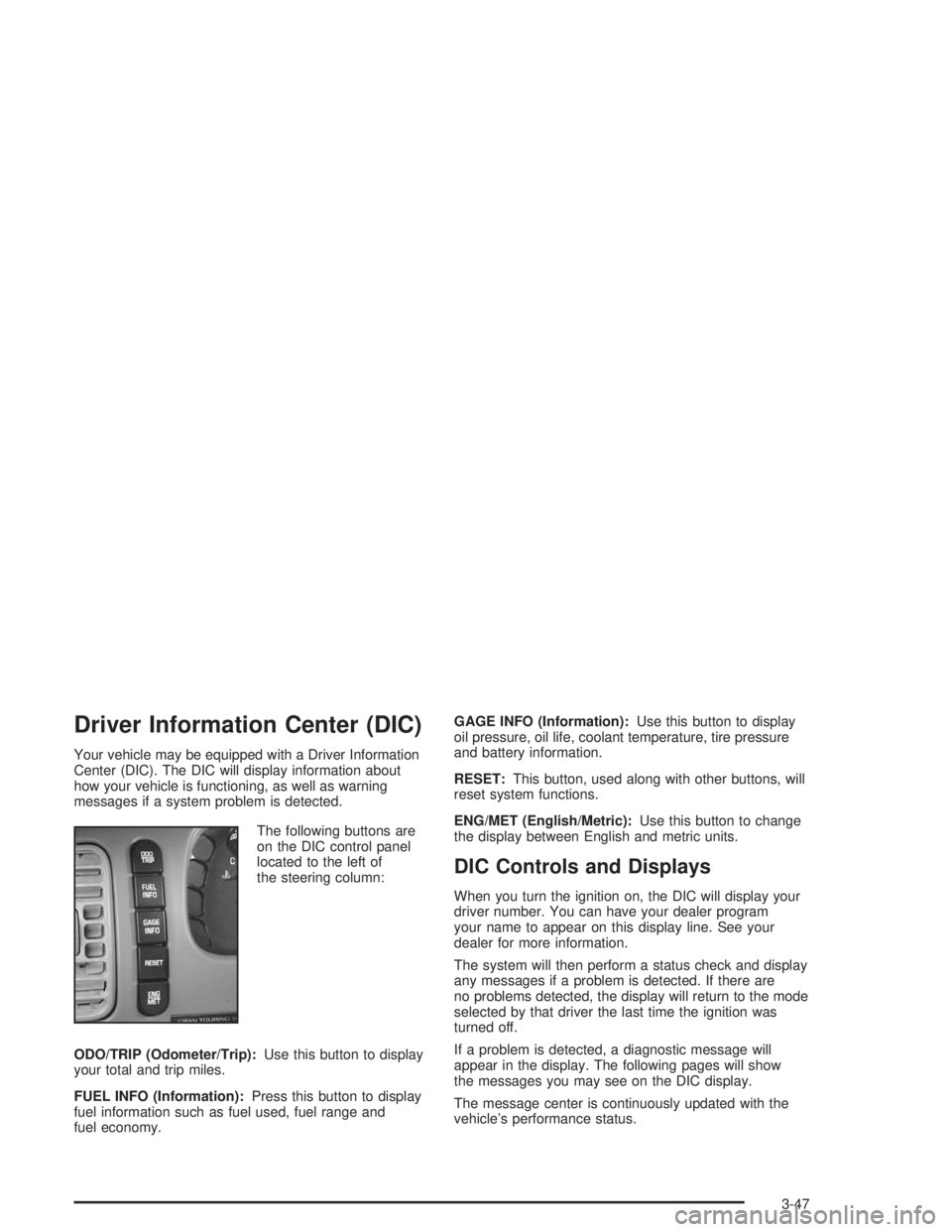
The following buttons are
on the DIC control panel
located to the left of
the steering column:
ODO/TRIP (Odometer/Trip):Use this button to display
your total and trip miles.
FUEL INFO (Information):Press this button to display
fuel information such as fuel used, fuel range and
fuel economy.GAGE INFO (Information):Use this button to display
oil pressure, oil life, coolant temperature, tire pressure
and battery information.
RESET:This button, used along with other buttons, will
reset system functions.
ENG/MET (English/Metric):Use this button to change
the display between English and metric units.
DIC Controls and Displays
When you turn the ignition on, the DIC will display your
driver number. You can have your dealer program
your name to appear on this display line. See your
dealer for more information.
The system will then perform a status check and display
any messages if a problem is detected. If there are
no problems detected, the display will return to the mode
selected by that driver the last time the ignition was
turned off.
If a problem is detected, a diagnostic message will
appear in the display. The following pages will show
the messages you may see on the DIC display.
The message center is continuously updated with the
vehicle’s performance status.
3-47
Page 168 of 410

DIC Warnings and Messages
Other warning messages may appear in the DIC
display. For Canadian drivers, in addition to the DIC
message your DIC will display EXP with a number after
it which reects the following messages:
EXP
(Export ID) Warning Message
23 DOOR AJAR
24 TRUNK AJAR
25 WINDSHIELD WASHER FLUID LOW
36 ENGINE OIL LOW – CHECK LEVEL
54 SERVICE STABILITY SYSTEM
55 STABILITY SYSTEM ACTIVE
82 CHANGE ENGINE OIL SOON
91TRACTION CONTROL SYSTEM
ACTIVE
140 TIRE PRESSURE LOW
The EXP codes are used to make translation from
English to other languages easier.
Pressing any of the DIC control buttons will remove
the messages or warnings from the DIC display.SERVICE STABILITY SYSTEM – 54:If you ever see
the SERVICE STABILITY SYSTEM message, it means
there may be a problem with your stability enhancement
system. If you see this message, try to reset the system:
stop, turn off the engine, then start the engine again.
If the SERVICE STABILITY SYSTEM message still
comes on, it means there is a problem. You should see
your dealer for service. Reduce your speed and drive
accordingly.
STABILITY SYSTEM ACTIVE – 55:You may see the
STABILITY SYSTEM ACTIVE message on the Driver
Information Center. It means that an advanced,
computer-controlled system has come on to help your
vehicle continue to go in the direction in which you
are steering. This stability enhancement system
activates when the computer senses that your vehicle is
just starting to spin, as it might if you hit a patch of
ice or other slippery spot on the road. When the system
is on, you may hear a noise or feel a vibration in the
brake pedal. This is normal.
3-50