Page 17 of 410
Q:If my vehicle has air bags, why should I have to
wear safety belts?
A:Air bags are in many vehicles today and will
be in most of them in the future. But they are
supplemental systems only; so they work
withsafety belts – not instead of them. Every air
bag system ever offered for sale has required
the use of safety belts. Even if you’re in a vehicle
that has air bags, you still have to buckle up to
get the most protection. That’s true not only
in frontal collisions, but especially in side and other
collisions.
Q:If I’m a good driver, and I never drive far from
home, why should I wear safety belts?
A:You may be an excellent driver, but if you’re in an
accident – even one that isn’t your fault – you and
your passengers can be hurt. Being a good
driver doesn’t protect you from things beyond your
control, such as bad drivers.
Most accidents occur within 25 miles (40 km) of
home. And the greatest number of serious injuries
and deaths occur at speeds of less than 40 mph
(65 km/h).
Safety belts are for everyone.
1-11
Page 72 of 410

Remote Keyless Entry System
Operation
If your vehicle has this feature, you can lock and unlock
your doors or unlock your trunk from about 3 feet (1 m)
up to 30 feet (9 m) away using the remote keyless
entry transmitter supplied with your vehicle.
If your vehicle has the Driver Information Center (DIC),
the numbers on the back of the transmitters correspond
to the DIC’s Driver #1 and Driver #2. SeeDriver
Information Center (DIC) on page 3-47for more
information.
W(Unlock):Press this
button to unlock the
driver’s door. Press this
button again within
ve seconds to unlock all
of the doors.
Q(Lock):Press this button to lock all of the doors.
V(Trunk):Press this button to unlock the trunk
when the ignition is in LOCK or OFF. The trunk button
will also work when the ignition is on, but only while
the transaxle is in PARK (P).
L(Remote Alarm):Your transmitter comes equipped
with a remote alarm. Press this button to make the
horn sound and the exterior lamps ash for up to
30 seconds. The remote alarm can be turned off by
pressing this button again or by turning the ignition on.
With the content theft-deterrent feature, you may
also turn off the remote alarm by unlocking the vehicle
with a key.
Pressing any button will also illuminate the interior
lamps. See “Entry Lighting” underInterior Lamps on
page 3-15.
2-6
Page 76 of 410
Doors and Locks
Door Locks
{CAUTION:
Unlocked doors can be dangerous.
Passengers — especially children — can
easily open the doors and fall out of a
moving vehicle. When a door is locked,
the handle will not open it. You increase
the chance of being thrown out of the
vehicle in a crash if the doors are not
locked. So, wear safety belts properly and
lock the doors whenever you drive.
Young children who get into unlocked
vehicles may be unable to get out. A child
can be overcome by extreme heat and can
suffer permanent injuries or even death
from heat stroke. Always lock your vehicle
whenever you leave it.
Outsiders can easily enter through an
unlocked door when you slow down or
stop your vehicle. Locking your doors can
help prevent this from happening.There are several ways to lock and unlock your vehicle.
To lock or unlock the driver’s door from the outside,
use your door key or remote keyless entry transmitter
(if equipped).
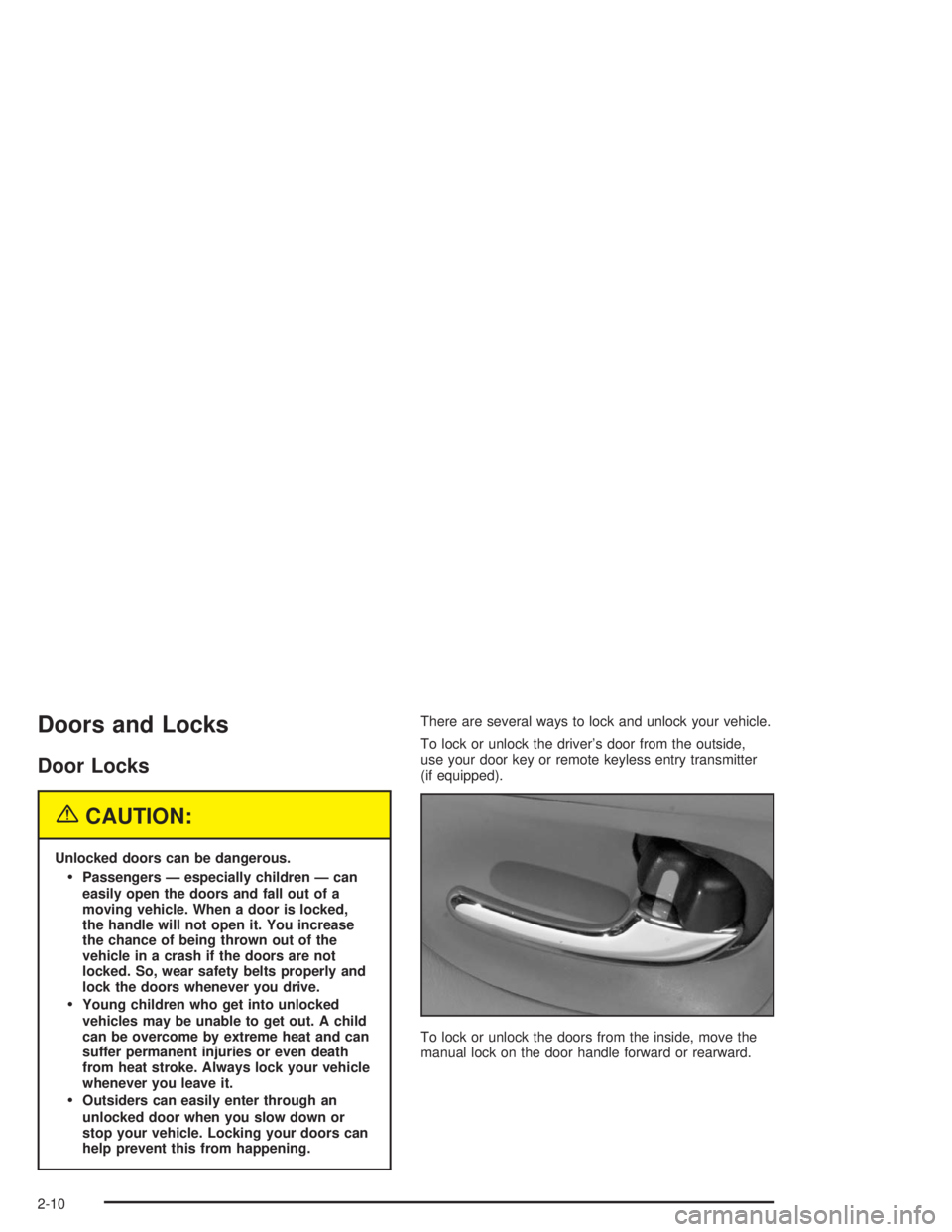
To lock or unlock the doors from the inside, move the
manual lock on the door handle forward or rearward.
2-10
Page 79 of 410
Customizing Your Automatic Door
Locks Feature
You can program the automatic door locks feature to
one of the following modes:
Mode 0:No automatic door lock or unlock.
Mode 1:All doors automatically lock when shifted out
of PARK (P). No automatic door unlock.
Mode 2:All doors automatically lock when shifted out
of PARK (P). Only the driver’s door automatically
unlocks when shifted into PARK (P).
Mode 3:All doors automatically lock when shifted out
of PARK (P). All doors automatically unlock when shifted
into PARK (P).
Use the following procedure to change modes:
1. Close all the doors and turn the ignition on.
Keep all doors closed throughout this procedure.
2. Press and hold LOCK on the power door lock switch
on the driver’s door through Step 4.
3. Press the lock button on the remote keyless entry
transmitter to enter the programming mode.
The automatic door lock mode will remain in the
current mode.4. Press the lock button on the transmitter again.
Each time the lock button is pressed, the mode
will advance by one, going from Mode 3 to Mode 0
to Mode 1, etc.
For each press of the lock button, the door locks
will activate in the same manner they would activate
in the corresponding automatic door lock mode.
For example, pressing the lock button on the
transmitter to advance to Mode 2 would result in
all doors locking and then, only the driver’s
door would unlock. For Mode 0, no locking or
unlocking will occur.
5. Release the power door lock switch and turn the
ignition off. The automatic door locks will remain
in the most recent mode selected.
This procedure only changes the mode for the
transmitter used to change this setting.
If your vehicle is equipped with the Driver Information
Center (DIC), you can also program the automatic door
locks feature through the DIC. SeeDriver Information
Center (DIC) on page 3-47.
2-13
Page 83 of 410
Windows
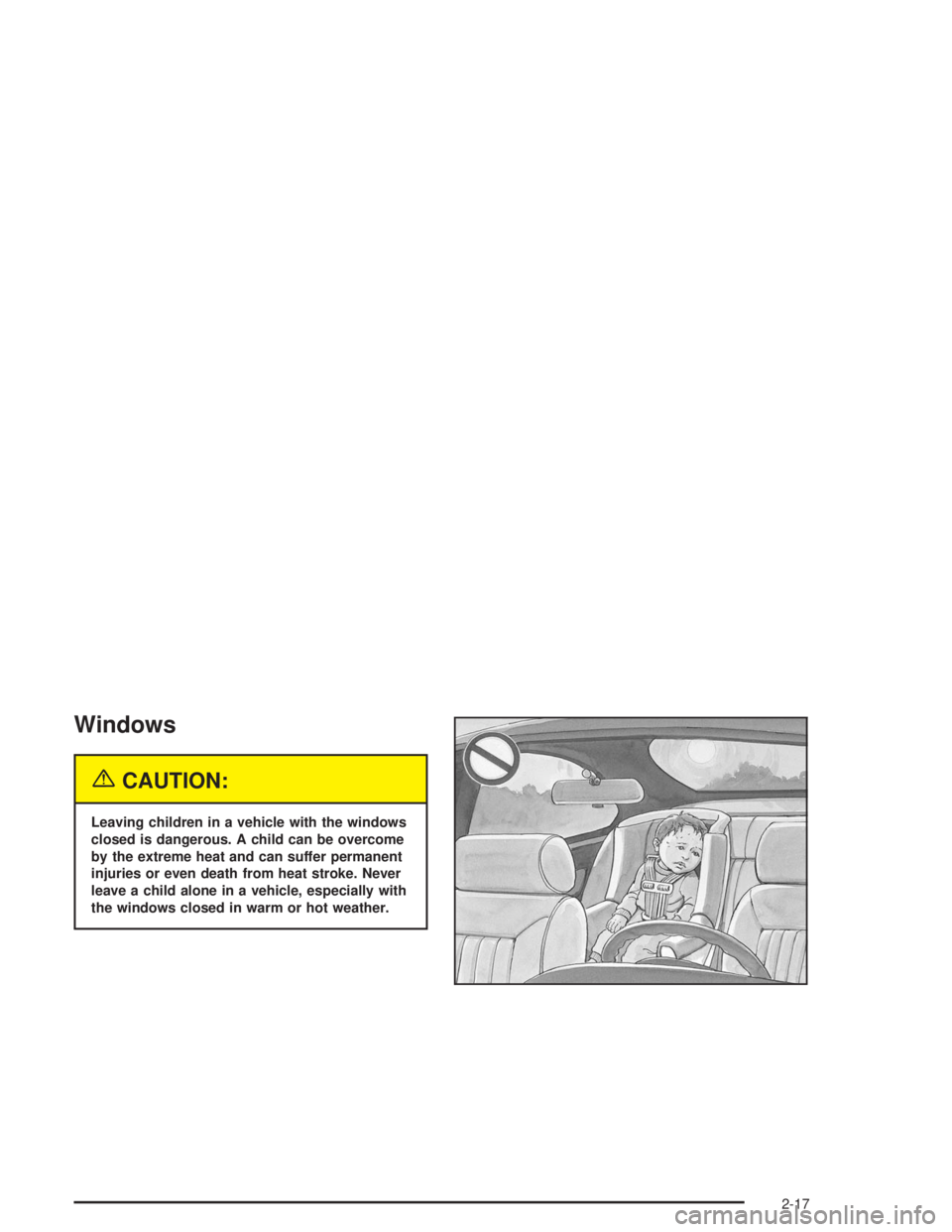
{CAUTION:
Leaving children in a vehicle with the windows
closed is dangerous. A child can be overcome
by the extreme heat and can suffer permanent
injuries or even death from heat stroke. Never
leave a child alone in a vehicle, especially with
the windows closed in warm or hot weather.
2-17
Page 85 of 410
Sun Visors
Lighted Visor Vanity Mirror
If your vehicle has this feature, when you open the visor
vanity mirrors, the lamps turn on.
To block out glare, swing down the visors. The larger
sun visor can be removed from the center mount
and moved to the side, while the auxiliary sun visor
remains to block glare from the front.
The front side of the driver’s sun visor also contains a
pocket for map storage.
Theft-Deterrent Systems
Vehicle theft is big business, especially in some cities.
Although your vehicle has a number of theft-deterrent
features, we know that nothing we put on it can make it
impossible to steal.
Content Theft-Deterrent
Your vehicle is equipped with a content theft-deterrent
alarm system. With this system, the SECURITY light will
ash as you open the door if your ignition is off.United States
Canada
2-19
Page 117 of 410

Vehicle Personalization
Memory Seat and Mirrors
If your vehicle has this
feature, the controls are
located on the driver’s door
panel, and are used to
program and recall memory
settings for the driver’s
seating, outside mirror
positions and climate
controls. SeeClimate
Controls Personalization
on page 3-31for more
information.
To save your seat and mirror positions into memory,
use the following procedure:
1. First identify the DRIVER # on the Driver Information
Center (DIC) by pressing the MEMORY button
1 or 2 or by pressing the unlock button on the
remote keyless entry transmitter. SeeDriver
Information Center (DIC) on page 3-47.2. Adjust the driver’s seat and lumbar position to a
safe and comfortable driving position. Adjust both
outside mirrors to suit you. SeeOutside Power
Mirrors on page 2-39.
3. Press and hold the MEMORY button 1 or 2
corresponding with your DRIVER # displayed on the
DIC for longer than three seconds. You will hear
two beeps conrming that the seat and mirror
positions have been entered into memory.
To set the seat and mirror positions for a second driver,
follow the previous steps, but start by pressing the
unlock button on the transmitter that displays the other
DRIVER # on the DIC. Be sure to use the MEMORY
button which corresponds to the DRIVER # identied by
the second transmitter.
To recall your memory positions, your vehicle must be in
PARK (P). Push and release the MEMORY button 1 or 2
corresponding to the desired driving position. The seat
and mirrors will move to the position previously stored for
the identied driver. You will hear one beep.
2-51
Page 118 of 410
To store the exit position for an easy exit, use the
following procedure:
1. First identify the DRIVER # by pressing the
MEMORY button 1 or 2 or by pressing the unlock
button on the transmitter.
2. Adjust the driver’s seat to the desired exit position.
3. Press and hold the EXIT button for longer than
three seconds. You will hear two beeps conrming
that the seat exit position has been entered into
memory.
To set the exit position for a second driver, follow the
previous steps, but start by pressing the unlock
button on the transmitter that displays the other
DRIVER # on the DIC. Be sure to use the MEMORY
button which corresponds to the DRIVER # identied by
the other transmitter.To recall the exit position, your vehicle must be in
PARK (P). Push and release the EXIT button and the
seat will move to the exit position previously stored
for the currently identied driver. You will hear one beep.
If an exit position has not been stored for the currently
identied driver, the seat will move all the way back.
To stop recall movement of the seat at any time, press
the driver’s power seat control located on the outboard
side of the front seat.
Mirrors and lumbar positions will not be stored or
recalled for the exit position.
If you would like your stored driving or exit position to
be recalled when unlocking your vehicle with the
transmitter, seeDIC Vehicle Personalization on
page 3-51.
2-52