2004 BUICK PARK AVENUE stop start
[x] Cancel search: stop startPage 133 of 410

Interior Lamps
Instrument Panel Brightness
Adjust the instrument panel light brightness by turning
the exterior lamps control.
Courtesy Lamps
When any door is opened, several lamps go on.
They make it easy for you to enter and leave your vehicle.
You can also turn these lamps on by turning the exterior
lamps control clockwise all the way past the normal stop.
Entry Lighting
When you open either front door or press the unlock
button on the remote keyless entry transmitter, the lamps
inside your vehicle will turn on. These lamps will turn off
after about 40 seconds. These lamps will also turn off if
you start the engine or activate the power door locks.
Delayed Entry Lighting
When you open the door, the interior lamps will come on.
When you close the door with the ignition off, the interior
lamps will stay on for 25 seconds or until the ignition is
turned to an on position. Locking the doors with thepower door lock switch will override the delayed entry
lighting feature and the lamps will turn off right away.
Using the remote keyless entry transmitter to lock the
door will not cancel delayed lighting.
Theater Dimming
This feature allows for a three to ve-second fade out of
the courtesy lamps instead of immediate turn off.
Delayed Exit Lighting
With this feature, the interior lamps will come on for
25 seconds after you remove the key from the ignition.
This will give you time to nd the door handle or
lock switches.
Parade Dimming
This feature prohibits the dimming of your instrument
panel displays during daylight while your headlamps are
on. This feature operates with the light sensor for the
Twilight Sentinel
®and is fully automatic. When the light
sensor reads darkness outside, you will be able to
dim your instrument panel displays once again.
3-15
Page 157 of 410
Anti-Lock Brake System Warning
Light
With the anti-lock brake
system, the light(s) will
come on when your engine
is started and may stay
on for several seconds.
That’s normal.
If the light stays on and the chime sounds, turn the
ignition to OFF. Or, if the light comes on and the chime
sounds when you’re driving, stop as soon as possible and
turn the ignition off. Then start the engine again to reset
the system. If the light still stays on and the chime
sounds, or the light comes on again while you’re driving,
your vehicle needs service. If the regular brake system
warning light isn’t on, you still have brakes, but you don’t
have anti-lock brakes. If the regular brake system
warning light is also on, you don’t have anti-lock brakes
and there’s a problem with your regular brakes.
SeeBrake System Warning Light on page 3-38.
The anti-lock brake system warning light will come on
briey when you turn the ignition key to RUN. This is
normal. If the light doesn’t come on then, have it xed so
it will be ready to warn you if there is a problem.
Traction Control System (TCS)
Warning Light
If your vehicle has this
feature, this warning light
should come on briey
when the engine is started.
If the warning light doesn’t come on then, have it xed
so it will be ready to warn you if there’s a problem.
If it stays on, or comes on when you’re driving, there
may be a problem with your traction control system
and your vehicle may need service. When this warning
light is on, the system will not limit wheel spin.
Adjust your driving accordingly.
3-39
Page 160 of 410
If the Light Is Flashing
The following may prevent more serious damage to
your vehicle:
Reducing vehicle speed.
Avoiding hard accelerations.
Avoiding steep uphill grades.
If you are towing a trailer, reduce the amount of
cargo being hauled as soon as it is possible.
If the light stops ashing and remains on steady,
see “If the Light Is On Steady” following.
If the light continues to ash, when it is safe to do so,
stop the vehicle.Find a safe place to park your vehicle.
Turn the key off, wait at least 10 seconds and restart
the engine. If the light remains on steady, see “If the
Light Is On Steady” following. If the light is still ashing,
follow the previous steps and see your dealer for
service as soon as possible.
If the Light Is On Steady
You may be able to correct the emission system
malfunction by considering the following:
Did you recently put fuel into your vehicle?
If so, reinstall the fuel cap, making sure to fully
install the cap. SeeFilling Your Tank on page 5-6.
The diagnostic system can determine if the fuel cap has
been left off or improperly installed. A loose or missing
fuel cap will allow fuel to evaporate into the atmosphere.
A few driving trips with the cap properly installed
should turn the light off.
Did you just drive through a deep puddle of water?
If so, your electrical system may be wet. The condition
will usually be corrected when the electrical system
dries out. A few driving trips should turn the light off.
3-42
Page 166 of 410
ODO/TRIP (Odometer/Trip)
When this button is pressed, the display will show the
total mileage, and TRIP 1 or TRIP 2 miles. TRIP 1 and
TRIP 2 will display the miles traveled since the last reset.
To reset the trip odometer, press the ODO/TRIP button
until the trip miles are shown in the DIC display, then
press the RESET button. The trip odometer will now
accumulate miles until the next reset.
FUEL INFO (Information)
Fuel Used:Press the FUEL INFO button until the
display shows FUEL USED. This display will show you
how much fuel has been used since the last reset.
To learn how much fuel is used from a new starting
point, press the RESET button while the fuel used
is displayed in the DIC.
Fuel Range:Press the FUEL INFO button until the
display shows FUEL RANGE. The fuel range will
calculate the remaining distance you can drive without
refueling. This calculation is based on the average
fuel economy for the last 25 miles (40.25 km) driven,
and the fuel remaining in the fuel tank. The RESET
button does not function in this mode.Instantaneous Fuel Economy:Press the FUEL INFO
button until the display shows FUEL ECONOMY
INST. Instantaneous fuel economy varies with your
driving conditions, such as acceleration, braking and the
grade of the road being traveled. The RESET button
does not function in this mode.
Average Fuel Economy:Press the FUEL INFO button
until the display shows FUEL ECONOMY AVERAGE.
Average fuel economy is viewed as a long term
approximation of your overall driving conditions.
To learn the average fuel economy from a new starting
point, press the RESET button while the average
fuel economy is displayed in the DIC.
GAGE INFO (Information)
Coolant Temperature:Press the GAGE INFO button
until COOLANT TEMP appears in the display. If there are
no problems detected with the temperature, COOLANT
TEMP NORMAL will appear in the display. If the
temperature is too high, COOLANT TEMP HOT will
appear in the display. If you see the COOLANT TEMP
HOT message, your engine is overheated. You should
pull off the road, stop your vehicle and turn off your
engine as soon as possible. This manual explains what to
do. SeeEngine Overheating on page 5-28.
3-48
Page 168 of 410

DIC Warnings and Messages
Other warning messages may appear in the DIC
display. For Canadian drivers, in addition to the DIC
message your DIC will display EXP with a number after
it which reects the following messages:
EXP
(Export ID) Warning Message
23 DOOR AJAR
24 TRUNK AJAR
25 WINDSHIELD WASHER FLUID LOW
36 ENGINE OIL LOW – CHECK LEVEL
54 SERVICE STABILITY SYSTEM
55 STABILITY SYSTEM ACTIVE
82 CHANGE ENGINE OIL SOON
91TRACTION CONTROL SYSTEM
ACTIVE
140 TIRE PRESSURE LOW
The EXP codes are used to make translation from
English to other languages easier.
Pressing any of the DIC control buttons will remove
the messages or warnings from the DIC display.SERVICE STABILITY SYSTEM – 54:If you ever see
the SERVICE STABILITY SYSTEM message, it means
there may be a problem with your stability enhancement
system. If you see this message, try to reset the system:
stop, turn off the engine, then start the engine again.
If the SERVICE STABILITY SYSTEM message still
comes on, it means there is a problem. You should see
your dealer for service. Reduce your speed and drive
accordingly.
STABILITY SYSTEM ACTIVE – 55:You may see the
STABILITY SYSTEM ACTIVE message on the Driver
Information Center. It means that an advanced,
computer-controlled system has come on to help your
vehicle continue to go in the direction in which you
are steering. This stability enhancement system
activates when the computer senses that your vehicle is
just starting to spin, as it might if you hit a patch of
ice or other slippery spot on the road. When the system
is on, you may hear a noise or feel a vibration in the
brake pedal. This is normal.
3-50
Page 169 of 410

When the STABILITY SYSTEM ACTIVE message is on,
you should continue to steer in the direction you want
to go. The system is designed to help you in bad
weather or other difficult driving situations by making the
most of whatever road conditions will permit. If the
STABILITY SYSTEM ACTIVE message comes on, you
will know that something has caused your vehicle to
start to spin, so you should consider slowing down.
Tire Pressure Status – 140:If you see the TIRE
PRESSURE LOW message, you should stop as soon
as you can and check all your tires for damage. If a tire
is at, seeIf a Tire Goes Flat on page 5-79. Also check
the tire pressure in all four tires as soon as you can.
SeeInation - Tire Pressure on page 5-69andCheck
Tire Pressure System on page 5-70.
There are times when you will have to reset (calibrate)
the Check Tire Pressure System. SeeCheck Tire
Pressure System on page 5-70.DIC Vehicle Personalization
The DIC is used to program personal choices for up to
two drivers. The drivers are recognized as DRIVER #1
and DRIVER #2. The DIC will identify a person as
UNKNOWN DRIVER if neither DRIVER #1 nor
DRIVER #2 is identied by the system. You will let the
DIC know which driver you are by using your remote
keyless entry transmitter or by pressing one of the
MEMORY buttons located on the driver’s door. Each
remote keyless entry transmitter was pre-programmed to
belong to DRIVER #1 or DRIVER #2 and is numbered
on the back. Each transmitter may be programmed
differently.
After you press the unlock button on your transmitter
with the ignition in RUN, the DIC will display the
identied driver number. The vehicle will recall the
personal choice settings that were last made to
correspond to your transmitter, including your radio
and climate control settings. SeeClimate Controls
Personalization on page 3-31.
3-51
Page 186 of 410
Cassette Tape Messages
E (Error):If this message and a number appears on
the display, it could be for one of the following reasons:
E10:The tape is tight and the player cannot turn
the tape hubs. Remove the tape. Hold the tape
with the open end down and try to turn the right hub
counterclockwise with a pencil. Turn the tape
over and repeat. If the hubs do not turn easily, your
tape may be damaged and should not be used in
the player. Try a new tape to make sure your player
is working properly.
E11:The tape is broken. Try a new tape.
CLN (Clean):If this message appears on the display,
the cassette tape player needs to be cleaned. It will
still play tapes, but you should clean it as soon as
possible to prevent damage to the tapes and player.
SeeCare of Your Cassette Tape Player on page 3-79.
If any error occurs repeatedly or if an error cannot
be corrected, contact your dealer. If your radio displays
an error number, write it down and provide it to your
dealer when reporting the problem.
Playing a CD
With the ignition on, insert a CD partway into the slot,
label side up. The player will pull it in. The CD
should begin playing. If you want to insert a CD while
the ignition or the radio is off, rst press EJECT or
RECALL.
If you turn off the ignition or radio with a CD in the
player, it will stay in the player. When you turn on the
ignition or system, the CD will start playing where
it stopped, if it was the last selected audio source.
Also, as a protection feature, if a CD is ejected and left
in the player, it will be pulled back in the player with
the ignition on or off.
As each new track starts to play, the track number will
appear on the display.
The CD player can play the smaller 8 cm single CDs
with an adapter ring. Full-size CDs and the smaller CDs
are loaded in the same manner.
3-68
Page 205 of 410
Avoid needless heavy braking. Some people drive
in spurts — heavy acceleration followed by heavy
braking — rather than keeping pace with traffic. This is
a mistake. Your brakes may not have time to cool
between hard stops. Your brakes will wear out much
faster if you do a lot of heavy braking. If you keep pace
with the traffic and allow realistic following distances,
you will eliminate a lot of unnecessary braking.
That means better braking and longer brake life.
If your engine ever stops while you are driving, brake
normally but do not pump your brakes. If you do,
the pedal may get harder to push down. If your engine
stops, you will still have some power brake assist.
But you will use it when you brake. Once the power
assist is used up, it may take longer to stop and
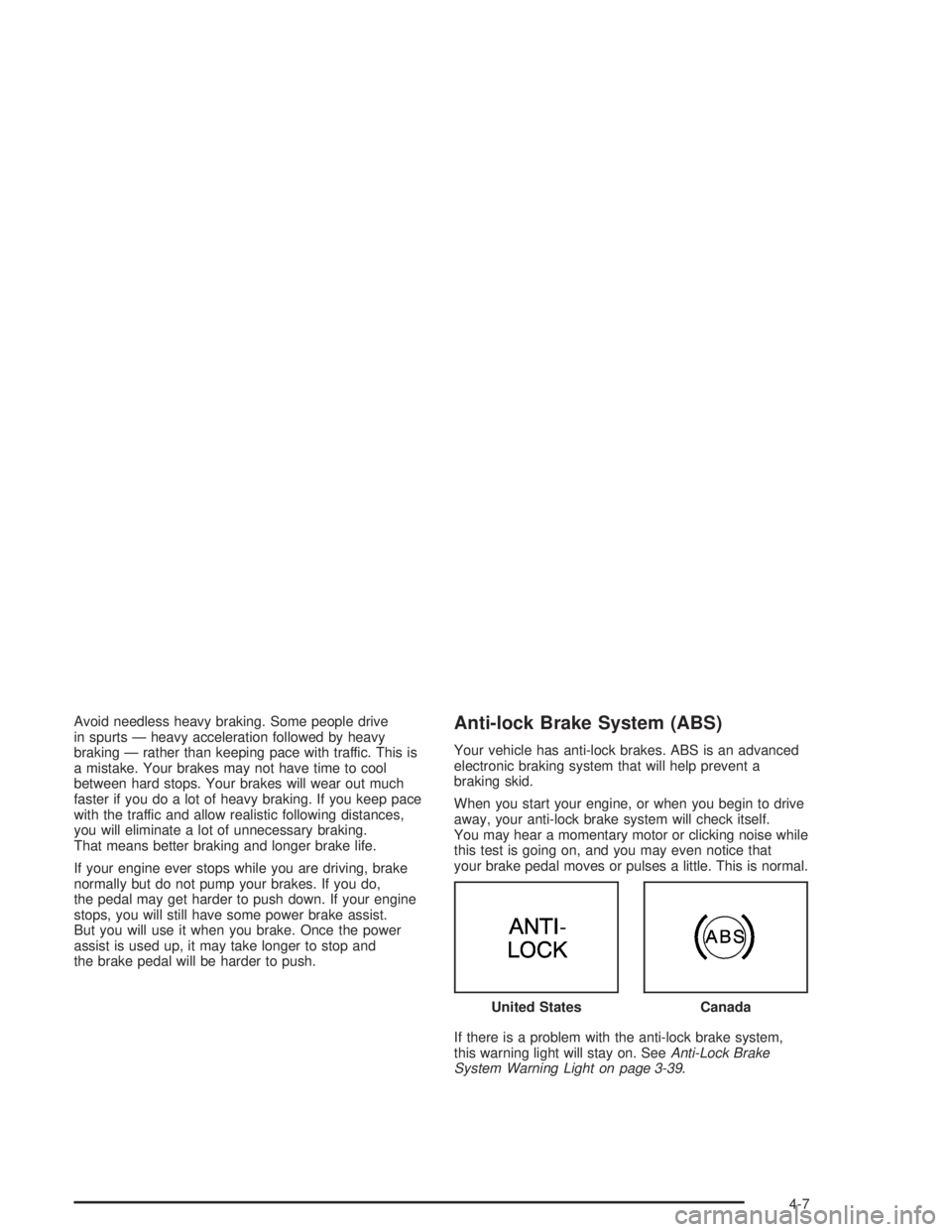
the brake pedal will be harder to push.Anti-lock Brake System (ABS)
Your vehicle has anti-lock brakes. ABS is an advanced
electronic braking system that will help prevent a
braking skid.
When you start your engine, or when you begin to drive
away, your anti-lock brake system will check itself.
You may hear a momentary motor or clicking noise while
this test is going on, and you may even notice that
your brake pedal moves or pulses a little. This is normal.
If there is a problem with the anti-lock brake system,
this warning light will stay on. SeeAnti-Lock Brake
System Warning Light on page 3-39. United States
Canada
4-7