2004 BUICK PARK AVENUE CD player
[x] Cancel search: CD playerPage 190 of 410
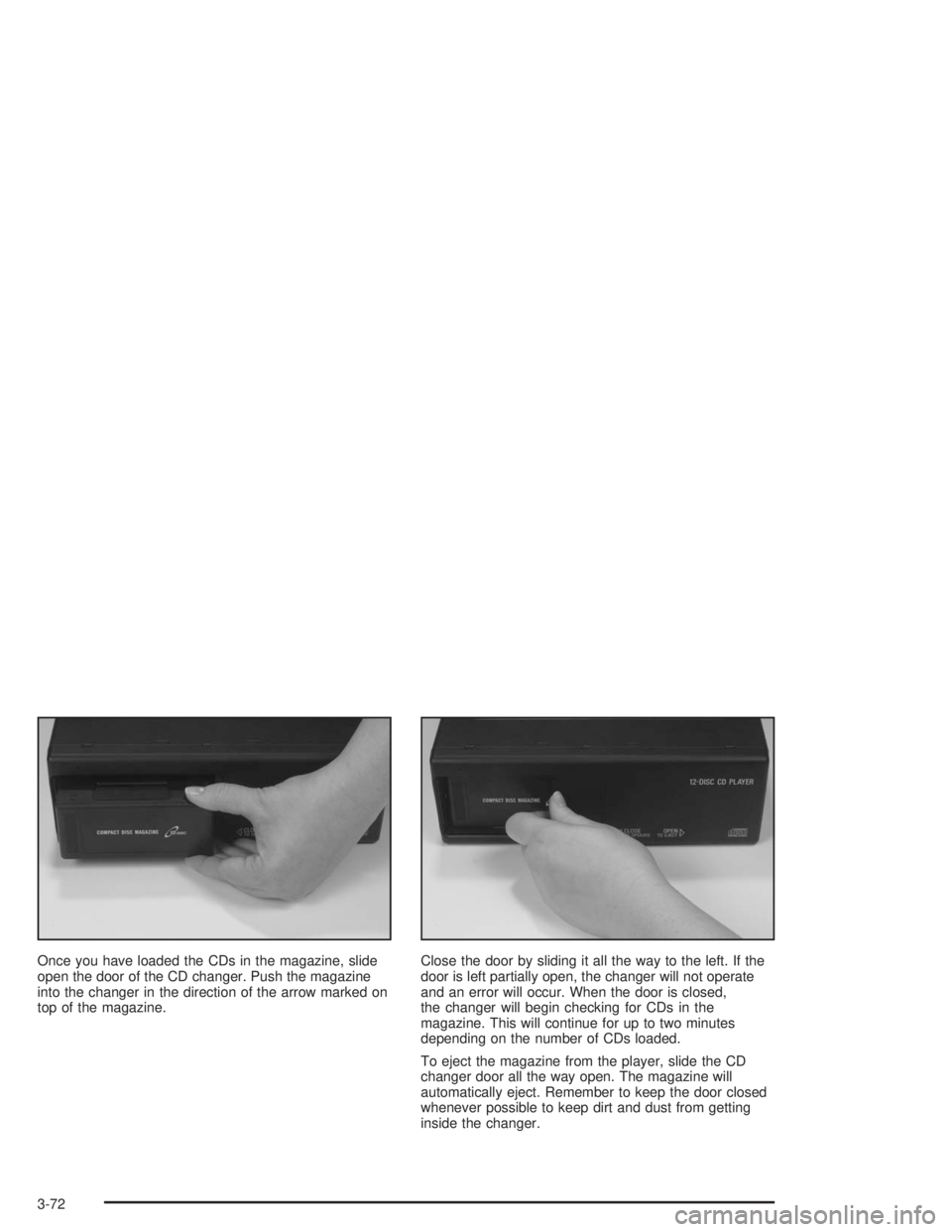
Once you have loaded the CDs in the magazine, slide
open the door of the CD changer. Push the magazine
into the changer in the direction of the arrow marked on
top of the magazine.Close the door by sliding it all the way to the left. If the
door is left partially open, the changer will not operate
and an error will occur. When the door is closed,
the changer will begin checking for CDs in the
magazine. This will continue for up to two minutes
depending on the number of CDs loaded.
To eject the magazine from the player, slide the CD
changer door all the way open. The magazine will
automatically eject. Remember to keep the door closed
whenever possible to keep dirt and dust from getting
inside the changer.
3-72
Page 191 of 410
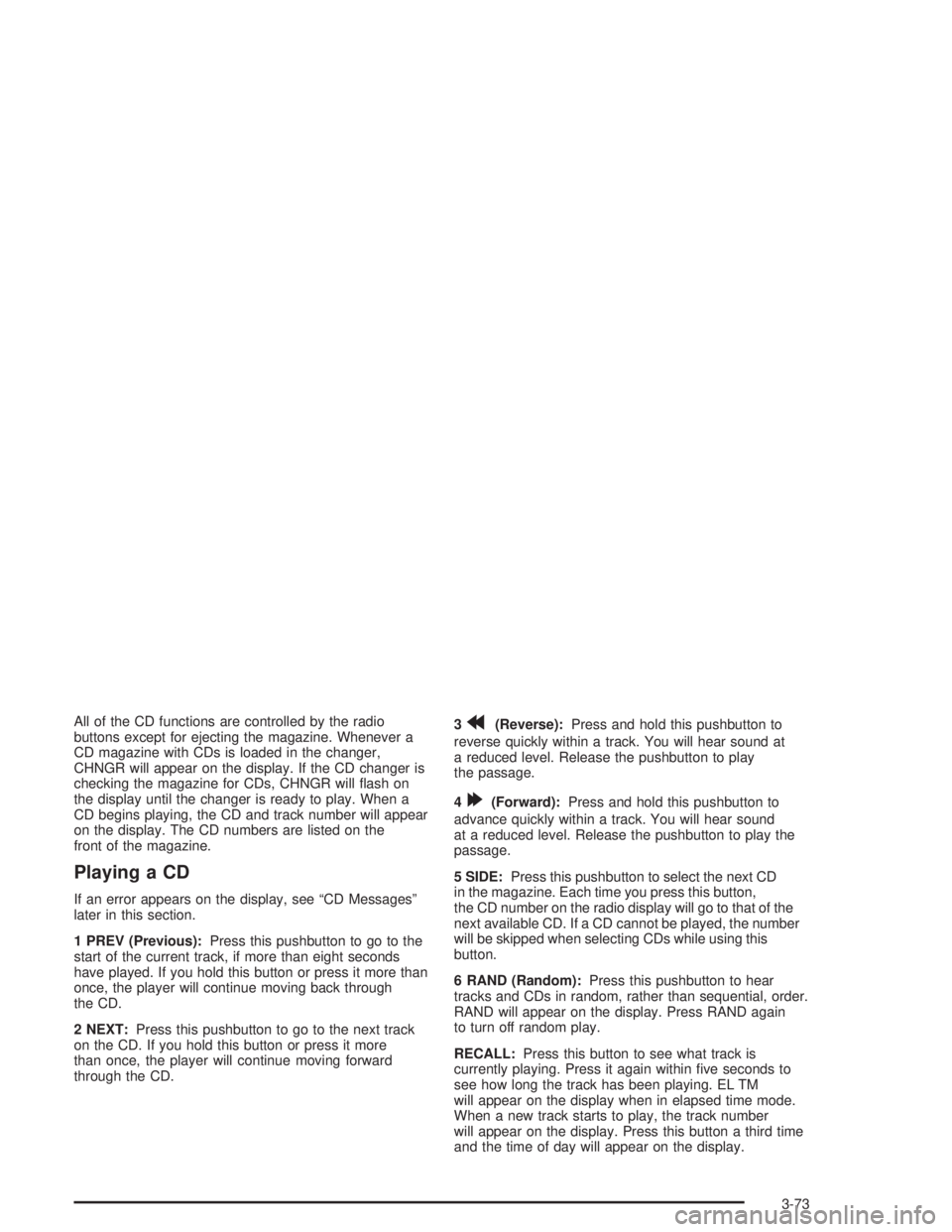
All of the CD functions are controlled by the radio
buttons except for ejecting the magazine. Whenever a
CD magazine with CDs is loaded in the changer,
CHNGR will appear on the display. If the CD changer is
checking the magazine for CDs, CHNGR will ash on
the display until the changer is ready to play. When a
CD begins playing, the CD and track number will appear
on the display. The CD numbers are listed on the
front of the magazine.
Playing a CD
If an error appears on the display, see “CD Messages”
later in this section.
1 PREV (Previous):Press this pushbutton to go to the
start of the current track, if more than eight seconds
have played. If you hold this button or press it more than
once, the player will continue moving back through
the CD.
2 NEXT:Press this pushbutton to go to the next track
on the CD. If you hold this button or press it more
than once, the player will continue moving forward
through the CD.3
r(Reverse):Press and hold this pushbutton to
reverse quickly within a track. You will hear sound at
a reduced level. Release the pushbutton to play
the passage.
4
[(Forward):Press and hold this pushbutton to
advance quickly within a track. You will hear sound
at a reduced level. Release the pushbutton to play the
passage.
5 SIDE:Press this pushbutton to select the next CD
in the magazine. Each time you press this button,
the CD number on the radio display will go to that of the
next available CD. If a CD cannot be played, the number
will be skipped when selecting CDs while using this
button.
6 RAND (Random):Press this pushbutton to hear
tracks and CDs in random, rather than sequential, order.
RAND will appear on the display. Press RAND again
to turn off random play.
RECALL:Press this button to see what track is
currently playing. Press it again within ve seconds to
see how long the track has been playing. EL TM
will appear on the display when in elapsed time mode.
When a new track starts to play, the track number
will appear on the display. Press this button a third time
and the time of day will appear on the display.
3-73
Page 192 of 410

AM-FM:Press this button to listen to the radio when a
CD is playing. The inactive CD(s) will remain safely
inside the radio for future listening.
SOURCE:Press this button to play a CD when
listening to the radio. You can press this button to switch
between a cassette tape, CD, or the CD changer if all
three are loaded.
CD Changer Errors
E (Error):If this message and a number appear on the
display, an error has occurred and the CD temporarily
cannot play.
The CD changer will send an error message to the
receiver to indicate:
E30:Disc Loaded Incorrectly (Label Side Up)
E34:CD Changer Door Open (Completely close
the door to restore normal operation.)
E35:CD Changer Cartridge Empty (Try the
magazine again with a CD loaded on one of
the trays.)If the error occurred while trying to play a CD in the
CD player or changer, it could be for one of the
following reasons:
It is very hot. When the temperature returns to
normal, the CD should play.
You are driving on a very rough road. When the
road becomes smooth, the CD should play.
The CD is dirty, scratched, wet, or upside down.
The air is very humid. If so, wait about an hour and
try again.
There may have been a problem while burning
the CD.
The label may be caught in the CD player.
If any error occurs repeatedly or if an error cannot be
corrected, contact your dealer. If your radio displays
an error number other than the error codes listed
previously, write it down and provide it to your dealer
when reporting the problem.
3-74
Page 197 of 410
Care of Your Cassette Tape Player
A tape player that is not cleaned regularly can cause
reduced sound quality, ruined cassettes, or a damaged
mechanism. Cassette tapes should be stored in their
cases away from contaminants, direct sunlight, and
extreme heat. If they are not, they may not operate
properly or may cause failure of the tape player.
Your tape player should be cleaned regularly after every
50 hours of use. Your radio may display CLN to
indicate that you have used your tape player for
50 hours without resetting the tape clean timer. If CLN
appears on the display, your cassette tape player needs
to be cleaned. It will still play tapes, but you should
clean it as soon as possible to prevent damage to your
tapes and player. If you notice a reduction in sound
quality, try a known good cassette to see if the tape or
the tape player is at fault. If this other cassette has
no improvement in sound quality, clean the tape player.
For best results, use a scrubbing action, non-abrasive
cleaning cassette with pads which scrub the tape
head as the hubs of the cleaner cassette turn.
The recommended cleaning cassette is available
through your dealer.The cut tape detection feature of your cassette tape
player may identify the cleaning cassette as a damaged
tape, in error. If the cleaning cassette ejects, insert
the cassette at least three times to ensure thorough
cleaning.
You may also choose a non-scrubbing action, wet-type
cleaner which uses a cassette with a fabric belt to
clean the tape head. This type of cleaning cassette will
not eject on its own. A non-scrubbing action cleaner
may not clean as thoroughly as the scrubbing type
cleaner. The use of a non-scrubbing action, dry-type
cleaning cassette is not recommended.
After you clean the player, press and hold the EJECT
button for ve seconds to reset the CLN indicator.
The radio will display --- to show the indicator was reset.
Cassettes are subject to wear and the sound quality
may degrade over time. Always make sure the cassette
tape is in good condition before you have your tape
player serviced.
3-79
Page 198 of 410
Care of Your CDs
Handle CDs carefully. Store them in their original cases
or other protective cases and away from direct
sunlight and dust. If the surface of a CD is soiled,
dampen a clean, soft cloth in a mild, neutral detergent
solution and clean it, wiping from the center to the edge.
Be sure never to touch the side without writing when
handling CDs. Pick up CDs by grasping the outer edges
or the edge of the hole and the outer edge.
Care of Your CD Player
The use of CD lens cleaners for CDs is not advised,
due to the risk of contaminating the lens of the CD optics
with lubricants internal to the CD mechanism.
Heated Backlite Antenna
Your AM-FM antenna is integrated with your rear
window defogger, located in the rear window. Be sure
that the inside surface of the rear window is not
scratched and that the lines on the glass are not
damaged. If the inside surface is damaged, it could
interfere with radio reception.Notice:Do not apply aftermarket glass tinting with
metallic lm. The metallic lm in some tinting
materials will interfere with or distort the incoming
radio reception. Any damage caused to your
backglass antenna due to metallic tinting materials
will not be covered by your warranty.
Notice:Using a razor blade or sharp object to
clear the inside rear window may damage the rear
window antenna and/or the rear window defogger.
Repairs would not be covered by your warranty.
Do not clear the inside rear window with sharp
objects.
If, when you turn on your rear window defogger, you
hear static on your radio station, it could mean that
a defogger grid line has been damaged. If this is true,
the grid line must be repaired.
If you choose to add a cellular telephone to your
vehicle, and the antenna needs to be attached to the
glass, be sure that you do not damage the grid lines for
the AM-FM antenna. Be sure the antenna does not
touch a grid line.
3-80
Page 373 of 410
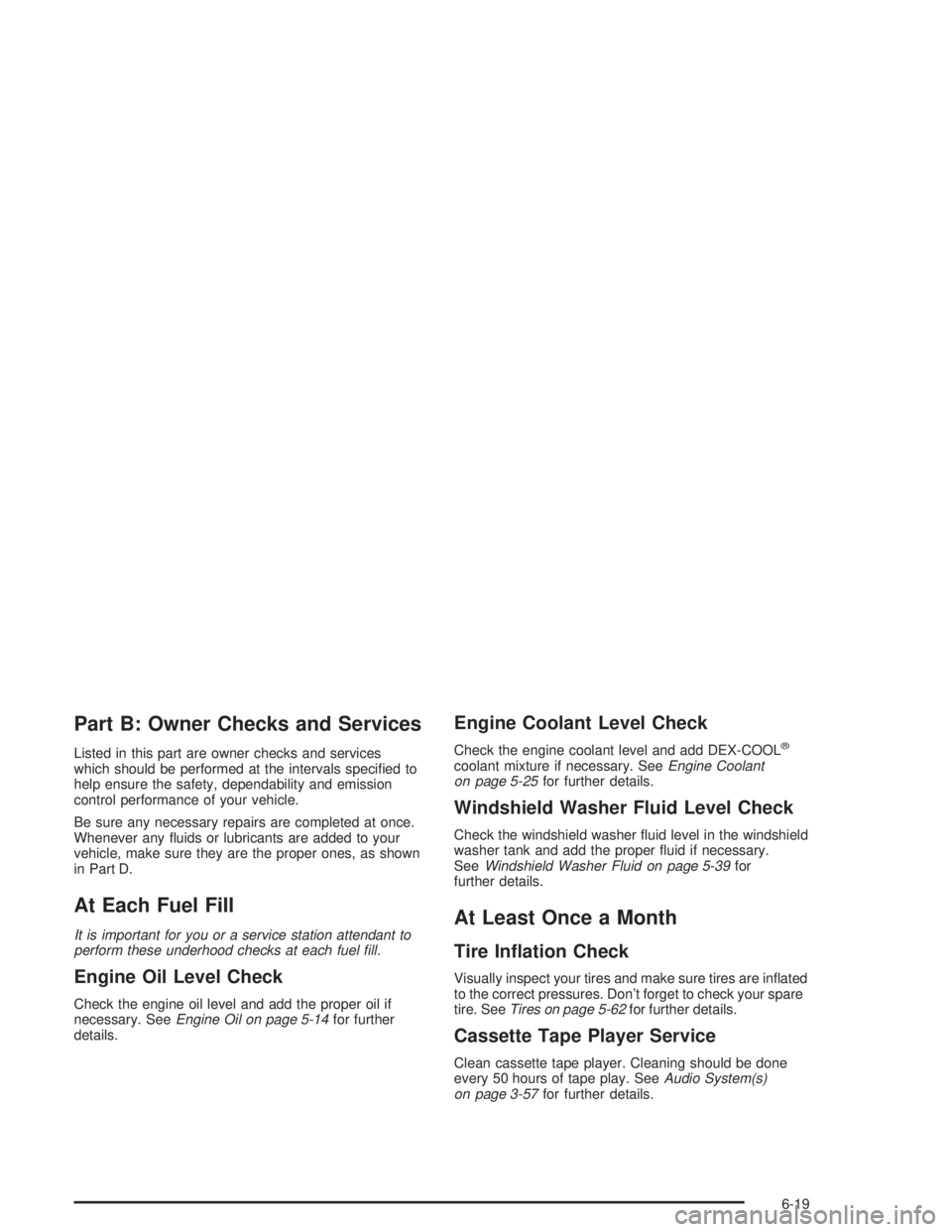
Part B: Owner Checks and Services
Listed in this part are owner checks and services
which should be performed at the intervals specied to
help ensure the safety, dependability and emission
control performance of your vehicle.
Be sure any necessary repairs are completed at once.
Whenever any uids or lubricants are added to your
vehicle, make sure they are the proper ones, as shown
in Part D.
At Each Fuel Fill
It is important for you or a service station attendant to
perform these underhood checks at each fuel ll.
Engine Oil Level Check
Check the engine oil level and add the proper oil if
necessary. SeeEngine Oil on page 5-14for further
details.
Engine Coolant Level Check
Check the engine coolant level and add DEX-COOL®
coolant mixture if necessary. SeeEngine Coolant
on page 5-25for further details.
Windshield Washer Fluid Level Check
Check the windshield washer uid level in the windshield
washer tank and add the proper uid if necessary.
SeeWindshield Washer Fluid on page 5-39for
further details.
At Least Once a Month
Tire Ination Check
Visually inspect your tires and make sure tires are inated
to the correct pressures. Don’t forget to check your spare
tire. SeeTires on page 5-62for further details.
Cassette Tape Player Service
Clean cassette tape player. Cleaning should be done
every 50 hours of tape play. SeeAudio System(s)
on page 3-57for further details.
6-19
Page 395 of 410

A
Accessory Power Outlets.................................3-22
Activating the Theft-Deterrent Feature................3-75
Adding Washer Fluid.......................................5-39
Additional Program Information........................... 7-9
Additives, Fuel................................................. 5-5
Add-On Electrical Equipment............................5-98
Adjusting the Speakers (Balance/Fade)......3-61, 3-66
Air Bag
Readiness Light..........................................3-36
Air Bag Systems.............................................1-49
How Does an Air Bag Restrain?....................1-55
Servicing Your Air Bag-Equipped Vehicle.........1-58
What Makes an Air Bag Inate?....................1-55
What Will You See After an
Air Bag Inates?......................................1-56
When Should an Air Bag Inate?...................1-54
Where Are the Air Bags?..............................1-51
Air Cleaner/Filter, Engine.................................5-20
Airbag Sensing and Diagnostic Module (SDM)......... 7-9
AM ...............................................................3-78
Antenna, Heated Backlite.................................3-80
Anti-lock Brake System (ABS)............................ 4-7
Anti-Lock Brake, System Warning Light..............3-39
Appearance Care............................................5-90
Care of Safety Belts....................................5-93
Chemical Paint Spotting...............................5-96
Cleaning the Inside of Your Vehicle................5-90
Cleaning the Outside of Your Vehicle..............5-93Appearance Care (cont.)
Finish Damage............................................5-96
Sheet Metal Damage...................................5-95
Underbody Maintenance...............................5-96
Vehicle Care/Appearance Materials................5-96
Weatherstrips..............................................5-93
Ashtrays........................................................3-23
Assist Handles...............................................2-49
Audio System(s).............................................3-57
Audio Steering Wheel Controls......................3-78
Care of Your Cassette Tape Player................3-79
Care of Your CD Player...............................3-80
Care of Your CDs........................................3-80
Heated Backlite Antenna...............................3-80
Personal Choice Radio Controls....................3-75
Radio with Cassette.....................................3-58
Radio with Cassette and CD.........................3-63
Setting the Time..........................................3-58
Theft-Deterrent Feature................................3-75
Trunk-Mounted CD Changer..........................3-71
Understanding Radio Reception.....................3-78
Automatic Level Control...................................4-38
Automatic Operation........................................3-24
Automatic Transaxle
Fluid..........................................................5-23
Operation...................................................2-27
Automatic Transaxle Check..............................6-20
Automatic Transaxle Shift Lock Control
System Check.............................................6-21
Auxiliary Instrument Panel Fuse Block..............5-101
1
Page 396 of 410
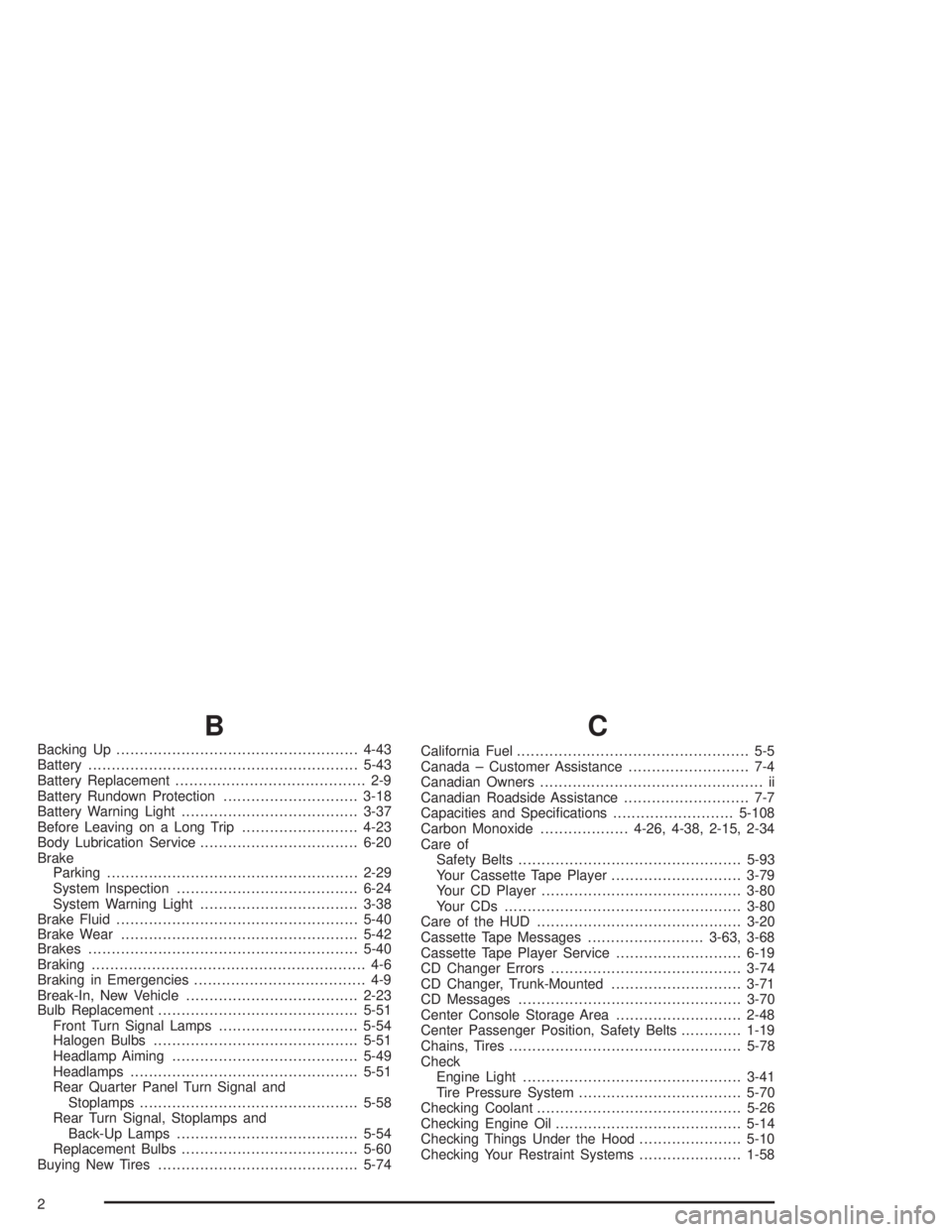
B
Backing Up....................................................4-43
Battery..........................................................5-43
Battery Replacement......................................... 2-9
Battery Rundown Protection.............................3-18
Battery Warning Light......................................3-37
Before Leaving on a Long Trip.........................4-23
Body Lubrication Service..................................6-20
Brake
Parking......................................................2-29
System Inspection.......................................6-24
System Warning Light..................................3-38
Brake Fluid....................................................5-40
Brake Wear...................................................5-42
Brakes..........................................................5-40
Braking........................................................... 4-6
Braking in Emergencies..................................... 4-9
Break-In, New Vehicle.....................................2-23
Bulb Replacement...........................................5-51
Front Turn Signal Lamps..............................5-54
Halogen Bulbs............................................5-51
Headlamp Aiming........................................5-49
Headlamps.................................................5-51
Rear Quarter Panel Turn Signal and
Stoplamps...............................................5-58
Rear Turn Signal, Stoplamps and
Back-Up Lamps.......................................5-54
Replacement Bulbs......................................5-60
Buying New Tires...........................................5-74
C
California Fuel.................................................. 5-5
Canada – Customer Assistance.......................... 7-4
Canadian Owners................................................ ii
Canadian Roadside Assistance........................... 7-7
Capacities and Specications..........................5-108
Carbon Monoxide...................4-26, 4-38, 2-15, 2-34
Care of
Safety Belts................................................5-93
Your Cassette Tape Player............................3-79
Your CD Player...........................................3-80
Your CDs ...................................................3-80
Care of the HUD............................................3-20
Cassette Tape Messages.........................3-63, 3-68
Cassette Tape Player Service...........................6-19
CD Changer Errors.........................................3-74
CD Changer, Trunk-Mounted............................3-71
CD Messages................................................3-70
Center Console Storage Area...........................2-48
Center Passenger Position, Safety Belts.............1-19
Chains, Tires..................................................5-78
Check
Engine Light...............................................3-41
Tire Pressure System...................................5-70
Checking Coolant............................................5-26
Checking Engine Oil........................................5-14
Checking Things Under the Hood......................5-10
Checking Your Restraint Systems......................1-58
2