Page 127 of 400
Instruments and controls3-17
–
CONTINUED –
Clock
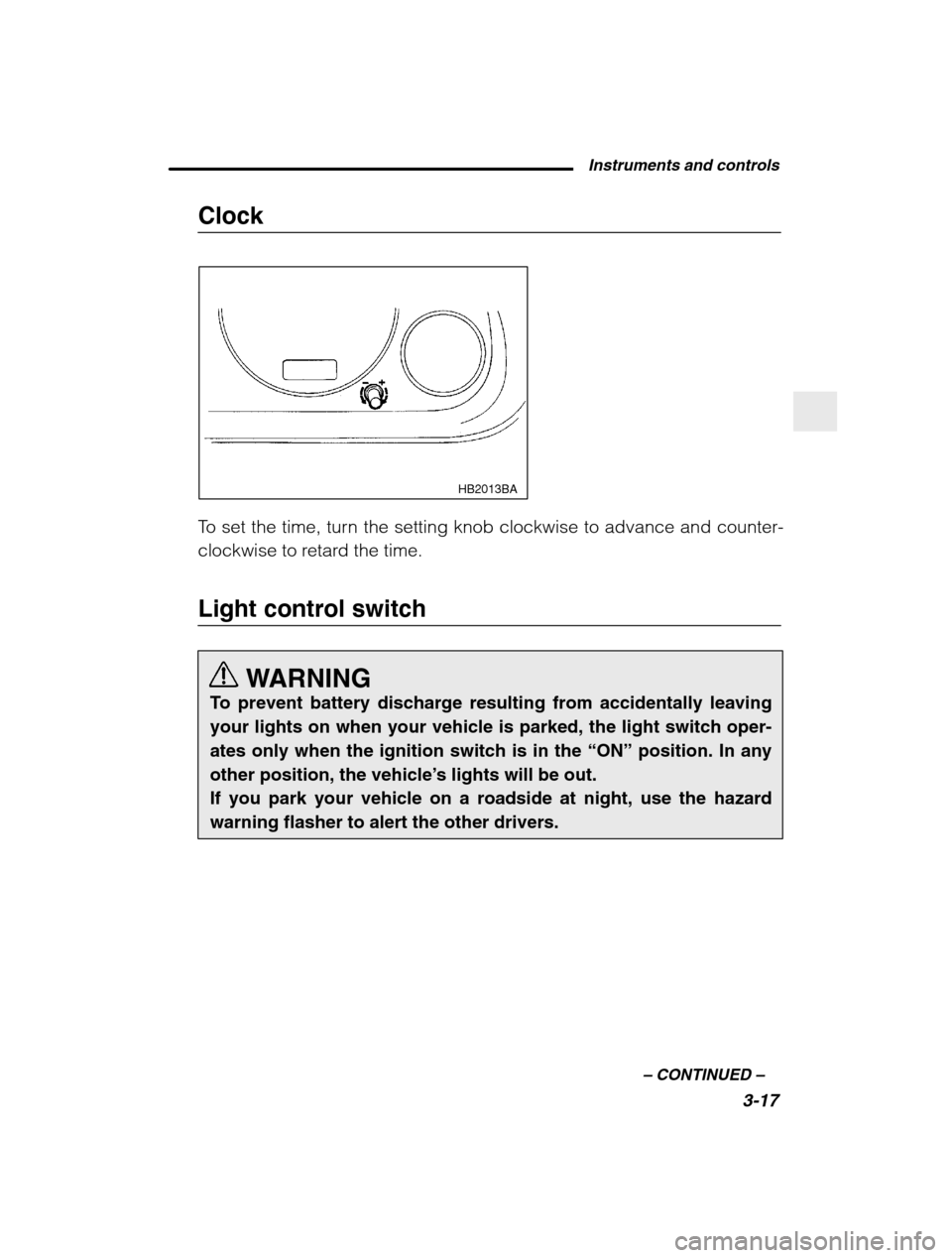
HB2013BA
To set the time, turn the setting knob clockwise to advance and counter-
clockwise to retard the time.
Light control switch
WARNING
To prevent battery discharge resulting from accidentally leaving your lights on when your vehicle is parked, the light switch oper-ates only when the ignition switch is in the “ON” position. In any
other position, the vehicle ’s lights will be out.
If you park your vehicle on a roadside at night, use the hazardwarning flasher to alert the other drivers.
Page 129 of 400
Instruments and controls3-19
–
CONTINUED –
To flash the headlights, pull the lever toward you and then release it.
The high beam will stay on for as long as you hold the lever. The
headlight flasher works even though the lighting switch is in the “OFF”
position.
When the headlights are on high beam, the high beam indicator light “ a ” on the instrument panel also comes on.
Daytime running light system
WARNING
The tail lights, parking lights, and side marker lights are notturned on by the daytime running light system. The light switchmust always be turned to the “a ” position when it is dark out-
side.
The low beam headlights will automatically come on at reduced bright-
ness when the engine has started, under the following conditions: The parking brake is fully released.
The light switch is in the “OFF” or “p ” position.
Turn signal lever
HB2015BB
Right turn Left turn
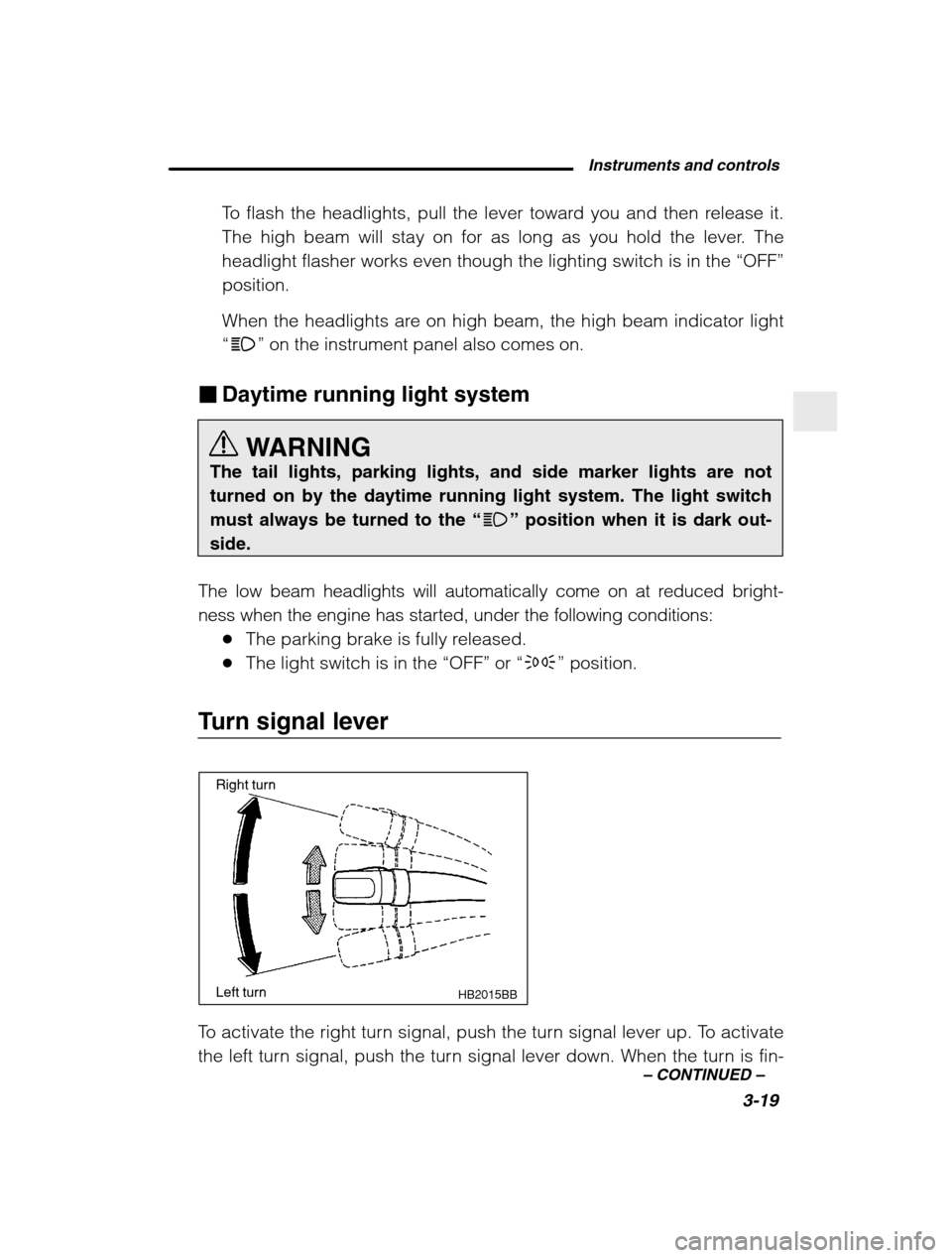
To activate the right turn signal, push the turn signal lever up. To activate
the left turn signal, push the turn signal lever down. When the turn is fin-
Page 132 of 400
3-22
Fog light switch (if equipped)
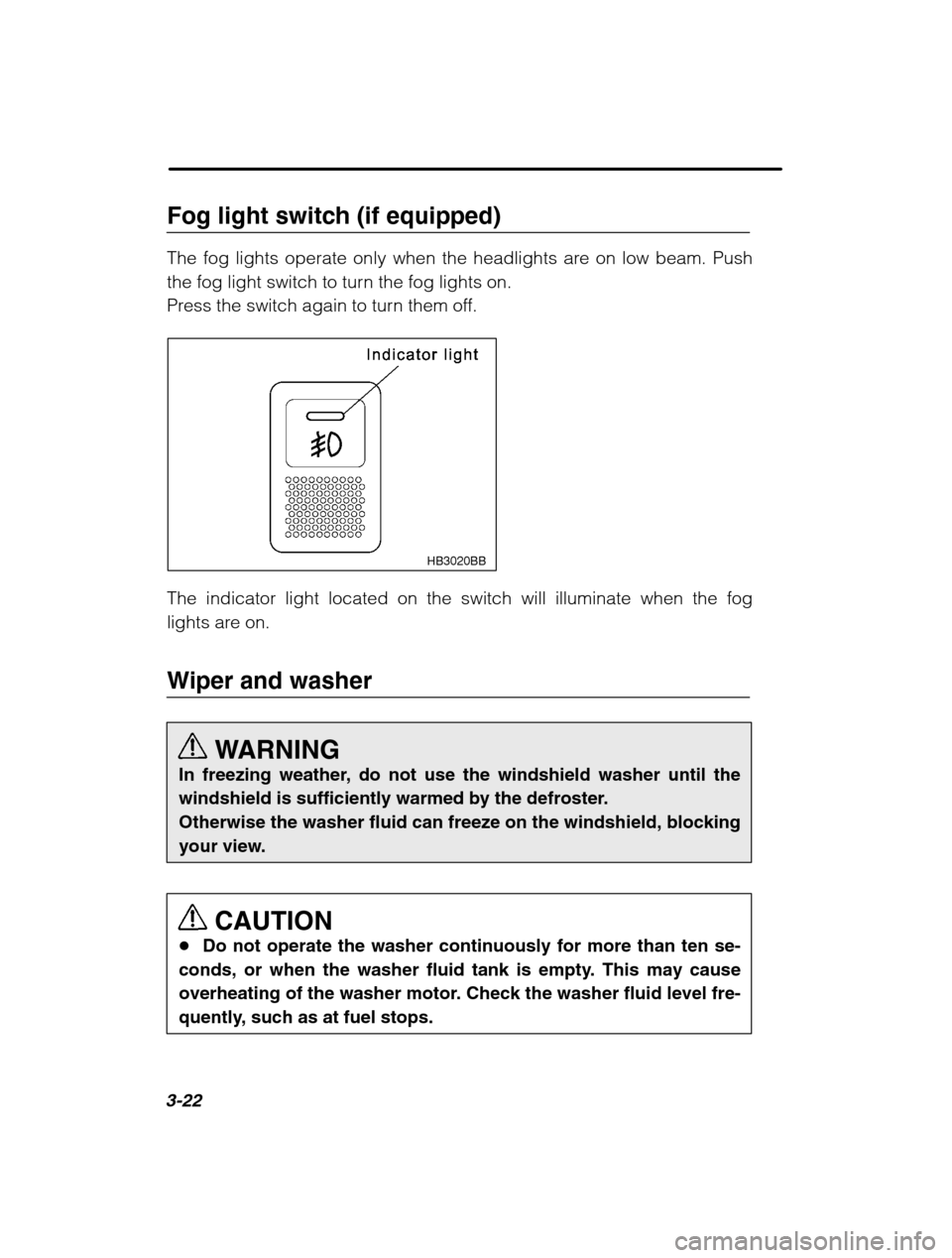
The fog lights operate only when the headlights are on low beam. Push
the fog light switch to turn the fog lights on.
Press the switch again to turn them off.
HB3020BB
The indicator light located on the switch will illuminate when the fog
lights are on.
Wiper and washerWARNING
In freezing weather, do not use the windshield washer until the
windshield is sufficiently warmed by the defroster.Otherwise the washer fluid can freeze on the windshield, blocking
your view.
CAUTION
Do not operate the washer continuously for more than ten se-
conds, or when the washer fluid tank is empty. This may cause
overheating of the washer motor. Check the washer fluid level fre-
quently, such as at fuel stops.
Page 140 of 400
3-30
structures and make certain the ignition switch is in the “ON” position.
3. Press and hold the left button for 3 seconds then release, and the compass will enter the calibration mode. “CAL” and direction will be
displayed.
4. Drive slowly in a circle until “CAL” disappears from the display
(about two or three circles). The compass is now calibrated.
5. Further calibration may be necessary should outside influences
cause the mirror to read inaccurately. You will know that this has oc-
curred if your compass begins to read in only limited directions.
Should you encounter this situation, return to step one of the above
procedure and recalibrate the mirror. n Compass zone adjustment
1. The zone setting is factory preset to Zone 8. Refer to the “Com-
pass calibration zone ” map at the end of this manual to verify that the
compass zone setting is correct for your geographical location.
2. Press and hold the right button for 3 seconds then release, and the
word “ZONE” will briefly appear and then the zone number will be dis-
played.
3. Press the right hand button repeatedly to cycle the display through
all possible zone settings. Stop cycling when the correct zone settingfor your location is displayed.
4. Releasing the button for 3 seconds will exit the zone setting mode.
Outside mirrors Convex mirror (Passenger side)
WARNING
Objects look smaller in a convex mirror and farther away than
when viewed in a flat mirror. Do not use the convex mirror tojudge the distance of vehicles behind you when changing lanes.
Use the inside mirror (or glance backwards) to determine theactual size and distance of objects that you view in convex mir-
ror.
Page 142 of 400
3-32
Outside mirror defogger (if equipped) CAUTION
To prevent the battery from being discharged, do not operate the
defogger continuously for any longer than necessary.
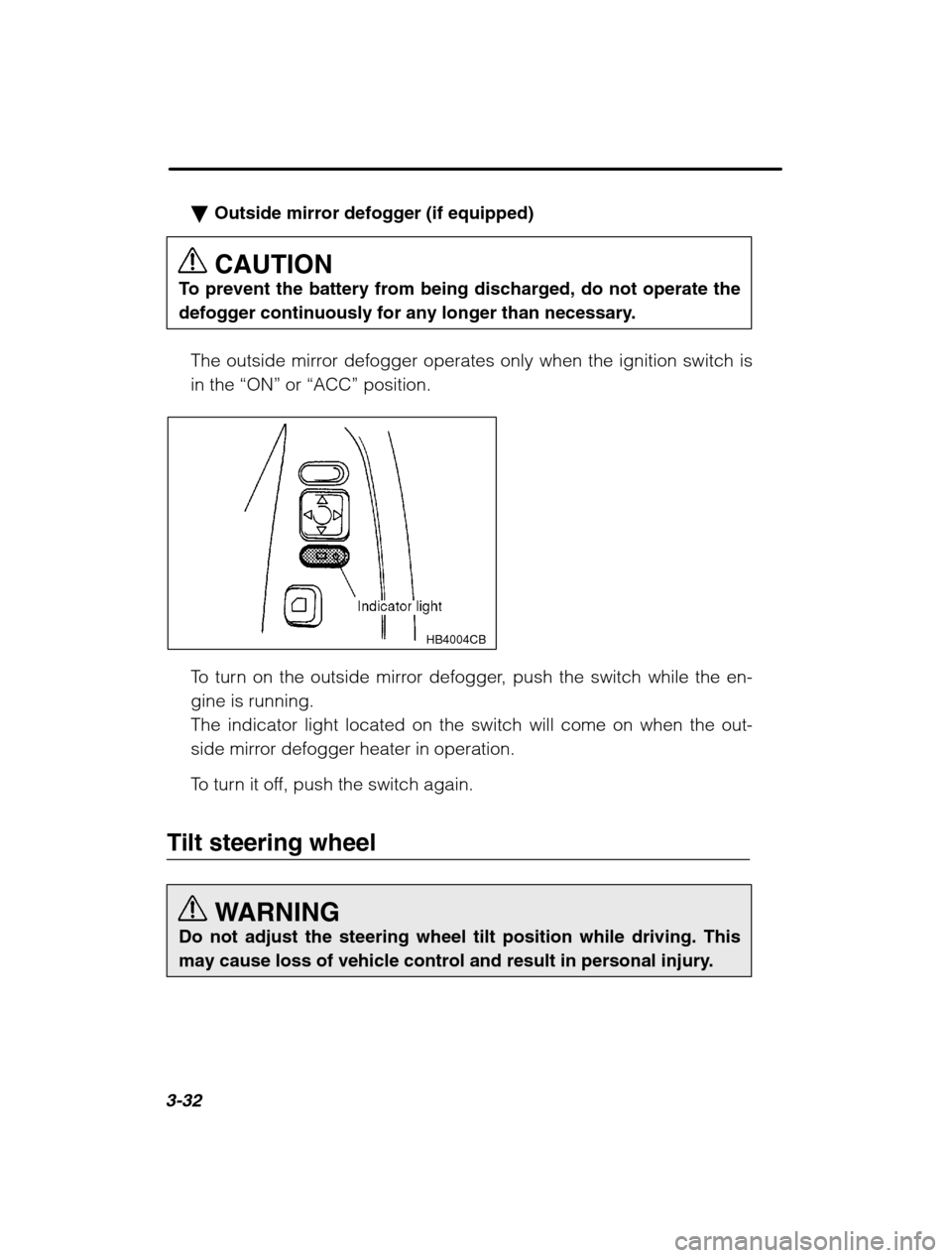
The outside mirror defogger operates only when the ignition switch isin the “ON” or “ACC” position.
HB4004CB
To turn on the outside mirror defogger, push the switch while the en- gine is running.The indicator light located on the switch will come on when the out-
side mirror defogger heater in operation.
To turn it off, push the switch again.
Tilt steering wheel
WARNING
Do not adjust the steering wheel tilt position while driving. This
may cause loss of vehicle control and result in personal injury.
Page 150 of 400
4-6
nAir inlet selection button
WARNING
Continued operation in the ON position may fog up the windows.
Switch to the OFF position as soon as the outside dusty condi-tion clears.
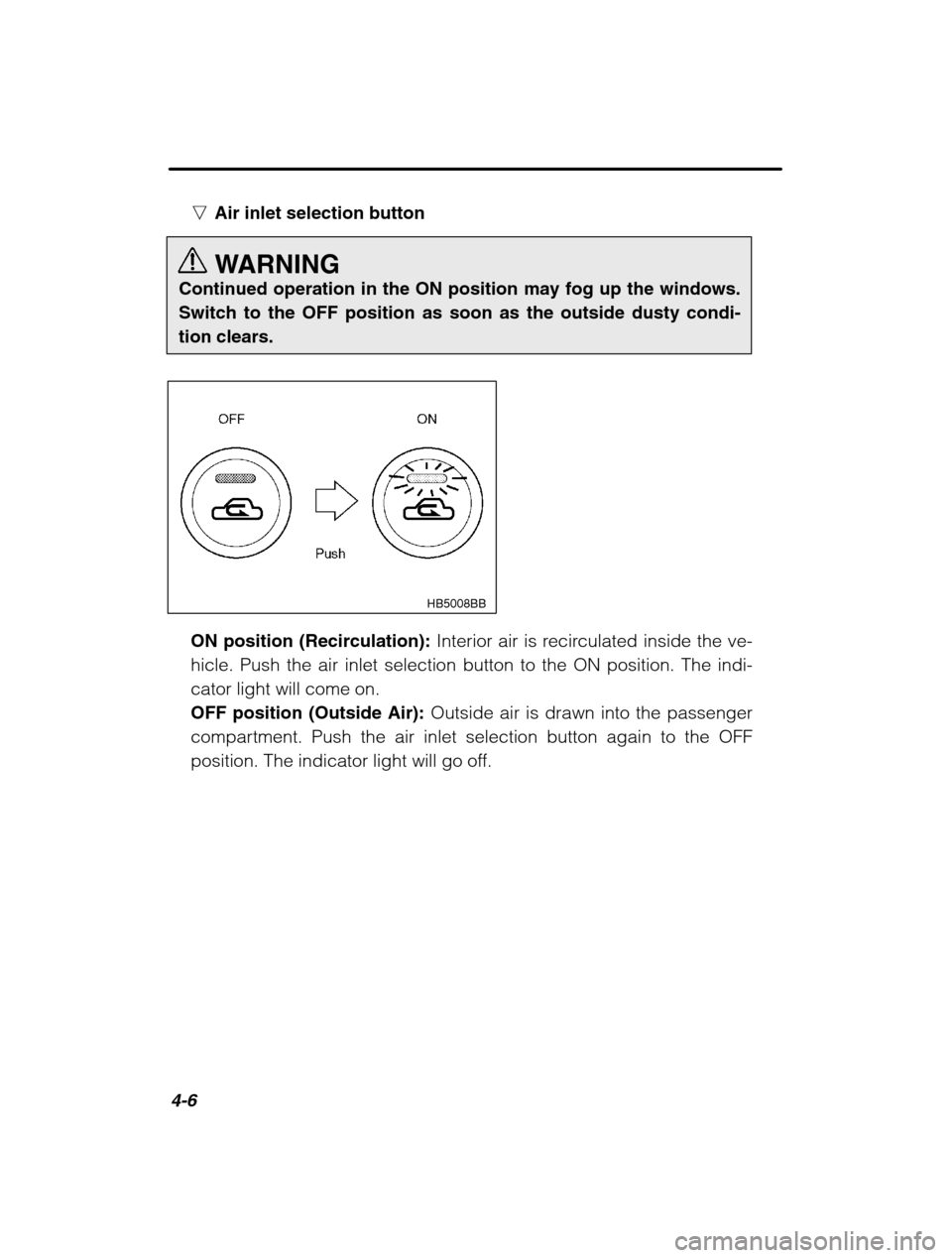
HB5008BB
ON position (Recirculation): Interior air is recirculated inside the ve-
hicle. Push the air inlet selection button to the ON position. The indi- cator light will come on.OFF position (Outside Air): Outside air is drawn into the passenger
compartment. Push the air inlet selection button again to the OFF
position. The indicator light will go off.
Page 153 of 400
Climate control4-9
–
CONTINUED –
Bi-level heating
HB5014AA
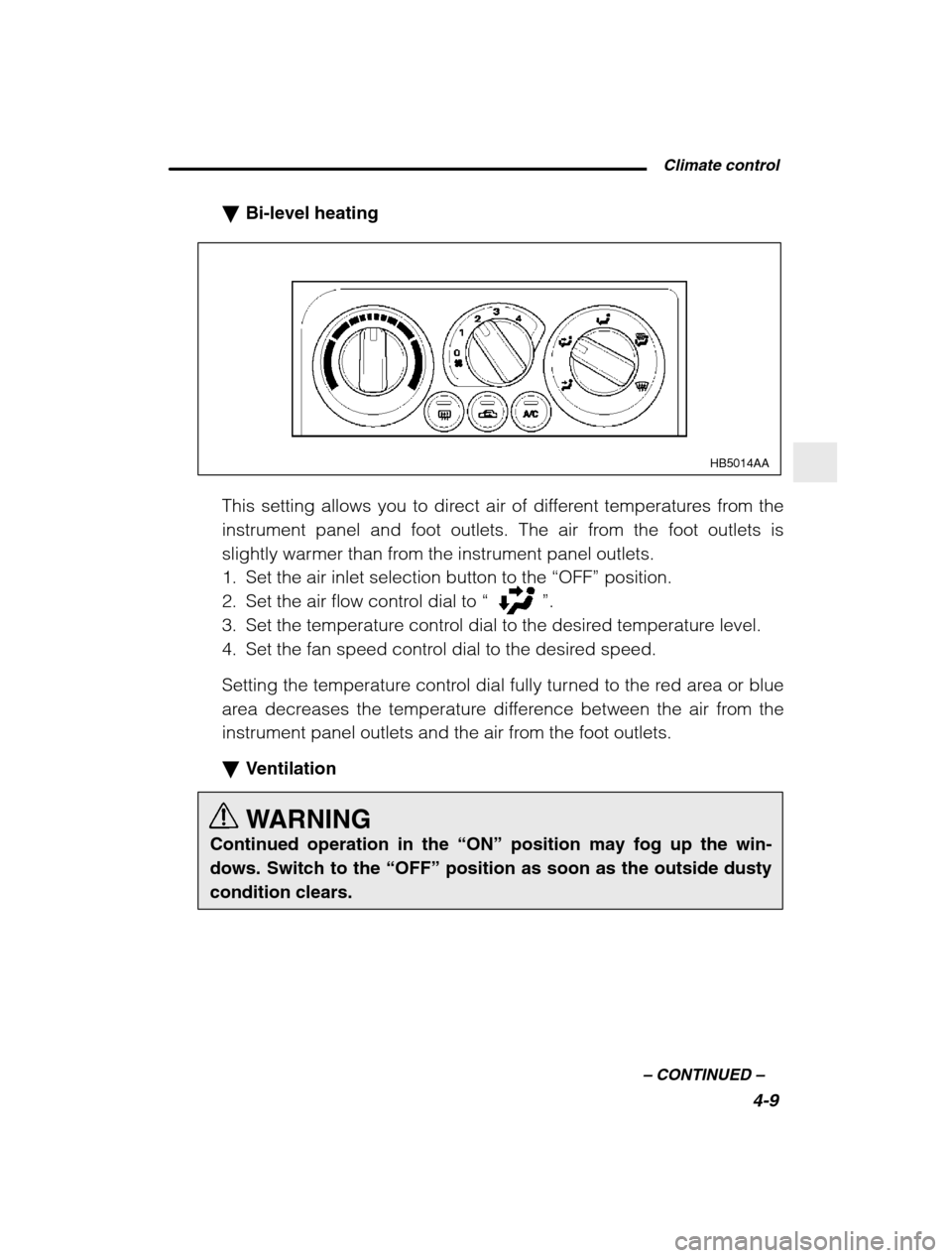
This setting allows you to direct air of different temperatures from the
instrument panel and foot outlets. The air from the foot outlets is
slightly warmer than from the instrument panel outlets.
1. Set the air inlet selection button to the “OFF” position.
2. Set the air flow control dial to “
”.
3. Set the temperature control dial to the desired temperature level.
4. Set the fan speed control dial to the desired speed.
Setting the temperature control dial fully turned to the red area or blue
area decreases the temperature difference between the air from the
instrument panel outlets and the air from the foot outlets. Ventilation
WARNING
Continued operation in the “ON” position may fog up the win-
dows. Switch to the “OFF” position as soon as the outside dusty
condition clears.
Page 186 of 400
6-10
Use with a cigarette lighter
WARNING
To avoid being burned, never grasp the lighter by the end with the heating element. Doing so could result in injury and couldalso damage the heating element.
CAUTION
Do not hold the lighter pushed in, because it will overheat.
HB6011DA
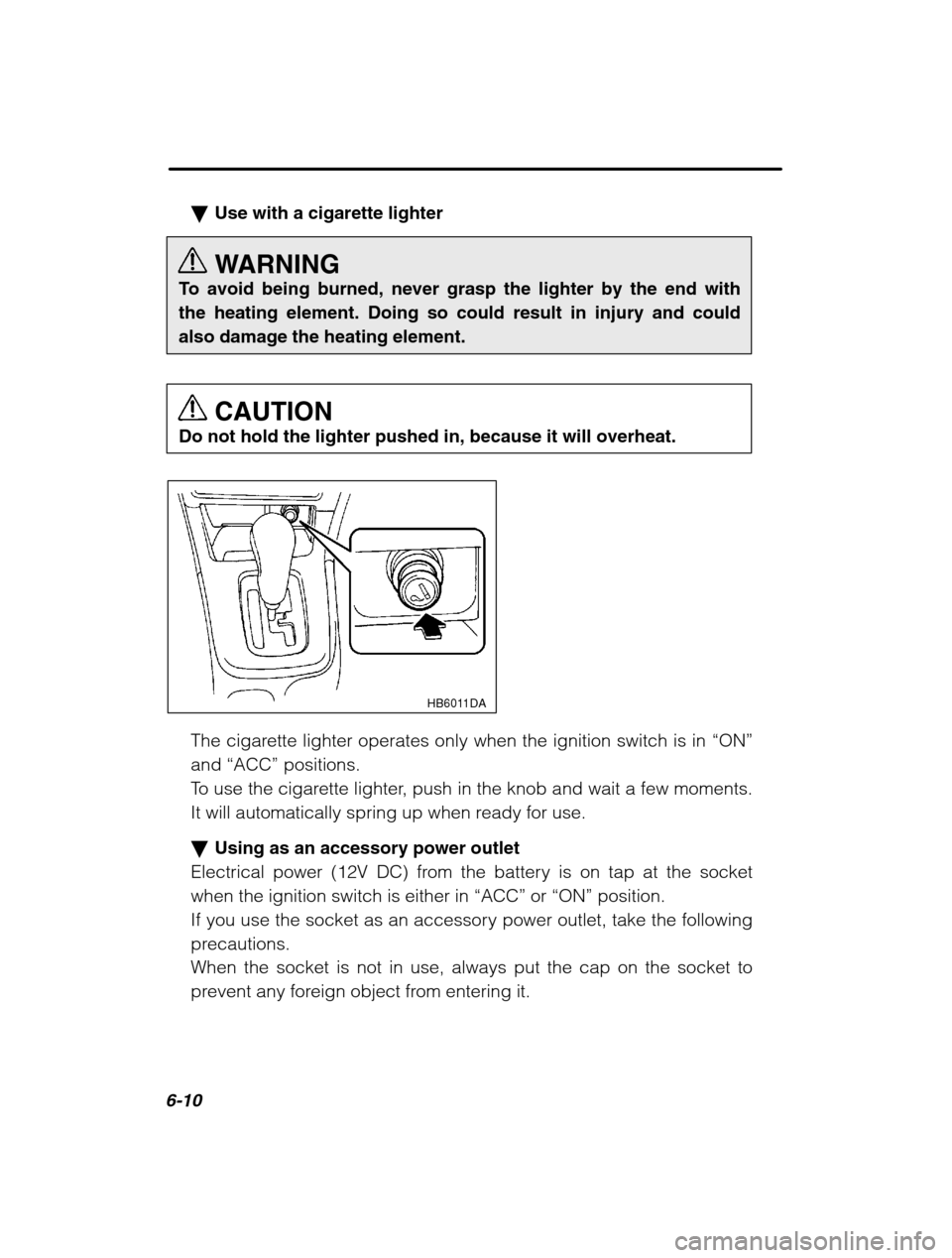
The cigarette lighter operates only when the ignition switch is in “ON”
and “ACC” positions.
To use the cigarette lighter, push in the knob and wait a few moments.
It will automatically spring up when ready for use. Using as an accessory power outlet
Electrical power (12V DC) from the battery is on tap at the socket when the ignition switch is either in “ACC” or “ON” position.
If you use the socket as an accessory power outlet, take the following
precautions.
When the socket is not in use, always put the cap on the socket to
prevent any foreign object from entering it.