AV-100
NAVIGATION SYSTEM
DESTINATION, PASSING POINTS, AND MENU ITEMS CANNOT BE SELECTED/SET.
VOICE GUIDE
Symptom Cause Remedy
Passing point is not searched
when re-searching the route.The vehicle has already passed the passing point,
or the system judged so.To include the passing points that have been
passed into the route again, set the route
again.
Route information will not be dis-
played.Route searching has not been done. Set the destination and perform route
searching.
Vehicle mark is not on the recommended route. Drive on the recommended route.
Route guide is turned OFF. Turn the route guide ON.
Route information is not available on the dark pink
route.System is not malfunction.
After the route searching, no guide
sign will appear as the vehicle
goes near the entrance/exit to the
toll road.Vehicle mark is not on the recommended route.
(On the display, only guide signs related to the
recommended route will be shown.)Drive on the recommended route.
Automatic route searching is not
possible.Vehicle is driving on a highway (gray route), or no
recommended route is available.Drive on a road to be searched. Or re-
search the route manually. In this case, how-
ever, the whole route will be searched.
Performed automatic detour
search (or detour search). How-
ever, the result is the same as that
of the previous search.Performed search with every conditions consid-
ered. However, the result is the same as that of
the previous search.System is not malfunction.
Passing points cannot be set. More than five passing points were set. Passing points can be set up to five. To stop
at more than five points, perform sharing in
several steps.
When setting the route, the start-
ing point cannot be selected.The current vehicle location is always set as the
starting point of a route.System is not malfunction.
Some menu items cannot be
selected.The vehicle is being driven. Stop the vehicle at a safe place and then
operate the system.
Symptom Cause Remedy
Voice guide will not operate. Note: Voice guide is only available at intersections
that satisfy certain conditions (indicated by � on
the map). Therefore, guidance may not be given
even when the route on the map changes direc-
tion.System is not malfunction.
The vehicle is not on the recommended route. Return to the recommended route or re-
search the route.
Voice guide is turned OFF. Turn the voice guide ON.
Route guide is turned OFF. Turn the route guide ON.
Voice guide does not match the
actual road pattern.Voice guide may vary with the direction to which
the vehicle is turn and the connection of the road
to other roads.Drive in conformity to the actual traffic rules.
NAVIGATION SYSTEM
AV-105
C
D
E
F
G
H
I
J
L
MA
B
AV
THE CURRENT POSITION MARK SHOWS A POSITION WHICH IS COMPLETELY WRONG.
In the following cases, the current-location mark may appear on completely different position in the map
depending on the GPS satellite signal receiving conditions. In this case, perform location correction and direc-
tion correction.
�When location correction has not been done
–If the receiving conditions of the GPS satellite signal is poor, if the current-location mark becomes out of
place, it may move to a completely different location and not come back if location correction is not done.
The position will be corrected if the GPS signal can be received.
�When the vehicle has traveled by ferry, or when the vehicle has been being towed
–Because calculation of the current location cannot be done when travelling with the ignition OFF, for
example when traveling by ferry or when being towed, the location before travel is displayed. If the precise
location can be detected with GPS, the location will be corrected.
THE CURRENT POSITION MARK JUMPS.
In the following cases, the current-location mark may appear to jump as a result of automatic correction of the
current location.
�When map matching has been done
–If the current location and the current-location mark are different when map matching is done, the current-
location mark may seem to jump. At this time, the location may be ″corrected″ to the wrong road or to a
location which is not on a road.
�When GPS location correction has been done
–If the current location and the current-location mark are different when the location is corrected using GPS
measurements, the current-location mark may seem to jump. At this time, the location may be ″corrected″
to a location which is not on a road.
Precautions for
drivingJust after the engine is startedIf the vehicle is driven off just after
the engine is started when the gyro-
scope (angular speed sensor) cor-
rection is not completed, the vehicle
can lose its direction and may have
deviated from the correct location.Wait for a short while before driv-
ing after starting the engine.
Continuous driving without stopping When driving long distances without
stopping, direction errors may accu-
mulate, and the current-location
mark may deviate from the correct
road.Stop and adjust the orientation.
Abusive driving Spinning the wheels or engaging in
other kinds of abusive driving may
result in the system being unable to
perform correct detection, and may
cause the vehicle mark to deviate
from the correct road.If after travelling about 10 km (6
miles) the correct location has not
been restored, perform location
correction and, if necessary,
direction correction.
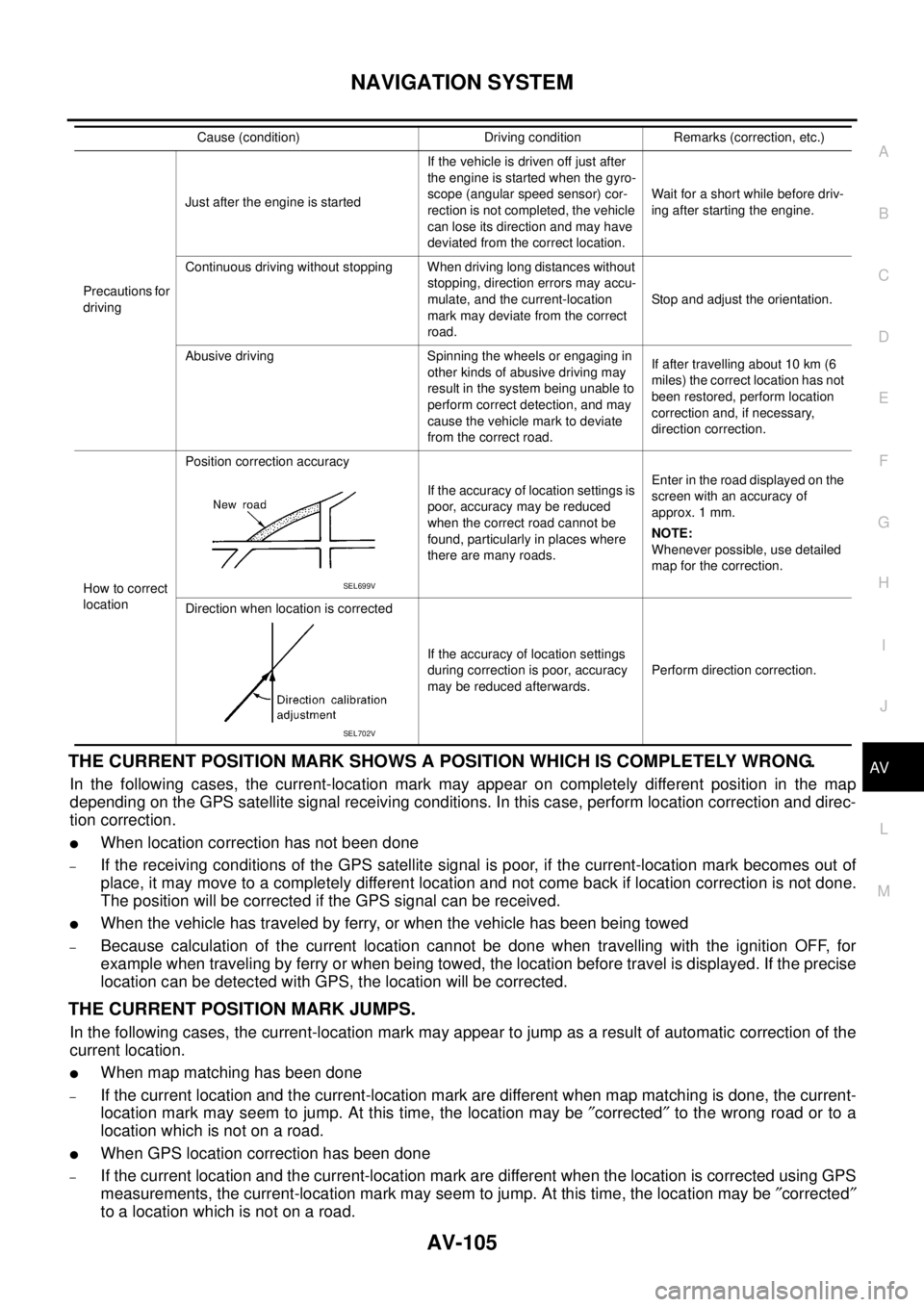
How to correct
locationPosition correction accuracy
If the accuracy of location settings is
poor, accuracy may be reduced
when the correct road cannot be
found, particularly in places where
there are many roads.Enter in the road displayed on the
screen with an accuracy of
approx. 1 mm.
NOTE:
Whenever possible, use detailed
map for the correction.
Direction when location is corrected
If the accuracy of location settings
during correction is poor, accuracy
may be reduced afterwards.Perform direction correction. Cause (condition) Driving condition Remarks (correction, etc.)
SEL699V
SEL702V