Page 71 of 272

ON position) . When the ignition key is turned
to the ACC or ON position, the SECURITY
light turns off.
Vehicle security system activation
The vehicle security system will give the following
alarm:
cThe headlights blink and the horn sounds in-
termittently. In addition, the starter motor does
not operate.
cThe alarm automatically turns off after about
50 seconds. However, the alarm reactivates if
the vehicle is tampered with again. The alarm
can be shut off by unlocking a door with the
key, or by pressing the
button on the
keyfob.
The alarm is activated by:
copening a door without using the key or keyfob
(even if the door is unlocked by releasing the
inside lock knob) .
copening the hood.
How to stop an activated alarm
The alarm stops only by unlocking a door with the
key or by pressing thebutton on the keyfob.
The alarm does not stop if the ignition
switch is turned to ACC or ON.
Silencing the horn beep feature
If desired, the horn beep feature can be deacti-
vated using the keyfob.
To deactivate:Press and hold both the
andbuttons at the same timefor at least
2 seconds.
The hazard lights will quickly flash 3 times to
confirm that the horn beep feature has been
deactivated.
To activate:Press and hold both the
andbuttons at the same timefor at least
2 seconds once more.The hazard lights will quickly flash once and the
horn will sound once to confirm that the horn
beep feature has been reactivated.
Deactivating the horn feature does not silence
the horn if the alarm is triggered.
If the system does not operate as described
above, have it checked by a NISSAN dealer.
WIC0325
Instruments and controls2-17
ZREVIEW COPY:Ð2003 Truck/Frontier(d22)
Owners Manual(owners)ÐUSA English(nna)
01/14/03Ðarosenma
X
Page 77 of 272
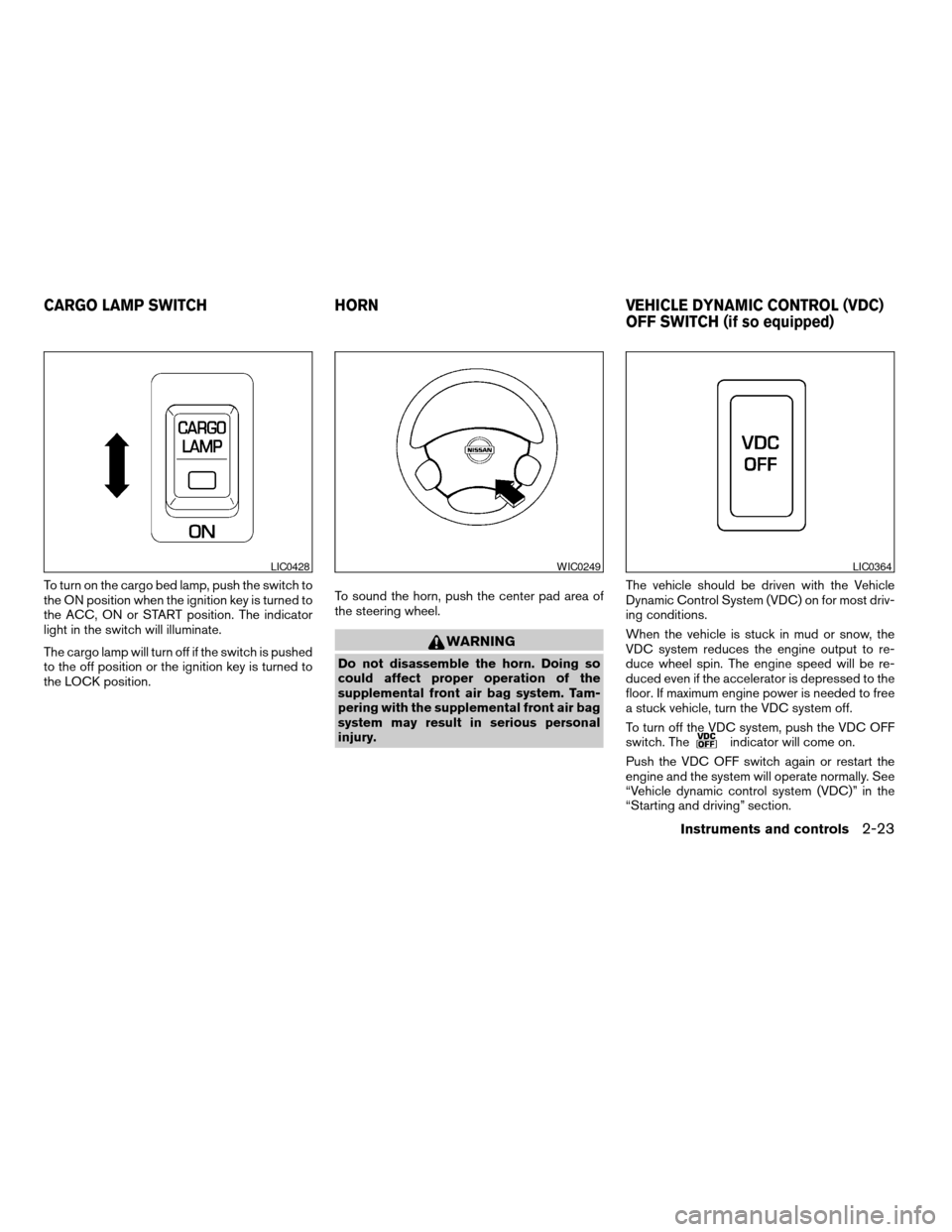
To turn on the cargo bed lamp, push the switch to
the ON position when the ignition key is turned to
the ACC, ON or START position. The indicator
light in the switch will illuminate.
The cargo lamp will turn off if the switch is pushed
to the off position or the ignition key is turned to
the LOCK position.To sound the horn, push the center pad area of
the steering wheel.
WARNING
Do not disassemble the horn. Doing so
could affect proper operation of the
supplemental front air bag system. Tam-
pering with the supplemental front air bag
system may result in serious personal
injury.The vehicle should be driven with the Vehicle
Dynamic Control System (VDC) on for most driv-
ing conditions.
When the vehicle is stuck in mud or snow, the
VDC system reduces the engine output to re-
duce wheel spin. The engine speed will be re-
duced even if the accelerator is depressed to the
floor. If maximum engine power is needed to free
a stuck vehicle, turn the VDC system off.
To turn off the VDC system, push the VDC OFF
switch. The
indicator will come on.
Push the VDC OFF switch again or restart the
engine and the system will operate normally. See
“Vehicle dynamic control system (VDC)” in the
“Starting and driving” section.
LIC0428WIC0249LIC0364
CARGO LAMP SWITCH HORN VEHICLE DYNAMIC CONTROL (VDC)
OFF SWITCH (if so equipped)
Instruments and controls2-23
ZREVIEW COPY:Ð2003 Truck/Frontier(d22)
Owners Manual(owners)ÐUSA English(nna)
01/15/03Ðarosenma
X
Page 80 of 272
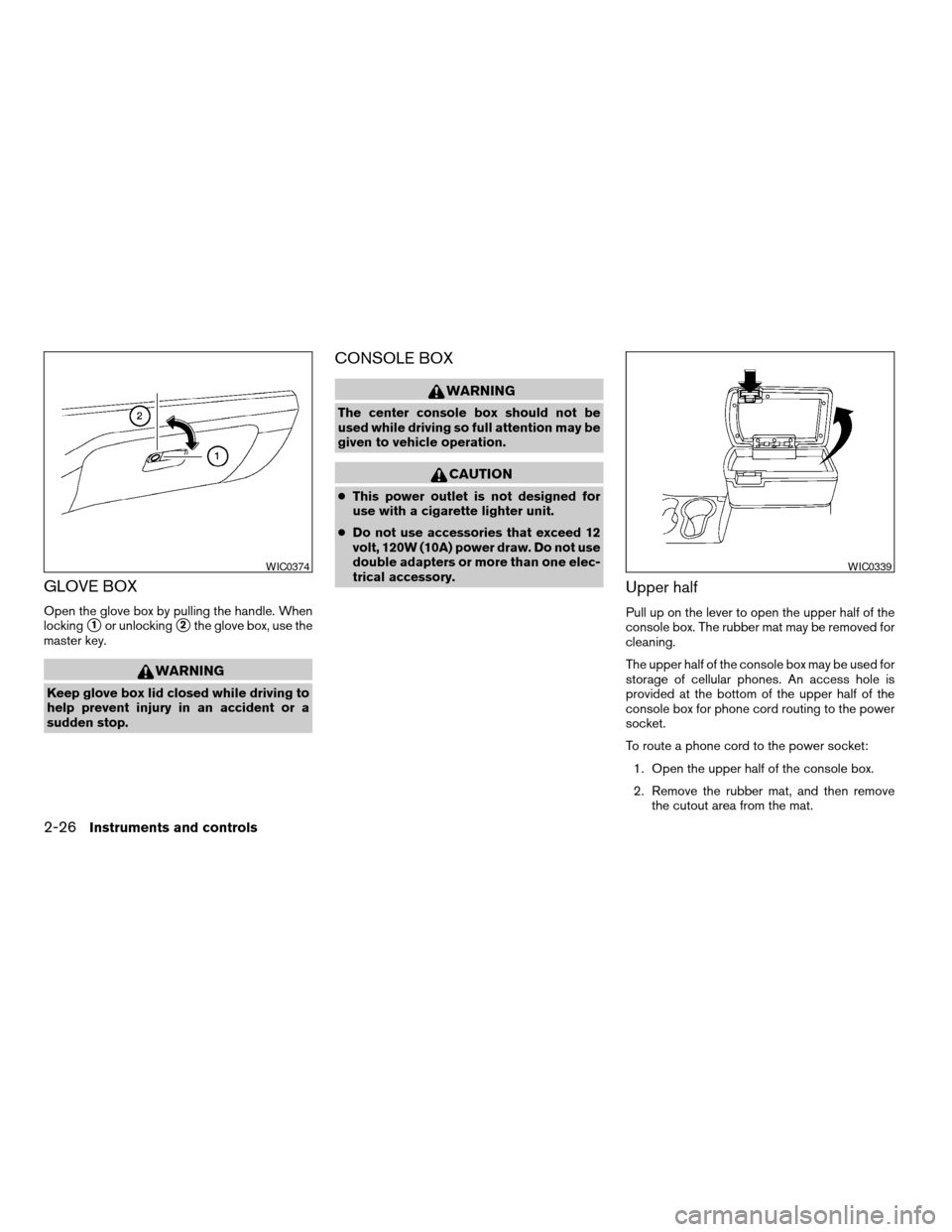
GLOVE BOX
Open the glove box by pulling the handle. When
locking
s1or unlockings2the glove box, use the
master key.
WARNING
Keep glove box lid closed while driving to
help prevent injury in an accident or a
sudden stop.
CONSOLE BOX
WARNING
The center console box should not be
used while driving so full attention may be
given to vehicle operation.
CAUTION
cThis power outlet is not designed for
use with a cigarette lighter unit.
cDo not use accessories that exceed 12
volt, 120W (10A) power draw. Do not use
double adapters or more than one elec-
trical accessory.
Upper half
Pull up on the lever to open the upper half of the
console box. The rubber mat may be removed for
cleaning.
The upper half of the console box may be used for
storage of cellular phones. An access hole is
provided at the bottom of the upper half of the
console box for phone cord routing to the power
socket.
To route a phone cord to the power socket:
1. Open the upper half of the console box.
2. Remove the rubber mat, and then remove
the cutout area from the mat.
WIC0374WIC0339
2-26Instruments and controls
ZREVIEW COPY:Ð2003 Truck/Frontier(d22)
Owners Manual(owners)ÐUSA English(nna)
01/15/03Ðarosenma
X
Page 84 of 272
MANUAL WINDOWS
The side windows can be opened or closed by
turning the hand crank on each door.
REAR SLIDING WINDOW (if so
equipped)
Squeeze the handles of the levers1, then slide
the window open
s2.Each interior light has a three-position switch and
operates regardless of ignition key position.
cWhen the switch is in the ON positions1, the
interior light illuminates, regardless of door
position.
cWhen the switch is in the center O or DOOR
position
s3, the interior light illuminates by
opening a door.
cWhen the switch is in the OFF position
s2, the
interior light does not illuminate, regardless of
door position.
WIC0263WIC0352Dome light — Type A
WIC0367
INTERIOR LIGHTS
2-30Instruments and controls
ZREVIEW COPY:Ð2003 Truck/Frontier(d22)
Owners Manual(owners)ÐUSA English(nna)
01/15/03Ðarosenma
X
Page 86 of 272
To turn the map lights on, press the switches. To
turn them off, press the switches again.
CAUTION
Do not use for extended periods of time
with the engine stopped. This could result
in a discharged battery.The interior lights illuminate when a front or rear
door (Crew Cab only) is opened. Once the doors
are closed, these lights turn off in 30 seconds or
turn off immediately when the key is turned to the
ON position.
BATTERY SAVER
If the vehicle doors are not fully closed and the
interior lights remain illuminated, they eventually
turn off automatically to prevent the battery from
becoming discharged. Interior lights that illumi-
nate when doors are opened turn off after ap-
proximately 30 minutes.
Type AWIC0349
Type B
WIC0350
MAP LIGHTS (if so equipped) ILLUMINATED ENTRY SYSTEM
2-32Instruments and controls
ZREVIEW COPY:Ð2003 Truck/Frontier(d22)
Owners Manual(owners)ÐUSA English(nna)
01/15/03Ðarosenma
X
Page 87 of 272

3 Pre-driving checks and adjustments
Keys .............................................3-2
Doors............................................3-2
Locking with key................................3-2
Locking with inside lock knob....................3-3
Locking with power door lock switch
(if so equipped)................................3-3
Child safety rear door lock
(Crew Cab models only)........................3-4
Remote keyless entry system (if so equipped).........3-4
How to use remote keyless entry system..........3-4
Battery replacement............................3-7
Hood............................................3-8
Tubular roof rack (if so equipped)....................3-9
Tubular step rail (if so equipped)...................3-11Fuel filler lid......................................3-11
Fuel filler cap..................................3-11
Steering wheel...................................3-13
Tilt operation (if so equipped)...................3-13
Sun visors.......................................3-13
Vanity mirror (if so equipped)....................3-13
Mirrors..........................................3-13
Inside mirror..................................3-13
Outside mirrors...............................3-14
Outside mirror remote control
(if so equipped)...............................3-15
Truck box........................................3-15
Tailgate.......................................3-15
Tie down hooks...............................3-17
ZREVIEW COPY:Ð2003 Truck/Frontier(d22)
Owners Manual(owners)ÐUSA English(nna)
01/15/03Ðarosenma
X
Page 88 of 272
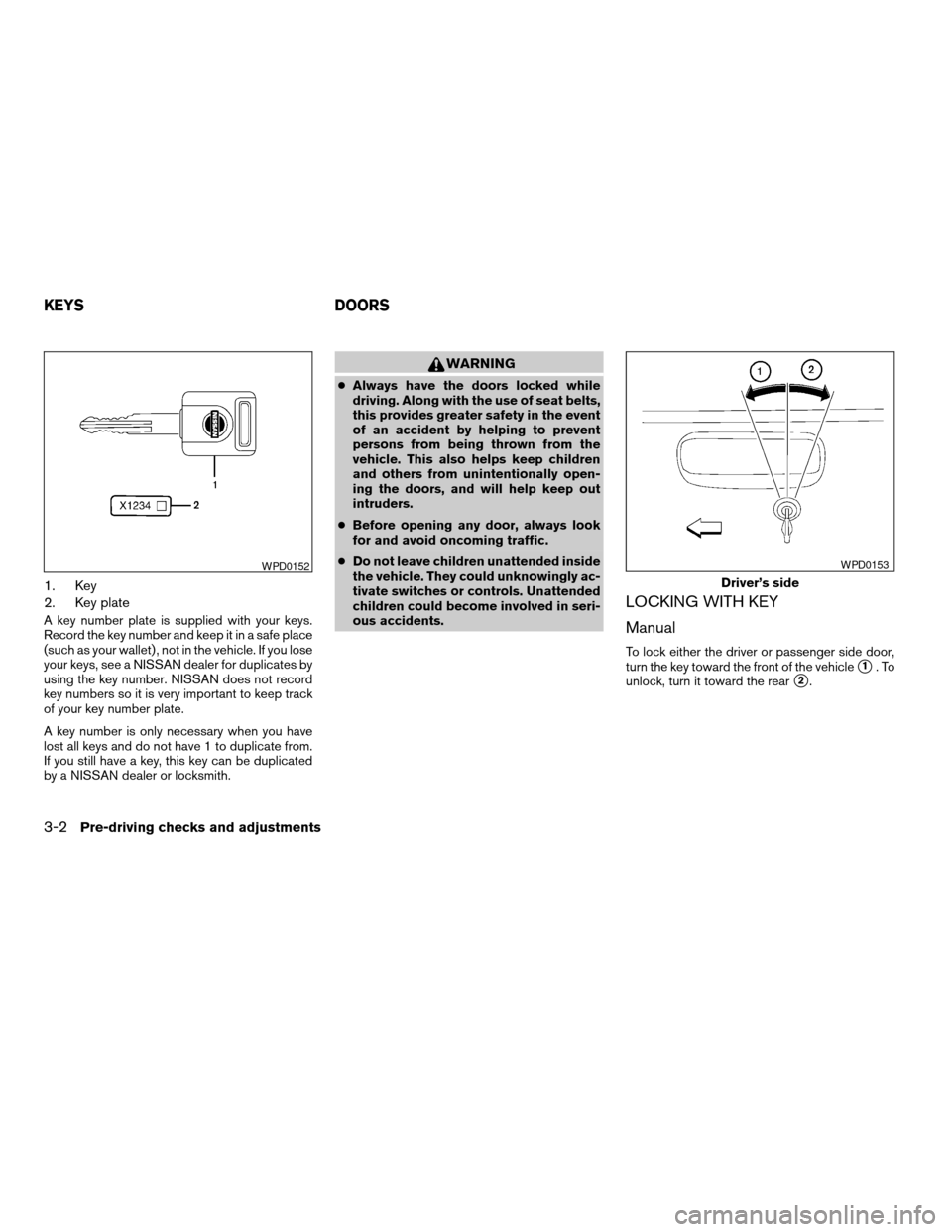
1. Key
2. Key plate
A key number plate is supplied with your keys.
Record the key number and keep it in a safe place
(such as your wallet) , not in the vehicle. If you lose
your keys, see a NISSAN dealer for duplicates by
using the key number. NISSAN does not record
key numbers so it is very important to keep track
of your key number plate.
A key number is only necessary when you have
lost all keys and do not have 1 to duplicate from.
If you still have a key, this key can be duplicated
by a NISSAN dealer or locksmith.
WARNING
cAlways have the doors locked while
driving. Along with the use of seat belts,
this provides greater safety in the event
of an accident by helping to prevent
persons from being thrown from the
vehicle. This also helps keep children
and others from unintentionally open-
ing the doors, and will help keep out
intruders.
cBefore opening any door, always look
for and avoid oncoming traffic.
cDo not leave children unattended inside
the vehicle. They could unknowingly ac-
tivate switches or controls. Unattended
children could become involved in seri-
ous accidents.
LOCKING WITH KEY
Manual
To lock either the driver or passenger side door,
turn the key toward the front of the vehicle
s1.To
unlock, turn it toward the rear
s2.
WPD0152
Driver’s side
WPD0153
KEYS DOORS
3-2Pre-driving checks and adjustments
ZREVIEW COPY:Ð2003 Truck/Frontier(d22)
Owners Manual(owners)ÐUSA English(nna)
01/15/03Ðarosenma
X
Page 89 of 272

Power (if so equipped)
If your vehicle is equipped with the theft
warning system,the power door lock system
allows you to lock or unlock all doors at the same
time.
Turning the key toward the front
s1of the vehicle
locks all doors.
Turning the key 1 time toward the rear
s2of the
vehicle unlocks that door. From that position,
returning the key to neutral
s3(where the key can
only be removed and inserted) and turning it
toward the rear again
s4within 5 seconds un-
locks all doors.
LOCKING WITH INSIDE LOCK
KNOB
To lock the door without the key, move the inside
lock knob to the lock position
s1, then close the
door.
To unlock the door without the key, move the
inside lock knob to the unlock position
s2.
LOCKING WITH POWER DOOR
LOCK SWITCH (if so equipped)
To lock all the doors without a key, push the door
lock switch (driver or front passenger side) , to the
lock position
s1, then close the door. When
locking the door this way, be certain not to leave
the key inside the vehicle.
To unlock all the doors without a key, push the
door lock switch (driver or front passenger side)
to the unlock position
s2.
When the power door lock switch (driver or pas-
senger side) is moved to the lock position with
the key in the ignition and any door open, all doors
will lock and then unlock automatically.
Driver’s side
WPD0154
Inside lock
WPD0155
Driver’s side
WPD0156
Pre-driving checks and adjustments3-3
ZREVIEW COPY:Ð2003 Truck/Frontier(d22)
Owners Manual(owners)ÐUSA English(nna)
01/17/03Ðtmchalpi
X