Page 36 of 150
33 Audio
Radio operation
Automatic seek tuning
�Push the joystick to .
The next receivable ascending frequen-
cy is tuned in and begins to play. The
station frequency appears on the
screen.
�Push the joystick to .
The next receivable descending fre-
quency is tuned in and begin to play.
The station frequency appears on the
screen.Manual tuning (FM, AM)
�Push the joystick to .
The frequency displayed ascends in
increments of 200 kHz (FM) or 10 kHz
(AM). This process begins slowly and
then gradually increases.
�Push the joystick to .
The frequency displayed descends in
increments of 200 kHz (FM) or 10 kHz
(AM). This process begins slowly and
then gradually increases.
i
The MCS needs about 10 seconds to
seek through the entire band. If you
cannot receive a station, activate an-
other radio function to stop the seek
function.
Page 37 of 150
34 Audio
Radio operation
Station selection using the number keypad
(presets)
FM- and AM-Bands
�Press one of the number keys, such as
.
The radio tunes to the frequency as-
signed to that memory location. If you
have not saved a station to the memory
location, the radio does not change fre-
quencies.
F
Weather Band WB
�Tune the radio to the selected channel.
The memory preset number appears in
the status line.Station selection using the direct
frequency entry (FM, AM)
�Press .
Input line appears in the main radio
menu.
�Use the number keys to enter the de-
sired frequency within 8 seconds, e.g.
for 102.7 FM.
The station you have selected begins to
play.
i
FM and AM presets are independent.
You can access them only if you are in
the corresponding band.
Saving stations for FM and AM
(
�page 36).
Page 38 of 150
35 Audio
Radio operation
Automatic station scan
The stations on the bands (FM/AM/WB)
can be scanned in succession for
8 seconds each.
�Press the softkey “SCAN”.
The scan function will begin. “SCAN” is
highlighted.Weather Band WB
The 7 individual weather channels stored
in memory are scanned in succession.
The scan function stops automatically
when the first station received has been
scanned twice.
Ending the scan function
�Press the softkey “SCAN”.
The station selected appears and the
station frequency is displayed.
i
If you do not make another entry within
8 seconds, the function cancels.
i
A frequency entered outside the allow-
able input range will not be accepted.
Page 39 of 150
36 Audio
Radio operation
The following memory functions are avail-
able:
�Saving FM, AM stations manually
(
�page 36)
�Saving FM, AM stations automatically
(
�page 37)
�Selecting a station from the FM/AM
preset menu (
�page 37)
�Selecting channels from the WB preset
menu (
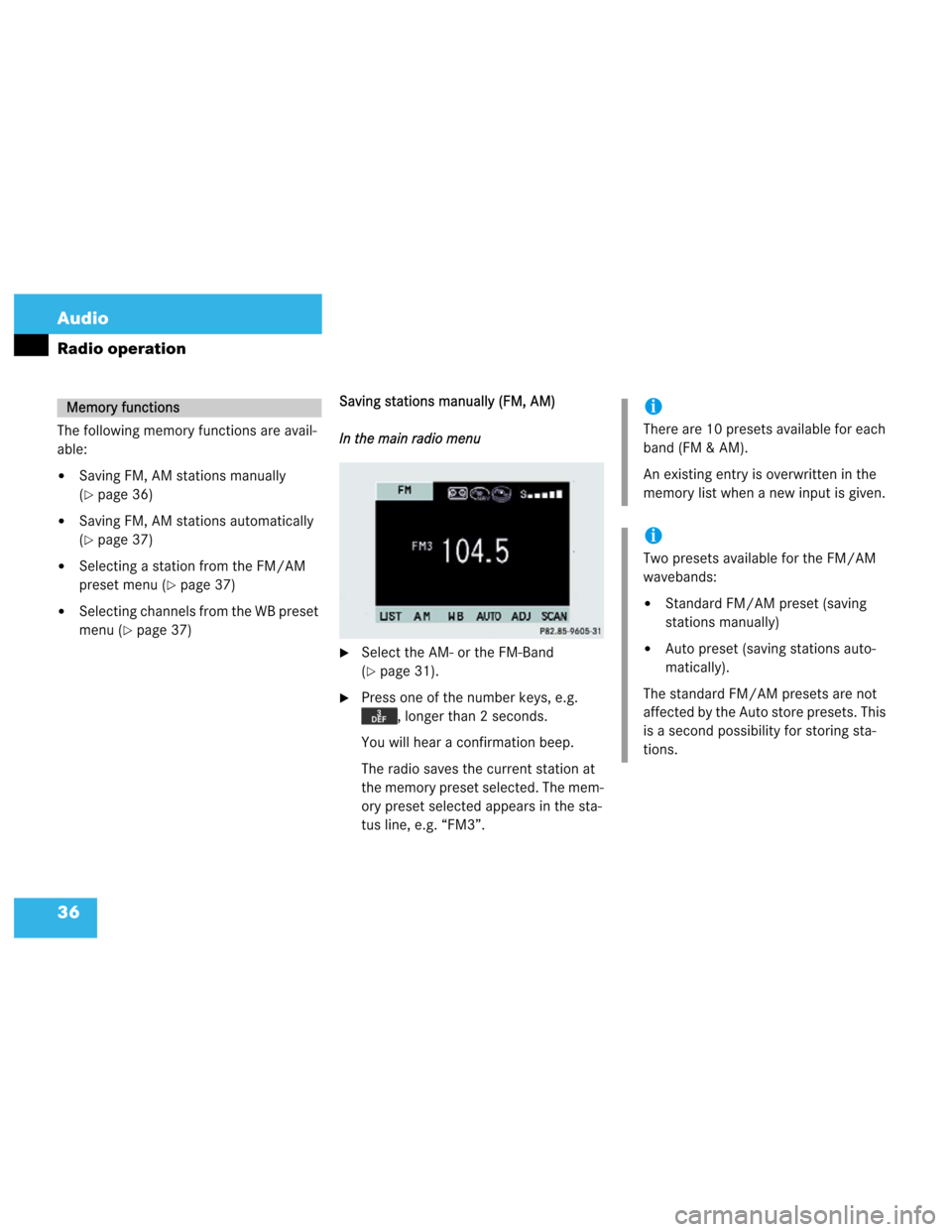
�page 37)Saving stations manually (FM, AM)
In the main radio menu
�Select the AM- or the FM-Band
(
�page 31).
�Press one of the number keys, e.g.
, longer than 2 seconds.
You will hear a confirmation beep.
The radio saves the current station at
the memory preset selected. The mem-
ory preset selected appears in the sta-
tus line, e.g. “FM3”.
Memory functionsi
There are 10 presets available for each
band (FM & AM).
An existing entry is overwritten in the
memory list when a new input is given.
i
Two presets available for the FM/AM
wavebands:
�Standard FM/AM preset (saving
stations manually)
�Auto preset (saving stations auto-
matically).
The standard FM/AM presets are not
affected by the Auto store presets. This
is a second possibility for storing sta-
tions.
Page 40 of 150
37 Audio
Radio operation
Saving (FM, AM) stations automatically
If the FM/AM main radio menu is dis-
played.
�Press the softkey “AUTO” for
longer than two seconds.
The radio stores the 10 strongest sta-
tions. The station frequencies available
will appear in the memory list.
While the stations are being stored
“AUTO STORE IN PROGRESS” ap-
pears in the display.Selecting a (FM, AM) station from the
preset menu
You can view the preset menu with all the
preset positions.
�To view the preset menu, press the
softkey “LIST”.
�To select a desired station, press one
of the number keys, e.g. .
�To exit the preset menu, press the soft-
key “FM” or “AM”.Return to the radio menu
�Press the softkey “LIST”.
Selecting channels from the WB preset
The WB menu is displayed:
�Press a number key from to
to select the desired weather
band.
Page 43 of 150
40 Audio
Tape operation
Inserting
�Press .
The control panel opens.
�Insert a cassette into the cassette com-
partment.
The control panel closes automatically
after a few seconds.
Make sure that the wider portion of the
tape faces right.Ejecting
�Press .
�Press to eject the cassette.
�Press .
The control panel closes. After the cas-
sette has been ejected, the MCS
switches to the last audio mode.
Inserting or ejecting a tapei
If a cassette is inserted, a cassette icon
will be displayed in the radio and CD
mode.
Page 47 of 150
44 Audio
Tape operation
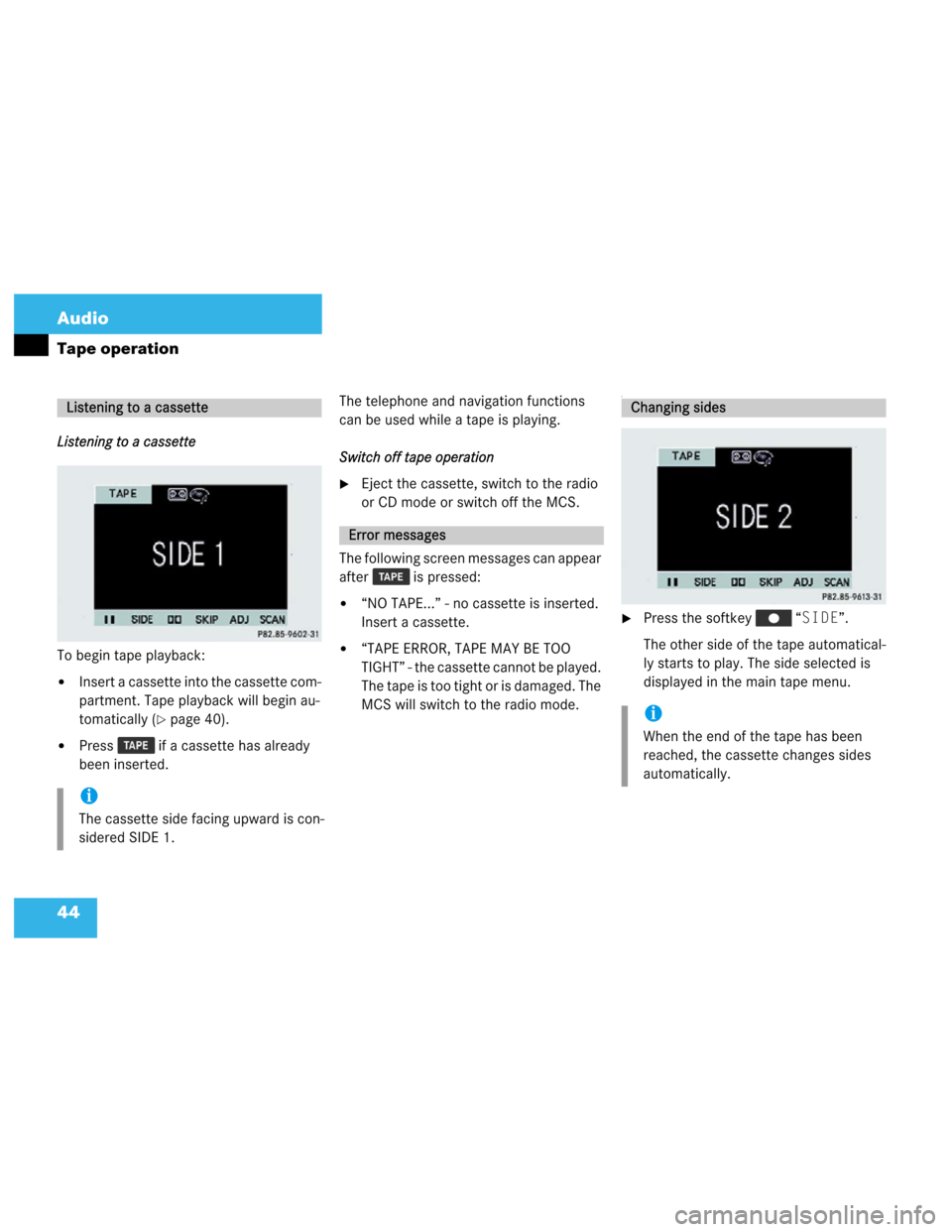
Listening to a cassette
To begin tape playback:
�Insert a cassette into the cassette com-
partment. Tape playback will begin au-
tomatically (
�page 40).
�Press if a cassette has already
been inserted.The telephone and navigation functions
can be used while a tape is playing.
Switch off tape operation
�Eject the cassette, switch to the radio
or CD mode or switch off the MCS.
The following screen messages can appear
after is pressed:
�“NO TAPE...” - no cassette is inserted.
Insert a cassette.
�“TAPE ERROR, TAPE MAY BE TOO
TIGHT” - the cassette cannot be played.
The tape is too tight or is damaged. The
MCS will switch to the radio mode.
I
�Press the softkey “SIDE”.
The other side of the tape automatical-
ly starts to play. The side selected is
displayed in the main tape menu.
Listening to a cassette
i
The cassette side facing upward is con-
sidered SIDE 1.
Error messages
Changing sides
i
When the end of the tape has been
reached, the cassette changes sides
automatically.
Page 54 of 150

51 Audio
CD operation
Inserting or ejecting a CD (Single CD play-
er*)
Inserting
�Press .
The control panel is lowered.
�Insert the CD into the CD slot with the
label side up. The CD will automatically
be fed into the CD player.
The control panel closes automatically
after a few seconds.Ejecting
�Press .
�Press to eject the CD.
�Press .
The control panel is raised. After the
CD has been ejected, the MCS will
switch to the last audio mode.
Inserting or ejecting a CD
i
If an audio CD is inserted, an audio CD
icon is displayed when in the radio
or tape mode.
i
If the control panel is in the down posi-
tion for more than 20 seconds, two suc-
cessive beeps will be heard.
This will continue at five second inter-
vals until the control panel is returned
to its normal position.
Press to return the control panel
to its closed position.
!
A lowered control panel can easily be
damaged. As soon as the CD is ejected,
close the control panel.
Do not place anything on the lowered
control panel.
i
If you do not remove an ejected CD, the
CD drive automatically retrieves it after
10 seconds.
The CD drive can read either
�Navigation DVDs or
�Audio CDs.


