Page 111 of 399
111 Controls in detail
Memory function
Storing parking position
For easier parking you can adjust the pas-
senger exterior rear view mirror so that you
can see the right rear wheel as soon as you
engage reverse gearR.
The exterior rear view mirror returns to its
previously stored driving position�
10 seconds after you put the gear se-
lector lever out of positionR
�
immediately once you exceed a speed
of approx. 6 mph (10 km/h)
�
immediately when you press the button
for the driver’s side mirror
You can store a parking position for the
passenger exterior rear view mirror for
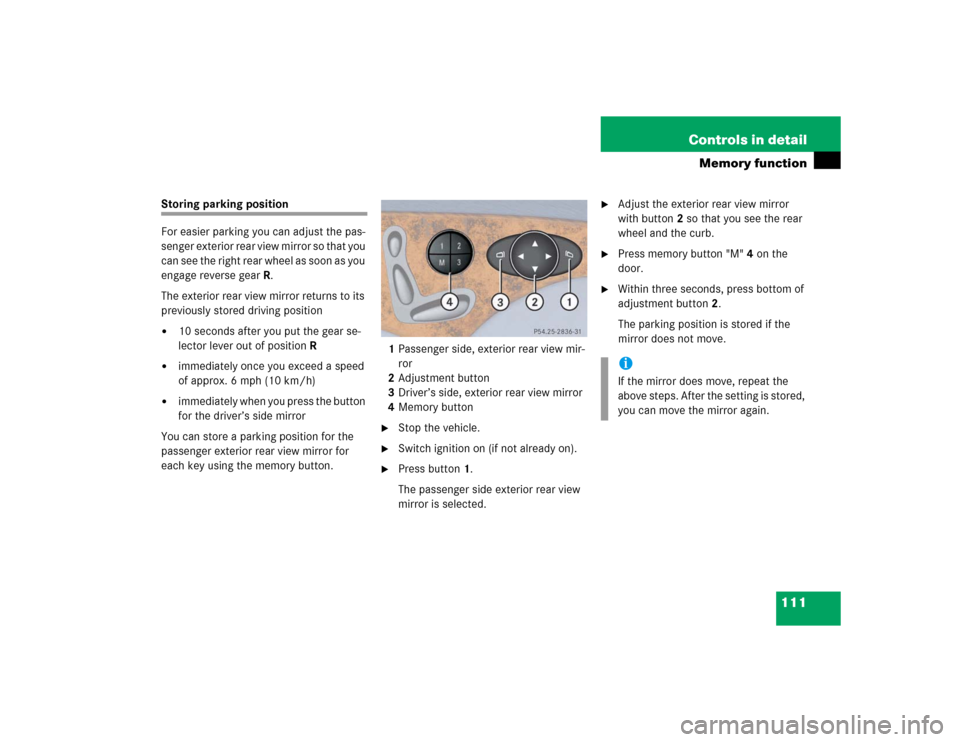
each key using the memory button.1Passenger side, exterior rear view mir-
ror
2Adjustment button
3Driver’s side, exterior rear view mirror
4Memory button
�
Stop the vehicle.
�
Switch ignition on (if not already on).
�
Press button1.
The passenger side exterior rear view
mirror is selected.
�
Adjust the exterior rear view mirror
with button2 so that you see the rear
wheel and the curb.
�
Press memory button "M" 4 on the
door.
�
Within three seconds, press bottom of
adjustment button2.
The parking position is stored if the
mirror does not move.iIf the mirror does move, repeat the
above steps. After the setting is stored,
you can move the mirror again.
Page 113 of 399

113 Controls in detail
Lighting
Manual headlamp mode
The low beam headlamps and parking
lamps can be switched on and off with the
exterior lamp switch (
�page 112).
Automatic headlamp mode
The parking lamps, low beam headlamps
and license plate lamps switch on and off
automatically depending on the brightness
of the ambient light.
�
Turn the exterior lamp switch to U.
Warning!
G
In automatic headlamp mode, the head-
lamps will not be automatically switched on
under foggy conditions. To minimize risk to
you and to others, activate headlamps by
turning exterior lamp switch to
B
.
The driver is responsible for the operation of
the vehicle’s lights at all times. The automat-
ic headlamp feature is only an aid to the driv-
er. Switch on the vehicle lights by hand
when driving or when traffic conditions re-
quire you to do so.
iWith the daytime running lamp mode
activated, the low beam headlamps will
not be switched off automatically.
iFront fog lamps and rear fog lamp can
not be switched on manually with exte-
rior lamp switch in positionU. To
activate the fog lamps, turn exterior
lamp switch to positionB.iIf you drive in countries where vehicles
drive on the other side of the road than
the country where the vehicle is regis-
tered, you must have the headlamps
modified for symmetrical low beams.
Relevant information can be obtained
at your authorized Mercedes-Benz Cen-
ter.
Page 114 of 399

114 Controls in detailLightingDaytime running lamp mode�
Turn exterior lamp switch to
positionM orU.
When the engine is running, the low beam
headlamps are automatically switched on.
In low ambient light conditions the parking
lamps will also switch on.
Canada only
When you shift from a driving position to
positionN orP, the low beam switches off
(with a three-minute delay).
For nighttime driving you should turn the
exterior lamp switch to positionB to
permit activation of the high beam head-
lamps.
USA only
The high beam headlamps can also be ac-
tivated when driving with the daytime run-
ning lamp mode activated and exterior
lamp switch in positionM.To activate the daytime running lamp
mode, see "Setting daytime running lamp
mode" (
�page 139).
Locator lighting and night security illu-
mination
Locator lighting and night security illumi-
nation are described in the control system
section under "Setting locator lighting"
(
�page 139) and "Setting night security il-
lumination" (
�page 140).
Switching on front fog lamps
�
Check that the low beam headlamps
are switched on.
�
Pull out exterior lamp switch to first
stop.
The green indicator lamp‡ in the
lamp switch lights up.Switching on rear fog lamp
�
Check that the low beam headlamps
are switched on.
�
Pull out e xt eri or la m p swi tc h to s ec ond
stop.
The yellow indicator lamp† in the
lamp switch lights up.
iSee notes on the exterior lamp switch
(�page 112).
iFog lamps will operate with the parking
lamps and/or the low beam headlamps
on. Fog lamps should only be used in
conjunction with low beam headlamps.
Consult your State or Province Motor
Vehicle Regulations regarding allow-
able lamp operation.
Page 116 of 399

116 Controls in detailLightingInterior lighting
The controls are located in the overhead
control panel.
1Switch for reading lamp, left
2Switch for rear compartment lighting
3Switch for automatic function
4Switch for interior lighting in front
5Switch for reading lamp, right
6Ambient lighting
7Interior lighting8Reading lamps
Activating automatic control
�
Press button3.
Interior lamps are switched on in dark-
ness, when�
unlocking the vehicle
�
opening a door
�
removing the SmartKey from the
starter switch
The interior lamps are switched off follow-
ing an adjustable time delay (
�page 141).Deactivating automatic control
�
Press button3.
The interior lighting remains switched
off, even when�
centrally unlocking the vehicle
�
opening a door
�
removing the SmartKey from the
starter switch
Manual control
Switching rear interior lights on and off
�
Press button2.
The lights in the rear passenger com-
partment go on.
�
Press button2 again.
The lights in the rear passenger com-
partment go out.
iIf the door remains open, the interior
lamps switch off automatically after ap-
proximately five minutes when the key
is removed or in starter switch
position0.
An interior lamp switched on manually
does not go out automatically.
Page 133 of 399
133 Controls in detail
Control system
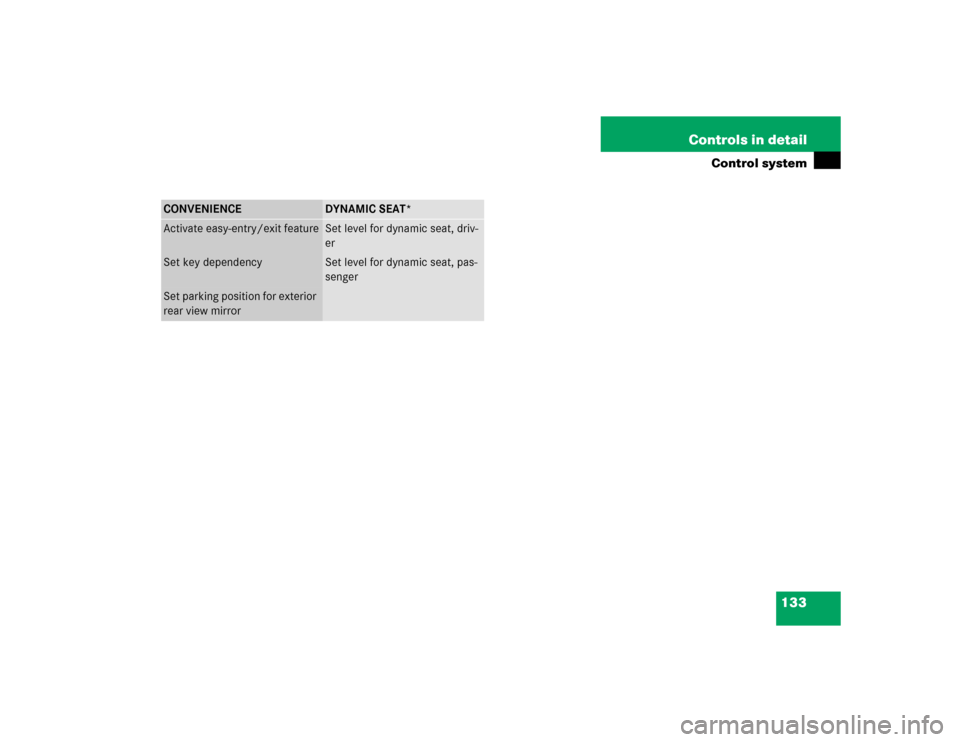
CONVENIENCE
DYNAMIC SEAT*
Activate easy-entry/exit feature
Set level for dynamic seat, driv-
er
Set key dependency
Set level for dynamic seat, pas-
senger
Set parking position for exterior
rear view mirror
Page 143 of 399
143 Controls in detail
Control system
Convenience submenu
Access the
Convenience
submenu via the
Settings
menu. Use the
Convenience
sub-
menu to change the settings for a number
of convenience features. The following
functions are available:
Activating easy-entry/exit feature*
Use this function to activate and deacti-
vate the easy-entry/exit feature. When the
feature is activated, the steering wheel and
driver’s seat will move back to facilitate ex-
iting when you
�
remove the key from the starter switch
�
open the driver’s door
However, the engine must be turned off.After entering the vehicle, the steering
wheel and seat will move into the position
stored in memory when
�
the driver’s door is closed
�
you put the key in the starter switch
�
you press the appropriate stored posi-
tion button on the memory switch
(�page 110).
�
Move the selection marker with
theæ orç button to
the
Convenience
submenu.
�
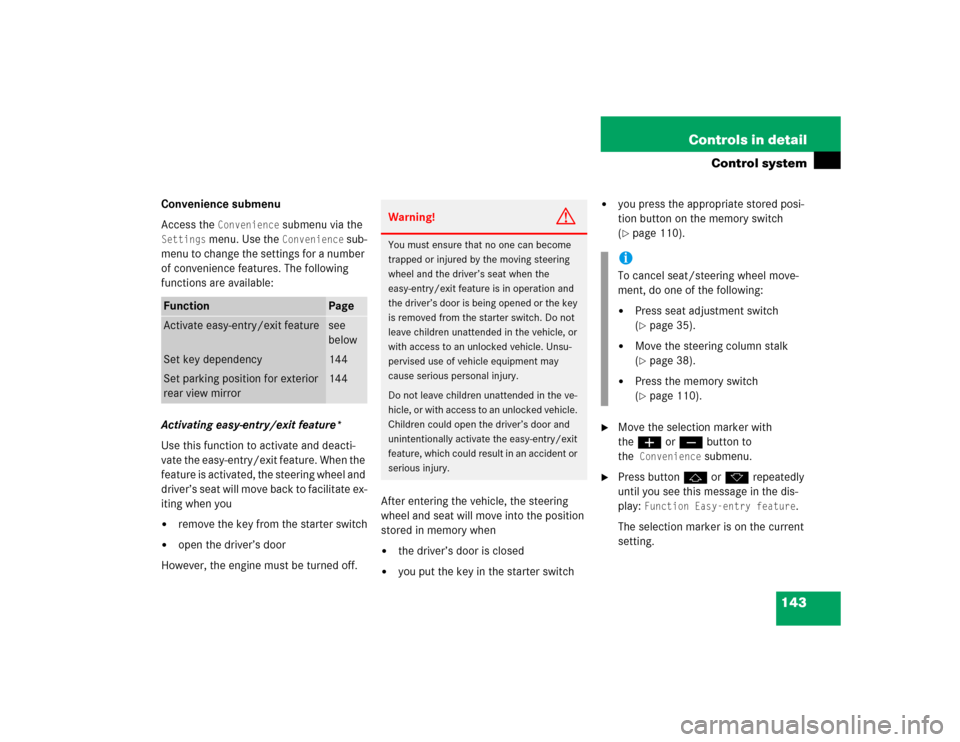
Press buttonj ork repeatedly
until you see this message in the dis-
play:
Function Easy-entry feature
.
The selection marker is on the current
setting.
Function
Page
Activate easy-entry/exit feature
see
below
Set key dependency
144
Set parking position for exterior
rear view mirror
144
Warning!
G
You must ensure that no one can become
trapped or injured by the moving steering
wheel and the driver’s seat when the
easy-entry/exit feature is in operation and
the driver’s door is being opened or the key
is removed from the starter switch. Do not
leave children unattended in the vehicle, or
with access to an unlocked vehicle. Unsu-
pervised use of vehicle equipment may
cause serious personal injury.
Do not leave children unattended in the ve-
hicle, or with access to an unlocked vehicle.
Children could open the driver’s door and
unintentionally activate the easy-entry/exit
feature, which could result in an accident or
serious injury.
iTo cancel seat/steering wheel move-
ment, do one of the following:�
Press seat adjustment switch
(�page 35).
�
Move the steering column stalk
(�page 38).
�
Press the memory switch
(�page 110).
Page 144 of 399
144 Controls in detailControl system�
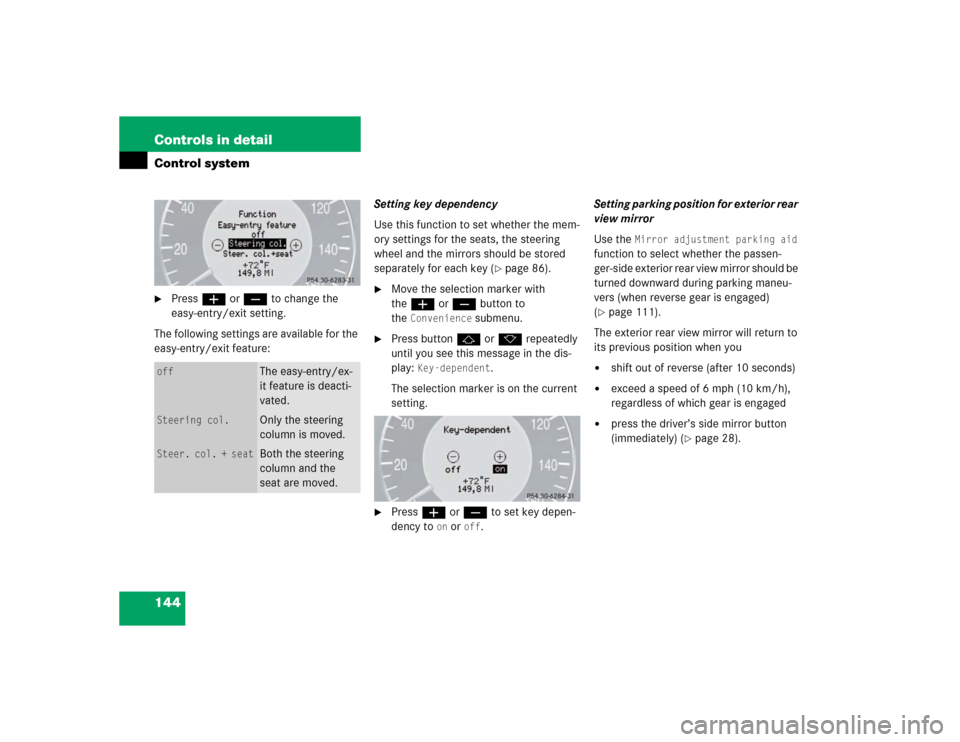
Pressæ orç to change the
easy-entry/exit setting.
The following settings are available for the
easy-entry/exit feature:Setting key dependency
Use this function to set whether the mem-
ory settings for the seats, the steering
wheel and the mirrors should be stored
separately for each key (
�page 86).
�
Move the selection marker with
theæ orç button to
the
Convenience
submenu.
�
Press buttonj ork repeatedly
until you see this message in the dis-
play:
Key-dependent
.
The selection marker is on the current
setting.
�
Pressæ orç to set key depen-
dency to
on or
off
. Setting parking position for exterior rear
view mirror
Use the
Mirror adjustment parking aid
function to select whether the passen-
ger-side exterior rear view mirror should be
turned downward during parking maneu-
vers (when reverse gear is engaged)
(
�page 111).
The exterior rear view mirror will return to
its previous position when you
�
shift out of reverse (after 10 seconds)
�
exceed a speed of 6 mph (10 km/h),
regardless of which gear is engaged
�
press the driver’s side mirror button
(immediately) (
�page 28).
off
The easy-entry/ex-
it feature is deacti-
vated.
Steering col.
Only the steering
column is moved.
Steer. col. + seat
Both the steering
column and the
seat are moved.
Page 157 of 399

157 Controls in detail
Good visibility
Good visibility
Information on the windshield wipers
(�page 47) and for setting the rear view
mirrors (
�page 38) is found in the "Get-
ting started" section.
Rear view mirror
Automatic antiglare rear view mirror
The reflection brightness of the exterior
rear view mirror on the driver’s side and
the inside rear view mirror will respond au-
tomatically to glare when:�
the ignition is switched on, and
�
incoming light from headlamps falls on
the sensor in the inside rear view mir-
rorThe rear view mirror will not react if
�
reverse gear is engaged
�
the interior lighting is turned onWarning!
G
The automatic antiglare function does not
react if incoming light is not aimed directly
at sensors in the inside rear view mirror.
The inside rear view mirror and the exterior
rear view mirror on the driver’s side do not
react.
Glare can endanger you and others.Warning!
G
In the case of an accident liquid electrolyte
may escape from the mirror housing if the
mirror glass breaks.
Electrolyte has an irritating effect. Do not al-
low the liquid to come into contact with
eyes, skin, clothing, or respiratory system.
In case it does, immediately flush affected
area with water, and seek medical help if
necessary.Warning!
G
Exercise care when using the passenger
side exterior rear view mirror. The mirror
surface is convex (outwardly curved surface
for a wider field of view). Objects in mirror
are closer than they appear. Check your in-
side rear view mirror or glance over your
shoulder before changing lanes.!Electrolyte drops coming into contact
with the vehicle paint finish can be
completely removed only while in the
liquid state by applying plenty of water.