Page 109 of 288
Illuminated entry
The interior lamps illuminate when the remote entry system is used to
unlock the door(s).
The system automatically turns off after 25 seconds or when the ignition
is turned to the ON or ACC position. The dome lamp control (if
equipped) mustnotbe set to the OFF position for the illuminated entry
system to operate.
The inside lights will not turn off if:
•they have been turned on with the dimmer control, or
•any door is open.
The battery saver will shut off the interior lamps 10 minutes after the
ignition has been turned to the OFF position.
Smart unlocking feature
The smart unlocking feature prevents you from locking yourself out of
the vehicle by unlocking the doors if the key is in the ignition and the
driver’s door is open/ajar when the vehicle doors were locked using the
power lock/unlock control.
The smart unlocking feature operates independent of the position of the
ignition.
Autolocking feature
The autolocking feature locks all vehicle doors when the following
conditions are met:
•All doors, including the liftgate, are closed.
•The brake is pressed while the ignition is in the RUN position.
•The transmission is in either a forward or reverse gear.
•The vehicle has a speed of 8 km/h (5 mph) or greater.
This feature relocks all doors if any door is opened, the brake is pressed
after all doors are closed again and the vehicle has a speed of 8 km/h (5
mph) or greater.
Deactivating/activating the autolock feature
The autolock feature may be deactivated/activated by selecting the
autolock function (accessed by pressing the SETUP control). Press the
RESET control to turn the autolock function ON or OFF. Refer to
Message centerin theDriver controlschapter for additional
information.
Locks and Security
109
Page 112 of 288
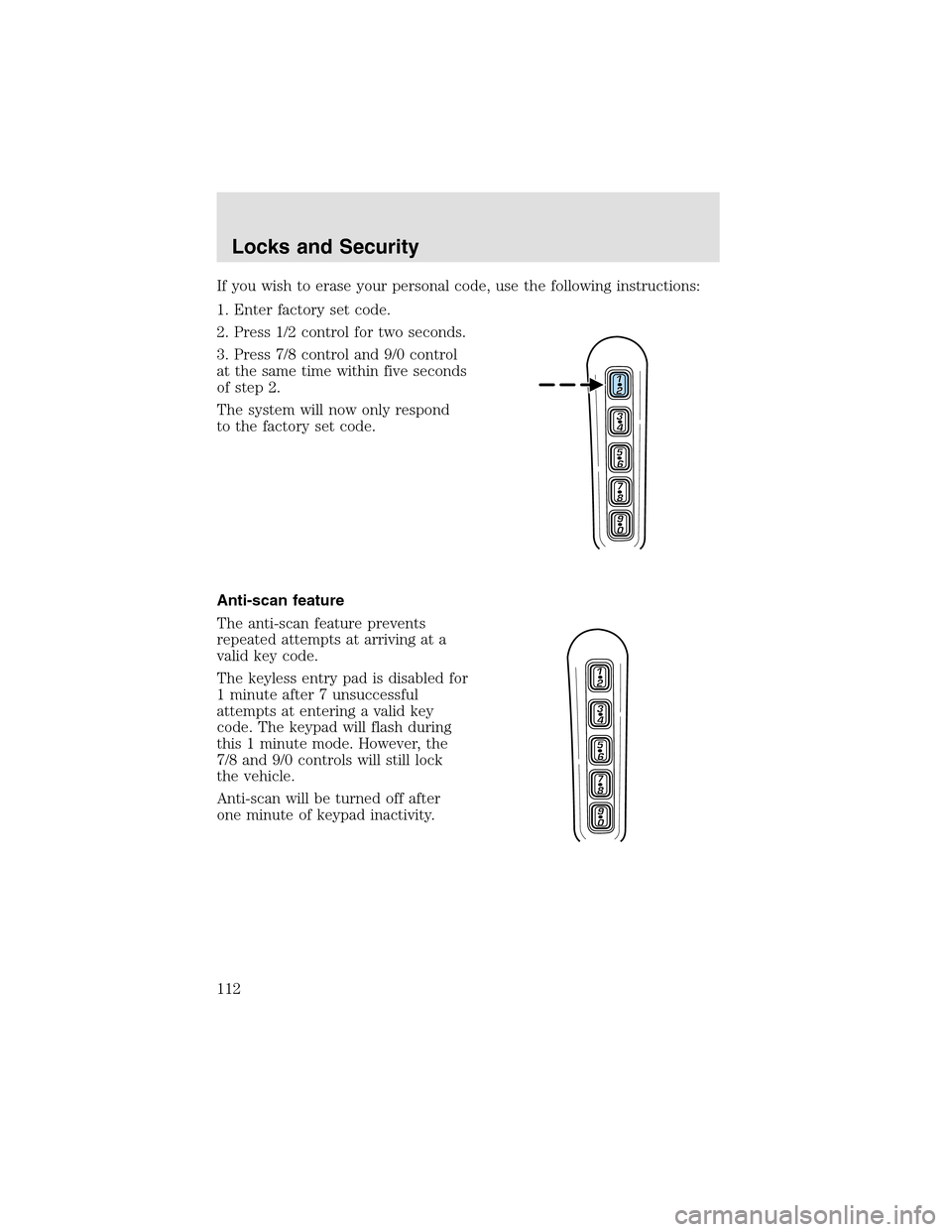
If you wish to erase your personal code, use the following instructions:
1. Enter factory set code.
2. Press 1/2 control for two seconds.
3. Press 7/8 control and 9/0 control
at the same time within five seconds
of step2.
The system will now only respond
to the factory set code.
Anti-scan feature
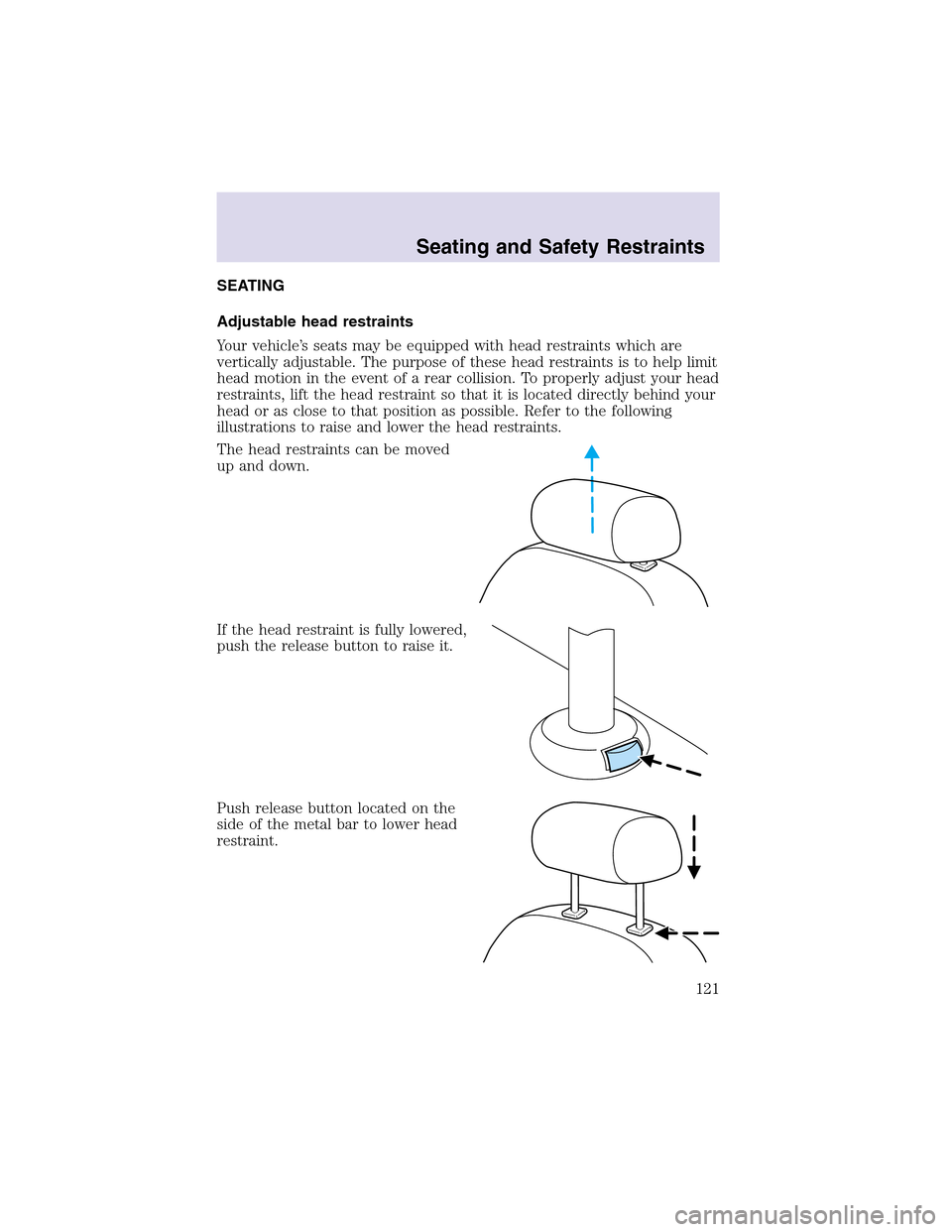
The anti-scan feature prevents
repeated attempts at arriving at a
valid key code.
The keyless entry pad is disabled for
1 minute after 7 unsuccessful
attempts at entering a valid key
code. The keypad will flash during
this 1 minute mode. However, the
7/8 and 9/0 controls will still lock
the vehicle.
Anti-scan will be turned off after
one minute of keypad inactivity.
Locks and Security
112
Page 114 of 288
Activating/deactivating autolock with the keyless entry system
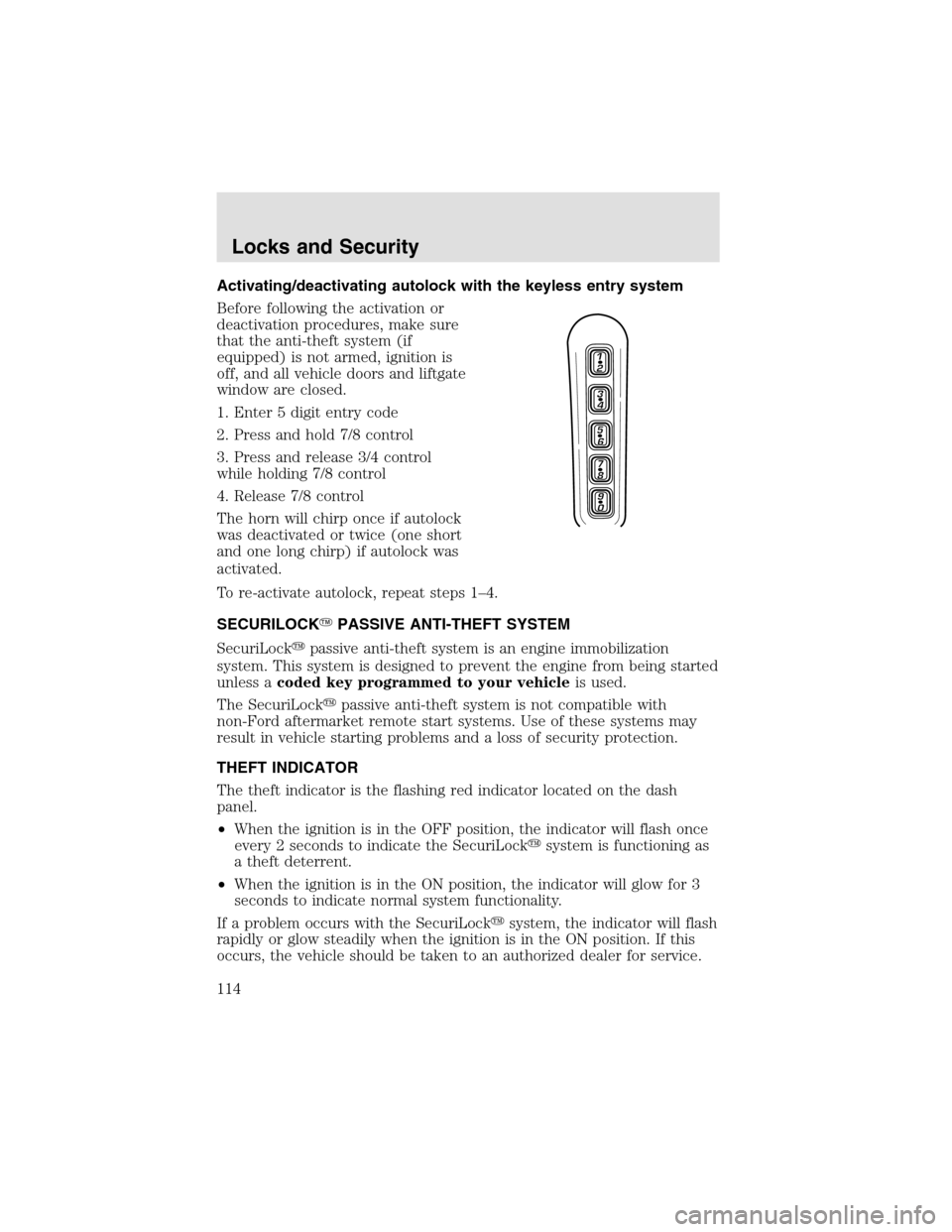
Before following the activation or
deactivation procedures, make sure
that the anti-theft system (if
equipped) is not armed, ignition is
off, and all vehicle doors and liftgate
window are closed.
1. Enter 5 digit entry code
2. Press and hold 7/8 control
3. Press and release 3/4 control
while holding 7/8 control
4. Release 7/8 control
The horn will chirponce if autolock
was deactivated or twice (one short
and one long chirp) if autolock was
activated.
To re-activate autolock, repeat steps 1–4.
SECURILOCK�PASSIVE ANTI-THEFT SYSTEM
SecuriLock�passive anti-theft system is an engine immobilization
system. This system is designed to prevent the engine from being started
unless acoded key programmed to your vehicleis used.
The SecuriLock�passive anti-theft system is not compatible with
non-Ford aftermarket remote start systems. Use of these systems may
result in vehicle starting problems and a loss of security protection.
THEFT INDICATOR
The theft indicator is the flashing red indicator located on the dash
panel.
•When the ignition is in the OFF position, the indicator will flash once
every 2 seconds to indicate the SecuriLock�system is functioning as
a theft deterrent.
•When the ignition is in the ON position, the indicator will glow for 3
seconds to indicate normal system functionality.
If a problem occurs with the SecuriLock�system, the indicator will flash
rapidly or glow steadily when the ignition is in the ON position. If this
occurs, the vehicle should be taken to an authorized dealer for service.
Locks and Security
114
Page 115 of 288

Automatic arming
The vehicle is armed immediately
after switching the ignition to the 1
(OFF) position. The
THEFT
indicator will flash every two
seconds.
Automatic disarming
Switching the ignition to the 3 (ON) position with acoded keydisarms
the vehicle. The
THEFTindicator will illuminate for three seconds and
then go out. If the
THEFTindicator stays on for an extended period of
time or flashes rapidly, have the system serviced by your dealership or a
qualified technician.
Key information
Your vehicle is supplied withtwo coded keys.Only acoded keywill
start your vehicle. Spare coded keys can be purchased from your
dealership. Your dealership can program your key or you can “do it
yourself.” Refer toProgramming spare keys.
The following items may prevent the vehicle from starting:
•Large metallic objects
•Electronic devices on the key chain that can be used to purchase
gasoline or similar items
•A second key on the same key ring as thecoded key
If any of these items are present, you need to keep these objects from
touching thecoded keywhile starting the engine. These objects and
devices cannot damage thecoded key,but can cause a momentary “no
start” condition if they are too close to the key during engine start. If a
problem occurs, turn ignition OFF and restart the engine with all other
objects on the key ring held away from the ignition key. Check to make
sure thecoded keyis an approved Lincolncoded key.
If your keys are lost or stolen you will need to do the following:
•Use your spare key to start the vehicle, or
•Have your vehicle towed to a dealershipor a locksmith. The key codes
will need to be erased from your vehicle and new key codes will need
to be re-coded.
4
3
2
1
Locks and Security
115
Page 116 of 288
Replacing coded keys can be very costly and you may want to store an
extra programmed key away from the vehicle in a safe place to prevent
an unforeseen inconvenience.
The correctcoded keymust be used for your vehicle. The use of the
wrong type ofcoded keymay lead to a “no start” condition.
If an unprogrammed key is used in the ignition it will cause a “no
start” condition.
Programming spare keys
A maximum of eight keys can be coded to your vehicle. Only
SecuriLock�keys can be used. To program acoded keyyourself, you
will need two previously programmedcoded keys(keys that already
operate your vehicle’s engine) and the new unprogrammed key(s) readily
accessible for timely implementation of each step in the procedure.
If two previously programmed coded keys are not available, you must
bring your vehicle to your dealershipto have the spare coded key(s)
programmed.
Please read and understand the entire procedure before you begin.
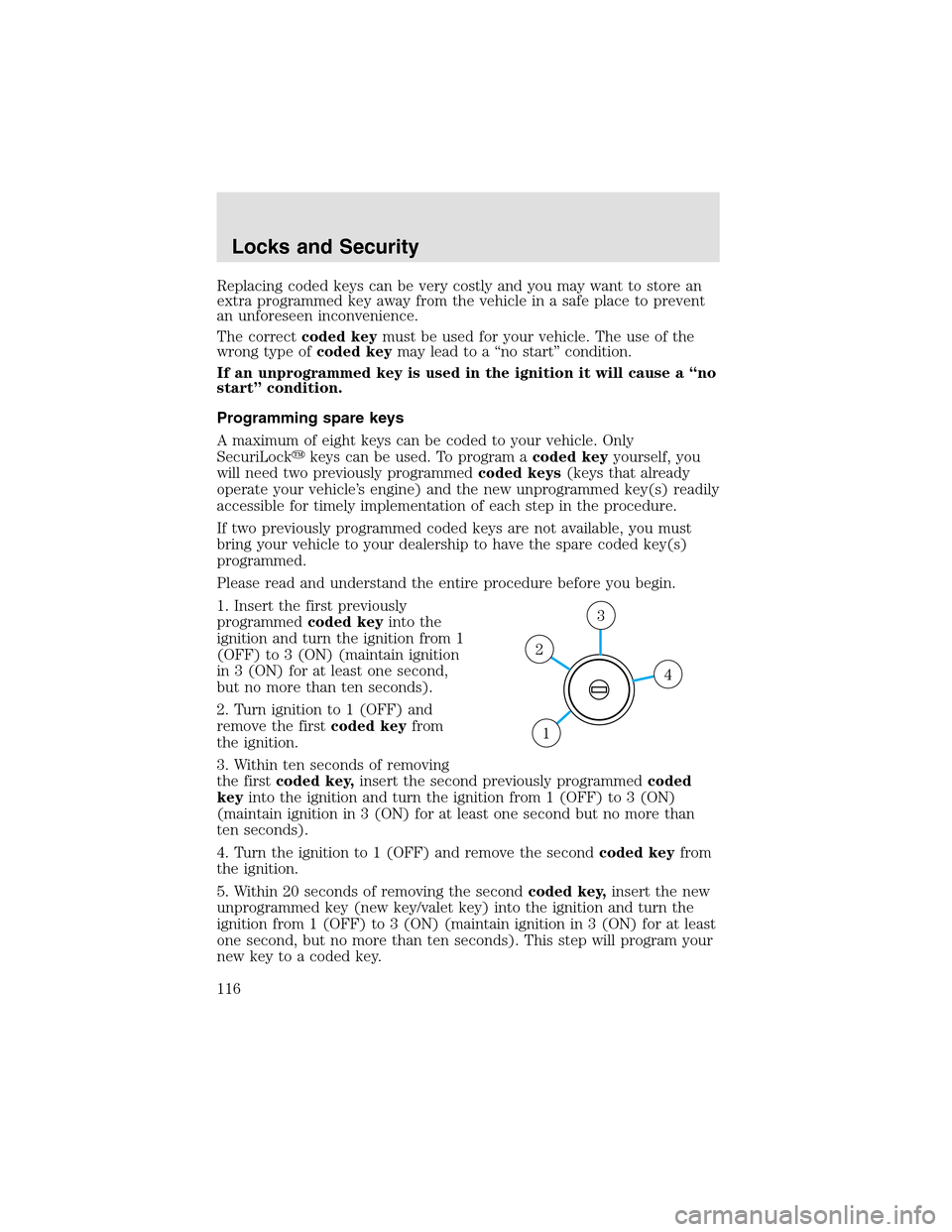
1. Insert the first previously
programmedcoded keyinto the
ignition and turn the ignition from 1
(OFF) to 3 (ON) (maintain ignition
in 3 (ON) for at least one second,
but no more than ten seconds).
2. Turn ignition to 1 (OFF) and
remove the firstcoded keyfrom
the ignition.
3. Within ten seconds of removing
the firstcoded key,insert the second previously programmedcoded
keyinto the ignition and turn the ignition from 1 (OFF) to 3 (ON)
(maintain ignition in 3 (ON) for at least one second but no more than
ten seconds).
4. Turn the ignition to 1 (OFF) and remove the secondcoded keyfrom
the ignition.
5. Within 20 seconds of removing the secondcoded key,insert the new
unprogrammed key (new key/valet key) into the ignition and turn the
ignition from 1 (OFF) to 3 (ON) (maintain ignition in 3 (ON) for at least
one second, but no more than ten seconds). This stepwill program your
new key to a coded key.
4
3
2
1
Locks and Security
116
Page 117 of 288
6. To program additional new unprogrammed key(s), repeat this
procedure from step 1.
If successful, the new coded key(s) will start the vehicle’s engine and the
theft indicator will illuminate for three seconds and then go out.
If not successful, the new coded key(s) will not start the vehicle’s engine
and the theft indicator will flash on and off and you may repeat steps 1
through 5. If failure repeats, bring your vehicle to your dealership to
have the new spare key(s) programmed.
PERIMETER ALARM SYSTEM
The perimeter anti-theft system will help prevent your vehicle from
unauthorized entry.
If there is any potential perimeter anti-theft problem with your vehicle,
ensureALL remote entry transmittersare brought to the dealership,
to aid in troubleshooting.
Arming the system
When armed, this system will helpprotect your vehicle from
unauthorized entry. When unauthorized entry occurs, the system will
flash the headlamps and/or parking lamps, and will chirp the horn.
The system is ready to arm whenever the key is removed from the
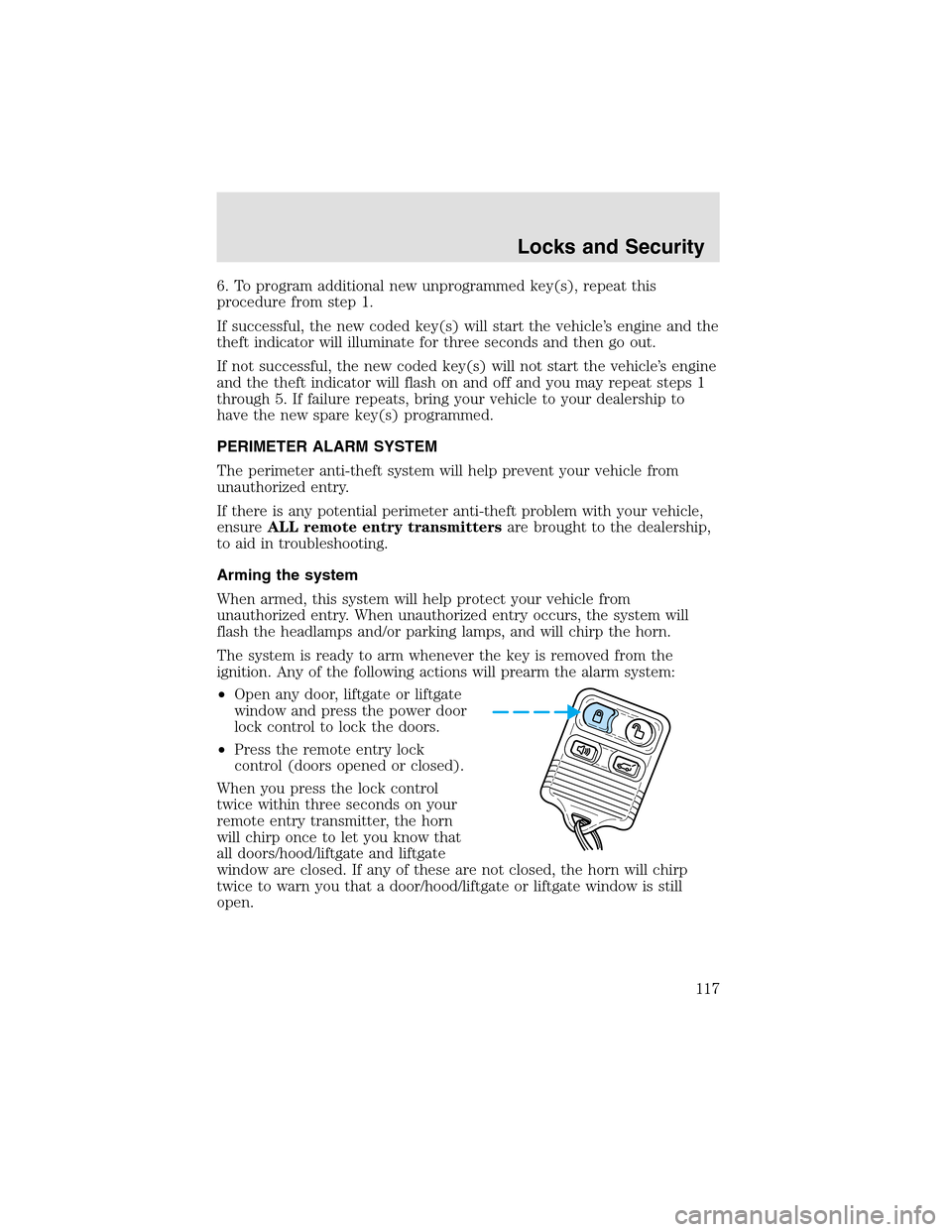
ignition. Any of the following actions will prearm the alarm system:
•Open any door, liftgate or liftgate
window and press the power door
lock control to lock the doors.
•Press the remote entry lock
control (doors opened or closed).
When you press the lock control
twice within three seconds on your
remote entry transmitter, the horn
will chirponce to let you know that
all doors/hood/liftgate and liftgate
window are closed. If any of these are not closed, the horn will chirp
twice to warn you that a door/hood/liftgate or liftgate window is still
open.
Locks and Security
117
Page 121 of 288
SEATING
Adjustable head restraints
Your vehicle’s seats may be equipped with head restraints which are
vertically adjustable. The purpose of these head restraints is to help limit
head motion in the event of a rear collision. To properly adjust your head
restraints, lift the head restraint so that it is located directly behind your
head or as close to that position as possible. Refer to the following
illustrations to raise and lower the head restraints.
The head restraints can be moved
upand down.
If the head restraint is fully lowered,
push the release button to raise it.
Push release button located on the
side of the metal bar to lower head
restraint.
Seating and Safety Restraints
121
Page 122 of 288
Using the power lumbar support
The power lumbar control is located
on the door panel.
Press one side of the control to
adjust firmness.
Press the other side of the control to adjust softness.
Using the manual recline function
Never adjust the driver’s seat or seatback when the vehicle is
moving.
Do not pile cargo higher than the seatbacks to avoid injuring
people in a collision or sudden stop.
The driver and passenger seat must be in the upright position
and the lapbelt must be snug and low across the hips while the
vehicle is moving.
Reclining the seatback can cause an occupant to slide under the
seat’s safety belt, resulting in severe personal injuries in the
event of a collision.
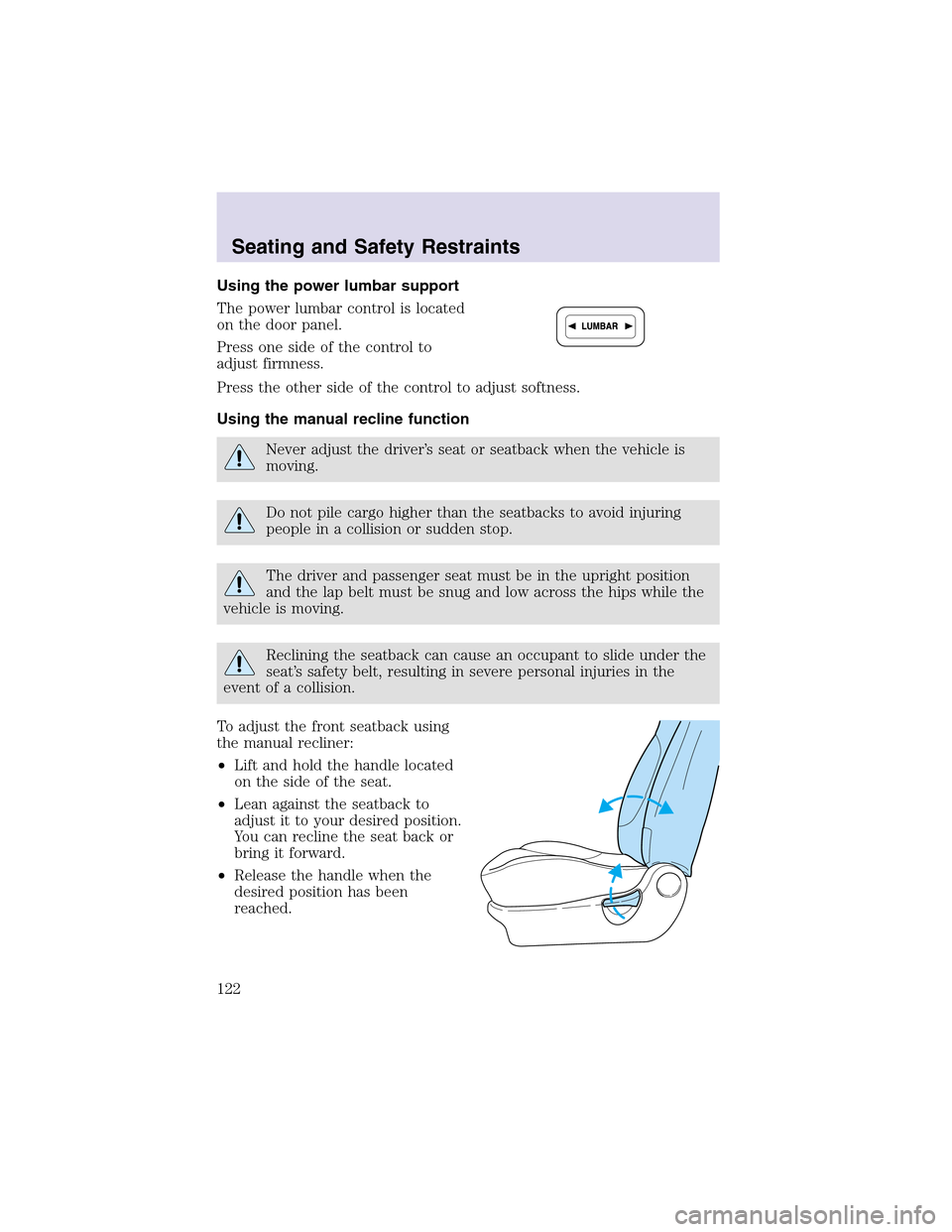
To adjust the front seatback using
the manual recliner:
•Lift and hold the handle located
on the side of the seat.
•Lean against the seatback to
adjust it to your desired position.
You can recline the seat back or
bring it forward.
•Release the handle when the
desired position has been
reached.
Seating and Safety Restraints
122