2003 GMC SIERRA DENALI warning light
[x] Cancel search: warning lightPage 166 of 428
A reading in the low pressure zone may be caused by a
dangerously low oil level or some other problem
causing
low oil pressure. Check your oil as soon as
possible. See
DIC Warnings and Messages on
page 3-53
and ‘vgine Oil on page 5-13.
Don’t keep driving if the oil pressure is low. If
you do, your engine can become
so hot that it
catches fire. You or others could be burned.
Check your oil as soon as possible and have
your vehicle serviced.
Notice: Damage to your engine from neglected oil
problems can be costly and is not covered by
your warranty.
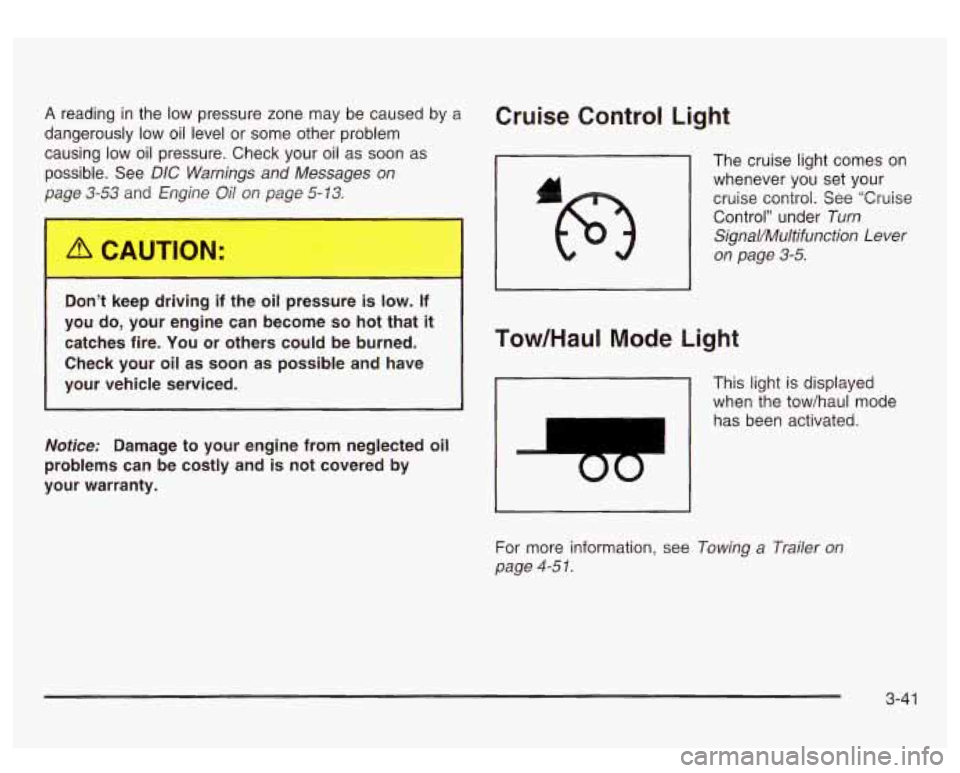
Cruise Control Light
The cruise light comes on
whenever you set your
cruise control. See “Cruise
Control” under
Turn
SignaVMultifunction Lever
on page 3-5.
Tow/HauI Mode Light
This light is displayed
when the tow/haul mode
has been activated.
For more information, see
Towing a Trailer on
page 4-5
I.
3-41
Page 167 of 428
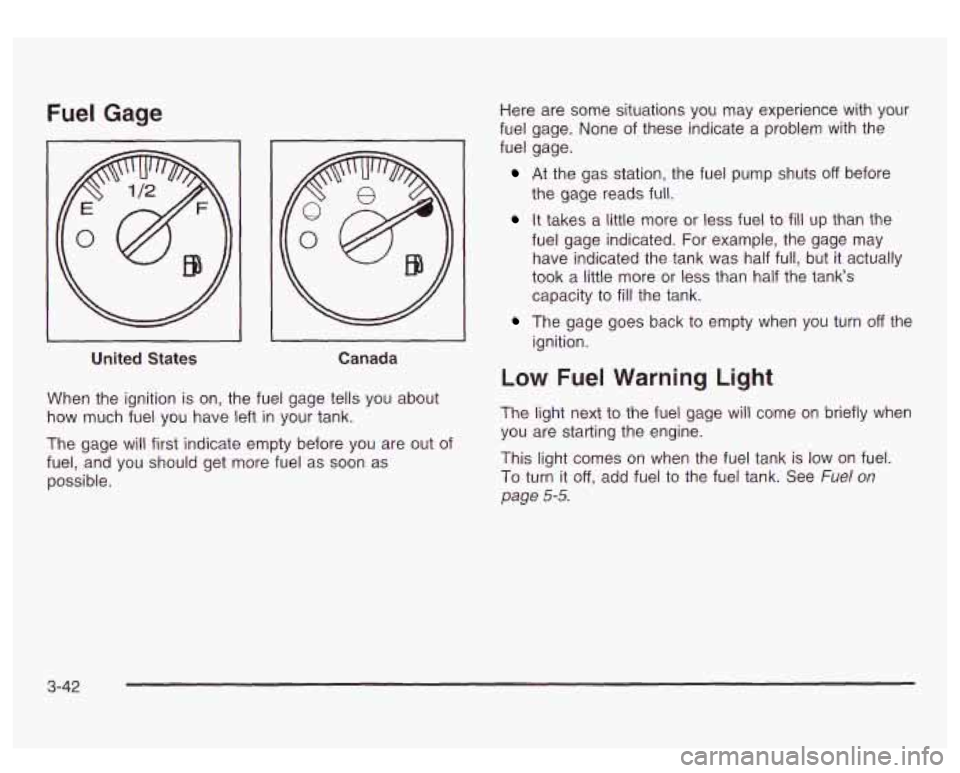
Fuel Gage
I
United States Canada
When the ignition is on, the fuel gage tells you about
how much fuel you have left
in your tank.
The gage will first indicate empty before you are out of
fuel, and you should get more fuel as
soon as
possible. Here
are some situations you may experience with your
fuel gage. None of these indicate a problem with the
fuel gage.
At the gas station, the fuel pump shuts off before
the gage reads full.
It takes a little more or less fuel to fill up than the
fuel gage indicated. For example, the gage may
have indicated the tank was half full, but it actually
took
a little more or less than half the tank's
capacity to
fill the tank.
ignition.
The gage goes back to empty when you turn off the
Low Fuel Warning Light
The light next to the fuel gage will come on briefly when
you are starting the engine.
This light comes on when the fuel tank is low
on fuel.
To turn it
off, add fuel to the fuel tank. See Fuel on
page 5-5.
3-42
Page 172 of 428

Personalization Button
You can program certain features to a preferred setting
for up to two people. Press the personalization button
to scroll through the following personalization features.
All of the personalization options may not be available
on your vehicle. only the options available will be
displayed on your DIC.
If your vehicle is not equipped with the DIC steering
wheel buttons you will not have any of these
personalization options except for DISPLAY LANGUAGE. See DISPLAY LANGUAGE later in this
section for more information.
ALARM WARNING TYPE
AUTOMATIC LOCKING
0 AUTOMATIC UNLOCKING
SEAT POSITION RECALL
PERIMETER LIGHTING
REMOTE LOCK FEEDBACK
REMOTE UNLOCK FEEDBACK
HEADLAMPS ON AT EXIT
CURB VIEW ASSIST
EASY EXIT SEAT
DISPLAY UNITS (E/M)
DISPLAY LANGUAGE The driver’s
preferences are recalled by pressing the
unlock button on the remote keyless entry transmitter or
by pressing the appropriate memory button
1 or 2
located on the driver’s door.
Alarm Warning Type
Press the personalization button until ALARM
WARNING TYPE appears in the display. To select your
personalization for alarm warning type, press the
select button while ALARM WARNING TYPE is
displayed on the DIC. Pressing the select button will
scroll through the following choices:
ALARM WARNING: BOTH
(default): The headlamps
will flash and the horn will chirp when the alarm is
active.
ALARM WARNING:
OFF: There will be no alarm
warning on activation.
ALARM WARNING: HORN: The horn will chirp when
the alarm is active.
ALARM WARNING: LAMPS: The headlamps will flash
when the alarm is active.
Choose one of the four options and press the
personalization button while it is displayed on the DIC to
select it and move on to the next feature. For more
information on alarm warning type, see
Content
Theft-Deterrent
on page 2- 13.
3-47
Page 180 of 428
SERVICE AIRBAG
If there is a problem with the air bag system, this
message will be displayed on the
DIC. Have a qualified
technician inspect the system for problems. Pressing
the select button will acknowledge this message
and clear it from the
DIC display.
SERVICE BRAKE SYSTEM
If there is a problem with the brake system, this
message will be displayed on the
DIC. If this message
appears, stop as soon as possible and turn
off the
vehicle. Restart the vehicle and check for the message
on the
DIC display. If the message is still displayed,
or appears again when you begin driving, the brake
system needs service.
SERVICE BRAKE BOOSTER
If your vehicle has vaccum assist power brakes, this
message will be displayed on the
DIC when there is a
problem with the Supplemental Brake Assist system.
If the message is displayed immediately after starting
the vehicle or the message appears while driving,
your Supplemental Brake Assist system needs service.
See
Brake System Warning Light on page 3-34.
Your brake system may not be working
properly if the SERVICE BRAKE BOOSTER
message is displayed.
If the brake system warning light is also on,
you should have the vehicle towed for service. See “Brake System Warning Light”
in the
Index.
If the brake system warning light
isn’t on, you
still have brakes, but the supplemental brake
assist system may not operate properly.
In the
event of a vacuum
loss, you may not have
vacuum power assist for braking. The brake pedal will
be harder to push and it will take
longer to stop.
If you continue to drive with
this message displayed it can lead to a crash.
Have the brake system serviced as soon as
possible.
3-55
Page 182 of 428
REDUCED BRAKE POWER
If your vehicle has vacuum assist power brakes, this
message will be displayed and you may notice that the
brake pedal is harder to push and it will take longer
to stop. You may also hear a motor running and feel a
slight vibration in the brake pedal or steering wheel
when you apply or release the brake pedal even
if your
foot is not on the brake pedal. This indicates that the
Supplemental Brake Assist system is working to
maintain braking power.
If you are braking lightly, you
may not notice any difference in the operation
of
your brakes.
This message may also be displayed for brief periods
if
you are driving at higher elevations and are pumping
your brakes or braking hard. The message may
clear after you’ve lifted your foot from the accelerator
pedal an allowed the vehicle to coast
in gear or after you
have driven down to a lower elevation. This is a
normal operation of your brake system and does not
require that the brake system be serviced. However,
if
the message does not clear, your brake system
needs service. While the message is displayed you will
notice that the brake pedal is harder to push and
it
will take longer to stop. See Brake System Warning
Light
on page 3-34.
Your brake system may not be working
properly if the REDUCED BRAKE POWER
message is displayed. If this message comes
on and stays on while driving, pull
off the road
and stop carefully. The brake pedal will be
harder to push and
it will take longer to stop.
If the message is no longer displayed after you
have pulled
off the road and stopped, you can
continue driving.
However, if the message is still displayed, or if
it comes on again when you are driving, there
is a problem with your brake system. If you
continue to drive with this message displayed
it can lead to an accident. You should have the
vehicle towed for service. Also, see Brake
System Warning Light in the Index.
3-57
Page 216 of 428
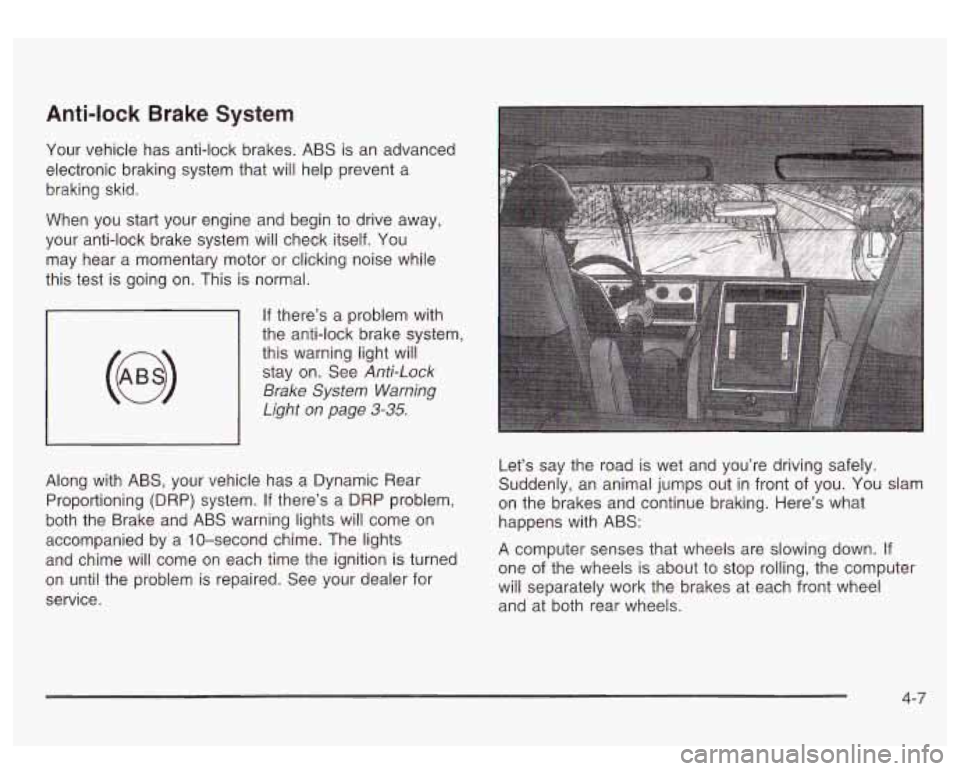
Anti-lock Brake System
Your vehicle has anti-lock brakes. ABS is an advanced
electronic braking system that will help prevent a
braking skid.
When you start your engine and begin to drive away,
your anti-lock brake system will check itself. You
may hear a momentary motor or clicking noise while
this test is going on. This is normal.
If there’s a problem with
the anti-lock brake system,
this warning light will stay on. See
Anti-Lock
Brake
System Warning
Light on page
3-35.
Along with ABS, your vehicle has a Dynamic Rear
Proportioning (DRP) system.
If there’s a DRP problem,
both the Brake and ABS warning lights will come on
accompanied by a 10-second chime. The lights
and chime will come on each time the ignition is turned
on until the problem
is repaired. See your dealer for
service. Let’s
say the road is wet and you’re driving safely.
Suddenly, an animal jumps out in front of you.
You slam
on the brakes and continue braking. Here’s what
happens with ABS:
A computer senses that wheels are slowing down.
If
one of the wheels is about to stop rolling, the computer
will separately work the brakes at each front wheel
and at both rear wheels.
4-7
Page 241 of 428
Hydroplaning
Hydroplaning is dangerous. So much water can build up
under your tires that they can actually ride on the
water. This can happen
if the road is wet enough and
you’re going fast enough. When your vehicle is
hydroplaning, it has little or no contact with the road.
Hydroplaning doesn’t happen often. But it can
if
your tires do not have much tread or if the pressure in
one or more is low. It can happen
if a lot of water is
standing on the road. If you can see reflections
from trees, telephone poles or other vehicles, and
raindrops “dimple” the water’s surface, there could be
hydroplaning.
Hydroplaning usually happens at higher speeds. There
just isn’t a hard and fast rule about hydroplaning.
The best advice is to slow down when it is raining.
Driving Through Deep Standing Water
Notice: If you drive too quickly through deep
puddles or standing water, water can come in
through your engine’s air intake and badly damage your engine. Never drive through water that is
slightly lower than the underbody
of your vehicle. If
you can’t avoid deep puddles or standing water,
drive through them very slowly.
Driving Through Flowhg W=+er
--m
Flowing or rushing water creates strong forces.
If you try to drive through flowing water, as you
might at a low water crossing, your vehicle can
be carried away.
As little as six inches of
flowing water can carry away
a smaller vehicle.
If this happens, you and other vehicle
occupants could drown. Don’t ignore police
warning signs, and otherwise be very cautious
about trying to drive through flowing water.
Some Other Rainy Weather Tips
Turn on your low-beam headlamps - not just your
parking lamps
- to help make you more visible to
others.
Besides slowing down, allow some extra following
distance. And be especially careful when you
pass another vehicle. Allow yourself more clear
room ahead, and be prepared to have your
view restricted by road spray.
Have good tires with proper tread depth. See
Tires
on page 5-6 I.
4-33
Page 242 of 428
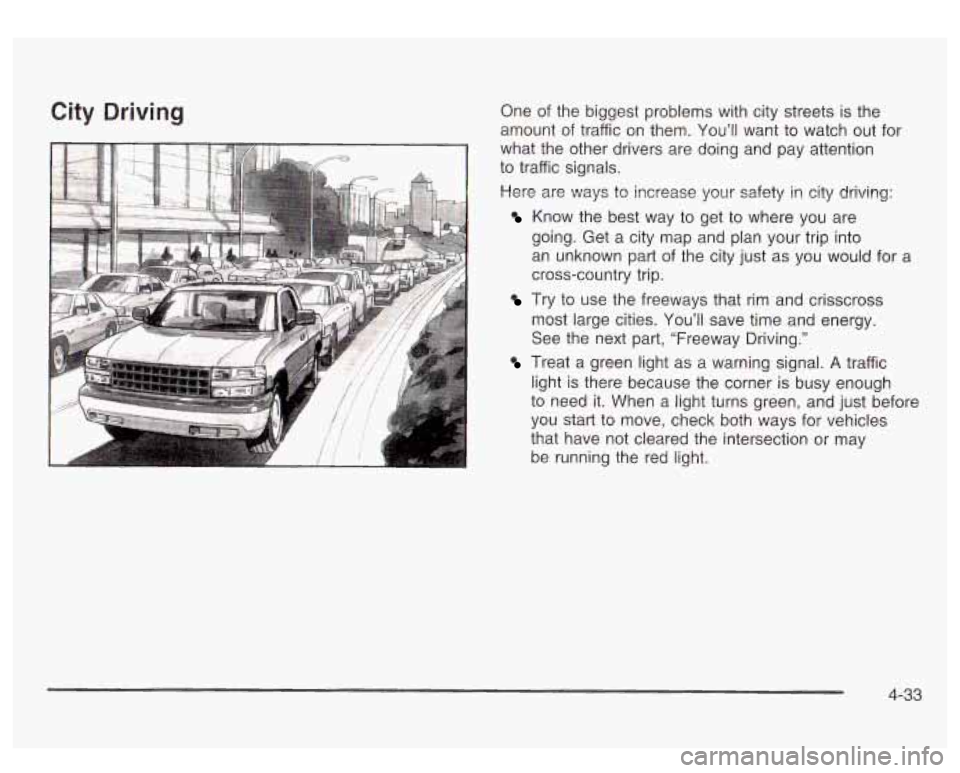
City Driving One of the biggest problems with city streets is the
amount of traffic on them. You’ll want to watch out for
what the other drivers are doing and pay attention
to traffic signals.
Here are ways to increase your safety in city driving:
Know the best way to get to where you are
going. Get a city map and plan your trip into
an unknown part of the city just as you would for a
cross-country trip.
Try to use the freeways that rim and crisscross
most large cities. You’ll save time and energy.
See the next part, “Freeway Driving.”
Treat a green light as a warning signal. A traffic
light is there because the corner is busy enough
to need
it. When a light turns green, and just before
you start to move, check both ways for vehicles
that have not cleared the intersection or may
be running the red light.
4-33