Page 1 of 320
Introduction 4
Instrument Cluster 10
Warning and control lights 10
Gauges 15
Entertainment Systems 19
AM/FM stereo cassette with CD 19
AM/FM stereo with CD 37
Rear seat controls 51
Rear seat entertainment system 57
Climate Controls 69
Manual heating and air conditioning 69
Electronic automatic temperature control 72
Lights 81
Headlamps 81
Turn signal control 84
Bulb replacement 86
Driver Controls 92
Windshield wiper/washer control 92
Power windows 99
Speed control 103
Message center 114
Locks and Security 128
Keys 128
Locks 128
Anti-theft system 129
Table of Contents
1
Page 8 of 320
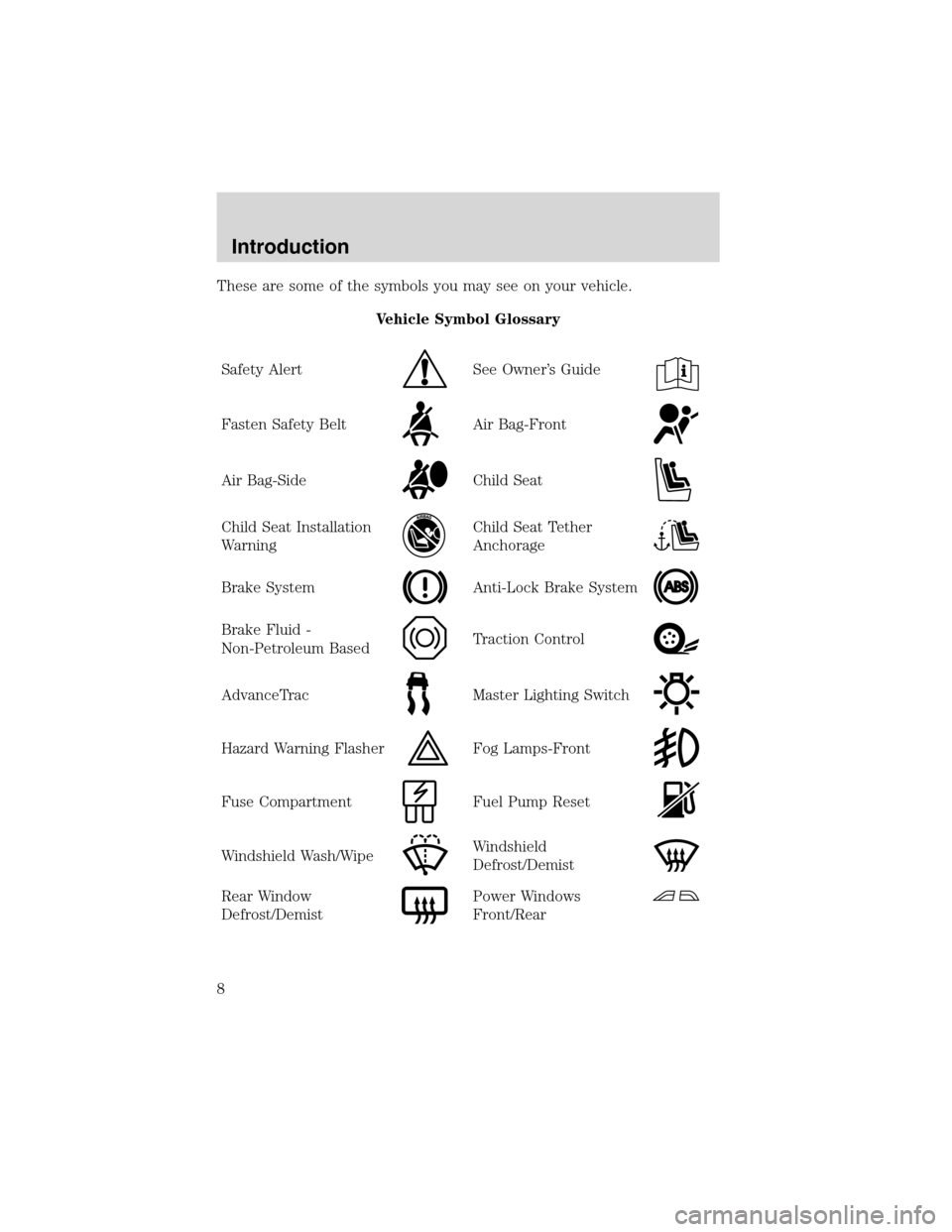
These are some of the symbols you may see on your vehicle.
Vehicle Symbol Glossary
Safety Alert
See Owner’s Guide
Fasten Safety BeltAir Bag-Front
Air Bag-SideChild Seat
Child Seat Installation
WarningChild Seat Tether
Anchorage
Brake SystemAnti-Lock Brake System
Brake Fluid -
Non-Petroleum BasedTraction Control
AdvanceTracMaster Lighting Switch
Hazard Warning FlasherFog Lamps-Front
Fuse CompartmentFuel Pump Reset
Windshield Wash/WipeWindshield
Defrost/Demist
Rear Window
Defrost/DemistPower Windows
Front/Rear
Introduction
8
Page 9 of 320
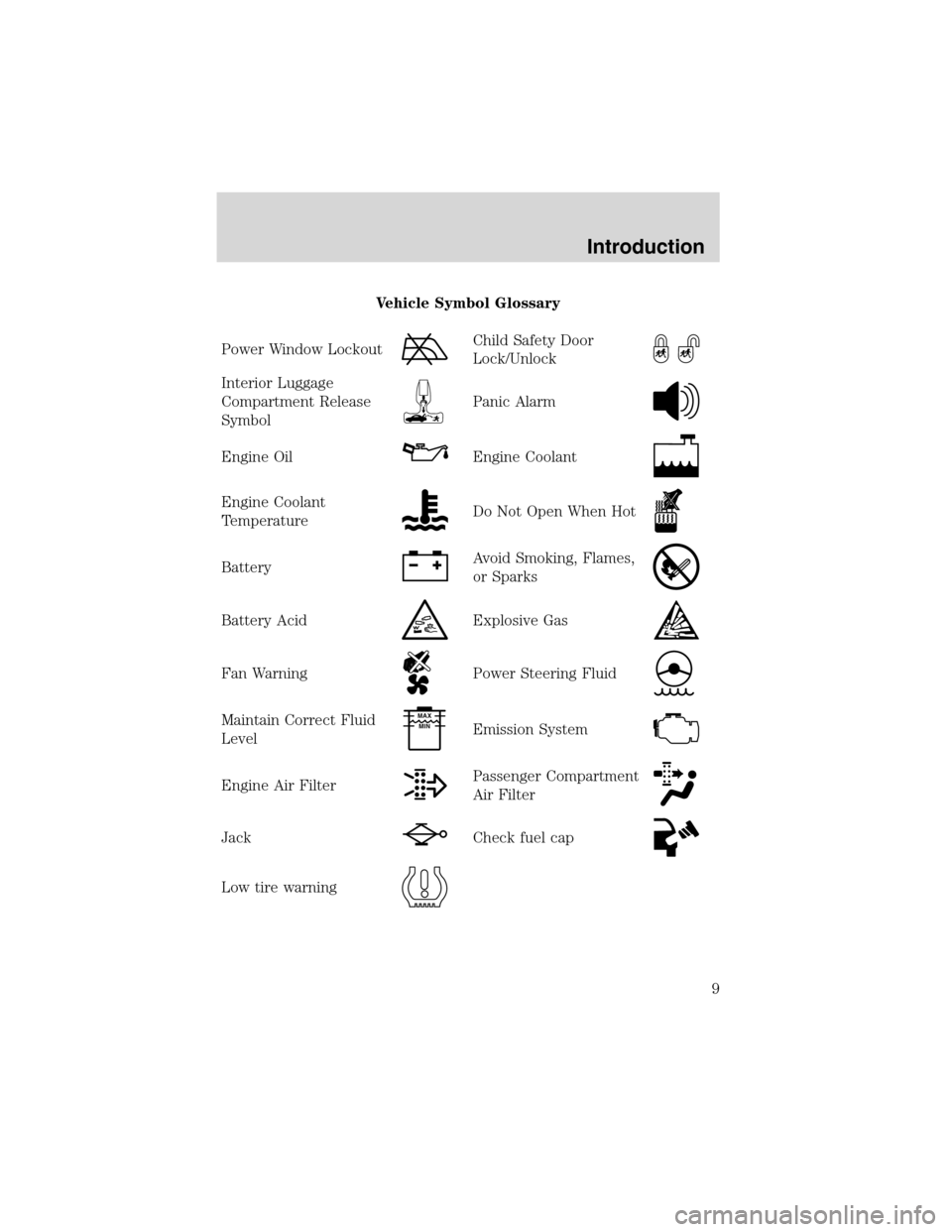
Vehicle Symbol Glossary
Power Window Lockout
Child Safety Door
Lock/Unlock
Interior Luggage
Compartment Release
Symbol
Panic Alarm
Engine OilEngine Coolant
Engine Coolant
TemperatureDo Not Open When Hot
BatteryAvoid Smoking, Flames,
or Sparks
Battery AcidExplosive Gas
Fan WarningPower Steering Fluid
Maintain Correct Fluid
LevelMAX
MIN
Emission System
Engine Air FilterPassenger Compartment
Air Filter
JackCheck fuel cap
Low tire warning
Introduction
9
Page 11 of 320
If the light remains on, have your vehicle serviced at the first available
opportunity.
Light is blinking:
Engine misfire is occurring which could damage your catalytic converter.
You should drive in a moderate fashion (avoid heavy acceleration and
deceleration) and have your vehicle serviced at the first available
opportunity.
Under engine misfire conditions, excessive exhaust temperatures
could damage the catalytic converter, the fuel system, interior
floor coverings or other vehicle components, possibly causing a fire.
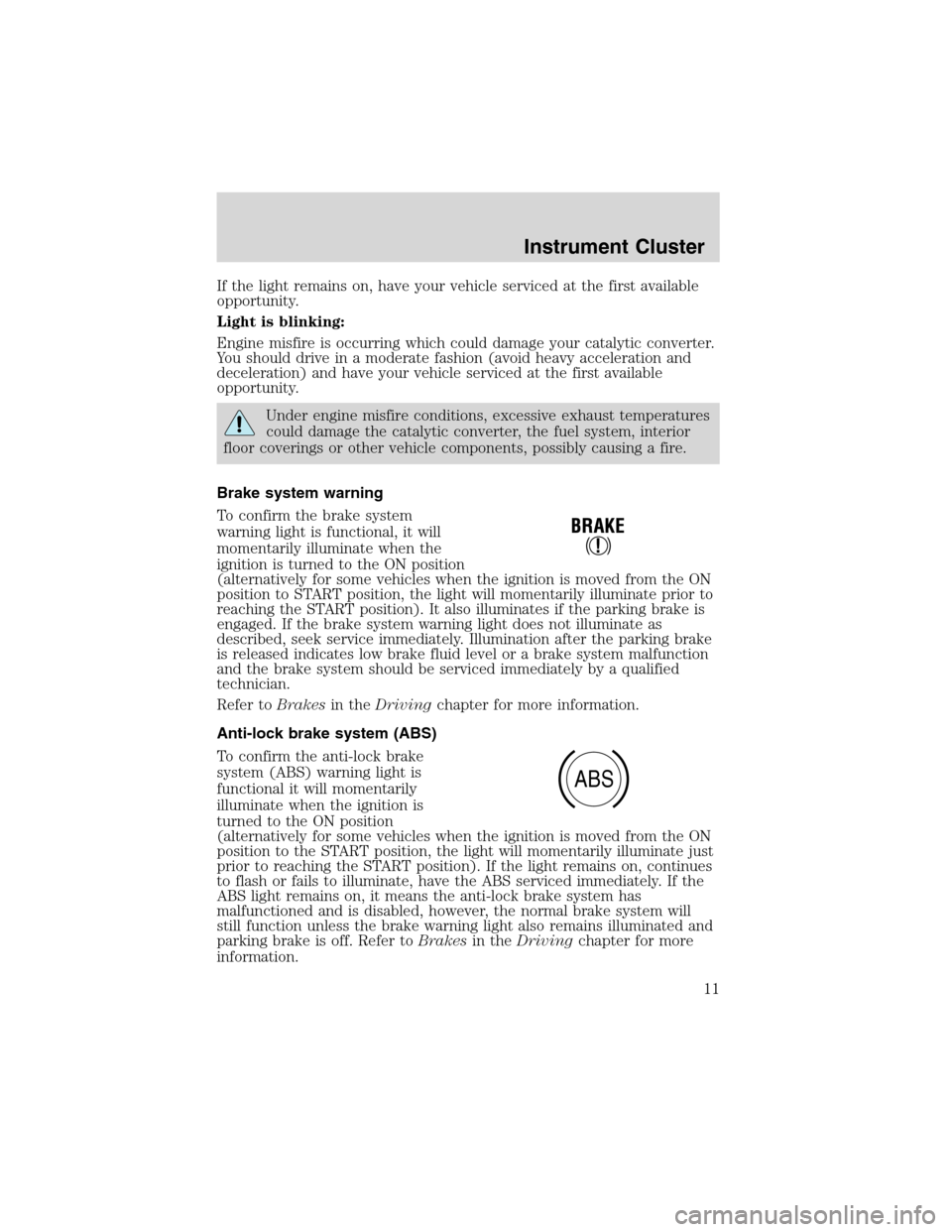
Brake system warning
To confirm the brake system
warning light is functional, it will
momentarily illuminate when the
ignition is turned to the ON position
(alternatively for some vehicles when the ignition is moved from the ON
position to START position, the light will momentarily illuminate prior to
reaching the START position). It also illuminates if the parking brake is
engaged. If the brake system warning light does not illuminate as
described, seek service immediately. Illumination after the parking brake
is released indicates low brake fluid level or a brake system malfunction
and the brake system should be serviced immediately by a qualified
technician.
Refer toBrakesin theDrivingchapter for more information.
Anti-lock brake system (ABS)
To confirm the anti-lock brake
system (ABS) warning light is
functional it will momentarily
illuminate when the ignition is
turned to the ON position
(alternatively for some vehicles when the ignition is moved from the ON
position to the START position, the light will momentarily illuminate just
prior to reaching the START position). If the light remains on, continues
to flash or fails to illuminate, have the ABS serviced immediately. If the
ABS light remains on, it means the anti-lock brake system has
malfunctioned and is disabled, however, the normal brake system will
still function unless the brake warning light also remains illuminated and
parking brake is off. Refer toBrakesin theDrivingchapter for more
information.
ABS
Instrument Cluster
11
Page 23 of 320
These stations are temporarily stored in the memory preset controls
(until deactivated) and are accessed in the same manner as your original
presets.
To deactivate autoset and return to your audio system’s manually set
memory stations, press the AUTO control again.
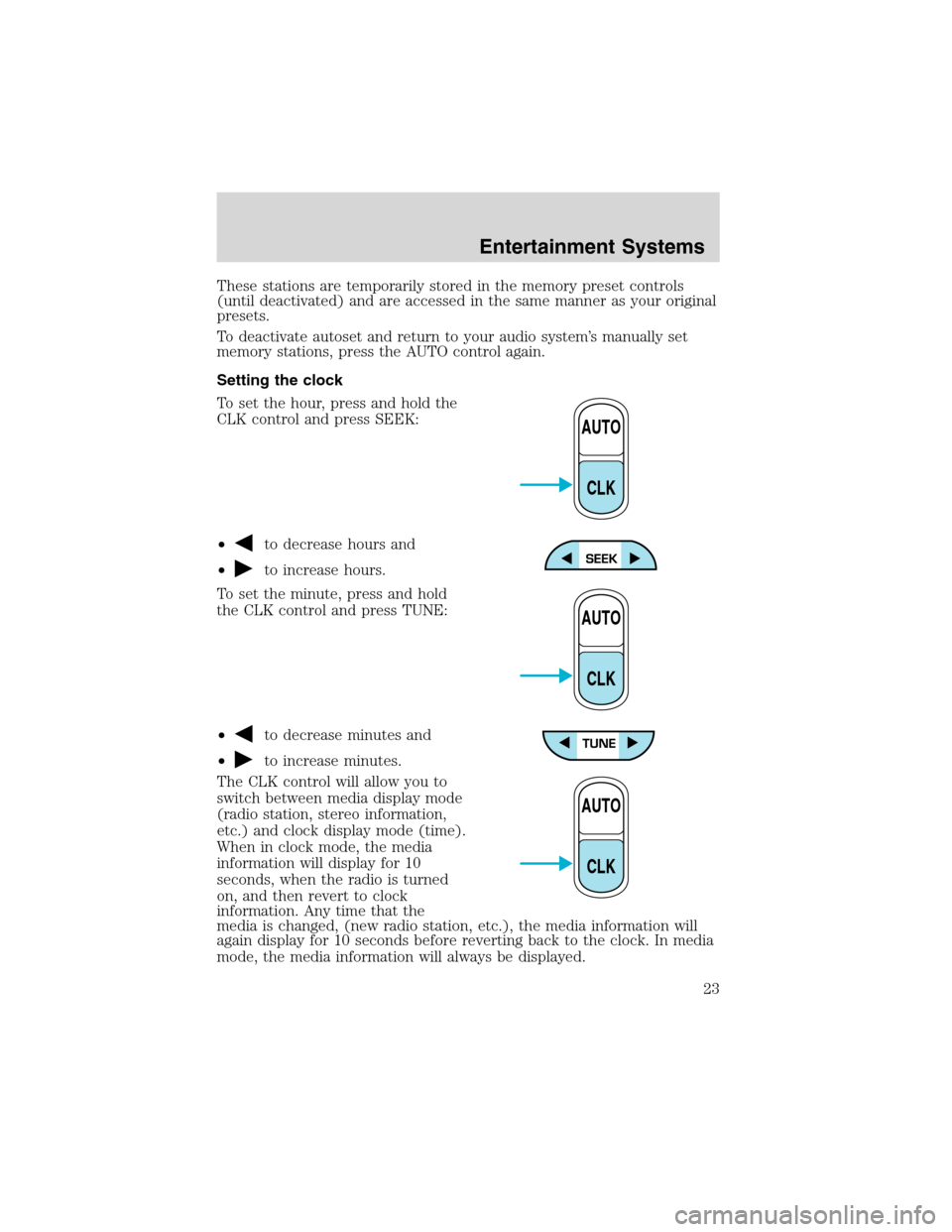
Setting the clock
To set the hour, press and hold the
CLK control and press SEEK:
•
to decrease hours and
•
to increase hours.
To set the minute, press and hold
the CLK control and press TUNE:
•
to decrease minutes and
•
to increase minutes.
The CLK control will allow you to
switch between media display mode
(radio station, stereo information,
etc.) and clock display mode (time).
When in clock mode, the media
information will display for 10
seconds, when the radio is turned
on, and then revert to clock
information. Any time that the
media is changed, (new radio station, etc.), the media information will
again display for 10 seconds before reverting back to the clock. In media
mode, the media information will always be displayed.
AUTO
CLK
AUTO
CLK
AUTO
CLK
Entertainment Systems
23
Page 34 of 320
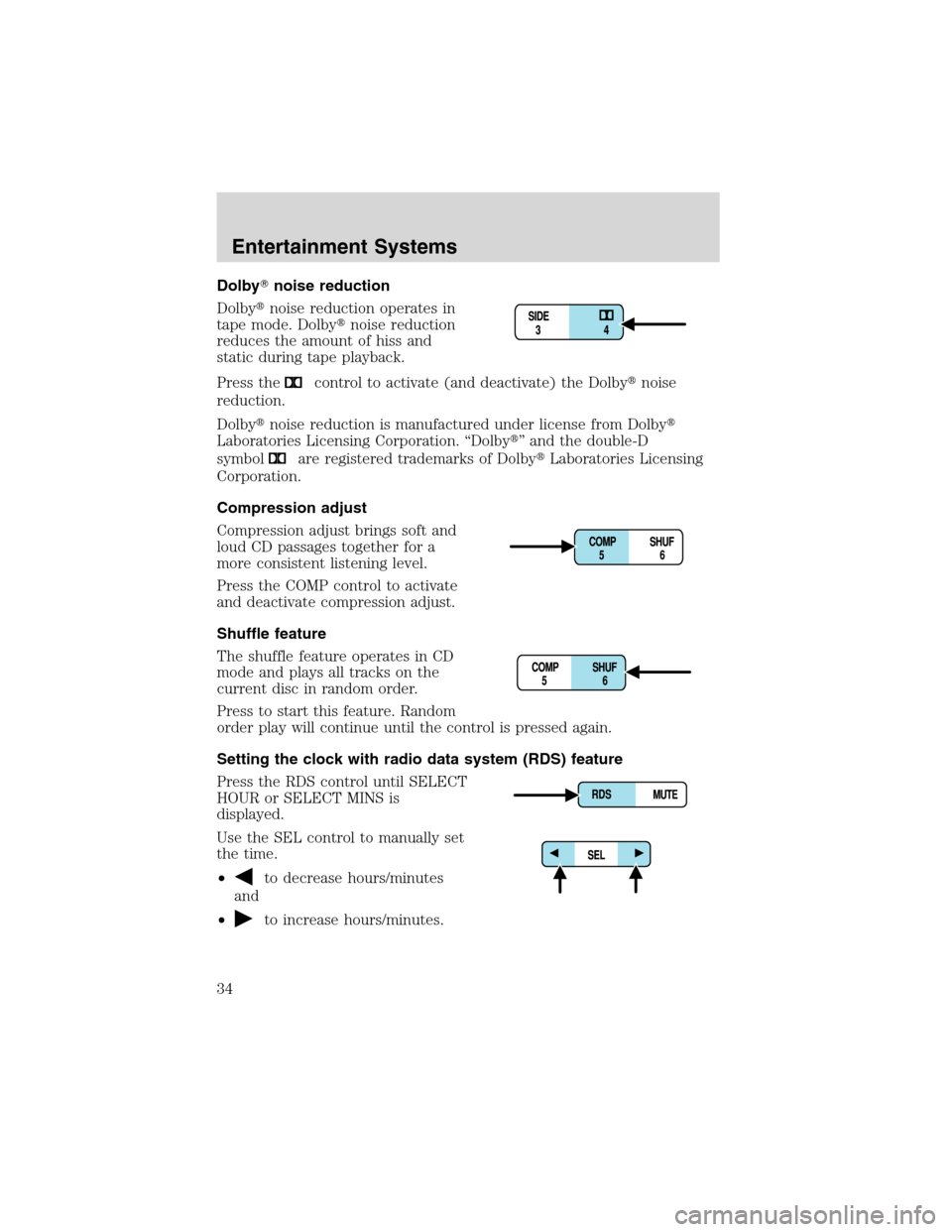
Dolby�noise reduction
Dolby�noise reduction operates in
tape mode. Dolby�noise reduction
reduces the amount of hiss and
static during tape playback.
Press the
control to activate (and deactivate) the Dolby�noise
reduction.
Dolby�noise reduction is manufactured under license from Dolby�
Laboratories Licensing Corporation.“Dolby�”and the double-D
symbol
are registered trademarks of Dolby�Laboratories Licensing
Corporation.
Compression adjust
Compression adjust brings soft and
loud CD passages together for a
more consistent listening level.
Press the COMP control to activate
and deactivate compression adjust.
Shuffle feature
The shuffle feature operates in CD
mode and plays all tracks on the
current disc in random order.
Press to start this feature. Random
order play will continue until the control is pressed again.
Setting the clock with radio data system (RDS) feature
Press the RDS control until SELECT
HOUR or SELECT MINS is
displayed.
Use the SEL control to manually set
the time.
•
to decrease hours/minutes
and
•
to increase hours/minutes.
Entertainment Systems
34
Page 43 of 320
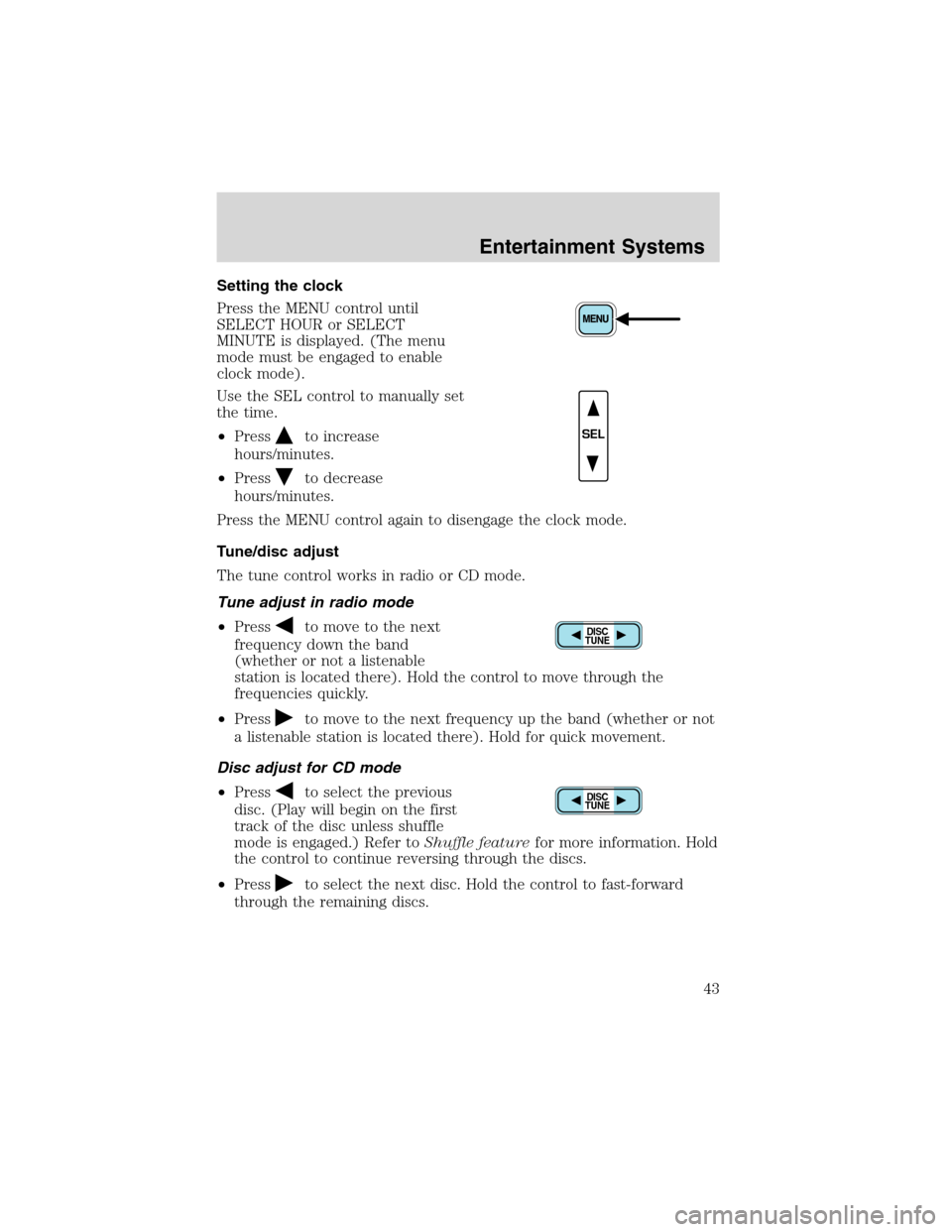
Setting the clock
Press the MENU control until
SELECT HOUR or SELECT
MINUTE is displayed. (The menu
mode must be engaged to enable
clock mode).
Use the SEL control to manually set
the time.
•Press
to increase
hours/minutes.
•Press
to decrease
hours/minutes.
Press the MENU control again to disengage the clock mode.
Tune/disc adjust
The tune control works in radio or CD mode.
Tune adjust in radio mode
•Press
to move to the next
frequency down the band
(whether or not a listenable
station is located there). Hold the control to move through the
frequencies quickly.
•Press
to move to the next frequency up the band (whether or not
a listenable station is located there). Hold for quick movement.
Disc adjust for CD mode
•Press
to select the previous
disc. (Play will begin on the first
track of the disc unless shuffle
mode is engaged.) Refer toShuffle featurefor more information. Hold
the control to continue reversing through the discs.
•Press
to select the next disc. Hold the control to fast-forward
through the remaining discs.
SEL
DISC
TUNE
DISC
TUNE
Entertainment Systems
43
Page 47 of 320
Menu mode
The MENU control allows you to
access many different features
within your audio system. There are
three sets of menus available
depending upon which mode or feature is activated.
While in FM mode, two menus are available.If RDS is turned OFF, you
can access the following:
•SELECT HOURS—Refer toSetting the clock.
•SELECT MINUTES—Refer toSetting the clock.
•RDS OFF—Refer toRadio data system feature.
If RDS is turned ON, you can access the following:
•TRAFFIC ON/OFF-Refer toTraffic announcements.
•FIND type-Refer toProgram type.
•SHOW (NAME, TYPE, NONE)- Refer toRadio data system feature.
•RDS ON—Refer toRadio data system feature.
•SELECT HOURS—Refer toSetting the clock.
•SELECT MINUTES—Refer toSetting the clock.
When in CD mode, you can access: SELECT HOURS, SELECT MINUTES
or COMP ON/OFF.
SELECT HOURS, SELECT MINUTES—Allows you to adjust the hours
and minutes. Refer toSetting the clock.
TRAFFIC ON/OFF—Traffic announcements can be programmed as local
or distant. Refer toTraffic announcements.
RDS ON/OFF—This feature allows your audio system to receive text
information from RDS-equipped FM radio stations. Refer toRadio Data
System feature.
FIND type—Allows you to select your desired FM program type and
search for that selection.
SHOW—Allows you to select from NAME (displays the name of the
radio station), TYPE (displays the RDS program type: rock, jazz, etc.), or
NONE (deactivates the RDS display).
Entertainment Systems
47