Page 3 of 320
Cleaning 259
Maintenance and Specifications 265
Engine compartment 267
Engine oil 269
Battery 272
Fuel information 280
Air filter(s) 294
Low tire warning system 298
Part numbers 300
Refill capacities 300
Lubricant specifications 303
Accessories 309
Index 313
All rights reserved. Reproduction by any means, electronic or mechanical
including photocopying, recording or by any information storage and retrieval
system or translation in whole or part is not permitted without written
authorization from Ford Motor Company. Ford may change the contents without
notice and without incurring obligation.
Copyright © 2002 Ford Motor Company
Table of Contents
3
Page 9 of 320
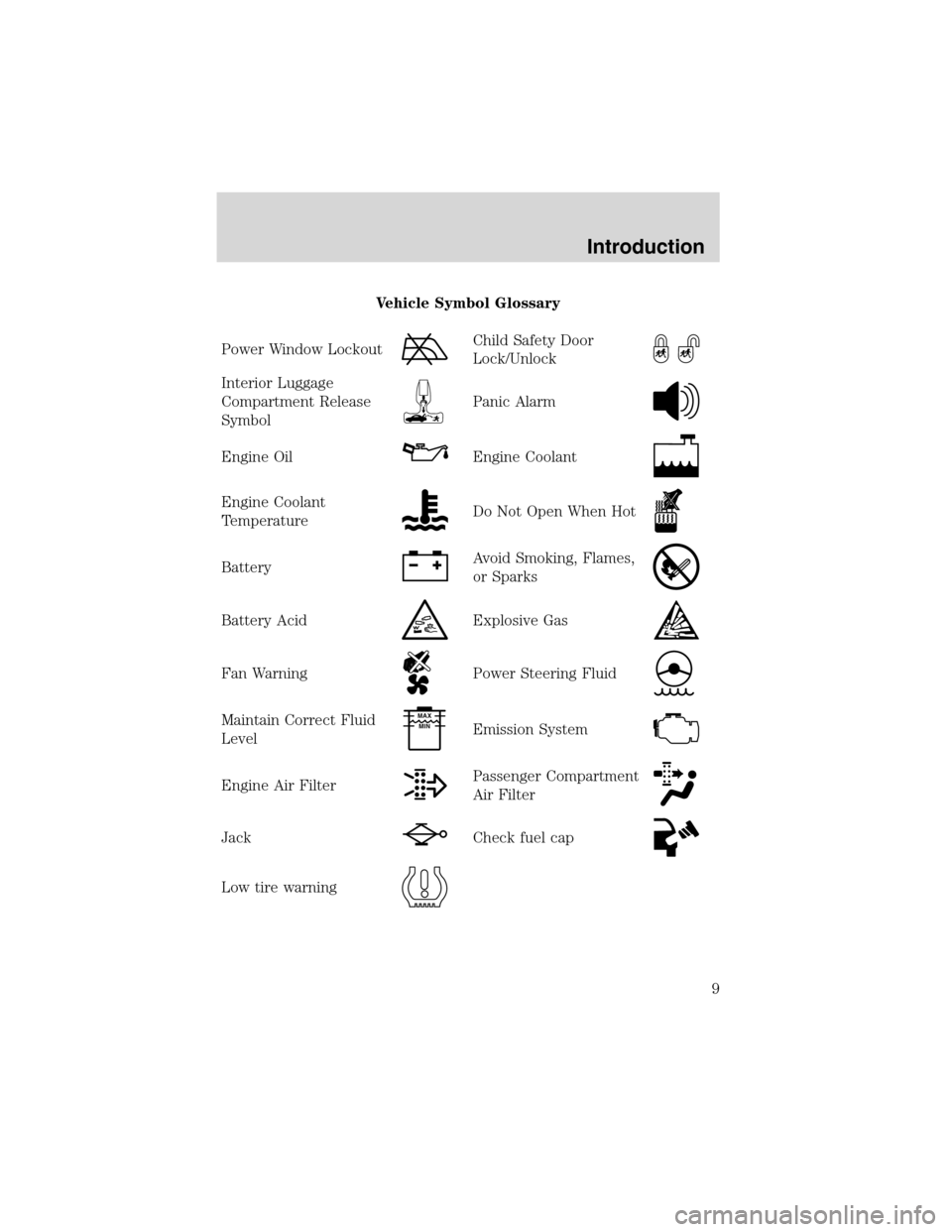
Vehicle Symbol Glossary
Power Window Lockout
Child Safety Door
Lock/Unlock
Interior Luggage
Compartment Release
Symbol
Panic Alarm
Engine OilEngine Coolant
Engine Coolant
TemperatureDo Not Open When Hot
BatteryAvoid Smoking, Flames,
or Sparks
Battery AcidExplosive Gas
Fan WarningPower Steering Fluid
Maintain Correct Fluid
LevelMAX
MIN
Emission System
Engine Air FilterPassenger Compartment
Air Filter
JackCheck fuel cap
Low tire warning
Introduction
9
Page 13 of 320
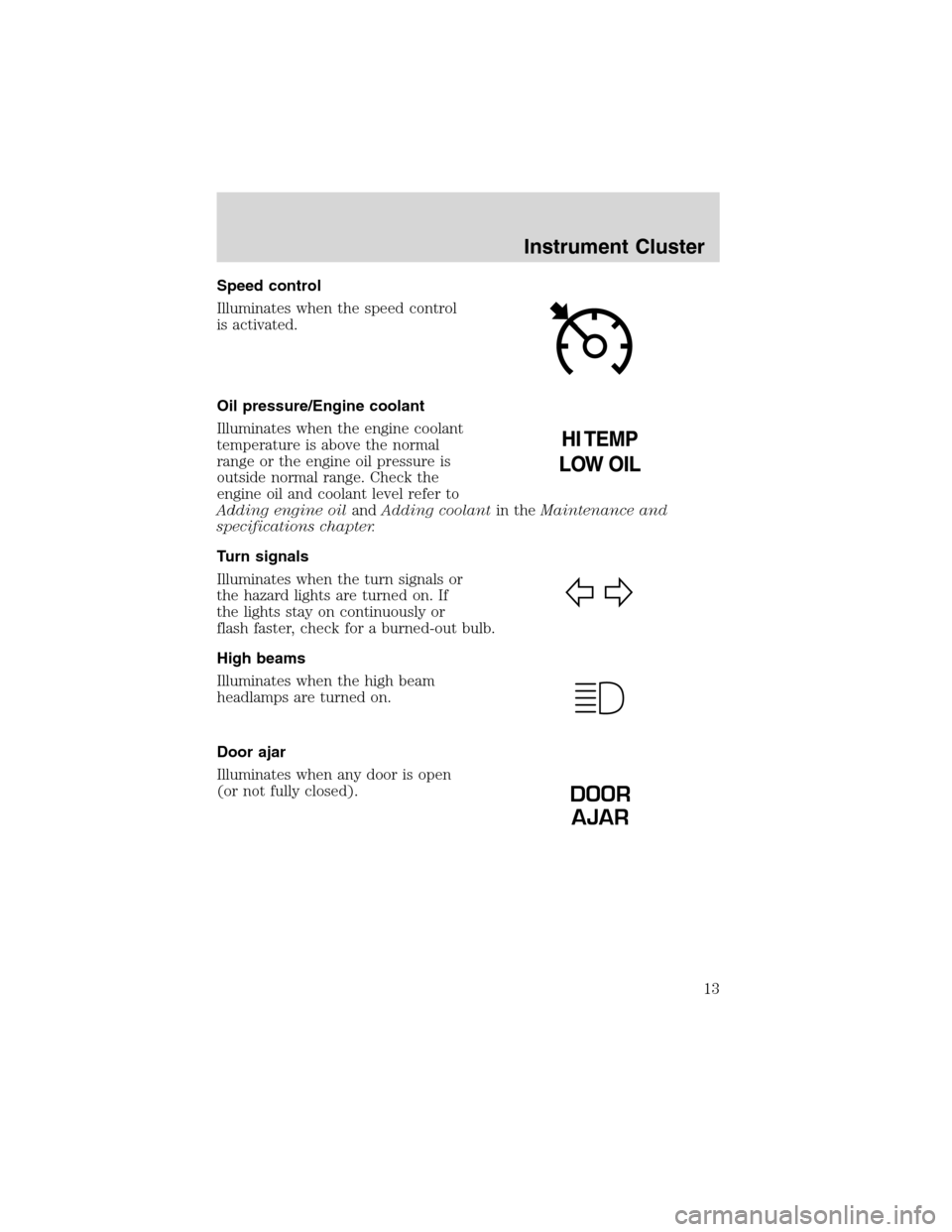
Speed control
Illuminates when the speed control
is activated.
Oil pressure/Engine coolant
Illuminates when the engine coolant
temperature is above the normal
range or the engine oil pressure is
outside normal range. Check the
engine oil and coolant level refer to
Adding engine oilandAdding coolantin theMaintenance and
specifications chapter.
Turn signals
Illuminates when the turn signals or
the hazard lights are turned on. If
the lights stay on continuously or
flash faster, check for a burned-out bulb.
High beams
Illuminates when the high beam
headlamps are turned on.
Door ajar
Illuminates when any door is open
(or not fully closed).
DOOR
AJAR
Instrument Cluster
13
Page 16 of 320
This gauge indicates the temperature of the engine coolant, not the
coolant level. If the coolant is not at its proper level the gauge indication
will not be accurate. If the gauge enters the red section, the oil
pressure/engine coolant andCheck Engine/Service Engine Soon
indicators illuminate, refer toWhat you should know about fail-safe
coolingin theMaintenance and specificationschapter.
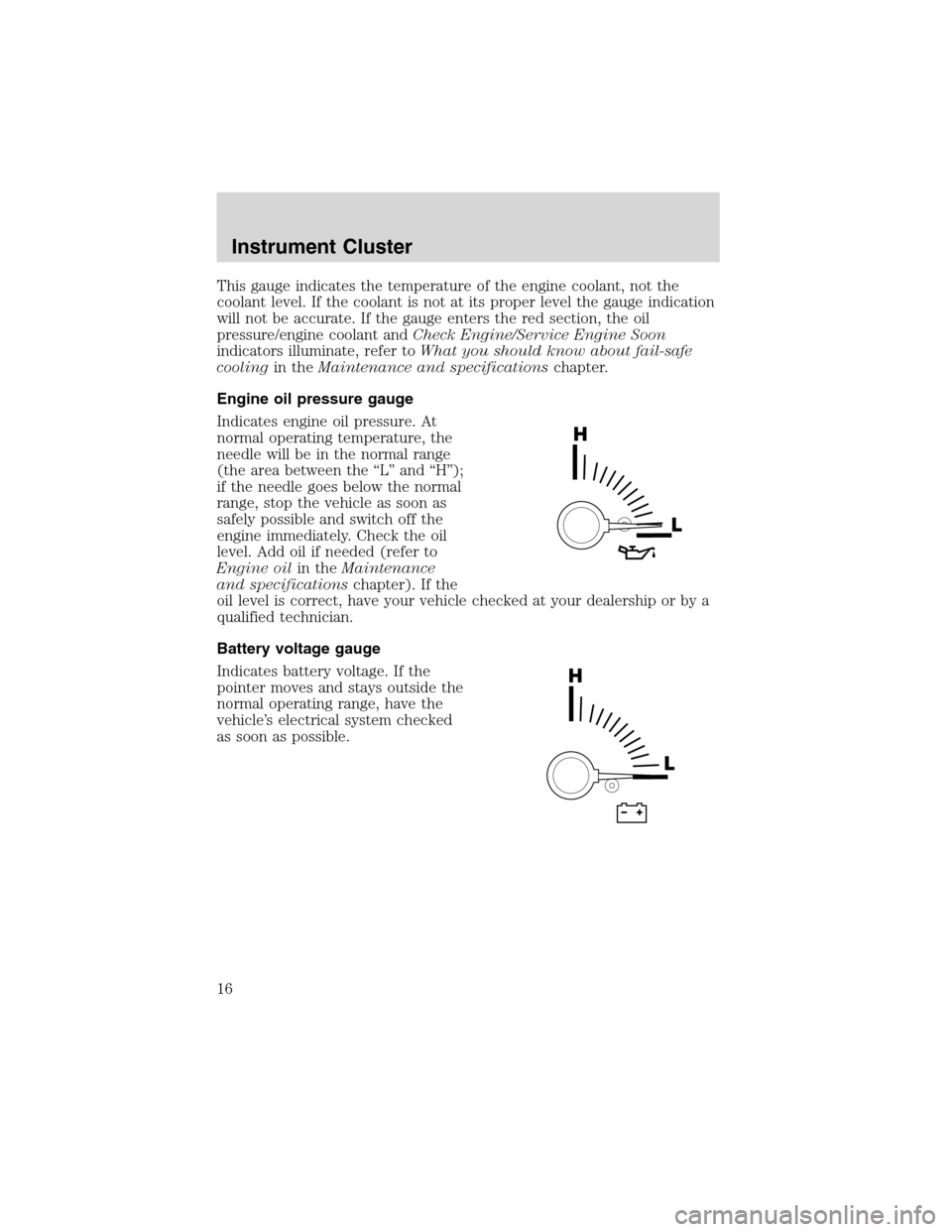
Engine oil pressure gauge
Indicates engine oil pressure. At
normal operating temperature, the
needle will be in the normal range
(the area between the“L”and“H”);
if the needle goes below the normal
range, stop the vehicle as soon as
safely possible and switch off the
engine immediately. Check the oil
level. Add oil if needed (refer to
Engine oilin theMaintenance
and specificationschapter). If the
oil level is correct, have your vehicle checked at your dealership or by a
qualified technician.
Battery voltage gauge
Indicates battery voltage. If the
pointer moves and stays outside the
normal operating range, have the
vehicle’s electrical system checked
as soon as possible.
Instrument Cluster
16
Page 120 of 320
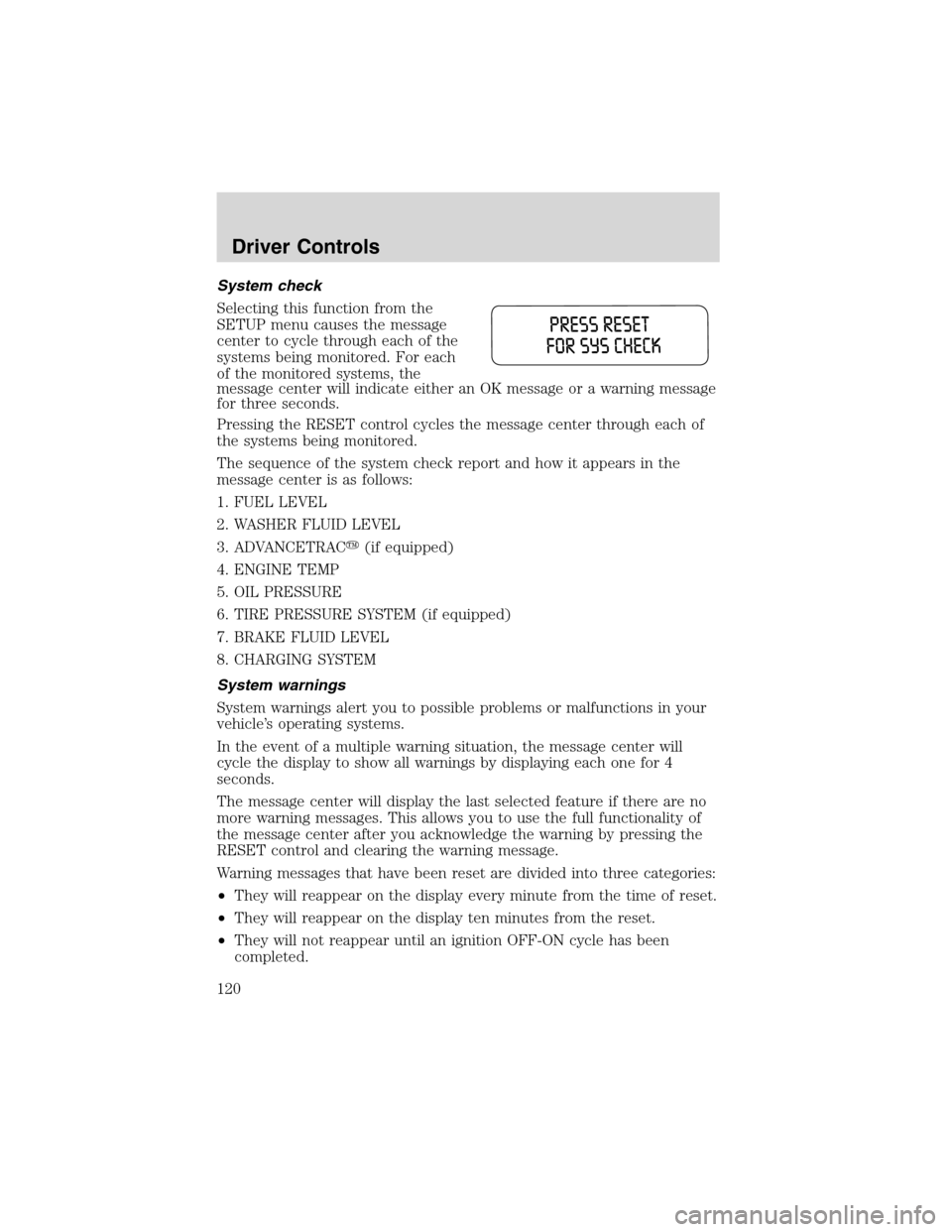
System check
Selecting this function from the
SETUP menu causes the message
center to cycle through each of the
systems being monitored. For each
of the monitored systems, the
message center will indicate either an OK message or a warning message
for three seconds.
Pressing the RESET control cycles the message center through each of
the systems being monitored.
The sequence of the system check report and how it appears in the
message center is as follows:
1. FUEL LEVEL
2. WASHER FLUID LEVEL
3. ADVANCETRAC�(if equipped)
4. ENGINE TEMP
5. OIL PRESSURE
6. TIRE PRESSURE SYSTEM (if equipped)
7. BRAKE FLUID LEVEL
8. CHARGING SYSTEM
System warnings
System warnings alert you to possible problems or malfunctions in your
vehicle’s operating systems.
In the event of a multiple warning situation, the message center will
cycle the display to show all warnings by displaying each one for 4
seconds.
The message center will display the last selected feature if there are no
more warning messages. This allows you to use the full functionality of
the message center after you acknowledge the warning by pressing the
RESET control and clearing the warning message.
Warning messages that have been reset are divided into three categories:
•They will reappear on the display every minute from the time of reset.
•They will reappear on the display ten minutes from the reset.
•They will not reappear until an ignition OFF-ON cycle has been
completed.
Driver Controls
120
Page 121 of 320

This acts as a reminder that these warning conditions still exist within
the vehicle.
Warning display Status
Check backup aid (if equipped) Warning displays when R
(reverse) gear is selected.
PRNDL error no backup aid (if equipped)
AdvTrac ON (if equipped) Displays for 4 seconds
AdvTrac OFF (if equipped)
Door ajar Warning returns after 10
minutes
Liftgate ajar
Low fuel level
Check charging system
Low brake fluid level
Low oil pressure
Check engine temperature
Reduced engine power
Stop engine safely
Warning-tire very low (if equipped)
Tire pressure system fault (if equipped) Warning returns after the
ignition key is turned
from OFF to ON. Check tire pressure (if equipped)
Check spare tire pressure (if equipped)
Tire pressure sensor fault (if equipped)
Low washer fluid level
Check AdvTrac (if equipped)
AdvTrac OFF T/C ON (if equipped)
Check fuel cap
CHECK BACKUP AID (if equipped).Displayed when the
transmission is in R (Reverse).
PRNDL ERROR NO BACKUP AID (if equipped).Displayed when the
transmission is in R (Reverse) and the Reverse Sensing System is
disabled. Refer toReverse Sensing Systemin this section to enable.
ADVTRAC ON (if equipped).Displayed when the AdvanceTrac�is
ON.
ADVTRAC OFF (if equipped).Displayed when the AdvanceTrac�is
OFF.
DOOR AJAR.Displayed when a door is not completely closed.
Driver Controls
121
Page 123 of 320

when the engine is operating at normal speeds, have the electrical
system checked as soon as possible.
LOW BRAKE FLUID LEVEL.
Indicates the brake fluid level is low and
the brake system should be inspected immediately. Refer toChecking and
adding brake fluidin theMaintenance and specificationschapter.
LOW OIL PRESSURE.Displayed when the engine oil pressure is low. If
this warning message is displayed, check the level of the engine oil.
Refer toEngine oilin theMaintenance and specificationschapter for
information about adding engine oil. If the oil level is OK and this
warning persists, shut down the engine immediately and contact your
dealership for service.
LOW WASHER FLUID LEVEL.
Indicates the washer fluid reservoir is
less than one quarter full. Check the washer fluid level. Refer to
Windshield washer fluidin theMaintenance and specificationschapter.
CHECK ADVTRAC (if equipped).Displayed when the AdvanceTrac�
system is not operating properly. If this message is displayed on the
message center the AdvanceTrac�system will be partially operable. If
this warning stays on while the engine is running, contact your dealer for
service as soon as possible. For further information, refer to
AdvanceTrac�stability enhancement systemin theDrivingchapter.
ADVTRAC OFF T/C ON (if equipped).Displayed on 4x4 vehicles only
when 4x4 Low Range is selected. In this mode, the stability enhancement
portion of the AdvanceTrac�is disabled, but the traction enhancement
feature remains enabled. For further information, refer to
AdvanceTrac�stability enhancement systemin theDrivingchapter.
CHECK FUEL CAP.Displayed when the fuel filler cap is not properly
installed. Check the fuel filler cap for proper installation. Refer toFuel
filler capin theMaintenance and specificationschapter.
TIRE PRESSURE SYSTEM OFF (if equipped).Displayed when the
tire pressure monitoring system is turned off. Only your dealer can turn
the system on or off. It is recommended that the tire pressure
monitoring system is always turned ON.
DATA ERR.These messages indicate improper operation of the vehicle
network communication between electronic modules.
•Fuel computer
•Charging system
•Door sensor
•Washer fluid•Brake fluid
•Compass
•Outside temperature
•Engine sensor
Driver Controls
123
Page 260 of 320
PAINT CHIPS
Your dealer has touch-up paint and sprays to match your vehicle’s color.
Take your color code (printed on a sticker in the driver’s door jam) to
your dealer to ensure you get the correct color.
•Remove particles such as bird droppings, tree sap, insect deposits, tar
spots, road salt and industrial fallout before repairing paint chips.
•Always read the instructions before using the products.
ALUMINUM WHEELS AND COVERS
Aluminum wheel rims or covers are coated with a clearcoat paint finish.
In order to maintain their shine:
•Clean with Detail Wash (ZC-3–A), which is available from your dealer.
•Never apply any cleaning chemical to hot or warm wheel rims or
covers.
•Some automatic car washes may cause damage to the finish on your
wheel rims or covers. Chemical-strength cleaners, or cleaning
chemicals, in combination with brush agitation to remove brake dust
and dirt, could wear away the clearcoat finish over time.
•Do not use hydrofluoric acid-based or high caustic-based wheel
cleaners, steel wool, fuels or strong household detergent.
•To remove tar and grease, use Ford Extra Strength Tar and Road Oil
Removal (B7A-19520–AA), available from your dealer.
ENGINE
Engines are more efficient when they are clean because grease and dirt
buildup keep the engine warmer than normal. When washing:
•Take care when using a power washer to clean the engine. The
high-pressure fluid could penetrate the sealed parts and cause
damage.
•Do not spray a hot engine with cold water to avoid cracking the
engine block or other engine components.
•Spray Motorcraft Engine Shampoo and Degreaser (ZC-20) on all parts
that require cleaning and pressure rinse clean.
•Cover the highlighted areas to prevent water damage when cleaning
the engine.
Cleaning
260