Page 76 of 320
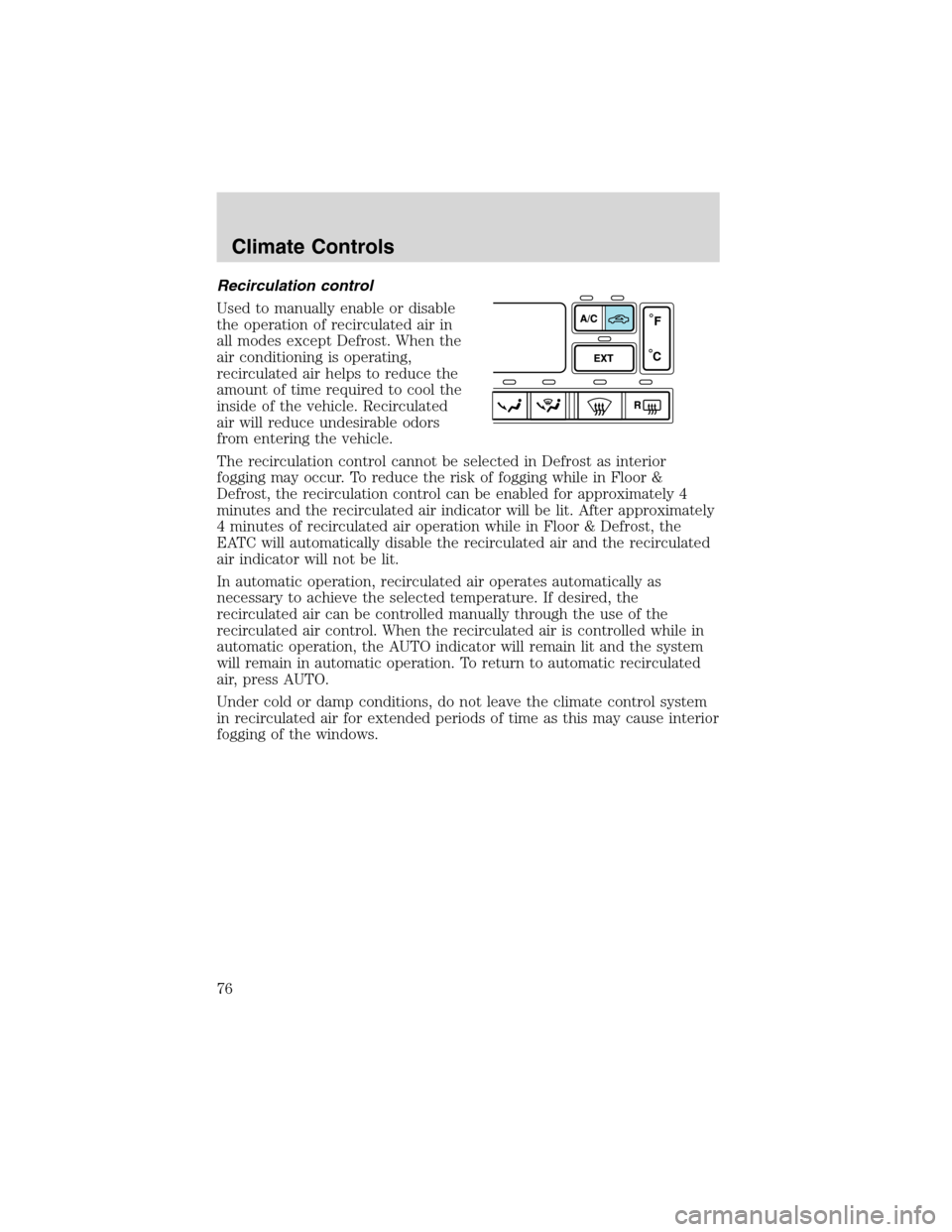
Recirculation control
Used to manually enable or disable
the operation of recirculated air in
all modes except Defrost. When the
air conditioning is operating,
recirculated air helps to reduce the
amount of time required to cool the
inside of the vehicle. Recirculated
air will reduce undesirable odors
from entering the vehicle.
The recirculation control cannot be selected in Defrost as interior
fogging may occur. To reduce the risk of fogging while in Floor &
Defrost, the recirculation control can be enabled for approximately 4
minutes and the recirculated air indicator will be lit. After approximately
4 minutes of recirculated air operation while in Floor & Defrost, the
EATC will automatically disable the recirculated air and the recirculated
air indicator will not be lit.
In automatic operation, recirculated air operates automatically as
necessary to achieve the selected temperature. If desired, the
recirculated air can be controlled manually through the use of the
recirculated air control. When the recirculated air is controlled while in
automatic operation, the AUTO indicator will remain lit and the system
will remain in automatic operation. To return to automatic recirculated
air, press AUTO.
Under cold or damp conditions, do not leave the climate control system
in recirculated air for extended periods of time as this may cause interior
fogging of the windows.
Climate Controls
76
Page 77 of 320
Manual override controls
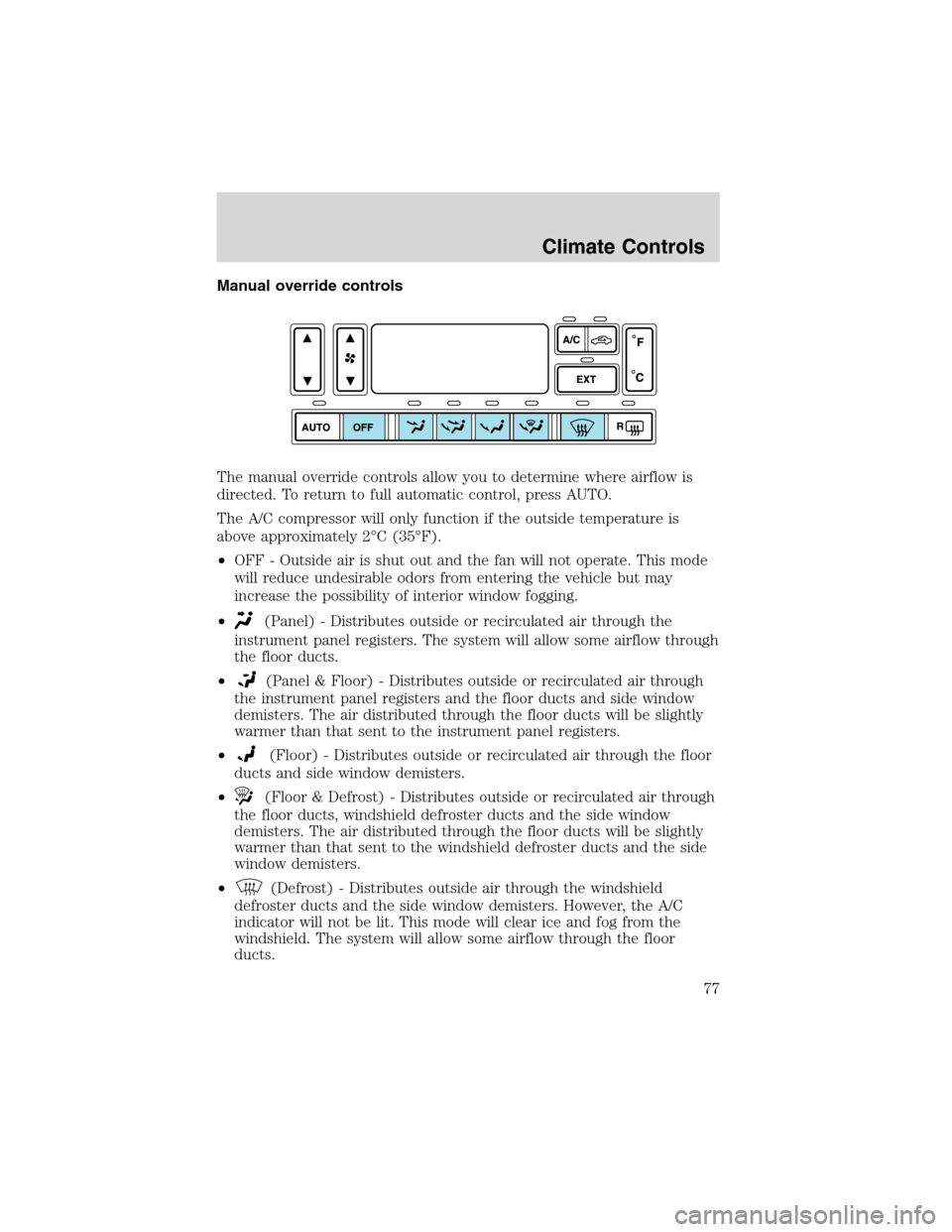
The manual override controls allow you to determine where airflow is
directed. To return to full automatic control, press AUTO.
The A/C compressor will only function if the outside temperature is
above approximately 2°C (35°F).
•OFF - Outside air is shut out and the fan will not operate. This mode
will reduce undesirable odors from entering the vehicle but may
increase the possibility of interior window fogging.
•
(Panel) - Distributes outside or recirculated air through the
instrument panel registers. The system will allow some airflow through
the floor ducts.
•
(Panel & Floor) - Distributes outside or recirculated air through
the instrument panel registers and the floor ducts and side window
demisters. The air distributed through the floor ducts will be slightly
warmer than that sent to the instrument panel registers.
•
(Floor) - Distributes outside or recirculated air through the floor
ducts and side window demisters.
•
(Floor & Defrost) - Distributes outside or recirculated air through
the floor ducts, windshield defroster ducts and the side window
demisters. The air distributed through the floor ducts will be slightly
warmer than that sent to the windshield defroster ducts and the side
window demisters.
•
(Defrost) - Distributes outside air through the windshield
defroster ducts and the side window demisters. However, the A/C
indicator will not be lit. This mode will clear ice and fog from the
windshield. The system will allow some airflow through the floor
ducts.
Climate Controls
77
Page 78 of 320
Operating tips
•To reduce fogging in humid weather conditions, unless in Defrost and
Floor & Defrost, press the A/C control before driving as the air
conditioning removes moisture form the air.
•To reduce humidity buildup inside the vehicle in warm weather
conditions, don’t drive with the climate control system in the OFF
position.
•To reduce humidity buildup inside the vehicle in cold weather
conditions, don’t drive with the climate control system in the
recirculation mode or OFF mode.
•Remove any snow, ice or leaves from the exterior base of the
windshield.
•To increase the efficiency of the A/C, drive with the windows slightly
open for 2–3 minutes after start up or until the vehicle has been
“aired out.”
•Do not place objects under the front seat or over the defroster ducts.
They may reduce visibility, fall into the ducts, or degrade the
performance of your climate control system.
Do not place objects on top of the instrument panel, as these
objects may become projectiles in a collision or sudden stop.
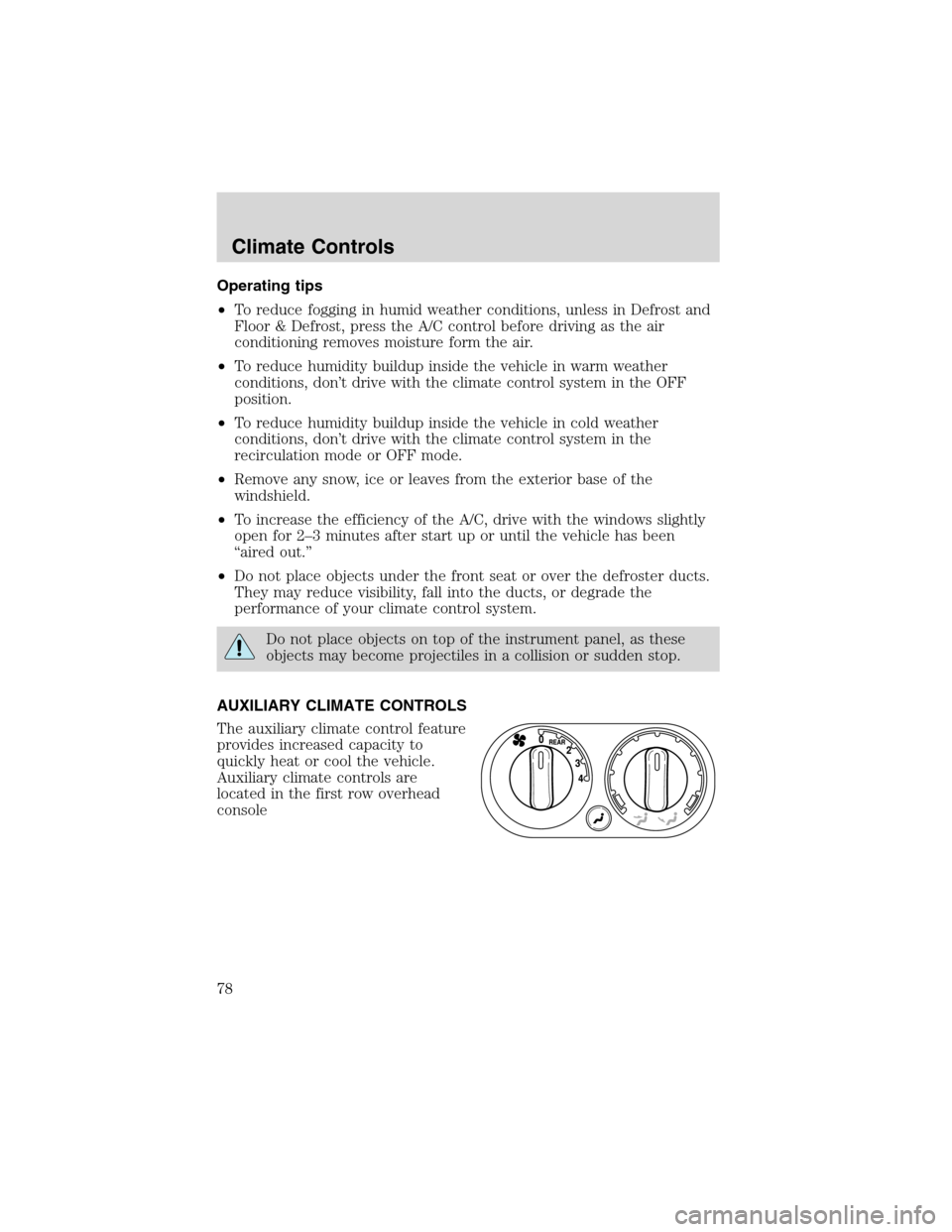
AUXILIARY CLIMATE CONTROLS
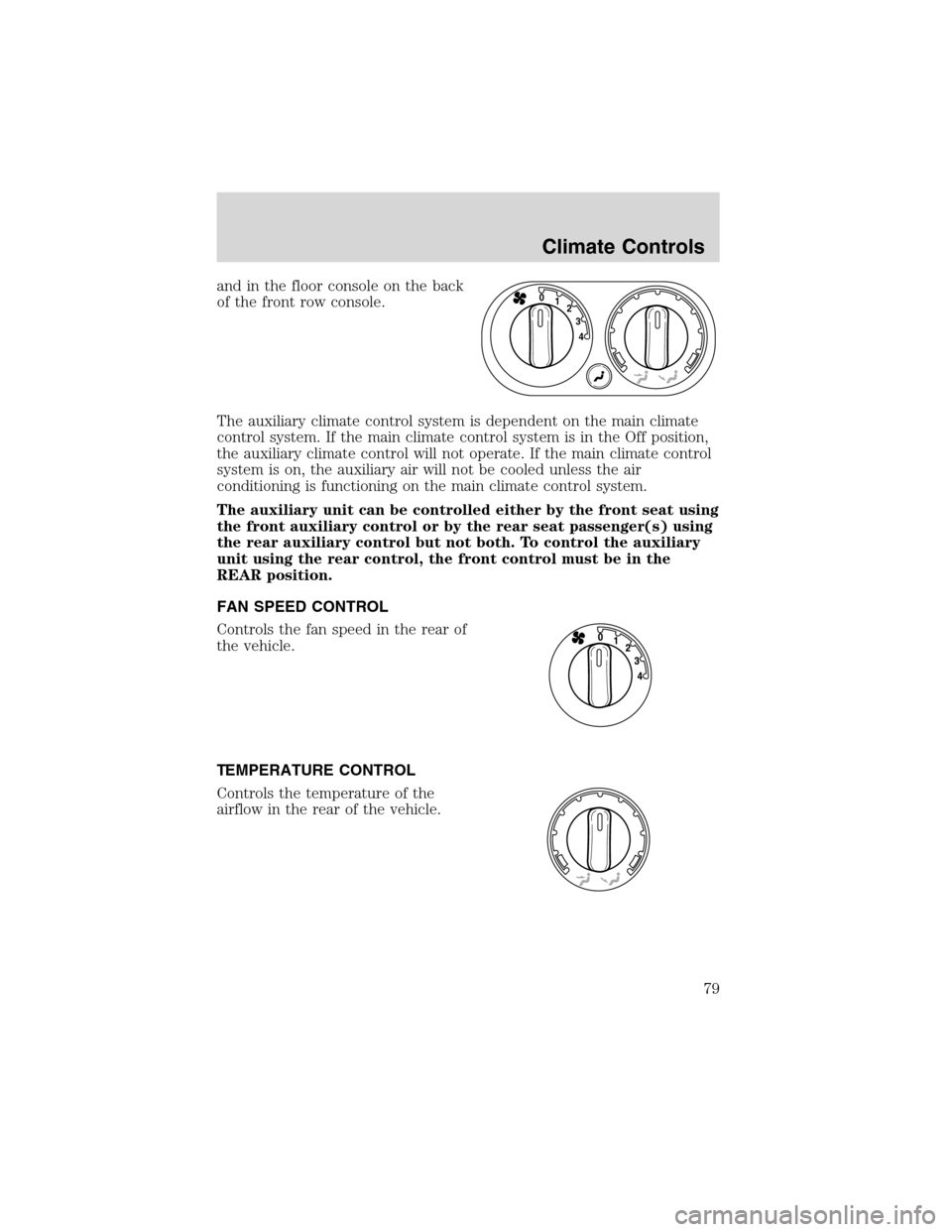
The auxiliary climate control feature
provides increased capacity to
quickly heat or cool the vehicle.
Auxiliary climate controls are
located in the first row overhead
console
Climate Controls
78
Page 79 of 320
and in the floor console on the back
of the front row console.
The auxiliary climate control system is dependent on the main climate
control system. If the main climate control system is in the Off position,
the auxiliary climate control will not operate. If the main climate control
system is on, the auxiliary air will not be cooled unless the air
conditioning is functioning on the main climate control system.
The auxiliary unit can be controlled either by the front seat using
the front auxiliary control or by the rear seat passenger(s) using
the rear auxiliary control but not both. To control the auxiliary
unit using the rear control, the front control must be in the
REAR position.
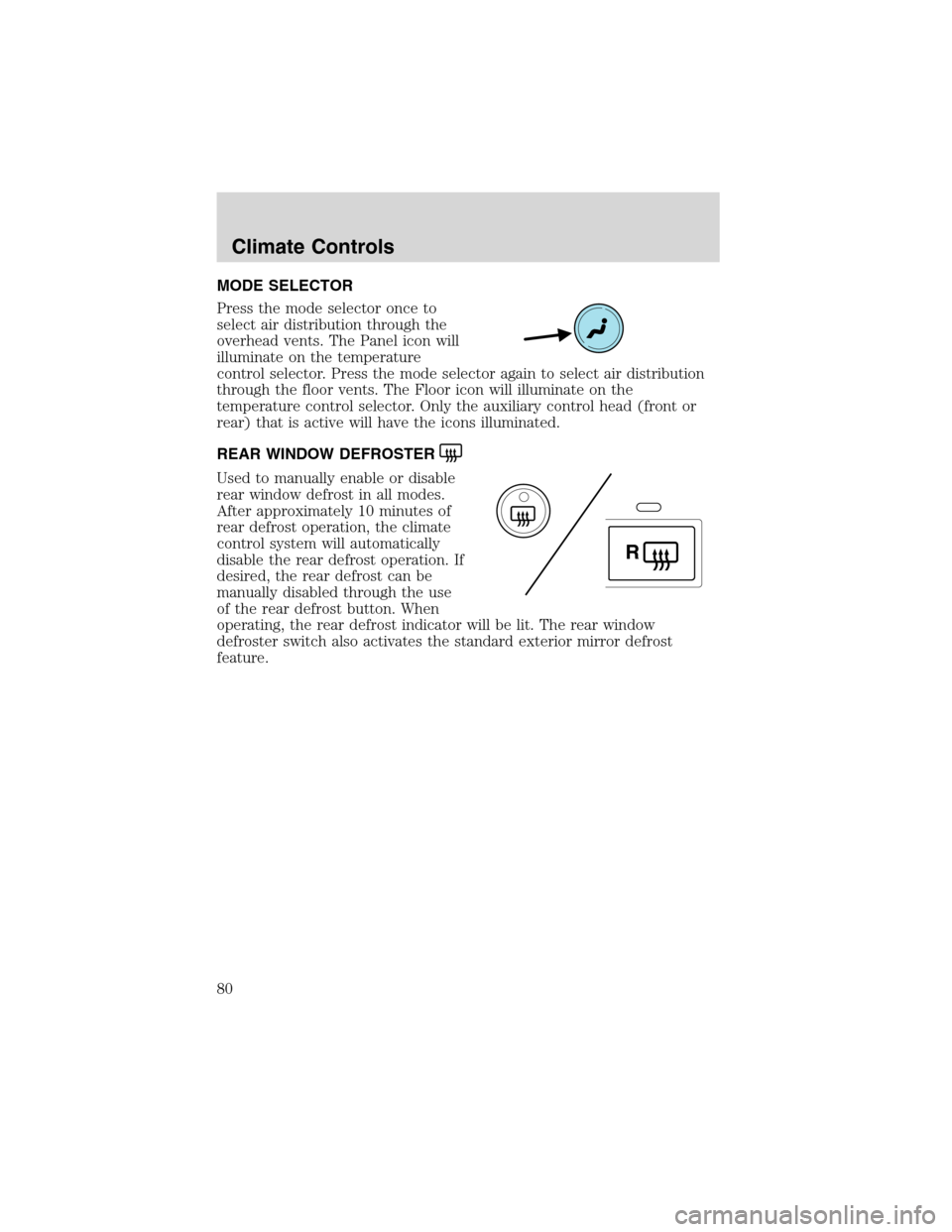
FAN SPEED CONTROL
Controls the fan speed in the rear of
the vehicle.
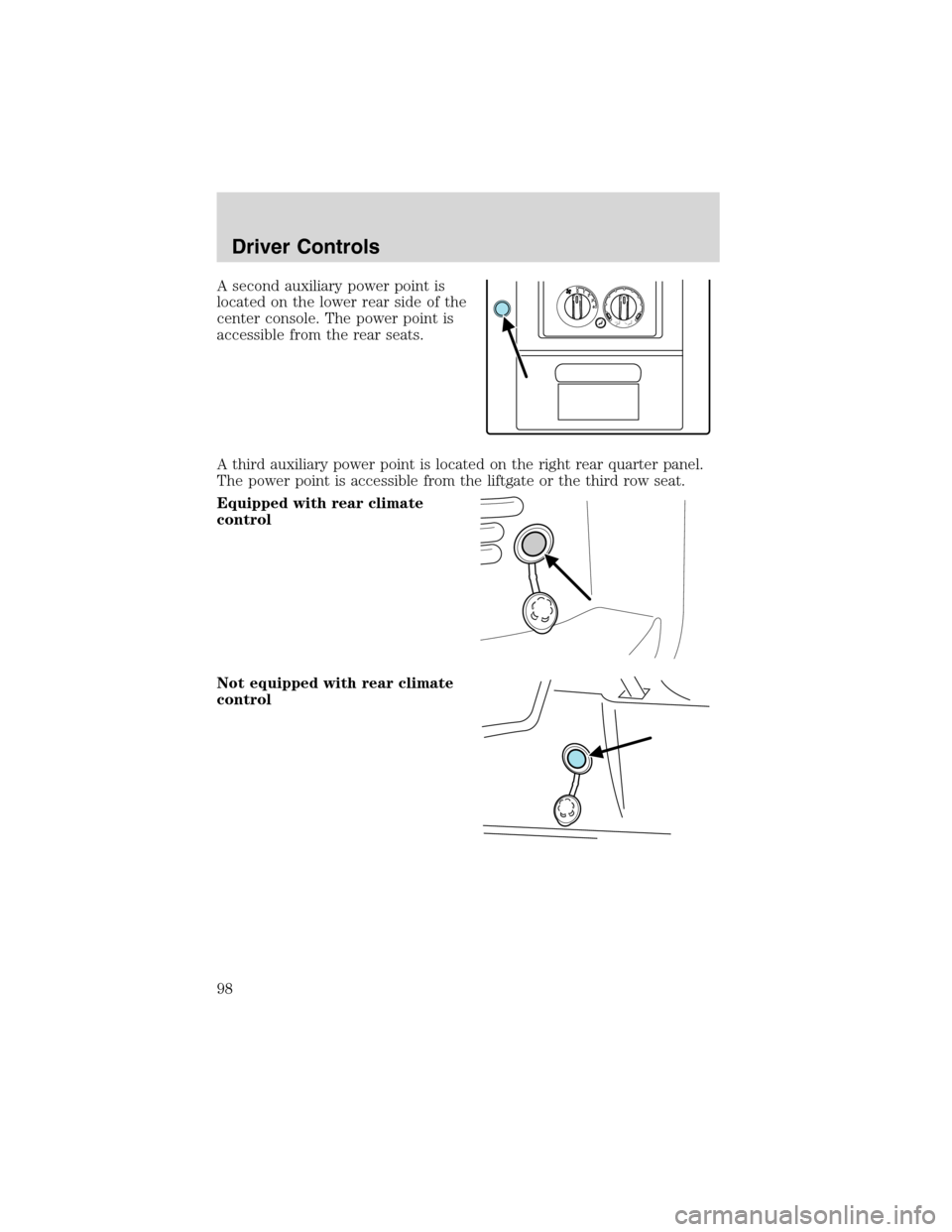
TEMPERATURE CONTROL
Controls the temperature of the
airflow in the rear of the vehicle.
4 3 2 1 0
Climate Controls
79
Page 80 of 320
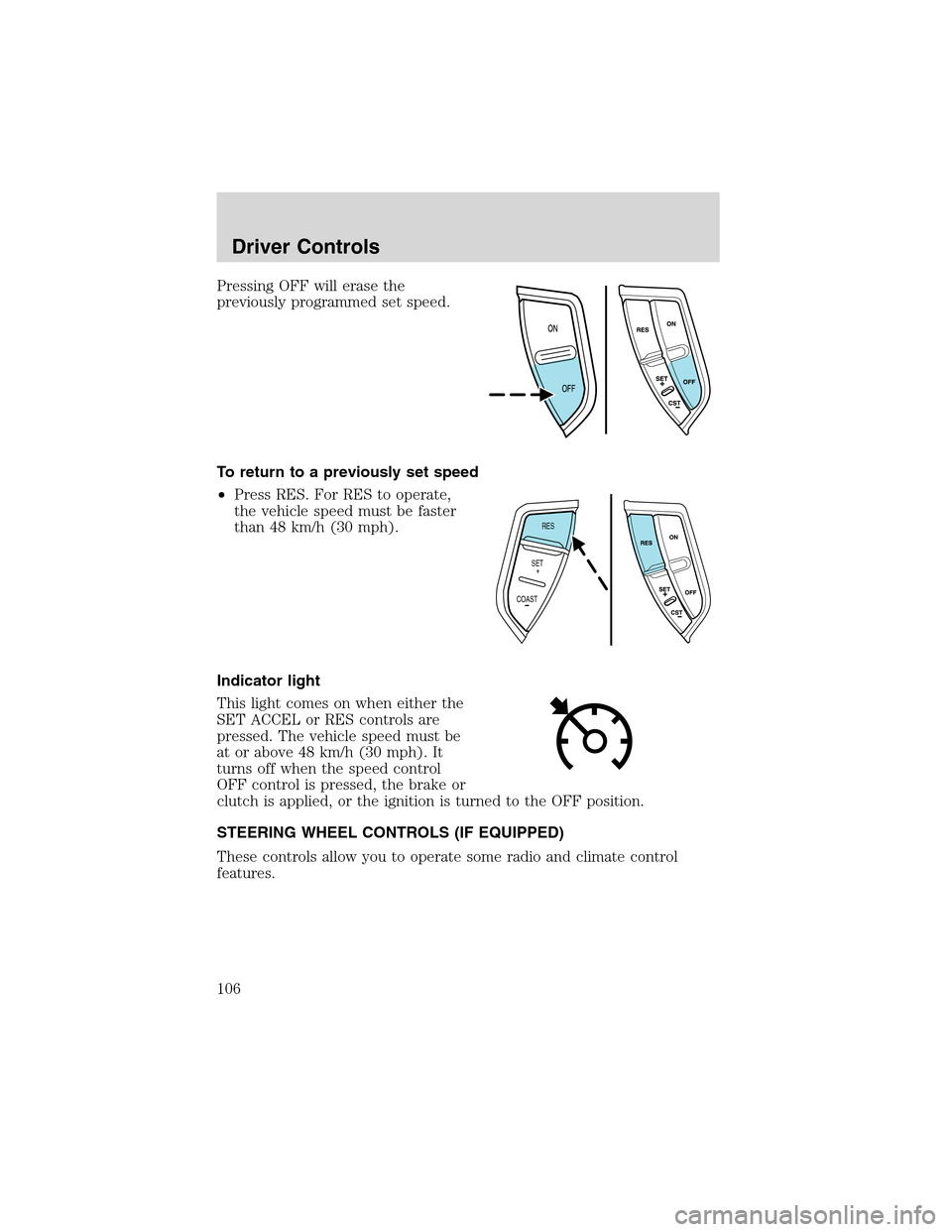
MODE SELECTOR
Press the mode selector once to
select air distribution through the
overhead vents. The Panel icon will
illuminate on the temperature
control selector. Press the mode selector again to select air distribution
through the floor vents. The Floor icon will illuminate on the
temperature control selector. Only the auxiliary control head (front or
rear) that is active will have the icons illuminated.
REAR WINDOW DEFROSTER
Used to manually enable or disable
rear window defrost in all modes.
After approximately 10 minutes of
rear defrost operation, the climate
control system will automatically
disable the rear defrost operation. If
desired, the rear defrost can be
manually disabled through the use
of the rear defrost button. When
operating, the rear defrost indicator will be lit. The rear window
defroster switch also activates the standard exterior mirror defrost
feature.
R
Climate Controls
80
Page 98 of 320
A second auxiliary power point is
located on the lower rear side of the
center console. The power point is
accessible from the rear seats.
A third auxiliary power point is located on the right rear quarter panel.
The power point is accessible from the liftgate or the third row seat.
Equipped with rear climate
control
Not equipped with rear climate
control
4 3 2 1 0
Driver Controls
98
Page 106 of 320
Pressing OFF will erase the
previously programmed set speed.
To return to a previously set speed
•Press RES. For RES to operate,
the vehicle speed must be faster
than 48 km/h (30 mph).
Indicator light
This light comes on when either the
SET ACCEL or RES controls are
pressed. The vehicle speed must be
at or above 48 km/h (30 mph). It
turns off when the speed control
OFF control is pressed, the brake or
clutch is applied, or the ignition is turned to the OFF position.
STEERING WHEEL CONTROLS (IF EQUIPPED)
These controls allow you to operate some radio and climate control
features.
RES
SET
COAST+
Driver Controls
106
Page 108 of 320
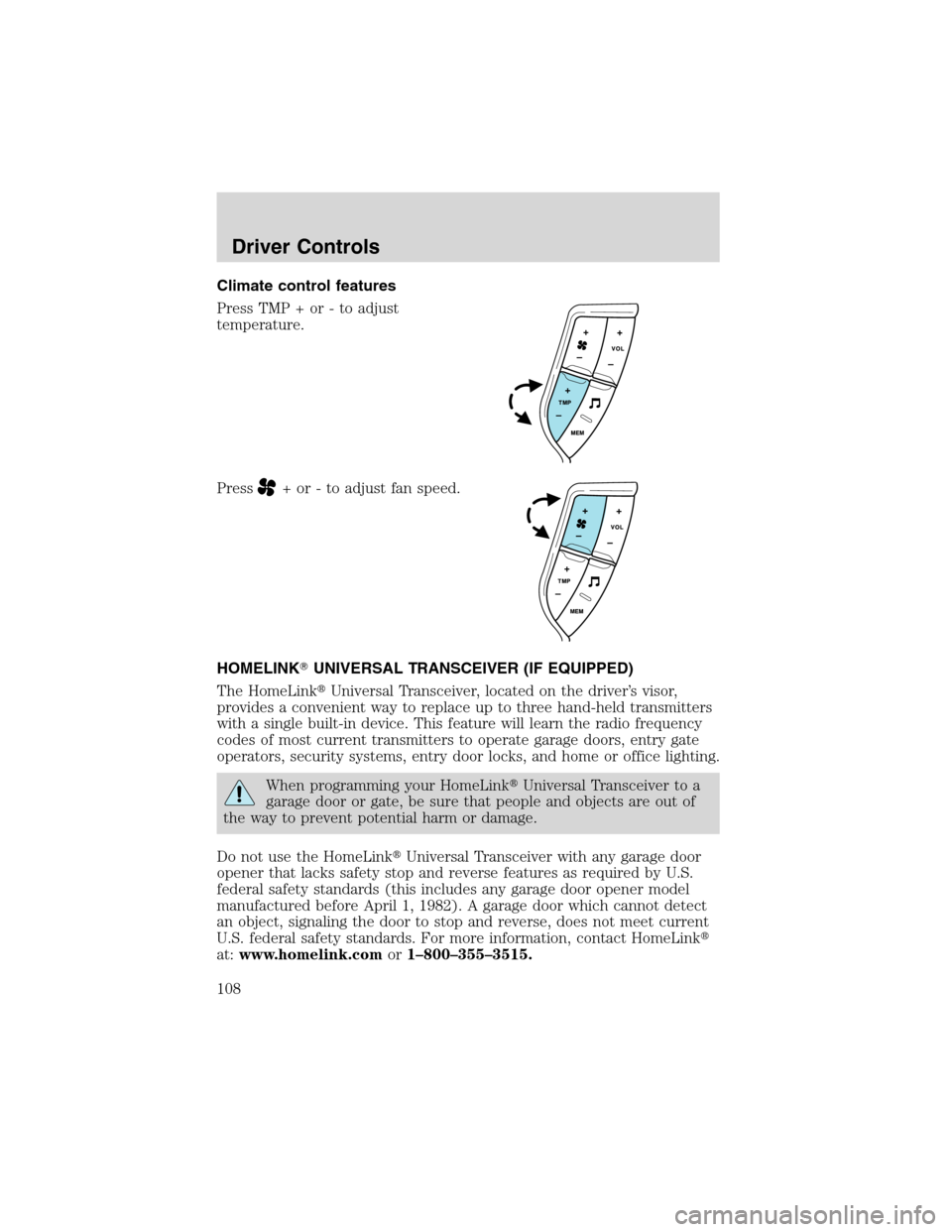
Climate control features
Press TMP + or - to adjust
temperature.
Press
+ or - to adjust fan speed.
HOMELINK�UNIVERSAL TRANSCEIVER (IF EQUIPPED)
The HomeLink�Universal Transceiver, located on the driver’s visor,
provides a convenient way to replace up to three hand-held transmitters
with a single built-in device. This feature will learn the radio frequency
codes of most current transmitters to operate garage doors, entry gate
operators, security systems, entry door locks, and home or office lighting.
When programming your HomeLink�Universal Transceiver to a
garage door or gate, be sure that people and objects are out of
the way to prevent potential harm or damage.
Do not use the HomeLink�Universal Transceiver with any garage door
opener that lacks safety stop and reverse features as required by U.S.
federal safety standards (this includes any garage door opener model
manufactured before April 1, 1982). A garage door which cannot detect
an object, signaling the door to stop and reverse, does not meet current
U.S. federal safety standards. For more information, contact HomeLink�
at:www.homelink.comor1–800–355–3515.
Driver Controls
108