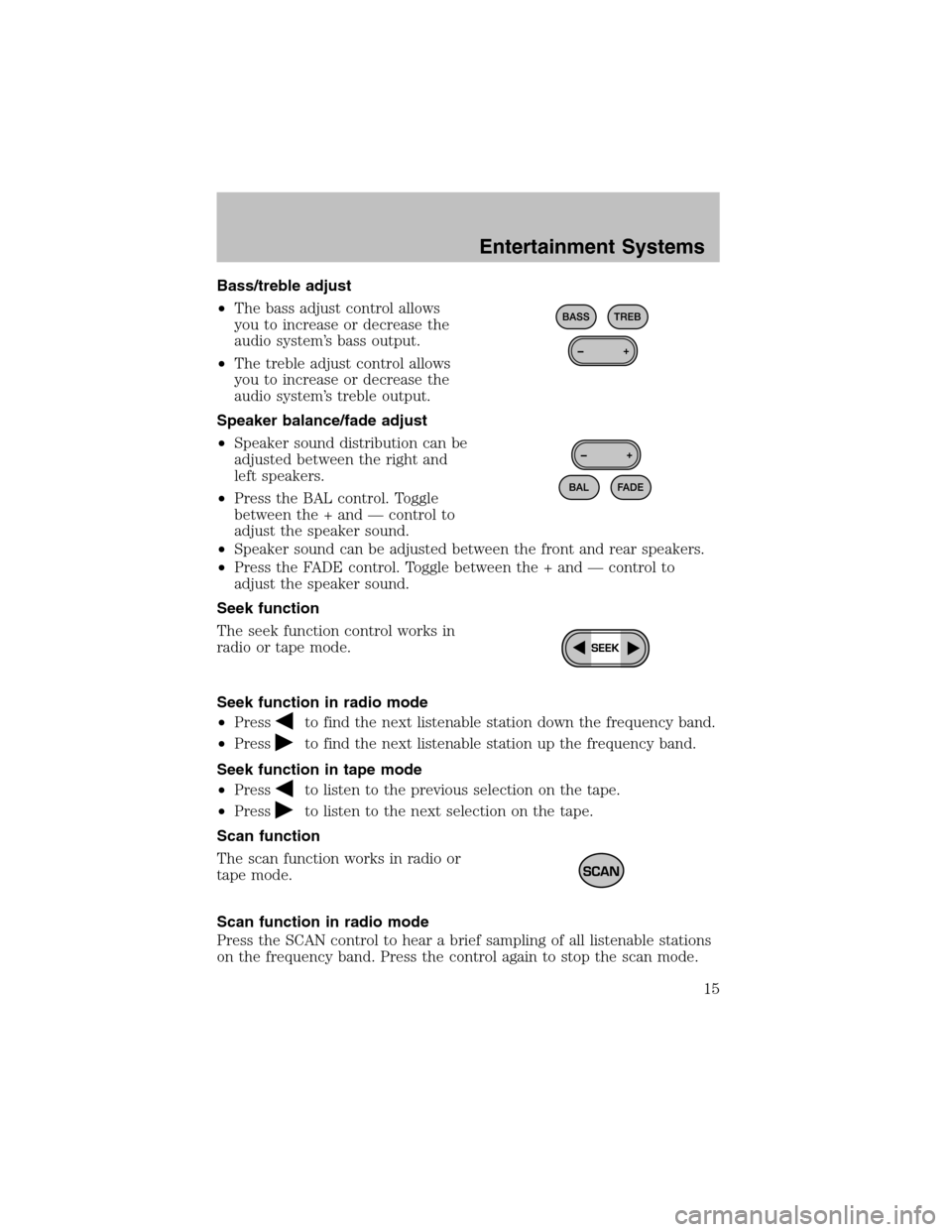
Bass/treble adjust
•The bass adjust control allows
you to increase or decrease the
audio system’s bass output.
•The treble adjust control allows
you to increase or decrease the
audio system’s treble output.
Speaker balance/fade adjust
•Speaker sound distribution can be
adjusted between the right and
left speakers.
•Press the BAL control. Toggle
between the + and — control to
adjust the speaker sound.
•Speaker sound can be adjusted between the front and rear speakers.
•Press the FADE control. Toggle between the + and — control to
adjust the speaker sound.
Seek function
The seek function control works in
radio or tape mode.
Seek function in radio mode
•Press
to find the next listenable station down the frequency band.
•Press
to find the next listenable station up the frequency band.
Seek function in tape mode
•Press
to listen to the previous selection on the tape.
•Press
to listen to the next selection on the tape.
Scan function
The scan function works in radio or
tape mode.
Scan function in radio mode
Press the SCAN control to hear a brief sampling of all listenable stations
on the frequency band. Press the control again to stop the scan mode.
Entertainment Systems
15
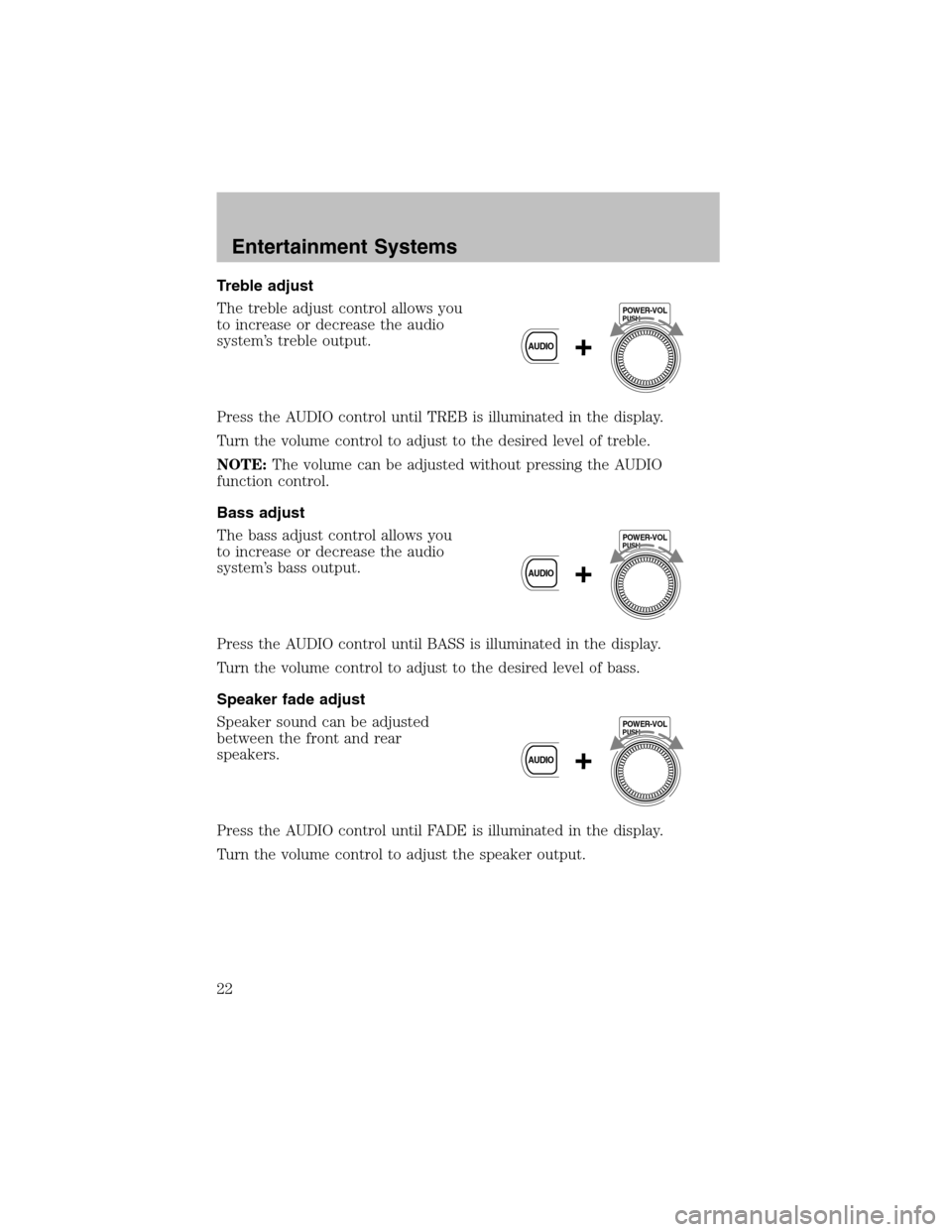
Treble adjust
The treble adjust control allows you
to increase or decrease the audio
system’s treble output.
Press the AUDIO control until TREB is illuminated in the display.
Turn the volume control to adjust to the desired level of treble.
NOTE:The volume can be adjusted without pressing the AUDIO
function control.
Bass adjust
The bass adjust control allows you
to increase or decrease the audio
system’s bass output.
Press the AUDIO control until BASS is illuminated in the display.
Turn the volume control to adjust to the desired level of bass.
Speaker fade adjust
Speaker sound can be adjusted
between the front and rear
speakers.
Press the AUDIO control until FADE is illuminated in the display.
Turn the volume control to adjust the speaker output.
PUSHPOWER-VOL
+AUDIO
PUSHPOWER-VOL
+AUDIO
PUSHPOWER-VOL
+AUDIO
Entertainment Systems
22