Page 210 of 486

Directing the Air¯ow
To direct the air¯ow to the rear-seating area, use the
right knob located on the main climate-control panel.
·Select vent or bi-level mode to direct air to the
rear of the vehicle through the overhead outlets.
·Select ¯oor, defog or defrost mode to direct air to
the rear of the vehicle through the ¯oor outlets.
Generally the upper outlets are used for air conditioning
and the ¯oor outlets are used for heating.
Selecting the Fan Speed
9
(Fan):Turn the fan knob on either rear fan control
to numeral 1, 2, or 3 to increase or decrease air¯ow
to the rear-seating area. Turn the fan knob on either rear
fan control to 0 or OFF to turn off the fan.
Setting the Temperature
If the driver is adjusting the temperature, do the
following:
To increase or decrease the temperature for the entire
vehicle, use the temperature controls located on the
main climate-control panel.If using the main climate-control panel, then the
air-conditioning system must be on to direct cooled air
to the rear of the vehicle. If it is not on, then the
temperature in the rear of the vehicle will remain at
cabin temperature.
If a rear-seat passenger is adjusting the temperature, do
the following:
Turn the right knob, located on the overhead rear-control
panel, behind the driver's seat, clockwise or
counterclockwise to raise or lower the temperature in
the rear-seating area only.
Rear Air Outlets
To increase air¯ow through the rear ¯oor outlets, place
the left bucket seat in the second row in the forward
position. For more information, see
Rear Seat Operation
on page 1-7.
The outlet behind the left rear seat is the cold air return
outlet. Be sure to keep it free from obstructions.
Also, keep the area around the base of the center
instrument panel console, between and under the front
seats, free of objects that could also obstruct air¯ow
to the rear-seating area.
For more information on how to use the main climate
control system, see ªClimate Control Systemº listed
previously in this section. For information on ventilation,
see ªOutlet Adjustmentº under ªClimate Control
Systemº listed previously in this section.
3-30
Page 211 of 486
Rear Climate Control System
(With Entertainment System)
Your vehicle may have a rear climate-control system
that allows the driver to adjust the fan speed or a
rear-seat passenger to set a separate temperature and
adjust the fan speed, for the rear-seating area. This
system works with the main climate-control system in
your vehicle.
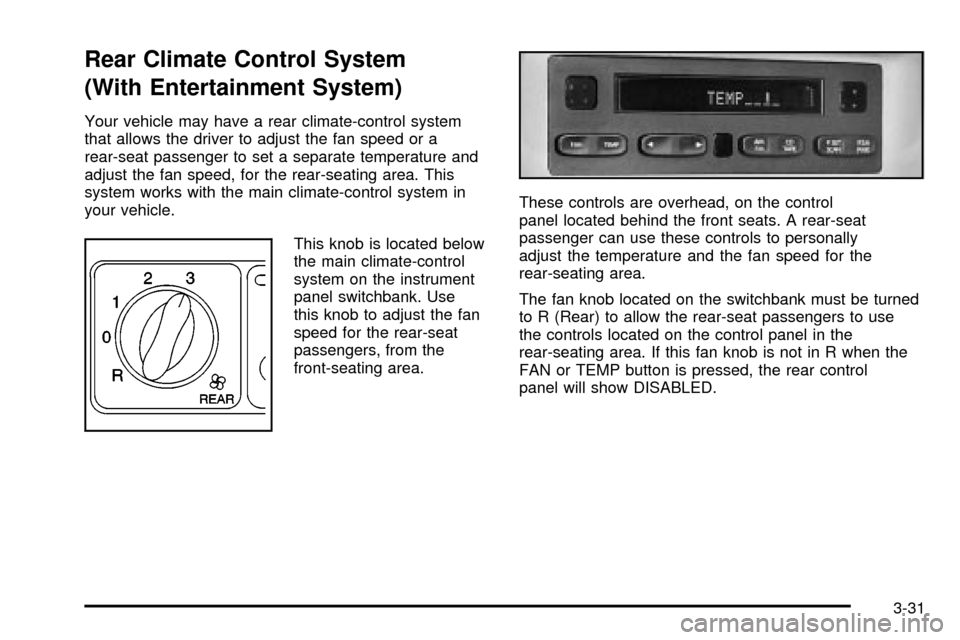
This knob is located below
the main climate-control
system on the instrument
panel switchbank. Use
this knob to adjust the fan
speed for the rear-seat
passengers, from the
front-seating area.These controls are overhead, on the control
panel located behind the front seats. A rear-seat
passenger can use these controls to personally
adjust the temperature and the fan speed for the
rear-seating area.
The fan knob located on the switchbank must be turned
to R (Rear) to allow the rear-seat passengers to use
the controls located on the control panel in the
rear-seating area. If this fan knob is not in R when the
FAN or TEMP button is pressed, the rear control
panel will show DISABLED.
3-31
Page 213 of 486
Rear Air Outlets
To increase air¯ow through the rear ¯oor outlets, place
the left bucket seat in the second row in the forward
position. For more information, see
Rear Seat Operation
on page 1-7.
The outlet behind the left rear seat is the cold air return
outlet. Be sure to keep it free from obstructions.
Also, keep the area around the base of the center
instrument panel console, between and under the front
seats, free of objects that could also obstruct air¯ow
to the rear-seating area.
For more information on how to use the main climate
control system, see ªClimate Control Systemº listed
previously in this section. For information on ventilation,
see ªOutlet Adjustmentº under ªClimate Control
Systemº listed previously in this section.
Passenger Compartment Air Filter
Passenger compartment air, both outside and
recirculated air, is routed through a passenger
compartment ®lter. The ®lter removes certain
contaminants from the air, including pollen and dust
particles. Reductions in air¯ow, which may occur more
quickly in dusty areas, indicate that the ®lter needs
to be replaced early. For how often to change the air
®lter, see
Part A: Scheduled Maintenance Services
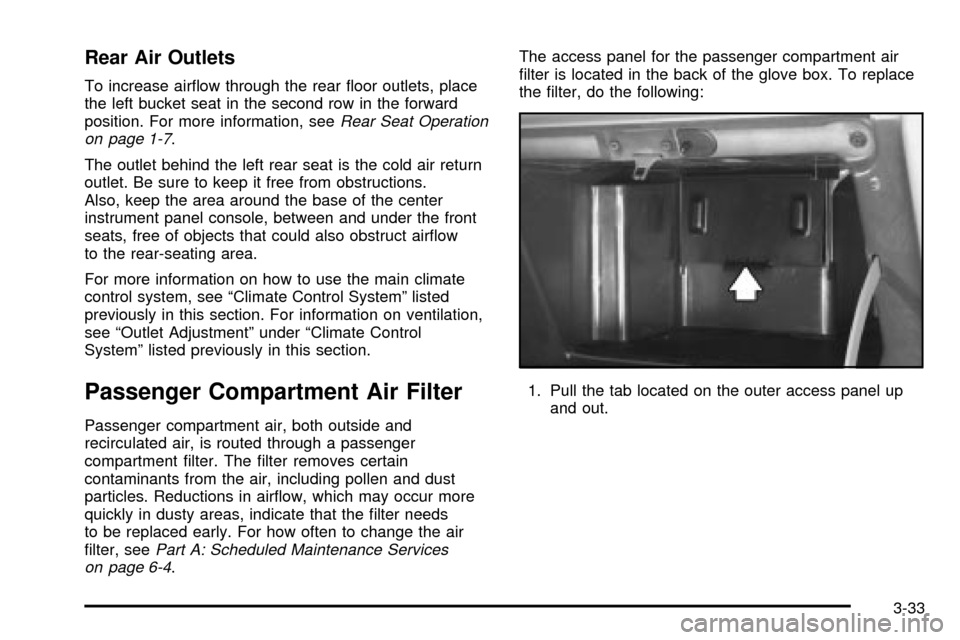
on page 6-4.The access panel for the passenger compartment air
®lter is located in the back of the glove box. To replace
the ®lter, do the following:
1. Pull the tab located on the outer access panel up
and out.
3-33
Page 216 of 486
Instrument Panel Cluster
Your instrument panel cluster is designed to let you know at a glance how your vehicle is running. You'll know how
fast you're going, how much fuel you're using, and many other things you'll need to drive safely and economically. The
indicator warning lights and gages are explained on the following pages.
United States version shown, Canada similar
3-36
Page 220 of 486
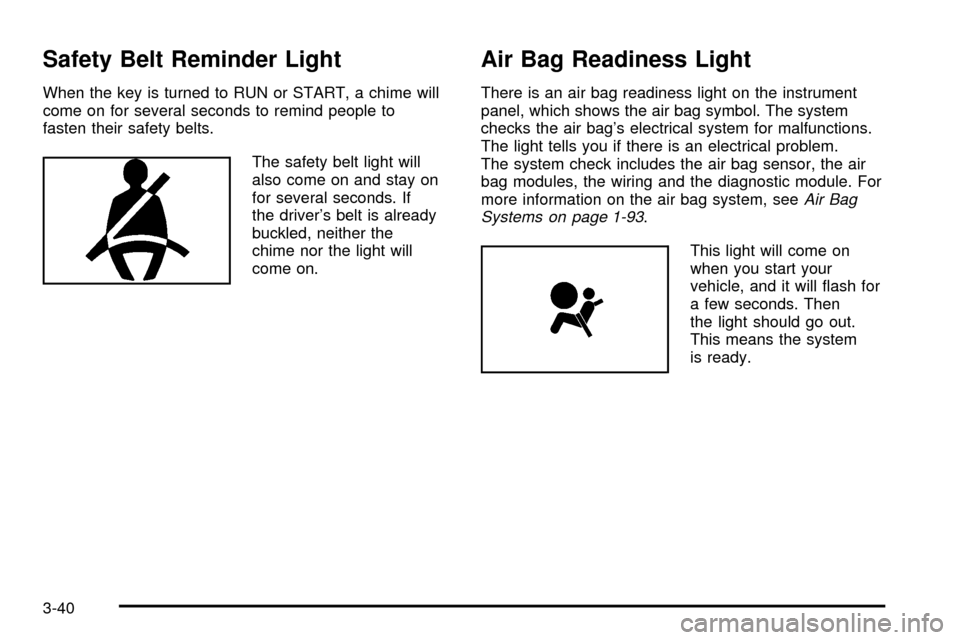
Safety Belt Reminder Light
When the key is turned to RUN or START, a chime will
come on for several seconds to remind people to
fasten their safety belts.
The safety belt light will
also come on and stay on
for several seconds. If
the driver's belt is already
buckled, neither the
chime nor the light will
come on.
Air Bag Readiness Light
There is an air bag readiness light on the instrument
panel, which shows the air bag symbol. The system
checks the air bag's electrical system for malfunctions.
The light tells you if there is an electrical problem.
The system check includes the air bag sensor, the air
bag modules, the wiring and the diagnostic module. For
more information on the air bag system, see
Air Bag
Systems on page 1-93.
This light will come on
when you start your
vehicle, and it will ¯ash for
a few seconds. Then
the light should go out.
This means the system
is ready.
3-40
Page 223 of 486
Traction Control System (TCS)
Warning Light
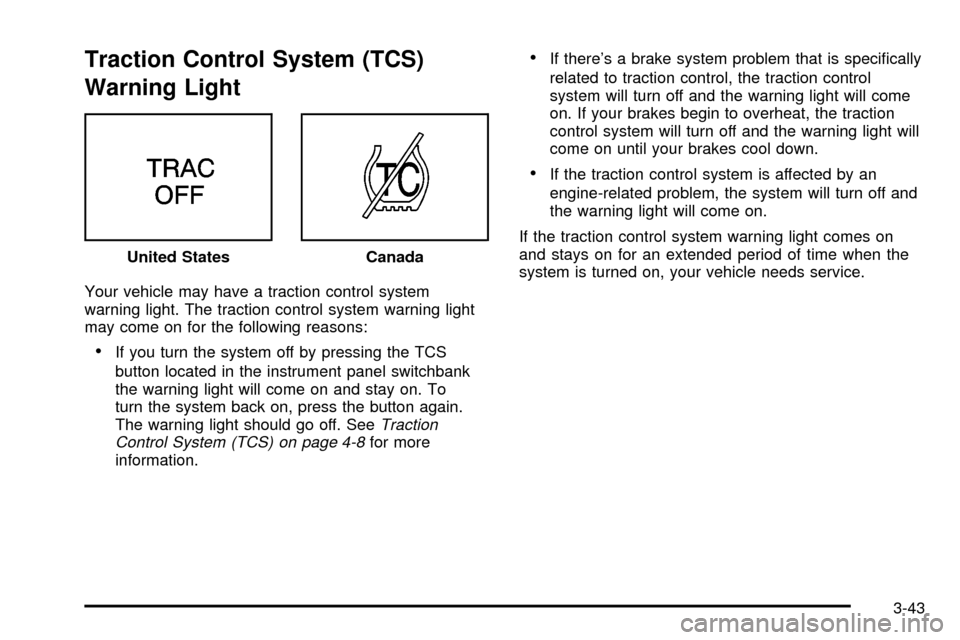
Your vehicle may have a traction control system
warning light. The traction control system warning light
may come on for the following reasons:
·If you turn the system off by pressing the TCS
button located in the instrument panel switchbank
the warning light will come on and stay on. To
turn the system back on, press the button again.
The warning light should go off. See
Traction
Control System (TCS) on page 4-8for more
information.
·If there's a brake system problem that is speci®cally
related to traction control, the traction control
system will turn off and the warning light will come
on. If your brakes begin to overheat, the traction
control system will turn off and the warning light will
come on until your brakes cool down.
·If the traction control system is affected by an
engine-related problem, the system will turn off and
the warning light will come on.
If the traction control system warning light comes on
and stays on for an extended period of time when the
system is turned on, your vehicle needs service. United States
Canada
3-43
Page 230 of 486
Message Center
The message center is located in the instrument panel
cluster. It gives you important safety and maintenance
facts.
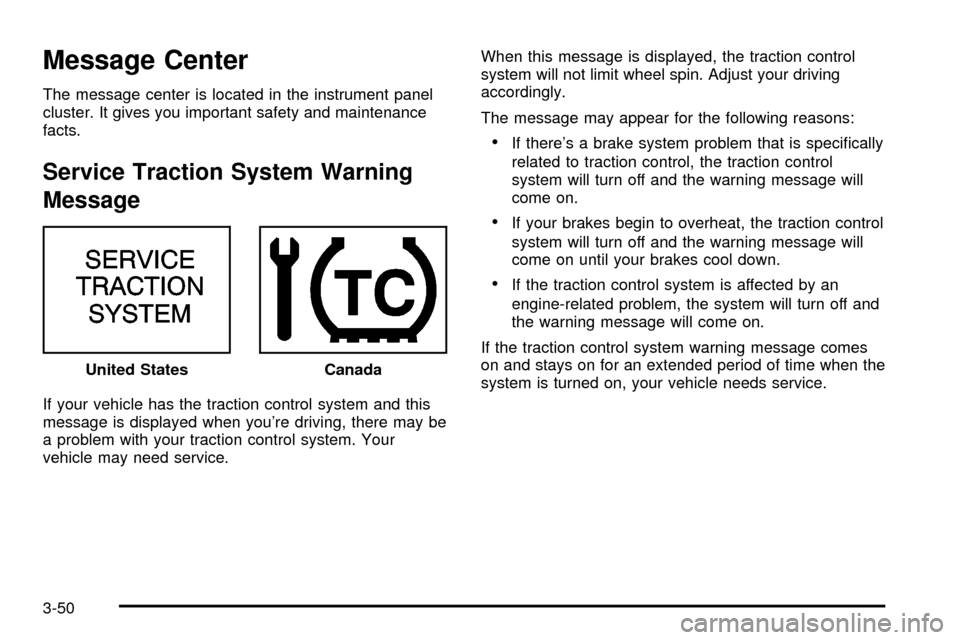
Service Traction System Warning
Message
If your vehicle has the traction control system and this
message is displayed when you're driving, there may be
a problem with your traction control system. Your
vehicle may need service.When this message is displayed, the traction control
system will not limit wheel spin. Adjust your driving
accordingly.
The message may appear for the following reasons:
·If there's a brake system problem that is speci®cally
related to traction control, the traction control
system will turn off and the warning message will
come on.
·If your brakes begin to overheat, the traction control
system will turn off and the warning message will
come on until your brakes cool down.
·If the traction control system is affected by an
engine-related problem, the system will turn off and
the warning message will come on.
If the traction control system warning message comes
on and stays on for an extended period of time when the
system is turned on, your vehicle needs service. United States
Canada
3-50
Page 292 of 486
Braking
Braking action involvesperception timeandreaction time.
First, you have to decide to push on the brake pedal.
That isperception time.Then you have to bring up your
foot and do it. That isreaction time.
Averagereaction timeis about 3/4 of a second. But that
is only an average. It might be less with one driver
and as long as two or three seconds or more with
another. Age, physical condition, alertness, coordination
and eyesight all play a part. So do alcohol, drugs and
frustration. But even in 3/4 of a second, a vehicle moving
at 60 mph (100 km/h) travels 66 feet (20 m). That
could be a lot of distance in an emergency, so keeping
enough space between your vehicle and others is
important.
And, of course, actual stopping distances vary greatly
with the surface of the road (whether it is pavement
or gravel); the condition of the road (wet, dry, icy); tire
tread; the condition of your brakes; the weight of
the vehicle and the amount of brake force applied.
Avoid needless heavy braking. Some people drive in
spurts Ð heavy acceleration followed by heavy
braking Ð rather than keeping pace with traffic. This is
a mistake. Your brakes may not have time to cool
between hard stops. Your brakes will wear out much
faster if you do a lot of heavy braking. If you keep pacewith the traffic and allow realistic following distances,
you will eliminate a lot of unnecessary braking.
That means better braking and longer brake life.
If your engine ever stops while you are driving, brake
normally but do not pump your brakes. If you do,
the pedal may get harder to push down. If your engine
stops, you will still have some power brake assist.
But you will use it when you brake. Once the power
assist is used up, it may take longer to stop and
the brake pedal will be harder to push.
Anti-lock Brake System (ABS)
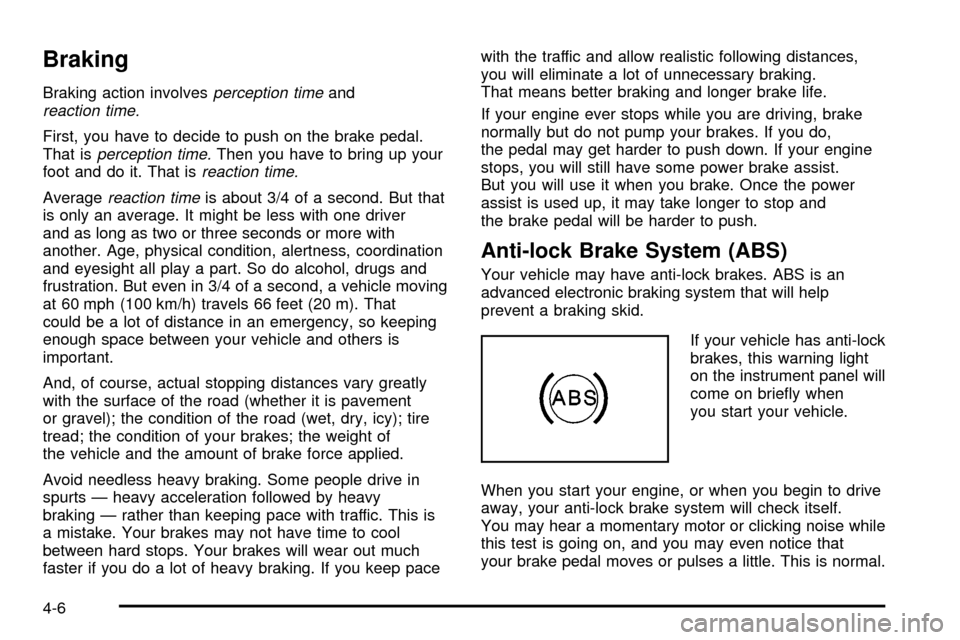
Your vehicle may have anti-lock brakes. ABS is an
advanced electronic braking system that will help
prevent a braking skid.
If your vehicle has anti-lock
brakes, this warning light
on the instrument panel will
come on brie¯y when
you start your vehicle.
When you start your engine, or when you begin to drive
away, your anti-lock brake system will check itself.
You may hear a momentary motor or clicking noise while
this test is going on, and you may even notice that
your brake pedal moves or pulses a little. This is normal.
4-6