2003 CHEVROLET MALIBU ignition
[x] Cancel search: ignitionPage 93 of 326
Sunroof
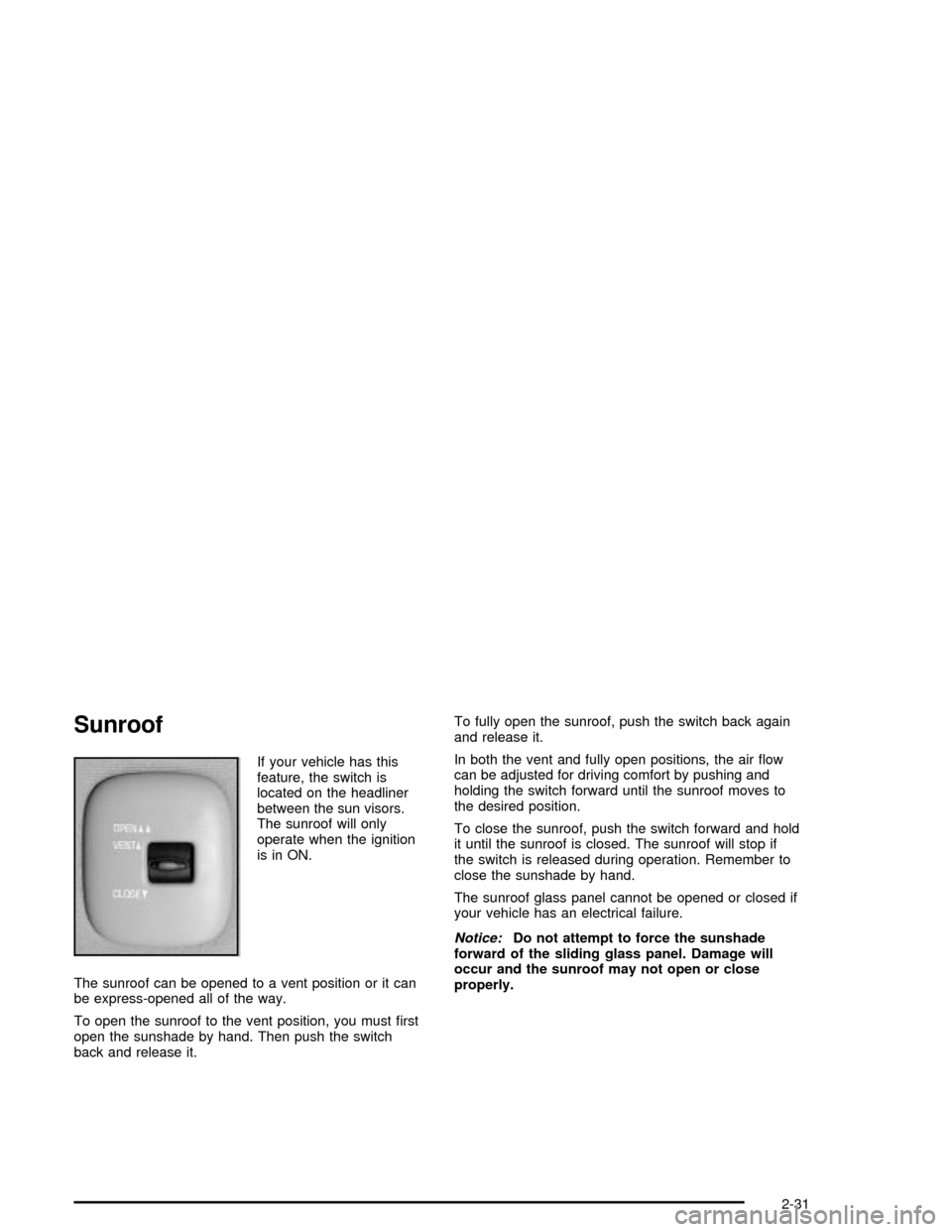
If your vehicle has this
feature, the switch is
located on the headliner
between the sun visors.
The sunroof will only
operate when the ignition
is in ON.
The sunroof can be opened to a vent position or it can
be express-opened all of the way.
To open the sunroof to the vent position, you must ®rst
open the sunshade by hand. Then push the switch
back and release it.To fully open the sunroof, push the switch back again
and release it.
In both the vent and fully open positions, the air ¯ow
can be adjusted for driving comfort by pushing and
holding the switch forward until the sunroof moves to
the desired position.
To close the sunroof, push the switch forward and hold
it until the sunroof is closed. The sunroof will stop if
the switch is released during operation. Remember to
close the sunshade by hand.
The sunroof glass panel cannot be opened or closed if
your vehicle has an electrical failure.
Notice:Do not attempt to force the sunshade
forward of the sliding glass panel. Damage will
occur and the sunroof may not open or close
properly.
2-31
Page 97 of 326

The main components of your instrument panel are the
following:
A. Side Window Defogger Vents. See ªDefogging and
Defrostingº in
Climate Control System on
page 3-17.
B. Vent Outlets. See
Outlet Adjustment on page 3-21.
C. Instrument Panel Brightness Thumbwheel. See
Interior Lamps on page 3-15.
D. Fog Lamp Button (If Equipped). See ªFog Lampsº in
Exterior Lamps on page 3-12.
E. Turn Signal/Multifunction Lever. See
Turn
Signal/Multifunction Lever on page 3-5.
F. Cruise Control Buttons (If Equipped). See ªCruise
Controlº in
Turn Signal/Multifunction Lever on
page 3-5.
G. Instrument Panel Cluster. See
Instrument Panel
Cluster on page 3-23.
H. Windshield Wiper/Washer Lever. See ªWindshield
Wipersº in
Turn Signal/Multifunction Lever on
page 3-5.
I. Ignition Switch. See
Ignition Positions on
page 2-17.J. Hazard Warning Flashers Button. See
Hazard
Warning Flashers on page 3-4.
K. Instrument Panel Fuse Blocks. See
Fuses and
Circuit Breakers on page 5-77.
L. Instrument Panel Cupholder. See
Cupholder(s) on
page 2-30.
M. Remote Trunk Release Button. See ªRemote Trunk
Releaseº in
Trunk on page 2-11.
N. Hood Release. See
Hood Release on page 5-10.
O. Tilt Wheel Lever. See
Tilt Wheel on page 3-5.
P. Parking Brake. See
Parking Brake on page 2-23.
Q. Horn. See
Horn on page 3-5.
R. Audio System. See
Audio System(s) on page 3-36.
S. Cigarette Lighter. See
Ashtrays and Cigarette
Lighter on page 3-17.
T. Ashtray. See
Ashtrays and Cigarette Lighter on
page 3-17.
U. Accessory Power Outlet. See
Accessory Power
Outlets on page 3-16.
V. Climate Control System. See
Climate Control
System on page 3-17.
3-3
Page 101 of 326

<(Parking Lamps):Turn the switch to this position to
turn on the parking lamps, together with the following:
·Sidemarker Lamps
·Taillamps
·License Plate Lamps
·Instrument Panel Lights
3(Headlamps):Turn the switch to this position to
turn on the headlamps, together with the previously
listed lamps and lights.
AUTO:Turn the exterior lamps control to AUTO to
provide for automatic operation of the headlamps,
taillamps and parking lamps. For more information see
ªAutomatic Headlamp Systemº later in this section.
Headlamp High/Low-Beam Changer
To change the headlamps from low beam to high beam,
push the turn signal/multifunction lever away from you.
When the high beams
are on, a light on the
instrument panel cluster
also will be on if the
ignition is in ON.
To change the headlamps from high beam to low beam,
pull the turn signal lever toward you.
Headlamps On Reminder
If you open the driver's door and turn off the ignition while
leaving the lamps on, you will hear a warning chime.
Flash-to-Pass Feature
This feature lets you use your high-beam headlamps to
signal a driver in front of you that you want to pass.
To use it, pull the turn signal/multifunction lever toward
you until the high-beam headlamps come on, then
release the lever to turn them off.
3-7
Page 105 of 326

Increasing Speed While Using Cruise
Control
There are two ways to go to a higher speed.
·Use the accelerator pedal to get to the higher
speed. Press the SET DECEL button, then release
the button and the accelerator pedal. You'll now
cruise at the higher speed.
·Press the ACCEL RESUME button. Hold it there until
you get up to the speed you want, and then release
the button. To increase your speed in very small
amounts, press the ACCEL RESUME button brie¯y
and then release it. Each time you do this, your
vehicle will go about 1 mph (1.6 km/h) faster.
The accelerate feature will only work after you turn on
the cruise control by pressing the SET DECEL button.
Reducing Speed While Using Cruise
Control
There are two ways to reduce your speed while using
cruise control:
·Press the SET DECEL button until you reach the
lower speed you want, then release it.
·To slow down in very small amounts, press the
SET DECEL button brie¯y. Each time you do
this, you'll go about 1 mph (1.6 km/h) slower.
Passing Another Vehicle While Using
Cruise Control
Use the accelerator pedal to increase your speed.
When you take your foot off the pedal, your vehicle will
slow down to the cruise control speed you set earlier.
Using Cruise Control on Hills
How well your cruise control will work on hills depends
upon your speed, load and the steepness of the
hills. When going up steep hills, you may have to step
on the accelerator pedal to maintain your speed.
When going downhill, you may have to brake or shift to
a lower gear to keep your speed down. Of course,
applying the brake takes you out of cruise control. Many
drivers ®nd this to be too much trouble and don't use
cruise control on steep hills.
Ending Cruise Control
There are two ways to turn off the cruise control:
·Step lightly on the brake pedal;
·Press OFF/ON.
Erasing Speed Memory
When you turn off the cruise control or the ignition, your
cruise control set speed memory is erased.
3-11
Page 106 of 326
Exterior Lamps
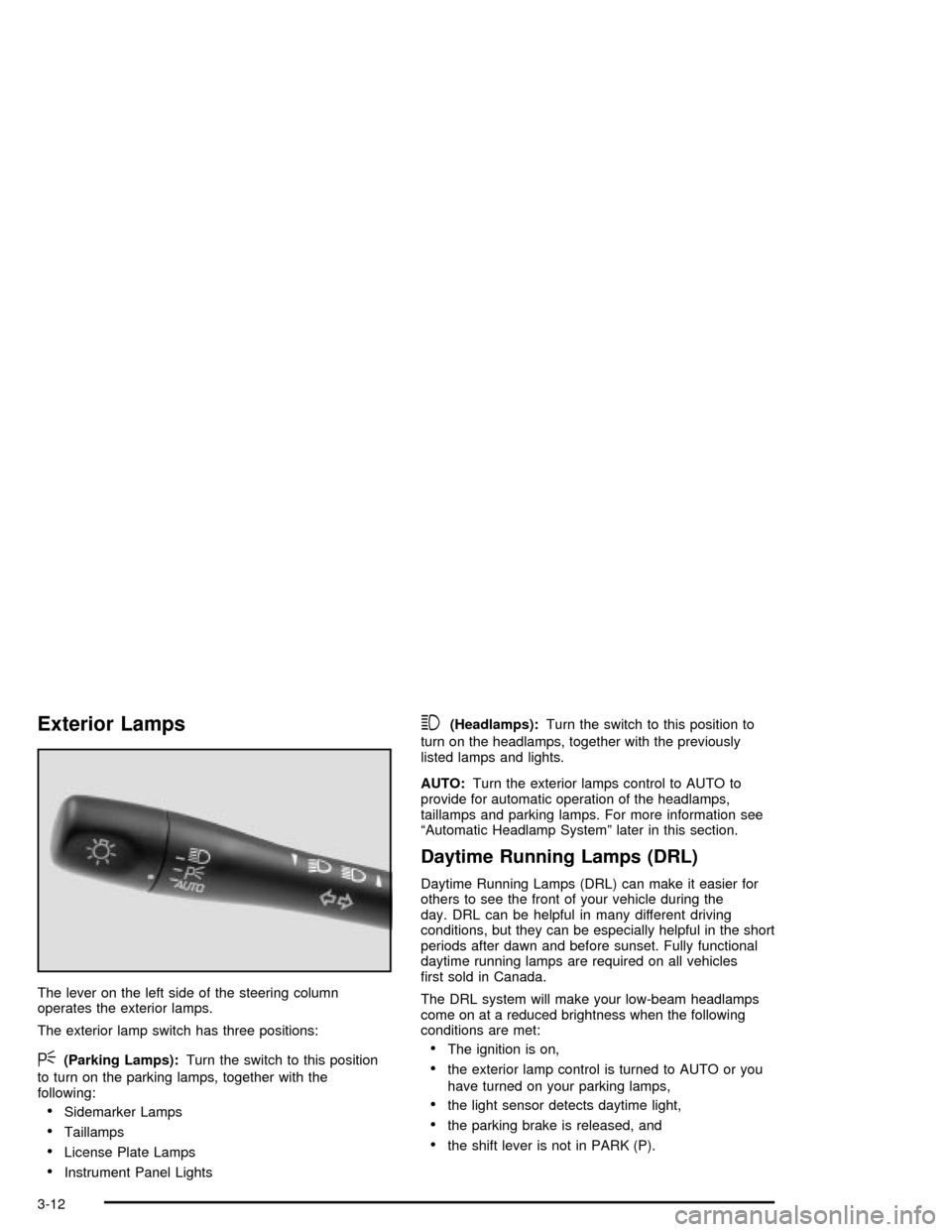
The lever on the left side of the steering column
operates the exterior lamps.
The exterior lamp switch has three positions:
<(Parking Lamps):Turn the switch to this position
to turn on the parking lamps, together with the
following:
·Sidemarker Lamps
·Taillamps
·License Plate Lamps
·Instrument Panel Lights
3(Headlamps):Turn the switch to this position to
turn on the headlamps, together with the previously
listed lamps and lights.
AUTO:Turn the exterior lamps control to AUTO to
provide for automatic operation of the headlamps,
taillamps and parking lamps. For more information see
ªAutomatic Headlamp Systemº later in this section.
Daytime Running Lamps (DRL)
Daytime Running Lamps (DRL) can make it easier for
others to see the front of your vehicle during the
day. DRL can be helpful in many different driving
conditions, but they can be especially helpful in the short
periods after dawn and before sunset. Fully functional
daytime running lamps are required on all vehicles
®rst sold in Canada.
The DRL system will make your low-beam headlamps
come on at a reduced brightness when the following
conditions are met:
·The ignition is on,
·the exterior lamp control is turned to AUTO or you
have turned on your parking lamps,
·the light sensor detects daytime light,
·the parking brake is released, and
·the shift lever is not in PARK (P).
3-12
Page 107 of 326

When the DRL system is on, the taillamps, sidemarker
lamps, parking lamps and instrument panel lights
will not be illuminated unless you have turned the
exterior lamps control to the parking lamp or headlamp
position.
The DRL system will remain off any time your vehicle is
in PARK (P) or the parking brake is engaged and the
vehicle speed is less than 8 mph (13 km/h), for
United States vehicles only.
As with any vehicle, you should turn on the regular
headlamp system when you need it.
Automatic Headlamp System
When it is dark enough outside, your Automatic
Headlamp System will turn on your headlamps at the
normal brightness along with other lamps such as
the taillamps, sidemarker, parking lamps and the
instrument panel lights. The radio lights will also be dim.
Your vehicle is equipped with a light sensor on the
top of the instrument panel under the defroster grill,
so be sure it is not covered which will cause the system
to be on whenever the ignition is on.
The system may also be on when driving through a
parking garage, heavy overcast weather or a tunnel.
This is normal.There is a delay in the transition between the daytime
and nighttime operation of the DRL and the Automatic
Headlamp System so that driving under bridges or bright
overhead street lights does not affect the system. The
DRL and Automatic Headlamp System will only be
affected when the light sensor sees a change in lighting
lasting longer than this delay.
If you start your vehicle in a dark garage, the automatic
headlamp system will come on immediately. Once
you leave the garage, it will take approximately
one minute for the automatic headlamp system to
change to DRL if it is light outside. During that delay,
your instrument panel cluster may not be as bright
as usual. Make sure your instrument panel brightness
control is in the full bright position. See ªInstrument
Panel Brightness Controlº under
Interior Lamps
on page 3-15.
To idle your vehicle with the system off, set the park
brake while the ignition is off. Then start the vehicle.
The system will stay off until you release the park brake.
As with any vehicle, you should turn on the regular
headlamps when you need them.
3-13
Page 108 of 326
Headlamps Off in Park (P)
This feature works when the ignition is on and it is dark
outside. To turn the headlamps off when it is dark
outside, turn the exterior lamp control to the parking
lamp position. In this position, the parking lamps,
sidemarker lamps, taillamps, license plate lamps and
instrument panel lights will be on, but the headlamps will
be off.
To turn on the headlamps along with the other lamps
when it is dark outside, turn the exterior lamp control to
the AUTO or headlamp position.
Delayed Headlamps
The delayed headlamps feature will continue to
illuminate the headlamps for 20 seconds after the key is
turned to OFF at night. Then the headlamps will
automatically turn off.
To override the 20 second delayed headlamp feature
while it is active turn the switch at the end of the
turn signal/multifunction lever up one position and then
back to AUTO.
Fog Lamps
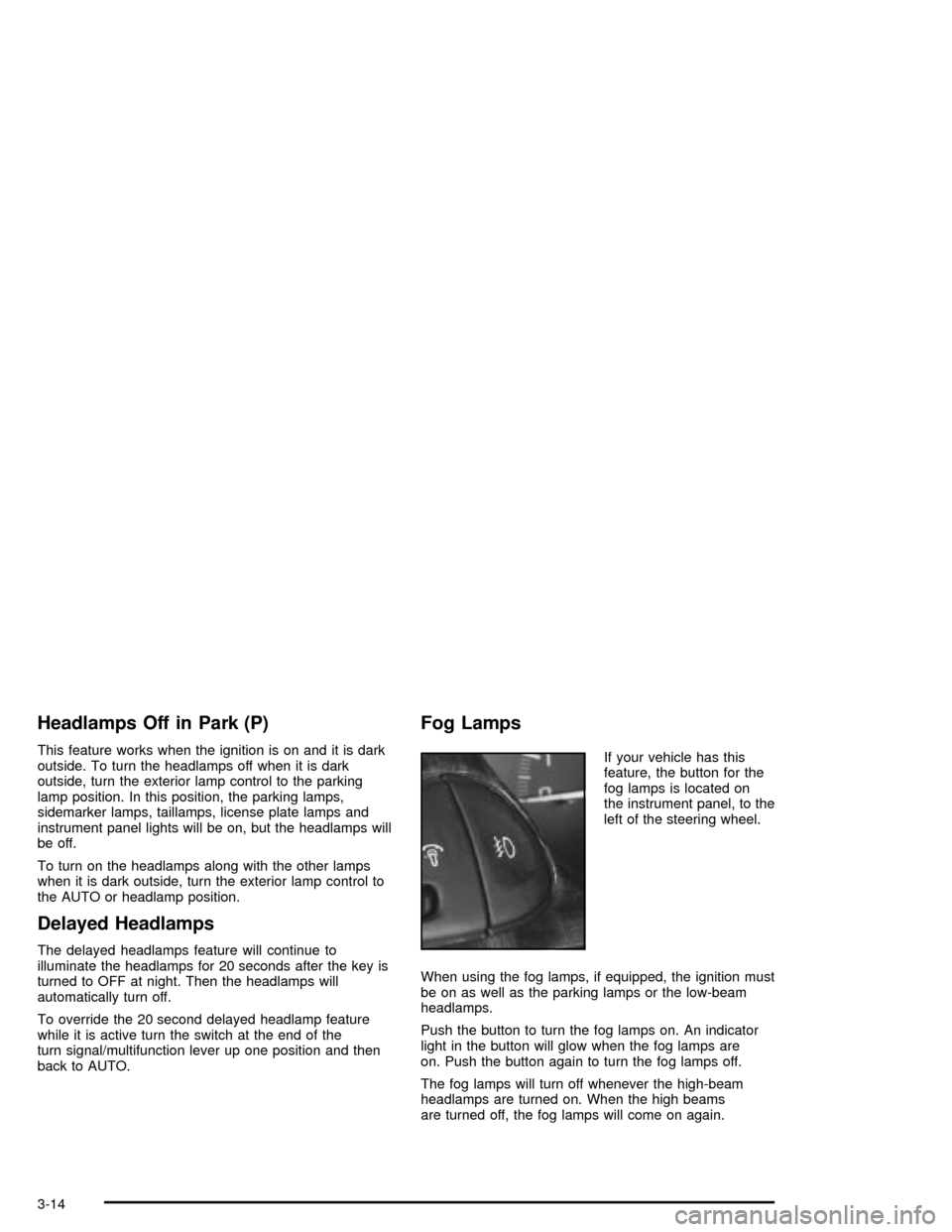
If your vehicle has this
feature, the button for the
fog lamps is located on
the instrument panel, to the
left of the steering wheel.
When using the fog lamps, if equipped, the ignition must
be on as well as the parking lamps or the low-beam
headlamps.
Push the button to turn the fog lamps on. An indicator
light in the button will glow when the fog lamps are
on. Push the button again to turn the fog lamps off.
The fog lamps will turn off whenever the high-beam
headlamps are turned on. When the high beams
are turned off, the fog lamps will come on again.
3-14
Page 109 of 326
Interior Lamps
Instrument Panel Brightness
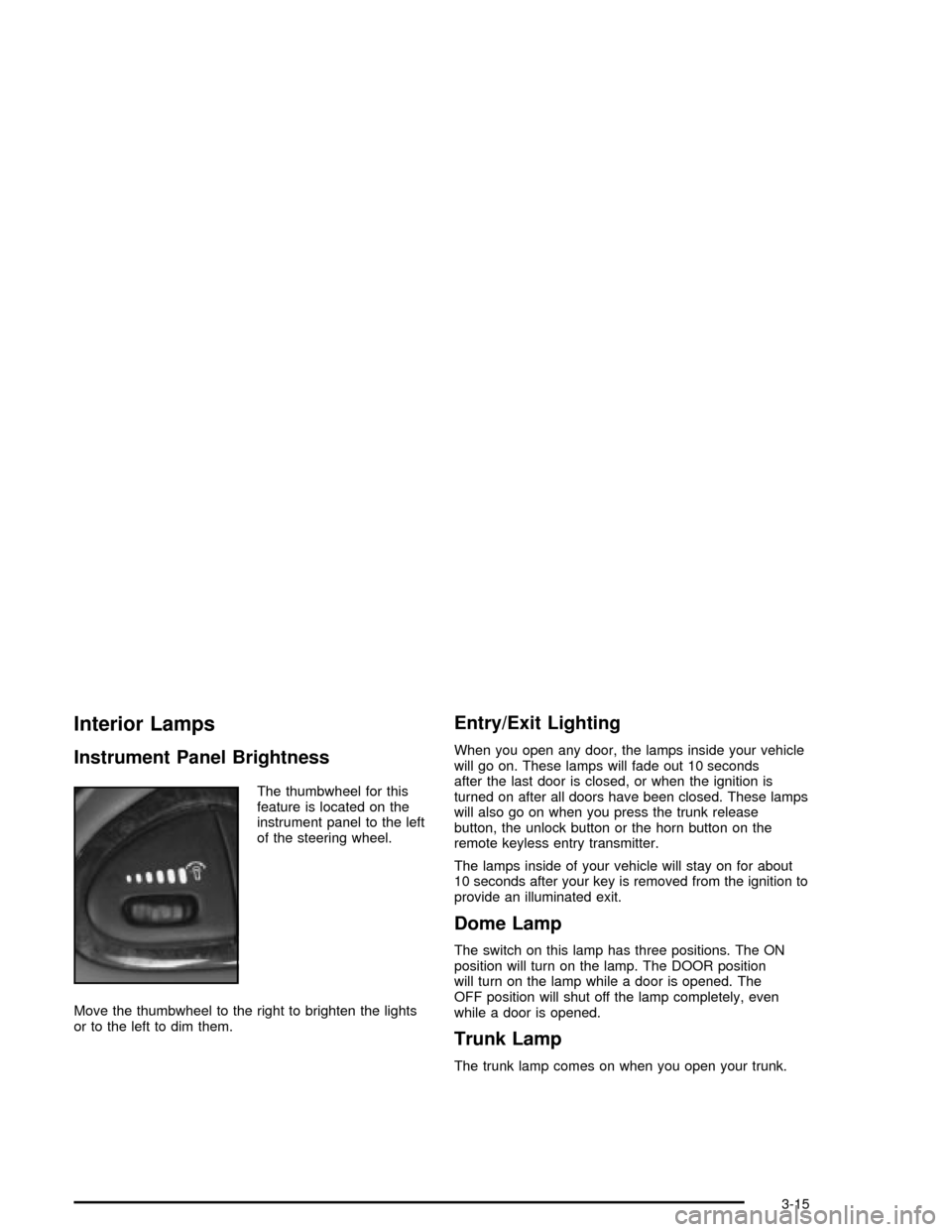
The thumbwheel for this
feature is located on the
instrument panel to the left
of the steering wheel.
Move the thumbwheel to the right to brighten the lights
or to the left to dim them.
Entry/Exit Lighting
When you open any door, the lamps inside your vehicle
will go on. These lamps will fade out 10 seconds
after the last door is closed, or when the ignition is
turned on after all doors have been closed. These lamps
will also go on when you press the trunk release
button, the unlock button or the horn button on the
remote keyless entry transmitter.
The lamps inside of your vehicle will stay on for about
10 seconds after your key is removed from the ignition to
provide an illuminated exit.
Dome Lamp
The switch on this lamp has three positions. The ON
position will turn on the lamp. The DOOR position
will turn on the lamp while a door is opened. The
OFF position will shut off the lamp completely, even
while a door is opened.
Trunk Lamp
The trunk lamp comes on when you open your trunk.
3-15