Page 165 of 408
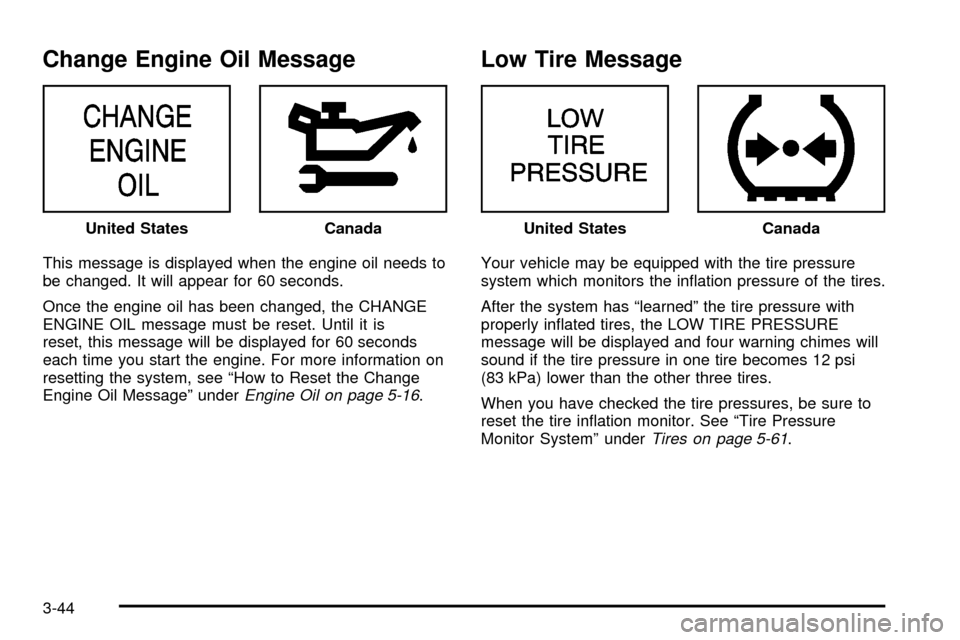
Low Oil Pressure Message
This message is displayed in the message center when
the engine oil pressure is low. A chime will sound
continuously, also.
If this occurs, you should have your vehicle serviced
immediately.
{CAUTION:
Don't keep driving if the oil pressure is low. If
you do, your engine can become so hot that it
catches ®re. You or others could be burned.
Check your oil as soon as possible and have
your vehicle serviced.
Notice:Damage to your engine from neglected oil
problems can be costly and is not covered by
your warranty.
Low Engine Oil Level Message
Your vehicle may be equipped with a low engine oil
level message.
This message is displayed for 60 seconds at the start of
each ignition cycle when the engine oil level is low.
Four chimes will also sound.
When the ignition is turned off, this message will be
displayed again for three seconds to remind you
that your engine oil level is low. Be sure to have your
vehicle serviced right away.
See
Engine Oil on page 5-16on how to check the oil
level and for what type of oil to add. United States
Canada
United StatesCanada
3-43
Page 166 of 408
Change Engine Oil Message
This message is displayed when the engine oil needs to
be changed. It will appear for 60 seconds.
Once the engine oil has been changed, the CHANGE
ENGINE OIL message must be reset. Until it is
reset, this message will be displayed for 60 seconds
each time you start the engine. For more information on
resetting the system, see ªHow to Reset the Change
Engine Oil Messageº under
Engine Oil on page 5-16.
Low Tire Message
Your vehicle may be equipped with the tire pressure
system which monitors the in¯ation pressure of the tires.
After the system has ªlearnedº the tire pressure with
properly in¯ated tires, the LOW TIRE PRESSURE
message will be displayed and four warning chimes will
sound if the tire pressure in one tire becomes 12 psi
(83 kPa) lower than the other three tires.
When you have checked the tire pressures, be sure to
reset the tire in¯ation monitor. See ªTire Pressure
Monitor Systemº under
Tires on page 5-61. United States
CanadaUnited StatesCanada
3-44
Page 168 of 408
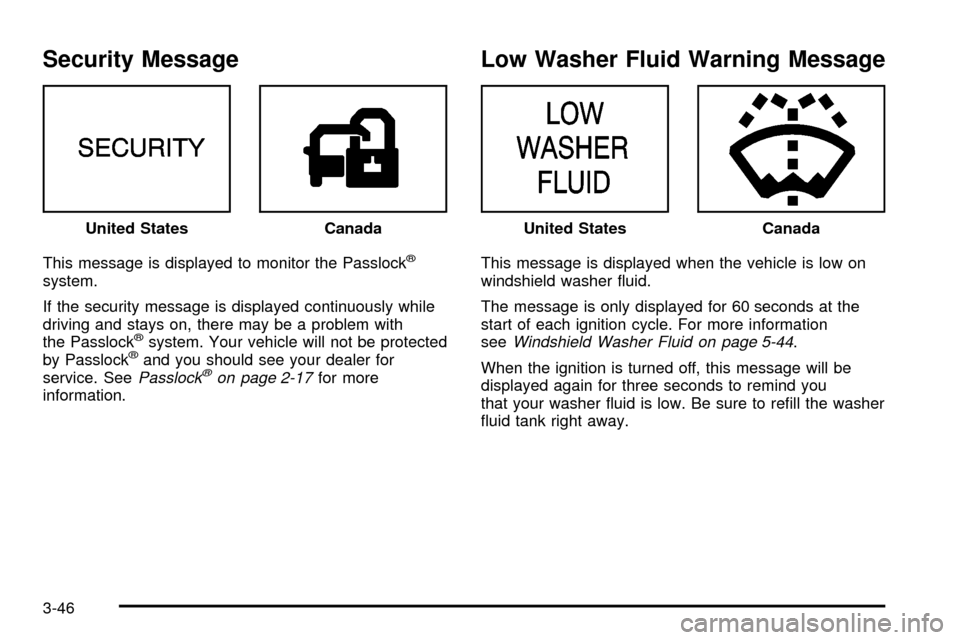
Security Message
This message is displayed to monitor the Passlockž
system.
If the security message is displayed continuously while
driving and stays on, there may be a problem with
the Passlock
žsystem. Your vehicle will not be protected
by Passlockžand you should see your dealer for
service. SeePasslockžon page 2-17for more
information.
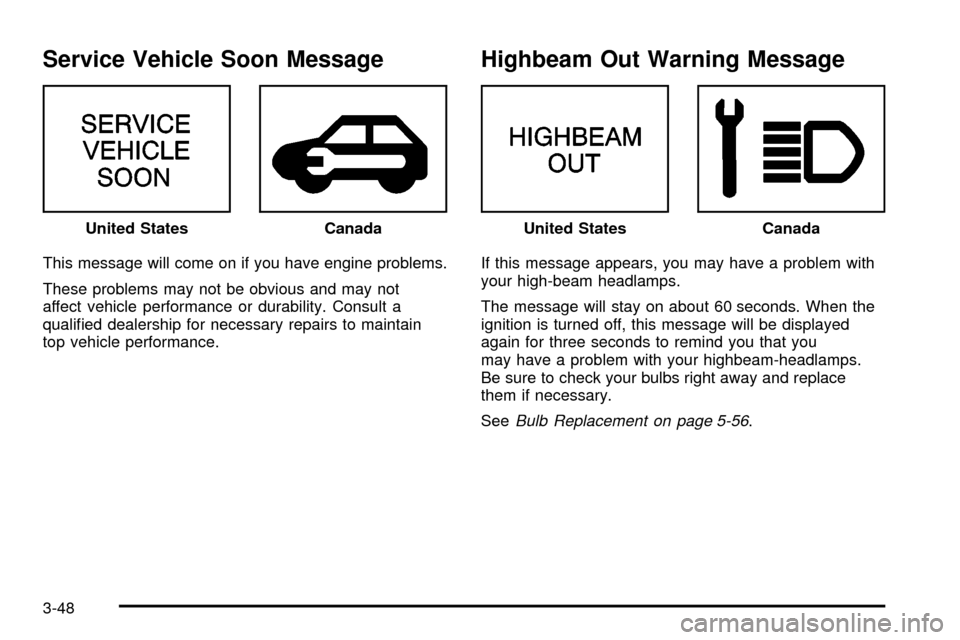
Low Washer Fluid Warning Message
This message is displayed when the vehicle is low on
windshield washer ¯uid.
The message is only displayed for 60 seconds at the
start of each ignition cycle. For more information
see
Windshield Washer Fluid on page 5-44.
When the ignition is turned off, this message will be
displayed again for three seconds to remind you
that your washer ¯uid is low. Be sure to re®ll the washer
¯uid tank right away. United States
CanadaUnited StatesCanada
3-46
Page 169 of 408
Low Fuel Warning Message
This message is displayed when your vehicle is low on
fuel. Four chimes will also sound.
Refer to the fuel gage for a better indication of the
amount of fuel remaining in the fuel tank.
Low Brake Fluid Warning Message
This message will be displayed when your vehicle has a
brake problem. The brake system warning light will
also be illuminated.
If this message appears, the brakes aren't working
properly. You should have your vehicle serviced
immediately. See
Brake System Warning Light on
page 3-34for more information. United States
CanadaUnited StatesCanada
3-47
Page 170 of 408
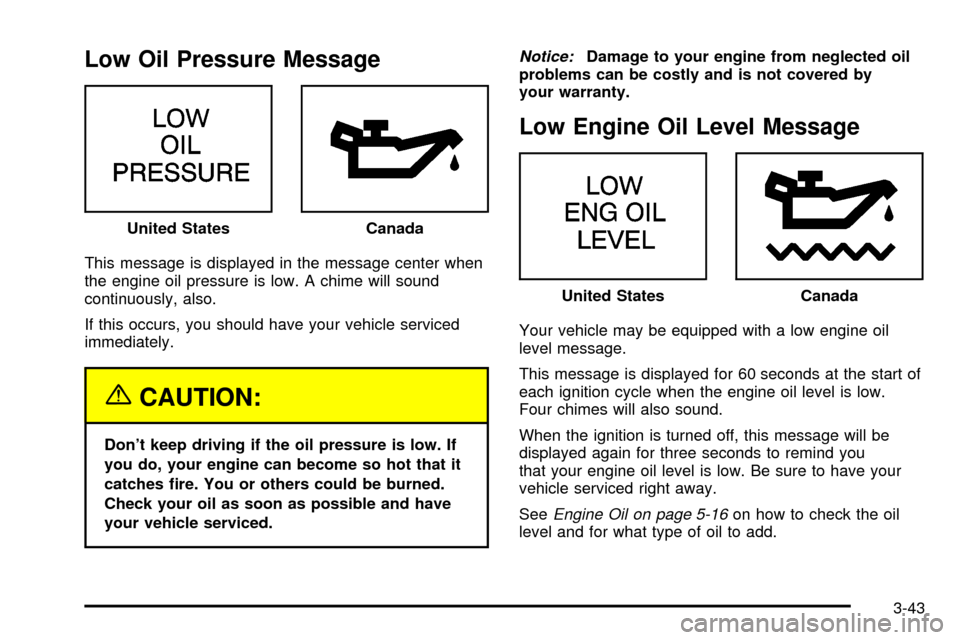
Service Vehicle Soon Message
This message will come on if you have engine problems.
These problems may not be obvious and may not
affect vehicle performance or durability. Consult a
quali®ed dealership for necessary repairs to maintain
top vehicle performance.
Highbeam Out Warning Message
If this message appears, you may have a problem with
your high-beam headlamps.
The message will stay on about 60 seconds. When the
ignition is turned off, this message will be displayed
again for three seconds to remind you that you
may have a problem with your highbeam-headlamps.
Be sure to check your bulbs right away and replace
them if necessary.
See
Bulb Replacement on page 5-56. United States
CanadaUnited StatesCanada
3-48
Page 171 of 408
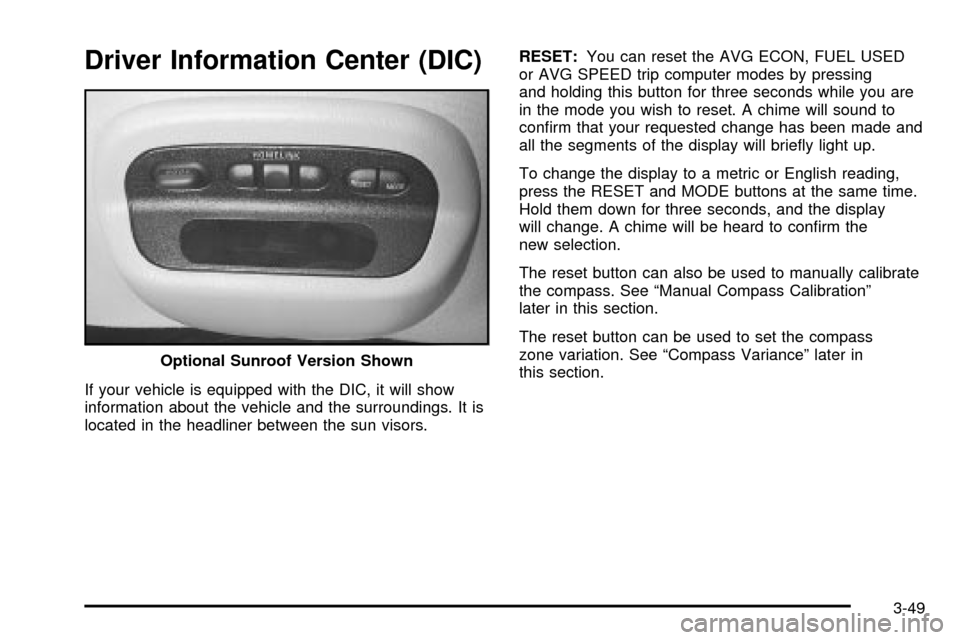
Driver Information Center (DIC)
If your vehicle is equipped with the DIC, it will show
information about the vehicle and the surroundings. It is
located in the headliner between the sun visors.RESET:You can reset the AVG ECON, FUEL USED
or AVG SPEED trip computer modes by pressing
and holding this button for three seconds while you are
in the mode you wish to reset. A chime will sound to
con®rm that your requested change has been made and
all the segments of the display will brie¯y light up.
To change the display to a metric or English reading,
press the RESET and MODE buttons at the same time.
Hold them down for three seconds, and the display
will change. A chime will be heard to con®rm the
new selection.
The reset button can also be used to manually calibrate
the compass. See ªManual Compass Calibrationº
later in this section.
The reset button can be used to set the compass
zone variation. See ªCompass Varianceº later in
this section. Optional Sunroof Version Shown
3-49
Page 172 of 408

MODE:Press this button to cycle through three modes
of operation: Off, Compass/Temperature and Trip
Computer mode.
·Off:No driver information is displayed in this mode
of operation.
·Compass/Temperature Mode:One of eight
compass readings and the outside temperature are
displayed. If the temperature is below 38ÉF
(3ÉC), the word ICE is displayed for two minutes.
·Trip Computer:Pressing the MODE button cycles
through the ®ve displays. Press the MODE button
after the last Trip Computer display to return
the DIC to the OFF mode.
Compass Variance
Compass variance is the difference between magnetic
north and geographic north. In some areas of the
country, the difference is great enough to cause the
compass to give false readings. If this occurs, the
compass variance must be set.
Setting the Variance
Turn the ignition on and cycle the DIC to the
Compass/Temperature mode. Press the RESET button
for about ®ve seconds. The last entered variance
zone number and VAR will be displayed. Press the
MODE button until the proper variance zone number on
the map is shown. Press the RESET button to set
the new variance zone and resume normal operation.
3-50
Page 173 of 408

All the display segments will be illuminated brie¯y to
acknowledge the change in zone number. A chime will
sound to con®rm that the new zone number has
been set.
Automatic Compass Calibration
The compass is self-calibrating, which eliminates the
need to manually set the compass. When the vehicle is
new, the calibration process may not be complete. In
these cases CAL will be displayed, and all segments of
the compass will be illuminated where the compass
reading is normally displayed.
To calibrate the compass, in an area free from large
metal objects, make one to two 360É turns. The
calibration symbol will turn off and the compass reading
will be displayed.
Manual Compass Calibration
If the compass appears erratic and the calibration
symbol does not appear, you must manually put the
compass into the calibration mode.
Turn the ignition on and cycle the DIC to the
Compass/Temperature mode. Press the RESET button
for at least 10 seconds until the calibration symbol
appears and all segments of the compass display are
illuminated. A chime will sound to con®rm that the
calibration mode is active. Release the button and
complete two or three 360É turns in an area free from
large metal objects. The calibration symbol will turn
off and the compass reading will be displayed. A chime
will sound to verify that the calibration is complete.
Error Displays
·
An error of the speed sensor or fuel sender will
cause -E- to be displayed.
·In the absence of vehicle communications, a
dash Ð is displayed.
If one of these error messages appear, see your dealer.
3-51