2003 CHEVROLET ASTRO wheel
[x] Cancel search: wheelPage 130 of 386
Other Warning Devices
If you carry reflective triangles, you can use them to
warn others. Set one up at the side of the road about
300 feet (100 m) behind your vehicle.
Horn
Press the horn symbol in the middle of the steering
wheel to sound the horn.
Tilt Wheel
A tilt steering wheel allows you to adjust the steering
wheel before you drive.
You can also raise it to the
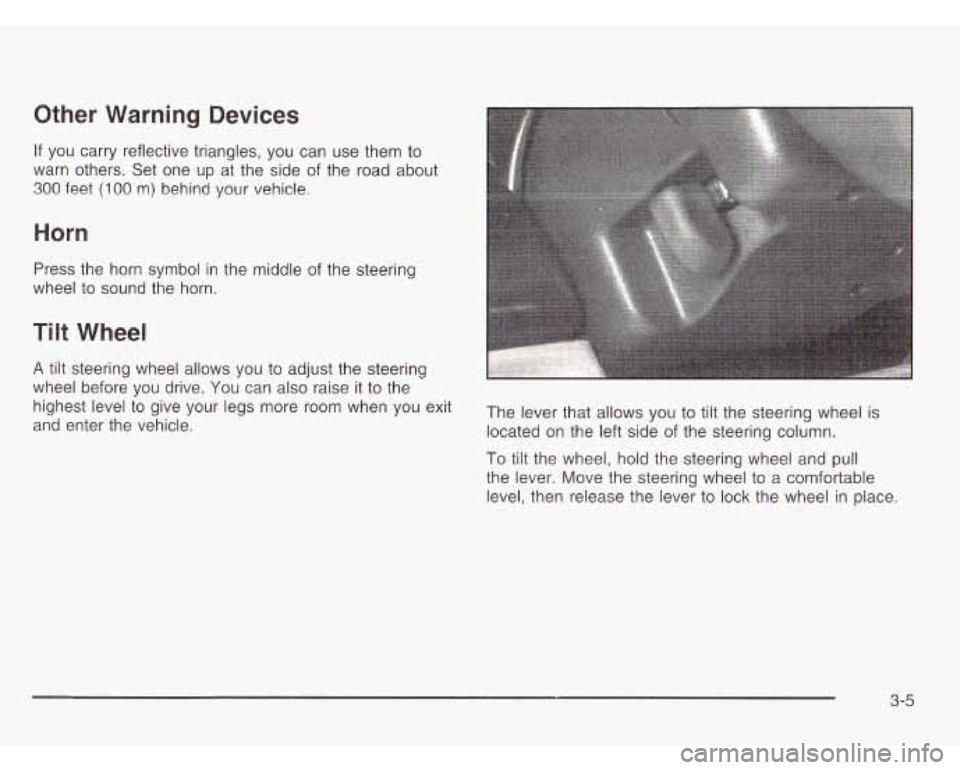
and enter the vehicle. located on the left side of the steering column.
highest
level to give your legs more room when You exit The lever that allows you to tilt the steering wheel is
To tilt the wheel, hold the steering wheel and pull
the lever. Move the steering wheel to a comfortable
level, then release the lever to lock the wheel in place.
3-5
Page 135 of 386
Cruise Control
Your vehicle may have this feature. With cruise control,
you can maintain a speed
of about 25 mph (40 km/h)
or more without keeping your foot on the accelerator.
This can really help on long trips. Cruise control
does not work at speeds below about
25 mph (40 km/h).
When you apply your brakes, the cruise control shuts
off.
Cruise con,. _. ,an be dang-. DUS where
you can’t drive safely at a steady speed.
So, don’t use your cruise control on
winding roads or in heavy traffic.
Cruise control can be dangerous on
slippery roads. On such roads, fast
changes in tire traction can cause needless wheel spinning, and you could
lose control. Don’t use cruise control on
slippery roads.
I
If yvu leave your cruise control on when you’re
not using cruise, you might hit a button and go
into cruise when you don’t want to. You could
be startled and even lose control. Keep the
cruise control switch
off until you want to use
cruise control.
1. Move the cruise control switch to ON.
2. Get up to the speed you want.
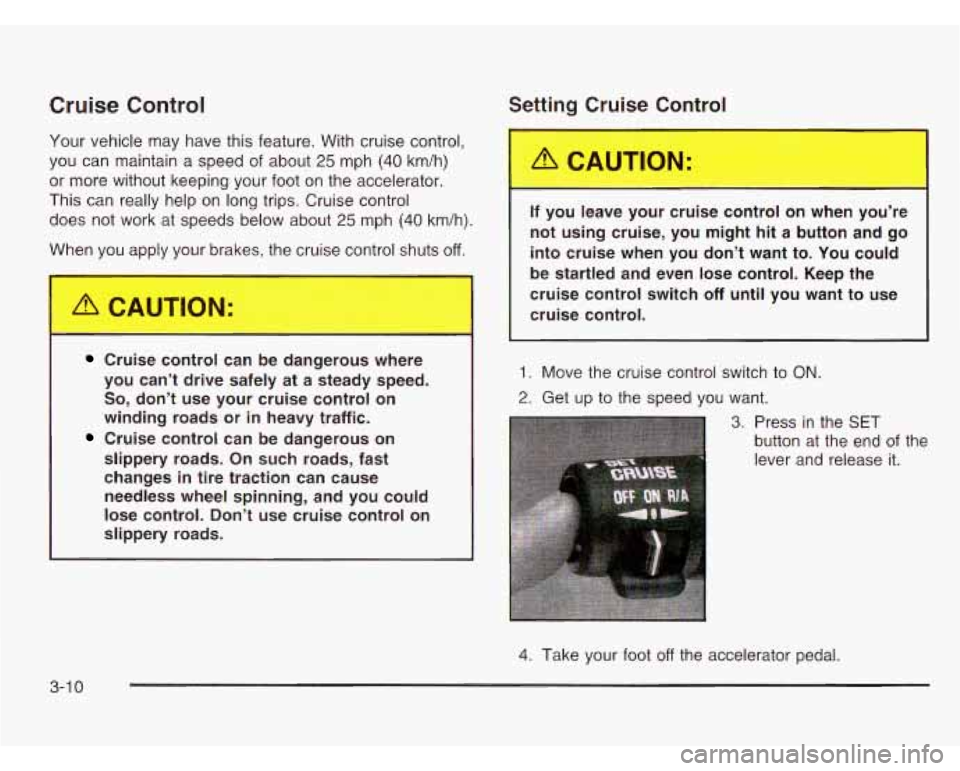
3. Press in the SET
button at the end of the
lever and release it.
4. Take your foot off the accelerator pedal.
3-1 0
Page 139 of 386
To idle your vehicle with the automatic headlamp
system
off, set the parking brake while the ignition is off.
Then start your vehicle. The automatic headlamp
system will stay
off until you release the parking brake.
You may be able to turn
off your automatic headlamp
system. See “Daytime Running Lamps (DRL)” later
in this section for more information.
As with any vehicle, you should turn on the regular
headlamps when you need them.
Lamps On Reminder
A reminder tone will sound when your headlamps or
parking lamps are manually turned on and your ignition
is
in OFF, LOCK or ACCESSORY. To disable the
tone, turn the instrument panel brightness thumbwheel
all the way down. In the automatic mode, the
headlamps turn off once the ignition key is in OFF.
Daytime Running Lamps (DRL)
Daytime Running Lamps (DRL) can make it easier
for others to see the front of your vehicle during the day.
DRL can be helpful in many different driving conditions,
but they can be especially helpful in the short periods
after dawn and before sunset. Fully functional daytime
running lamps are required on all vehicles first sold
in Canada.
The DRL system will make your headlamps come on
at a reduced brightness when the following conditions
are met:
The ignition is on,
the exterior lamp control is off.
the automatic transmission is not in PARK (P),
the light sensor determines it is daytime and
the parking brake is released.
When the DRL are on, only your DRL lamps will be on.
The taillamps, sidemarker and other lamps won’t be on.
Your instrument panel won’t be lit up either.
3-1 4
Page 140 of 386

When it begins to get dark, the automatic headlamp
system will switch from DRL to the headlamps or the
last chosen headlamp setting that was used.
To idle your vehicle with the DRL
off, put the transmission
in PARK (P). The DRL
will stay off until you shift out
of PARK (P).
The following does not apply to vehicles first sold
in Canada.
When necessary, you may turn off the automatic
headlamp system and the Daytime Running Lamps
(DRL) feature by following the steps below:
1. Turn the ignition to RUN.
2. Press the DOME OVERRIDE button four times
within six seconds. After the fourth press of the
button, a chime will sound informing you that
the system is
off.
To return to the automatic mode, push the DOME
OVERRIDE button four times within six seconds
(the chime will sound), or turn the ignition to
off and
then to RUN again.
As with any vehicle, you should turn on the regular
headlamp system when you need it.
Interior Lamps
Instrument Panel Brightness Control
The thumbwheel for this feature is located to the right of
the exterior lamps control.
(Instrument Panel Brightness): Turn the thumbwheel
up to brighten the lights or down to dim them.
Moving the thumbwheel up to the first position will
activate the interior dome lamps.
Exit Lighting
With exit lighting, the interior lamps will come on when
you remove the key from the ignition. The lights will not
come on
if the DOME OVERRIDE button is pressed in.
Entry Lighting
Your vehicle is equipped with an illuminated entry
feature.
When a door is opened, the dome lamps will come on
if the DOME OVERRIDE button is in the out position.
When all the doors are closed, the lamps will stay on
for a short period of time and will then go out.
If the
DOME OVERRIDE button is pressed in, the lamps will
not come on.
3-1 5
Page 141 of 386

Dome Lamps
The dome lamps will come on when you open a door,
except with the liftgate glass (if equipped).
You can also turn the dome lamps on by turning the
thumbwheel, located next to the exterior lamp control,
all the way up. In this position, the dome lamps will
remain on whether a door is opened or closed.
You can use the
DOME OVERRIDE button, located
near the exterior lamp control, to set the dome lamps
to come on automatically when a door is opened,
or to remain
off. To turn the lamps off, press the button
into the
in position, the dome lamps will remain off
when a door is open. To return the lamps to automatic
operation, press the button again and return it to the
out position. With the button in this position, the dome
lamps will come on when you open a door.
Battery Run-Down Protection
This feature shuts off the dome, courtesy, vanity, reading
and glove box lights
if they are left on for more than
20 minutes when the ignition is off. This will keep your
battery from running down.
If the battery run-down protection shuts off the interior
lamps, it may be necessary to do one of the following to
return to normal operation:
Shut off all lamps and close all doors, or
turn the ignition key to RUN.
Accessory Power Outlets
If your vehicle has this feature, you can plug accessory
electrical equipment into an accessory power outlet.
Just pull on the outlet cover to remove it and follow the
proper installation instructions that are included with
any electrical equipment that you install.
The accessory power outlet is located on the
passenger’s side of the front storage compartment.
These circuits are protected by a fuse and have
maximum current levels.
Certain power accessory plugs may not be compatible
to the power accessory outlet and could result in
blown vehicle or adapter fuses.
If you experience a
problem, see your dealer for additional information on
the power accessory plugs.
Notice: When using an accessory power outlet,
maximum electrical load must not exceed
25 amps.
Always turn
off any electrical equipment when
not in use. Leaving electrical equipment on for
extended periods will drain your battery.
Notice: Power outlets are designed for accessory
plugs only.
Do not hang any type of accessory
or accessory bracket from the plug. Improper use of
the power outlet can cause damage not covered
by your warran-ly.
3-1 6
Page 144 of 386
Defogging and Defrosting
Turn the right knob to select the defog or defrost mode.
+3 (Blend): With this setting, the outside air comes
out
of both the floor and defroster outlets. Adjust the
temperature knob for warmer or cooler air. The air
conditioning compressor may operate in this setting to
dehumidfy the air.
9 (Defrost): This setting operates the defroster.
Most of the air comes out near the windshield, with
some going to the floor outlets and front side windows.
The air conditioning compressor may operate in this
setting to dehumidify the air.
The bi-level setting is useful for cold weather with a
large number of passengers or very humid conditions to
help keep the windshield clear. Use defrost to remove
fog or ice from the windshield quickly in extremely
cold conditions. The temperature knob should be in the
red area and the fan control toward high.
Rear Heating System
Your vehicle may have an optional rear heating system
that allows you to adjust the amount of air flowing
into the rear
of the vehicle, from the front-seating area.
This feature works with the main climate-control
system in your vehicle.
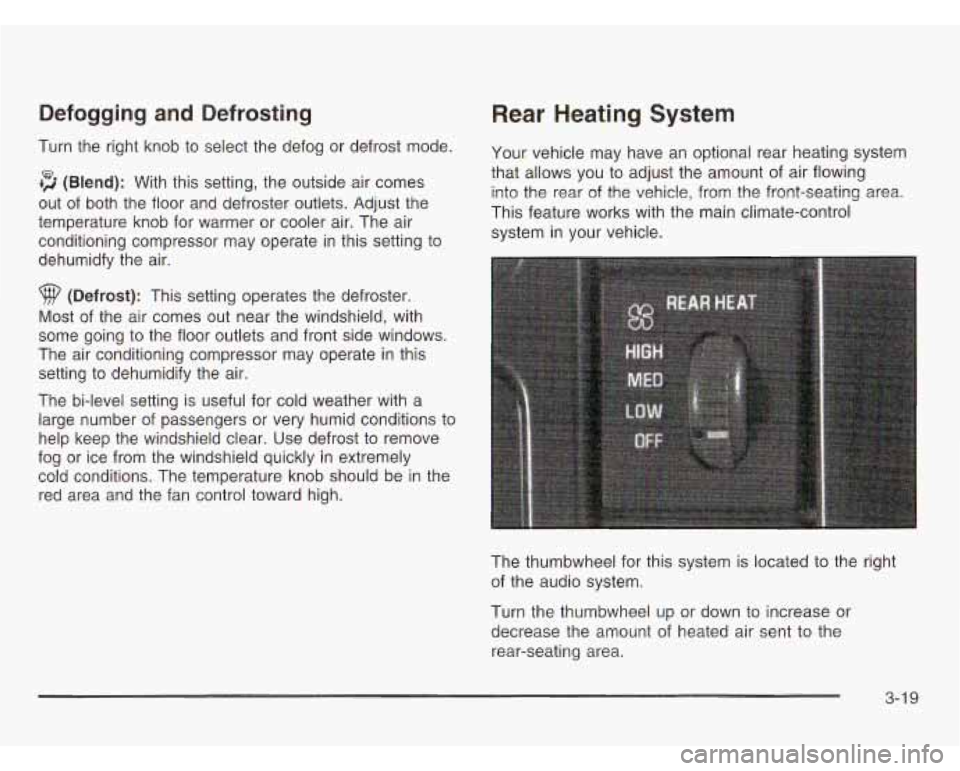
The thumbwheel for this system is located to the right
of the audio system.
Turn the thumbwheel up or down to increase or
decrease the amount of heated air sent to the
rear-seating area.
3-1 9
Page 145 of 386
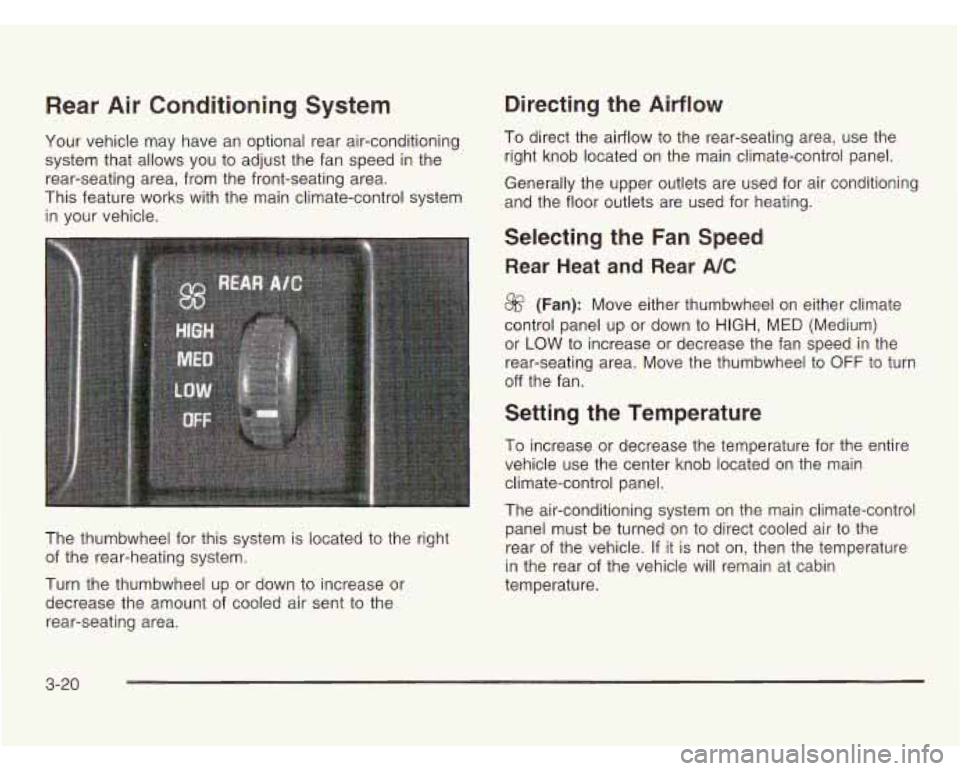
Rear Air Conditioning System
Your vehicle may have an optional rear air-conditioning
system that allows you to adjust the fan speed in the
rear-seating area, from the front-seating area.
This feature works with the main climate-control system
in your vehicle.
The thumbwheel for this system is located to the right
of the rear-heating system.
Turn the thumbwheel up or down to increase or
decrease the amount of cooled air sent to the
rear-seating area.
Directing the Airflow
To direct the airflow to the rear-seating area, use the
right knob located
on the main climate-control panel.
Generally the upper outlets are used for air conditioning
and the floor outlets are used for heating.
Selecting the Fan Speed
Rear Heat and Rear A/C
8f? (Fan): Move either thumbwheel on either climate
control panel up or down
to HIGH, MED (Medium)
or
LOW to increase or decrease the fan speed in the
rear-seating area. Move the thumbwheel to
OFF to turn
off the fan.
Setting the Temperature
To increase or decrease the temperature for the entire
vehicle use the center knob located on the main
climate-control panel.
The air-conditioning system on the main climate-control
panel must be turned on to direct cooled air to the
rear of the vehicle. If it is not on, then the temperature
in the rear of the vehicle will remain at cabin
temperature.
3-20
Page 147 of 386
Outlet Adjustment Operation Tips
1. Clear away any ice, snow or leaves from the
air inlets at the base of the windshield that
may block the flow of air into your vehicle.
2. Use of non-GM approved hood deflectors may
adversely affect the performance of the system.
3. Keep the path under the front seats clear of
objects to help circulate the air inside of your
vehicle more effectively.
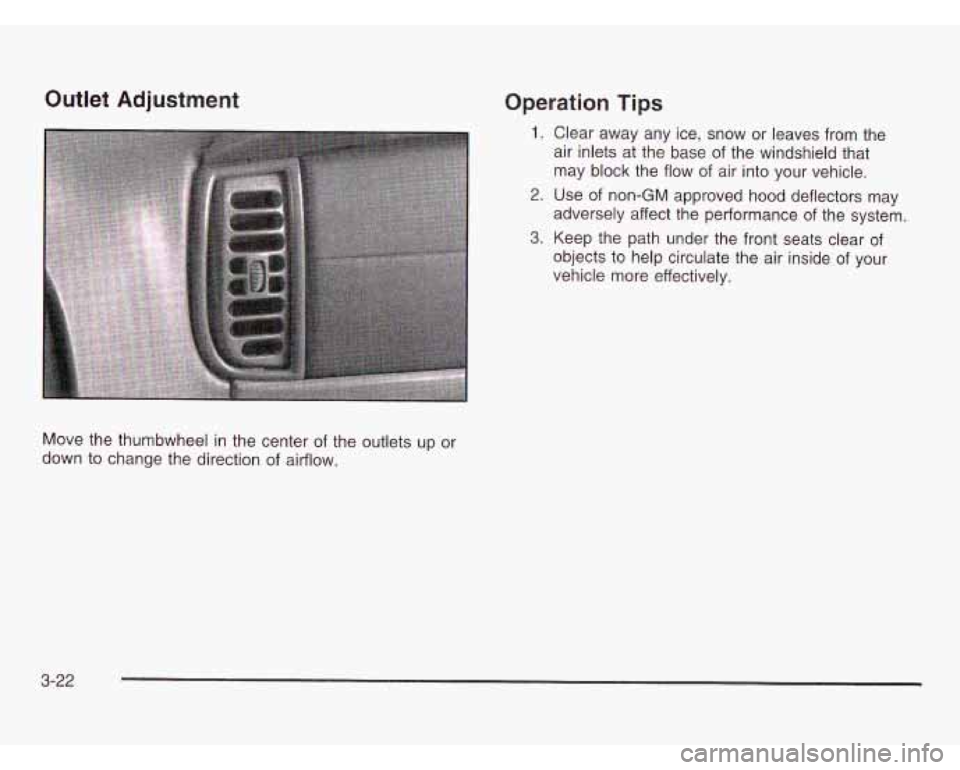
Move the thumbwheel in the center of the outlets up or
down to change the direction
of airflow.
3-22