Page 124 of 258
111
26p049
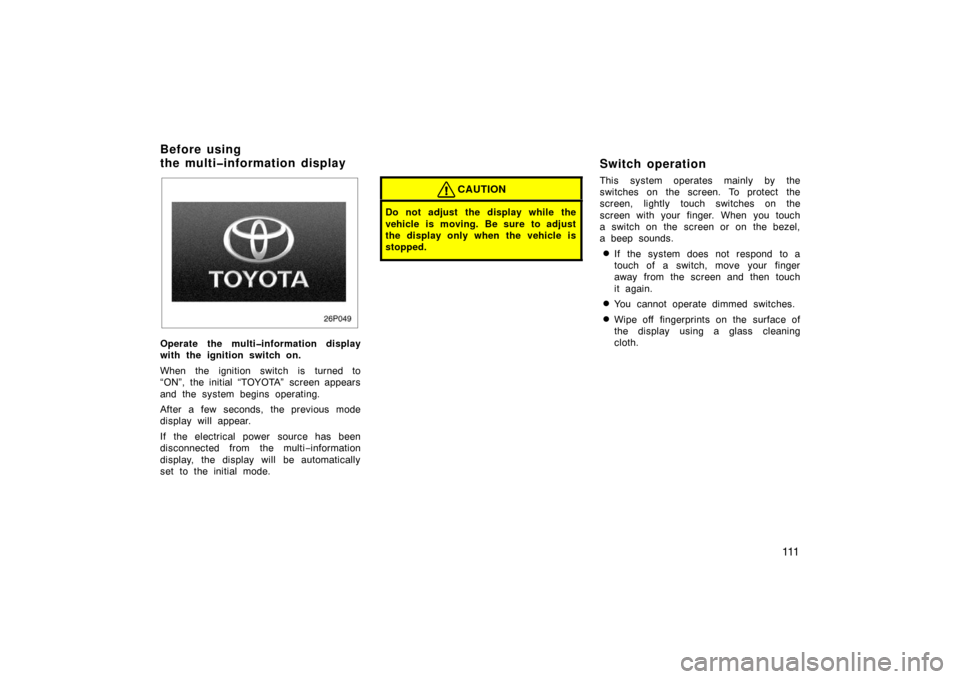
Operate the multiinformation display
with the ignition switch on.
When the ignition switch is turned to
“ON”, the initial “TOYOTA” screen appears
and the system begins operating.
After a few seconds, the previous mode
display will appear.
If the electrical power source has been
disconnected from the multi−information
display, the display will be automatically
set to the initial mode.
CAUTION
Do not adjust the display while the
vehicle is moving. Be sure to adjust
the display only when the vehicle is
stopped.
Switch operation
This system operates mainly by the
switches on the screen. To protect the
screen, lightly touch switches on the
screen with your finger. When you touch
a switch on the screen or on the bezel,
a beep sounds.
�If the system does not respond to a
touch of a switch, move your finger
away from the screen and then touch
it again.
�You cannot operate dimmed switches.
�Wipe off fingerprints on the surface of
the display using a glass cleaning
cloth.
Before using
the multiinformation display
Page 126 of 258
11 3
24p006b
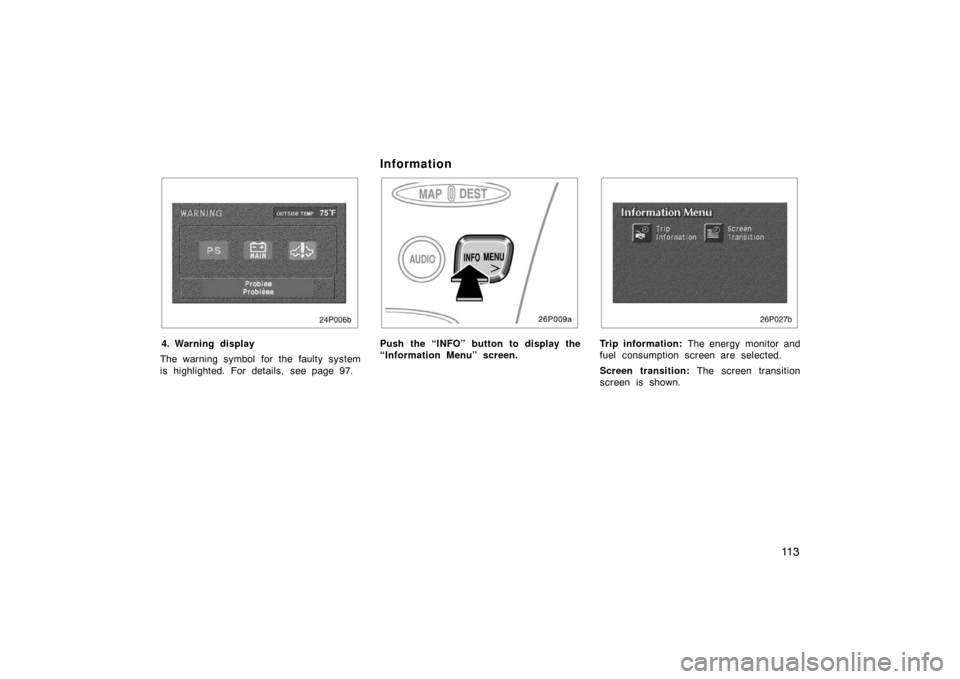
4. Warning display
The warning symbol for the faulty system
is highlighted. For details, see page 97.
Information
26p009a
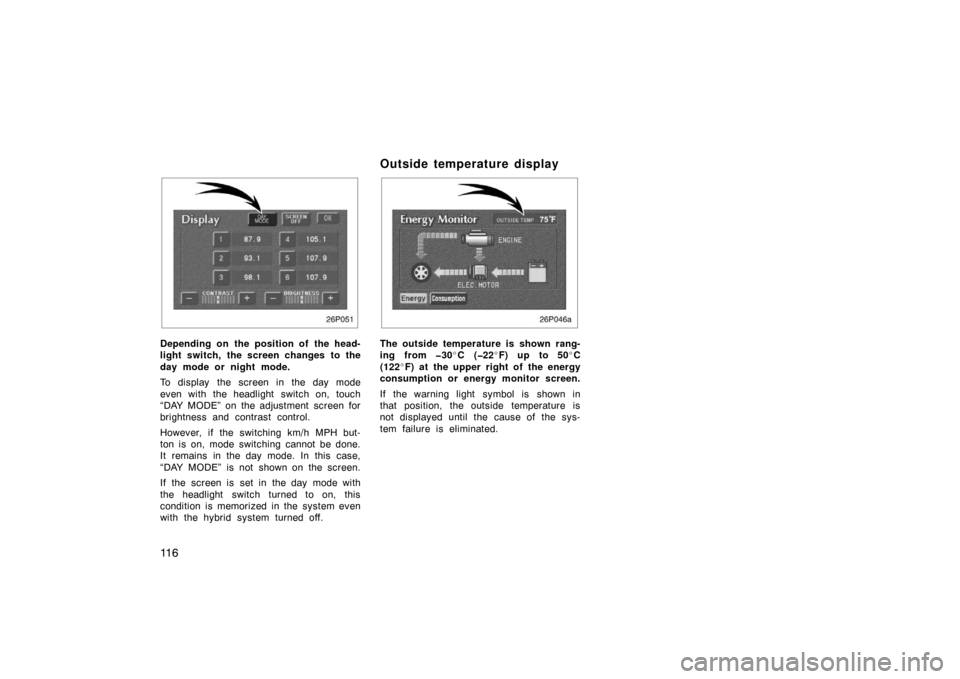
Push the “INFO” button to display the
“Information Menu” screen.
26p027b
Trip information: The energy monitor and
fuel consumption screen are selected.
Screen transition: The screen transition
screen is shown.
Page 129 of 258
11 6
26P051
Depending on the position of the head-
light switch, the screen changes to the
day mode or night mode.
To display the screen in the day mode
even with the headlight switch on, touch
“DAY MODE” on the adjustment screen for
brightness and contrast control.
However, if the switching km/h MPH but-
ton is on, mode switching cannot be done.
It remains in the day mode. In this case,
“DAY MODE” is not shown on the screen.
If the screen is set in the day mode with
the headlight switch turned to on, this
condition is memorized in the system even
with the hybrid system turned off.
Outside temperature display
26p046a
The outside temperature is shown rang-
ing from 30�C (22 �F) up to 50 �C
(122 �F) at the upper right of the energy
consumption or energy monitor screen.
If the warning light symbol is shown in
that position, the outside temperature is
not displayed until the cause of the sys-
tem failure is eliminated.
Page 135 of 258

122
26p003a
(c) Selecting a station
Tune in the desired station using one of
the following methods.
26p053
Preset tuning: Touch the switch (1 −6) for
the station you want. The switch is high-
lighted in green. The station frequency ap-
pears on the display.
Manual tuning: Push the “
TUNE” but-
ton on either side briefly. Each time you
push the same side, the radio will step up
or down to another frequency.
Seek tuning: Push the “
TUNE” button
on either side and hold it until you hear
a beep. The radio will begin seeking up
or down for a station of the nearest fre-
quency and will stop on reception. Each
time you push the same side, the stations
will be searched out one after another.
26p018
Scan tuning: Push the “SCAN” button
or touch the “SCAN” switch briefly.
“SCAN” appears on the display. The radio
will find the next station up or down the
band, stay there for a few seconds, and
then scan again. To select a station, push
the “SCAN” button or touch the “SCAN”
switch a second time.
Page 140 of 258
127
26p022a
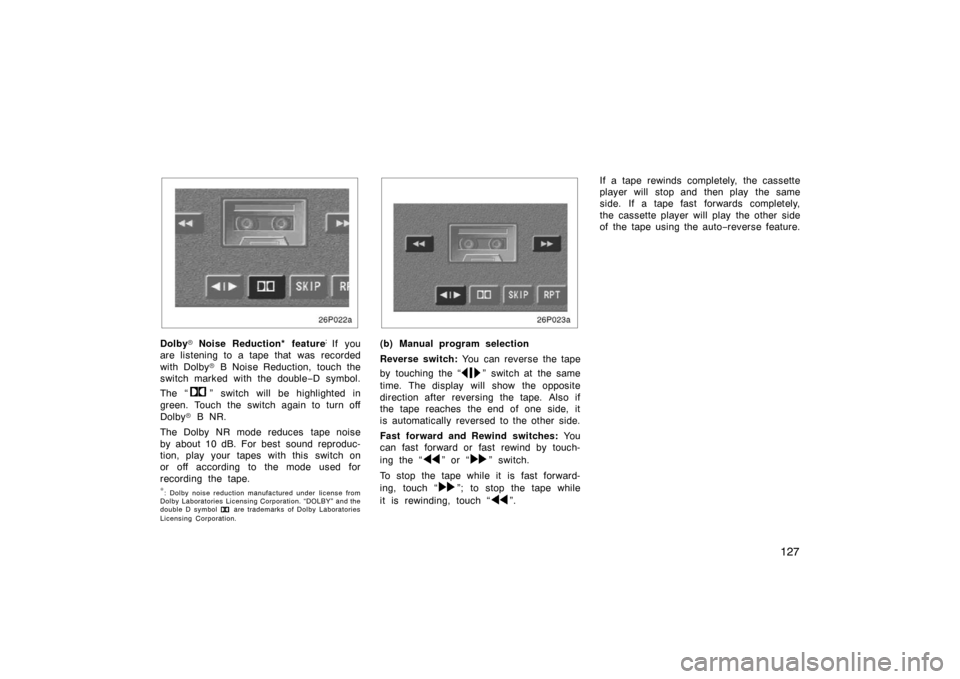
Dolby�Noise Reduction* feature:
If you
are listening to a tape that was recorded
with Dolby � B Noise Reduction, touch the
switch marked with the double −D symbol.
The “
” switch will be highlighted in
green. Touch the switch again to turn off
Dolby � B NR.
The Dolby NR mode reduces tape noise
by about 10 dB. For best sound reproduc-
tion, play your tapes with this switch on
or off according to the mode used for
recording the tape.
∗: Dolby noise reduction manufactured under license from
Dolby Laboratories Licensing Corporation. “DOLBY” and the
double D symbol
are trademarks of Dolby Laboratories
Licensing Corporation.
26p023a
(b) Manual program selection
Reverse switch: You can reverse the tape
by touching the “
” switch at the same
time. The display will show the opposite
direction after reversing the tape. Also if
the tape reaches the end of one side, it
is automatically reversed to the other side.
Fast forward and Rewind switches: Yo u
can fast forward or fast rewind by touch-
ing the “
” or “” switch.
To stop the tape while it is fast forward-
ing, touch “
”; to stop the tape while
it is rewinding, touch “
”. If a tape rewinds completely, the cassette
player will stop and then play the same
side. If a tape fast forwards completely,
the cassette player will play the other side
of the tape using the auto
−reverse feature.
Page 141 of 258
128
26p005a
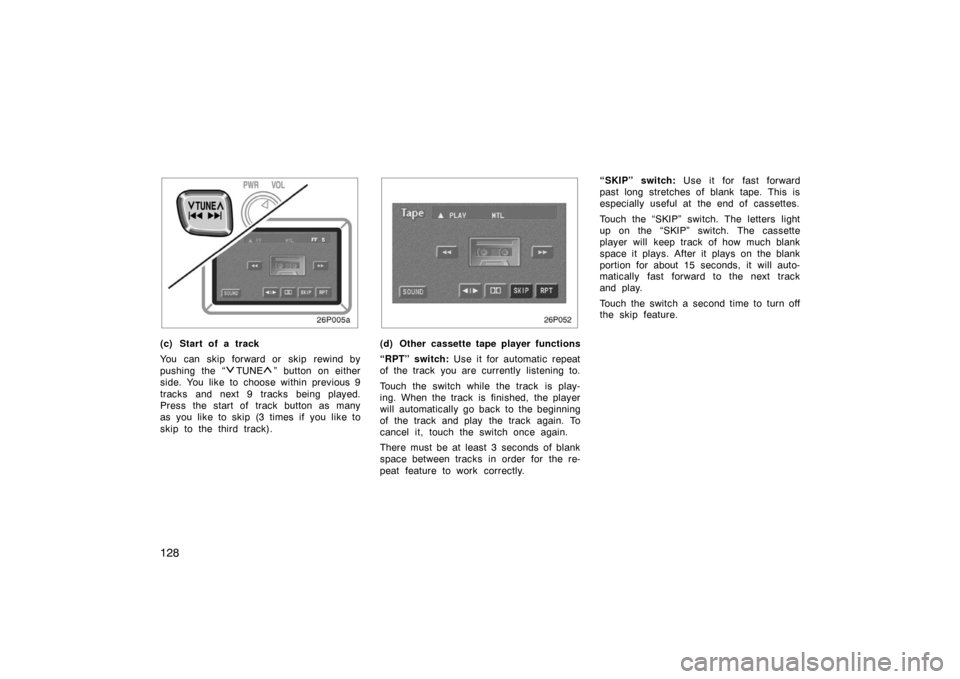
(c) Start of a track
You can skip forward or skip rewind by
pushing the “
TUNE” button on either
side. You like to choose within previous 9
tracks and next 9 tracks being played.
Press the start of track button as many
as you like to skip (3 times if you like to
skip to the third track).
26p052
(d) Other cassette tape player functions
“RPT” switch: Use it for automatic repeat
of the track you are currently listening to.
Touch the switch while the track is play-
ing. When the track is finished, the player
will automatically go back to the beginning
of the track and play the track again. To
cancel it, touch the switch once again.
There must be at least 3 seconds of blank
space between tracks in order for the re-
peat feature to work correctly. “SKIP” switch:
Use it for fast forward
past long stretches of blank tape. This is
especially useful at the end of cassettes.
Touch the “SKIP” switch. The letters light
up on the “SKIP” switch. The cassette
player will keep track of how much blank
space it plays. After it plays on the blank
portion for about 15 seconds, it will auto-
matically fast forward to the next track
and play.
Touch the switch a second time to turn off
the skip feature.
Page 142 of 258

129
NOTICE
To ensure correct audio system op-
erations:
�Be careful not to spill beverages
over the audio system.
� Do not put anything other than a
cassette tape into the cassette tape
slot.
� The use of a cellular phone inside
or near the vehicle may cause a
noise from the speakers of the au-
dio system which you are listening
to. However, this does not indicate
a malfunction.
RADIO RECEPTION
FM broadcasts have a range of about 40
km or 25 miles. When driving away from
a station, you may have to fine −tune your
radio and turn up the volume as the sta-
tion gets weaker. Because FM uses a
line −of −sight signal, tall buildings or hills
may sometimes block reception. These
are all normal characteristics of FM recep-
tion and do not indicate any problem with
the radio itself. CARING FOR YOUR CASSETTE PLAYER
AND TAPES
For the best performance for your cas-
sette player and tapes:
Clean the tape head and other parts regu-
larly.
�A dirty tape head or tape path can
decrease sound quality and tangle your
cassette tapes. The easiest way to
clean them is by using a cleaning tape.
(A wet type is recommended.)
Use high −quality cassettes:
�Low −quality cassette tapes can cause
many problems, including poor sound,
inconsistent playing speed, and
constant auto −reversing. They can also
get stuck or tangled in the cassette
player.
�Do not use a cassette if it has been
damaged or tangled or if its label is
peeling off.
�Do not leave a cassette in the player
if you are not listening to it, especially
if it is hot outside.
�Store cassettes in their cases and out
of direct sunlight.
�Avoid using cassettes with a total play-
ing time longer than 100 minutes (50
minutes per side). The tape used in
these cassettes is thin and could get
stuck or tangled in the cassette player.
Car audio system operating
hints
Page 153 of 258
140
Clock
28p009c
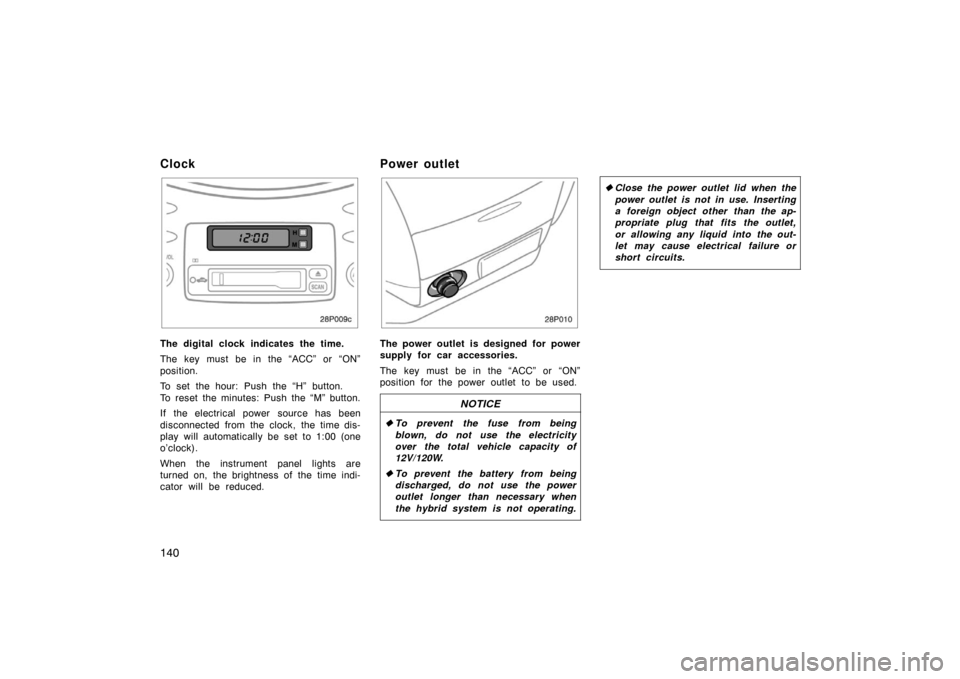
The digital clock indicates the time.
The key must be in the “ACC” or “ON”
position.
To set the hour: Push the “H” button.
To reset the minutes: Push the “M” button.
If the electrical power source has been
disconnected from the clock, the time dis-
play will automatically be set to 1:00 (one
o’clock).
When the instrument panel lights are
turned on, the brightness of the time indi-
cator will be reduced.
Power outlet
28p010
The power outlet is designed for power
supply for car accessories.
The key must be in the “ACC” or “ON”
position for the power outlet to be used.
NOTICE
�To prevent the fuse from being
blown, do not use the electricity
over the total vehicle capacity of
12V/120W.
� To prevent the battery from being
discharged, do not use the power
outlet longer than necessary when
the hybrid system is not operating.
�Close the power outlet lid when the
power outlet is not in use. Inserting
a foreign object other than the ap-
propriate plug that fits the outlet,
or allowing any liquid into the out-
let may cause electrical failure or
short circuits.