Page 125 of 258
11 2
Functions
26p027b
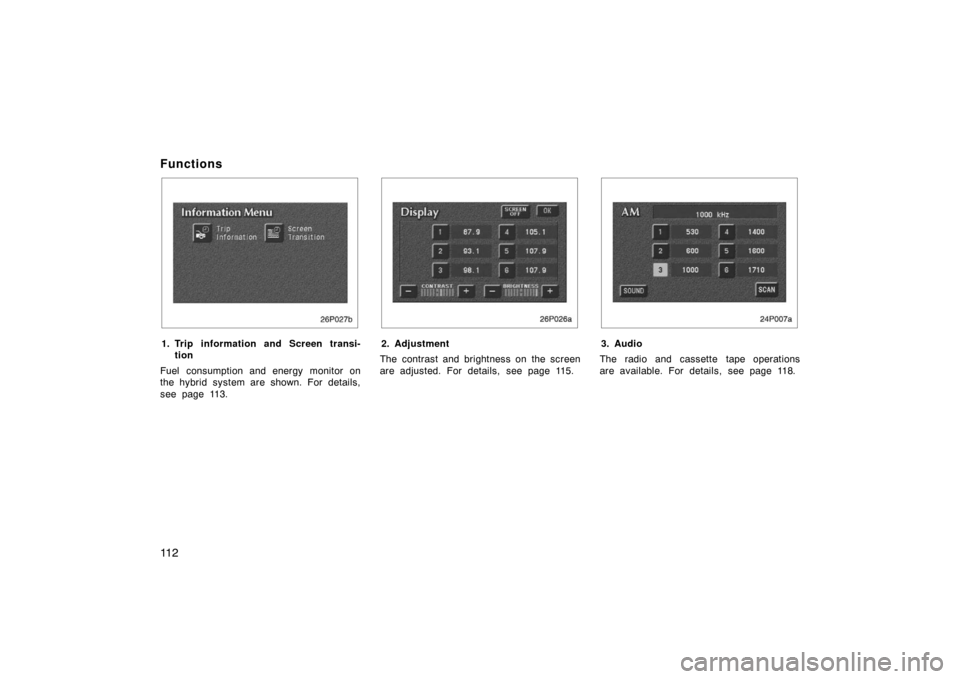
1. Trip information and Screen transi-tion
Fuel consumption and energy monitor on
the hybrid system are shown. For details,
see page 113.
26p026a
2. Adjustment
The contrast and brightness on the screen
are adjusted. For details, see page 115.
24p007a
3. Audio
The radio and cassette tape operations
are available. For details, see page 118.
Page 130 of 258
11 7
OPERATION OF INSTRUMENTS AND
CONTROLS
Car audio system
Reference11 8
. . . . . . . . . . . . . . . . . . . . . . . . . . . . . . . . . . . . .\
. . . . . . . . . . . .
Using your audio systemm 11 9
. . . . . . . . . . . . . . . . . . . . . . . . . . . . . . . . . .
Radio operation 120
. . . . . . . . . . . . . . . . . . . . . . . . . . . . . . . . . . . . \
. . . . . . . .
Cassette tape player operation 126
. . . . . . . . . . . . . . . . . . . . . . . . . . . . . . .
Car audio system operating hints 129
. . . . . . . . . . . . . . . . . . . . . . . . . . . . .
SECTION 2– 7
Page 131 of 258
11 8
Reference
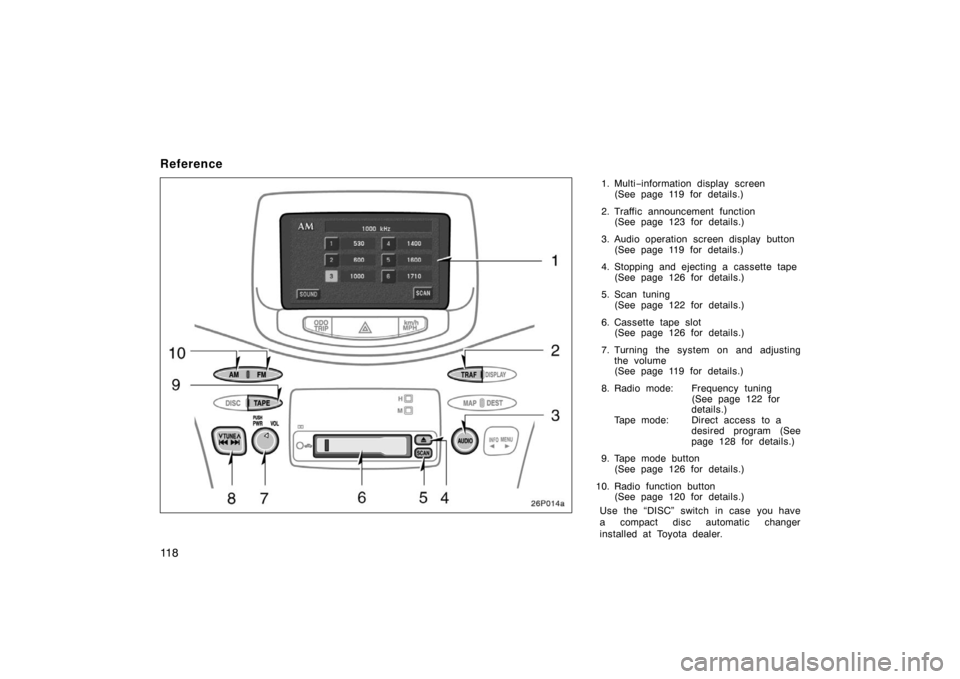
1. Multi−information display screen
(See page 119 for details.)
2. Traffic announcement function (See page 123 for details.)
3. Audio operation screen display button (See page 119 for details.)
4. Stopping and ejecting a cassette tape (See page 126 for details.)
5. Scan tuning (See page 122 for details.)
6. Cassette tape slot (See page 126 for details.)
7. Turning the system on and adjusting the volume
(See page 119 for details.)
8. Radio mode: Frequency tuning (See page 122 for
details.)
Tape mode: Direct access to a desired program (See
page 128 for details.)
9. Tape mode button (See page 126 for details.)
10. Radio function button (See page 120 for details.)
Use the “DISC” switch in case you have
a compact disc automatic changer
installed at Toyota dealer.
26p014a
Page 132 of 258
11 9
This section describes some of the basic
features on Toyota audio systems. Some
information may not pertain to your sys-
tem.
Your audio system works when the ignition
key is in the “ACC” or “ON” position.
TURNING THE SYSTEM ON AND OFF
Push “PWR” to turn the audio system on
and off.
Push “AUDIO” to display switches for au-
dio system.
Push “AM”, “FM” or “TAPE” to turn on that
function without pushing “PWR”.
You can turn on each player by inserting
a cassette tape.
You can turn off each player by ejecting
the cassette tape. If the audio system was
previously off, then the entire audio sys-
tem will be turned off when you eject the
cassette tape. If another function was pre-
viously playing, it will come on again.
SWITCHING BETWEEN FUNCTIONS
Push “AM”, “FM” or “TAPE” if the system
is already on but you want to switch from
one function to another.VOLUME CONTROL
To adjust the volume, turn the “VOL”.
YOUR RADIO ANTENNA
To remove an antenna on the roof, care-
fully turn it counterclockwise.
NOTICE
To prevent damage to the antenna,
make sure to remove it before driving
your Toyota through an automatic car
wash.
26p040a
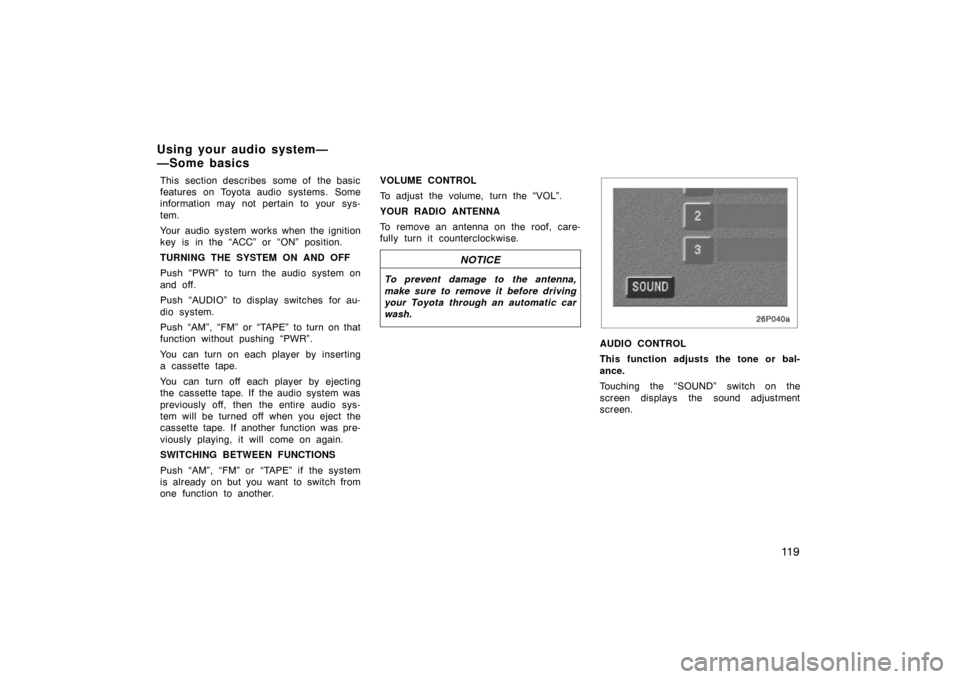
AUDIO CONTROL
This function adjusts the tone or bal-
ance.
Touching the “SOUND” switch on the
screen displays the sound adjustment
screen.
Using your audio system—
—Some basics
Page 133 of 258
120
26p016a
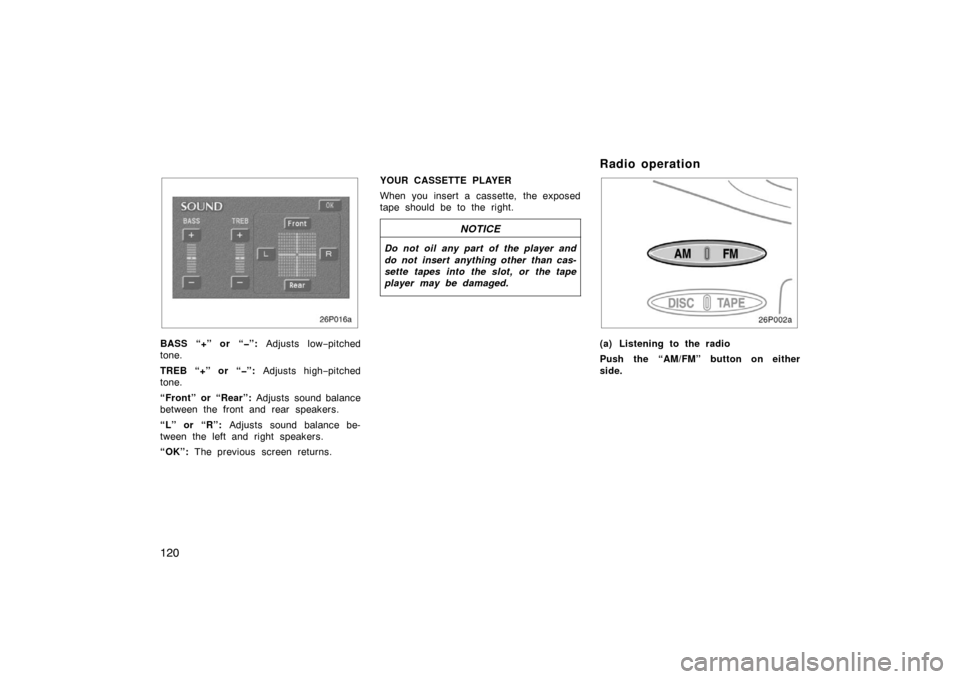
BASS “+” or “”: Adjusts low−pitched
tone.
TREB “+” or “”: Adjusts high−pitched
tone.
“Front” or “Rear”: Adjusts sound balance
between the front and rear speakers.
“L” or “R”: Adjusts sound balance be-
tween the left and right speakers.
“OK”: The previous screen returns. YOUR CASSETTE PLAYER
When you insert a cassette, the exposed
tape should be to the right.
NOTICE
Do not oil any part of the player and
do not insert anything other than cas-
sette tapes into the slot, or the tape
player may be damaged.
Radio operation
26p002a
(a) Listening to the radio
Push the “AM/FM” button on either
side.
Page 134 of 258
121
26p003a
Push the “TUNE” button on either
side to step up the station band or to
step down.
26p017a
Your radio automatically changes to stereo
reception when a stereo broadcast is re-
ceived. “ST” appears on the display. If the
signal becomes weak, the radio reduces
the amount of channel separation to pre-
vent the weak signal from creating noise.
If the signal becomes extremely weak, the
radio switches from stereo to mono recep-
tion. In this case, “ST” disappears from
the display.
26p053
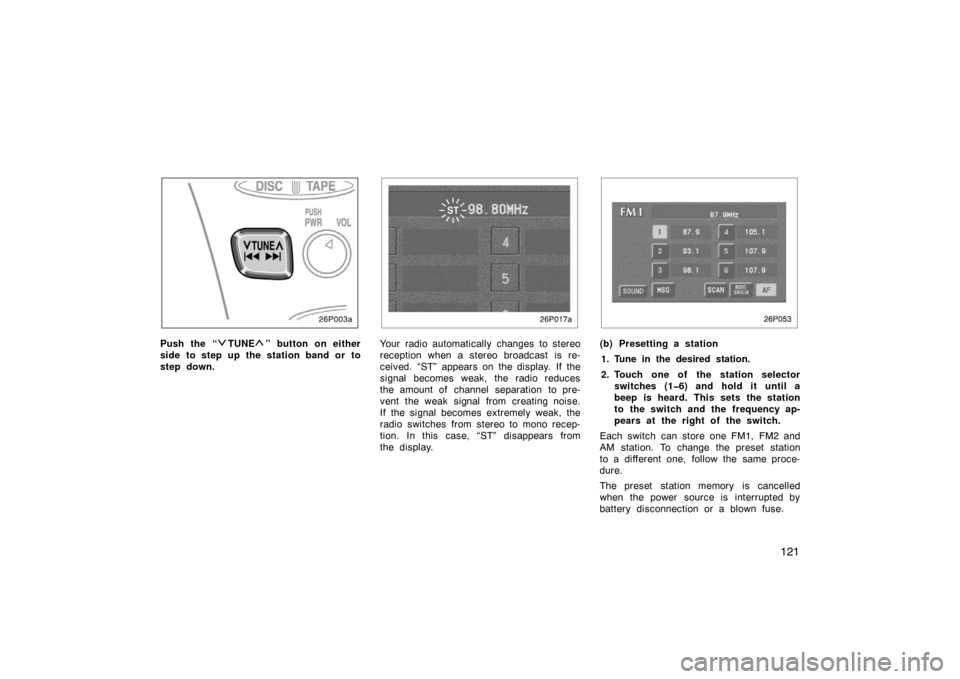
(b) Presetting a station
1. Tune in the desired station.
2. Touch one of the station selector switches (16) and hold it until a
beep is heard. This sets the station
to the switch and the frequency ap-
pears at the right of the switch.
Each switch can store one FM1, FM2 and
AM station. To change the preset station
to a different one, follow the same proce-
dure.
The preset station memory is cancelled
when the power source is interrupted by
battery disconnection or a blown fuse.
Page 135 of 258

122
26p003a
(c) Selecting a station
Tune in the desired station using one of
the following methods.
26p053
Preset tuning: Touch the switch (1 −6) for
the station you want. The switch is high-
lighted in green. The station frequency ap-
pears on the display.
Manual tuning: Push the “
TUNE” but-
ton on either side briefly. Each time you
push the same side, the radio will step up
or down to another frequency.
Seek tuning: Push the “
TUNE” button
on either side and hold it until you hear
a beep. The radio will begin seeking up
or down for a station of the nearest fre-
quency and will stop on reception. Each
time you push the same side, the stations
will be searched out one after another.
26p018
Scan tuning: Push the “SCAN” button
or touch the “SCAN” switch briefly.
“SCAN” appears on the display. The radio
will find the next station up or down the
band, stay there for a few seconds, and
then scan again. To select a station, push
the “SCAN” button or touch the “SCAN”
switch a second time.
Page 136 of 258
123
Preset scan tuning: Push the “SCAN”
button or touch the “SCAN” switch and
hold it until you hear a beep. “P.SCAN”
appears on the display. The radio will tune
in the next preset station up or down the
band, stay there for a few seconds, and
then move to the next preset station. To
select a station, push the “SCAN” button
or touch the “SCAN” switch a second
time.
26p019a
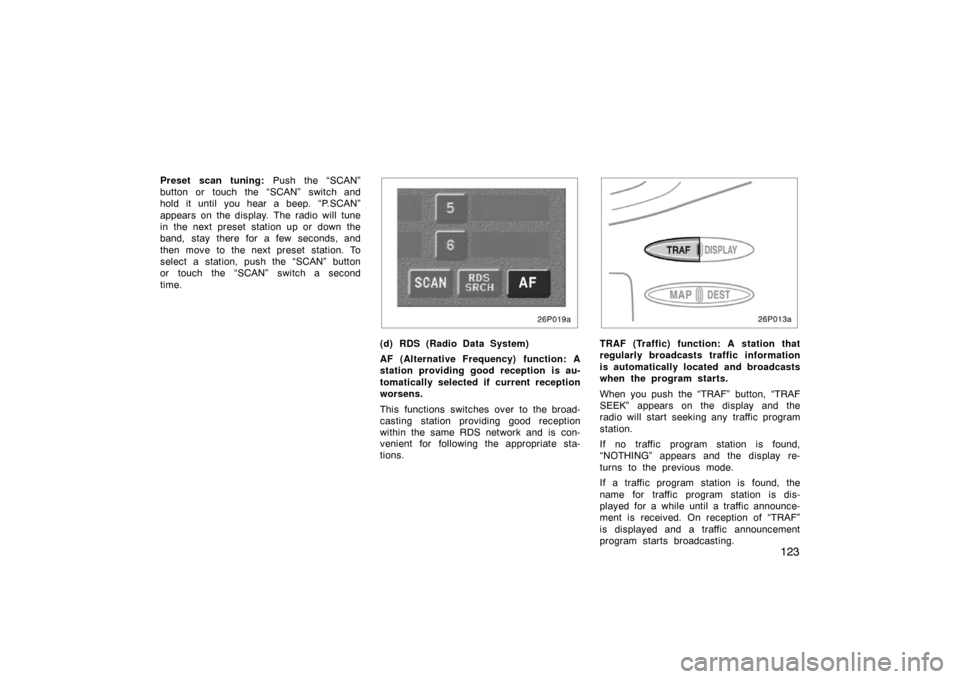
(d) RDS (Radio Data System)
AF (Alternative Frequency) function: A
station providing good reception is au-
tomatically selected if current reception
worsens.
This functions switches over to the broad-
casting station providing good reception
within the same RDS network and is con-
venient for following the appropriate sta-
tions.
26p013a
TRAF (Traffic) function: A station that
regularly broadcasts traffic information
is automatically located and broadcasts
when the program starts.
When you push the “TRAF” button, “TRAF
SEEK” appears on the display and the
radio will start seeking any traffic program
station.
If no traffic program station is found,
“NOTHING” appears and the display re-
turns to the previous mode.
If a traffic program station is found, the
name for traffic program station is dis-
played for a while until a traffic announce-
ment is received. On reception of “TRAF”
is displayed and a traffic announcement
program starts broadcasting.