Page 69 of 249
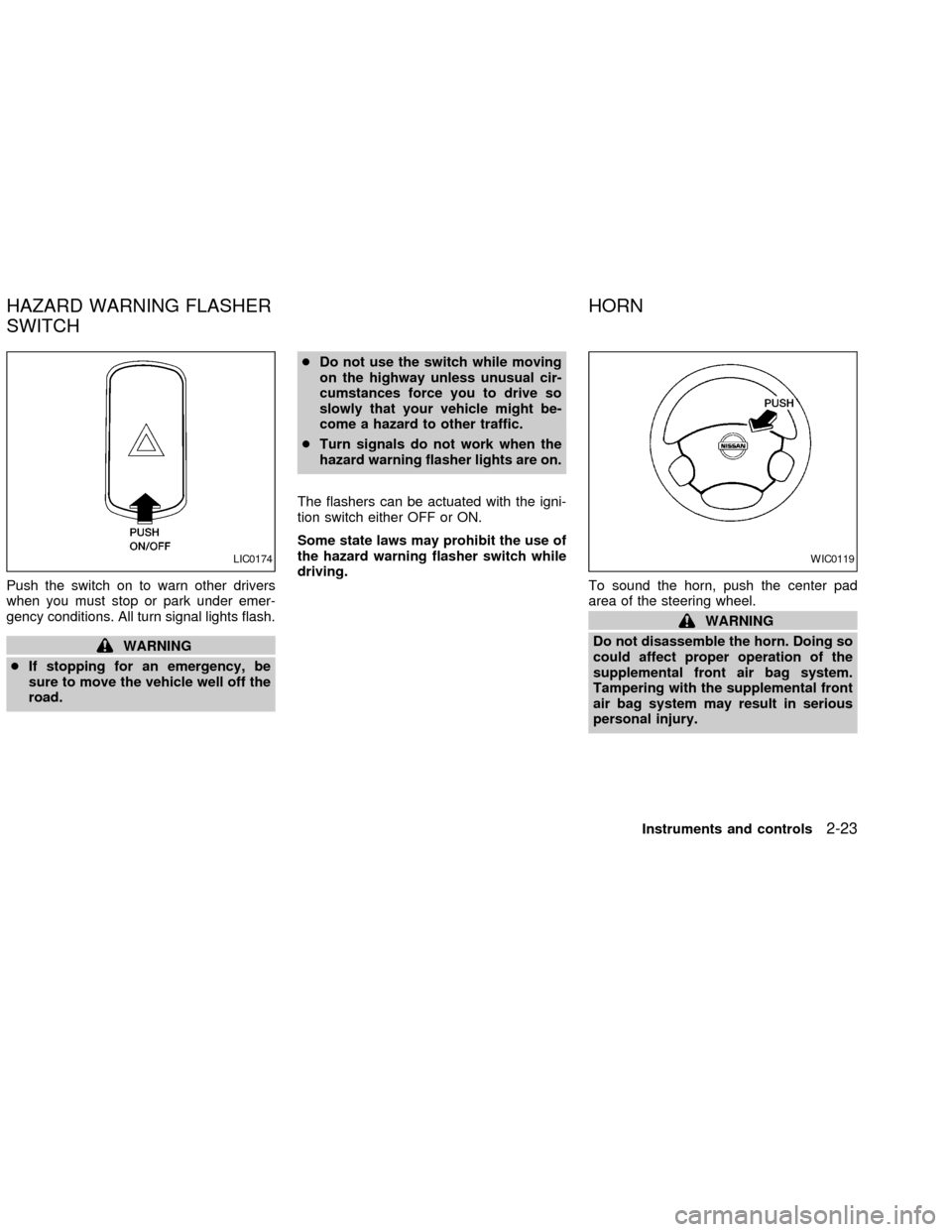
Instrument brightness control
The instrument cluster illuminates when the
ignition switch is in ON position.
The instrument brightness control operates
when the light switch is in the AUTO,
orposition.
Turn the control to adjust the brightness of
instrument panel lights when driving at night.
The instrument brightness control will not
adjust the brightness when the headlights or
parking lights are off.
Passing signal
Pulling and releasing the lever flashes the
headlight high beams on and off.
Daytime running light system
(Canada only)
The headlights automatically illuminate at a
reduced intensity when the engine is started
with the parking brake released. The day-
time running lights operate with the head-
light switch in the OFF position or in the
position. Turn the headlight switch to
theposition for full illumination when
driving at night.
If the parking brake is applied before the
engine is started, the daytime running lights
do not illuminate. The daytime running lights
illuminate once the parking brake is re-
leased. The daytime running lights will re-
main on until the ignition switch is turned off.
WARNING
When the daytime running light system
is active, tail lights on your vehicle are
not on. It is necessary at dusk to turn
on your headlights. Failure to do so
could cause an accident injuring your-
self and others.
AUTOLAMP SYSTEM
(if so equipped)
The autolamp system allows the headlights
to be set so they turn on and off automati-
cally. The autolamp system can turn on the
headlights automatically when it is dark,
turn off the headlights when it is light, and
keep the headlights on for up to 45 seconds
after you turn the key to OFF and all doors
are closed.
If the ignition switch is turned OFF and one
of the doors is opened, the headlights re-
main ON for five minutes.
WIC0185LIC0135
2-20Instruments and controls
ZX
Page 70 of 249

To set the autolamp system:
1. Make sure the headlight switch is in the
AUTO position.
2. Turn the ignition key to ON.
3. The autolamp system automatically turns
the headlights on and off.
To turn the autolamp system off, turn the
switch to the OFF,
,orposition.
Be sure you do not put anything on top
of the autolamp sensor located in the top
driver side of the instrument panel. The
autolamp sensor controls the autolamp;
if it is covered, the autolamp sensor
reacts as if it is dark out and the head-
lights will illuminate. If this occurs while
parked with the engine off and the key in
the ON position, your vehicle's battery
could become discharged.
TURN SIGNAL SWITCH
Turn signal
Move the lever up or down to signal the
turning direction. When the turn is com-
pleted, the turn signals cancel automati-
cally.
Lane change signal
To signal a lane change, move the lever up
or down to the point where the indicator light
begins to flash, but the lever does not latch.
Normal operation of the fog lights in the
ON
position:
Headlight switch in the AUTO position;
daytime operation
cFog lights, marker and taillights come
ON.
cHeadlights do not come ON.
cDash readouts dim unless the dimmer
switch is on full bright.
cIf the ignition switch is in the OFF position
with the fog lights turned ON, a warning
chime will sound indicating the fog lights
LIC0173
FOG LIGHT SWITCH (if so
equipped)
Instruments and controls2-21
ZX
Page 72 of 249
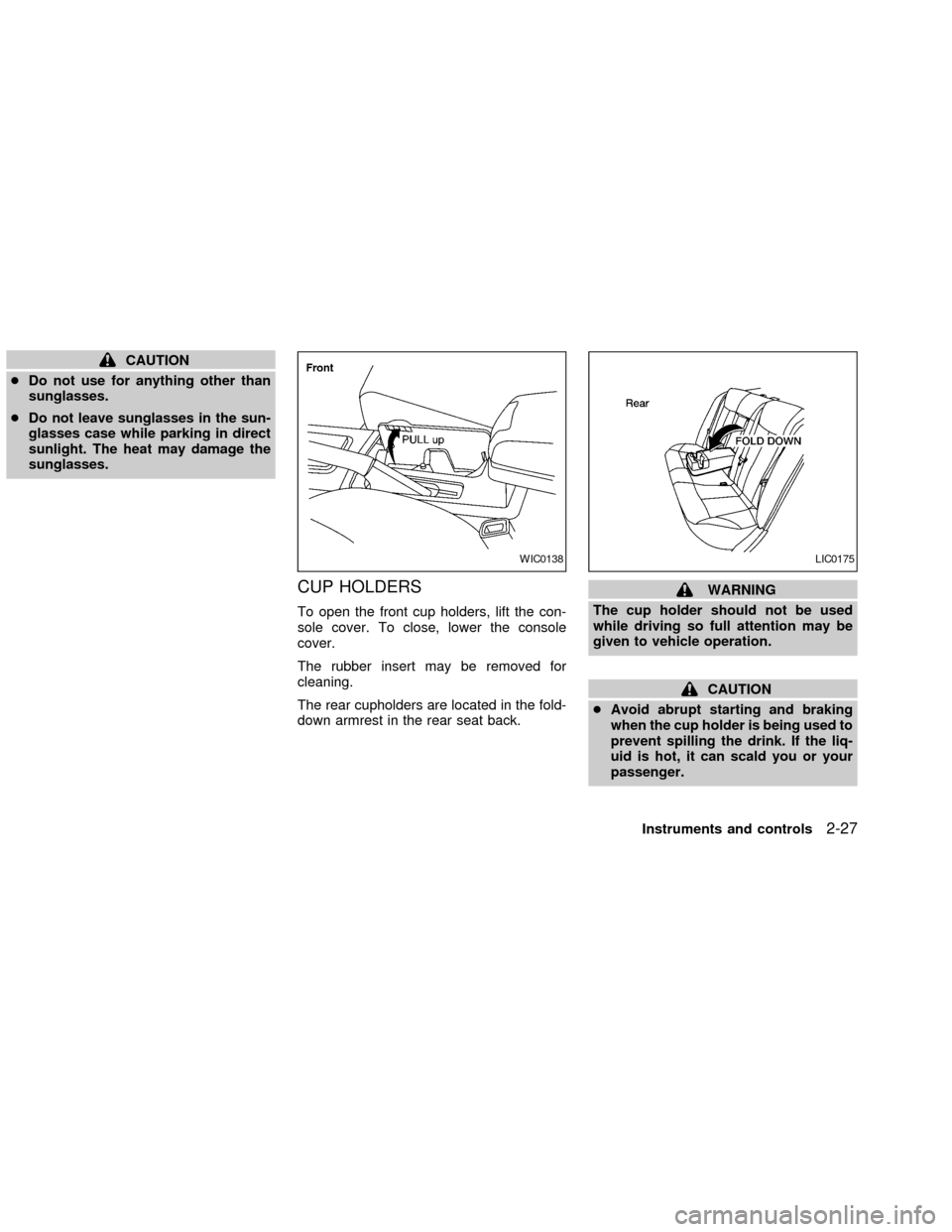
Push the switch on to warn other drivers
when you must stop or park under emer-
gency conditions. All turn signal lights flash.
WARNING
cIf stopping for an emergency, be
sure to move the vehicle well off the
road.cDo not use the switch while moving
on the highway unless unusual cir-
cumstances force you to drive so
slowly that your vehicle might be-
come a hazard to other traffic.
cTurn signals do not work when the
hazard warning flasher lights are on.
The flashers can be actuated with the igni-
tion switch either OFF or ON.
Some state laws may prohibit the use of
the hazard warning flasher switch while
driving.
To sound the horn, push the center pad
area of the steering wheel.
WARNING
Do not disassemble the horn. Doing so
could affect proper operation of the
supplemental front air bag system.
Tampering with the supplemental front
air bag system may result in serious
personal injury.
LIC0174WIC0119
HAZARD WARNING FLASHER
SWITCHHORN
Instruments and controls2-23
ZX
Page 75 of 249
cUse this power outlet with the engine
running. (If the engine is stopped,
this could result in a discharged bat-
tery.)
cAvoid using when the air conditioner,
headlights or rear window defogger is
on.
cBefore inserting or disconnecting a
plug, be sure the electrical accessory
being used is turned off.
cPush the plug in as far as it will go. If
good contact is not made, the plug
may overheat or the internal tempera-
ture fuse may blow.
cWhen not in use, be sure to close the
cap. Do not allow water to contact the
socket.
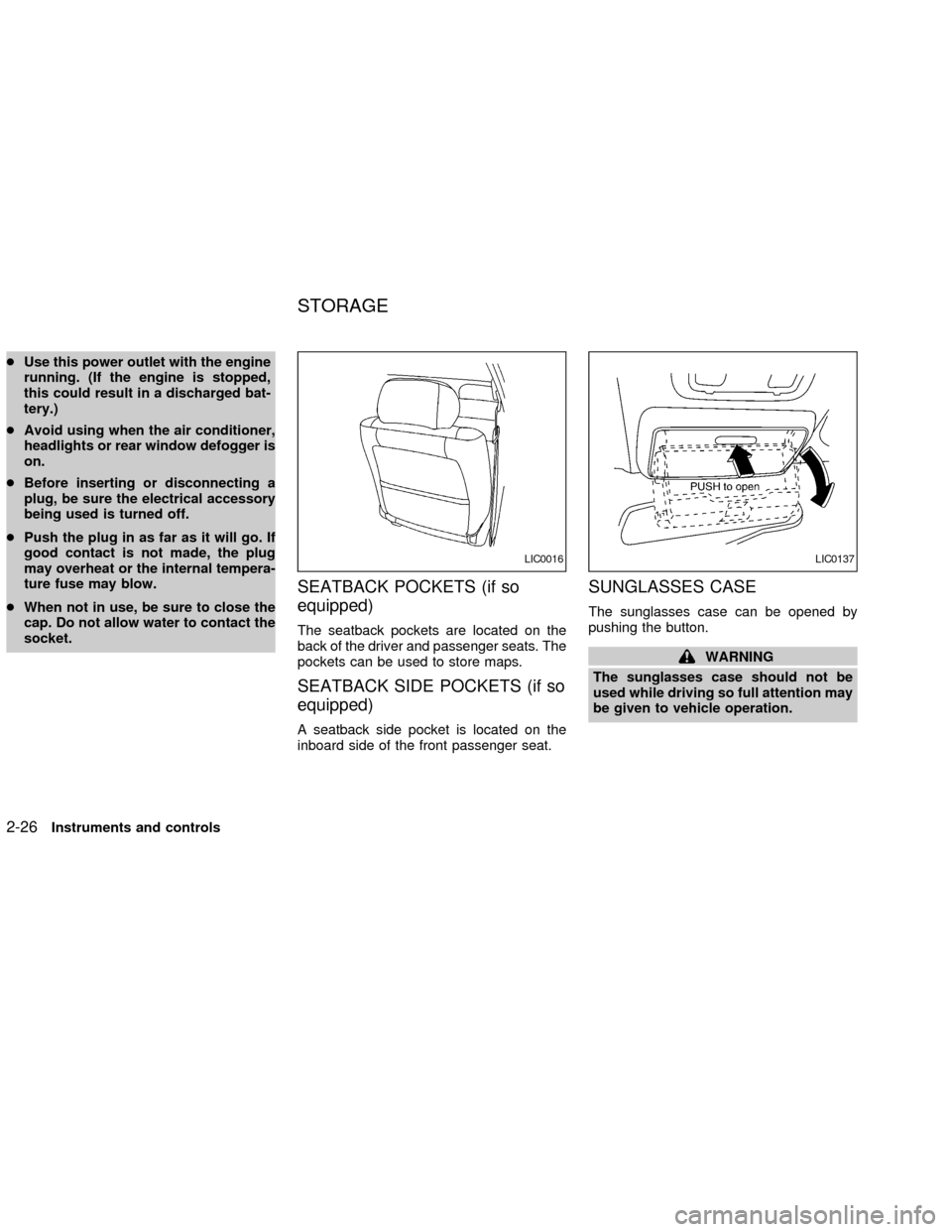
SEATBACK POCKETS (if so
equipped)
The seatback pockets are located on the
back of the driver and passenger seats. The
pockets can be used to store maps.
SEATBACK SIDE POCKETS (if so
equipped)
A seatback side pocket is located on the
inboard side of the front passenger seat.
SUNGLASSES CASE
The sunglasses case can be opened by
pushing the button.
WARNING
The sunglasses case should not be
used while driving so full attention may
be given to vehicle operation.
LIC0016LIC0137
STORAGE
2-26Instruments and controls
ZX
Page 76 of 249
CAUTION
cDo not use for anything other than
sunglasses.
cDo not leave sunglasses in the sun-
glasses case while parking in direct
sunlight. The heat may damage the
sunglasses.
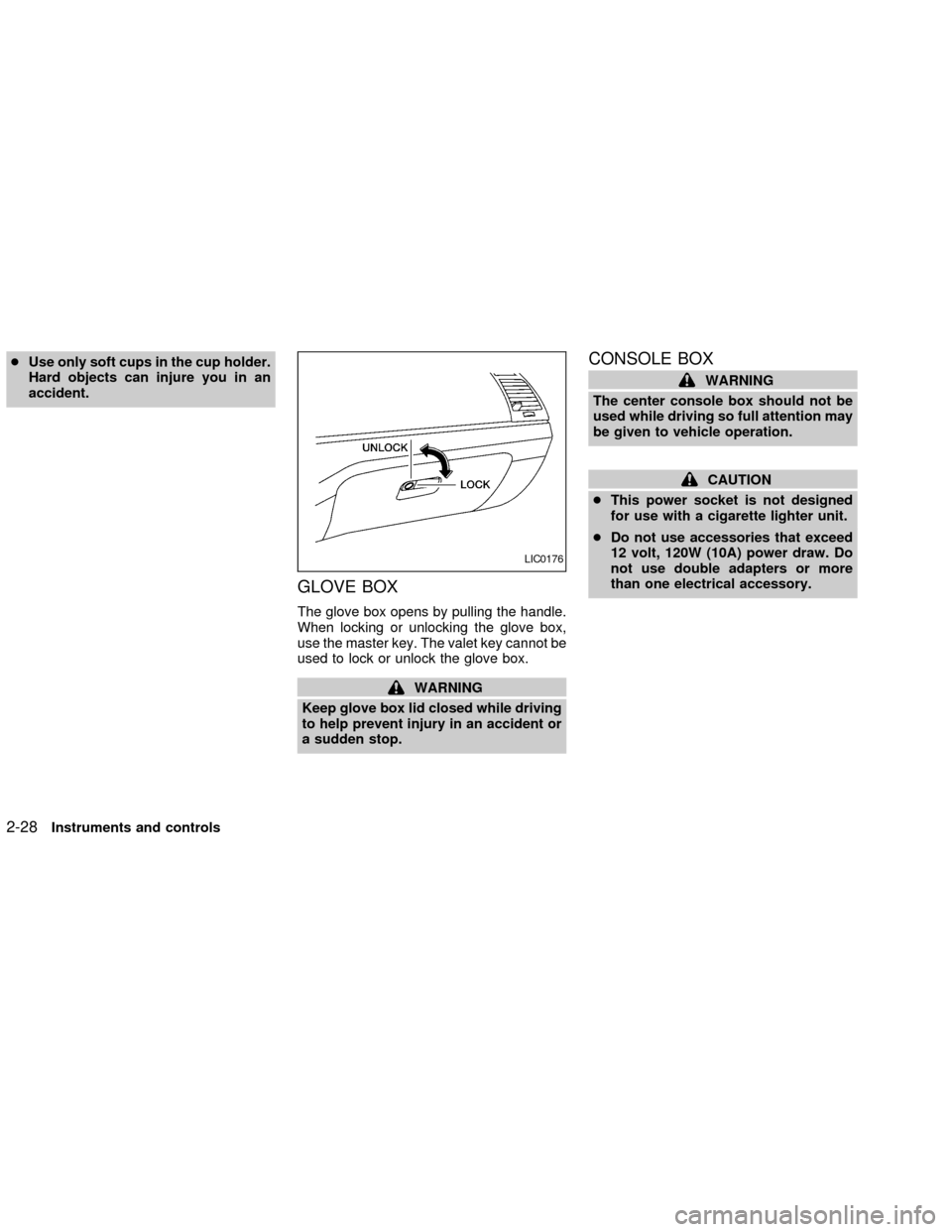
CUP HOLDERS
To open the front cup holders, lift the con-
sole cover. To close, lower the console
cover.
The rubber insert may be removed for
cleaning.
The rear cupholders are located in the fold-
down armrest in the rear seat back.
WARNING
The cup holder should not be used
while driving so full attention may be
given to vehicle operation.
CAUTION
cAvoid abrupt starting and braking
when the cup holder is being used to
prevent spilling the drink. If the liq-
uid is hot, it can scald you or your
passenger.
WIC0138LIC0175
Instruments and controls2-27
ZX
Page 77 of 249
cUse only soft cups in the cup holder.
Hard objects can injure you in an
accident.
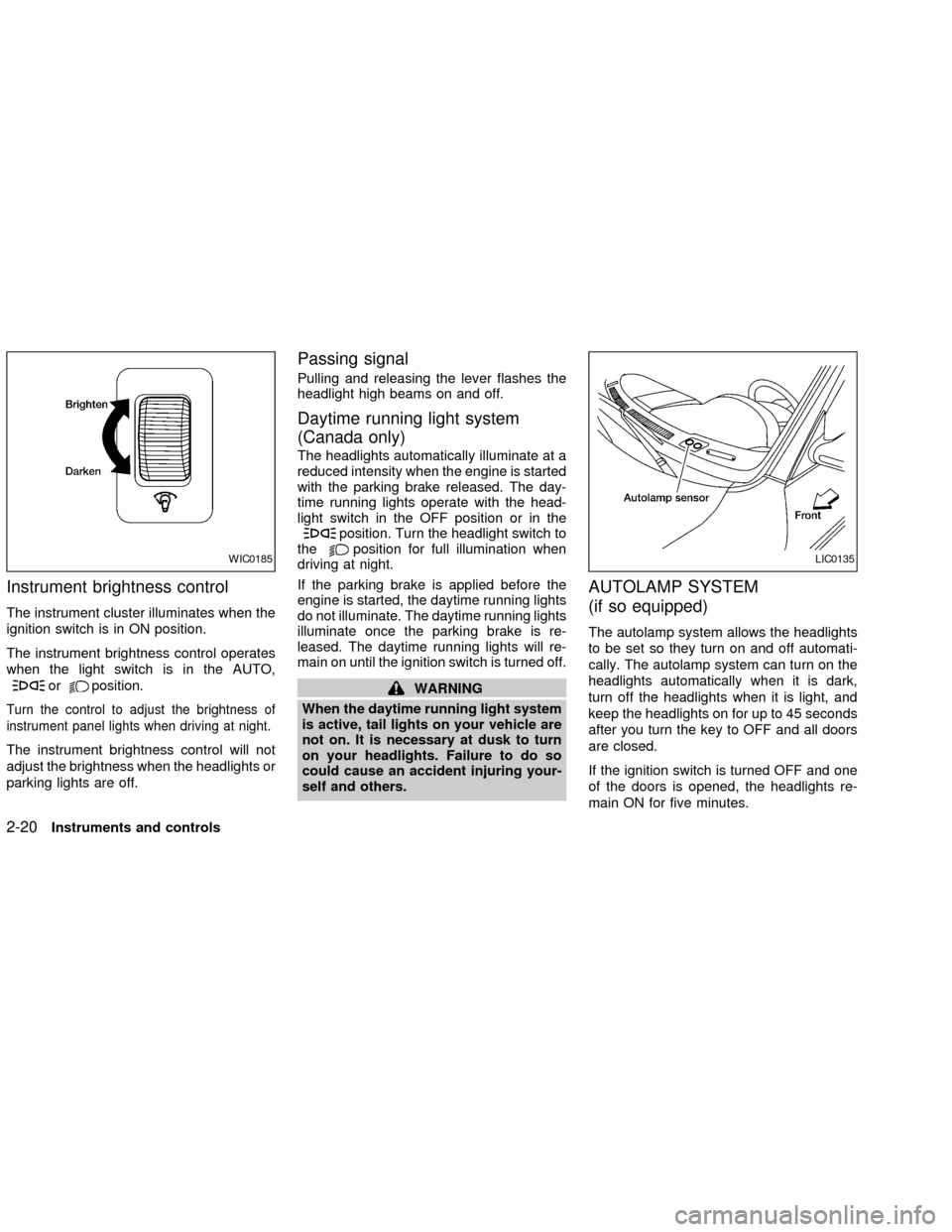
GLOVE BOX
The glove box opens by pulling the handle.
When locking or unlocking the glove box,
use the master key. The valet key cannot be
used to lock or unlock the glove box.
WARNING
Keep glove box lid closed while driving
to help prevent injury in an accident or
a sudden stop.
CONSOLE BOX
WARNING
The center console box should not be
used while driving so full attention may
be given to vehicle operation.
CAUTION
cThis power socket is not designed
for use with a cigarette lighter unit.
cDo not use accessories that exceed
12 volt, 120W (10A) power draw. Do
not use double adapters or more
than one electrical accessory.
LIC0176
2-28Instruments and controls
ZX
Page 85 of 249
WARNING
cDo not use the HomeLinkTUniversal
Transceiver with any garage door
opener that lacks safety stop and
reverse features as required by fed-
eral safety standards. (These stan-
dards became effective for opener
models manufactured after April 1,
1982). A garage door opener which
cannot detect an object in the path of
a closing garage door and then au-
tomatically stop and reverse, does
not meet current federal safety stan-
dards. Using a garage door opener
without these features increases the
risk of serious injury or death.
cDuring programming, your garage
door or gate may open or close.
Make sure that people and objects
are clear of the garage door or gate
that you are programming.
cYour vehicle's engine should be
turned off while programming the
HomeLinkTUniversal Transceiver.
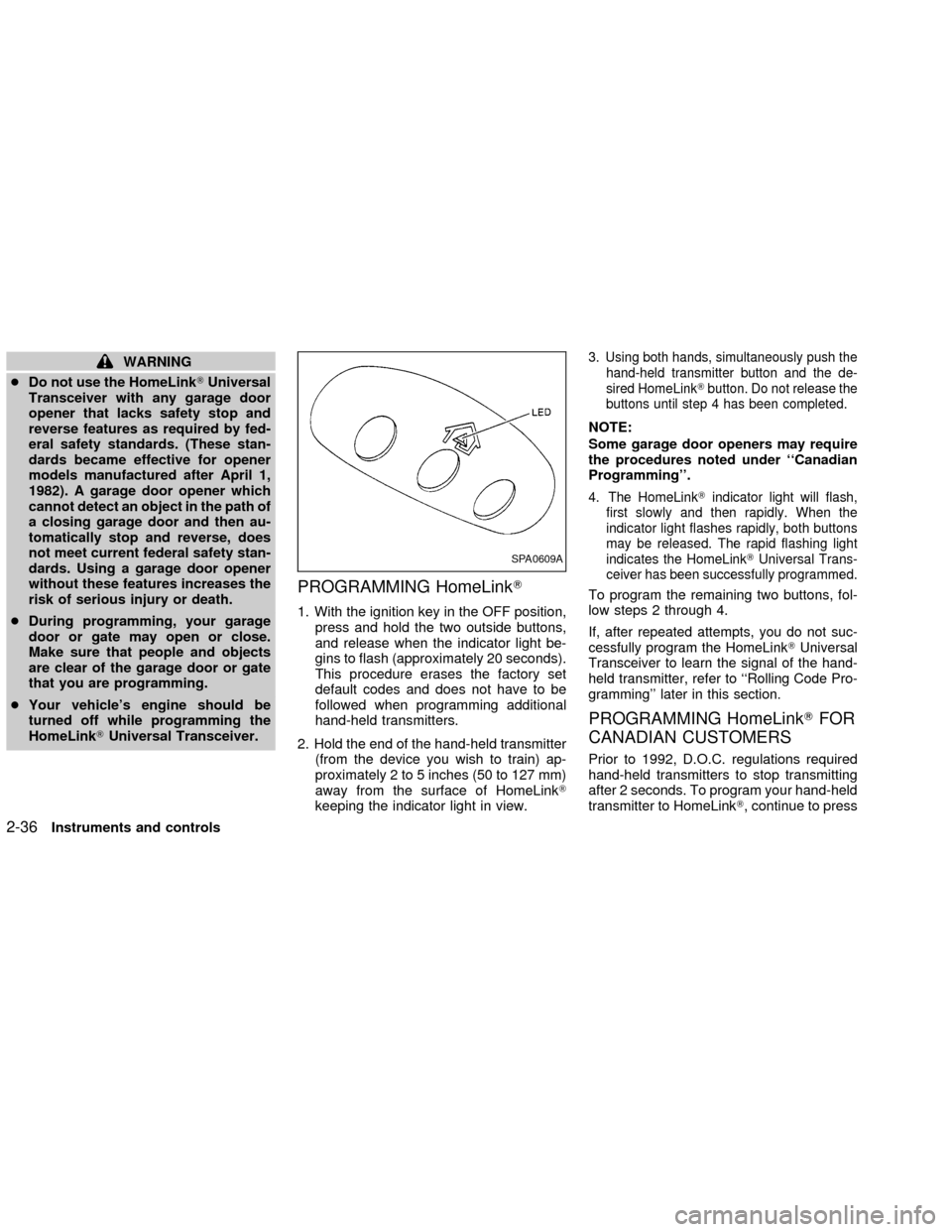
PROGRAMMING HomeLinkT
1. With the ignition key in the OFF position,
press and hold the two outside buttons,
and release when the indicator light be-
gins to flash (approximately 20 seconds).
This procedure erases the factory set
default codes and does not have to be
followed when programming additional
hand-held transmitters.
2. Hold the end of the hand-held transmitter
(from the device you wish to train) ap-
proximately 2 to 5 inches (50 to 127 mm)
away from the surface of HomeLinkT
keeping the indicator light in view.
3. Using both hands, simultaneously push the
hand-held transmitter button and the de-
sired HomeLinkTbutton. Do not release the
buttons until step 4 has been completed.
NOTE:
Some garage door openers may require
the procedures noted under ``Canadian
Programming''.
4. The HomeLinkTindicator light will flash,
first slowly and then rapidly. When the
indicator light flashes rapidly, both buttons
may be released. The rapid flashing light
indicates the HomeLinkTUniversal Trans-
ceiver has been successfully programmed.
To program the remaining two buttons, fol-
low steps 2 through 4.
If, after repeated attempts, you do not suc-
cessfully program the HomeLinkTUniversal
Transceiver to learn the signal of the hand-
held transmitter, refer to ``Rolling Code Pro-
gramming'' later in this section.
PROGRAMMING HomeLinkTFOR
CANADIAN CUSTOMERS
Prior to 1992, D.O.C. regulations required
hand-held transmitters to stop transmitting
after 2 seconds. To program your hand-held
transmitter to HomeLinkT, continue to press
SPA0609A
2-36Instruments and controls
ZX
Page 93 of 249

Unlocking doors
1. Push the UNLOCK button on the keyfob
once.
cOnly the driver's door unlocks
cThe hazard indicator flashes once if all
doors are completely closed with the
ignition key in any position except the ON
position.
cThe interior light turns on and the light
timer activates for 30 seconds when the
switch is in the centerjposition with the
ignition key in any position except the ON
position.2. Push the UNLOCK button on the keyfob
again within 5 seconds.
cAll doors unlock
cThe hazard indicator flashes once if all
doors are completely closed.
If the following operation is not carried
out within 1 minute after pressing the
ªUNLOCKº button, all doors will be
locked automatically.
cWhen any door is not opened.
cWhen the ignition key is not set in the
ON position.
The interior light can be turned off without
waiting for 30 seconds by turning the igni-
tion switch to the ON position or by locking
the doors with the keyfob.
Releasing the trunk lid
1. Push the trunk button on the keyfob for
longer than 0.5 second. The trunk re-
lease button on the keyfob will not oper-
ate when the ignition switch is in the ON
position.
2. The trunk lid opens.The trunk lid will not open with the trunk
lid release cancel switch turned to OFF.
See ªTrunk lidº later in this section for
cancel switch. It can be opened only with
the key.
Using the panic alarm
If you are near your vehicle and feel threat-
ened, you may activate the alarm to call
attention as follows:
1. Push and hold the PANIC button on the
keyfob forlonger than 0.5 seconds.
2. The theft warning alarm and headlights
will stay on for 25 seconds.
3. The panic alarm stops when:
cit has run for 25 seconds, or
cany button is pressed on the keyfob.
LPD0071
3-6Pre-driving checks and adjustments
ZX