Page 25 of 312

Door ajar Warning cannot be reset
Low oil pressure Warning returns after 10 minutes
Check engine temperature
Check charging system
Transmission overheated
Check transmission
Low fuel level
Low brake fluid level Warning returns after the ignition key
is turned from OFF to ON.
Change oil soon
Oil change required
Low washer fluid level
DOOR AJAR.Displayed when a door or liftgate is not completely
closed.
LOW OIL PRESSURE.Displayed when the engine oil level is low. If
this warning message is displayed, check the level of the engine oil.
Refer toEngine oilin theMaintenance and carechapter for
information about adding engine oil.
CHECK ENGINE TEMP.Displayed when the engine coolant is
overheating. Stop the vehicle as soon as safely possible, turn off the
engine and let it cool. Check the coolant and coolant level. Refer to
Engine coolantin theMaintenance and carechapter. If the warning
stays on or continues to come on, contact your dealer as soon as safely
possible.
CHECK CHARGING SYSTEM.Displayed when the electrical system is
not maintaining proper voltage. If you are operating electrical accessories
when the engine is idling at a low speed, turn off as many of the
electrical loads as soon as possible. If the warning stays on or comes on
when the engine is operating at normal speeds, have the electrical
system checked as soon as possible.
TRANSMISSION OVERHEATED.Indicates the transmission is
overheating. This warning may appear when towing heavy loads or when
driving in a low gear at a high speed for an extended period of time.
Stop the vehicle as soon as safely possible, turn off the engine and let it
cool. Refer toTransmission fluidin theMaintenance and care
chapter. If the warning stays on or continues to come on, contact your
dealer for transmission service as soon as possible.
Instrumentation
25
Page 26 of 312

CHECK TRANSMISSION.Indicates the transmission is not operating
properly. If this warning stays on, contact your dealer as soon as possible.
LOW FUEL LEVEL.Displayed as an early reminder of a low fuel condition.
LOW BRAKE FLUID LEVEL.Indicates the brake fluid level is low and
the brake system should be inspected immediately. Refer toChecking
and adding brake fluidin theMaintenance and carechapter.
CHANGE OIL SOON/OIL CHANGE REQUIRED.Displayed when the
engine oil life remaining is 5 percent or less. When oil life left is between 5%
and 0%, the CHANGE OIL SOON message will be displayed. When oil life left
reaches 0%, the OIL CHANGE REQUIRED message will be displayed.
An oil change is required whenever indicated by the message center.
USE ONLY RECOMMENDED ENGINE OILS.
To reset the oil monitoring system to 100% after each oil change
[approximately 8 000 km (5 000 miles) or 180 days] perform the following:
1. Press the SETUP control to
access the System Check function.
2. Press and release the RESET
control to display ªOIL LIFE XX%
HOLD RESET NEW.
3. Press and hold the RESET
control for 2 seconds to display ªIF
NEW OIL HOLD RESET.
4. Press and hold the RESET
control to display OIL LIFE SET TO
100%. Your oil life is now reset.
To reset the oil monitoring system to your personalized oil life %:
1. Press the SETUP control to
access the System Check function.
%
%
Instrumentation
26
Page 27 of 312

2. Press and release the RESET
control to display ªOIL LIFE XX%
HOLD RESET NEW.
3. Press and hold the RESET
control for 2 seconds to display ªIF
NEW OIL HOLD RESET.
4. Release the RESET control
momentarily, then press RESET and
SETUP controls at the same time to
activate a service mode which will
display OIL LIFE XX% RESET TO
ALTER.
5. Press RESET until you find your personalized OIL LIFE XX%.
6. With your personalized OIL LIFE XX% displayed, press SETUP to
continue the system check.
LOW WASHER FLUID LEVEL.Indicates the washer fluid reservoir is
less than one quarter full. Check the washer fluid level. Refer to
Windshield washer fluidin theMaintenance and carechapter.
DATA ERR.These messages indicate improper operation of the vehicle
network communication between electronic modules.
²Fuel Computer
²Oil life
²Charging system
²Door sensor
²Washer fluid
²Brake Fluid
²Compass
²Outside temperature
²Engine sensor
Contact your dealer as soon as possible if these messages occur on a
regular basis.
%
%
Instrumentation
27
Page 52 of 312
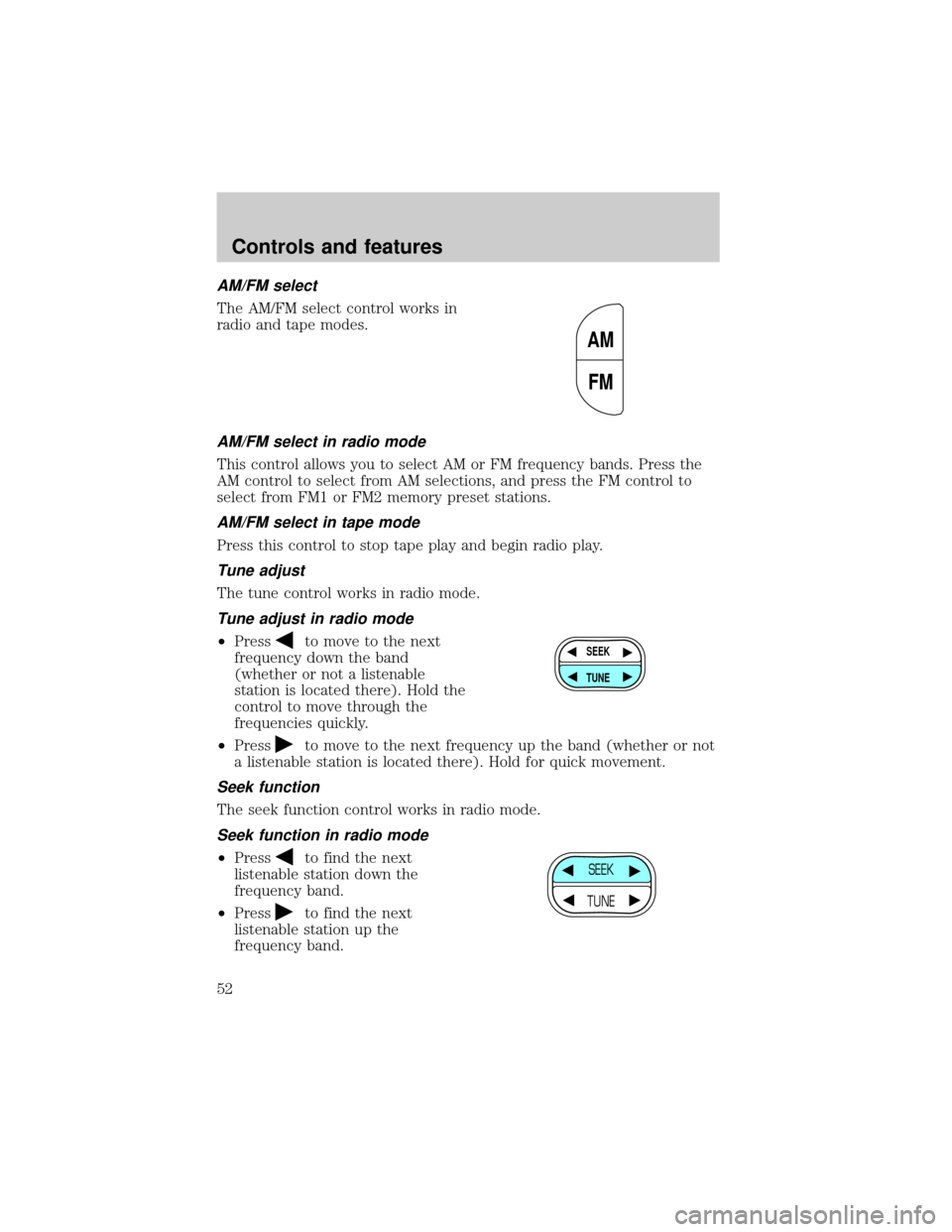
AM/FM select
The AM/FM select control works in
radio and tape modes.
AM/FM select in radio mode
This control allows you to select AM or FM frequency bands. Press the
AM control to select from AM selections, and press the FM control to
select from FM1 or FM2 memory preset stations.
AM/FM select in tape mode
Press this control to stop tape play and begin radio play.
Tune adjust
The tune control works in radio mode.
Tune adjust in radio mode
²Pressto move to the next
frequency down the band
(whether or not a listenable
station is located there). Hold the
control to move through the
frequencies quickly.
²Press
to move to the next frequency up the band (whether or not
a listenable station is located there). Hold for quick movement.
Seek function
The seek function control works in radio mode.
Seek function in radio mode
²Pressto find the next
listenable station down the
frequency band.
²Press
to find the next
listenable station up the
frequency band.
AM
FM
SEEK
TUNE
SEEK
TUNE
Controls and features
52
Page 53 of 312
Scan function
The scan function works in radio
mode.
Scan function in radio mode
Press the SCAN control to hear a brief sampling of all listenable stations
on the frequency band. Press the SCAN control again to stop the scan
mode.
Radio station memory preset
The radio is equipped with six station memory preset controls. These
controls can be used to select up to six preset AM stations and twelve
FM stations (six in FM1 and six in FM2).
Setting memory preset stations
1. Select the frequency band with the AM or the FM select control.
2. Select a station. Refer toTune adjustorSeek functionfor more
information on selecting a station.
3. Press and hold a memory preset control until the sound returns,
indicating the station is held in memory on the control you selected.
Bass adjust
The bass adjust control allows you
to increase or decrease the audio
system's bass output.
SCAN
12 3456
BASS
Controls and features
53
Page 58 of 312
Volume/power control
Press the control to turn the audio
system on or off.
Turn the control to raise or lower
volume.
If the volume is set above a certain level and the ignition is turned off,
the volume will come back on at a ªnominalº listening level when the
ignition switch is turned back on.
AM/FM select
The AM/FM select control works in
radio and CD modes.
AM/FM select in radio mode
This control allows you to select AM or FM frequency bands. Press the
control to switch between AM, FM1 or FM2 memory preset stations.
AM/FM select in CD mode
Press this control to stop CD play and begin radio play.
VOL - PUSH ON
VOL - PUSH ON
CDAM
FM
Controls and features
58
Page 61 of 312
Speaker fade adjust
Speaker sound can be adjusted
between the front and rear
speakers.
CD select
²To begin CD play (if CD[s] are
loaded), press the CD control.
The first track of the disc will
begin playing. After that, CD play
will begin where it stopped last.
Do not insert any promotional (odd shaped or sized) discs, or
discs with removable labels into the CD player as jamming may
occur.
Rewind
The rewind control works in CD mode.
To rewind in CD mode, press the
CD control (preset 1).
Press the control again to deactivate
rewind mode.
Fast forward
The fast forward control works in CD mode.
To fast forward in CD changer
mode, press the CD control (preset
2).
Press the control again to deactivate
fast forward mode.
FADE
AM
FM
CD
CD
1
CD
2
Controls and features
61
Page 64 of 312
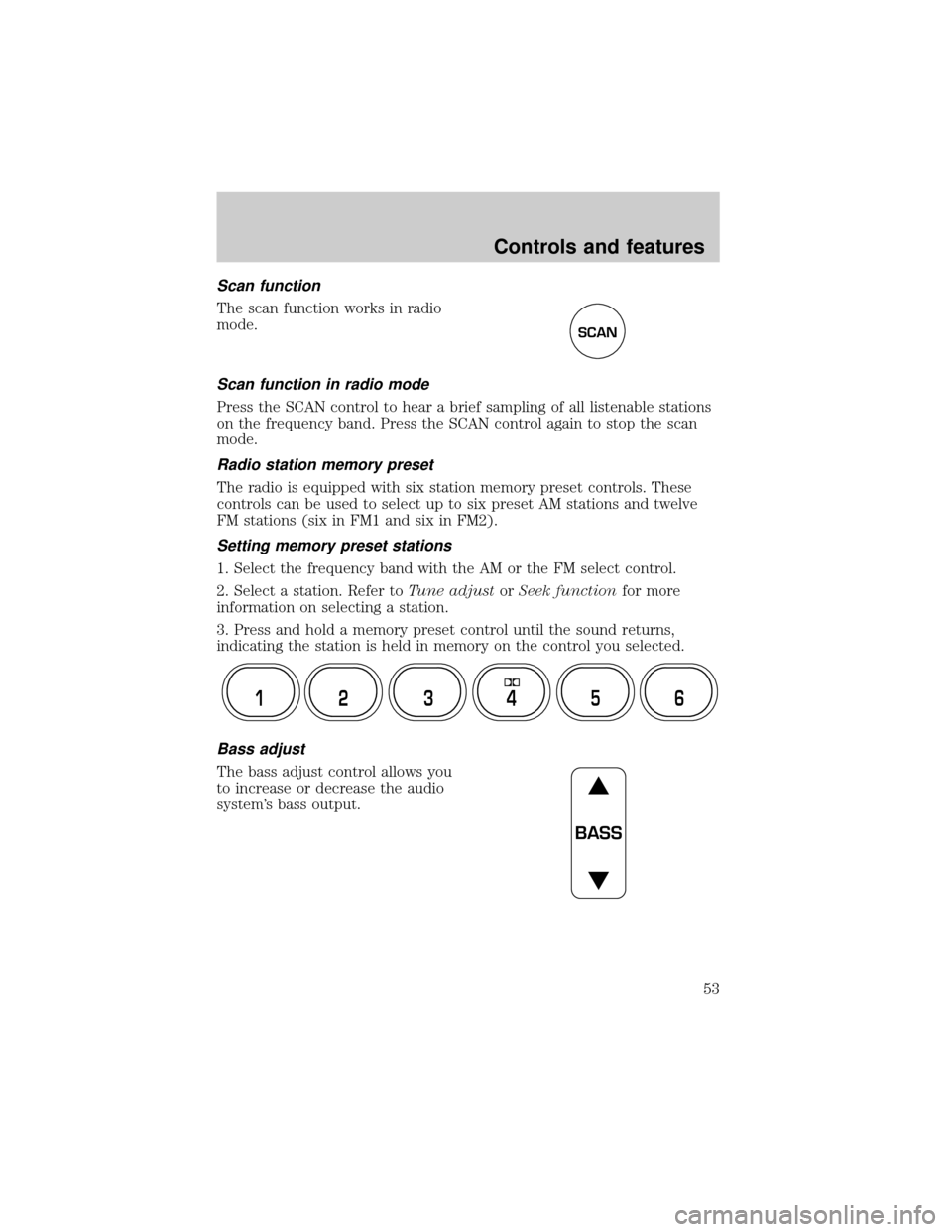
Volume/power control
Press the control to turn the audio
system on or off.
Audio power can also be turned on
by pressing the AM/FM select
control or the tape/CD select
control. Audio power is turned off
by using the volume/power control.
Turn control to raise or lower
volume.
If the volume is set above a certain level and the ignition is turned off,
the volume will come back on at a ªnominalº listening level when the
ignition switch is turned back on.
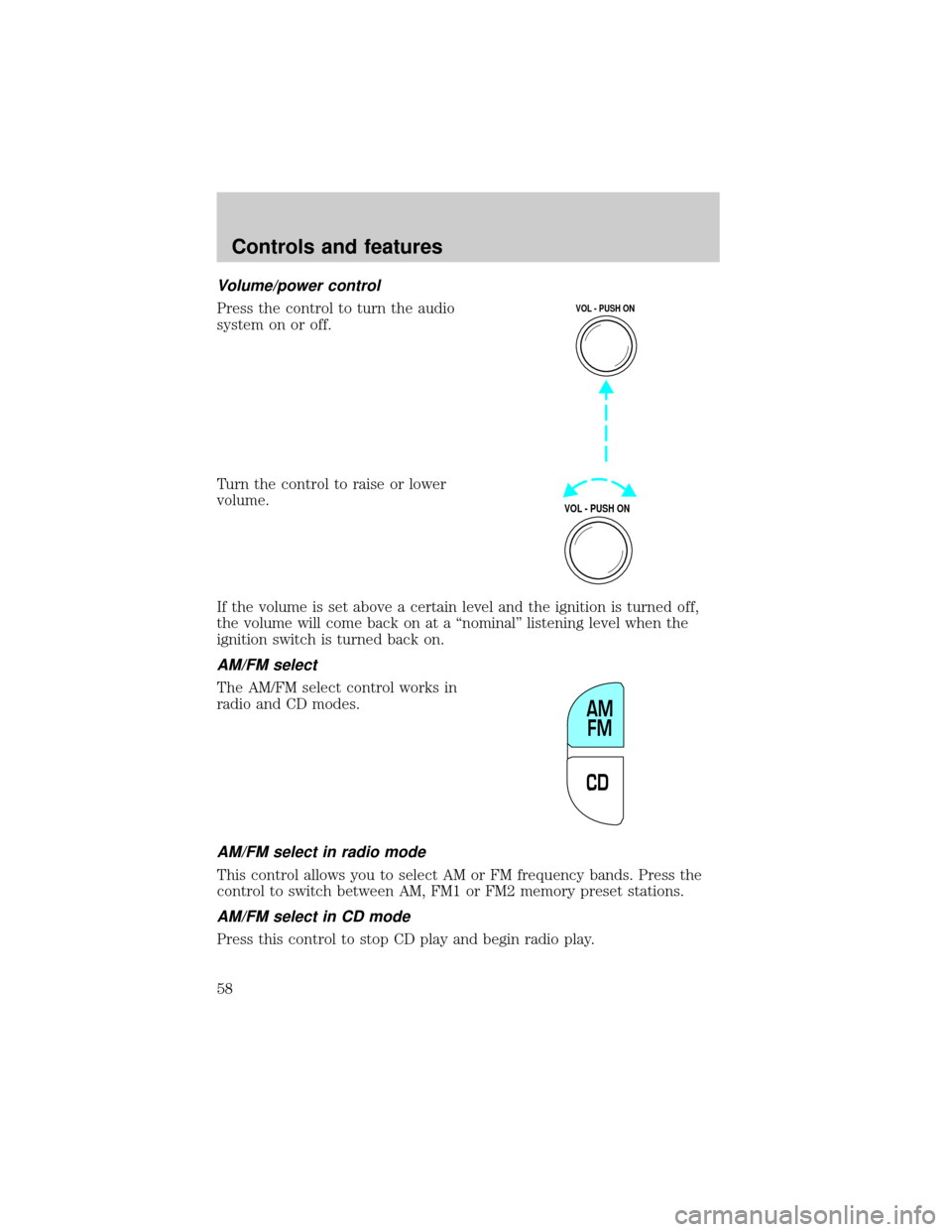
AM/FM select
The AM/FM select control works in
radio, tape and CD modes.
AM/FM select in radio mode
This control allows you to select AM or FM frequency bands. Press the
control to switch between AM, FM1 or FM2 memory preset stations.
AM/FM select in tape mode
Press this control to stop tape play and begin radio play.
AM/FM select in CD or CD changer mode (if equipped)
Press this control to stop CD play and begin radio play.
VOL - PUSH ON
VOL - PUSH ON
AM FM
Controls and features
64
![FORD EXPLORER 2002 3.G Owners Manual Speaker fade adjust
Speaker sound can be adjusted
between the front and rear
speakers.
CD select
²To begin CD play (if CD[s] are
loaded), press the CD control.
The first track of the disc will
begin](/manual-img/11/4960/w960_4960-60.png "FORD EXPLORER 2002 3.G Owners Manual Speaker fade adjust
Speaker sound can be adjusted
between the front and rear
speakers.
CD select
²To begin CD play (if CD[s] are
loaded), press the CD control.
The first track of the disc will
begin")