Page 19 of 216
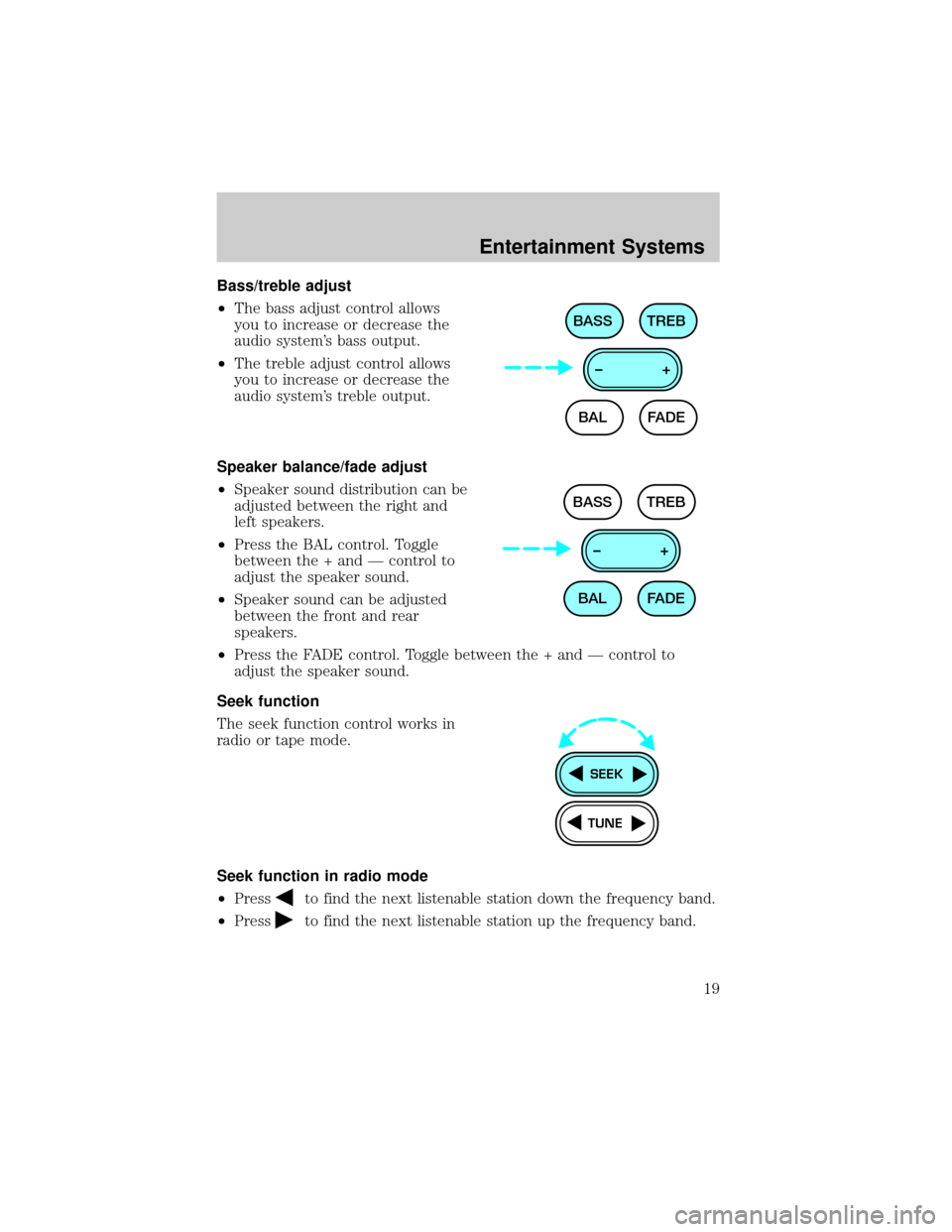
Bass/treble adjust
²The bass adjust control allows
you to increase or decrease the
audio system's bass output.
²The treble adjust control allows
you to increase or decrease the
audio system's treble output.
Speaker balance/fade adjust
²Speaker sound distribution can be
adjusted between the right and
left speakers.
²Press the BAL control. Toggle
between the + and Ð control to
adjust the speaker sound.
²Speaker sound can be adjusted
between the front and rear
speakers.
²Press the FADE control. Toggle between the + and Ð control to
adjust the speaker sound.
Seek function
The seek function control works in
radio or tape mode.
Seek function in radio mode
²Press
to find the next listenable station down the frequency band.
²Press
to find the next listenable station up the frequency band.
BAL BASS TREB
FADE –+
BAL BASS TREB
FADE –+
TUNE
SEEK
Entertainment Systems
19
Page 20 of 216
Seek function in tape mode
²Press
to listen to the previous selection on the tape.
²Press
to listen to the next selection on the tape.
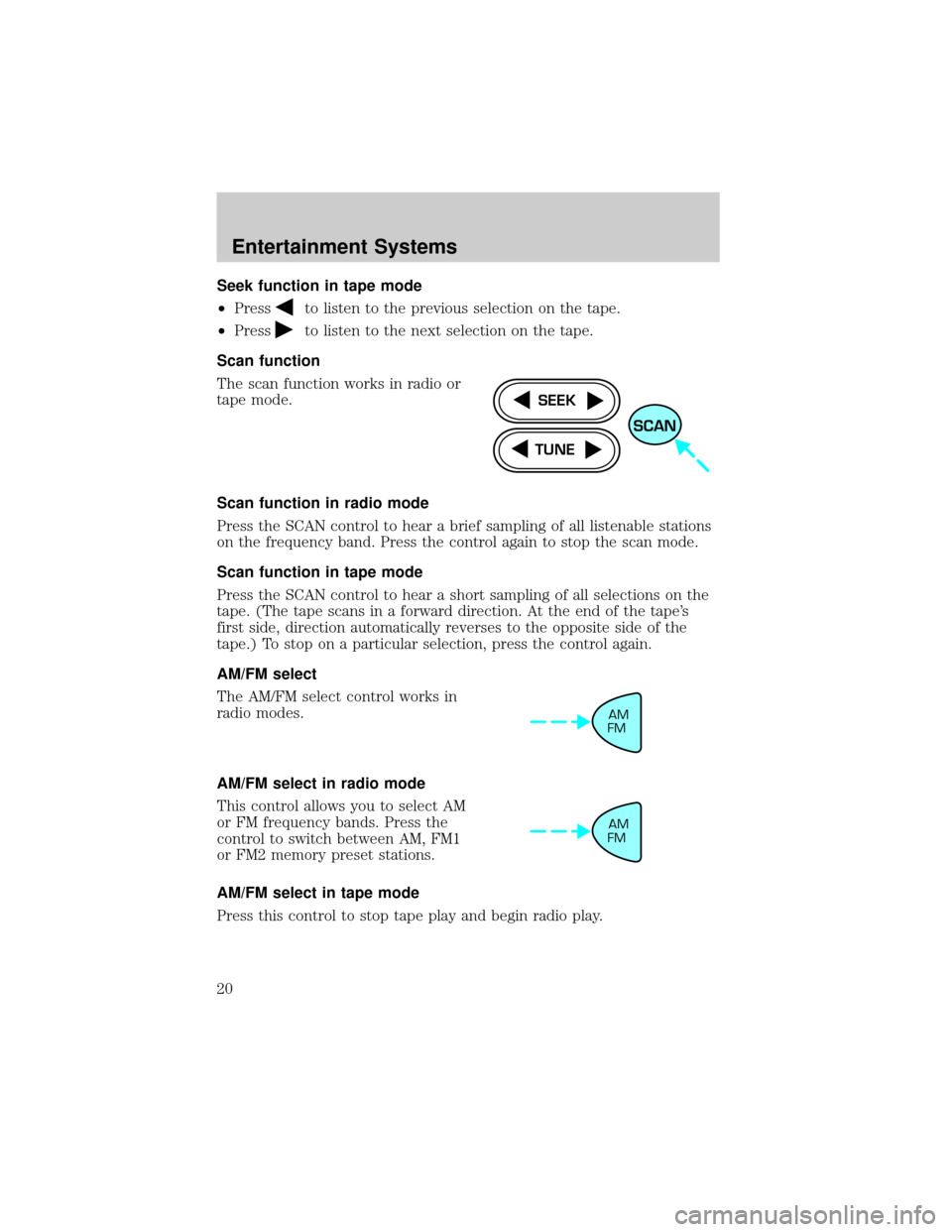
Scan function
The scan function works in radio or
tape mode.
Scan function in radio mode
Press the SCAN control to hear a brief sampling of all listenable stations
on the frequency band. Press the control again to stop the scan mode.
Scan function in tape mode
Press the SCAN control to hear a short sampling of all selections on the
tape. (The tape scans in a forward direction. At the end of the tape's
first side, direction automatically reverses to the opposite side of the
tape.) To stop on a particular selection, press the control again.
AM/FM select
The AM/FM select control works in
radio modes.
AM/FM select in radio mode
This control allows you to select AM
or FM frequency bands. Press the
control to switch between AM, FM1
or FM2 memory preset stations.
AM/FM select in tape mode
Press this control to stop tape play and begin radio play.
TUNE
SEEK
SCAN
AM
FM
AM
FM
Entertainment Systems
20
Page 21 of 216
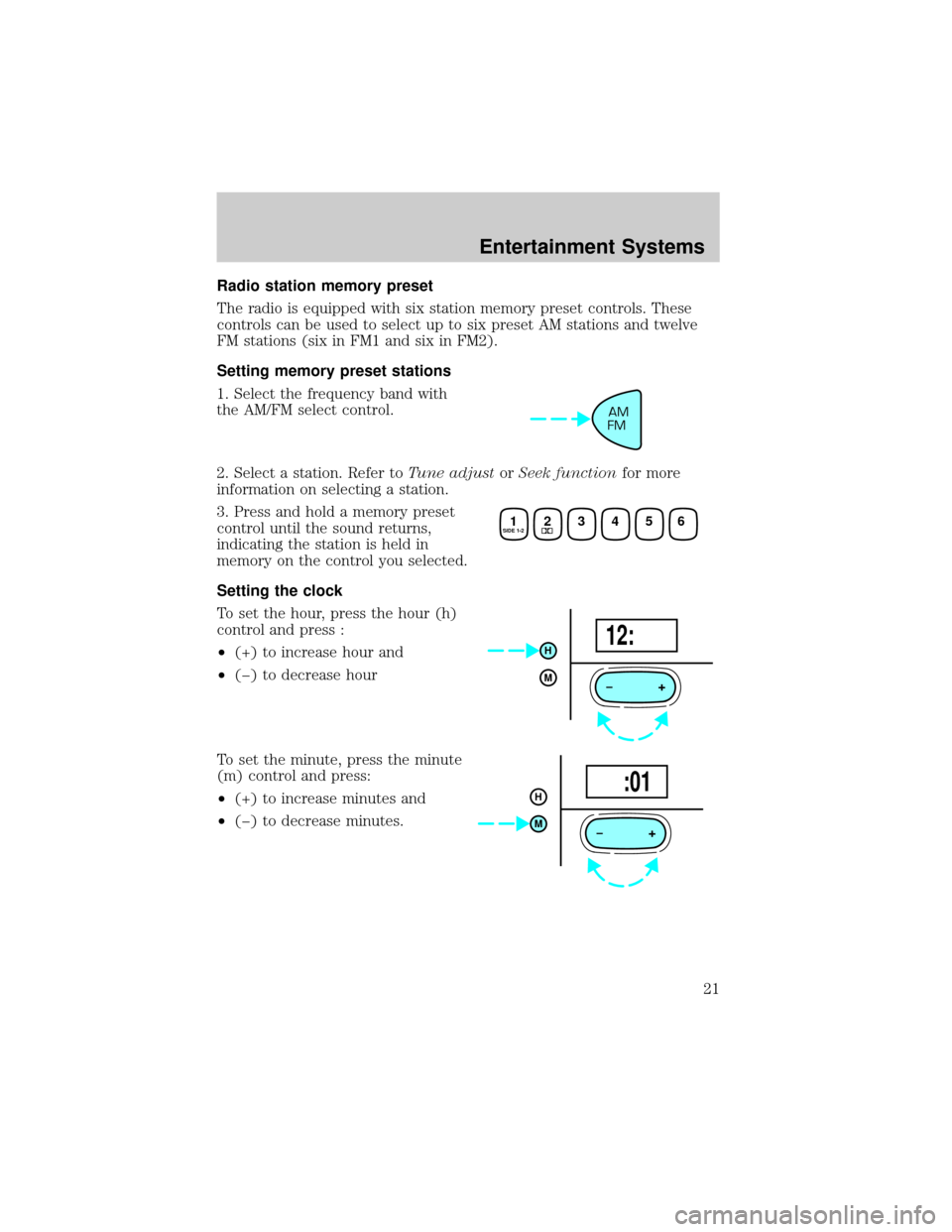
Radio station memory preset
The radio is equipped with six station memory preset controls. These
controls can be used to select up to six preset AM stations and twelve
FM stations (six in FM1 and six in FM2).
Setting memory preset stations
1. Select the frequency band with
the AM/FM select control.
2. Select a station. Refer toTune adjustorSeek functionfor more
information on selecting a station.
3. Press and hold a memory preset
control until the sound returns,
indicating the station is held in
memory on the control you selected.
Setting the clock
To set the hour, press the hour (h)
control and press :
²(+) to increase hour and
²(þ) to decrease hour
To set the minute, press the minute
(m) control and press:
²(+) to increase minutes and
²(þ) to decrease minutes.
AM
FM
1SIDE 1-223456
+
H
M12:
+
H
M :01
Entertainment Systems
21
Page 22 of 216
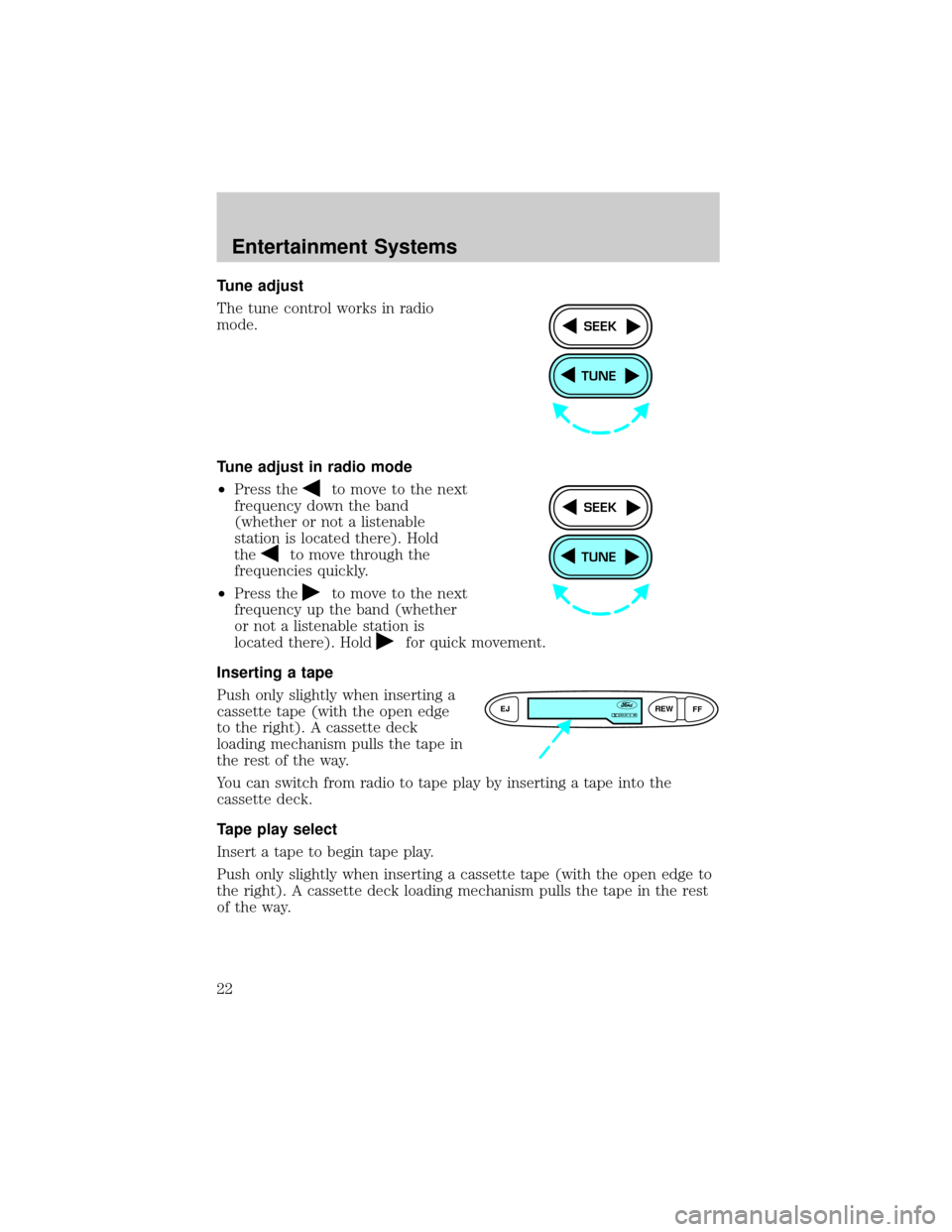
Tune adjust
The tune control works in radio
mode.
Tune adjust in radio mode
²Press the
to move to the next
frequency down the band
(whether or not a listenable
station is located there). Hold
the
to move through the
frequencies quickly.
²Press the
to move to the next
frequency up the band (whether
or not a listenable station is
located there). Hold
for quick movement.
Inserting a tape
Push only slightly when inserting a
cassette tape (with the open edge
to the right). A cassette deck
loading mechanism pulls the tape in
the rest of the way.
You can switch from radio to tape play by inserting a tape into the
cassette deck.
Tape play select
Insert a tape to begin tape play.
Push only slightly when inserting a cassette tape (with the open edge to
the right). A cassette deck loading mechanism pulls the tape in the rest
of the way.
TUNE
SEEK
TUNE
SEEK
EJREW
FFDOLBY B NR
Entertainment Systems
22
Page 23 of 216
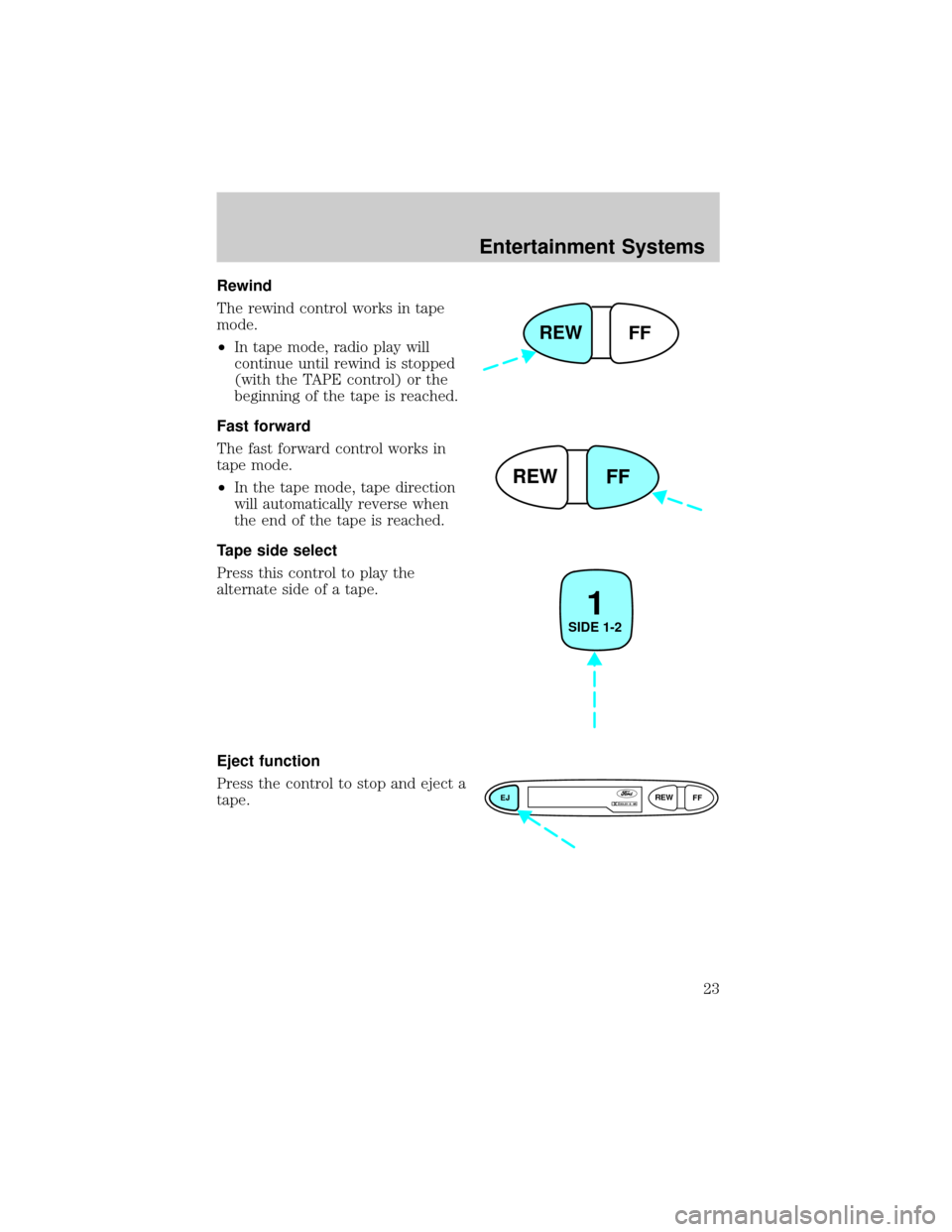
Rewind
The rewind control works in tape
mode.
²In tape mode, radio play will
continue until rewind is stopped
(with the TAPE control) or the
beginning of the tape is reached.
Fast forward
The fast forward control works in
tape mode.
²In the tape mode, tape direction
will automatically reverse when
the end of the tape is reached.
Tape side select
Press this control to play the
alternate side of a tape.
Eject function
Press the control to stop and eject a
tape.
REW
FF
REW
FF
1
SIDE 1-2
EJREW
FFDOLBY B NR
Entertainment Systems
23
Page 24 of 216
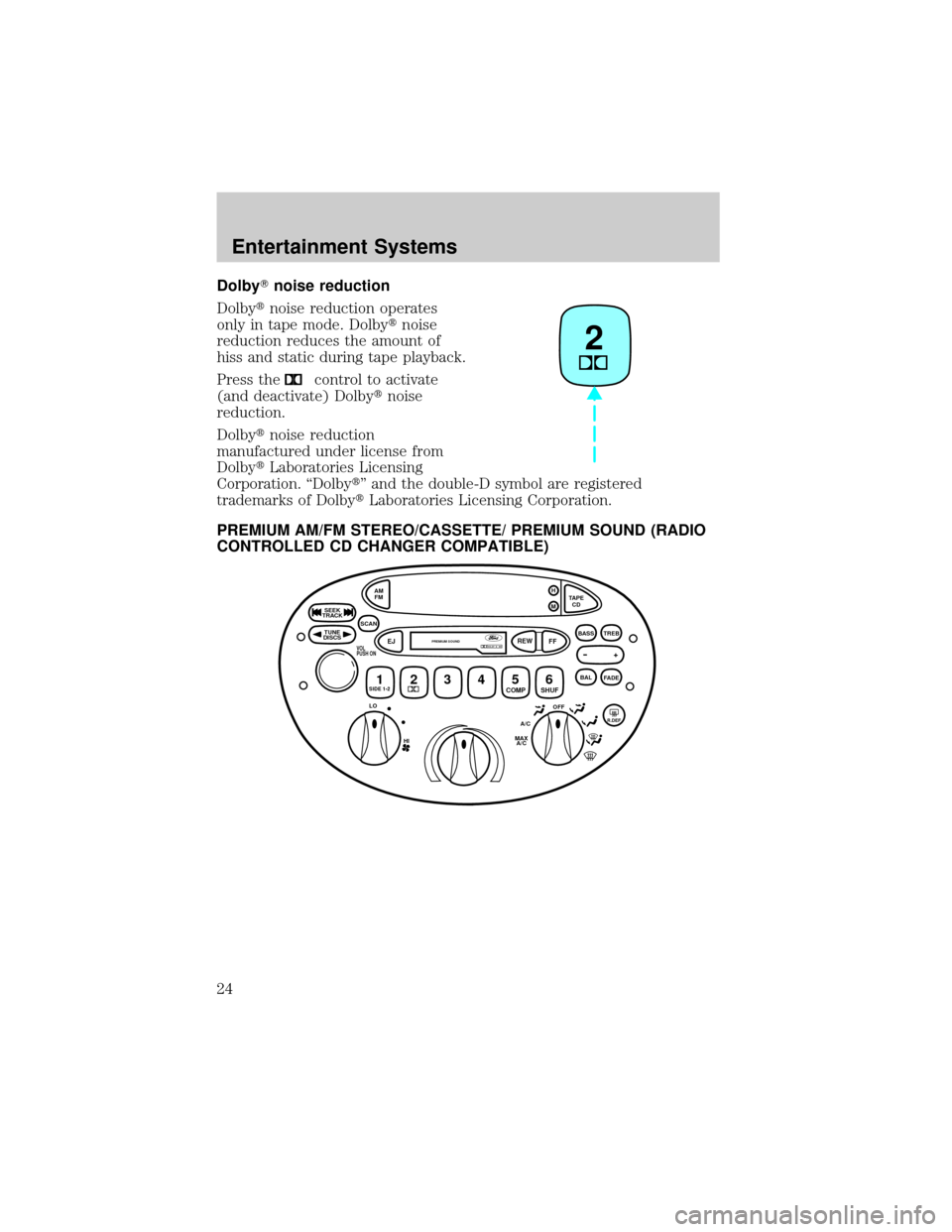
DolbyTnoise reduction
Dolbytnoise reduction operates
only in tape mode. Dolbytnoise
reduction reduces the amount of
hiss and static during tape playback.
Press the
control to activate
(and deactivate) Dolbytnoise
reduction.
Dolbytnoise reduction
manufactured under license from
DolbytLaboratories Licensing
Corporation. ªDolbytº and the double-D symbol are registered
trademarks of DolbytLaboratories Licensing Corporation.
PREMIUM AM/FM STEREO/CASSETTE/ PREMIUM SOUND (RADIO
CONTROLLED CD CHANGER COMPATIBLE)
2
OFFR.DEFA/C
MAX
A/C HI
LO
TUNE
DISCS
SEEK
TRACK
SCANAM
FM
1SIDE 1-223456 COMP
SHUF EJREW
FF
PREMIUM SOUND
TAPE
CD H
M
+
BAL
FADE
BASS
TREBDOLBY B NRVOL
PUSH ON
Entertainment Systems
24
Page 26 of 216
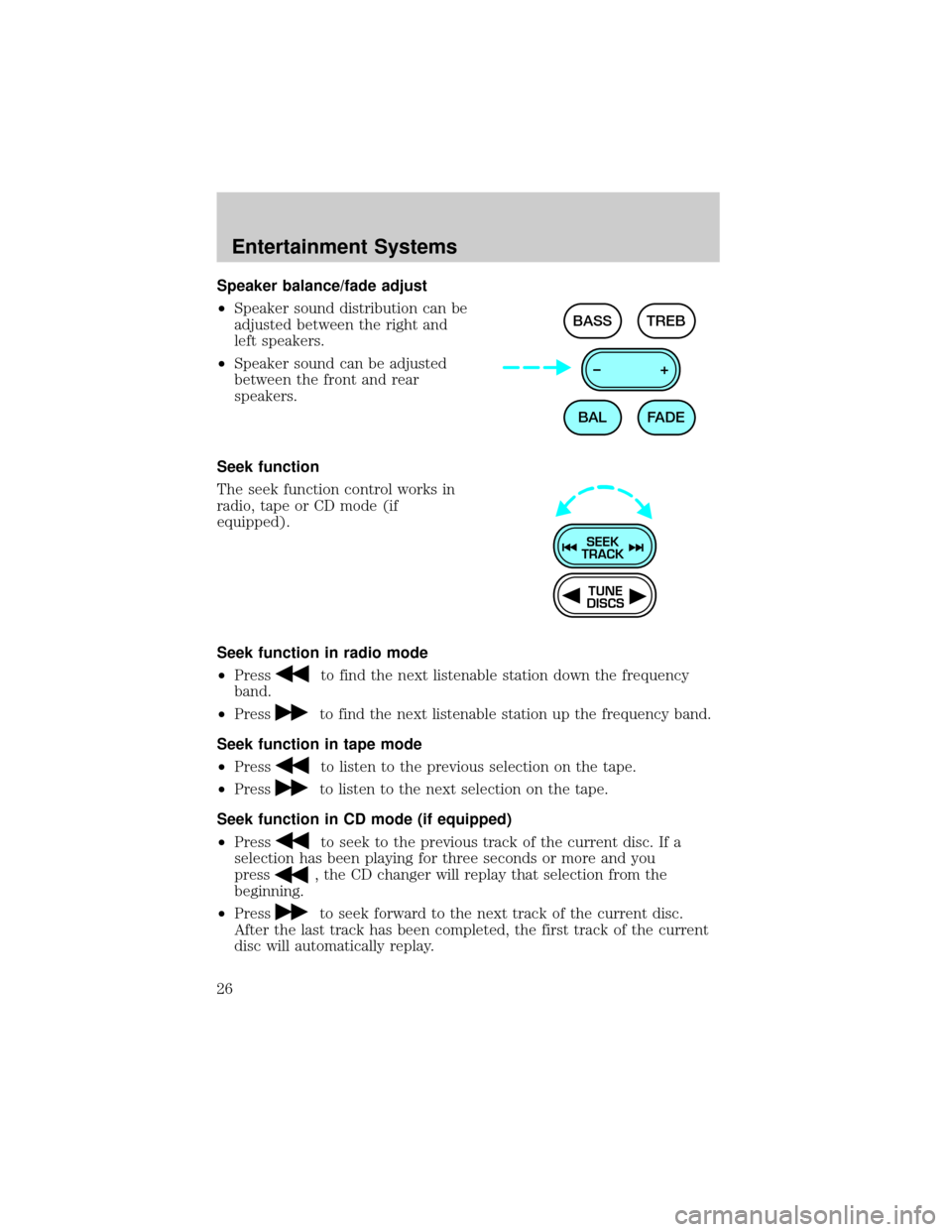
Speaker balance/fade adjust
²Speaker sound distribution can be
adjusted between the right and
left speakers.
²Speaker sound can be adjusted
between the front and rear
speakers.
Seek function
The seek function control works in
radio, tape or CD mode (if
equipped).
Seek function in radio mode
²Press
to find the next listenable station down the frequency
band.
²Press
to find the next listenable station up the frequency band.
Seek function in tape mode
²Press
to listen to the previous selection on the tape.
²Press
to listen to the next selection on the tape.
Seek function in CD mode (if equipped)
²Press
to seek to the previous track of the current disc. If a
selection has been playing for three seconds or more and you
press
, the CD changer will replay that selection from the
beginning.
²Press
to seek forward to the next track of the current disc.
After the last track has been completed, the first track of the current
disc will automatically replay.
BAL BASS TREB
FADE –+
TUNE
DISCS
SEEK
TRACK
Entertainment Systems
26
Page 27 of 216
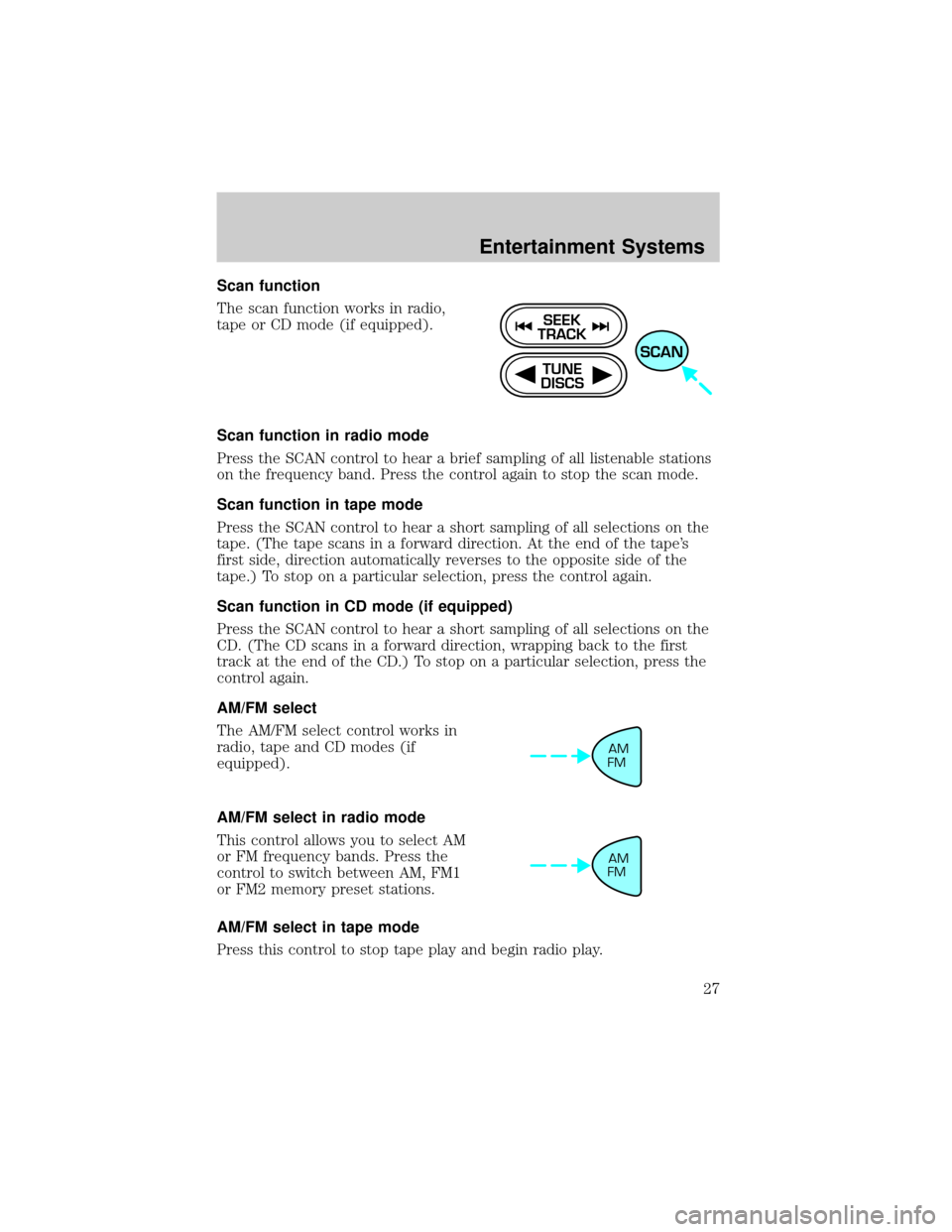
Scan function
The scan function works in radio,
tape or CD mode (if equipped).
Scan function in radio mode
Press the SCAN control to hear a brief sampling of all listenable stations
on the frequency band. Press the control again to stop the scan mode.
Scan function in tape mode
Press the SCAN control to hear a short sampling of all selections on the
tape. (The tape scans in a forward direction. At the end of the tape's
first side, direction automatically reverses to the opposite side of the
tape.) To stop on a particular selection, press the control again.
Scan function in CD mode (if equipped)
Press the SCAN control to hear a short sampling of all selections on the
CD. (The CD scans in a forward direction, wrapping back to the first
track at the end of the CD.) To stop on a particular selection, press the
control again.
AM/FM select
The AM/FM select control works in
radio, tape and CD modes (if
equipped).
AM/FM select in radio mode
This control allows you to select AM
or FM frequency bands. Press the
control to switch between AM, FM1
or FM2 memory preset stations.
AM/FM select in tape mode
Press this control to stop tape play and begin radio play.
TUNE
DISCS
SEEK
TRACK
SCAN
AM
FM
AM
FM
Entertainment Systems
27