Page 42 of 240
²Pressto seek forward to the next track of the current disc. After
the last track has been completed, the first track of the current disc
will automatically replay.
Scan function
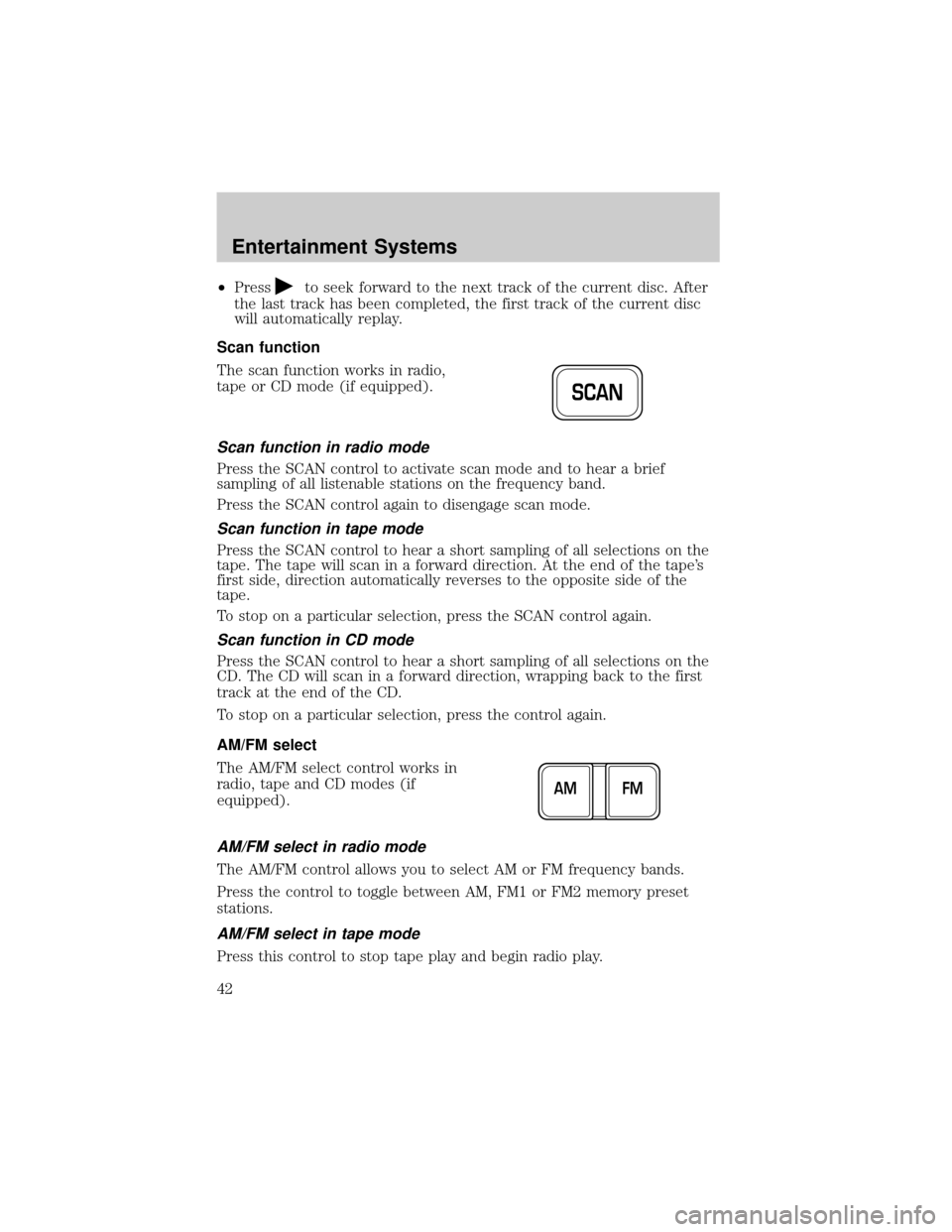
The scan function works in radio,
tape or CD mode (if equipped).
Scan function in radio mode
Press the SCAN control to activate scan mode and to hear a brief
sampling of all listenable stations on the frequency band.
Press the SCAN control again to disengage scan mode.
Scan function in tape mode
Press the SCAN control to hear a short sampling of all selections on the
tape. The tape will scan in a forward direction. At the end of the tape's
first side, direction automatically reverses to the opposite side of the
tape.
To stop on a particular selection, press the SCAN control again.
Scan function in CD mode
Press the SCAN control to hear a short sampling of all selections on the
CD. The CD will scan in a forward direction, wrapping back to the first
track at the end of the CD.
To stop on a particular selection, press the control again.
AM/FM select
The AM/FM select control works in
radio, tape and CD modes (if
equipped).
AM/FM select in radio mode
The AM/FM control allows you to select AM or FM frequency bands.
Press the control to toggle between AM, FM1 or FM2 memory preset
stations.
AM/FM select in tape mode
Press this control to stop tape play and begin radio play.
SCAN
FM AM
Entertainment Systems
42
Page 43 of 240
AM/FM select in CD mode
Press this control to stop CD play and begin radio play.
Radio station memory preset
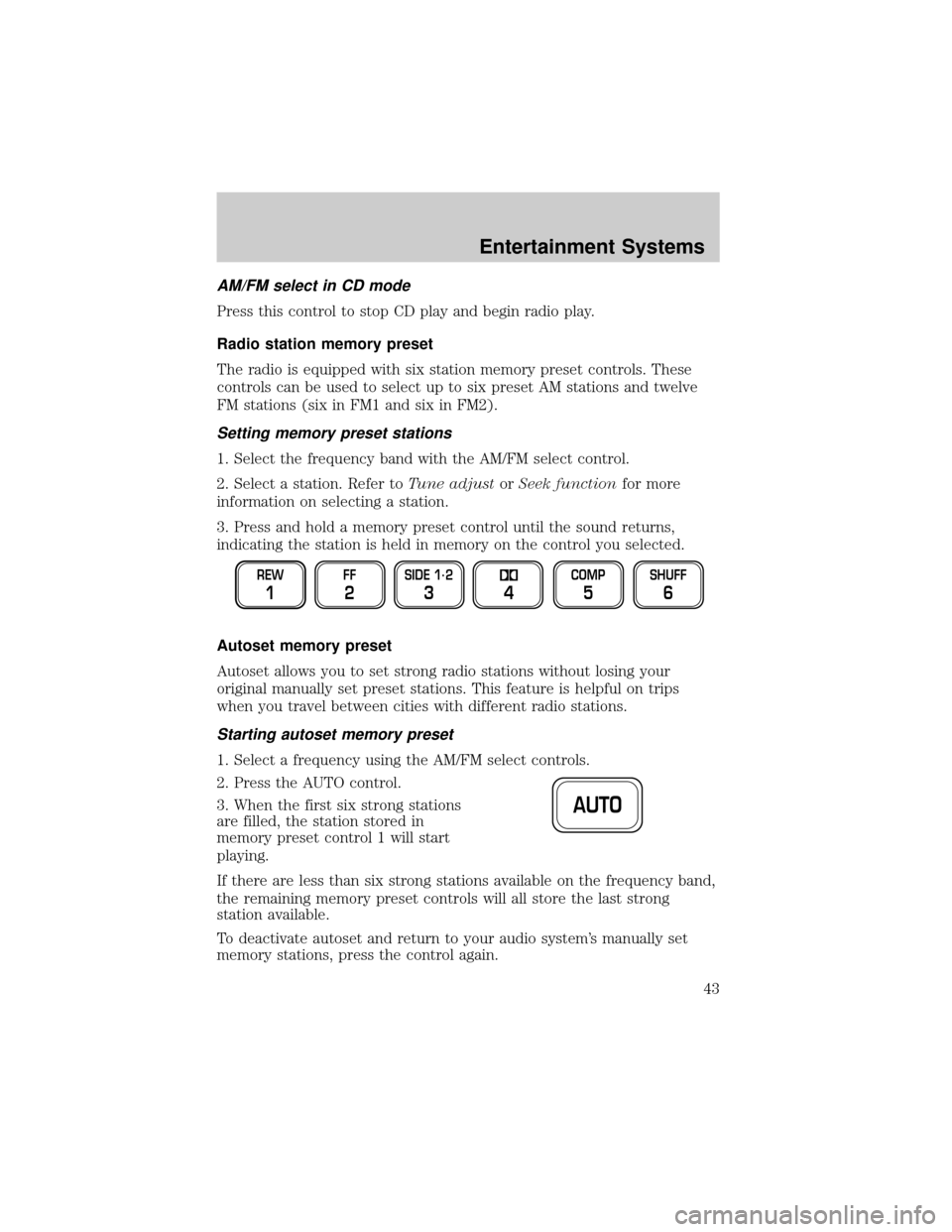
The radio is equipped with six station memory preset controls. These
controls can be used to select up to six preset AM stations and twelve
FM stations (six in FM1 and six in FM2).
Setting memory preset stations
1. Select the frequency band with the AM/FM select control.
2. Select a station. Refer toTune adjustorSeek functionfor more
information on selecting a station.
3. Press and hold a memory preset control until the sound returns,
indicating the station is held in memory on the control you selected.
Autoset memory preset
Autoset allows you to set strong radio stations without losing your
original manually set preset stations. This feature is helpful on trips
when you travel between cities with different radio stations.
Starting autoset memory preset
1. Select a frequency using the AM/FM select controls.
2. Press the AUTO control.
3. When the first six strong stations
are filled, the station stored in
memory preset control 1 will start
playing.
If there are less than six strong stations available on the frequency band,
the remaining memory preset controls will all store the last strong
station available.
To deactivate autoset and return to your audio system's manually set
memory stations, press the control again.
REW
1
FF
2
SIDE 1.
2
34
COMP
5
SHUFF
6
AUTO
Entertainment Systems
43
Page 83 of 240
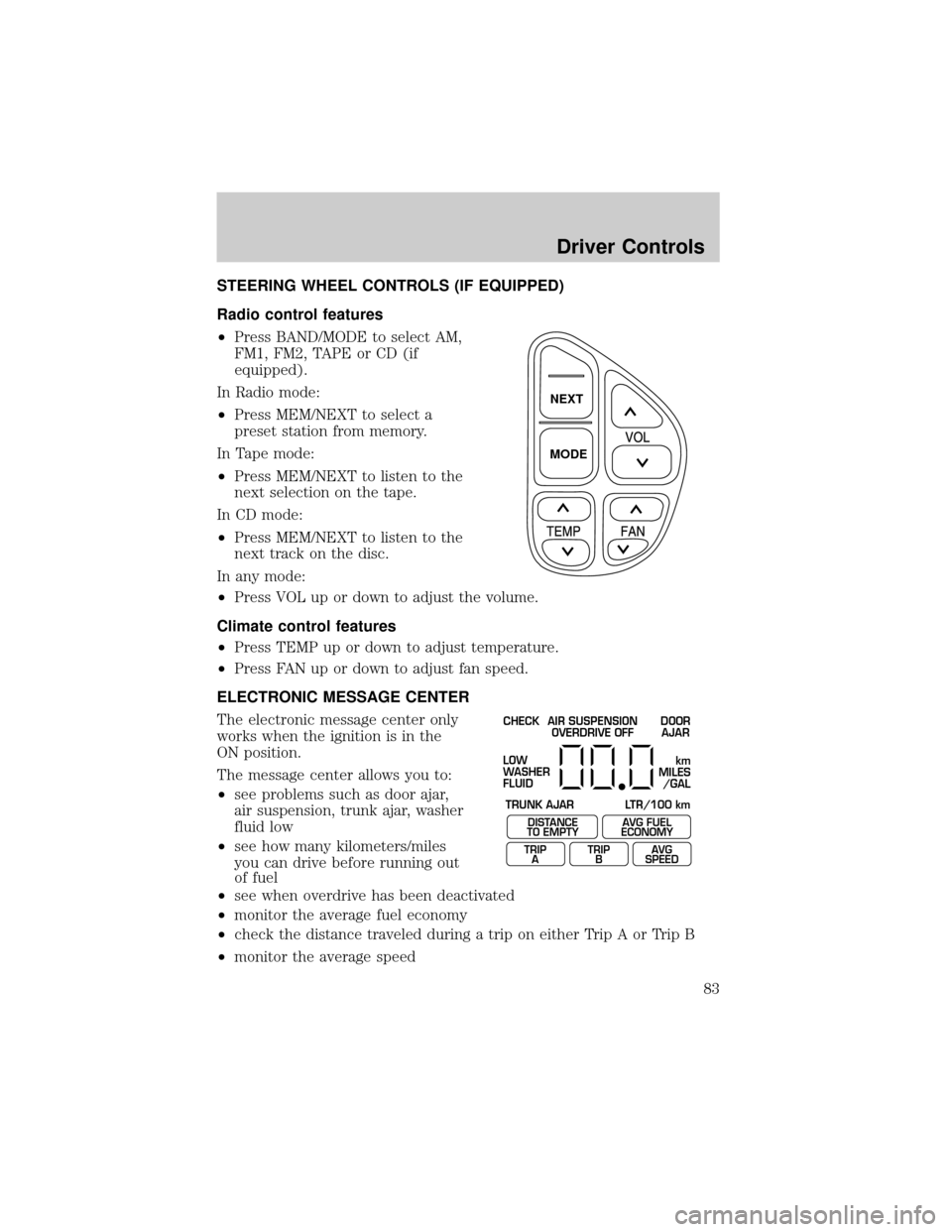
STEERING WHEEL CONTROLS (IF EQUIPPED)
Radio control features
²Press BAND/MODE to select AM,
FM1, FM2, TAPE or CD (if
equipped).
In Radio mode:
²Press MEM/NEXT to select a
preset station from memory.
In Tape mode:
²Press MEM/NEXT to listen to the
next selection on the tape.
In CD mode:
²Press MEM/NEXT to listen to the
next track on the disc.
In any mode:
²Press VOL up or down to adjust the volume.
Climate control features
²Press TEMP up or down to adjust temperature.
²Press FAN up or down to adjust fan speed.
ELECTRONIC MESSAGE CENTER
The electronic message center only
works when the ignition is in the
ON position.
The message center allows you to:
²see problems such as door ajar,
air suspension, trunk ajar, washer
fluid low
²see how many kilometers/miles
you can drive before running out
of fuel
²see when overdrive has been deactivated
²monitor the average fuel economy
²check the distance traveled during a trip on either Trip A or Trip B
²monitor the average speed
NEXT
MODE
CHECK
TRUNK AJAR LTR/100 kmAIR SUSPENSION
OVERDRIVE OFFDOOR
AJAR
LOW
WASHER
FLUID
DISTANCE
TO EMPTY
TRIP
AAVG FUEL
ECONOMY
TRIP
BAVG
SPEED
km
MILES
/GAL
Driver Controls
83
Page 84 of 240
Selectable features
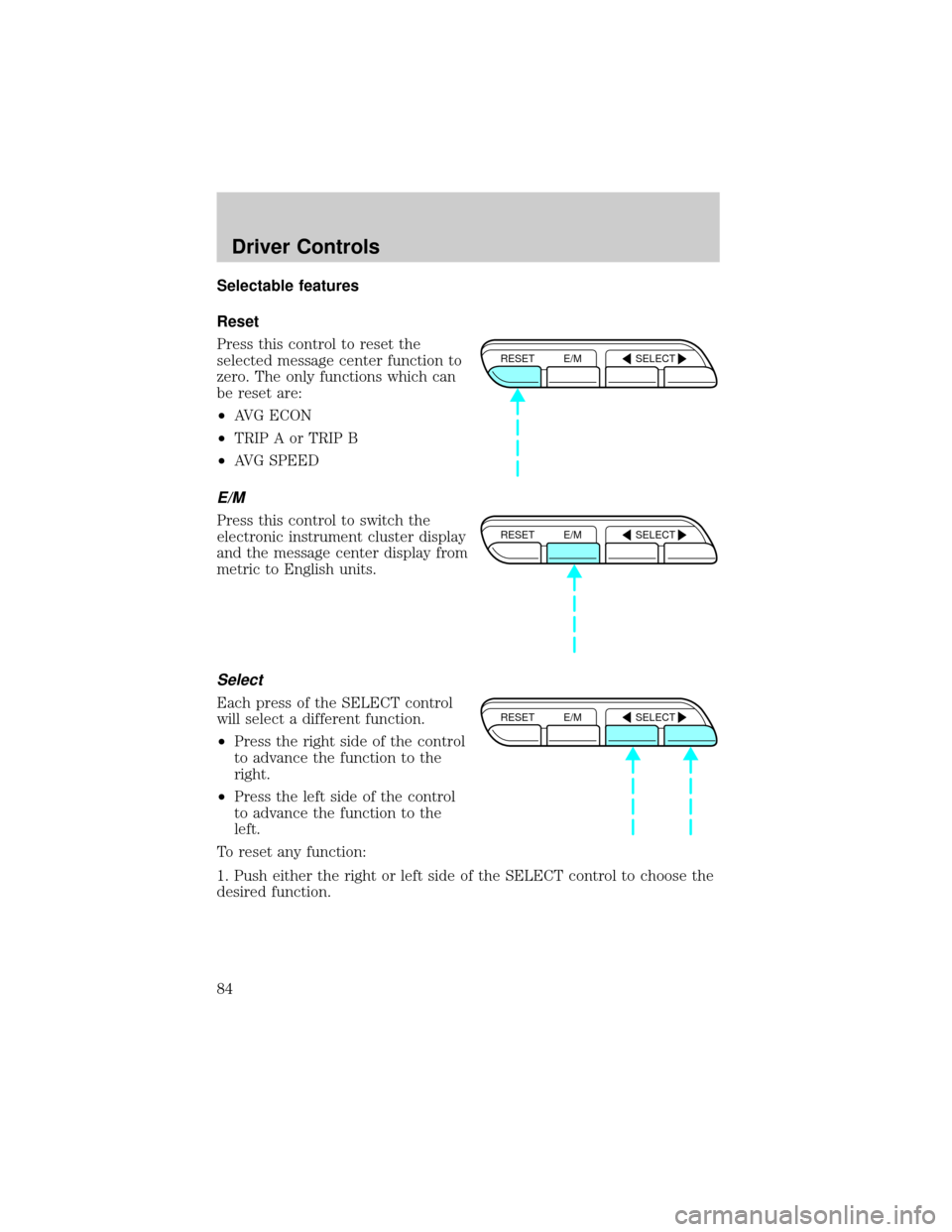
Reset
Press this control to reset the
selected message center function to
zero. The only functions which can
be reset are:
²AVG ECON
²TRIP A or TRIP B
²AVG SPEED
E/M
Press this control to switch the
electronic instrument cluster display
and the message center display from
metric to English units.
Select
Each press of the SELECT control
will select a different function.
²Press the right side of the control
to advance the function to the
right.
²Press the left side of the control
to advance the function to the
left.
To reset any function:
1. Push either the right or left side of the SELECT control to choose the
desired function.
RESET E/M SELECT
RESET E/M SELECT
RESET E/M SELECT
Driver Controls
84
Page 85 of 240
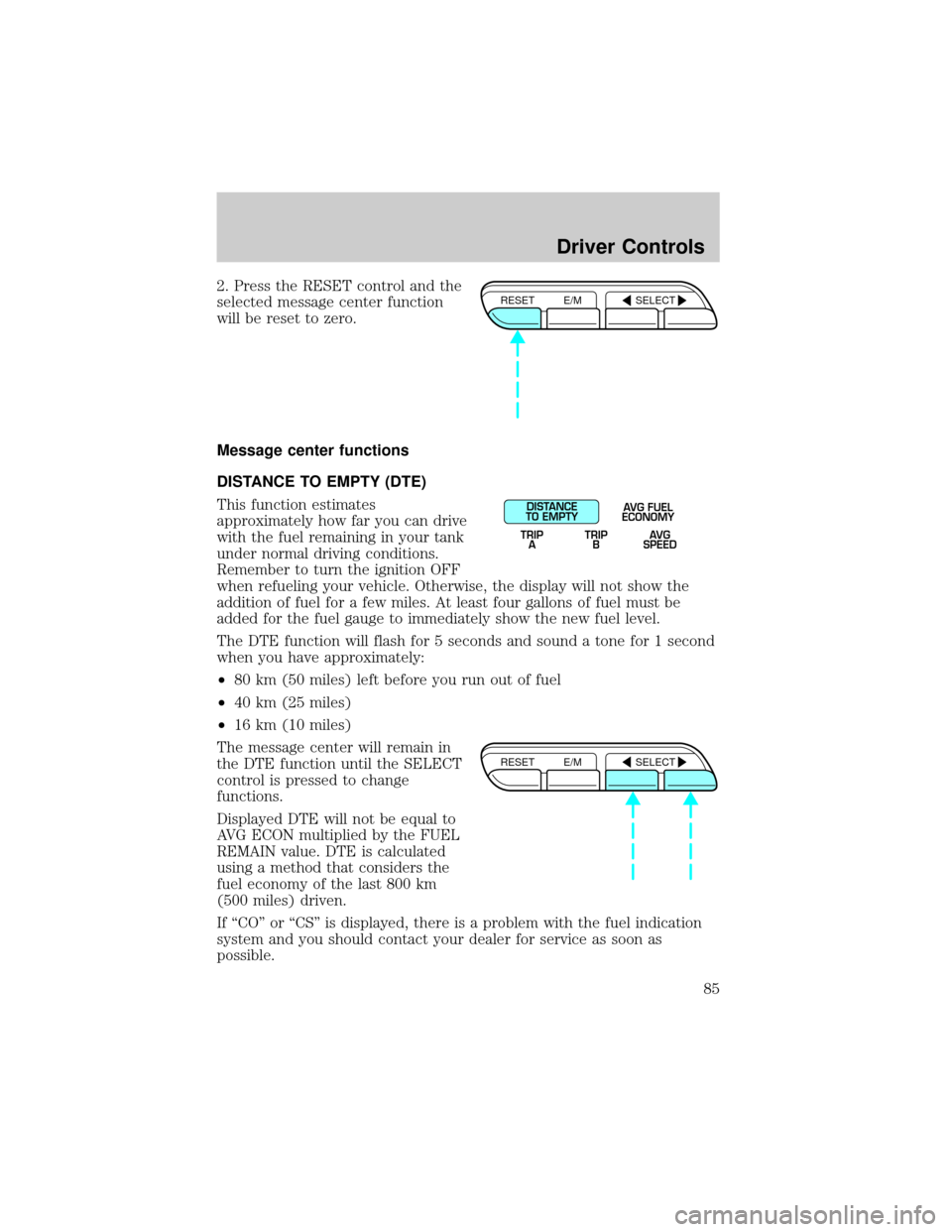
2. Press the RESET control and the
selected message center function
will be reset to zero.
Message center functions
DISTANCE TO EMPTY (DTE)
This function estimates
approximately how far you can drive
with the fuel remaining in your tank
under normal driving conditions.
Remember to turn the ignition OFF
when refueling your vehicle. Otherwise, the display will not show the
addition of fuel for a few miles. At least four gallons of fuel must be
added for the fuel gauge to immediately show the new fuel level.
The DTE function will flash for 5 seconds and sound a tone for 1 second
when you have approximately:
²80 km (50 miles) left before you run out of fuel
²40 km (25 miles)
²16 km (10 miles)
The message center will remain in
the DTE function until the SELECT
control is pressed to change
functions.
Displayed DTE will not be equal to
AVG ECON multiplied by the FUEL
REMAIN value. DTE is calculated
using a method that considers the
fuel economy of the last 800 km
(500 miles) driven.
If ªCOº or ªCSº is displayed, there is a problem with the fuel indication
system and you should contact your dealer for service as soon as
possible.RESET E/M SELECT
DISTANCE
TO EMPTY
TRIP
AAVG FUEL
ECONOMY
TRIP
BAVG
SPEED
RESET E/M SELECT
Driver Controls
85
Page 86 of 240
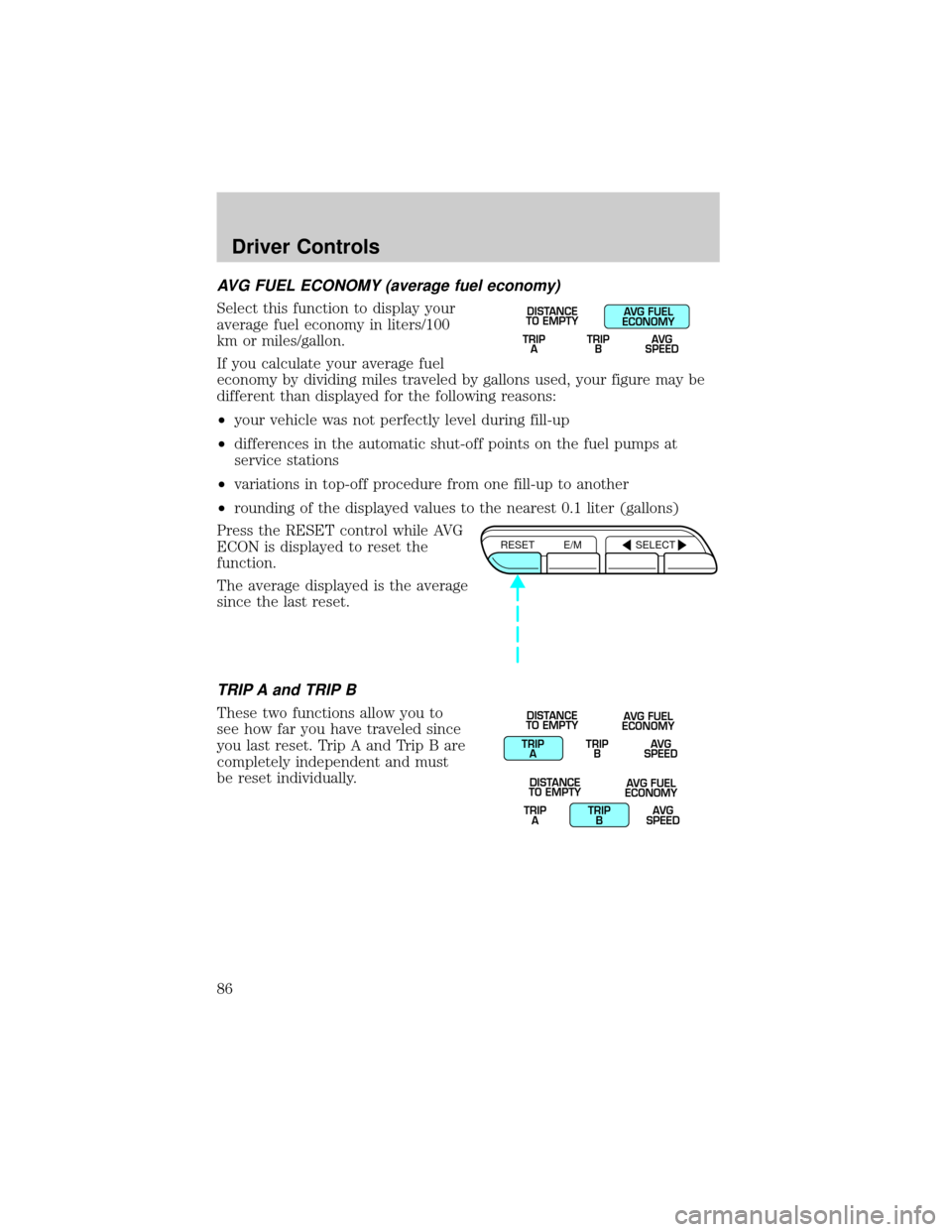
AVG FUEL ECONOMY (average fuel economy)
Select this function to display your
average fuel economy in liters/100
km or miles/gallon.
If you calculate your average fuel
economy by dividing miles traveled by gallons used, your figure may be
different than displayed for the following reasons:
²your vehicle was not perfectly level during fill-up
²differences in the automatic shut-off points on the fuel pumps at
service stations
²variations in top-off procedure from one fill-up to another
²rounding of the displayed values to the nearest 0.1 liter (gallons)
Press the RESET control while AVG
ECON is displayed to reset the
function.
The average displayed is the average
since the last reset.
TRIP A and TRIP B
These two functions allow you to
see how far you have traveled since
you last reset. Trip A and Trip B are
completely independent and must
be reset individually.
TRIP
ATRIP
BAVG
SPEED
DISTANCE
TO EMPTYAVG FUEL
ECONOMY
RESET E/M SELECT
TRIP
ATRIP
BAVG
SPEED DISTANCE
TO EMPTYAVG FUEL
ECONOMY
TRIP
ATRIP
BAVG
SPEED DISTANCE
TO EMPTYAVG FUEL
ECONOMY
Driver Controls
86
Page 87 of 240
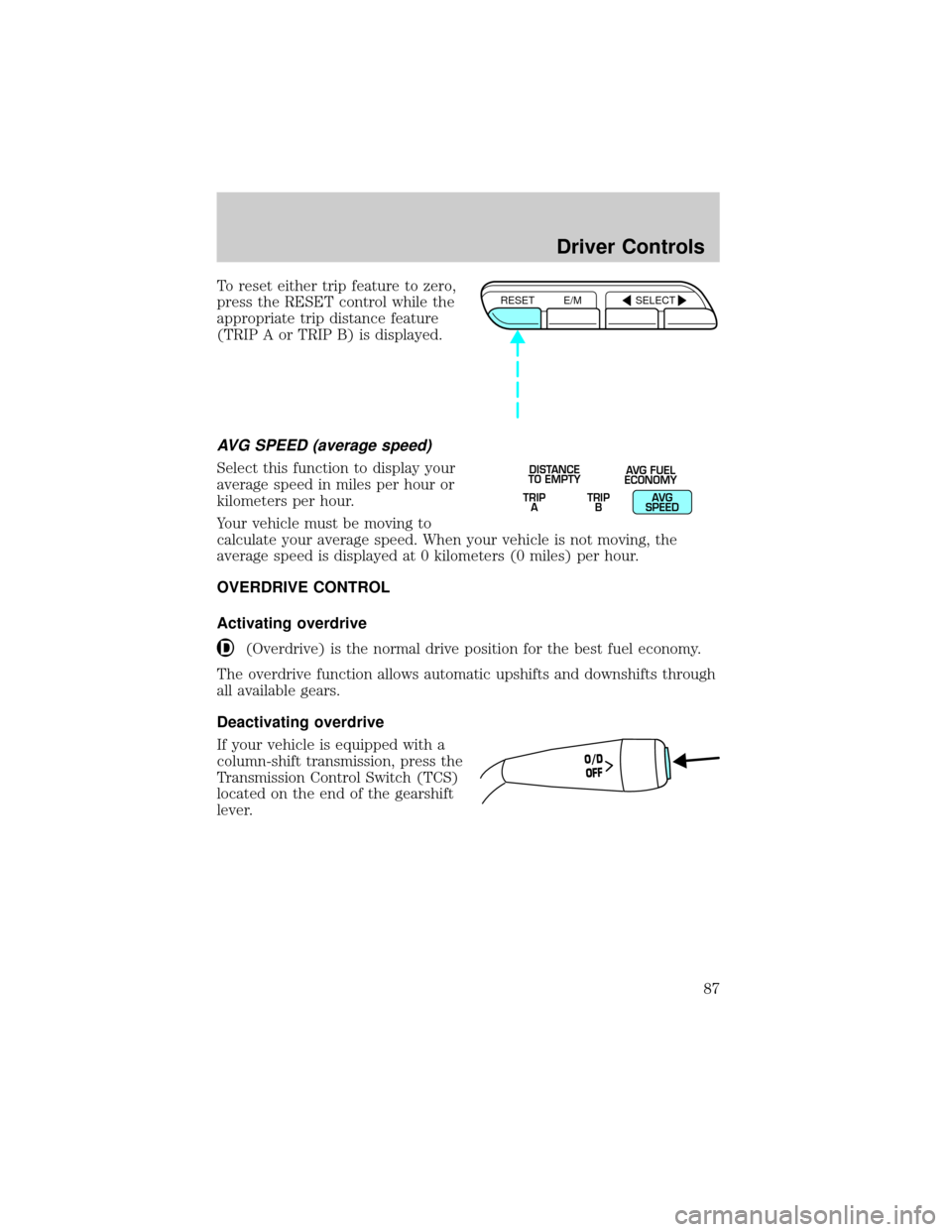
To reset either trip feature to zero,
press the RESET control while the
appropriate trip distance feature
(TRIP A or TRIP B) is displayed.
AVG SPEED (average speed)
Select this function to display your
average speed in miles per hour or
kilometers per hour.
Your vehicle must be moving to
calculate your average speed. When your vehicle is not moving, the
average speed is displayed at 0 kilometers (0 miles) per hour.
OVERDRIVE CONTROL
Activating overdrive
(Overdrive) is the normal drive position for the best fuel economy.
The overdrive function allows automatic upshifts and downshifts through
all available gears.
Deactivating overdrive
If your vehicle is equipped with a
column-shift transmission, press the
Transmission Control Switch (TCS)
located on the end of the gearshift
lever.
RESET E/M SELECT
TRIP
ATRIP
BAVG
SPEED DISTANCE
TO EMPTYAVG FUEL
ECONOMY
O/D
OFF
Driver Controls
87
Page 158 of 240
FUEL PUMP SHUT-OFF SWITCHFUEL
RESET
The fuel pump shut-off switch is a device intended to stop the electric
fuel pump when your vehicle has been involved in a substantial jolt.
After a collision, if the engine cranks but does not start, the fuel pump
shut-off switch may have been activated.
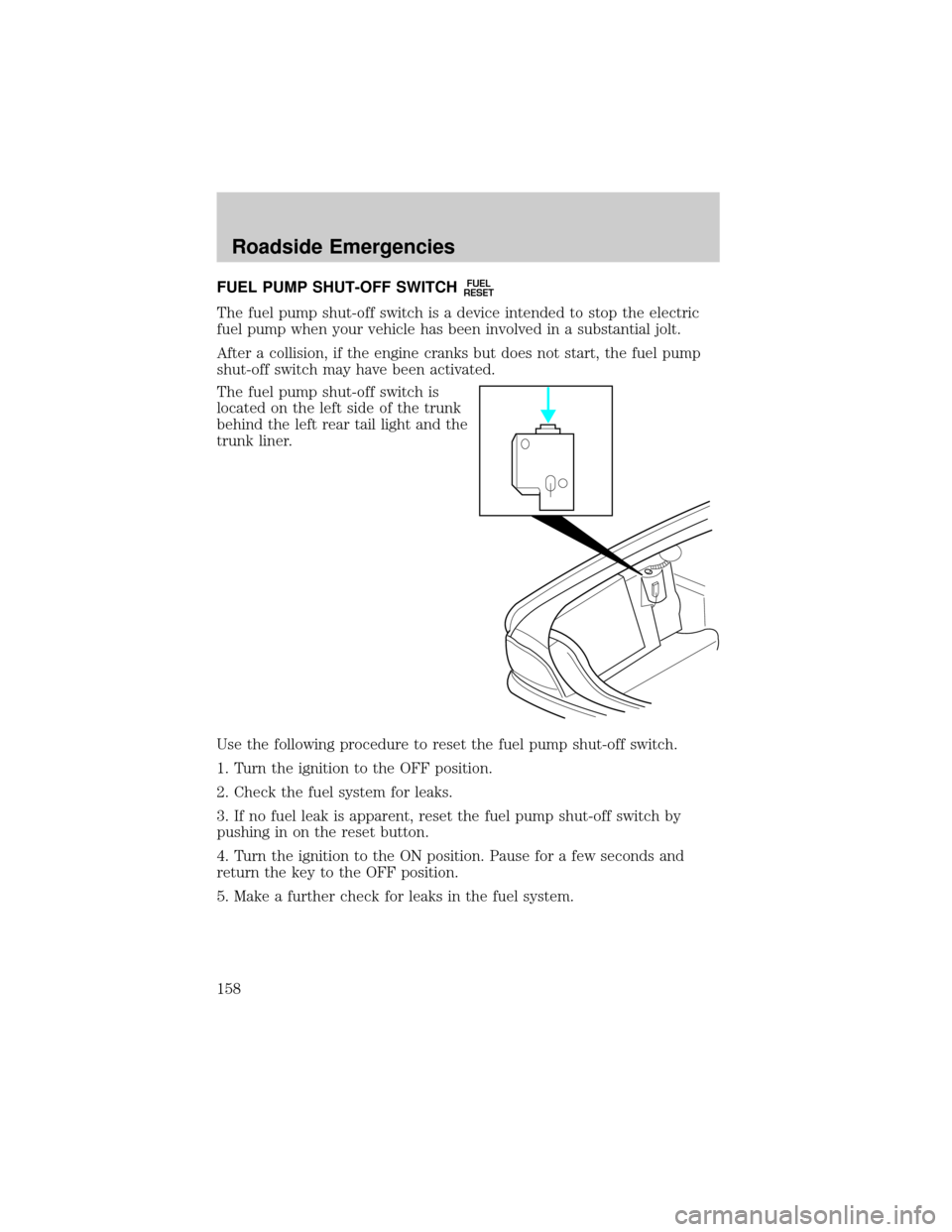
The fuel pump shut-off switch is
located on the left side of the trunk
behind the left rear tail light and the
trunk liner.
Use the following procedure to reset the fuel pump shut-off switch.
1. Turn the ignition to the OFF position.
2. Check the fuel system for leaks.
3. If no fuel leak is apparent, reset the fuel pump shut-off switch by
pushing in on the reset button.
4. Turn the ignition to the ON position. Pause for a few seconds and
return the key to the OFF position.
5. Make a further check for leaks in the fuel system.
Roadside Emergencies
158