2002 CHEVROLET TRAIL BLAZER light
[x] Cancel search: lightPage 133 of 432

2-64
Volume Control: You can control the volume of the
OnStar System using either the volume control knob
on the radio or using the steering wheel volume control
(if equipped).
Telltale Light: This light will indicate the status of
the system. A solid green light will come on when you
start the vehicle to let you know that the system is on
and is ready to make or receive calls.
If the light blinks green it means that an incoming or
outgoing call is in progress. Press the Call
ANSWER/END button if you notice the light blinking
and you are not on a call.
The light will be red in the event of an OnStar system
malfunction. If this occurs press the OnStar button to
attempt to contact an advisor. If the connection is made,
the advisor will assist you with steps to take to make
sure that the system is functioning properly. If you
cannot contact the advisor, take your vehicle to your
dealership as soon as possible for assistance.
Safety and Security Services
Automatic Notification of Air Bag Deployment: If an
air bag deploys, a priority emergency signal is
automatically sent to the center. An advisor will locate
your vehicle's position, try to contact you and assist you
in the situation. If the center is unable to contact you, an
emergency service provider will be contacted.
Stolen Vehicle Tracking: Call the center at
1
-888-4-ONSTAR (1-888-466-7827) to report your
vehicle stolen. The system can then locate and track
your vehicle and the advisor will be able to notify the
proper authorities.
Roadside Assistance with Location: For vehicle
breakdowns, press the OnStar button. An advisor will
contact the appropriate help.
Remote Diagnostics: If an instrument panel light comes
on, the center can perform a check of the engine
on
-board computer. An advisor can then recommend
what action needs to be taken.
Page 137 of 432

2-68
3. When the HomeLink indicator light begins to blink
slowly (this may take up to 30 seconds), hold the
hand
-held transmitter about 1 to 3 inches (3 to 8 cm)
away from HomeLink and then press and hold the
transmit button on the hand
-held transmitter.
Continue to hold both buttons until the indicator
light on HomeLink begins to flash rapidly (this may
take up to 90 seconds).
If you have trouble programming HomeLink, make
sure that you have followed the directions exactly as
described and that the battery in the hand
-held
transmitter is not weak. If you still cannot program it,
move the hand
-held transmitter to the left or right or
forward or backward or flip it upside down. HomeLink
may not work with older garage door openers that do
not meet current Federal Consumer Safety Standards.
If you cannot program the transmitter after repeated
attempts, refer to ªTraining a Garage Door Opener
with Rolling Codesº later in this section or contact the
manufacturer of HomeLink at 1
-800-355-3515, or
on the internet at www.homelink.com.
Be sure to keep the original hand
-held transmitter in
case you need to erase and reprogram HomeLink.
Training a Garage Door Opener with a
ªRolling Codeº Feature (If Equipped)
If you have not previously programmed the hand-held
transmitter to HomeLink, see ªProgramming the
HomeLink Transmitterº listed previously. If you have
completed this programming already, you now need to
train the garage door opener motor head unit to
recognize HomeLink.
1. Find the ªLearnº or ªSmartº button on the garage
door opener motor head unit. The exact location and
color will vary by garage door opener brand. If you
have difficulty finding the ªLearnº or ªSmartº
button, refer to your garage door opener owner's
manual or contact the manufacturer of HomeLink at
1
-800-355-3515, or on the internet at
www.homelink.com. Because of the steps involved,
it may be helpful to have another person assist in
programming the transmitter.
2. Press the ªLearnº or ªSmartº button on the garage
door opener motor head unit. An indicator light will
begin to flash when the motor head unit enters the
training mode.
Following this step, you have 30 seconds to
start Step 3.
Page 138 of 432

2-69
3. Return to HomeLink in your vehicle and firmly
press and release the programmed HomeLink button
three times.
The rolling
-code garage door opener should now
recognize HomeLink. You may either use HomeLink or
the hand
-held transmitter to open the garage door.
If after following these instructions, you still have
problems training the garage door opener, contact the
manufacturer of HomeLink at 1
-800-355-3515, or on
the internet at www.homelink.com.
Canadian Programming
Canadian Owners: During programming, the
hand
-held transmitter may automatically stop
transmitting after two seconds. In this case, you should
press and hold the HomeLink button (see Steps 2
and 3 under ªProgramming the HomeLink Transmitterº)
while you press and re
-press (cycle) your hand-held
transmitter every two seconds until HomeLink
is trained.
Operating the HomeLink Transmitter
Press and hold the appropriate button on HomeLink for
at least half of a second. The indicator light will come
on while the signal is being transmitted.
Erasing Channels
To erase all three programmed channels, hold down the
two outside buttons until the indicator light begins to
flash (approximately 20 seconds). Release both buttons.
Resetting Defaults
To reset HomeLink to default settings, hold down the
two outside buttons until the indicator light begins to
flash (approximately 20 seconds). Continue to hold both
buttons until the HomeLink indicator light turns off and
then release both buttons.
Accessories
Accessories for the HomeLink Transmitter are available
from the manufacturer of the unit. If you would like
additional information, please contact the manufacturer
of HomeLink at 1
-800-355-3515, or on the internet
at www.homelink.com.
Page 140 of 432

2-71
The main components of your instrument panel are the following:
A. Exterior Lamp Controls
B. Air Vents
C. Turn Signal/Multifunction Lever
D. Instrument Panel Cluster
E. Ignition Switch
F. Transfer Case Controls (If Equipped) or
Traction Control Button (If Equipped)
G. Rear Window Washer/Wiper
H. Audio SystemI. Comfort Controls
J. Hood Release
K. Ashtray
L. Shift Lever
M. Lighter
N. Accessory Power Outlet
O. Rear Window Defogger
P. Glove Box
Page 143 of 432
2-74
Warning Lights, Gages and Indicators
This part describes the warning lights and gages that
may be on your vehicle. The pictures will help you
locate them.
Warning lights and gages can signal that something is
wrong before it becomes serious enough to cause an
expensive repair or replacement. Paying attention to
your warning lights and gages could also save you or
others from injury.
Warning lights come on when there may be or is a
problem with one of your vehicle's functions. As you
will see in the details on the next few pages, some
warning lights come on briefly when you start the
engine just to let you know they're working. If you are
familiar with this section, you should not be alarmed
when this happens.
Gages can indicate when there may be or is a problem
with one of your vehicle's functions. Often gages and
warning lights work together to let you know when
there's a problem with your vehicle.
When one of the warning lights comes on and stays on
when you are driving, or when one of the gages shows
there may be a problem, check the section that tells you
what to do about it. Please follow this manual's advice.Waiting to do repairs can be costly
-- and even
dangerous. So please get to know your warning lights
and gages. They're a big help.
Your vehicle may also have a Driver Information Center
(DIC) that works along with the warning lights and
gages. See ªDriver Information Center (DIC) in
the Index.
Safety Belt Reminder Light
When the key is turned to RUN, a chime will come
on for about eight seconds to remind people to fasten
their safety belts, unless the driver's safety belt is
already buckled.
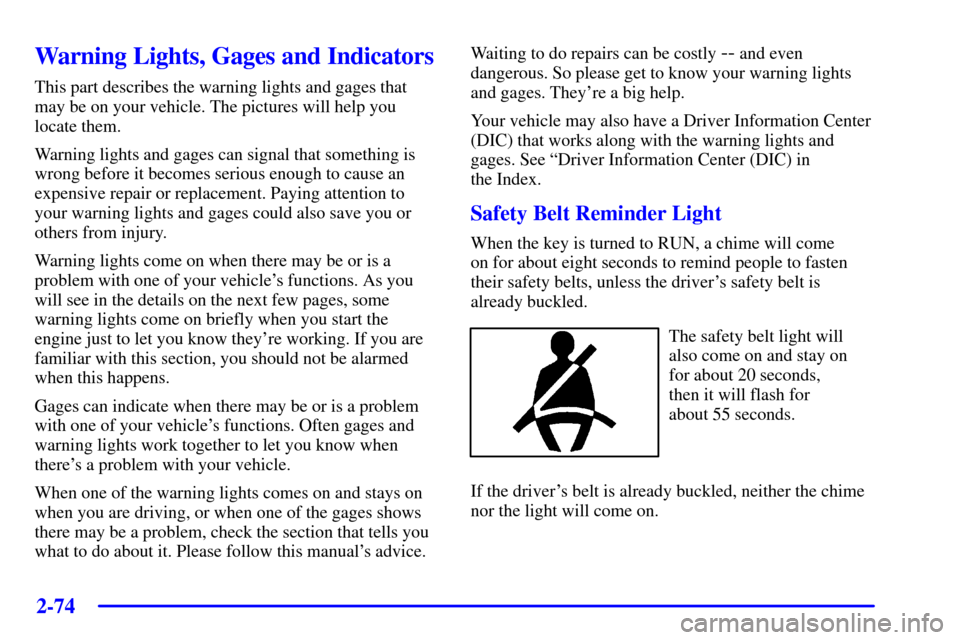
The safety belt light will
also come on and stay on
for about 20 seconds,
then it will flash for
about 55 seconds.
If the driver's belt is already buckled, neither the chime
nor the light will come on.
Page 144 of 432
2-75
Air Bag Readiness Light
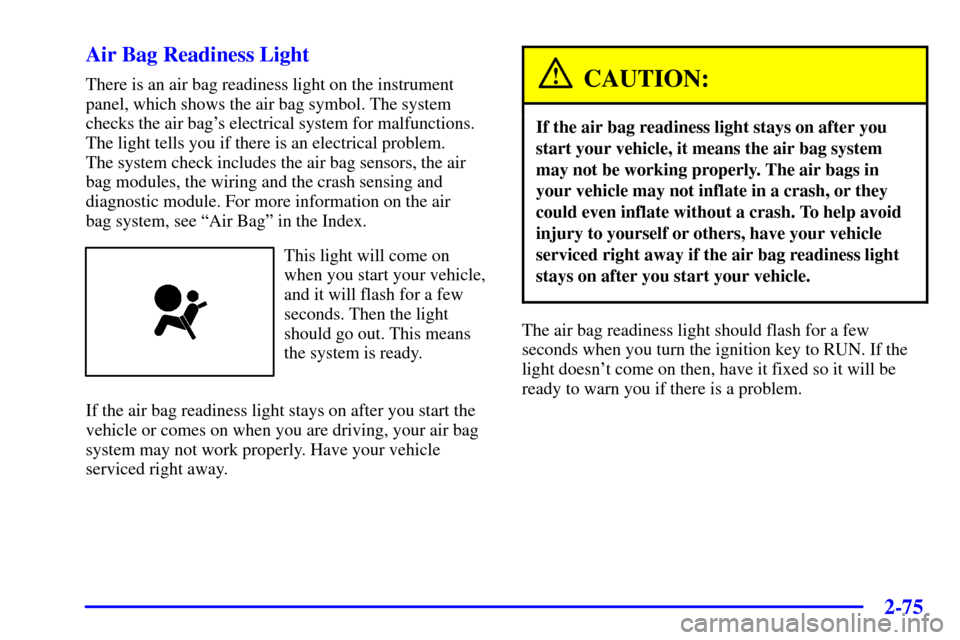
There is an air bag readiness light on the instrument
panel, which shows the air bag symbol. The system
checks the air bag's electrical system for malfunctions.
The light tells you if there is an electrical problem.
The system check includes the air bag sensors, the air
bag modules, the wiring and the crash sensing and
diagnostic module. For more information on the air
bag system, see ªAir Bagº in the Index.
This light will come on
when you start your vehicle,
and it will flash for a few
seconds. Then the light
should go out. This means
the system is ready.
If the air bag readiness light stays on after you start the
vehicle or comes on when you are driving, your air bag
system may not work properly. Have your vehicle
serviced right away.
CAUTION:
If the air bag readiness light stays on after you
start your vehicle, it means the air bag system
may not be working properly. The air bags in
your vehicle may not inflate in a crash, or they
could even inflate without a crash. To help avoid
injury to yourself or others, have your vehicle
serviced right away if the air bag readiness light
stays on after you start your vehicle.
The air bag readiness light should flash for a few
seconds when you turn the ignition key to RUN. If the
light doesn't come on then, have it fixed so it will be
ready to warn you if there is a problem.
Page 145 of 432
2-76
Charging System Indicator Light
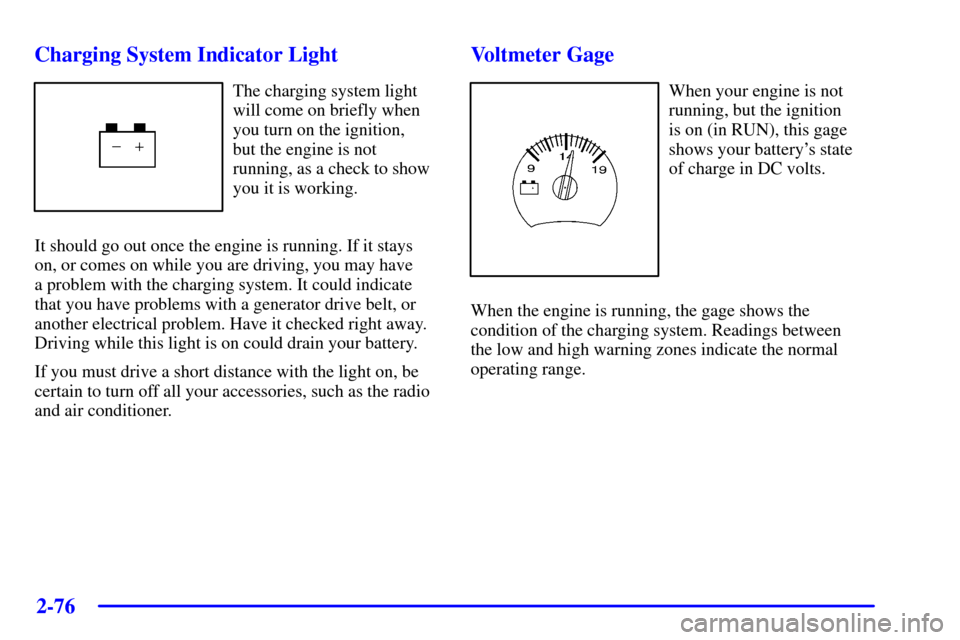
The charging system light
will come on briefly when
you turn on the ignition,
but the engine is not
running, as a check to show
you it is working.
It should go out once the engine is running. If it stays
on, or comes on while you are driving, you may have
a problem with the charging system. It could indicate
that you have problems with a generator drive belt, or
another electrical problem. Have it checked right away.
Driving while this light is on could drain your battery.
If you must drive a short distance with the light on, be
certain to turn off all your accessories, such as the radio
and air conditioner.
Voltmeter Gage
When your engine is not
running, but the ignition
is on (in RUN), this gage
shows your battery's state
of charge in DC volts.
When the engine is running, the gage shows the
condition of the charging system. Readings between
the low and high warning zones indicate the normal
operating range.
Page 146 of 432

2-77
Readings in the low warning zone may occur when
a large number of electrical accessories are operating
in the vehicle and the engine is left at an idle for an
extended period. This condition is normal since the
charging system is not able to provide full power at
engine idle. As engine speeds are increased, this
condition should correct itself as higher engine speeds
allow the charging system to create maximum power.
You can only drive for a short time with the reading
in either warning zone. If you must drive, turn off all
unnecessary accessories.
Readings in either warning zone indicate a possible
problem in the electrical system. Have the vehicle
serviced as soon as possible.Brake System Warning Light
When the ignition is on, the brake system warning light
will come on when you set your parking brake. The light
will stay on if your parking brake doesn't release fully.
If it stays on after your parking brake is fully released, it
means you have a brake problem.
Your vehicle's hydraulic brake system is divided into
two parts. If one part isn't working, the other part can
still work and stop you. For good braking, though, you
need both parts working well.
If the warning light comes on, there could be a brake
problem. Have your brake system inspected right away.
United States Canada