Page 10 of 497
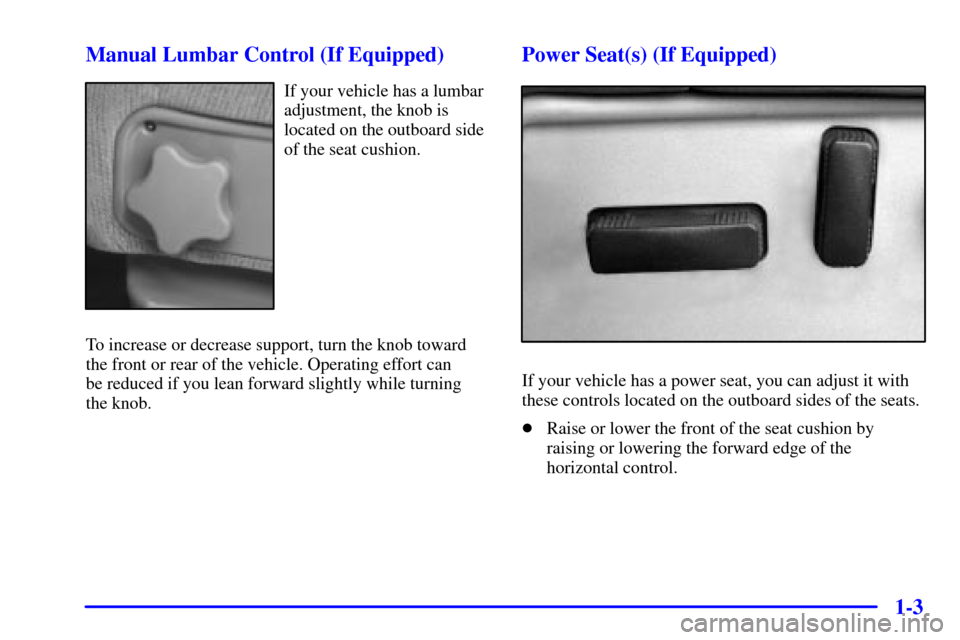
1-3 Manual Lumbar Control (If Equipped)
If your vehicle has a lumbar
adjustment, the knob is
located on the outboard side
of the seat cushion.
To increase or decrease support, turn the knob toward
the front or rear of the vehicle. Operating effort can
be reduced if you lean forward slightly while turning
the knob.
Power Seat(s) (If Equipped)
If your vehicle has a power seat, you can adjust it with
these controls located on the outboard sides of the seats.
�Raise or lower the front of the seat cushion by
raising or lowering the forward edge of the
horizontal control.
Page 11 of 497
1-4
�Move the seat forward or rearward by moving the
whole horizontal control forward or rearward.
�Raise or lower the rear of the seat cushion by raising
or lowering the rear edge of the horizontal control.
�Moving the whole horizontal control up or down
raises or lowers the entire seat cushion.
If your vehicle has power reclining seats, you can use
the vertical control to adjust the angle of the seatback.
Move the reclining front seatback rearward or forward
by moving the control toward the rear or the front of the
vehicle. See ªReclining Seatbacksº in the Index for
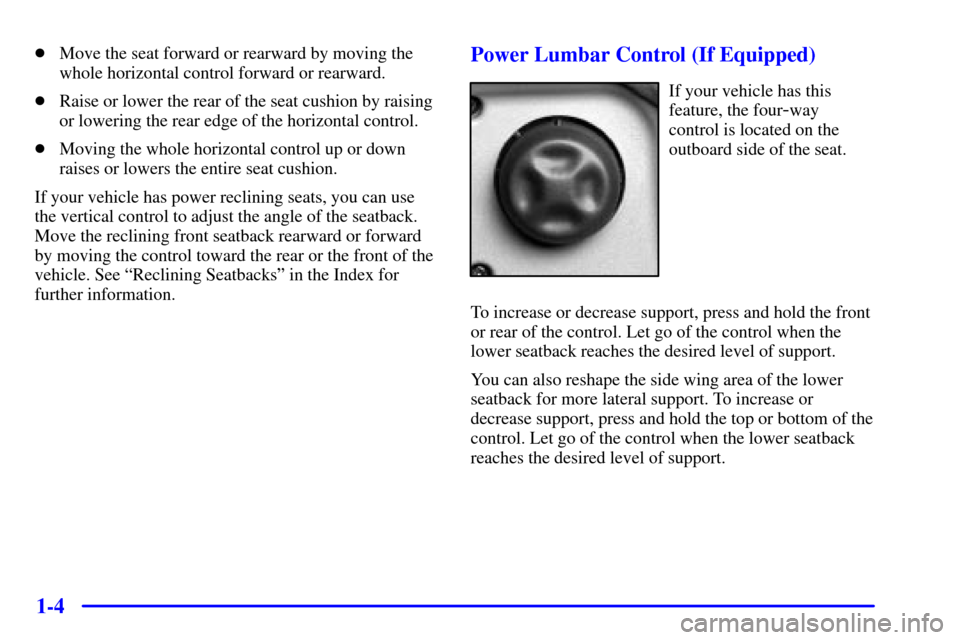
further information.Power Lumbar Control (If Equipped)
If your vehicle has this
feature, the four
-way
control is located on the
outboard side of the seat.
To increase or decrease support, press and hold the front
or rear of the control. Let go of the control when the
lower seatback reaches the desired level of support.
You can also reshape the side wing area of the lower
seatback for more lateral support. To increase or
decrease support, press and hold the top or bottom of the
control. Let go of the control when the lower seatback
reaches the desired level of support.
Page 12 of 497
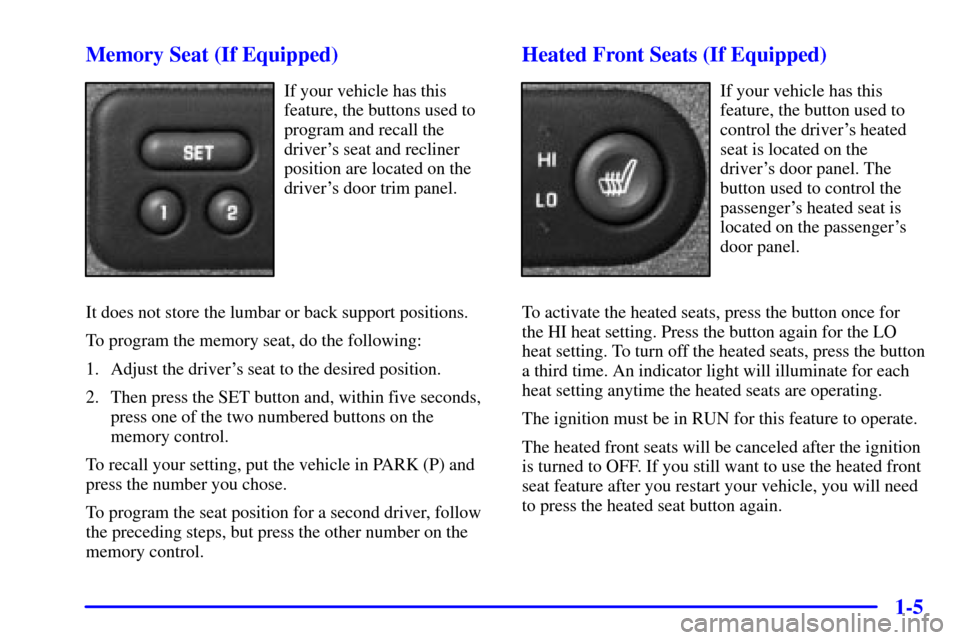
1-5 Memory Seat (If Equipped)
If your vehicle has this
feature, the buttons used to
program and recall the
driver's seat and recliner
position are located on the
driver's door trim panel.
It does not store the lumbar or back support positions.
To program the memory seat, do the following:
1. Adjust the driver's seat to the desired position.
2. Then press the SET button and, within five seconds,
press one of the two numbered buttons on the
memory control.
To recall your setting, put the vehicle in PARK (P) and
press the number you chose.
To program the seat position for a second driver, follow
the preceding steps, but press the other number on the
memory control.
Heated Front Seats (If Equipped)
If your vehicle has this
feature, the button used to
control the driver's heated
seat is located on the
driver's door panel. The
button used to control the
passenger's heated seat is
located on the passenger's
door panel.
To activate the heated seats, press the button once for
the HI heat setting. Press the button again for the LO
heat setting. To turn off the heated seats, press the button
a third time. An indicator light will illuminate for each
heat setting anytime the heated seats are operating.
The ignition must be in RUN for this feature to operate.
The heated front seats will be canceled after the ignition
is turned to OFF. If you still want to use the heated front
seat feature after you restart your vehicle, you will need
to press the heated seat button again.