Page 197 of 497
2-117
Trans Hot...Idle Engine
If you have an automatic transmission, you have a
transmission over
-temperature display contained in the
message center.
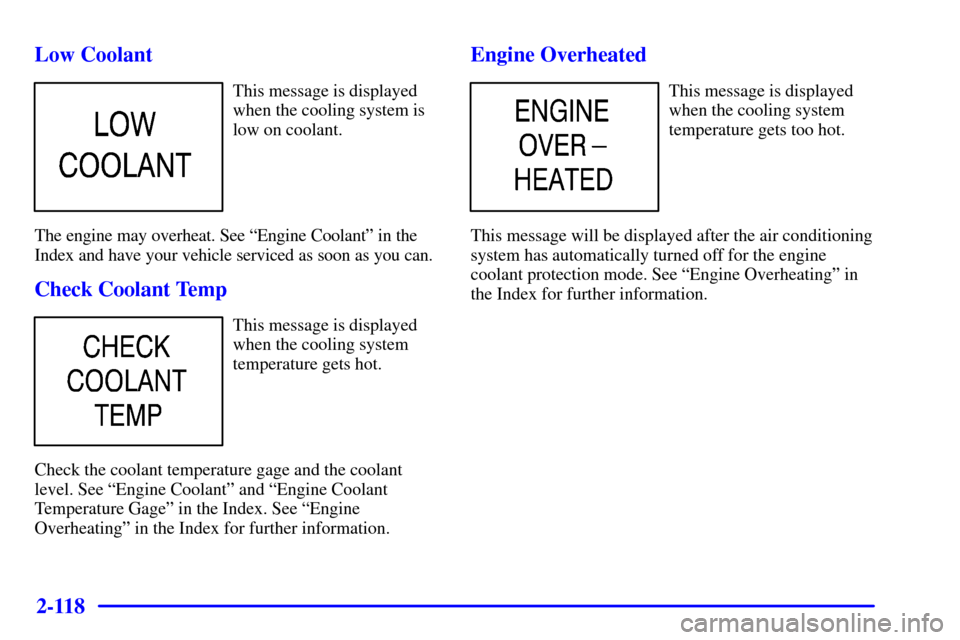
If this warning message is
displayed, pull the vehicle
off the roadway when it is
safe to do so.
Set the parking brake and place the transmission in
PARK (P). Idle the engine until the message center no
longer displays a message. If idling the engine does not
turn the warning message off after 10 to 15 minutes,
contact your nearest dealer or the GM Roadside
Assistance Center. See ªRoadside Assistanceº in
the Index.
NOTICE:
If you keep driving your vehicle with the
transmission TRANS HOT...IDLE ENGINE
message displayed, you can damage the
transmission. This could lead to costly repairs
that may not be covered under your warranty.
The following situations can cause the transmission to
operate at higher temperatures:
�Towing a trailer
�Hot outside air temperatures
�Hauling a heavy load
�Low transmission fluid level
�High transmission fluid level
�Restricted air flow to the radiator and the auxiliary
transmission oil cooler (if equipped).
A temporary solution to hotter transmission operating
temperatures may be to let the transmission cool down.
If the transmission is operated at higher temperatures on
a frequent basis, see ªScheduled Maintenanceº in the
Index for the proper transmission maintenance intervals.
Page 198 of 497
2-118
Low Coolant
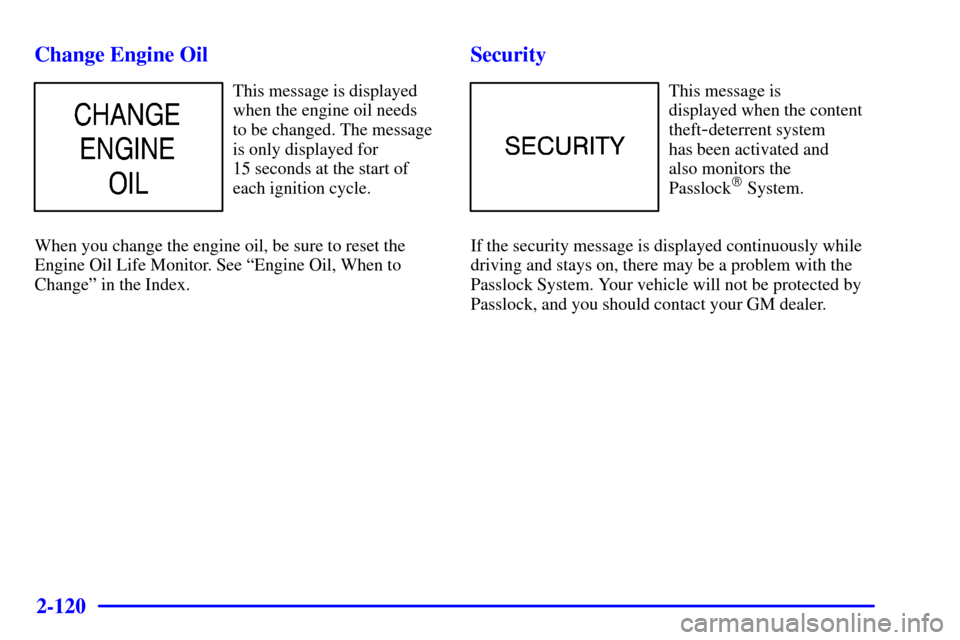
This message is displayed
when the cooling system is
low on coolant.
The engine may overheat. See ªEngine Coolantº in the
Index and have your vehicle serviced as soon as you can.
Check Coolant Temp
This message is displayed
when the cooling system
temperature gets hot.
Check the coolant temperature gage and the coolant
level. See ªEngine Coolantº and ªEngine Coolant
Temperature Gageº in the Index. See ªEngine
Overheatingº in the Index for further information.
Engine Overheated
This message is displayed
when the cooling system
temperature gets too hot.
This message will be displayed after the air conditioning
system has automatically turned off for the engine
coolant protection mode. See ªEngine Overheatingº in
the Index for further information.
Page 199 of 497

2-119
Reduced Engine Power
(V8 Gasoline Engines Only)
This message is displayed
when the cooling system
temperature gets too hot
and the engine further
enters the engine coolant
protection mode.
If your vehicle is equipped with the 8.1L engine, this
light may come on because of an electronic throttle
control system fault. See ªEngine Overheatingº in the
Index for further information.
Check Eng Oil Pressure
This message is displayed
when the engine oil pressure
is low.
See ªOil Pressure Gageº in the Index for
more information.
Check Eng Oil Level (Gasoline Engine)
This message is displayed
when the engine oil
level is low.
Once oil is added, it may need time to drain and settle in
the engine before this message will turn off. It is best to
let the engine cool down (if it is hot) or warm up (if it is
cold) and cycle the ignition to be sure this message turns
off. Refer to the dipstick for the correct level.
See ªEngine Oilº in the Index on how to check the oil
level and for what type of oil to add.
Page 200 of 497
2-120
Change Engine Oil
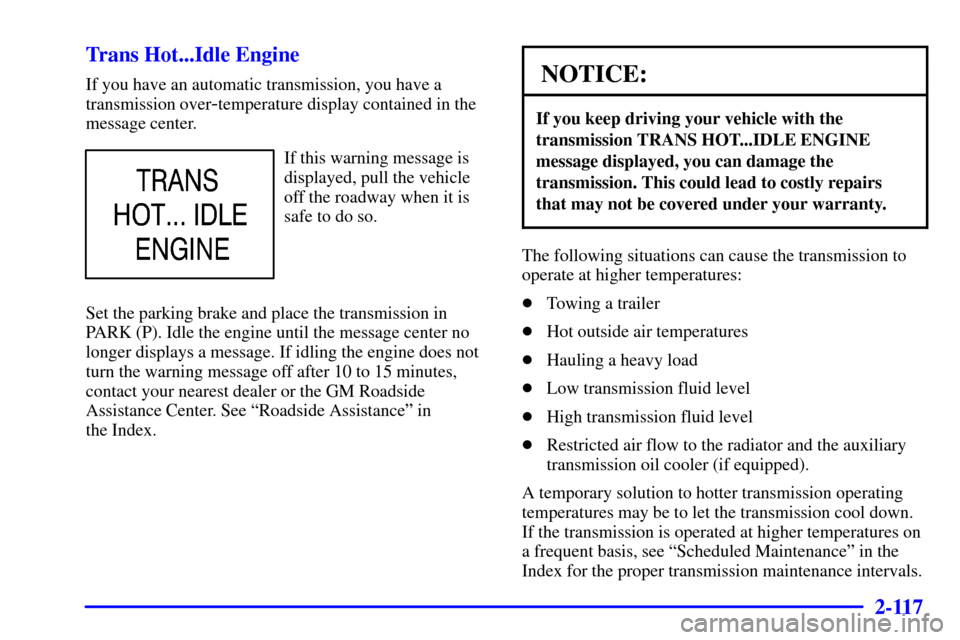
This message is displayed
when the engine oil needs
to be changed. The message
is only displayed for
15 seconds at the start of
each ignition cycle.
When you change the engine oil, be sure to reset the
Engine Oil Life Monitor. See ªEngine Oil, When to
Changeº in the Index.
Security
This message is
displayed when the content
theft
-deterrent system
has been activated and
also monitors the
Passlock
� System.
If the security message is displayed continuously while
driving and stays on, there may be a problem with the
Passlock System. Your vehicle will not be protected by
Passlock, and you should contact your GM dealer.
Page 210 of 497

3-8
Mode Knob -- Automatic Operation
The right knob on the control panel allows you to
choose the direction of air delivery. When the system is
set for automatic operation, sensors will control the air
delivery mode. Air will come primarily from the floor or
instrument panel outlets, with some air directed to the
windshield to prevent fogging.
When the system is in AUTO mode, the air conditioning
light will turn on, and the recirculation and outside air
lights turn off. With the system in full auto control
(both the fan and mode knobs in AUTO), you still
have the ability to override any function. However,
continually overriding the outside air or the A/C
compressor will limit the ability of the system to
cool the vehicle quickly.
If you push a button for a function which is not
available, the light next to that button will flash
three times to alert you that it's not available.
To find your comfort zone, start with the 74�F (23�C)
setting and allow about 20 minutes for the system to
adjust the temperature if necessary.With the automatic setting, the air conditioning
compressor automatically cycles when needed to cool
the air. In cold weather, when the system senses the need
for heat, the airflow will be directed out of the floor
outlets. As the interior temperature approaches a desired
setting, the fan speed will decrease. To maintain interior
comfort, the airflow will adjust between the instrument
panel outlets and floor outlets. On bright sunny days in
cool weather, the airflow may come out of the air
conditioning and floor outlets (bi
-level mode) to
maintain comfort and prevent stuffiness.
To avoid blowing cold air in cold weather, the system
will delay turning on the fan until warm air is available.
The length of delay depends on the outside air
temperature, engine coolant temperature or the time
since the engine was last started. As the coolant warms
up, the fan speed will gradually increase and air will
flow from the floor outlets, with some airflow to
the windshield to prevent fogging under most
normal conditions.
Be careful not to put anything over the solar sensor
located around the center of the instrument panel.
This sensor is used by the automatic system to
regulate temperature.
Page 212 of 497
3-10 Heating
The heater works best if you keep your windows closed
while using it. On cold days, use the floor or bi
-level
setting with the temperature knob in the red area.
On cold days, approximately 32�F (
-0�C) or lower, if
your vehicle is equipped with an automatic transmission,
you may experience differences in how the transmission
shifts until the engine is warm. This feature
automatically reduces the time it takes for the engine to
reach normal operating temperature and shortens the
time it takes the heater to reach full output.
If you use the engine coolant heater before starting your
engine in cold weather, 20�F (
-8�C) or lower, the
heating system will produce warmer air faster to heat the
passenger compartment.
The use of an engine coolant heater also reduces the
time it takes for the engine to reach normal operating
temperature. For more information, see ªEngine Coolant
Heaterº in the Index.
Defogging and Defrosting
On cool, humid days, use defrost to keep the windshield
and side windows clear. Use defrost to remove fog or ice
from the windshield in extremely humid or cold
conditions. Use defrost with the temperature knob
toward the red area and the fan control turned all the
way to the right.
Rear Window Defogger (If Equipped)
If you see lines running across the rear window, your
vehicle has a rear window defogger. The lines warm
the glass.
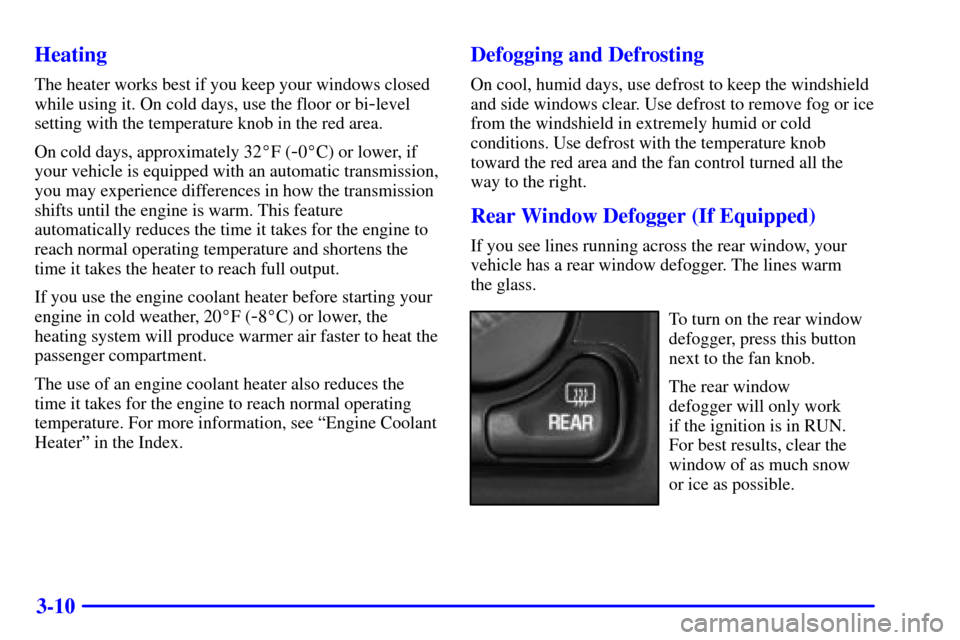
To turn on the rear window
defogger, press this button
next to the fan knob.
The rear window
defogger will only work
if the ignition is in RUN.
For best results, clear the
window of as much snow
or ice as possible.
Page 215 of 497
3-13
Audio Systems
Your audio system has been designed to operate easily
and give years of listening pleasure. You will get the
most enjoyment out of it if you acquaint yourself with it
first. Find out what your audio system can do and how
to operate all of its controls to be sure you're getting the
most out of the advanced engineering that went into it.
Your vehicle has a feature called Retained Accessory
Power (RAP). With RAP, you can play your audio
system even after the ignition is turned off. See
ªRetained Accessory Powerº in the Index.
Setting the Clock for Systems with the
Set Button
Press SET. Within five seconds, press and hold the right
SEEK arrow until the correct minute appears on the
display. Press and hold the left SEEK arrow until the
correct hour appears on the display.
Setting the Clock for Systems with HR
and MN Buttons
Press and hold HR until the correct hour appears on the
display. Press and hold MN until the correct minute
appears on the display. To display the clock with the
ignition off, press RECALL or HR/MN and the time
will be displayed for a few seconds. There is an initial
two
-second delay before the clock goes into the
time
-set mode.
Page 227 of 497
3-25 Understanding Radio Reception
AM
The range for most AM stations is greater than for FM,
especially at night. The longer range, however, can
cause stations to interfere with each other. AM can pick
up noise from things like storms and power lines. Try
reducing the treble to reduce this noise if you ever get it.
FM Stereo
FM stereo will give you the best sound, but FM signals
will reach only about 10 to 40 miles (16 to 65 km). Tall
buildings or hills can interfere with FM signals, causing
the sound to come and go.
Tips About Your Audio System
Hearing damage from loud noise is almost undetectable
until it is too late. Your hearing can adapt to higher
volumes of sound. Sound that seems normal can be
loud and harmful to your hearing. Take precautions by
adjusting the volume control on your radio to a safe
sound level before your hearing adapts to it.
To help avoid hearing loss or damage do the following:
1. Adjust the volume control to the lowest setting.
2. Increase volume slowly until you hear comfortably
and clearly.
NOTICE:
Before you add any sound equipment to your
vehicle
-- like a tape player, CB radio, mobile
telephone or two
-way radio -- be sure you
can add what you want. If you can, it's very
important to do it properly. Added sound
equipment may interfere with the operation
of your vehicle's engine, Delphi Electronics
radio or other systems, and even damage them.
Your vehicle's systems may interfere with the
operation of sound equipment that has been
added improperly.
So, before adding sound equipment, check with
your dealer and be sure to check federal rules
covering mobile radio and telephone units.
Cleaning Your Remote Cassette Tape Player
Your remote tape player should be cleaned regularly
after every 50 hours of use. Your radio may display
CLN to indicate that you have used your remote
cassette tape player for 50 hours without resetting the
tape clean timer.