Page 111 of 384
2-53
Interior Lamps
Instrument Panel Brightness Control
This feature controls the brightness of the instrument
panel lights.
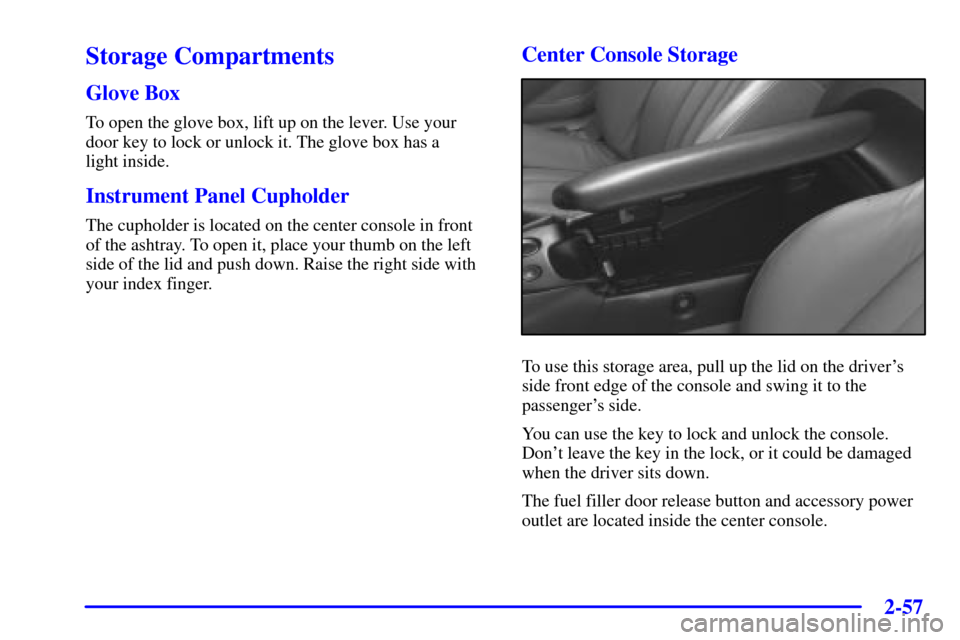
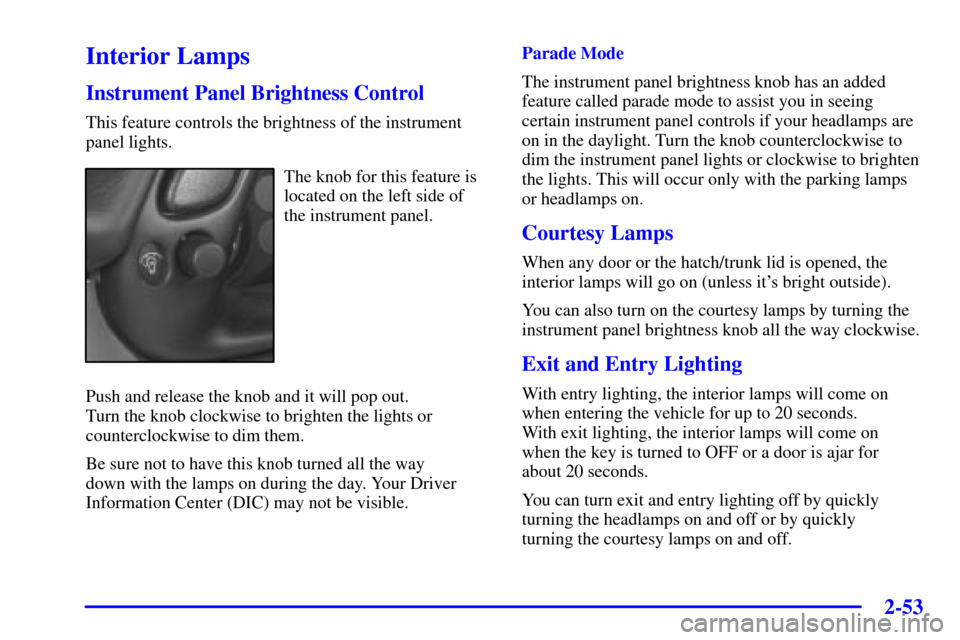
The knob for this feature is
located on the left side of
the instrument panel.
Push and release the knob and it will pop out.
Turn the knob clockwise to brighten the lights or
counterclockwise to dim them.
Be sure not to have this knob turned all the way
down with the lamps on during the day. Your Driver
Information Center (DIC) may not be visible.Parade Mode
The instrument panel brightness knob has an added
feature called parade mode to assist you in seeing
certain instrument panel controls if your headlamps are
on in the daylight. Turn the knob counterclockwise to
dim the instrument panel lights or clockwise to brighten
the lights. This will occur only with the parking lamps
or headlamps on.
Courtesy Lamps
When any door or the hatch/trunk lid is opened, the
interior lamps will go on (unless it's bright outside).
You can also turn on the courtesy lamps by turning the
instrument panel brightness knob all the way clockwise.
Exit and Entry Lighting
With entry lighting, the interior lamps will come on
when entering the vehicle for up to 20 seconds.
With exit lighting, the interior lamps will come on
when the key is turned to OFF or a door is ajar for
about 20 seconds.
You can turn exit and entry lighting off by quickly
turning the headlamps on and off or by quickly
turning the courtesy lamps on and off.
Page 113 of 384
2-55 Electrochromic Day/Night Inside Rearview
Mirror with Map Lamps (Option)
Your vehicle may have an automatic electrochromic
day/night rearview mirror with map lamps.
This mirror automatically changes to reduce glare from
headlamps behind you. A time delay feature prevents
rapid changing from the day to night positions while
driving under lights and through traffic.
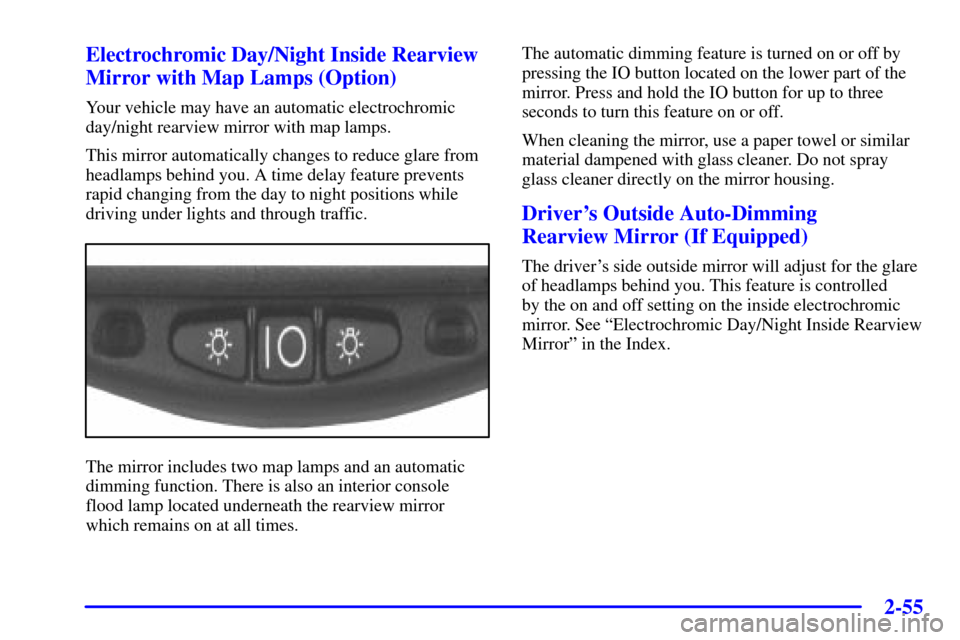
The mirror includes two map lamps and an automatic
dimming function. There is also an interior console
flood lamp located underneath the rearview mirror
which remains on at all times.The automatic dimming feature is turned on or off by
pressing the IO button located on the lower part of the
mirror. Press and hold the IO button for up to three
seconds to turn this feature on or off.
When cleaning the mirror, use a paper towel or similar
material dampened with glass cleaner. Do not spray
glass cleaner directly on the mirror housing.
Driver's Outside Auto-Dimming
Rearview Mirror (If Equipped)
The driver's side outside mirror will adjust for the glare
of headlamps behind you. This feature is controlled
by the on and off setting on the inside electrochromic
mirror. See ªElectrochromic Day/Night Inside Rearview
Mirrorº in the Index.
Page 114 of 384
2-56
Power/Heated Remote Control Mirrors
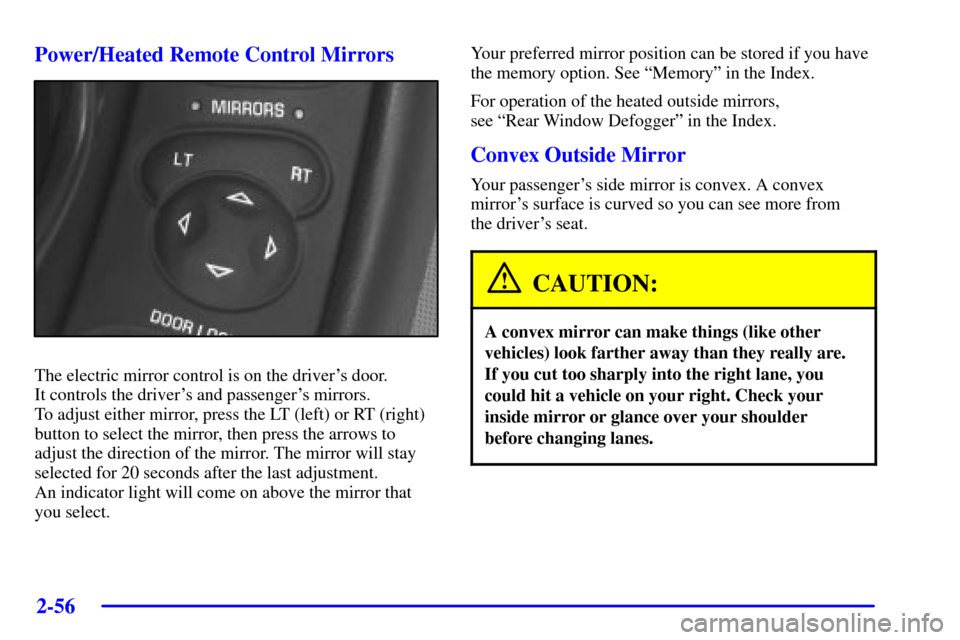
The electric mirror control is on the driver's door.
It controls the driver's and passenger's mirrors.
To adjust either mirror, press the LT (left) or RT (right)
button to select the mirror, then press the arrows to
adjust the direction of the mirror. The mirror will stay
selected for 20 seconds after the last adjustment.
An indicator light will come on above the mirror that
you select.Your preferred mirror position can be stored if you have
the memory option. See ªMemoryº in the Index.
For operation of the heated outside mirrors,
see ªRear Window Defoggerº in the Index.
Convex Outside Mirror
Your passenger's side mirror is convex. A convex
mirror's surface is curved so you can see more from
the driver's seat.
CAUTION:
A convex mirror can make things (like other
vehicles) look farther away than they really are.
If you cut too sharply into the right lane, you
could hit a vehicle on your right. Check your
inside mirror or glance over your shoulder
before changing lanes.
Page 115 of 384
2-57
Storage Compartments
Glove Box
To open the glove box, lift up on the lever. Use your
door key to lock or unlock it. The glove box has a
light inside.
Instrument Panel Cupholder
The cupholder is located on the center console in front
of the ashtray. To open it, place your thumb on the left
side of the lid and push down. Raise the right side with
your index finger.
Center Console Storage
To use this storage area, pull up the lid on the driver's
side front edge of the console and swing it to the
passenger's side.
You can use the key to lock and unlock the console.
Don't leave the key in the lock, or it could be damaged
when the driver sits down.
The fuel filler door release button and accessory power
outlet are located inside the center console.
Page 118 of 384
2-60
Convenience Net (Option)
Your vehicle may have a convenience net. You will see
it on the back wall of the rear area of the vehicle.
Put small loads, like grocery bags, in the net. It can help
keep them from falling over during sharp turns or quick
starts and stops. The convenience net is not for larger,
heavier loads.
You can unhook the net and place it in one of the
rear storage compartments when you are not using it.
On coupe models only, a vinyl storage bag has also
been provided.
Ashtray and Cigarette Lighter
The ashtray and cigarette lighter are located on the
instrument panel, in front of the shift lever. To use the
ashtray, lift up on the bottom of the door.
NOTICE:
Don't put papers and other things that burn
into the ashtray. If you do, cigarettes or other
smoking materials could set them on fire,
causing damage.
Loose objects (such as paper clips) can lodge behind
and beneath the ashtray lid and prevent movement of
the lid. You should avoid putting small, loose objects
near the ashtray.
To use the cigarette lighter, push it in all the way and
let go. When it's ready, it will pop back out by itself.
NOTICE:
Don't hold a cigarette lighter in with your hand
while it is heating. If you do, it won't be able to
back away from the heating element when it's
ready. That can make it overheat, damaging the
lighter and the heating element.
Sun Visors
To block out glare, you can swing down the visors.
You can also swing them to the side.
Lighted Visor Vanity Mirrors
Pull down the sun visor and lift the cover to expose the
lighted vanity mirror. When the cover is lifted, the lamps
will come on automatically, even if the ignition is off.
Page 133 of 384
2-75
4. Lift the rear edge (B) of the convertible top to its
full
-up position by first raising the front edge (A).5. Close the storage compartment lid (C) by closing
with a swift, firm motion.
6. Lower the rear edge (B) of the convertible top
by first slightly pushing the front edge (A) of the
convertible top forward.
7. Push the front edge (A) of the convertible top
down from the outside of the vehicle, or pull the
front edge (A) of the convertible top down from
the center pull
-down handle located in the inside
of the vehicle.
8. Turn the latches outward to secure the top in the
up position.
Page 135 of 384

2-77
The main components of your instrument panel are the following:
A. Instrument Panel Brightness Control
B. Head
-Up Display Controls (Option)
C. Turn Signal/Multifunction Lever
D. Driver Information Center (DIC)
(Located in the Instrument Cluster)
E. Instrument Panel Cluster
F. Windshield Wiper/Washer Lever
G. Driver Information Center (DIC) Buttons
H. Hazard Warning Flasher Button
I. Center Air Vents
J. Audio System
K. Comfort Controls
L. Fog Lamp Button (If Equipped)
M. Remote Hatch Release Button (Coupe) or
Remote Trunk Release Button (Convertible/Z06)
N. Ignition SwitchO. Shift Lever (Automatic Shown)
P. Traction Control System (TCS)
Button/Active Handling Button
Q. Accessory Power Outlet
(Located in the Center Console)
R. Selective Real Time Damping (Option)
S. Air Bag Off Light
T. Instrument Panel Cupholder
U. Remote Fuel Door Release Button
(Located in the Center Console)
V. Ashtray and Cigarette Lighter
W. Parking Brake
X. Glove Box
Y. Instrument Panel Fuse Block
(Located behind the Toe
-Board)
Z. Air Bag Off Switch (Located in Glove Box)
Page 136 of 384
2-78
Instrument Panel Cluster
Your instrument panel cluster and Driver Information Center (DIC) are designed to let you know at a glance how the
vehicle is running. You'll know how fast you're going, about how much fuel you have left and many other things
you'll need to know to drive safely and economically. The instrument panel cluster indicator warning lights, gages
and DIC messages are explained on the following pages.
United States shown, Canada similar