Page 130 of 488
2-64
Overhead Console (If Equipped)
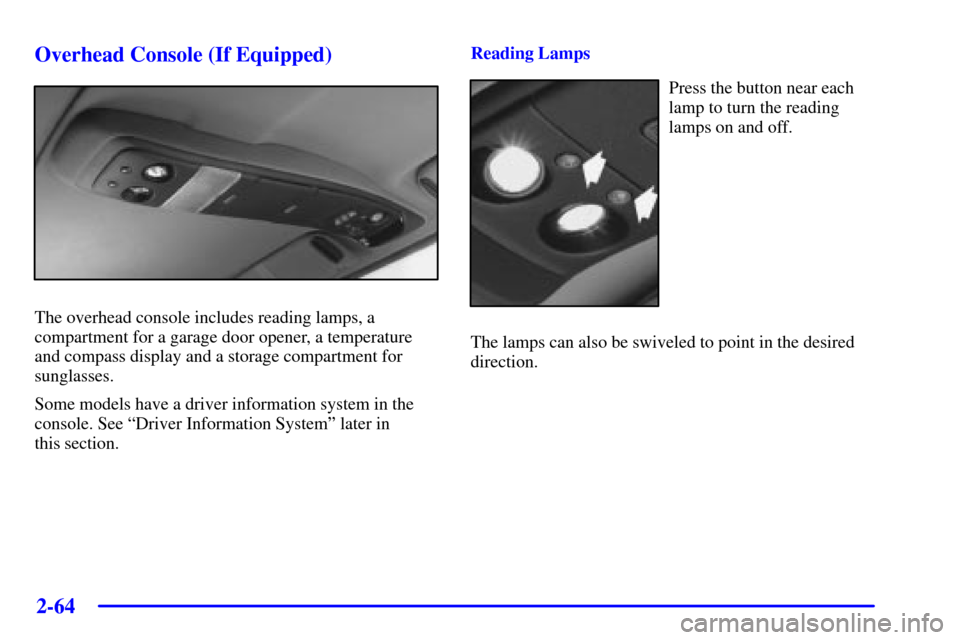
The overhead console includes reading lamps, a
compartment for a garage door opener, a temperature
and compass display and a storage compartment for
sunglasses.
Some models have a driver information system in the
console. See ªDriver Information Systemº later in
this section.Reading Lamps
Press the button near each
lamp to turn the reading
lamps on and off.
The lamps can also be swiveled to point in the desired
direction.
Page 131 of 488
2-65
Installing a Garage Door Opener
If you have a garage door opener, the front overhead
compartment can be used to conveniently store
the opener.
If you have the optional HomeLink
� Transmitter, please
see ªHomeLink Transmitterº in the Index for
instructions on how to use the system.
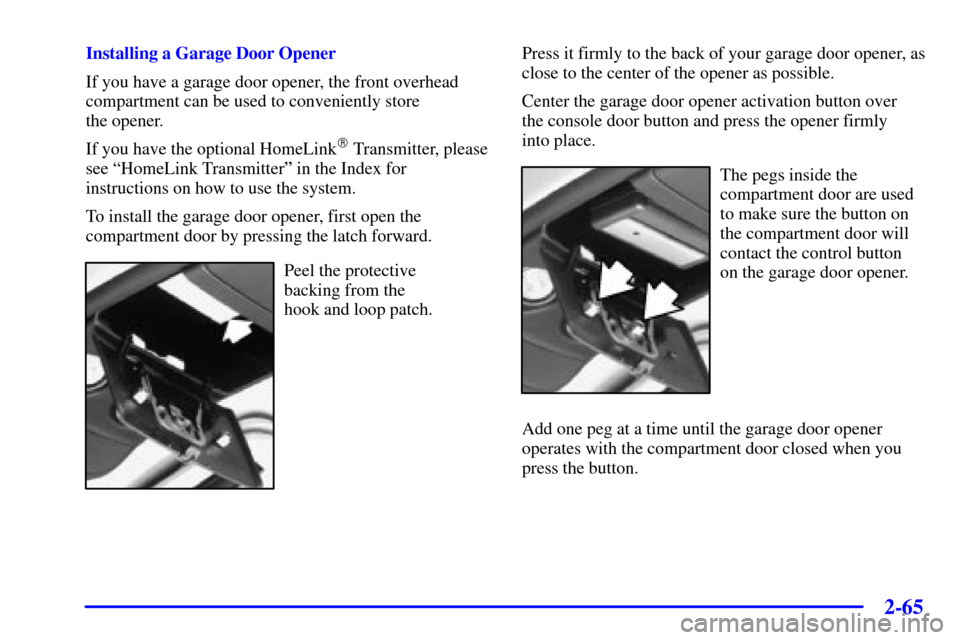
To install the garage door opener, first open the
compartment door by pressing the latch forward.
Peel the protective
backing from the
hook and loop patch.Press it firmly to the back of your garage door opener, as
close to the center of the opener as possible.
Center the garage door opener activation button over
the console door button and press the opener firmly
into place.
The pegs inside the
compartment door are used
to make sure the button on
the compartment door will
contact the control button
on the garage door opener.
Add one peg at a time until the garage door opener
operates with the compartment door closed when you
press the button.
Page 132 of 488
2-66
Now, with the compartment
door closed, press the
button again to make sure
the garage door opener
operates properly.
With the garage door opener positioned properly and
the right number of pegs in place, you should only
have to press the button slightly to operate the opener.
Adjust the position of the garage door opener and
add or remove pegs, as needed, until the opener
operates properly.Temperature and Compass Display
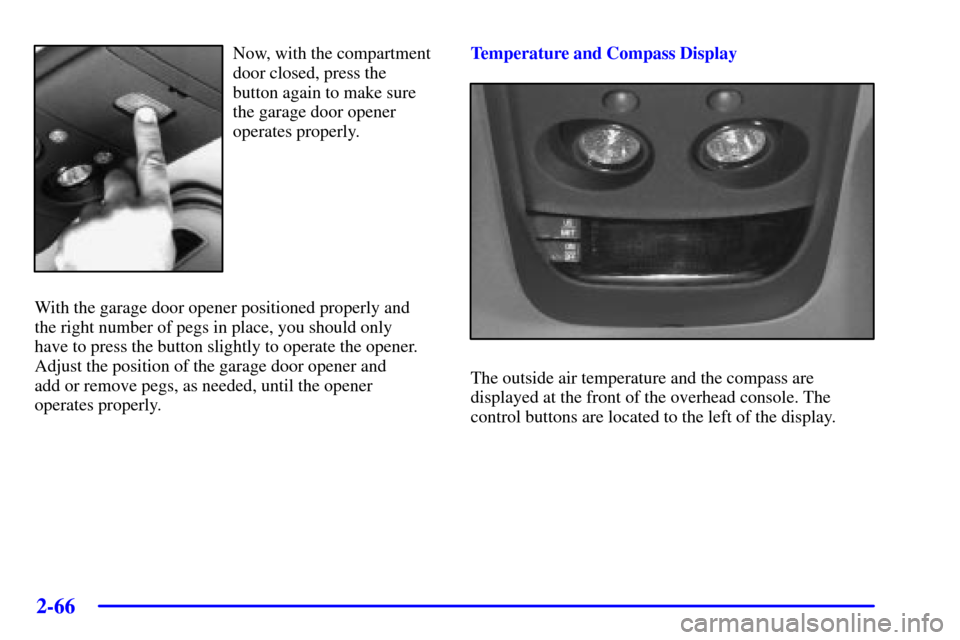
The outside air temperature and the compass are
displayed at the front of the overhead console. The
control buttons are located to the left of the display.
Page 145 of 488

2-79
Programming the HomeLink Transmitter
Do not use the HomeLink Transmitter with any garage
door opener that does not have the ªstop and reverseº
feature. This includes any garage door opener model
manufactured before April 1, 1982.
Be sure that people and objects are clear of the garage
door you are programming.
It is recommended that a new battery be installed in
your hand
-held transmitter for quicker and more
accurate transmission of the radio frequency.
Your vehicle's engine should be turned off while
programming the transmitter. Follow these steps to
program up to three channels:
1. Decide which one of the three channels (one of the
HomeLink buttons) you want to program.
2. Press and hold the desired button on HomeLink
through Step 3.3. When the HomeLink indicator light begins to blink
slowly (this may take up to 30 seconds), hold the
hand
-held transmitter about 1 to 3 inches (3 to 8 cm)
away from HomeLink and then press and hold the
transmit button on the hand
-held transmitter.
Continue to hold both buttons until the indicator
light on HomeLink begins to flash rapidly (this may
take up to 90 seconds).
If you have trouble programming HomeLink, make sure
that you have followed the directions exactly as
described and that the battery in the hand
-held
transmitter is not weak. If you still cannot program it,
move the hand
-held transmitter to the left or right or
forward or backward or flip it upside down. HomeLink
may not work with older garage door openers that do
not meet current Federal Consumer Safety Standards.
If you cannot program the transmitter after repeated
attempts, refer to ªTraining a Garage Door Opener with
Rolling Codesº later in this section or contact the
manufacturer of HomeLink at 1
-800-355-3515, or on
the internet at www.homelink.com.
Be sure to keep the original hand
-held transmitter in
case you need to erase and reprogram HomeLink.
Page 146 of 488

2-80
Training a Garage Door Opener with
Rolling Codes (If Equipped)
If you have not previously programmed the hand-held
transmitter to HomeLink, see ªProgramming the
HomeLink Transmitterº listed previously. If you have
completed this programming already, you now need to
train the garage door opener motor head unit to
recognize HomeLink.
1. Find the ªLearnº or ªSmartº button on the garage
door opener motor head unit. The exact location and
color will vary by garage door opener brand. If you
have difficulty finding the Learn or Smart button,
refer to your garage door opener owner's manual or
contact the manufacturer of HomeLink at
1
-800-355-3515, or on the internet at
www.homelink.com.
2. Because of the steps involved, it may be helpful to
have another person assist in programming the
transmitter.3. Press the ªLearnº or ªSmartº button on the garage
door opener motor head unit. An indicator light will
begin to flash when the motor head unit enters the
training mode.
Following this step, you have 30 seconds to
start Step 3.
4. Return to HomeLink in your vehicle and firmly press
and release the programmed HomeLink button
three times.
The rolling
-code garage door opener should now
recognize HomeLink. You may either use HomeLink or
the hand
-held transmitter to open the garage door.
If after following these instructions, you still have
problems training the garage door opener, contact the
manufacturer of HomeLink at 1
-800-355-3515, or on
the internet at www.homelink.com.