Page 40 of 107
Y O U R 1 0 6 I N D E TA I L42
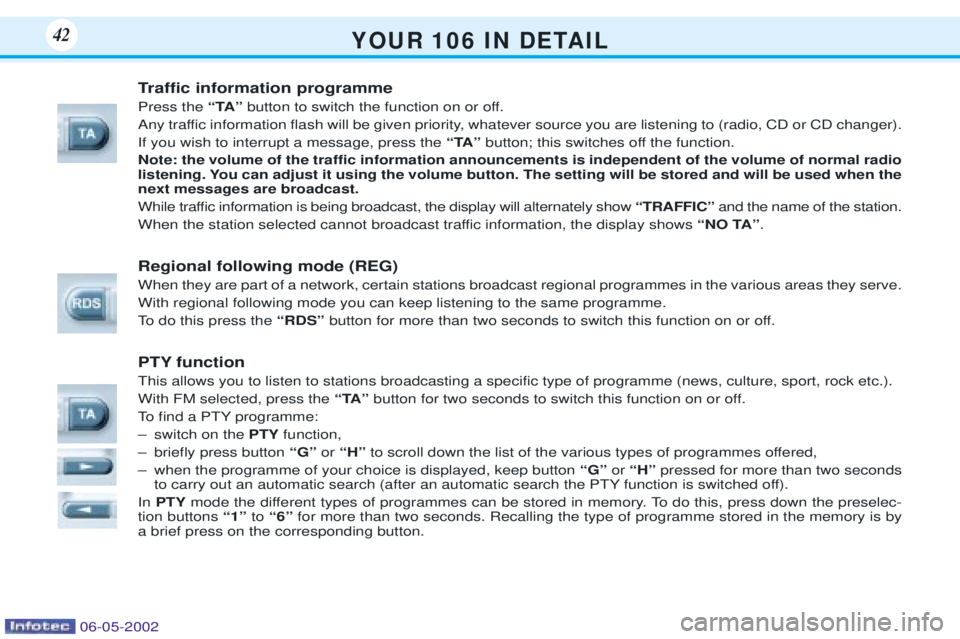
Traffic information programme Press theÒTAÓbutton to switch the function on or off.
Any traffic information flash will be given priority, whatever source you are listening to (radio, CD or CD changer). If you wish to interrupt a message, press the ÒTAÓbutton; this switches off the function.
Note: the volume of the traffic information announcements is independent of the volume of normal radio
listening. You can adjust it using the volume button. The setting will be stored and will be used when thenext messages are broadcast.
While traffic information is being broadcast, the display will alternately show ÒTRAFFICÓ and the name of the station.
When the station selected cannot broadcast traffic information, the display shows ÒNO TAÓ.
Regional following mode (REG) When they are part of a network, certain stations broadcast regional programmes in the various areas they serve. With regional following mode you can keep listening to the same programme.
To do this press the ÒRDSÓbutton for more than two seconds to switch this function on or off.
PTY function This allows you to listen to stations broadcasting a specific type of programme (news, culture, sport, rock etc.). With FM selected, press the ÒTAÓbutton for two seconds to switch this function on or off.
To find a PTY programme:
Ð switch on the PTYfunction,
Ð briefly press button ÒGÓor ÒHÓ to scroll down the list of the various types of programmes offered,
Ð when the programme of your choice is displayed, keep button ÒGÓor ÒHÓ pressed for more than two seconds
to carry out an automatic search (after an automatic search the PTY function is switched off).
In PTY mode the different types of programmes can be stored in memory. To do this, press down the preselec-
tion buttons Ò1Óto Ò6Ó for more than two seconds. Recalling the type of programme stored in the memory is by
a brief press on the corresponding button.
06-05-2002
Page 43 of 107
Y O U R 1 0 6 I N D E TA I L44
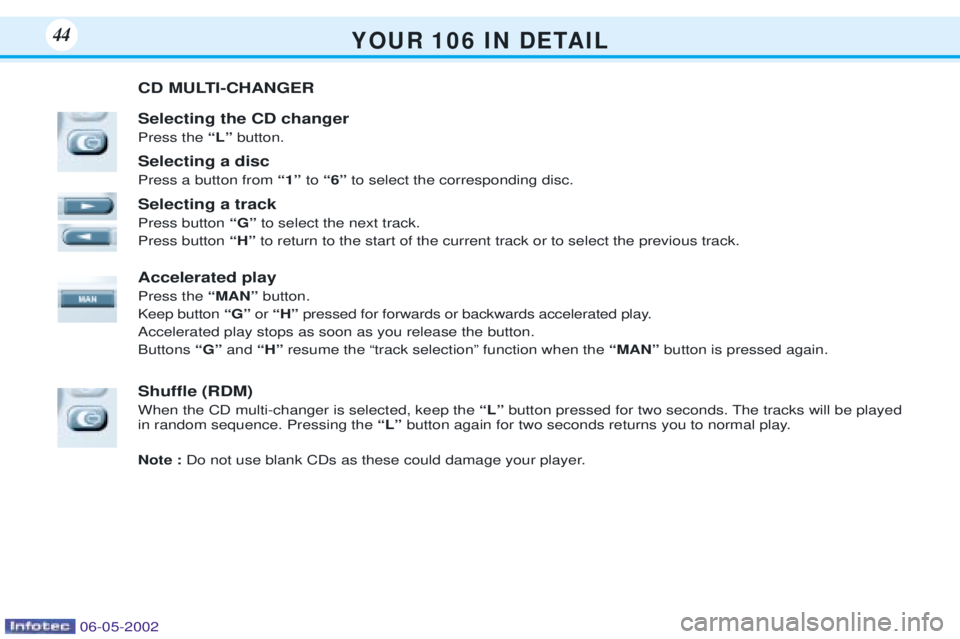
CD MULTI-CHANGER Selecting the CD changer Press the ÒLÓ button.
Selecting a discPress a button from Ò1ÓtoÒ6Ó to select the corresponding disc.
Selecting a trackPress button ÒGÓto select the next track.
Press button ÒHÓto return to the start of the current track or to select the previous track.
Accelerated playPress the ÒMANÓbutton.
Keep button ÒGÓor ÒHÓ pressed for forwards or backwards accelerated play.
Accelerated play stops as soon as you release the button. Buttons ÒGÓandÒHÓ resume the Òtrack selectionÓ function when the ÒMANÓbutton is pressed again.
Shuffle (RDM) When the CD multi-changer is selected, keep the ÒLÓ button pressed for two seconds. The tracks will be played
in random sequence. Pressing the ÒLÓ button again for two seconds returns you to normal play.
Note : Do not use blank CDs as these could damage your player.
06-05-2002
Page 51 of 107
IsoÞx mounting* The IsoÞx mountings available on the two rear seats* allow for the ins-tallation of special child seats** ,
approved by UTAC for PEUGEOTvehicles and marketed within thenetwork. The fixings are available as an accessory and must be Þtted by an
approved PEUGEOT dealer. The locks incorporated in the child seat fit onto the mounting andensure quick, reliable and safeinstallation of the seats. Thecombined use of the seat belt iscompulsory for a forward-facing
child seat. The forward-facing position is per-
mitted in the rear. For maximum safety, it is
essential
to adjust the corresponding frontseat to the intermediate longitudinalposition, seat back upright. Follow the instructions for Þtting the child seat in the leafletprovided when the child seat ispurchased.
* According to speciÞcation.
** Available during the model year
Y O U R 1 0 6 I N D E TA I L52
06-05-2002
Page 92 of 107
P R A C T I C A L I N F O R M AT I O N86
Beware of incompatible additional electrical acces-sories!
Your vehicleÕs electrical
circuit is designed to operate with standard or optional equip-ment. Before installing additionalelectrical equipment or accesso-ries, consult a PEUGEOT dea-
ler. Some electrical accessories, or the way in which they are Þtted,may adversely affect the opera-
tion of your vehicle, namely, theelectronic control circuits, theradio circuit and the electricalcharging circuit. PEUGEOT does not accept any responsibility for expensesincurred by repairs or for anyfaults resulting from the installa-tion of additional accessorieswhich are not supplied orrecommended by PEUGEOTand which were not installed inaccordance with the manufactu-
rerÕs instructions, in particularequipment with a consumptiongreater than 10 milliamps. Themaxi fuses provide additionalprotection for the electrical sys-tems. Any work must be carriedout by a specialist.
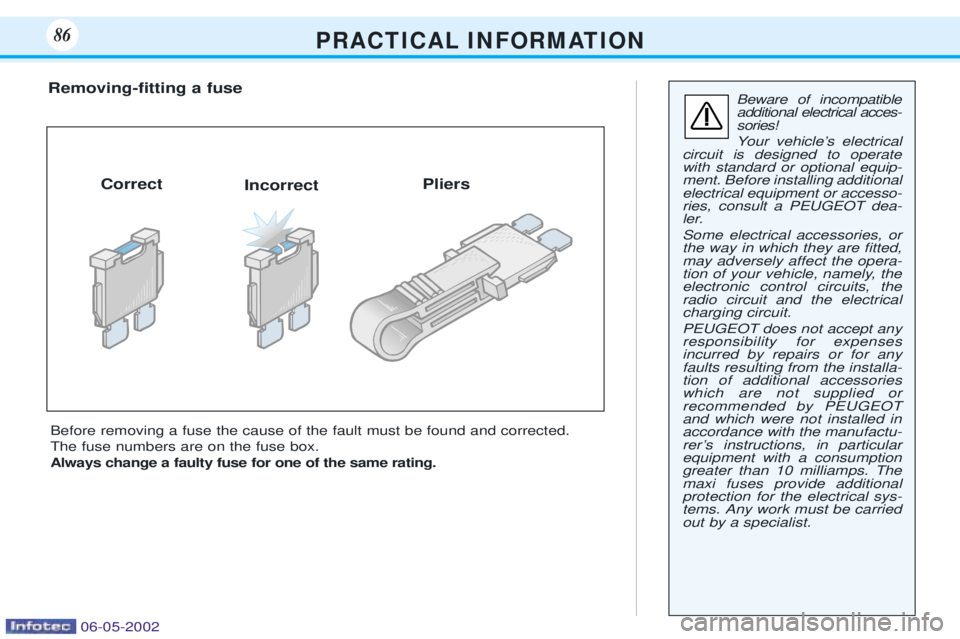
Before removing a fuse the cause of the fault must be found and corrected. The fuse numbers are on the fuse box.Always change a faulty fuse for one of the same rating.
Removing-Þtting a fuse
Correct Incorrect Pliers
06-05-2002