28
IntroductionAudioTelephone Navigation Index
S y s te m s e ttin g s
Auto store preset menu
1Frequency of the station you are listening to pres-
ently
2Preset position of the station you are listening to
presently
3Memory preset availableWe a t h e r b a n d
Press softkey “WB”. WB is displayed in the upper
left corner.
The channel last tuned into will appear in the display.
P68.20-2110-27
P68.20-2110-27
Radio operation
154
Introduction Audio Telephone Navigation Index
S y s te m s e ttin g s
Use the softkeys “-” and “+” to set the desired
value.
Once you are satisfied with the sound setting press soft-
key “EXIT”.
Press and hold both softkeys “-” and “+” for longer
then 2 seconds to reset the selected parameter.
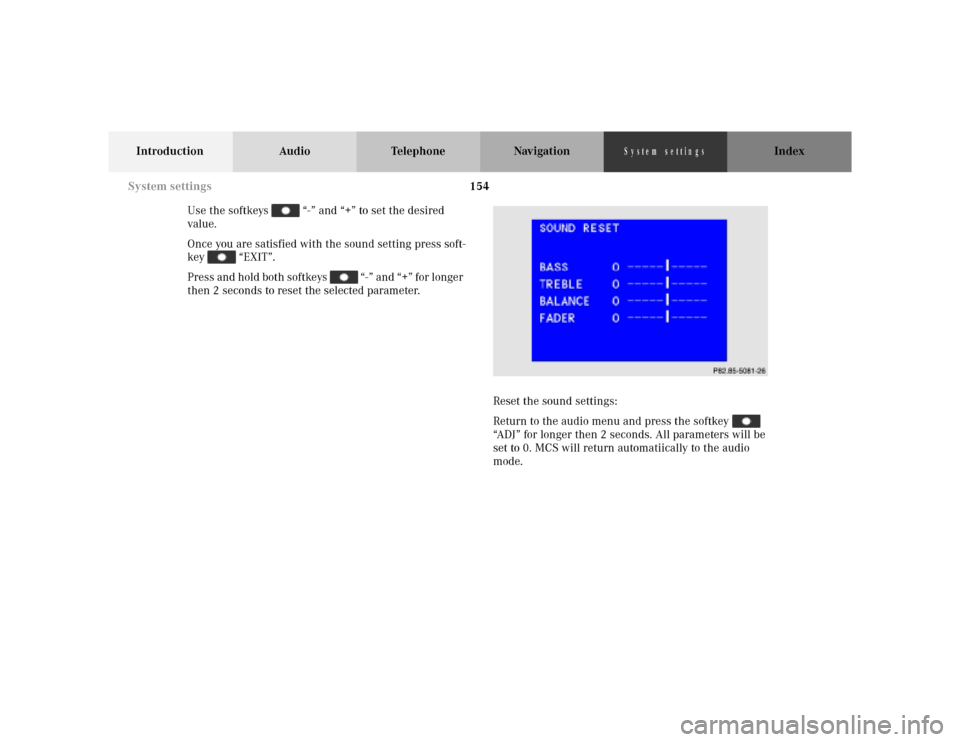
Reset the sound settings:
Return to the audio menu and press the softkey
“ADJ” for longer then 2 seconds. All parameters will be
set to 0. MCS will return automatiically to the audio
mode.
P86-0081-B13 (2-fbg)
System settings