Page 131 of 341
128 Automatic climate control
Technical
data Instruments
and controlsOperationDrivingInstrument
cluster displayPractical hints Car care Index
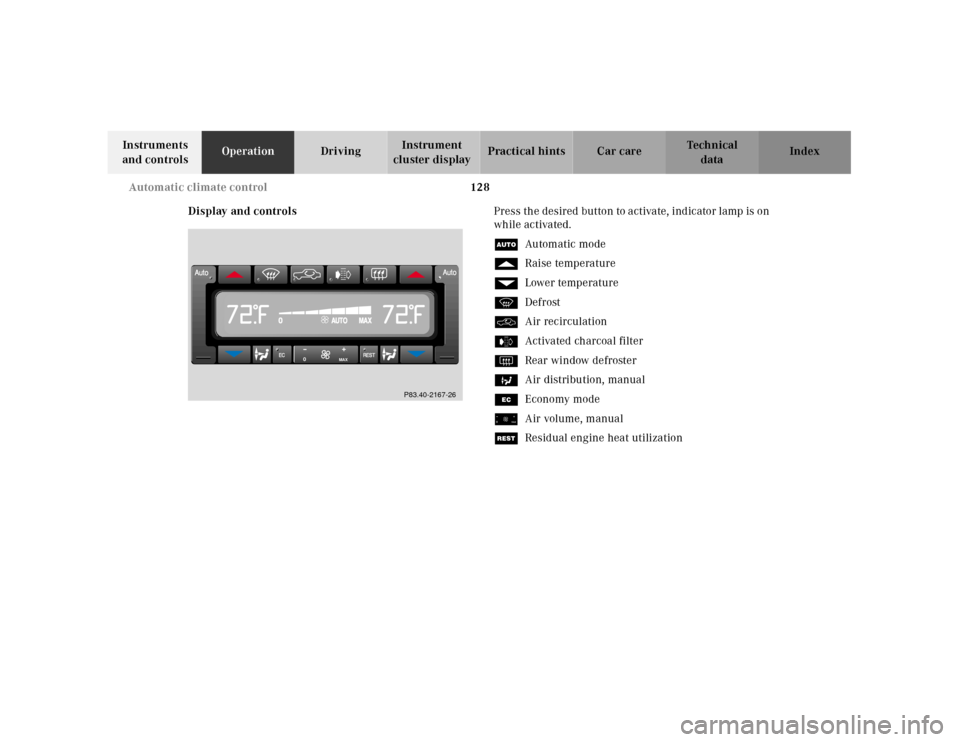
Display and controlsPress the desired button to activate, indicator lamp is on
while activated.
UAu tom atic mo de
fRaise temperature
gLower temperature
PDefrost
OAir recirculation
eActivated charcoal filter
FRear window defroster
bAir distribution, manual
SEconomy mode
ïAir volume, manual
TResidual engine heat utilization
0
MAX
P83.40-2167-26
Page 144 of 341
141 Audio system
Technical
data Instruments
and controlsOperationDrivingInstrument
cluster displayPractical hints Car care Index Radio mode
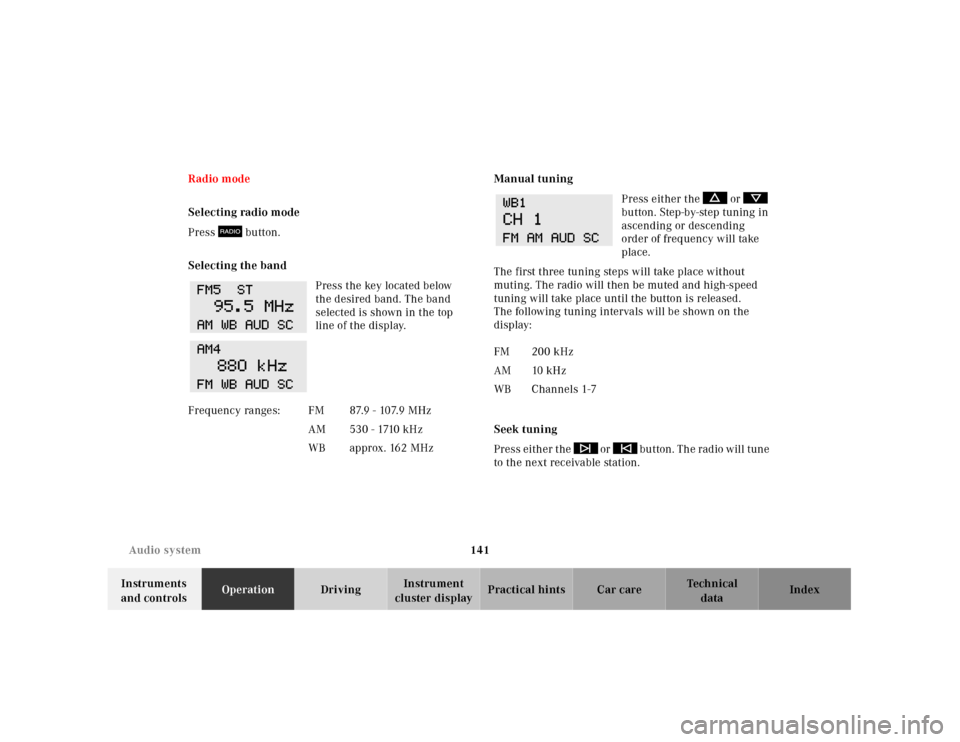
Selecting radio mode
Press button.
Selecting the band
Press the key located below
the desired band. The band
selected is shown in the top
line of the display.Manual tuning
Press either the or
button. Step-by-step tuning in
ascending or descending
order of frequency will take
place.
The first three tuning steps will take place without
muting. The radio will then be muted and high-speed
tuning will take place until the button is released.
The following tuning intervals will be shown on the
display:
Seek tuning
Press either the or button. The radio will tune
to the next receivable station. F r e q u e n c y r a n g e s : F M 8 7. 9 - 10 7. 9 M H z
AM 530 - 1710 kHz
WBapprox. 162 MHz
FM 200 kHz
AM 10 kHz
WBChannels 1-7
Page 146 of 341
143 Audio system
Technical
data Instruments
and controlsOperationDrivingInstrument
cluster displayPractical hints Car care Index Cassette mode
Note:
Vehicles equipped with the COMAND system do not
come with a factory installed cassette mechanism.
A standard 1/8” stereo phono plug for auxiliary audio
input (located in glove box) is provided for connection of
a portable battery operated cassette player or any other
portable device which uses a headphone output. Please
refer to the COMAND operating manual for information
concerning the activation of the audio input.Playing cassettes
Press the “TAPE” button. When the eject (EJ) key is
pressed, the display folds down and the cassette slot
becomes visible. Push the cassette into the slot until it
engages. The cassette will be pulled in automatically.
Notes:
Do not press directly on the radio display face.
Return the display panel to its normal position by
folding it back up and pressing gently on the display
frame to lock in place.
When playing mono recorded tapes (e.g. books) through
a stereo system the sound from one track might bleed to
the other track, despite setting the balance to the full
left or full right speakers.
Page 147 of 341
144 Audio system
Technical
data Instruments
and controlsOperationDrivingInstrument
cluster displayPractical hints Car care Index
Important!
If the display is in the down position for more than
20 seconds, 2 successive beeps will be heard. This will
continue at 5 second intervals until the display is
returned to its normal position.
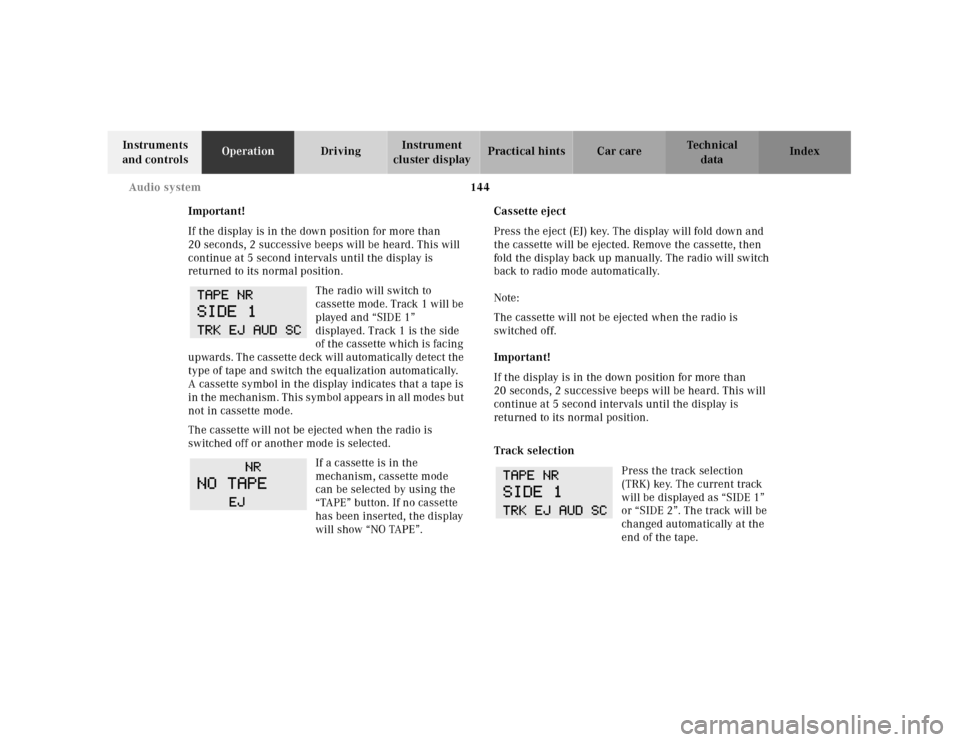
The radio will switch to
cassette mode. Track 1 will be
played and “SIDE 1”
displayed. Track 1 is the side
of the cassette which is facing
upwards. The cassette deck will automatically detect the
type of tape and switch the equalization automatically.
A cassette symbol in the display indicates that a tape is
in the mechanism. This symbol appears in all modes but
not in cassette mode.
The cassette will not be ejected when the radio is
switched off or another mode is selected.
If a cassette is in the
mechanism, cassette mode
can be selected by using the
“TAPE” button. If no cassette
has been inserted, the display
will show “NO TAPE”.Cassette eject
Press the eject (EJ) key. The display will fold down and
the cassette will be ejected. Remove the cassette, then
fold the display back up manually. The radio will switch
back to radio mode automatically.
Note:
The cassette will not be ejected when the radio is
switched off.
Important!
If the display is in the down position for more than
20 seconds, 2 successive beeps will be heard. This will
continue at 5 second intervals until the display is
returned to its normal position.
Track selection
Press the track selection
(TRK) key. The current track
will be displayed as “SIDE 1”
or “SIDE 2”. The track will be
changed automatically at the
end of the tape.
Page 155 of 341
152 Audio system
Technical
data Instruments
and controlsOperationDrivingInstrument
cluster displayPractical hints Car care Index
Switching between name search and number search
Press ABC key - Name search
Press NUM key - Number search
Searching and selecting phone book entries by name
Press the ABC key. The current name is shown on the
display. The stored entries in alphabetical order can be
selected using the or button. By pressing the
or buttons, the stored entries can be selected
according to alphabetical initial letters (e.g. A-Adam,
B-Brown, M-Miller).
Searching and selecting phone book entries by
number
Press the NUM key. The current number is shown on
the display. The stored entries can be selected in
numerical order using the or button. By
pressing the or buttons, the stored entries
can be selected in increments of 5 (e.g. Entry no. 2,
Entry no. 7, etc.).Placing a call
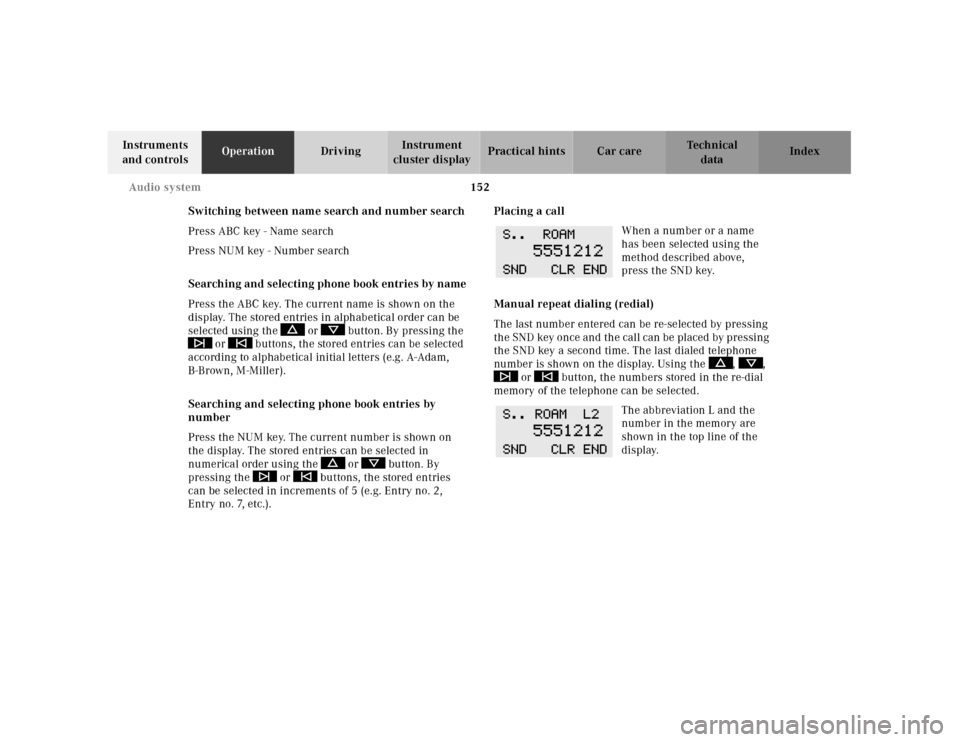
When a number or a name
has been selected using the
method described above,
press the SND key.
Manual repeat dialing (redial)
The last number entered can be re-selected by pressing
th e SND key once and th e cal l can be pl aced by pressing
the SND key a second time. The last dialed telephone
number is shown on the display. Using the , ,
or button, the numbers stored in the re-dial
memory of the telephone can be selected.
The abbreviation L and the
number in the memory are
shown in the top line of the
display.
Page 161 of 341
158 Interior equipment
Technical
data Instruments
and controlsOperationDrivingInstrument
cluster displayPractical hints Car care Index
Express opening of sliding / pop-up roof
Move switch past resistance point and release — the
sliding / pop-up roof slides open automatically.
To interrupt procedure, brief ly move switch in any
direction.Synchronizing sliding / pop-up roof
If the power supply was interrupted (battery
disconnected or low), or if the sliding/pop-up roof is
blocked during closing/opening procedure, the system
has to be synchronized.
To do so, turn electronic key in steering lock to
position 2, move and hold switch in direction (3) until
the sliding/pop-up roof is completely raised at rear, and
hold for additional 1 second.
Notes:
The sliding / pop-up roof can be opened or closed
manually should an electrical malfunction occur, see
page 295.
The sliding / pop-up roof can also be opened or closed
with th e el ectronic ma in key wh il e u nl ock ing or locking
the vehicle doors, see page 33.
Page 162 of 341
159 Interior equipment
Technical
data Instruments
and controlsOperationDrivingInstrument
cluster displayPractical hints Car care Index Interior lighting
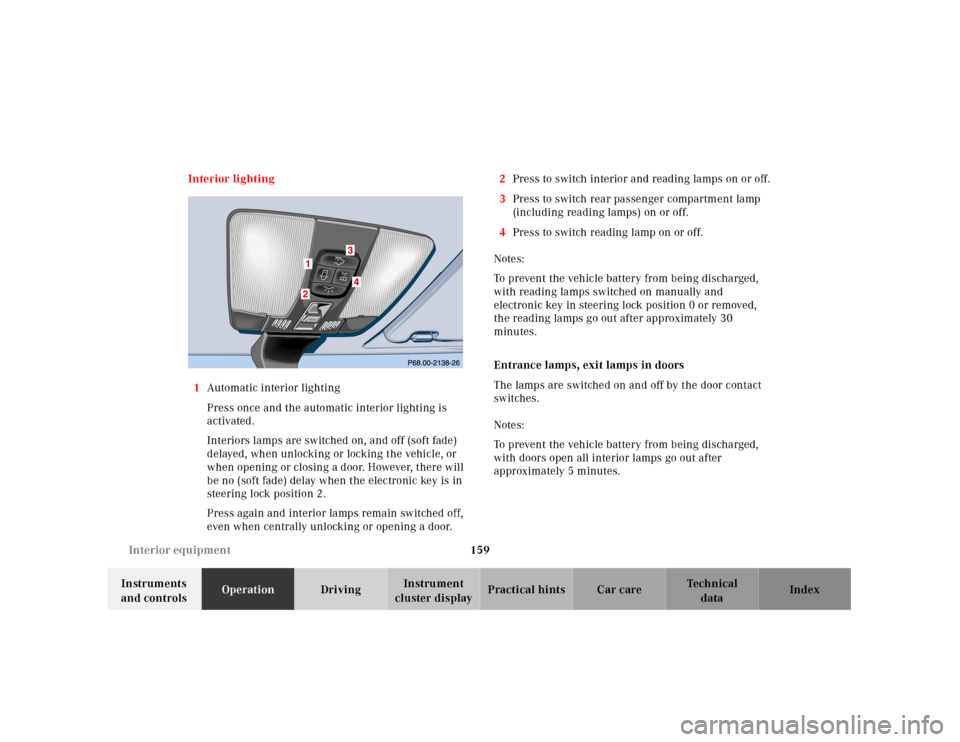
1Automatic interior lighting
Press once and the automatic interior lighting is
activated.
Interiors lamps are switched on, and off (soft fade)
delayed, when unlocking or locking the vehicle, or
when opening or closing a door. However, there will
be no (soft fade) delay when the electronic key is in
steering lock position 2.
Press again and interior lamps remain switched off,
even when centrally unlocking or opening a door.2Press to switch interior and reading lamps on or off.
3Press to switch rear passenger compartment lamp
(including reading lamps) on or off.
4Press to switch reading lamp on or off.
Notes:
To prevent the vehicle battery from being discharged,
with reading lamps switched on manually and
electronic key in steering lock position 0 or removed,
the reading lamps go out after approximately 30
minutes.
Entrance lamps, exit lamps in doors
The lamps are switched on and off by the door contact
switches.
Notes:
To prevent the vehicle battery from being discharged,
with doors open all interior lamps go out after
approximately 5 minutes.
Page 175 of 341
172 Garage door opener
Technical
data Instruments
and controlsOperationDrivingInstrument
cluster displayPractical hints Car care Index
Programming or reprogramming the integrated
remote control:
1. Turn electronic key in steering lock to position 1
or 2.
2. Hold the end of the hand-held transmitter of the
d evice you w ish to train approxim ately 2 to 5 inch es
(5 cm to 12 cm) away from the surface of the
integrated remote control located on the inside rear
view mirror, keeping the indicator lamp in view.
3. Using both hands, simultaneously push the hand-
held transmitter button and the desired integrated
remote control button. Do not release the buttons
until completing step 4.
4. The indicator lamp on the integrated remote control
will flash, first slowly and then rapidly. When the
indicator lamp flashes rapidly, both buttons may be
released (the rapid flashing lamp indicates
successful programming of the new frequency
signal). To program the remaining two buttons,
follow steps 1 through 4.Note:
If, after repeated attempts, you do not successfully
program the integrated remote control device to learn
the signal of the hand-held transmitter, the garage door
opener could be equipped with the “rolling code
feature”.
Rolling code programming:
To train a garage door opener (or other rolling code
devices) with the rolling code feature, follow these
instructions after completing the “Programming”
portion of this text. (A second person may make the
following training procedures quicker and easier.)
1. Locate training button on the garage door opener
motor head unit. Exact location and color of the
button may vary by garage door opener brand. If
there is difficulty locating the transmitting button,
reference to garage door opener operator’s manual.
2. Press “training” button on the garage door opener
motor head unit (which activated the “training
light”).