2001 MERCEDES-BENZ C240 cassette
[x] Cancel search: cassettePage 5 of 381

Contents
Trip and main odometer, FSS, coolant
temperature, vehicle speed,
engine oil level indicator ........... 96
Audio systems .................................. 98
Radio .............................................. 98
CD player ....................................... 99
Cassette player ........................... 100
Telephone ........................................ 101
Navigation system .......................... 106
Trip computer ................................. 107
Malfunction/warning
message memory ...................... 109
Individual settings ..........................111
Setting the audio volume .............. 123
Coolant temperature gauge .......... 124
Flexible service system
(FSS) ............................................ 125
Engine oil level indicator .............. 128
Engine oil consumption ................ 129
Exterior lamp switch ..................... 130
Headlamp mode ............................. 131Night security illumination ..........132
Locator lighting ...........................133
Headlamp cleaning system ...........133
Combination switch .......................134
Hazard warning flasher
switch ..........................................137
Climate control ...............................138
Automatic climate control ............ 146
Front center console storage
compartment ventilation ..........158
Rear passenger compartment
adjustable air outlets ................159
Operation Audio and telephone ...160
Operating safety .............................160
Operating and
display elements ........................ 161
Button and soft key operation ......163
Operation .........................................163
Power windows ...............................184
Sliding/pop-up roof ........................187
Interior lighting ..............................189
Rear window sunshade ................. 191Sun visors ....................................... 192
Vanity mirrors ................................ 192
Interior ............................................ 193
Storage compartments and
armrests ..................................... 193
Glove box ..................................... 194
Cup holder ...................................... 197
Ashtrays .......................................... 199
Lighter ............................................. 201
Parcel net in front passenger
footwell .......................................202
Ski sack ...........................................202
Enlarged cargo area .......................207
Split folding rear seat bench ........207
Loading instructions
(vehicle with enlarged
cargo area) ..................................209
Cellular telephone ......................... 210
Telephone, general ........................ 211
Garage door opener ....................... 212
Page 29 of 381

20 Contents - Operation
Te ch n i c a l
data Instruments
and controlsOperationDrivingInstrument
cluster displayPractical hints Car care Index
OperationVehicle keys ...................................... 22
Start lock-out .................................... 24
General notes on the
central locking system ............... 24
Central locking system ................... 25
Radio frequency and
infrared remote control ............... 25
Locking and unlocking ................ 27
Choosing global or selective
mode on remote control .............. 27
Opening the trunk ....................... 28
Opening and closing windows
and sliding / pop-up roof
from outside .................................. 29
Panic button .................................. 30
Mechanical keys ........................... 30
Doors .................................................. 31
Central locking switch .................... 33
Automatic central locking .............. 34
Emergency unlocking
in case of accident ...................... 34
Trunk ................................................. 35
Trunk lid release switch ................. 37Antitheft alarm system ................... 38
Tow-away alarm ............................... 39
Easy-entry/exit feature ................... 41
Front seat adjustment ..................... 42
Removal and installation of
front seat head restraints .......... 47
Multicontour seat ............................ 49
Heated seats ..................................... 50
Rear seat head restraints ............... 52
Seat belts and integrated
restraint system .......................... 55
Seat belts .......................................... 55
Seat belt nonusage
warning system .......................... 56
BabySmart
TM airbag
deactivation system ................... 62
Supplemental Restraint
System (SRS) ............................... 63
Emergency tensioning
retractor (ETR) ............................ 64
Airbags .............................................. 65
Safety guidelines for the seat
belt, emergency tensioning
retractor and airbag ................... 72Infant and child
restraint systems ......................... 73
Steering wheel adjustment
(manual) ....................................... 77
Steering wheel adjustment
(electrical) .................................... 79
Rear view mirrors ............................ 80
Instrument cluster ........................... 88
Multifunction steering wheel,
multifunction display ................. 92
Trip and main odometer, FSS, coolant
temperature, vehicle speed,
engine oil level indicator ........... 96
Audio systems .................................. 98
Radio .............................................. 98
CD player ....................................... 99
Cassette player ........................... 100
Telephone ........................................ 101
Navigation system .......................... 106
Trip computer ................................. 107
Malfunction/warning
message memory ...................... 109
Individual settings .......................... 111
Setting the audio volume ............. 123
Page 102 of 381
93 Multifunction steering wheel, multifunction display
Te ch n i c a l
data Instruments
and controlsOperationDrivingInstrument
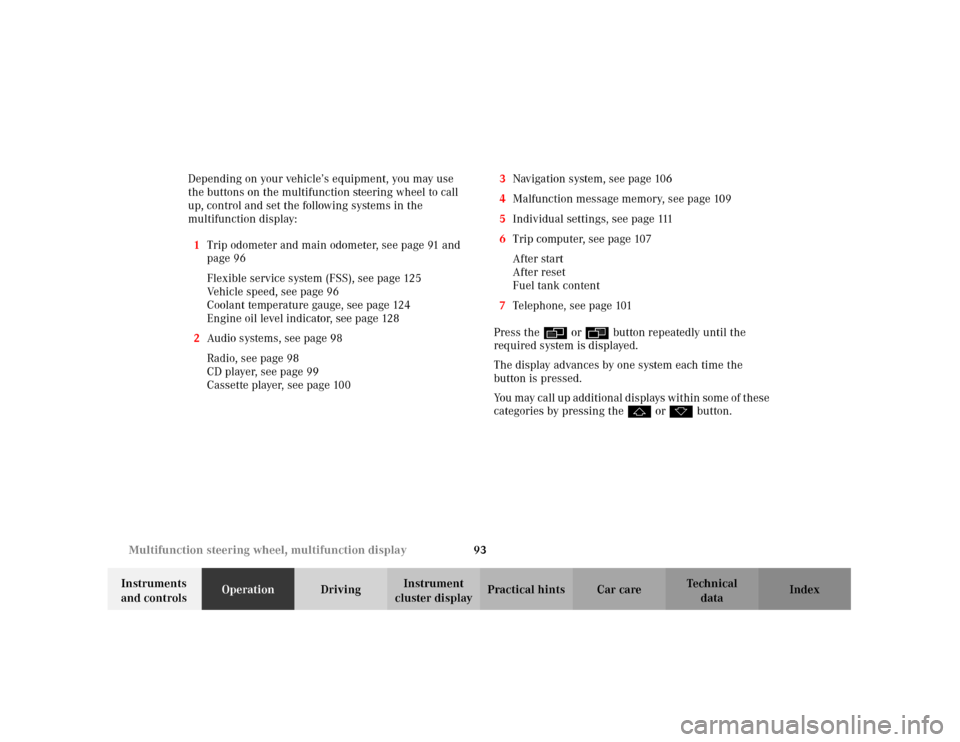
cluster displayPractical hints Car care Index Depending on your vehicle’s equipment, you may use
the buttons on the multifunction steering wheel to call
up, control and set the following systems in the
multifunction display:
1Trip odometer and main odometer, see page 91 and
page 96
Flexible service system (FSS), see page 125
Vehicle speed, see page 96
Coolant temperature gauge, see page 124
Engine oil level indicator, see page 128
2Audio systems, see page 98
Radio, see page 98
CD player, see page 99
Cassette player, see page 1003Navigation system, see page 106
4Malfunction message memory, see page 109
5Individual settings, see page 111
6Trip computer, see page 107
After start
After reset
Fuel tank content
7Telephone, see page 101
Press the è or ÿ button repeatedly until the
required system is displayed.
The display advances by one system each time the
button is pressed.
You may call up add ition al d is plays wit hin som e of t hes e
categories by pressing the j or k button.
Page 103 of 381

94 Multifunction steering wheel, multifunction display
Te ch n i c a l
data Instruments
and controlsOperationDrivingInstrument
cluster displayPractical hints Car care Index
Note:
The displays in the multifunction display can be set to
German, English, French, Italian or Spanish language.
See the “INSTRUMENT CLUSTER” individual settings
on page 111 for instructions on changing the language
setting.
The displays for the audio systems (radio, CD player,
cassette player) will appear in English, regardless of the
language selected.
Wa r n i n g !
A driver’s attention to the road must always be his /
her primary focus when driving. For your safety and the safety of others, selecting
features through the multifunction steering wheel
should only be done by the driver when traffic and
road conditions permit it to be done safely.
Programming individual settings in the system can
only be made while the vehicle is at standstill.
Page 109 of 381

100 Multifunction steering wheel, multifunction display
Te ch n i c a l
data Instruments
and controlsOperationDrivingInstrument
cluster displayPractical hints Car care Index
Cassette player1Audio system is switched off.
2The cassette player is switched on.
3Side being played.
The radio must be switched on.
The cassette player must be switched on.
Press the è or ÿ button repeatedly until
display (2) appears.
Pressing the j button fast forward on to the next
track.
Pressing the k button rewinds the cassette to the
beginning of the current track.
Pressing the è or ÿ button displays the next or
previous system.
Notes:
To select the reverse side of the tape, press button below
track number on the audio system display, or enter
request on the (optional) COMAND system located in
the center dashboard.
P54.30-3639-27
Page 169 of 381
160 Audio system
Te ch n i c a l
data Instruments
and controlsOperationDrivingInstrument
cluster displayPractical hints Car care Index
Audio and telephone operation
These instructions are intended to help you become
acquainted with your Mercedes-Benz audio system.
They contain useful tips and a detailed description of
the user functions.Operating safety
1Optional equipment
Dolby and the double-D symbol
Ù
are trademarks of Dolby
Laboratories Licensing Corporation. The Dolby noise reduction
system is manufactured under licence from Dolby Laboratories
Licensing Corporation.
Wa r n i n g !
In order to avoid distraction which could lead to an
accident, system settings should be entered with
the vehicle at standstill and systems should be
operated by the driver only when traffic conditions
permit. Always pay full attention to traffic
conditions first before operating system controls
while driving. Bear in mind that at a speed of just 30 mph
(approximately 50 km/h), your car is covering a
distance of 50 feet (approximately14 m) every
second.
Wa r n i n g !
Any alterations made to electronic components can
cause malfunctions.The radio, cassette deck, CD changer
1 and
telephone
1 are interconnected. Therefore, when
one of the components is defective or has not been
removed/replaced properly this may impair the
function of other components.
These malfunctions might seriously impair the
operating safety of your vehicle.We recommend that you have any service work or
alterations to electronic components done at an
authorized Mercedes-Benz Center.
Page 171 of 381
162 Audio system
Te ch n i c a l
data Instruments
and controlsOperationDrivingInstrument
cluster displayPractical hints Car care Index
8Display panel
The cassette slot is located behind the display panel.
For notes on playing cassettes, see page 169
9Alpha-numeric keypad for
station storage and frequency entry, see page 169
optional telephone, see page 177
Tape eject, see page 170
Tape track select, see page 171
Dolby, see page 172
CD track access, see page 17710Scan tuning (Radio, see page 167)
Tape track search, see page 171
CD, see page 167
11Function button, see page 169 and 177
12Soft keys for
radio band selection, see page 166
tone controls, see page 164
scan, see page 167
13Tape eject, see page 169
Page 173 of 381
164 Audio system
Te ch n i c a l
data Instruments
and controlsOperationDrivingInstrument
cluster displayPractical hints Car care Index
Adjusting the volume
Turning the control knob clockwise will increase the
volume, counterclockwise will decrease the volume.
Note:
The volume setting can be selected separately for the
telephone, audio system and voice recognition system.
Audio fu nctions
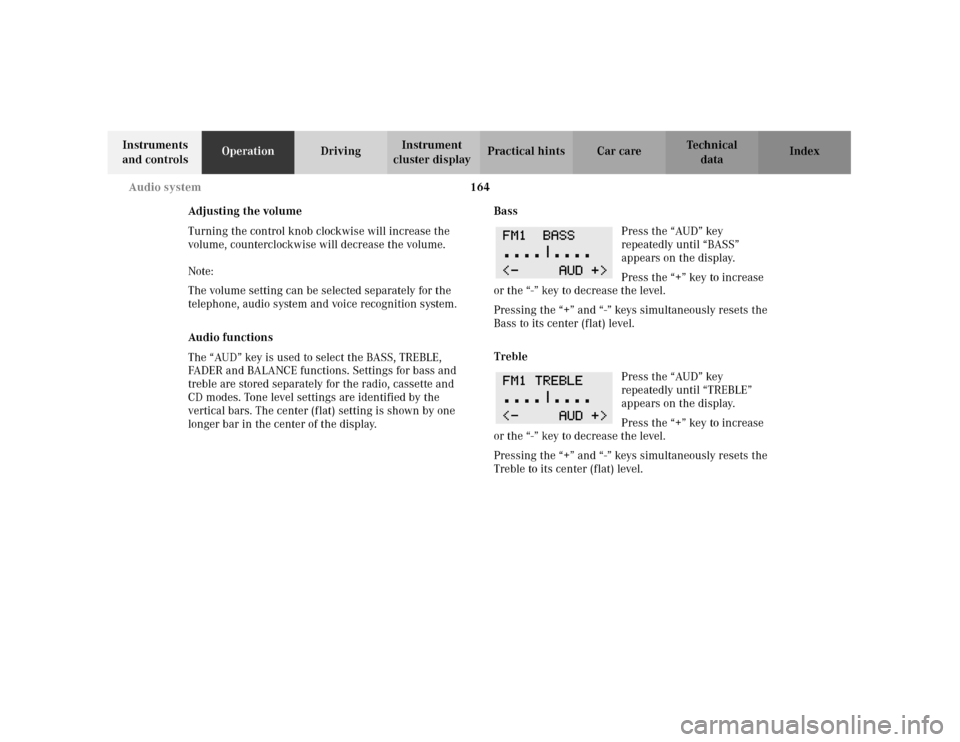
The “AUD” key is used to select the BASS, TREBLE,
FADER and BALANCE functions. Settings for bass and
treble are stored separately for the radio, cassette and
CD modes. Tone level settings are identified by the
vertical bars. The center (flat) setting is shown by one
longer bar in the center of the display.Bass
Press the “AUD” key
repeatedly until “BASS”
appears on the display.
Press the “+” key to increase
or the “-” key to decrease the level.
Pressing the “+” and “-” keys simultaneously resets the
Bass to its center (flat) level.
Treble
Press the “AUD” key
repeatedly until “TREBLE”
appears on the display.
Press the “+” key to increase
or the “-” key to decrease the level.
Pressing the “+” and “-” keys simultaneously resets the
Treble to its center (flat) level.