Page 7 of 88
These temporary malfunctions can be corrected by filling the fuel tank
with high quality fuel of the recommended octane and/or properly
installing and securely tightening the gas cap. After three driving cycles
without these or any other temporary malfunctions present, theService
Engine Soonlight should turn off. (A driving cycle consists of a cold
engine startup followed by mixed city/highway driving.) No additional
vehicle service is required.
If theService Engine Soonlight remains on, have your vehicle serviced
at the first available opportunity.
Light is blinking:
Engine misfire is occurring which could damage your catalytic converter.
You should drive in a moderate fashion (avoid heavy acceleration and
deceleration) and have your vehicle serviced at the first available
opportunity.
Under engine misfire conditions, excessive exhaust temperatures
could damage the catalytic converter, the fuel system, interior
floor coverings or other vehicle components, possibly causing a fire.
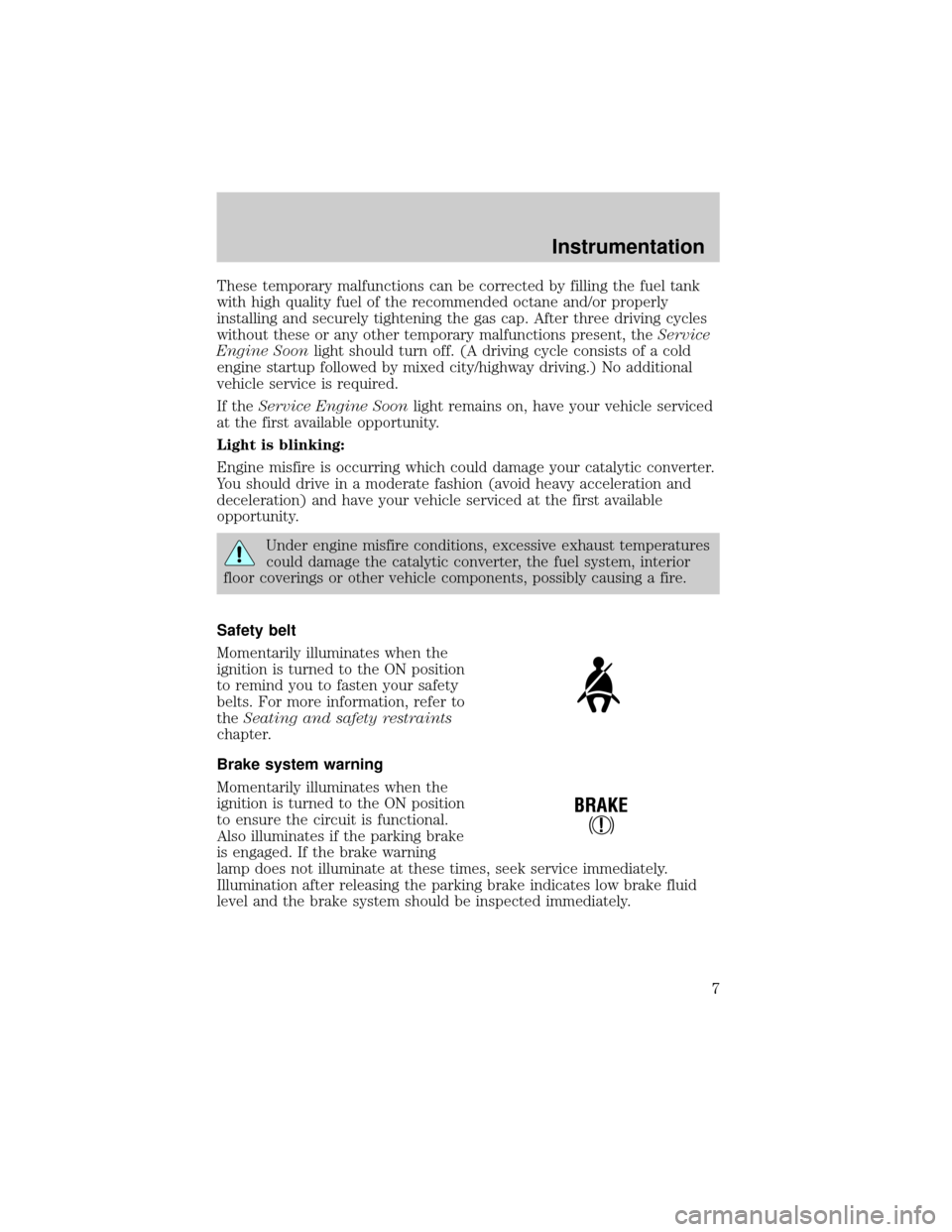
Safety belt
Momentarily illuminates when the
ignition is turned to the ON position
to remind you to fasten your safety
belts. For more information, refer to
theSeating and safety restraints
chapter.
Brake system warning
Momentarily illuminates when the
ignition is turned to the ON position
to ensure the circuit is functional.
Also illuminates if the parking brake
is engaged. If the brake warning
lamp does not illuminate at these times, seek service immediately.
Illumination after releasing the parking brake indicates low brake fluid
level and the brake system should be inspected immediately.
!
BRAKE
Instrumentation
7
Page 8 of 88
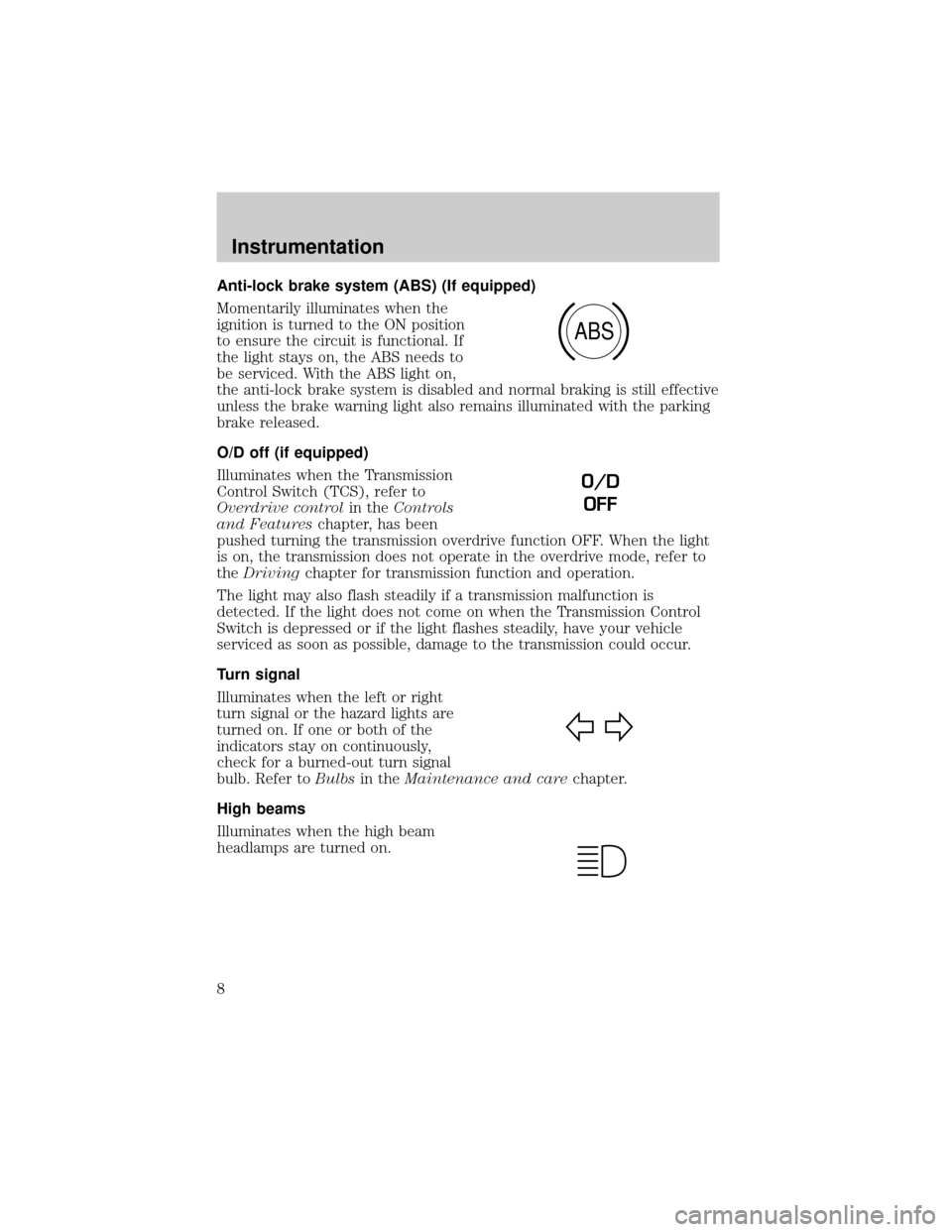
Anti-lock brake system (ABS) (If equipped)
Momentarily illuminates when the
ignition is turned to the ON position
to ensure the circuit is functional. If
the light stays on, the ABS needs to
be serviced. With the ABS light on,
the anti-lock brake system is disabled and normal braking is still effective
unless the brake warning light also remains illuminated with the parking
brake released.
O/D off (if equipped)
Illuminates when the Transmission
Control Switch (TCS), refer to
Overdrive controlin theControls
and Featureschapter, has been
pushed turning the transmission overdrive function OFF. When the light
is on, the transmission does not operate in the overdrive mode, refer to
theDrivingchapter for transmission function and operation.
The light may also flash steadily if a transmission malfunction is
detected. If the light does not come on when the Transmission Control
Switch is depressed or if the light flashes steadily, have your vehicle
serviced as soon as possible, damage to the transmission could occur.
Turn signal
Illuminates when the left or right
turn signal or the hazard lights are
turned on. If one or both of the
indicators stay on continuously,
check for a burned-out turn signal
bulb. Refer toBulbsin theMaintenance and carechapter.
High beams
Illuminates when the high beam
headlamps are turned on.
ABS
O/D
OFF
Instrumentation
8
Page 29 of 88
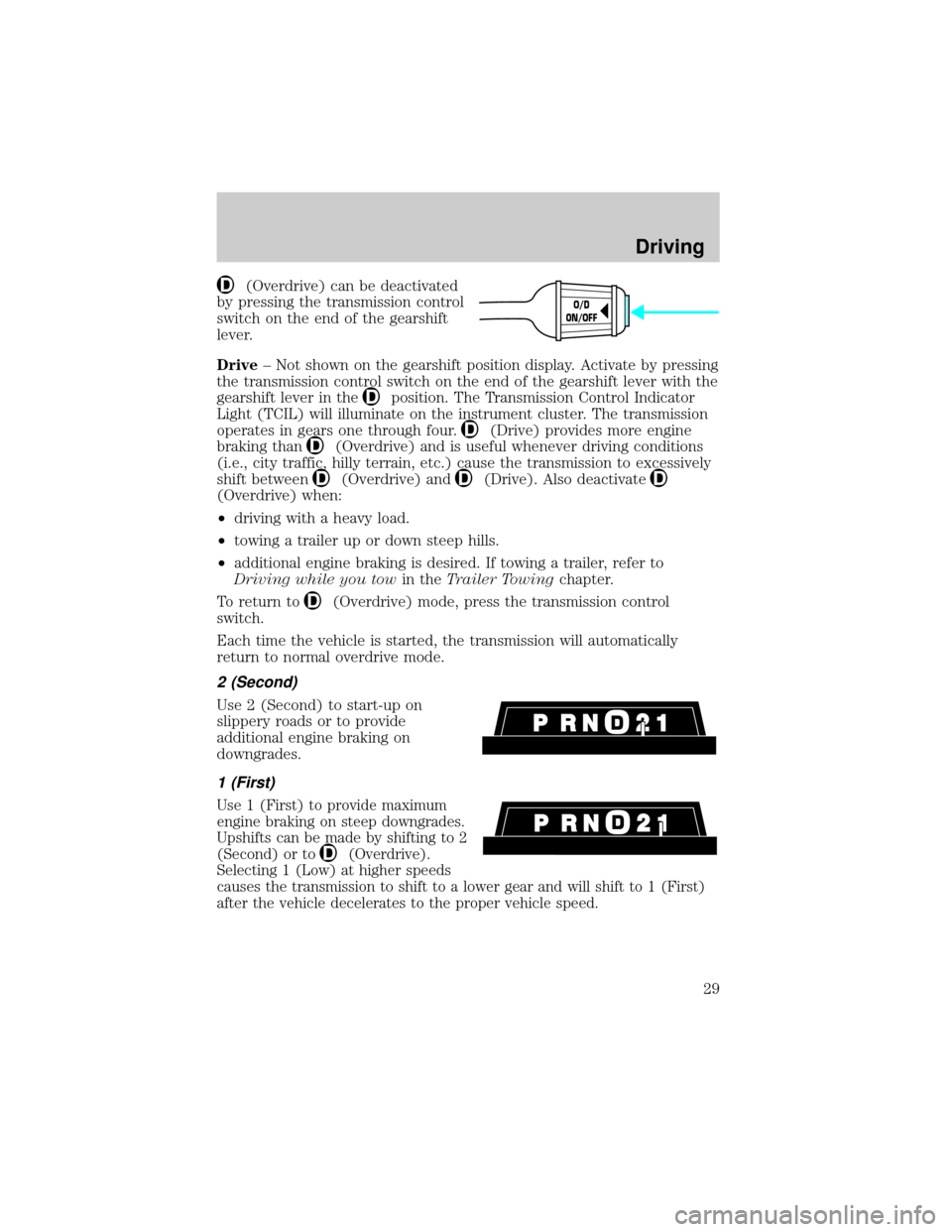
(Overdrive) can be deactivated
by pressing the transmission control
switch on the end of the gearshift
lever.
Drive± Not shown on the gearshift position display. Activate by pressing
the transmission control switch on the end of the gearshift lever with the
gearshift lever in the
position. The Transmission Control Indicator
Light (TCIL) will illuminate on the instrument cluster. The transmission
operates in gears one through four.
(Drive) provides more engine
braking than
(Overdrive) and is useful whenever driving conditions
(i.e., city traffic, hilly terrain, etc.) cause the transmission to excessively
shift between
(Overdrive) and(Drive). Also deactivate
(Overdrive) when:
²driving with a heavy load.
²towing a trailer up or down steep hills.
²additional engine braking is desired. If towing a trailer, refer to
Driving while you towin theTrailer Towingchapter.
To return to
(Overdrive) mode, press the transmission control
switch.
Each time the vehicle is started, the transmission will automatically
return to normal overdrive mode.
2 (Second)
Use 2 (Second) to start-up on
slippery roads or to provide
additional engine braking on
downgrades.
1 (First)
Use 1 (First) to provide maximum
engine braking on steep downgrades.
Upshifts can be made by shifting to 2
(Second) or to
(Overdrive).
Selecting 1 (Low) at higher speeds
causes the transmission to shift to a lower gear and will shift to 1 (First)
after the vehicle decelerates to the proper vehicle speed.
O/D
ON/OFF
Driving
29
Page 30 of 88
Forced Downshifts
To gain acceleration in(Overdrive) or Drive (O/D OFF) when
passing another vehicle, push the accelerator to the floor. The
transmission will downshift to the appropriate gear: fourth, third, second
or first gear.
FOUR-WHEEL DRIVE (4WD) OPERATION (IF EQUIPPED)
When Four-wheel drive (4WD) is engaged, power is supplied to all four
wheels through a transfer case. 4WD power can be selected when
additional driving power is desired.
If equipped with the Electronic Shift 4WD System, and the 4x4
Low button is pressed while the vehicle is moving, the system will
not engage and no damage will occur to the 4WD system.
4x4 High and 4x4 Low operation is not recommended on dry
pavement. Doing so could result in difficult disengagement of the
transfer case, increased tire wear and decreased fuel economy.
Positions of the 4WD system
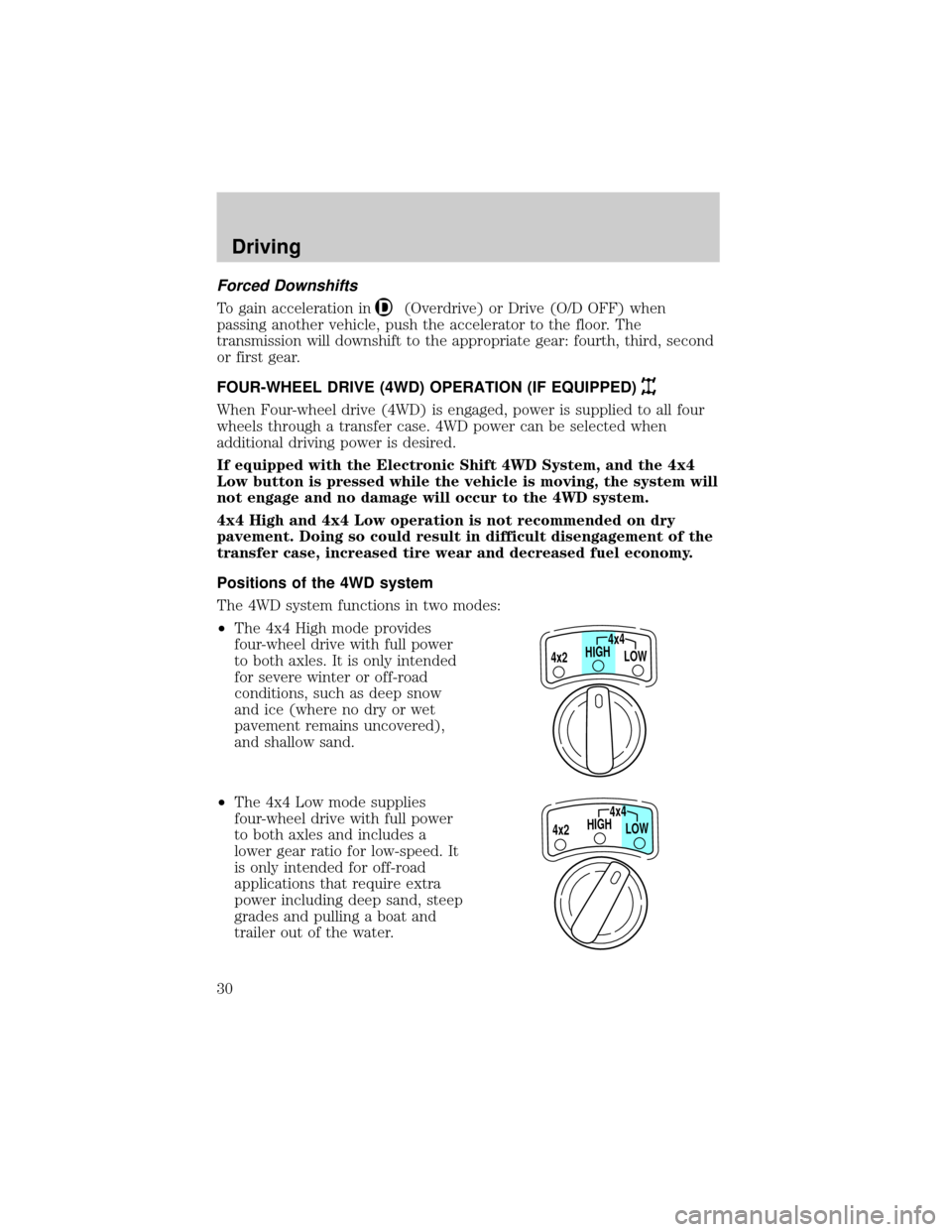
The 4WD system functions in two modes:
²The 4x4 High mode provides
four-wheel drive with full power
to both axles. It is only intended
for severe winter or off-road
conditions, such as deep snow
and ice (where no dry or wet
pavement remains uncovered),
and shallow sand.
²The 4x4 Low mode supplies
four-wheel drive with full power
to both axles and includes a
lower gear ratio for low-speed. It
is only intended for off-road
applications that require extra
power including deep sand, steep
grades and pulling a boat and
trailer out of the water.
HIGH4x4
LOW 4x2
HIGH4x4
LOW 4x2
Driving
30