Page 59 of 240
Traffic announcements
This feature allows you to hear
traffic announcements. When in this
mode, traffic announcements will
interrupt radio and CD play.
When in FM mode and RDS is
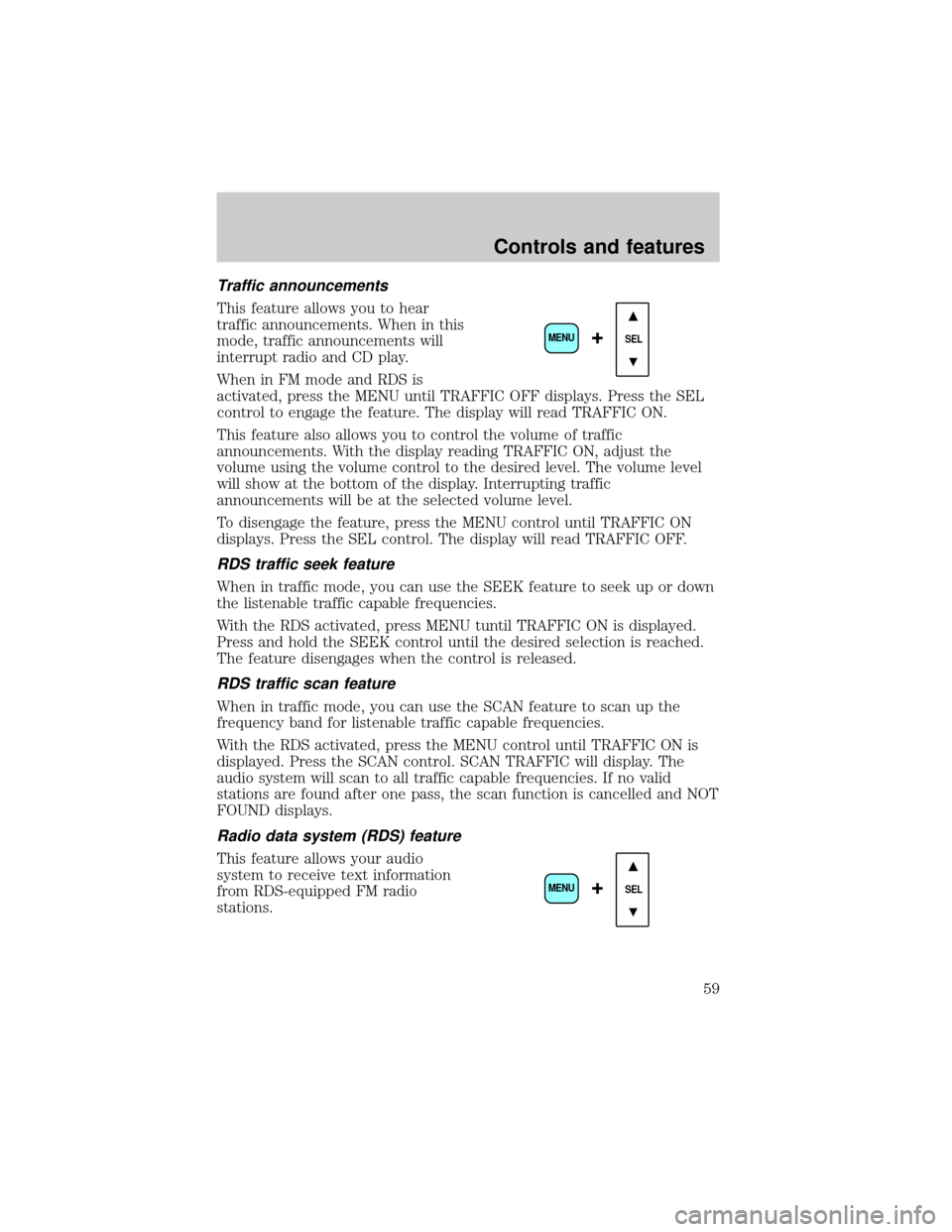
activated, press the MENU until TRAFFIC OFF displays. Press the SEL
control to engage the feature. The display will read TRAFFIC ON.
This feature also allows you to control the volume of traffic
announcements. With the display reading TRAFFIC ON, adjust the
volume using the volume control to the desired level. The volume level
will show at the bottom of the display. Interrupting traffic
announcements will be at the selected volume level.
To disengage the feature, press the MENU control until TRAFFIC ON
displays. Press the SEL control. The display will read TRAFFIC OFF.
RDS traffic seek feature
When in traffic mode, you can use the SEEK feature to seek up or down
the listenable traffic capable frequencies.
With the RDS activated, press MENU tuntil TRAFFIC ON is displayed.
Press and hold the SEEK control until the desired selection is reached.
The feature disengages when the control is released.
RDS traffic scan feature
When in traffic mode, you can use the SCAN feature to scan up the
frequency band for listenable traffic capable frequencies.
With the RDS activated, press the MENU control until TRAFFIC ON is
displayed. Press the SCAN control. SCAN TRAFFIC will display. The
audio system will scan to all traffic capable frequencies. If no valid
stations are found after one pass, the scan function is cancelled and NOT
FOUND displays.
Radio data system (RDS) feature
This feature allows your audio
system to receive text information
from RDS-equipped FM radio
stations.
SEL+MENU
SEL
+MENU
Controls and features
59
Page 61 of 240
²Oldies
²R&B
²Religious
²Rock
²Soft
²To p 4 0
Show
This feature allows you to select the
type of RDS broadcast information
the radio will regularly show in the
display.
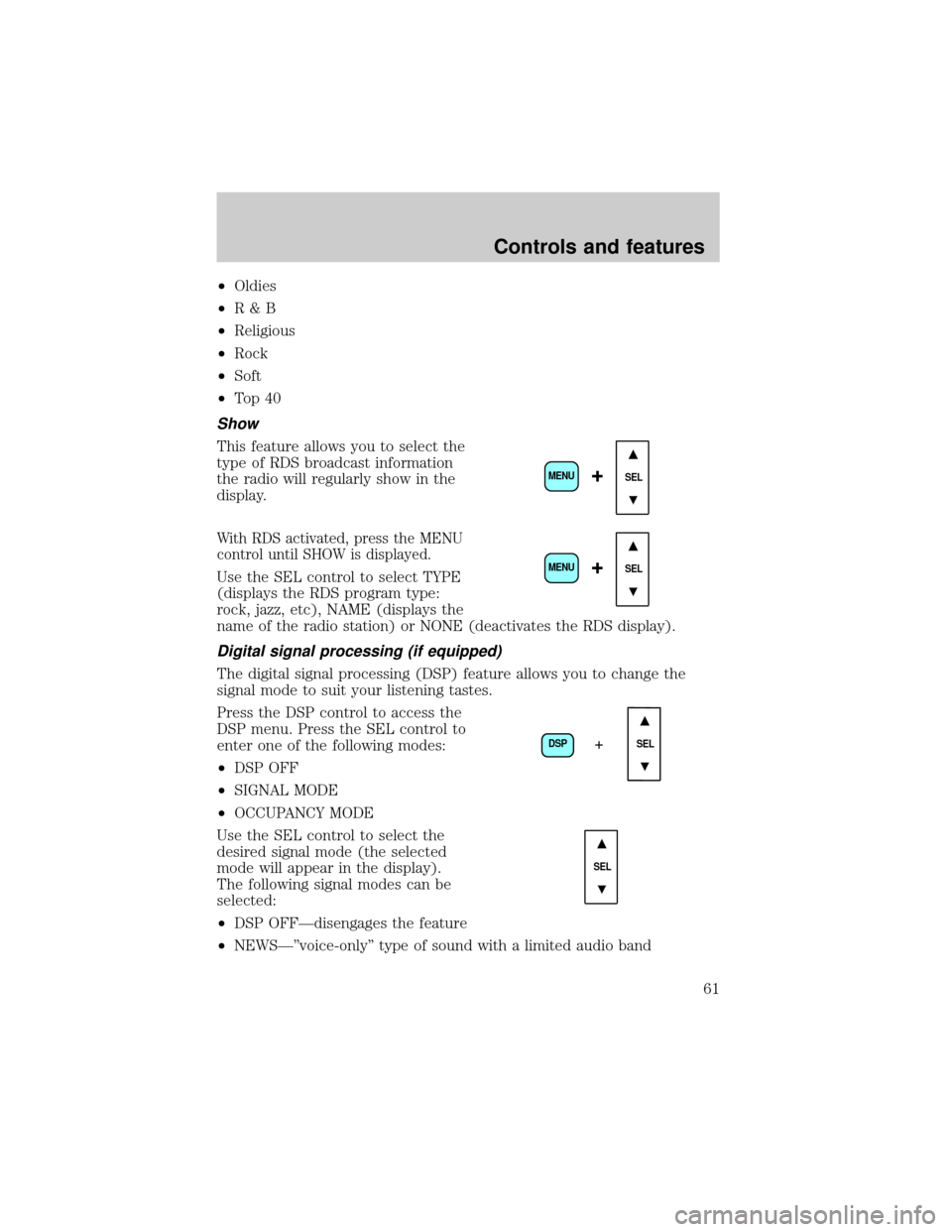
With RDS activated, press the MENU
control until SHOW is displayed.
Use the SEL control to select TYPE
(displays the RDS program type:
rock, jazz, etc), NAME (displays the
name of the radio station) or NONE (deactivates the RDS display).
Digital signal processing (if equipped)
The digital signal processing (DSP) feature allows you to change the
signal mode to suit your listening tastes.
Press the DSP control to access the
DSP menu. Press the SEL control to
enter one of the following modes:
²DSP OFF
²SIGNAL MODE
²OCCUPANCY MODE
Use the SEL control to select the
desired signal mode (the selected
mode will appear in the display).
The following signal modes can be
selected:
²DSP OFFÐdisengages the feature
²NEWSкvoice-onlyº type of sound with a limited audio band
SEL+MENU
SEL
+MENU
DSP
SEL+
SEL
Controls and features
61
Page 64 of 240

²Do not expose tapes to direct sunlight, high humidity, extreme heat or
extreme cold. Allow tapes that may have been exposed to extreme
temperatures to reach a moderate temperature before playing.
²Tighten very loose tapes by inserting a finger or pencil into the hole
and turning the hub.
²Remove loose labels before inserting tapes.
²Do not leave tapes in the cassette player for a long time when not
being played.
Radio frequency information
The Federal Communications Commission (FCC) and the Canadian Radio
and Telecommunications Commission(CRTC) establish the frequencies
AM and FM stations may use for their broadcasts. Allowable frequencies
are:
AM 530, 540±1600, 1610 kHz
FM 87.7, 87.9±107.7, 107.9 MHz
Not all frequencies are used in a given area.
Radio reception factors
Three factors can affect radio reception:
²Distance/strength.The further an FM signal travels, the weaker it is.
The listenable range of the average FM station is approximately 40 km
(24 miles). This range can be affected by ªsignal modulation.º Signal
modulation is a process radio stations use to increase their
strength/volume relative to other stations.
²Terrain.Hills, mountains and tall buildings between your vehicle's
antenna and the radio station signal can cause FM reception problems.
Static can be caused on AM stations by power lines, electric fences,
traffic lights and thunderstorms. Moving away from an interfering
structure (out of its ªshadowº) returns your reception to normal.
²Station overload.Weak signals are sometimes captured by stronger
signals when you pass a broadcast tower. A stronger signal may
temporarily overtake a weaker signal and play while the weak station
frequency is displayed.
The audio system automatically switches to single channel reception if it
will improve the reception of a station normally received in stereo.
Controls and features
64
Page 65 of 240
Audio system warranties and service
Refer to the ªWarranty Guideº for audio system warranty information.
If service is necessary, see your dealer or a qualified technician.
HAZARD FLASHER
For information on the hazard flasher control, refer toHazard flasherin
theRoadside emergencieschapter.
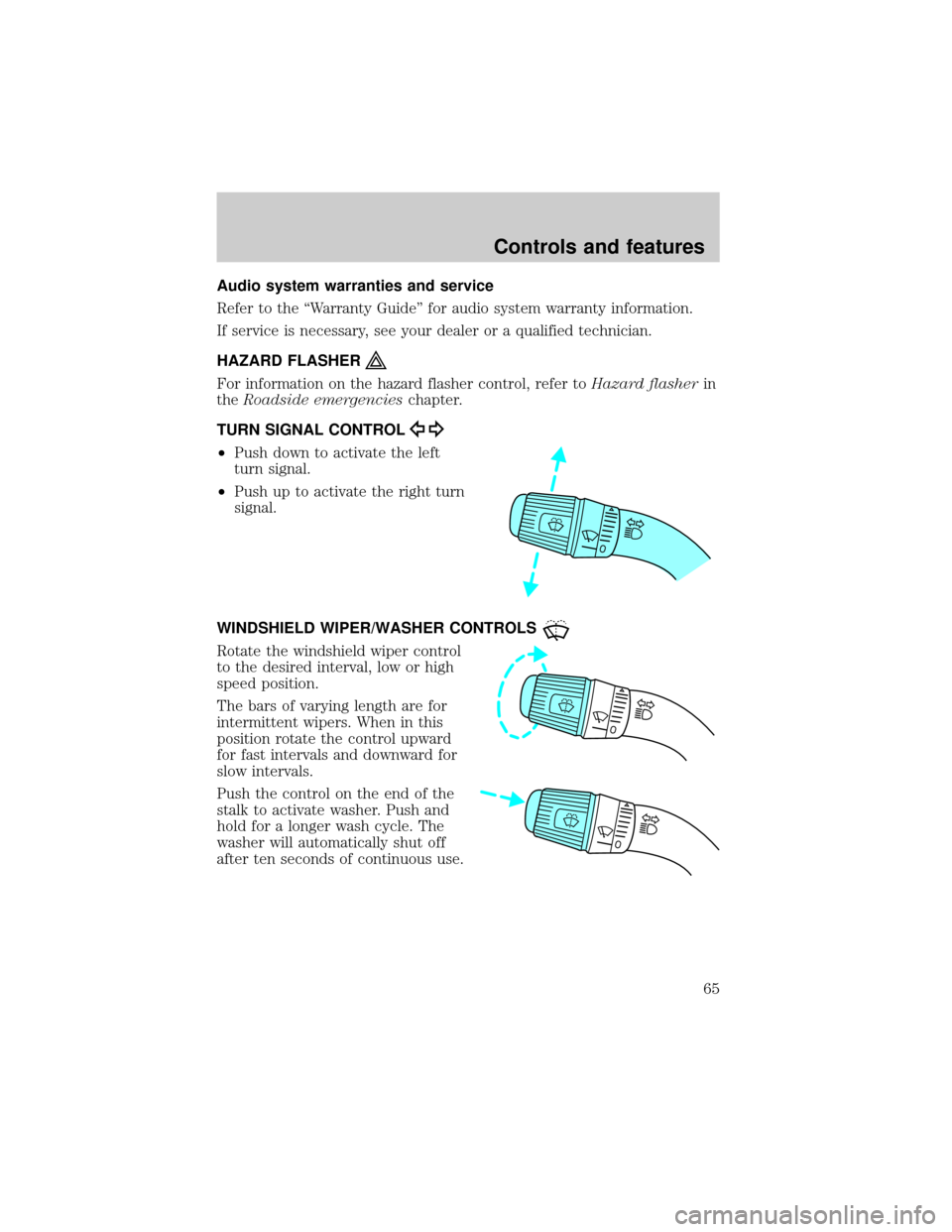
TURN SIGNAL CONTROL
²Push down to activate the left
turn signal.
²Push up to activate the right turn
signal.
WINDSHIELD WIPER/WASHER CONTROLS
Rotate the windshield wiper control
to the desired interval, low or high
speed position.
The bars of varying length are for
intermittent wipers. When in this
position rotate the control upward
for fast intervals and downward for
slow intervals.
Push the control on the end of the
stalk to activate washer. Push and
hold for a longer wash cycle. The
washer will automatically shut off
after ten seconds of continuous use.
Controls and features
65
Page 237 of 240

A
Air cleaner filter .......................174
Air conditioning ..........................22
Audio system (see Radio) .........28
Automatic transmission ............131
Auxiliary power point .................22
B
Battery .......................................172
jumping a disabled battery ....157
voltage gauge ............................19
Belt minder .................................92
Brakes ........................107, 109, 113
anti-lock ...................107±108, 116
anti-lock brake system
(ABS) warning light .........13, 108
brake warning light ............10±11
fluid, checking and adding ....163
parking ....................110, 113, 116
trailer .......................................118
C
Cassette tape player .............49±50
Child safety restraints ................96
child safety belts ......................96
Child safety seats ........................97
attaching with tether straps ..100
in front seat ..............................99
in rear seat ................................99
tether anchorage hardware ...101
Cleaning your vehicle ...............196
engine compartment ..............198
exterior ....................................197
exterior lamps .........................198
instrument cluster lens ..........199instrument panel ....................199
interior .....................................199
plastic parts ............................198
safety belts ..............................199
washing ....................................196
waxing .....................................197
wheels ......................................198
wiper blades ............................198
Climate control (see Air
conditioning or Heating) ............22
Clock ..........................32, 39, 48, 62
Clutch ........................................164
fluid ..........................................164
Compass, electronic ....................71
calibration .................................73
set zone adjustment .................72
Console
overhead ....................................71
Controls
power seat .................................84
Coolant ......................................166
checking and adding ..............166
Cruise control (see Speed
control) ........................................66
Customer Assistance ................142
Ford accessories for your
vehicle .....................................233
Ford Extended Service
Plan ..........................................226
Getting assistance outside
the U.S. and Canada ..............232
Getting roadside assistance ...142
Getting the service you
need .........................................226
Ordering additional owner's
literature .................................235
The Dispute Settlement
Board .......................................229
Index
237
Page:
< prev 1-8 9-16 17-24