Page 164 of 460
2-51
SECOND (2): This position gives you more power, but
lower fuel economy. You can use SECOND (2) on hills.
It can help control your speed as you go down steep
mountain roads, but then you would also want to use
your brakes off and on.
NOTICE:
Don't drive in SECOND (2) for more than 25 miles
(40 km), or at speeds over 55 mph (90 km/h), or
you can damage your transaxle. Use THIRD (3) or
AUTOMATIC OVERDRIVE (D) as much as
possible. Don't shift into SECOND (2) unless you
are going slower than 65 mph (105 km/h) or you
can damage your engine.
NOTICE:
If your vehicle seems to start up rather slowly, or
if it seems not to shift gears as you go faster,
something may be wrong with a transaxle system
sensor. If you drive very far that way, your
vehicle can be damaged. So, if this happens, have
your vehicle serviced right away. Until then, you
can use SECOND (2) when you are driving less
than 35 mph (55 km/h) and THIRD (3) for
higher speeds.
Page 165 of 460
2-52
FIRST (1): This position gives you even more
power (but lower fuel economy) than SECOND (2).
You can use it on very steep hills, or in deep snow or
mud. If the selector lever is put in FIRST (1), the
transaxle won't downshift into first gear until the vehicle
is going slow enough.
NOTICE:
If your front wheels can't turn, don't try to drive.
This might happen if you were stuck in very deep
sand or mud or were up against a solid object.
You could damage your transaxle.
Also, if you stop when going uphill, don't hold
your vehicle there with only the accelerator
pedal. This could overheat and damage the
transaxle. Use your brakes or shift into PARK (P)
to hold your vehicle in position on a hill.
Parking Brake
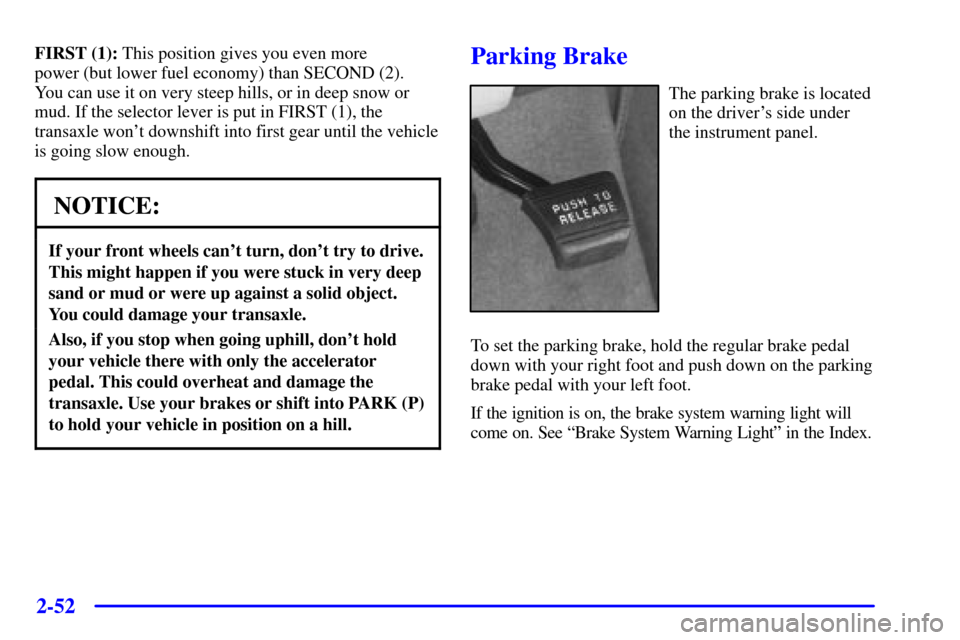
The parking brake is located
on the driver's side under
the instrument panel.
To set the parking brake, hold the regular brake pedal
down with your right foot and push down on the parking
brake pedal with your left foot.
If the ignition is on, the brake system warning light will
come on. See ªBrake System Warning Lightº in the Index.
Page 166 of 460
2-53
To release the parking brake, hold the regular brake pedal
down with your right foot while you push down on the
parking brake pedal with your left foot. (To release the
tension on the parking brake cable, you will need to apply
about the same amount of pressure to the parking brake
pedal as you did when you set the parking brake.) When
you remove your foot from the parking brake pedal, it will
pop up to the released position.
NOTICE:
Driving with the parking brake on can cause
your rear brakes to overheat. You may have to
replace them, and you could also damage other
parts of your vehicle.
If you are towing a trailer and are parking on any hill,
see ªTowing a Trailerº in the Index. That section shows
what to do first to keep the trailer from moving.
Shifting Into PARK (P)
CAUTION:
It can be dangerous to get out of your vehicle if
the shift lever is not fully in PARK (P) with the
parking brake firmly set. Your vehicle can roll.
If you have left the engine running, the vehicle
can move suddenly. You or others could be
injured. To be sure your vehicle won't move, even
when you're on fairly level ground, use the steps
that follow. If you're pulling a trailer, see
ªTowing a Trailerº in the Index.
1. Hold the brake pedal down with your right foot and
set the parking brake with your left foot.
Page 168 of 460
2-55
Leaving Your Vehicle With the
Engine Running
CAUTION:
It can be dangerous to leave your vehicle with
the engine running. Your vehicle could move
suddenly if the shift lever is not fully in PARK (P)
with the parking brake firmly set. And, if you
leave the vehicle with the engine running, it could
overheat and even catch fire. You or others could
be injured. Don't leave your vehicle with the
engine running unless you have to.
If you have to leave your vehicle with the engine
running, be sure your vehicle is in PARK (P) and your
parking brake is firmly set before you leave it. After
you've moved the shift lever into PARK (P), hold the
regular brake pedal down. Then, see if you can move the
shift lever away from PARK (P) without first pulling it
toward you. If you can, it means that the shift lever
wasn't fully locked into PARK (P).
Torque Lock
If you are parking on a hill and you don't shift your
transaxle into PARK (P) properly, the weight of the
vehicle may put too much force on the parking pawl in
the transaxle. You may find it difficult to pull the shift
lever out of PARK (P). This is called ªtorque lock.º To
prevent torque lock, set the parking brake and then shift
into PARK (P) properly before you leave the driver's
seat. To find out how, see ªShifting Into PARK (P)º in
the Index.
When you are ready to drive, move the shift lever out of
PARK (P) before you release the parking brake.
If torque lock does occur, you may need to have another
vehicle push yours a little uphill to take some of the
pressure from the parking pawl in the transaxle, so you
can pull the shift lever out of PARK (P).
Page 169 of 460
2-56
Shifting Out of PARK (P)
Your vehicle has an automatic transaxle shift lock
control system. You have to fully apply your regular
brakes before you can shift from PARK (P), when the
ignition is in RUN.
As you step on the brake pedal, while in PARK (P),
you may hear a click from the solenoid of the system.
This ensures that the system is operating properly.
See ªAutomatic Transaxle Operationº in the Index.
If you cannot shift out of PARK (P), ease pressure on
the shift lever by pushing it all the way into PARK (P)
as you maintain brake application. Then move the shift
lever into the gear you want. If you ever hold the brake
pedal down but still can't shift out of PARK (P), try this:
1. Turn the ignition key to OFF.
2. Apply and hold the brake until the end of Step 4.
3. Shift to NEUTRAL (N).
4. Start the engine and then shift to the drive gear
you want.
5. Have the vehicle fixed as soon as you can.
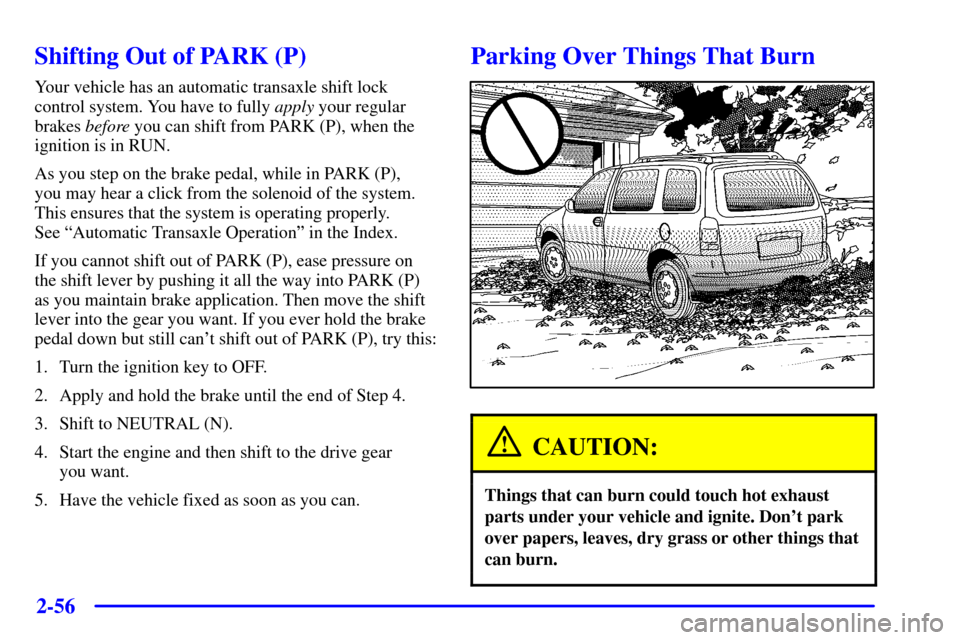
Parking Over Things That Burn
CAUTION:
Things that can burn could touch hot exhaust
parts under your vehicle and ignite. Don't park
over papers, leaves, dry grass or other things that
can burn.
Page 171 of 460
2-58
CAUTION:
It can be dangerous to get out of your vehicle if
the shift lever is not fully in PARK (P) with the
parking brake firmly set. Your vehicle can roll.
Don't leave your vehicle when the engine is
running unless you have to. If you've left the
engine running, the vehicle can move suddenly.
You or others could be injured. To be sure your
vehicle won't move, even when you're on fairly
level ground, always set your parking brake and
move the shift lever to PARK (P).
Follow the proper steps to be sure your vehicle won't
move. See ªShifting Into PARK (P)º in the Index.
If you're pulling a trailer, see ªTowing a Trailerº in
the Index.
Horn
You can sound the horn by pressing the horn symbols on
your steering wheel.
Tilt Wheel
A tilt steering wheel allows you to adjust the steering
wheel before you drive. You can also raise it to the
highest level to give your legs more room when you exit
and enter the vehicle.
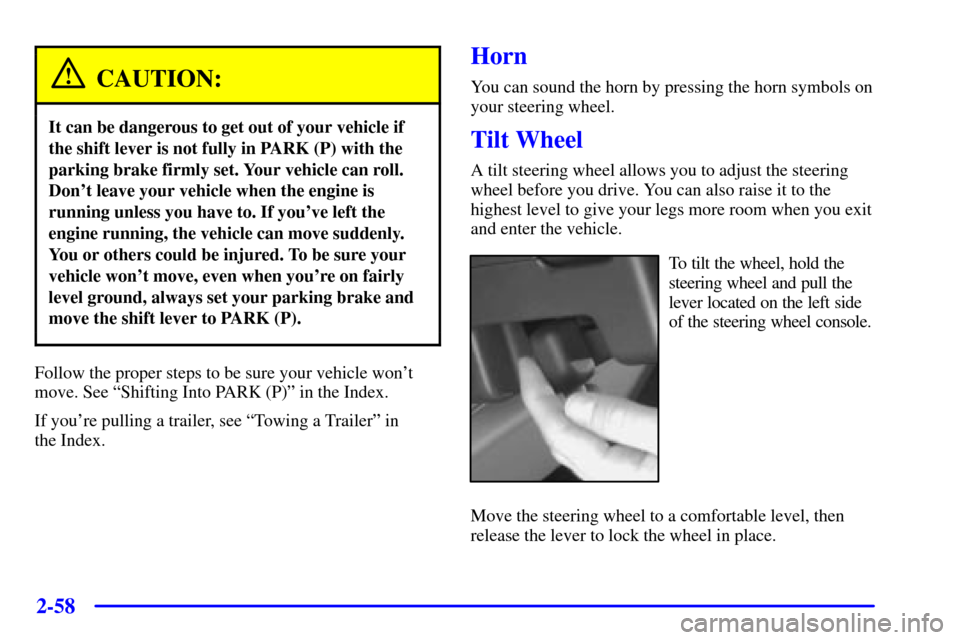
To tilt the wheel, hold the
steering wheel and pull the
lever located on the left side
of the steering wheel console.
Move the steering wheel to a comfortable level, then
release the lever to lock the wheel in place.
Page 175 of 460
2-62
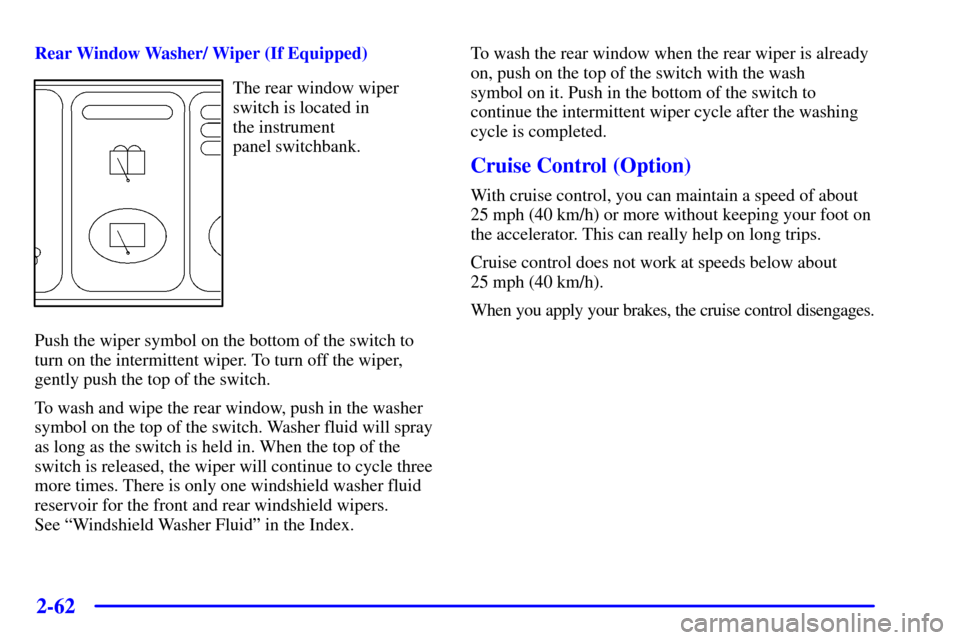
Rear Window Washer/ Wiper (If Equipped)
The rear window wiper
switch is located in
the instrument
panel switchbank.
Push the wiper symbol on the bottom of the switch to
turn on the intermittent wiper. To turn off the wiper,
gently push the top of the switch.
To wash and wipe the rear window, push in the washer
symbol on the top of the switch. Washer fluid will spray
as long as the switch is held in. When the top of the
switch is released, the wiper will continue to cycle three
more times. There is only one windshield washer fluid
reservoir for the front and rear windshield wipers.
See ªWindshield Washer Fluidº in the Index.To wash the rear window when the rear wiper is already
on, push on the top of the switch with the wash
symbol on it. Push in the bottom of the switch to
continue the intermittent wiper cycle after the washing
cycle is completed.
Cruise Control (Option)
With cruise control, you can maintain a speed of about
25 mph (40 km/h) or more without keeping your foot on
the accelerator. This can really help on long trips.
Cruise control does not work at speeds below about
25 mph (40 km/h).
When you apply your brakes, the cruise control disengages.
Page 177 of 460
2-64
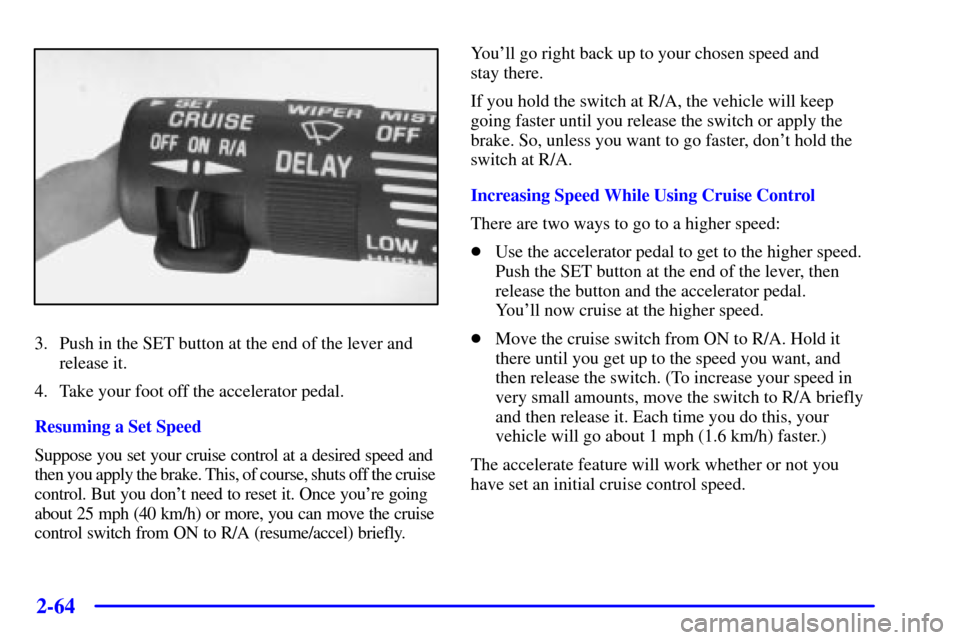
3. Push in the SET button at the end of the lever and
release it.
4. Take your foot off the accelerator pedal.
Resuming a Set Speed
Suppose you set your cruise control at a desired speed and
then you apply the brake. This, of course, shuts off the cruise
control. But you don't need to reset it. Once you're going
about 25 mph (40 km/h) or more, you can move the cruise
control switch from ON to R/A (resume/accel) briefly.You'll go right back up to your chosen speed and
stay there.
If you hold the switch at R/A, the vehicle will keep
going faster until you release the switch or apply the
brake. So, unless you want to go faster, don't hold the
switch at R/A.
Increasing Speed While Using Cruise Control
There are two ways to go to a higher speed:
�Use the accelerator pedal to get to the higher speed.
Push the SET button at the end of the lever, then
release the button and the accelerator pedal.
You'll now cruise at the higher speed.
�Move the cruise switch from ON to R/A. Hold it
there until you get up to the speed you want, and
then release the switch. (To increase your speed in
very small amounts, move the switch to R/A briefly
and then release it. Each time you do this, your
vehicle will go about 1 mph (1.6 km/h) faster.)
The accelerate feature will work whether or not you
have set an initial cruise control speed.