Page 126 of 351
2-61
Have you recently changed brands of fuel?
If so, be sure to fuel your vehicle with quality fuel. See
ªFuelº in the Index. Poor fuel quality will cause your
engine not to run as efficiently as designed. You may
notice this as stalling after start
-up, stalling when you
put the vehicle into gear, misfiring, hesitation on
acceleration or stumbling on acceleration. (These
conditions may go away once the engine is warmed up.)
This will be detected by the system and cause the light
to turn on.
If you experience one or more of these conditions,
change the fuel brand you use. It will require at least
one full tank of the proper fuel to turn the light off.
If none of the above steps have made the light turn off,
have your dealer or qualified service center check the
vehicle. Your dealer has the proper test equipment and
diagnostic tools to fix any mechanical or electrical
problems that may have developed.Emissions Inspection and Maintenance Programs
Some state/provincial and local governments have or
may begin programs to inspect the emission control
equipment on your vehicle. Failure to pass this
inspection could prevent you from getting a
vehicle registration.
Here are some things you need to know in order to help
your vehicle pass an inspection:
Your vehicle will not pass this inspection if the CHECK
ENGINE light is on or not working properly.
Your vehicle will not pass this inspection if the OBD
(on
-board diagnostic) system determines that critical
emission control systems have not been completely
diagnosed by the system. The vehicle would be
considered not ready for inspection. This can happen
if you have recently replaced your battery or if your
battery has run down. The diagnostic system is designed
to evaluate critical emission control systems during
normal driving. This may take several days of routine
driving. If you have done this and your vehicle still
does not pass the inspection for lack of OBD system
readiness, see your dealer or qualified service center to
prepare the vehicle for inspection.
Page 127 of 351
2-62 Oil Pressure Light
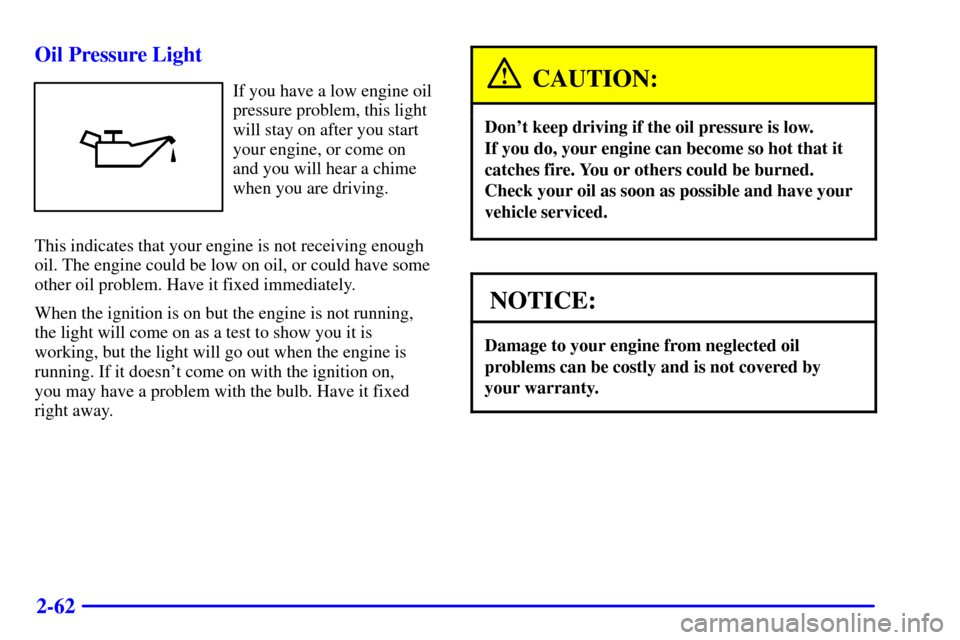
If you have a low engine oil
pressure problem, this light
will stay on after you start
your engine, or come on
and you will hear a chime
when you are driving.
This indicates that your engine is not receiving enough
oil. The engine could be low on oil, or could have some
other oil problem. Have it fixed immediately.
When the ignition is on but the engine is not running,
the light will come on as a test to show you it is
working, but the light will go out when the engine is
running. If it doesn't come on with the ignition on,
you may have a problem with the bulb. Have it fixed
right away.CAUTION:
Don't keep driving if the oil pressure is low.
If you do, your engine can become so hot that it
catches fire. You or others could be burned.
Check your oil as soon as possible and have your
vehicle serviced.
NOTICE:
Damage to your engine from neglected oil
problems can be costly and is not covered by
your warranty.
Page 130 of 351
2-65 Service Vehicle Soon Light
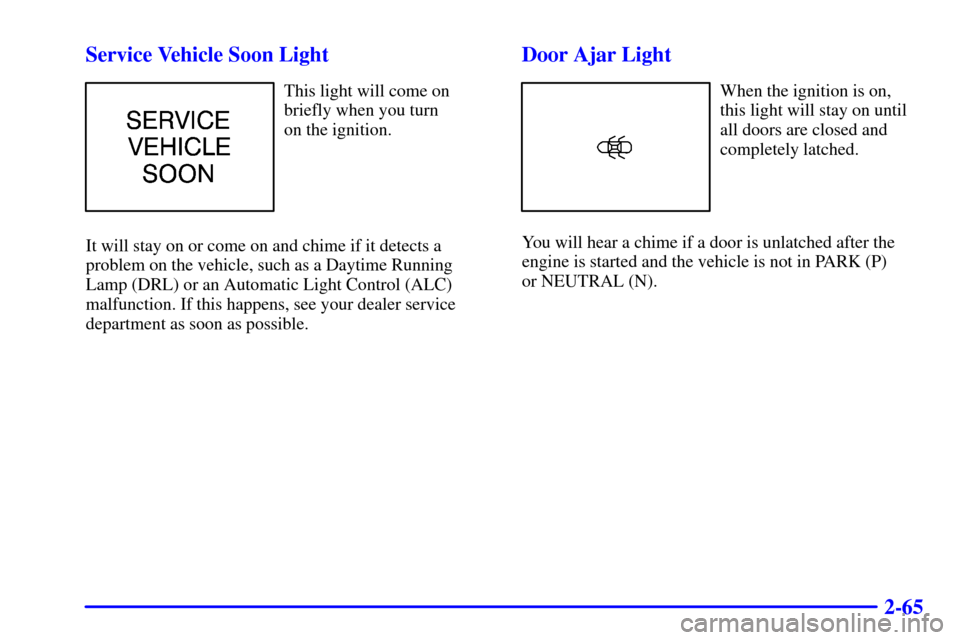
This light will come on
briefly when you turn
on the ignition.
It will stay on or come on and chime if it detects a
problem on the vehicle, such as a Daytime Running
Lamp (DRL) or an Automatic Light Control (ALC)
malfunction. If this happens, see your dealer service
department as soon as possible.
Door Ajar Light
When the ignition is on,
this light will stay on until
all doors are closed and
completely latched.
You will hear a chime if a door is unlatched after the
engine is started and the vehicle is not in PARK (P)
or NEUTRAL (N).
Page 131 of 351
2-66 Fuel Gage
United States Canada
Your fuel gage tells you about how much fuel you have
left, when the ignition is on. When the indicator nears
empty, the light, located near the empty symbol, will
come on and you will hear a chime. You still have a
little fuel left, but you should get more soon.Here are four things that some owners ask about. None
of these show a problem with your fuel gage:
�At the service station, the gas pump shuts off before
the gage reads full.
�It takes a little more or less fuel to fill up than the
gage indicated. For example, the gage may have
indicated the tank was half full, but it actually took a
little more or less than half the tank's capacity to fill
the tank.
�The gage moves a little when you turn a corner or
speed up.
�The gage goes back to empty when you turn off
the ignition.
Page 142 of 351
3-11
FADE: Press and release AUDIO until FAD appears on
the display. Then press and hold the up arrow to move
the sound to the front speakers or the down arrow to
move the sound to the rear speakers. ªFº and a number
will appear on the display when the sound is balanced
toward the front speakers. ªRº and a number will appear
on the display when the sound is balanced toward the
rear speakers. F and a zero will appear on the display
when the the sound is balanced between the speakers.
Release the up or down arrow when you find the speaker
balance you want or when the maximum or minimum
level is reached.
To set balance or fade to the middle position, select the
desired speaker control. Then press and hold AUDIO for
more than two seconds until you hear a beep. L and a
zero or F and a zero will appear on the display. To set all
of the tone controls and speaker controls to the middle
position, end out of audio mode. Then press and hold
AUDIO for more than two seconds until you hear a
beep. CEN will appear on the display.
Radio Calibration
Your audio system has been calibrated for your vehicle
from the factory. If CAL appears on the display it means
that your radio has not been configured properly for
your vehicle and must be returned to the dealership
for service.AM-FM Stereo with Cassette Tape Player
with Radio Data System (RDS) and
Automatic Tone Control (If Equipped)
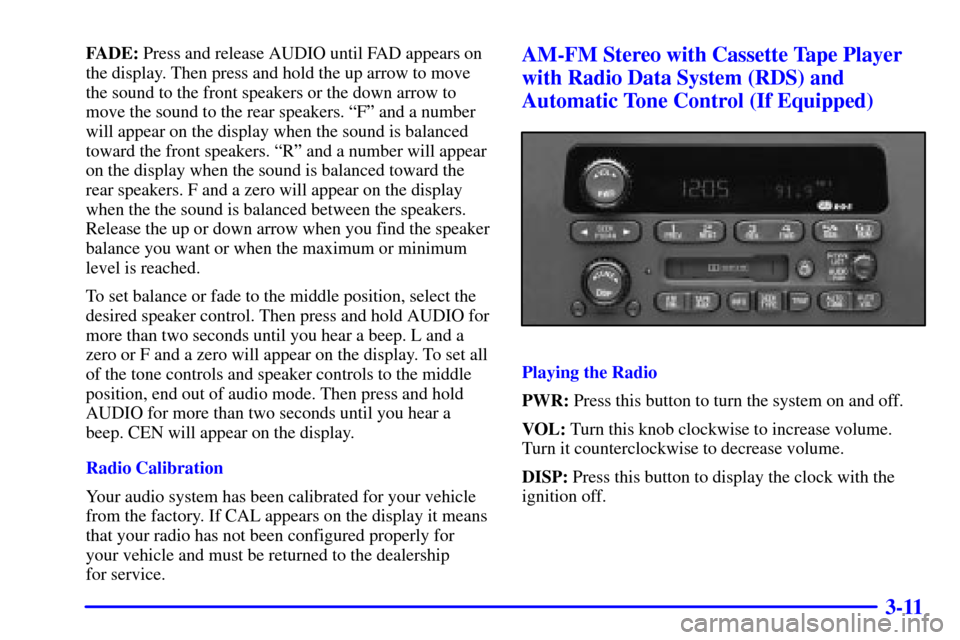
Playing the Radio
PWR: Press this button to turn the system on and off.
VOL: Turn this knob clockwise to increase volume.
Turn it counterclockwise to decrease volume.
DISP: Press this button to display the clock with the
ignition off.
Page 150 of 351
3-19
Tight/Loose Tape Sensor Defeat
With the radio off and the ignition on, press and hold the
TAPE AUX button to disable the tight/loose tape
sensing feature to enable play of some tape head
cleaners and portable CD adapters. The radio will
display READY and flash the cassette icon. The
tight/loose tape sensing feature will then be disabled
until the next time a cassette is ejected.
CD Adapter Kits
It is possible to use a portable CD player adapter kit
with your cassette tape player after activating the bypass
feature on your tape player.
To activate the bypass feature, use the following steps:
1. Turn the ignition to ACC or ON.
2. Turn the radio off.3. Press and hold the TAPE AUX button for
five seconds. READY will appear on the display
for five seconds, indicating the feature is active.
4. Insert the adapter into the cassette slot. It will power
up the radio and begin playing.
This override routine will remain active until EJT
is pressed.
CAL ERR: This message is displayed when the radio
has not been calibrated properly for the vehicle. You
must return to the dealership for service.
LOCKED: This message is displayed when the
THEFTLOCK
� system has locked up. You must return
to the dealership for service.
Page 158 of 351
3-27
AM FM: Press this button to play the radio when
a disc is in the player. The disc will stop but remain in
the player.
CD AUX: With a compact disc in the player and the
radio playing, press this button to play a compact disc.
Press AM FM to return to the radio when a compact disc
is playing. The inactive CD will remain safely inside the
radio for future listening.
EJT: Press this button to remove the disc. The
radio will play. EJT may be activated with either the
ignition or radio off. CDs may be loaded with the radio
and ignition off if this button is pressed first.
CAL ERR: This message is displayed when the radio
has not been calibrated properly for the vehicle. You
must return to the dealership for service.
LOCKED: This message is displayed when the
THEFTLOCK
� system has locked up. You must return
to the dealership for service.
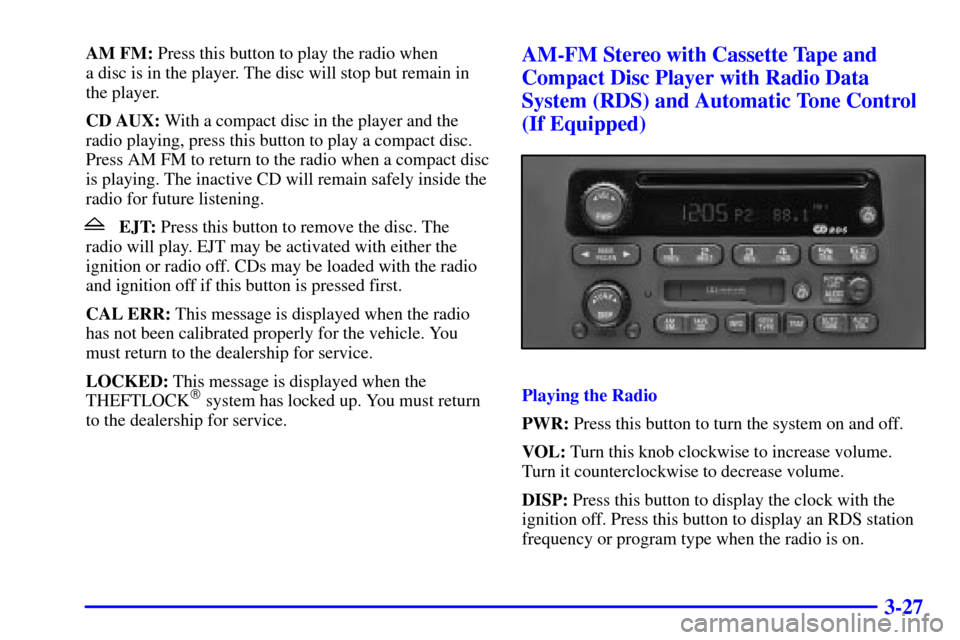
AM-FM Stereo with Cassette Tape and
Compact Disc Player with Radio Data
System (RDS) and Automatic Tone Control
(If Equipped)
Playing the Radio
PWR: Press this button to turn the system on and off.
VOL: Turn this knob clockwise to increase volume.
Turn it counterclockwise to decrease volume.
DISP: Press this button to display the clock with the
ignition off. Press this button to display an RDS station
frequency or program type when the radio is on.
Page 168 of 351

3-37
RDM (6): Press this button to hear the tracks in random,
rather than sequential, order. RDM ON will show on the
display. RDM T and the track number will appear on
the display when each track starts to play. Press RDM
again to turn off random play. RDM OFF will appear on
the display.
SEEK: Press the SEEK (left arrow) button to go to the
start of the current or previous track. Press the SEEK
(right arrow) button to go to the start of the next track.
If either of the SEEK buttons is held or pressed more
then once, the player will continue moving backward or
forward through the CD.
DISP: Press this button to see how long the current
track has been playing. ET and the elapsed time will
appear on the display. To change what is normally
shown on the display (track or elapsed time), press the
button until you see the display you want, then hold
the button for two seconds. The radio will produce
one beep.AM FM: Press this button to play the radio when
a disc is in the player. The disc will stop but remain in
the player.
TAPE CD: With a CD in the player and the radio
playing, press this button to play a CD. Press AM FM to
return to the radio when a CD is playing. Press TAPE CD
to switch between the tape and compact disc if both are
loaded. The inactive tape or CD will remain safely inside
the radio for future listening.
EJT: Press this button located below the CD slot
to remove the disc. The radio will play. EJT may be
activated with either the ignition or radio off. CDs may
be loaded with the radio and ignition off if this button is
pressed first.
CAL ERR: This message is displayed when the radio
has not been calibrated properly for the vehicle. You
must return to the dealership for service.
LOCKED: This message is displayed when the
THEFTLOCK
� system has locked up. You must
return to the dealership for service.