Page 96 of 363
2-38
FIRST (1): This position gives you even more power
(but lower fuel economy) than SECOND (2). You can
use it on very steep hills, or in deep snow or mud. If the
gearshift lever is put in FIRST (1) gear, the transmission
won't shift into first gear until the vehicle is going
slow enough.
NOTICE:
If your rear wheels can't turn, don't try to drive.
This might happen if you were stuck in very deep
sand or mud or were up against a solid object.
You could damage your transmission.
Also, if you stop when going uphill, don't hold
your vehicle there with only the accelerator
pedal. This could overheat and damage the
transmission. Use your brakes or shift into
PARK (P) to hold your vehicle in position
on a hill.
Maximum engine speed is limited to protect driveline
components from improper operation.
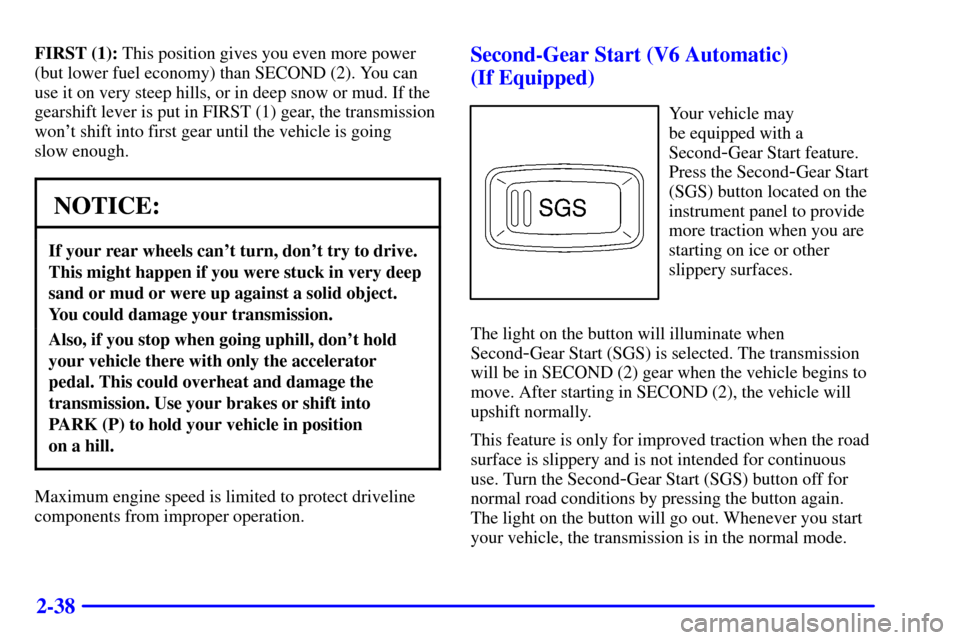
Second-Gear Start (V6 Automatic)
(If Equipped)
Your vehicle may
be equipped with a
Second
-Gear Start feature.
Press the Second
-Gear Start
(SGS) button located on the
instrument panel to provide
more traction when you are
starting on ice or other
slippery surfaces.
The light on the button will illuminate when
Second
-Gear Start (SGS) is selected. The transmission
will be in SECOND (2) gear when the vehicle begins to
move. After starting in SECOND (2), the vehicle will
upshift normally.
This feature is only for improved traction when the road
surface is slippery and is not intended for continuous
use. Turn the Second
-Gear Start (SGS) button off for
normal road conditions by pressing the button again.
The light on the button will go out. Whenever you start
your vehicle, the transmission is in the normal mode.
Page 107 of 363
2-49
Limited-Slip Rear Axle
If your vehicle has this feature, your limited-slip rear
axle can give you additional traction on snow, mud, ice,
sand or gravel. It works like a standard axle most of the
time, but when one of the rear wheels has no traction
and the other does, this feature will allow the wheel with
traction to move the vehicle.
Horn
To sound the horn, press either horn symbol on your
steering wheel.
If your horn sounds two or three chirps when
unlocking your vehicle with the remote keyless entry
transmitter (option), the alarm was triggered while you
were away. Check the vehicle before entering.
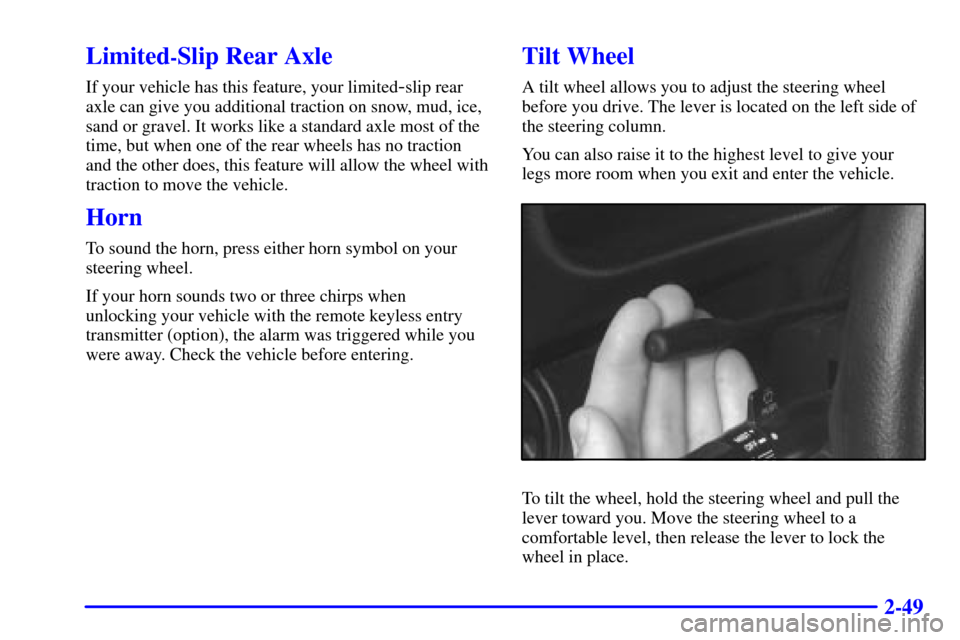
Tilt Wheel
A tilt wheel allows you to adjust the steering wheel
before you drive. The lever is located on the left side of
the steering column.
You can also raise it to the highest level to give your
legs more room when you exit and enter the vehicle.
To tilt the wheel, hold the steering wheel and pull the
lever toward you. Move the steering wheel to a
comfortable level, then release the lever to lock the
wheel in place.
Page 111 of 363
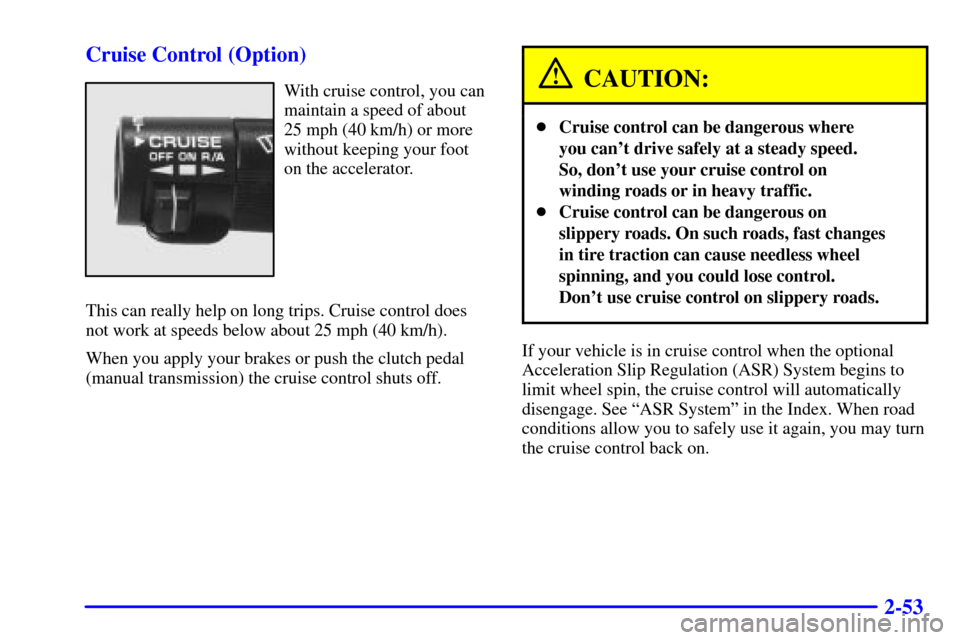
2-53 Cruise Control (Option)
With cruise control, you can
maintain a speed of about
25 mph (40 km/h) or more
without keeping your foot
on the accelerator.
This can really help on long trips. Cruise control does
not work at speeds below about 25 mph (40 km/h).
When you apply your brakes or push the clutch pedal
(manual transmission) the cruise control shuts off.CAUTION:
�Cruise control can be dangerous where
you can't drive safely at a steady speed.
So, don't use your cruise control on
winding roads or in heavy traffic.
�Cruise control can be dangerous on
slippery roads. On such roads, fast changes
in tire traction can cause needless wheel
spinning, and you could lose control.
Don't use cruise control on slippery roads.
If your vehicle is in cruise control when the optional
Acceleration Slip Regulation (ASR) System begins to
limit wheel spin, the cruise control will automatically
disengage. See ªASR Systemº in the Index. When road
conditions allow you to safely use it again, you may turn
the cruise control back on.
Page 116 of 363
2-58
If your vehicle has the content theft-deterrent/alarm system
and your fog lamp switch is on, the fog lamps may flash
along with the parking lamps to indicate operation of the
content theft
-deterrent/alarm system. See ªContent
Theft
-Deterrent/Alarm Systemº in the Index.
Interior Lamps
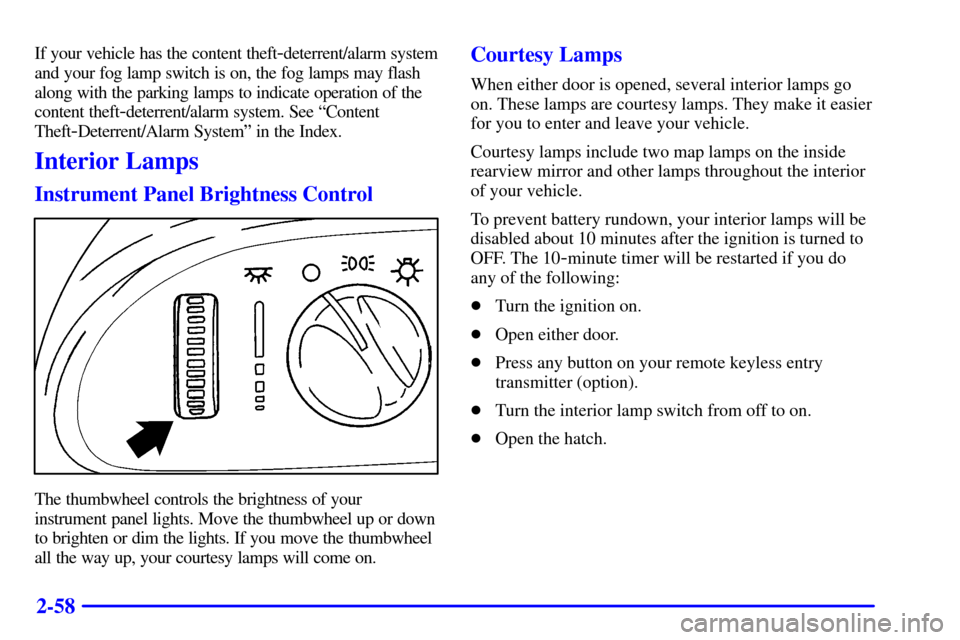
Instrument Panel Brightness Control
The thumbwheel controls the brightness of your
instrument panel lights. Move the thumbwheel up or down
to brighten or dim the lights. If you move the thumbwheel
all the way up, your courtesy lamps will come on.
Courtesy Lamps
When either door is opened, several interior lamps go
on. These lamps are courtesy lamps. They make it easier
for you to enter and leave your vehicle.
Courtesy lamps include two map lamps on the inside
rearview mirror and other lamps throughout the interior
of your vehicle.
To prevent battery rundown, your interior lamps will be
disabled about 10 minutes after the ignition is turned to
OFF. The 10
-minute timer will be restarted if you do
any of the following:
�Turn the ignition on.
�Open either door.
�Press any button on your remote keyless entry
transmitter (option).
�Turn the interior lamp switch from off to on.
�Open the hatch.
Page 139 of 363
2-81
The main components of your instrument panel are the following:
A. Air Vents
B. Main Lamp Control
C. Instrument Panel Cluster
D. Horn
E. Fog Lamp Switch (Option)
F. Acceleration Slip Regulation (ASR) Button
or Second
-Gear Start Button
(V6 Automatic without ASR) (Option)
G. Audio System
H. Comfort Control System
I. Glove BoxJ. Remote Hatch Release (If Equipped)
K. Audio Steering Wheel Controls (If Equipped)
L. Rear Window Defogger Button
M. Convertible Top Switch (If Equipped)
N. Ashtray
O. Shift Lever (Automatic Transmission Shown)
P. Cupholders
Q. Storage Console
R. Parking Brake Lever
S. Cigarette Lighter
T. Accessory Power Outlet
Page 146 of 363
2-88 ASR (Acceleration Slip Regulation)
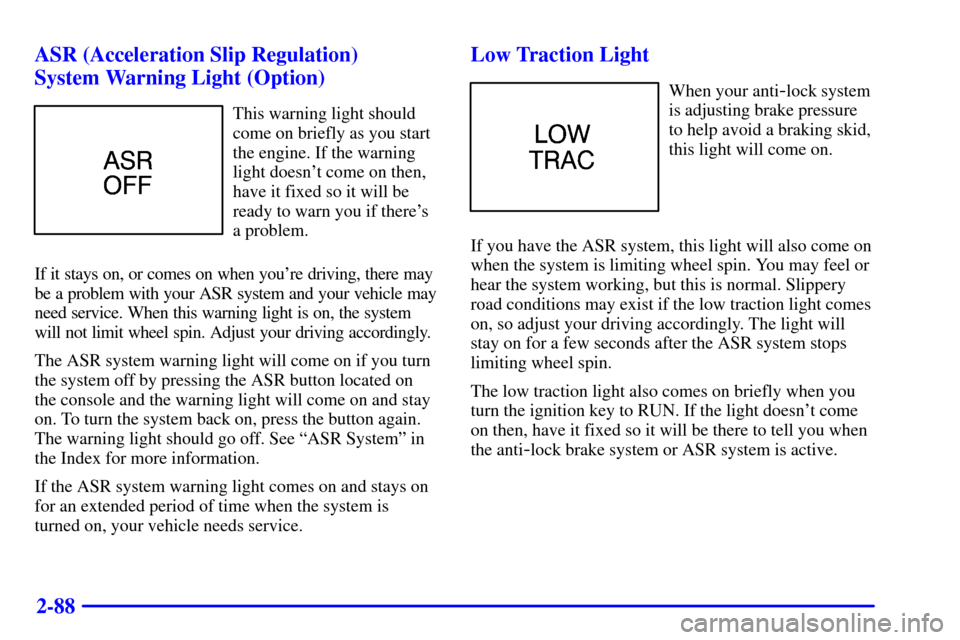
System Warning Light (Option)
This warning light should
come on briefly as you start
the engine. If the warning
light doesn't come on then,
have it fixed so it will be
ready to warn you if there's
a problem.
If it stays on, or comes on when you're driving, there may
be a problem with your ASR system and your vehicle may
need service. When this warning light is on, the system
will not limit wheel spin. Adjust your driving accordingly.
The ASR system warning light will come on if you turn
the system off by pressing the ASR button located on
the console and the warning light will come on and stay
on. To turn the system back on, press the button again.
The warning light should go off. See ªASR Systemº in
the Index for more information.
If the ASR system warning light comes on and stays on
for an extended period of time when the system is
turned on, your vehicle needs service.
Low Traction Light
When your anti-lock system
is adjusting brake pressure
to help avoid a braking skid,
this light will come on.
If you have the ASR system, this light will also come on
when the system is limiting wheel spin. You may feel or
hear the system working, but this is normal. Slippery
road conditions may exist if the low traction light comes
on, so adjust your driving accordingly. The light will
stay on for a few seconds after the ASR system stops
limiting wheel spin.
The low traction light also comes on briefly when you
turn the ignition key to RUN. If the light doesn't come
on then, have it fixed so it will be there to tell you when
the anti
-lock brake system or ASR system is active.
Page 155 of 363
3-
3-1
Section 3 Comfort Controls and Audio Systems
In this section, you'll find out how to operate the comfort control and audio systems offered with your vehicle.
Be sure to read about the particular systems supplied with your vehicle.
3
-2 Comfort Controls
3
-3 Cooling
3
-3 Heating
3
-4 Defogging and Defrosting
3
-4 Rear Window Defogger (Option)
3
-5 Ventilation System
3
-6 Audio Systems
3
-6 Setting the Clock for Systems without
Automatic Tone Control
3
-6 Setting the Clock for Systems with
Automatic Tone Control
3
-6AM-FM Stereo with Cassette Tape Player
3
-9 Monsoon� AM-FM Stereo with Cassette Tape
Player and Automatic Tone Control
(If Equipped)3
-15 Monsoon� AM-FM Stereo with Compact
Disc Player and Automatic Tone Control
(If Equipped)
3
-19 Trunk-Mounted CD Changer (If Equipped)
3
-23 Theft-Deterrent Feature (If Equipped)
3
-25 Audio Steering Wheel Controls (If Equipped)
3
-26 Understanding Radio Reception
3
-26 Tips About Your Audio System
3
-27 Care of Your Cassette Tape Player
3
-28 Care of Your Compact Discs
3
-28 Care of Your Compact Disc Player
3
-28 Fixed Mast Antenna
Page 179 of 363
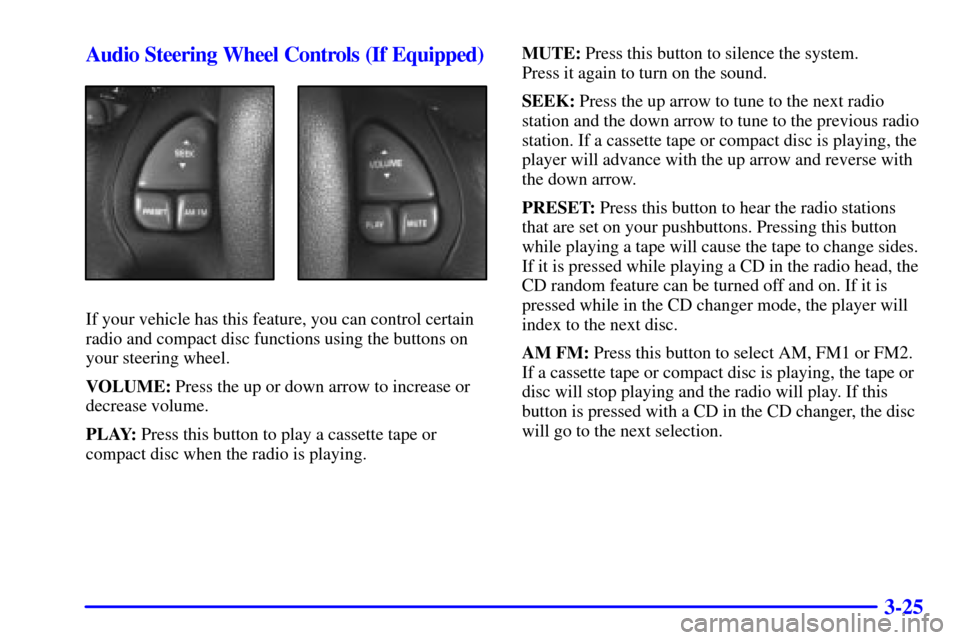
3-25 Audio Steering Wheel Controls (If Equipped)
If your vehicle has this feature, you can control certain
radio and compact disc functions using the buttons on
your steering wheel.
VOLUME: Press the up or down arrow to increase or
decrease volume.
PLAY: Press this button to play a cassette tape or
compact disc when the radio is playing.MUTE: Press this button to silence the system.
Press it again to turn on the sound.
SEEK: Press the up arrow to tune to the next radio
station and the down arrow to tune to the previous radio
station. If a cassette tape or compact disc is playing, the
player will advance with the up arrow and reverse with
the down arrow.
PRESET: Press this button to hear the radio stations
that are set on your pushbuttons. Pressing this button
while playing a tape will cause the tape to change sides.
If it is pressed while playing a CD in the radio head, the
CD random feature can be turned off and on. If it is
pressed while in the CD changer mode, the player will
index to the next disc.
AM FM: Press this button to select AM, FM1 or FM2.
If a cassette tape or compact disc is playing, the tape or
disc will stop playing and the radio will play. If this
button is pressed with a CD in the CD changer, the disc
will go to the next selection.