Page 154 of 376
2-86
If the sun comes out, it becomes cloudy, or if you turn
on your headlamps, you may need to adjust the HUD
brightness again. Polarized sunglasses could make the
HUD image harder to see.
Push the ENG/MET button
on the trip calculator,
located above the audio
controls on the trip
computer (if equipped) on
the instrument panel, to
switch the HUD display
from English to metric or
metric to English.
If your vehicle is not equipped with the trip calculator,
you cannot change the display.
Care of the Head-Up Display
Clean the inside of the windshield as needed to remove
any dirt or film that reduces the sharpness or clarity of
the HUD image.
To clean the HUD, spray household glass cleaner on a
soft, clean cloth. Wipe the HUD lens gently, then dry it.
Do not spray cleaner directly on the lens because the
cleaner could leak into the unit.
Page 158 of 376
2-90
Trip Computer (If Equipped)
3100 V6 and 3800 V6 Engines
When you start the engine, the trip computer will display a mode. A lighted oval will appear to the left of the mode
currently being used.
Page 159 of 376
2-91
3800 V6 Supercharged Engine
When you start the engine, the trip computer will display a mode. A lighted oval will appear to the left of the mode
currently being used.
Page 160 of 376

2-92 Control Buttons
The trip computer has three buttons that control
its functions.
ENG/MET: Press this button to change the display from
English to metric units or metric to English.
RESET: Press this button for two seconds to reset the
mode displayed.
MODE: Press this button to change the mode
being displayed.
Functions
PERFORMANCE SHIFT: This light comes on when
you press the performance shift button (if equipped)
located on the console shift lever to indicate that the
vehicle is in performance shifting mode.
See ªPerformance Shiftingº in the Index.
FUEL USED: Shows the total amount of fuel used
since you last reset this mode. The amount can be
displayed in gallons or liters.
AVG ECON: Shows the average fuel economy since
you last reset this mode.
OIL LIFE: Shows a percentage of the oil's remaining
useful life. The system predicts remaining oil life using
inputs from length of drives, coolant temperature,
engine rpm and vehicle speed. Each time you get an oil
change, be sure to reset this function so that it will give
you an accurate percentage. See ªHow to Reset the
GM Oil Life System�º in the Index.
Page 161 of 376

2-93
RANGE: Shows how much farther you can travel with
the fuel you have before refueling. When the range
displays ªLº, for 40 to 50 miles (64.36 to 80.45 km),
the display will flash the word LOW continuously and
the vehicle will chime three times. The range is
calculated from the average econ value times the fuel
remaining in the tank.
LOW: This light will come on when the ignition is on
and the fluid in the washer fluid container is low.
DOOR AJAR: If one of the doors is left ajar, a light
will appear next to that door on the vehicle outline.
BOOST GAGE: If you have the 3800 V6 supercharged
engine, this gage will show the amount of boost the
engine is receiving.
TRUNK AJAR: If the trunk is not fully closed or open,
a light will outline the trunk area on the vehicle outline.LOW TRAC: This light will come on when the traction
control system is limiting wheel spin. See ªTraction
Control Systemº or ªLow Traction Lightº in the Index.
TRAC/TCS OFF: This light lets you know that the
traction control system has been disabled and will not
limit wheel spin. See ªTraction Control System Warning
Lightº or ªLow Traction Lightº in the Index.
TRAC/TCS: If the vehicle has the traction control
system, you will have a disable switch on the far right
side of the trip computer. The traction control system is
automatically activated when you turn the ignition on.
This switch will activate/deactivate the traction control
system. If you need to disable the system, such as when
you are stuck and are rocking the vehicle back and forth,
push this switch. See ªStuck: In Sand, Mud, Ice or
Snowº in the Index.
Page 166 of 376
3-5 Automatic Control
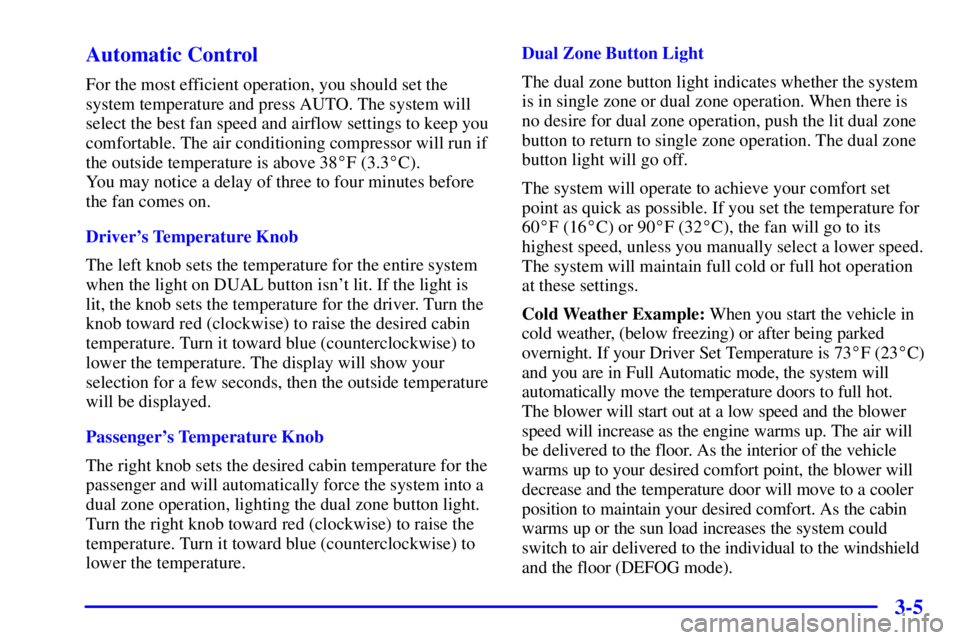
For the most efficient operation, you should set the
system temperature and press AUTO. The system will
select the best fan speed and airflow settings to keep you
comfortable. The air conditioning compressor will run if
the outside temperature is above 38�F (3.3�C).
You may notice a delay of three to four minutes before
the fan comes on.
Driver's Temperature Knob
The left knob sets the temperature for the entire system
when the light on DUAL button isn't lit. If the light is
lit, the knob sets the temperature for the driver. Turn the
knob toward red (clockwise) to raise the desired cabin
temperature. Turn it toward blue (counterclockwise) to
lower the temperature. The display will show your
selection for a few seconds, then the outside temperature
will be displayed.
Passenger's Temperature Knob
The right knob sets the desired cabin temperature for the
passenger and will automatically force the system into a
dual zone operation, lighting the dual zone button light.
Turn the right knob toward red (clockwise) to raise the
temperature. Turn it toward blue (counterclockwise) to
lower the temperature.Dual Zone Button Light
The dual zone button light indicates whether the system
is in single zone or dual zone operation. When there is
no desire for dual zone operation, push the lit dual zone
button to return to single zone operation. The dual zone
button light will go off.
The system will operate to achieve your comfort set
point as quick as possible. If you set the temperature for
60�F (16�C) or 90�F (32�C), the fan will go to its
highest speed, unless you manually select a lower speed.
The system will maintain full cold or full hot operation
at these settings.
Cold Weather Example: When you start the vehicle in
cold weather, (below freezing) or after being parked
overnight. If your Driver Set Temperature is 73�F (23�C)
and you are in Full Automatic mode, the system will
automatically move the temperature doors to full hot.
The blower will start out at a low speed and the blower
speed will increase as the engine warms up. The air will
be delivered to the floor. As the interior of the vehicle
warms up to your desired comfort point, the blower will
decrease and the temperature door will move to a cooler
position to maintain your desired comfort. As the cabin
warms up or the sun load increases the system could
switch to air delivered to the individual to the windshield
and the floor (DEFOG mode).
Page 167 of 376
3-6
Hot Weather Example: When you start the vehicle in
hot weather, 80�F (27�C) or after being parked during
the day in full sun, if your Driver Set Temperature is
73�F (23�C) and you are in Full Automatic mode, the
system will automatically move the temperature doors to
full cold. The blower will be at low speed momentarily
and then go to the high speed. The air intake will be
recirculated for maximum cooling performance. As the
interior of the vehicle cools down to your desired
comfort point, the blower will decrease and the
temperature door will move to a warmer position to
maintain your desired comfort. As the cabin cools down
or the sun load decreases the system could switch to air
delivered to A/C vents and the floor (BI
-LEVEL mode).
Manual Control
Fan Buttons
The fan buttons select the amount of air you want when
the system is not in AUTO. The display will show the
fan speed by illuminating a maximum of seven fan bars.Mode Button
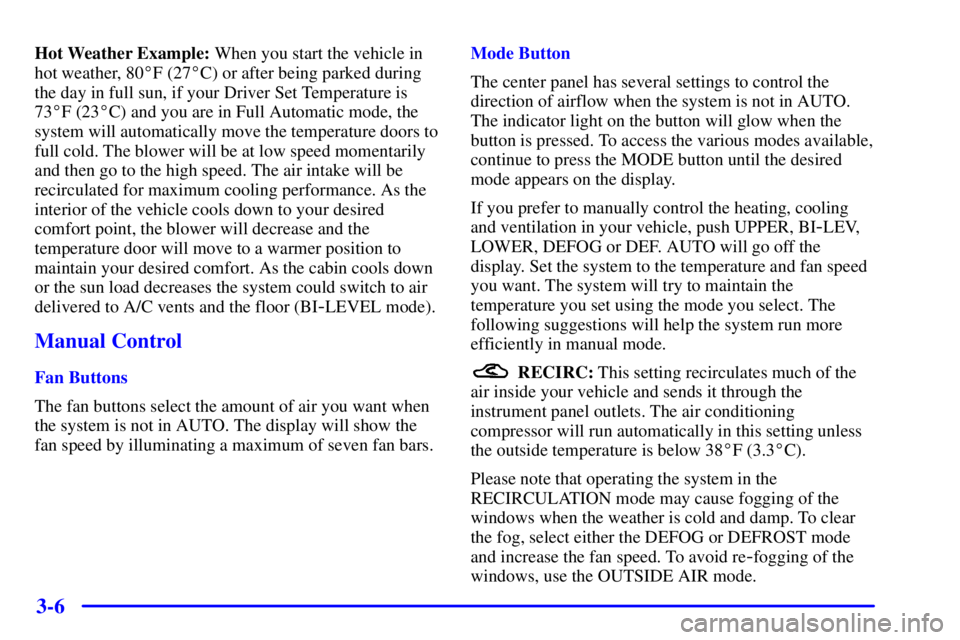
The center panel has several settings to control the
direction of airflow when the system is not in AUTO.
The indicator light on the button will glow when the
button is pressed. To access the various modes available,
continue to press the MODE button until the desired
mode appears on the display.
If you prefer to manually control the heating, cooling
and ventilation in your vehicle, push UPPER, BI
-LEV,
LOWER, DEFOG or DEF. AUTO will go off the
display. Set the system to the temperature and fan speed
you want. The system will try to maintain the
temperature you set using the mode you select. The
following suggestions will help the system run more
efficiently in manual mode.
RECIRC: This setting recirculates much of the
air inside your vehicle and sends it through the
instrument panel outlets. The air conditioning
compressor will run automatically in this setting unless
the outside temperature is below 38�F (3.3�C).
Please note that operating the system in the
RECIRCULATION mode may cause fogging of the
windows when the weather is cold and damp. To clear
the fog, select either the DEFOG or DEFROST mode
and increase the fan speed. To avoid re
-fogging of the
windows, use the OUTSIDE AIR mode.
Page 171 of 376
3-10
Audio Systems
Your audio system has been designed to operate easily
and give years of listening pleasure. You will get the
most enjoyment out of it if you acquaint yourself with it
first. Find out what your audio system can do and how
to operate all its controls, to be sure you're getting the
most out of the advanced engineering that went into it.
Setting the Clock
Press and hold HR until the correct hour appears. Press
and hold MIN until the correct minute appears. There
will be a two
-second delay before the clock goes into
time
-set mode, and the colon on the display will blink
while in this mode.
AM-FM Stereo with Cassette Tape Player
Playing the Radio
POWER
-VOL: Push this knob to turn the system on
and off. To increase volume, turn the knob clockwise.
Turn it counterclockwise to decrease volume.
RECALL: Display the time with the ignition off by
pressing this button. When the radio is playing, press
this knob to recall the station frequency.


