2000 LINCOLN CONTINENTAL reset
[x] Cancel search: resetPage 33 of 232
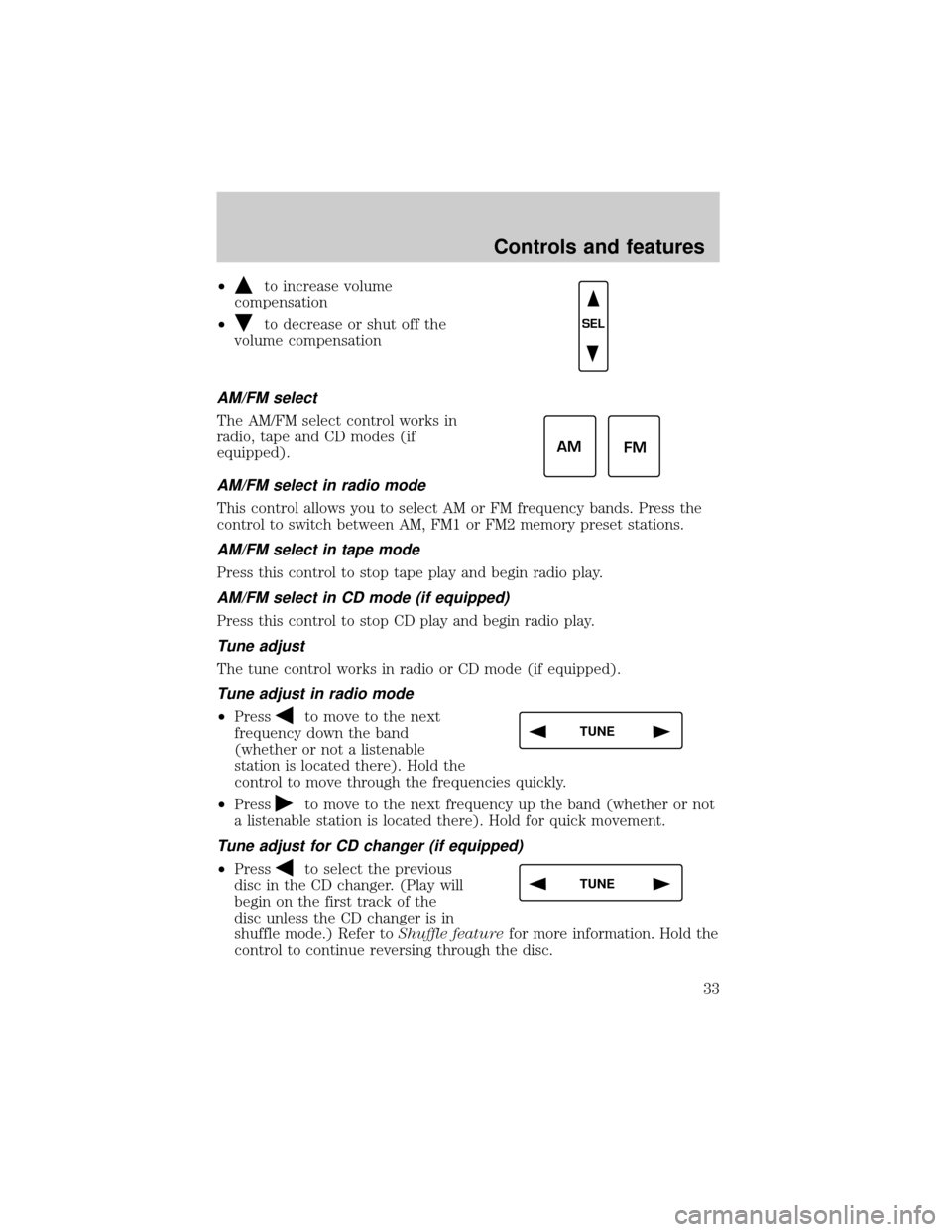
²to increase volume
compensation
²
to decrease or shut off the
volume compensation
AM/FM select
The AM/FM select control works in
radio, tape and CD modes (if
equipped).
AM/FM select in radio mode
This control allows you to select AM or FM frequency bands. Press the
control to switch between AM, FM1 or FM2 memory preset stations.
AM/FM select in tape mode
Press this control to stop tape play and begin radio play.
AM/FM select in CD mode (if equipped)
Press this control to stop CD play and begin radio play.
Tune adjust
The tune control works in radio or CD mode (if equipped).
Tune adjust in radio mode
²Pressto move to the next
frequency down the band
(whether or not a listenable
station is located there). Hold the
control to move through the frequencies quickly.
²Press
to move to the next frequency up the band (whether or not
a listenable station is located there). Hold for quick movement.
Tune adjust for CD changer (if equipped)
²Pressto select the previous
disc in the CD changer. (Play will
begin on the first track of the
disc unless the CD changer is in
shuffle mode.) Refer toShuffle featurefor more information. Hold the
control to continue reversing through the disc.
SEL
AM
FM
TUNE
TUNE
Controls and features
33
Page 35 of 232
Scan function in tape mode
Press the SCAN control to hear a short sampling of all selections on the
tape. (The tape scans in a forward direction. At the end of the tape's
first side, direction automatically reverses to the opposite side of the
tape.) To stop on a particular selection, press the control again.
Scan function in CD mode (if equipped)
Press the SCAN control to hear a short sampling of all selections on the
CD. (The CD scans in a forward direction, wrapping back to the first
track at the end of the CD.) To stop on a particular selection, press the
control again.
Radio station memory preset
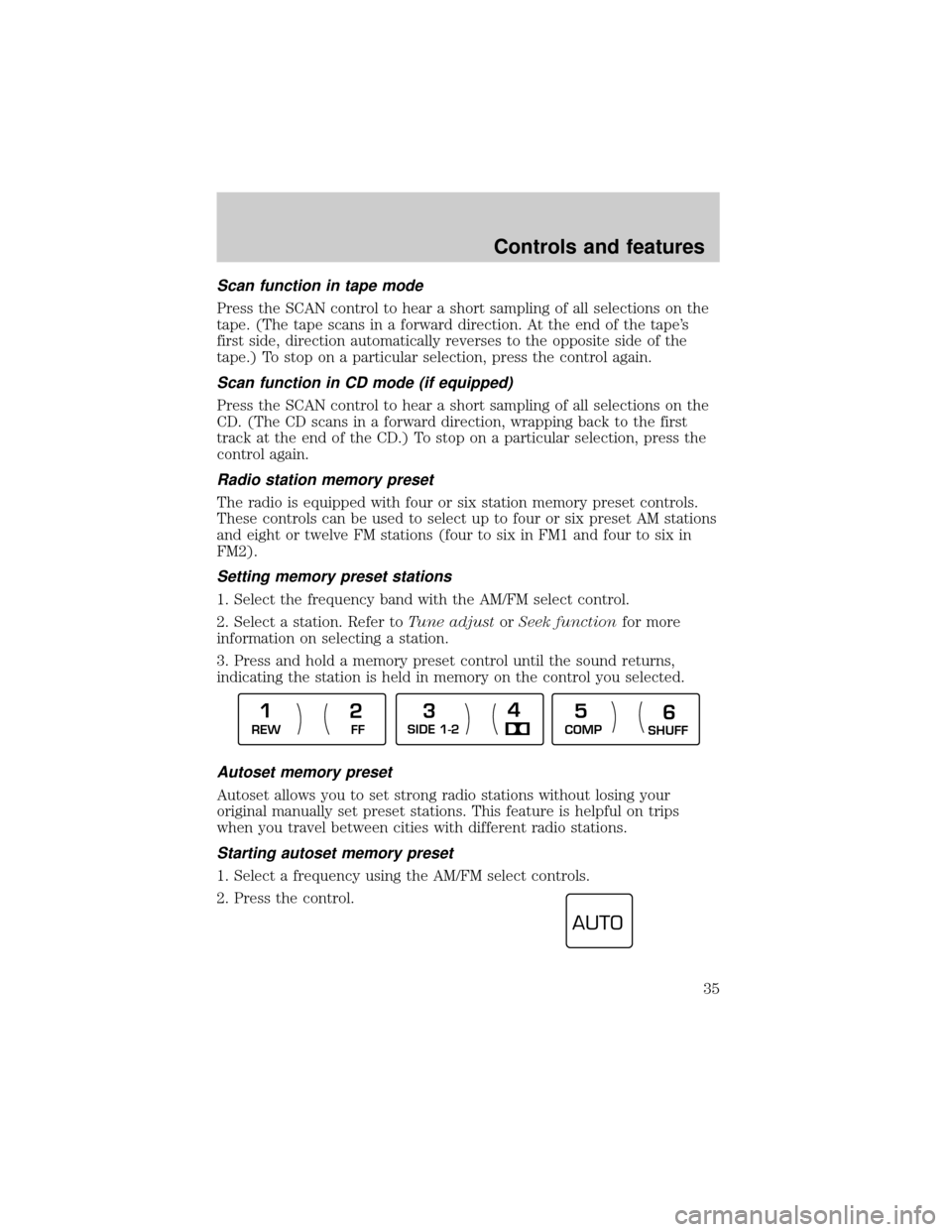
The radio is equipped with four or six station memory preset controls.
These controls can be used to select up to four or six preset AM stations
and eight or twelve FM stations (four to six in FM1 and four to six in
FM2).
Setting memory preset stations
1. Select the frequency band with the AM/FM select control.
2. Select a station. Refer toTune adjustorSeek functionfor more
information on selecting a station.
3. Press and hold a memory preset control until the sound returns,
indicating the station is held in memory on the control you selected.
Autoset memory preset
Autoset allows you to set strong radio stations without losing your
original manually set preset stations. This feature is helpful on trips
when you travel between cities with different radio stations.
Starting autoset memory preset
1. Select a frequency using the AM/FM select controls.
2. Press the control.
REW
FFSIDE 1-2
COMP
SHUFF
1
234
5
6
AUTO
Controls and features
35
Page 36 of 232
3. When the first six strong stations are filled, the station stored in
memory preset control 1 will start playing.
If there are less than six strong stations available on the frequency band,
the remaining memory preset controls will all store the last strong
station available.
To deactivate autoset and return to your audio system's manually set
memory stations, press the control again.
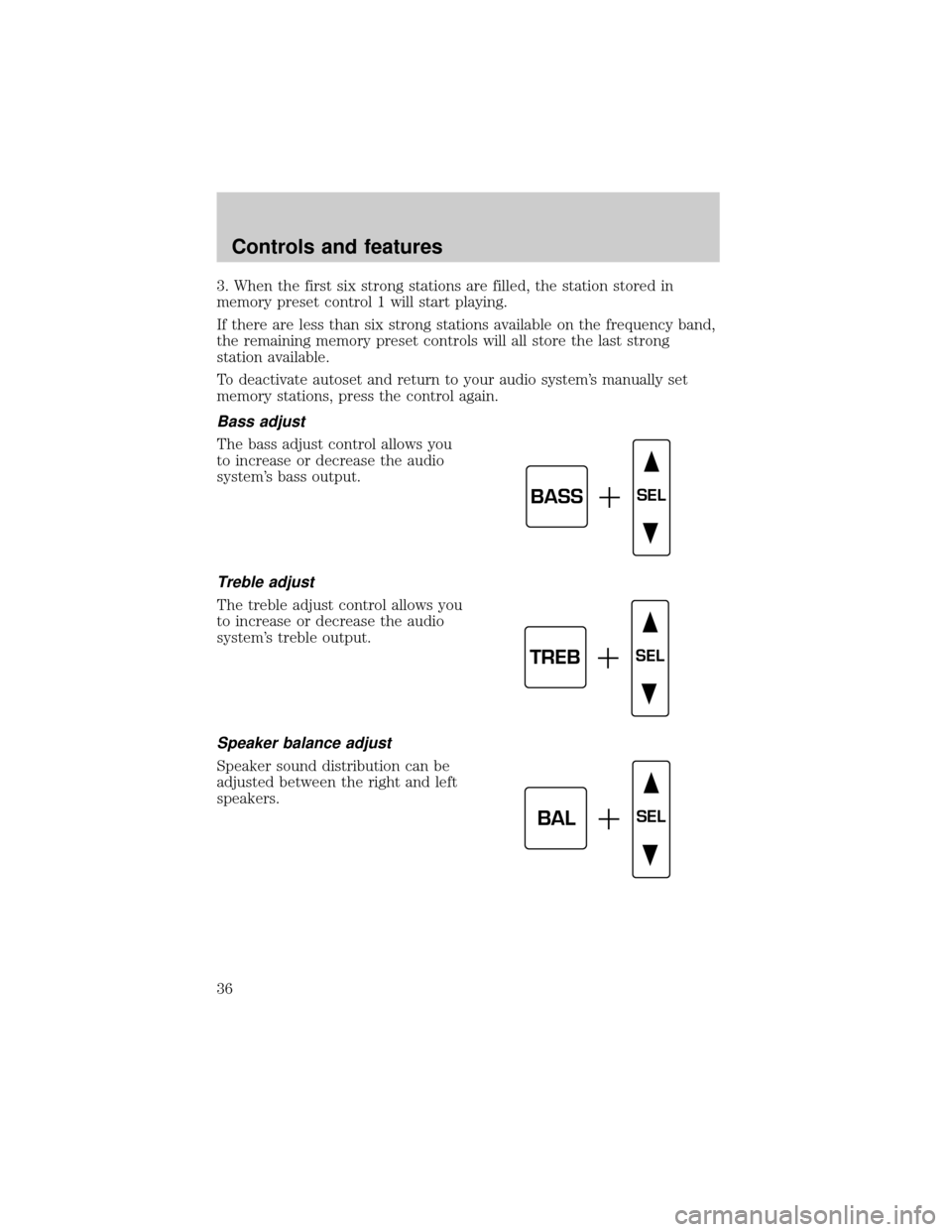
Bass adjust
The bass adjust control allows you
to increase or decrease the audio
system's bass output.
Treble adjust
The treble adjust control allows you
to increase or decrease the audio
system's treble output.
Speaker balance adjust
Speaker sound distribution can be
adjusted between the right and left
speakers.
BASSSEL
TREBSEL
BALSEL
Controls and features
36
Page 48 of 232
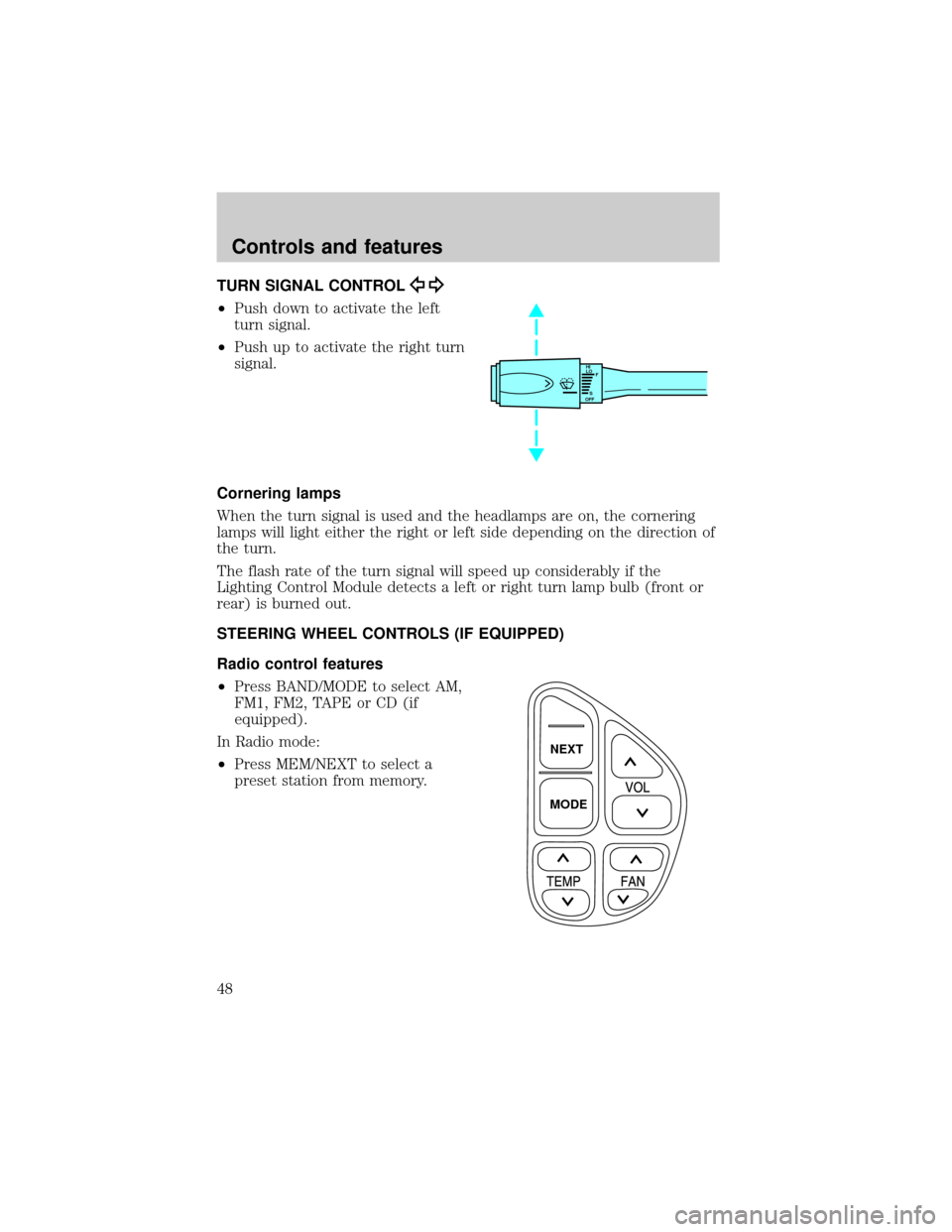
TURN SIGNAL CONTROL
²Push down to activate the left
turn signal.
²Push up to activate the right turn
signal.
Cornering lamps
When the turn signal is used and the headlamps are on, the cornering
lamps will light either the right or left side depending on the direction of
the turn.
The flash rate of the turn signal will speed up considerably if the
Lighting Control Module detects a left or right turn lamp bulb (front or
rear) is burned out.
STEERING WHEEL CONTROLS (IF EQUIPPED)
Radio control features
²Press BAND/MODE to select AM,
FM1, FM2, TAPE or CD (if
equipped).
In Radio mode:
²Press MEM/NEXT to select a
preset station from memory.
HI
LO
F
S
OFF
NEXT
MODE
Controls and features
48
Page 56 of 232

²The vehicle's cellular phone automatically places a call to a 24 hour
emergency response center.
²When contact is made, the vehicle sends an electronic data message
to the response center's computer. This data message includes latitude
and longitude coordinates obtained from the vehicle's positioning
system and customer identification information.
²Once the data transmission is complete, the call is forwarded to a
response center operator who confirms your location using a
computerized map.
²The vehicle's cellular handset is locked-out, the phone is automatically
placed in the ªhands-freeº mode and voice communication is
established with the operator through the ªhands-freeº microphone.
²Typically, voice communication with an operator is established within
one minute after an assistance control is pressed.
²The operator verbally obtains details of your situation and, if
necessary, ties your vehicle into a three-way phone call with the
United States Auto Club or local 911 or other emergency services to
dispatch the appropriate assistance to your location.
²In most situations, only the response center can terminate an
assistance request. Once the operator terminates the call, the system
warning light will stop flashing and the system will be reset.
General description
Lincoln's Remote Emergency Satellite Cellular Unit (RESCU) is designed
to expedite roadside, emergency or information assistance to motorists
who are uncertain of their location and/or are uncertain of whom to
contact for assistance.
The Lincoln RESCU system utilizes Global Positioning System (GPS)
technology and the nation's cellular phone network to track vehicle
location and, at the touch of a control, put you in voice contact with the
Lincoln Security Response Center.
Two controls in the overhead console, Information (i) and Emergency
(S.O.S.) will activate the system:
When a control is selected, the RESCU System will direct the vehicle's
cellular phone to automatically place a call to the response center's
central computer. Once a connection is made, an electronic data message
will be transmitted. This data message will include:
²Type of alarm (Information, Emergency or Air Bag activation)
Controls and features
56
Page 58 of 232

²notify pre-designated family contacts or friends of the emergency
situation, if requested, or if no response is received from the vehicle.
If you are certain of your location, a direct phone call to 911 or
other emergency services may provide a faster response.
If roadside assistance is required, the Lincoln Security Response Center
will contact the Lincoln Commitment Roadside Assistance provider via
three±way phone call.
Activation and deactivation
When either of the two Lincoln RESCU controls are pressed, or the air
bags are deployed (this will activate the system as an emergency
automatically), a warning light, located in the overhead console, will
begin to flash and status messages will be displayed on the vehicle's
message center, confirming an assistance request has been made. The
warning light will continue to flash throughout the activation.
The system can be activated whenever your ignition key is in the
RUN/START position and for six minutes after your vehicle is turned off.
Once a RESCU control has been pressed, do not attempt to crank the
engine as this may cancel the activation. In most situations, the
assistance request can only be terminated and the system reset when a
special tone is sent to the vehicle by the Lincoln Security Response
Center. (SeeAutomatic rediallater in this chapter for exceptions.)
Operation will continue even if the vehicle is turned off during an
activation (although visual feedback via the message center will not be
available in this situation).
INFO activations can be cancelled by pressing the END button on the
cellular phone.
Cellular phone interface
The cellular phone must be connected to the vehicle and activated for
the system to work. During an activation, Lincoln RESCU takes control
of the vehicle's cellular phone. If the phone is in use, the call will be
terminated and the Lincoln Security Response Center will automatically
be dialed. The cellular handset becomes inoperative and all voice
communication with the operator is accomplished via the cellular phone's
ªhands-freeº microphone.
When an activation is terminated, your phone is left unlocked, in the ON
state and may not return to its previous call restriction or system
selection setting. It can be reprogrammed to your previous setting as
desired.
Controls and features
58
Page 60 of 232

bypasses the response center's computer and is forwarded directly to an
operator.
Similarly, if the cellular call is disconnected by the network prior to
receipt of the termination tone, another call to the response center will
also automatically be dialed. The message ªREDIAL IN PROGRESSº will
be displayed on the message center and voice communication with an
operator will be restored.
During redial calls, full control of the cellular phone is returned to you.
Pressing either PWR or END on the cellular handset will terminate the
assistance request and reset the system.
Location data retransmit capability
During an activation, the Lincoln Security Response Center operator has
the capability to initiate a retransmission of the electronic data message.
This may be necessary to ensure a more precise determination of vehicle
location or to track a vehicle that is moving. To accomplish the
retransmit, a special tone is sent to the vehicle by the response center.
In this situation you will temporarily lose voice contact with the operator
and the messages ªSENDING LOCATION DATAº and ªDATA RECEIVEDº
will be respectively displayed on the message center. After the data
retransmission is complete, voice communication will be restored and the
CID, LAT, LON and HDG message will again alternately toggle on the
message center display.
Global positioning system
Vehicle location is continuously updated via Global Positioning System
(GPS) technology. GPS was developed by the U.S. Department of
Defense for worldwide navigational and positioning purposes. It utilizes a
constellation of 24 orbiting satellites located more than 20 000 km (12
428 miles) above the earth. At any given time, several of the 24 satellites
should be visible to the vehicle's GPS receiver. Based on the time for
signals emitted by these satellites to reach the receiver, an on-board
computer will determine the vehicle's location, typically within 30 meters
(100 feet). In addition to latitude and longitude, the system also
determines heading and speed.
Vehicle positioning information is relayed to the Lincoln Security
Response Center only during roadside or emergency requests. The
response center will not be able to track your location while in an
inactive state.
Controls and features
60
Page 104 of 232

Safety belt maintenance
Inspect the safety belt systems periodically to make sure they work
properly and are not damaged. Inspect the safety belts to make sure
there are no nicks, wears or cuts, replacing if necessary. All safety belt
assemblies, including retractors, buckles, front seat belt buckle
assemblies, buckle support assemblies (slide bar-if equipped), shoulder
belt height adjusters (if equipped), shoulder belt guide on seatback (if
equipped), child safety seat tether bracket assemblies (if equipped), and
attaching hardware, should be inspected after a collision. Ford
recommends that all safety belt assemblies used in vehicles involved in a
collision be replaced. However, if the collision was minor and a qualified
technician finds that the belts do not show damage and continue to
operate properly, they do not need to be replaced. Safety belt assemblies
not in use during a collision should also be inspected and replaced if
either damage or improper operation is noted.
Failure to inspect and if necessary replace the safety belt
assembly under the above conditions could result in severe
personal injuries in the event of a collision.
Refer toCleaning and maintaining the safety beltsin the
Maintenance and caresection.
AIR BAG SUPPLEMENTAL RESTRAINT SYSTEM (SRS)
Your vehicle is equipped with a crash sensing and diagnostic module
which records information about the air bag and sensor systems. In the
event of a collision this module may save information related to the
RESUME
SET ACCEL
COAST
OFF
ONNEXT
MODEVOL
TEMPFAN
80
MPH km/h
ABS
P!BRAKE
+ –
RPMx1000NORMT/C
OFF
CHEFFILL ON RIGHT
SERVICE
ENGINE
SOON AIR
BAG TURN ON
HEAD
LAMPS0 123456
7
0 2060
80
100
1200 204060100
120
140
160
180
200
40
000000.0
SYSTEM
DRIVER ID
MENU
TRIP
RESETSELECT
DISPLAYDTE ECONVEHICLE HANDLINGNITNOCLATNE
VOL
PUSH ONTAPE
MUTESEEK
TUNE
AM
FM
REW
FFSIDE 1 2
COMP
SHUFF
EXT
OFFMAX
A/CCDEJ
RDS
SCAN AUTO
AUTO
123
4
56
FRONT
REAR
BASS
TREBSELBAL
FADEP0FFLIGHTS
AUTO
LAMPHI
LO
F
S
OFF
HIHI
OFF OFFBACK
BOTH BOTHBACK00
Seating and safety restraints
104