2000 FORD CROWN VICTORIA audio
[x] Cancel search: audioPage 54 of 224
Autoset memory preset
Autoset allows you to set strong radio stations without losing your
original manually set preset stations. This feature is helpful on trips
when you travel between cities with different radio stations.
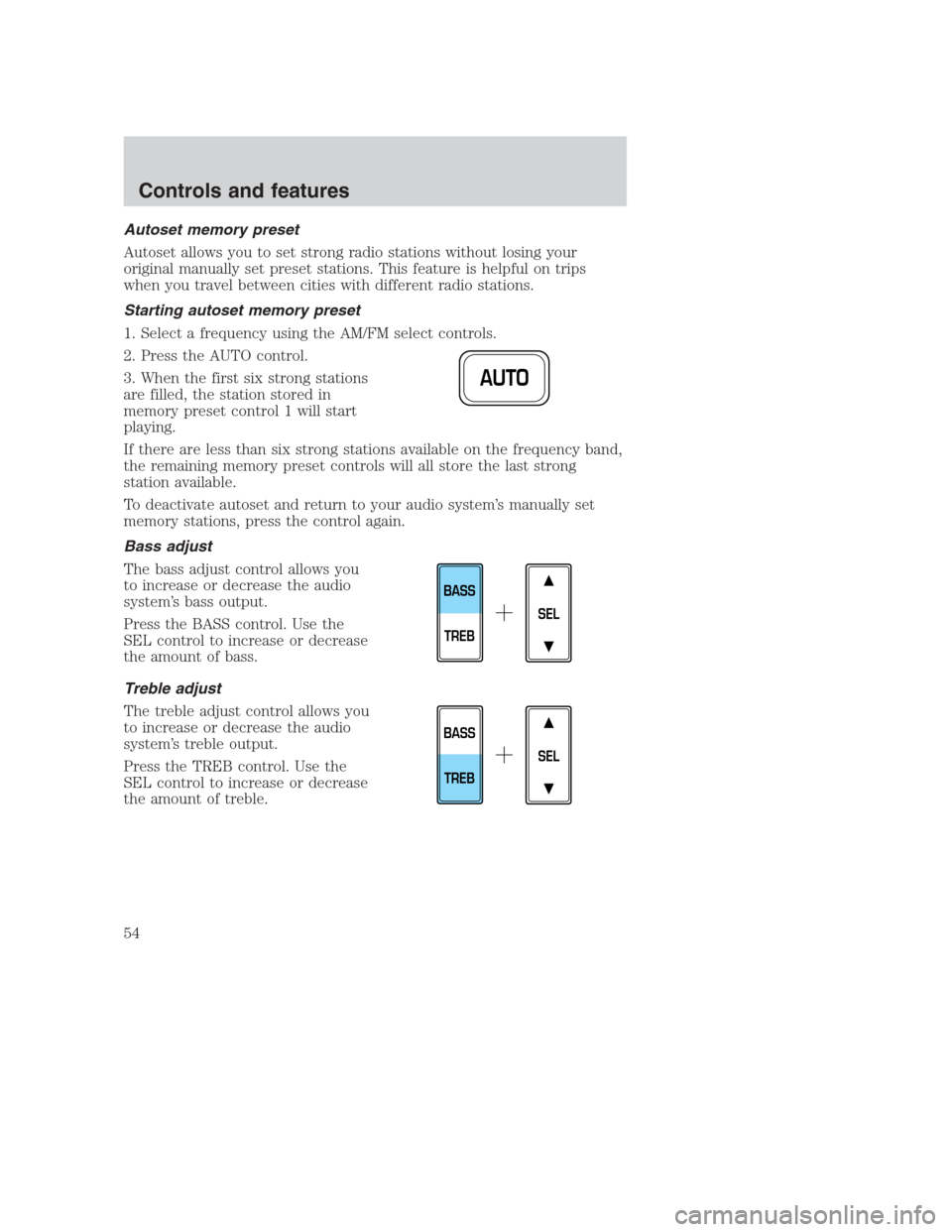
Starting autoset memory preset
1. Select a frequency using the AM/FM select controls.
2. Press the AUTO control.
3. When the first six strong stations
are filled, the station stored in
memory preset control 1 will start
playing.
If there are less than six strong stations available on the frequency band,
the remaining memory preset controls will all store the last strong
station available.
To deactivate autoset and return to your audio system’s manually set
memory stations, press the control again.
Bass adjust
The bass adjust control allows you
to increase or decrease the audio
system’s bass output.
Press the BASS control. Use the
SEL control to increase or decrease
the amount of bass.
Treble adjust
The treble adjust control allows you
to increase or decrease the audio
system’s treble output.
Press the TREB control. Use the
SEL control to increase or decrease
the amount of treble.
AUTO
SEL
BASS
TREB
SEL
BASS
TREB
Controls and features
54
Page 55 of 224
Speaker balance adjust
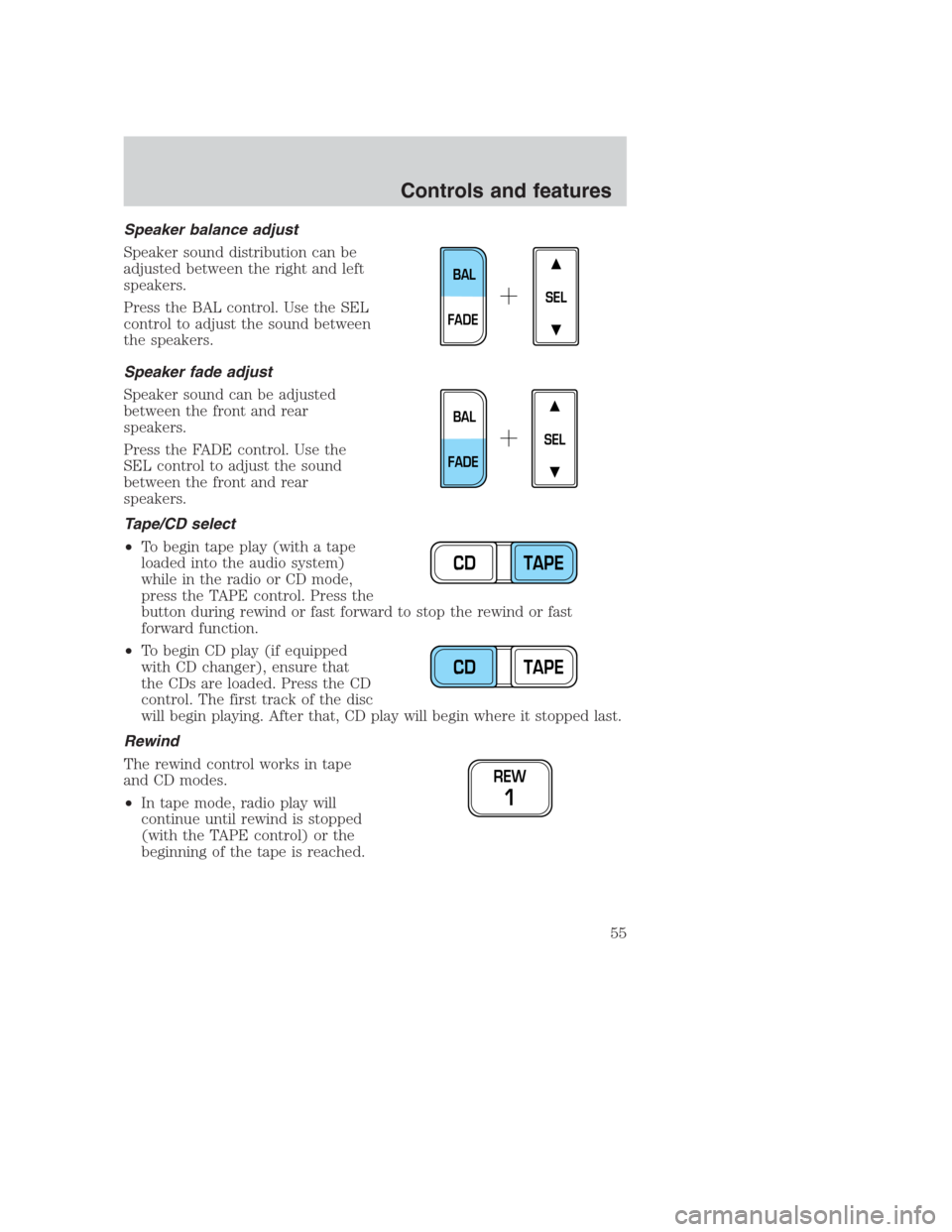
Speaker sound distribution can be
adjusted between the right and left
speakers.
Press the BAL control. Use the SEL
control to adjust the sound between
the speakers.
Speaker fade adjust
Speaker sound can be adjusted
between the front and rear
speakers.
Press the FADE control. Use the
SEL control to adjust the sound
between the front and rear
speakers.
Tape/CD select
•To begin tape play (with a tape
loaded into the audio system)
while in the radio or CD mode,
press the TAPE control. Press the
button during rewind or fast forward to stop the rewind or fast
forward function.
•To begin CD play (if equipped
with CD changer), ensure that
the CDs are loaded. Press the CD
control. The first track of the disc
will begin playing. After that, CD play will begin where it stopped last.
Rewind
The rewind control works in tape
and CD modes.
•In tape mode, radio play will
continue until rewind is stopped
(with the TAPE control) or the
beginning of the tape is reached.
SEL
BAL
FADE
SEL
BAL
FADE
CD TAPE
CD TAPE
REW
1
Controls and features
55
Page 57 of 224
Compression feature
Compression adjust brings soft and
loud CD passages together for a
more consistent listening level.
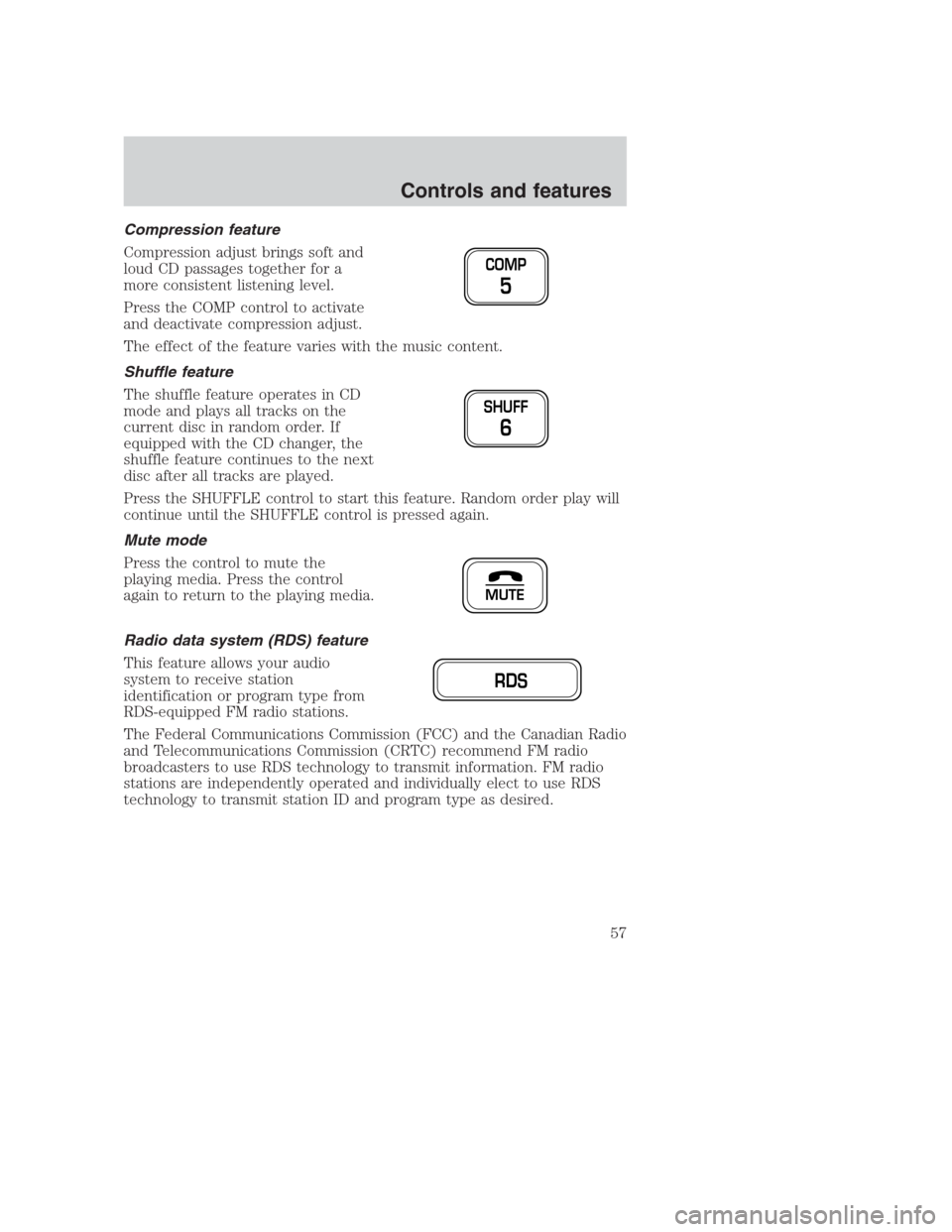
Press the COMP control to activate
and deactivate compression adjust.
The effect of the feature varies with the music content.
Shuffle feature
The shuffle feature operates in CD
mode and plays all tracks on the
current disc in random order. If
equipped with the CD changer, the
shuffle feature continues to the next
disc after all tracks are played.
Press the SHUFFLE control to start this feature. Random order play will
continue until the SHUFFLE control is pressed again.
Mute mode
Press the control to mute the
playing media. Press the control
again to return to the playing media.
Radio data system (RDS) feature
This feature allows your audio
system to receive station
identification or program type from
RDS-equipped FM radio stations.
The Federal Communications Commission (FCC) and the Canadian Radio
and Telecommunications Commission (CRTC) recommend FM radio
broadcasters to use RDS technology to transmit information. FM radio
stations are independently operated and individually elect to use RDS
technology to transmit station ID and program type as desired.
COMP
5
SHUFF
6
MUTE
RDS
Controls and features
57
Page 61 of 224
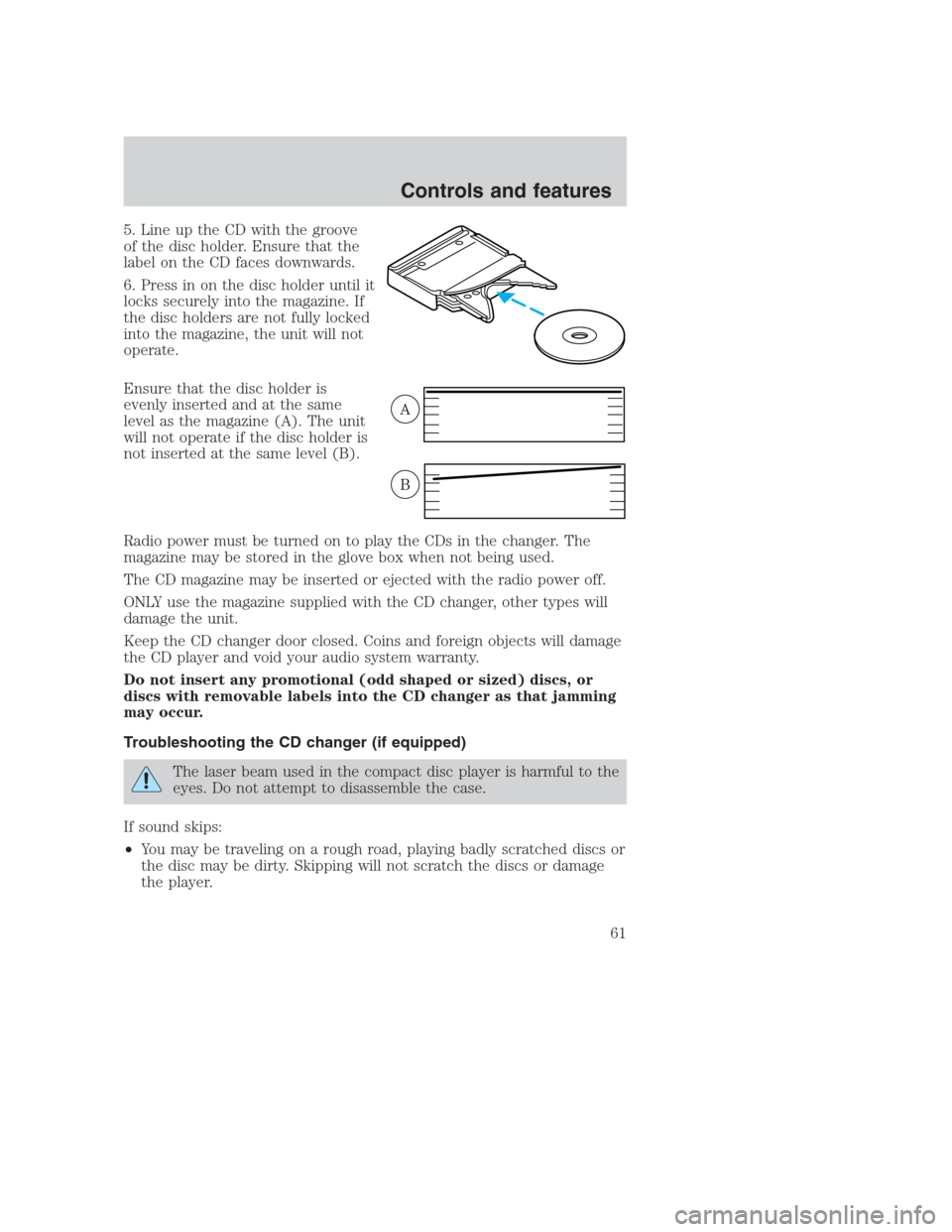
5. Line up the CD with the groove
of the disc holder. Ensure that the
label on the CD faces downwards.
6. Press in on the disc holder until it
locks securely into the magazine. If
the disc holders are not fully locked
into the magazine, the unit will not
operate.
Ensure that the disc holder is
evenly inserted and at the same
level as the magazine (A). The unit
will not operate if the disc holder is
not inserted at the same level (B).
Radio power must be turned on to play the CDs in the changer. The
magazine may be stored in the glove box when not being used.
The CD magazine may be inserted or ejected with the radio power off.
ONLY use the magazine supplied with the CD changer, other types will
damage the unit.
Keep the CD changer door closed. Coins and foreign objects will damage
the CD player and void your audio system warranty.
Do not insert any promotional (odd shaped or sized) discs, or
discs with removable labels into the CD changer as that jamming
may occur.
Troubleshooting the CD changer (if equipped)
The laser beam used in the compact disc player is harmful to the
eyes. Do not attempt to disassemble the case.
If sound skips:
•You may be traveling on a rough road, playing badly scratched discs or
the disc may be dirty. Skipping will not scratch the discs or damage
the player.
A
B
Controls and features
61
Page 63 of 224
Radio frequency information
The Federal Communications Commission (FCC) and the Canadian Radio
and Telecommunications Commission(CRTC) establish the frequencies
AM and FM stations may use for their broadcasts. Allowable frequencies
are:
AM 530, 540–1600, 1610 kHz
FM 87.7, 87.9–107.7, 107.9 MHz
Not all frequencies are used in a given area.
Radio reception factors
Three factors can affect radio reception:
•Distance/strength.The further an FM signal travels, the weaker it is.
The listenable range of the average FM station is approximately 40 km
(24 miles). This range can be affected by “signal modulation.” Signal
modulation is a process radio stations use to increase their
strength/volume relative to other stations.
•Terrain.Hills, mountains and tall buildings between your vehicle’s
antenna and the radio station signal can cause FM reception problems.
Static can be caused on AM stations by power lines, electric fences,
traffic lights and thunderstorms. Moving away from an interfering
structure (out of its “shadow”) returns your reception to normal.
•Station overload.Weak signals are sometimes captured by stronger
signals when you pass a broadcast tower. A stronger signal may
temporarily overtake a weaker signal and play while the weak station
frequency is displayed.
The audio system automatically switches to single channel reception if it
will improve the reception of a station normally received in stereo.
Audio system warranties and service
Refer to the “Warranty Guide” for audio system warranty information.
If service is necessary, see your dealer or a qualified technician.
Controls and features
63
Page 219 of 224
Air bag supplemental
restraint system ........................106
and child safety seats ............108
description ..............................106
disposal ....................................110
driver air bag ..........................108
indicator light ....................10,110
operation .................................108
passenger air bag ...................108
Air cleaner filter ................173,201
Air conditioning ..........................26
automatic temperature
control system ..........................28
Air suspension ...........................127
description ..............................127
warning light .............................12
Antifreeze
(see Engine coolant) ................161
Anti-lock brake system
(see Brakes) .......................122,123
Audio system (see Radio) .........35
Automatic transmission
driving an automatic
overdrive .................................128
fluid, adding ............................168
fluid, checking ........................168
fluid, refill capacities ..............201
fluid, specification ..................204
Axle
lubricant specifications ...202,204
refill capacities ........................201
traction lok ..............................130
Battery .......................................171
acid, treating emergencies .....171
charging system
warning light .............................12
jumping a disabled battery ....148
maintenance-free ....................171
replacement, specifications ...201
servicing ..................................171
voltage gauge ............................19
Belt minder ...............................102Brakes ........................................122
anti-lock ............................122,123
anti-lock brake system
(ABS) warning light ..........11,123
brake warning light ..................11
fluid, checking and adding ....160
fluid, refill capacities ..............201
fluid, specifications ..........202,204
lubricant specifications ...202,204
shift interlock ..........................127
Break-in period .............................3
Capacities for refilling fluids ....201
Cassette tape player ...................50
CD changer .................................59
Certification Label ....................206
Child safety restraints ..............111
child safety belts ....................111
Child safety seats ......................112
attaching with tether straps ..116
in front seat ............................113
in rear seat .......................113,116
Cleaning your vehicle ...............194
engine compartment ..............197
exterior ....................................196
exterior lamps .........................196
instrument panel ....................198
instrument panel lens ............199
interior ..............................199,200
mirrors .....................................196
plastic parts ............................196
safety belts ..............................199
washing ....................................195
waxing .....................................195
wheels ......................................196
windows ..................................199
wiper blades ............................197
woodtone trim ........................199
Climate control (see Air
conditioning or Heating) ............26
Clock ............................................34
Compass, electronic ....................74
calibration .................................75
Index
219