Page 89 of 326

2-26
Engine Exhaust
CAUTION:
Engine exhaust can kill. It contains the gas
carbon monoxide (CO), which you can't see or
smell. It can cause unconsciousness and death.
You might have exhaust coming in if:
Your exhaust system sounds strange
or different.
Your vehicle gets rusty underneath.
Your vehicle was damaged in a collision.
Your vehicle was damaged when driving over
high points on the road or over road debris.
Repairs weren't done correctly.
Your vehicle or exhaust system had been
modified improperly.
If you ever suspect exhaust is coming into
your vehicle:
Drive it only with all the windows down to
blow out any CO; and
Have your vehicle fixed immediately.
Running Your Engine While
You're Parked
It's better not to park with the engine running. But if you
ever have to, here are some things to know.
CAUTION:
Idling the engine with the climate control system
off could allow dangerous exhaust into your vehicle
(see the earlier Caution under ªEngine Exhaustº).
Also, idling in a closed-in place can let deadly
carbon monoxide (CO) into your vehicle even if
the fan switch is at the highest setting. One place
this can happen is a garage. Exhaust
-- with
CO
-- can come in easily. NEVER park in a
garage with the engine running.
Another closed-in place can be a blizzard.
(See ªBlizzardº in the Index.)
Page 90 of 326
2-27
CAUTION:
It can be dangerous to get out of your vehicle if
the shift lever is not fully in PARK (P) with the
parking brake firmly set. Your vehicle can roll.
Don't leave your vehicle when the engine is
running unless you have to. If you've left the
engine running, the vehicle can move suddenly.
You or others could be injured. To be sure your
vehicle won't move, even when you're on fairly
level ground, always set your parking brake and
move the shift lever to PARK (P).
Follow the proper steps to be sure your vehicle won't
move. See ªShifting Into PARK (P)º in the Index.
If you are parking on a hill and if you're pulling a
trailer, also see ªTowing a Trailerº in the Index.
Windows
Manual Windows
On a vehicle with manual windows, use the window
crank to open and close each window.
Power Windows (If Equipped)
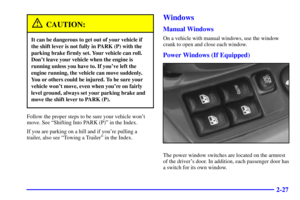
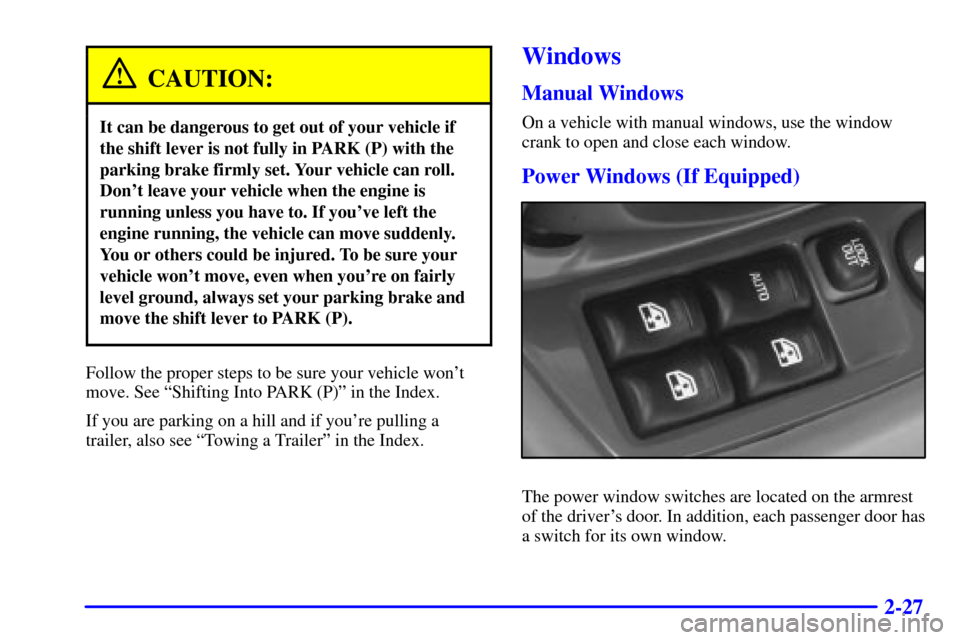
The power window switches are located on the armrest
of the driver's door. In addition, each passenger door has
a switch for its own window.
Page 91 of 326

2-28
Auto-Down Switch
The driver's window switch has an auto
-down feature.
This switch is labeled AUTO. Push the switch rearward
partway, and the driver's window will open a small
amount. If the switch is pushed all the way, the
window will go all the way down.
To stop the window while it is lowering, push the
switch forward. To raise the window, push and hold
the switch forward.
Lock Out Switch
The driver's power window controls also include a
lock out switch. Press LOCK OUT to stop front
and rear passengers from using their window switches.
The driver can still control all the windows with the lock
on. Press the LOCK OUT button again for normal
window operation.
Horn
You can sound the horn by pressing the horn symbol on
your steering wheel.
Tilt Wheel
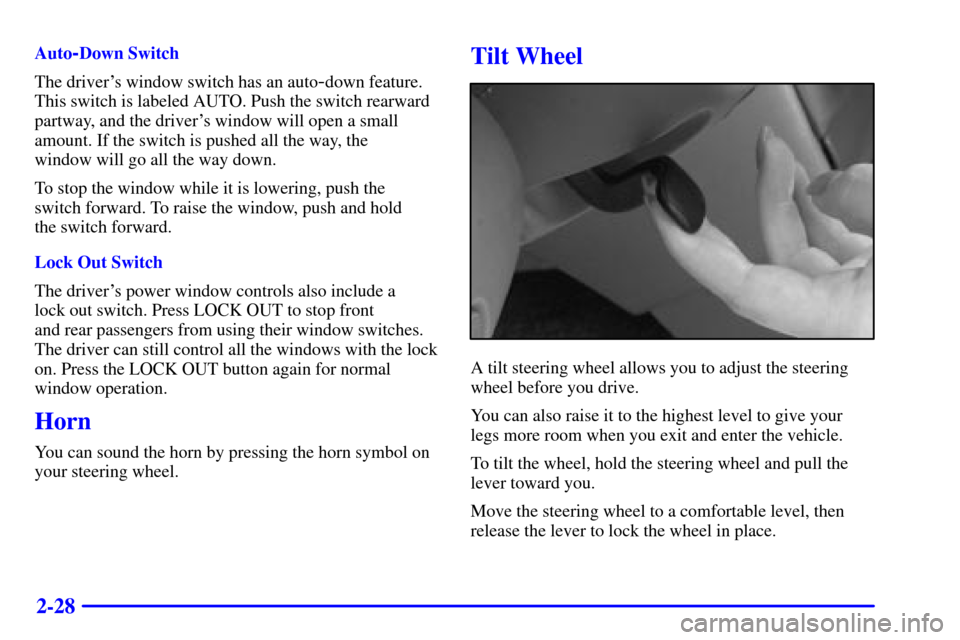
A tilt steering wheel allows you to adjust the steering
wheel before you drive.
You can also raise it to the highest level to give your
legs more room when you exit and enter the vehicle.
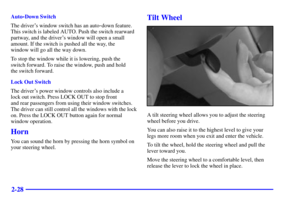
To tilt the wheel, hold the steering wheel and pull the
lever toward you.
Move the steering wheel to a comfortable level, then
release the lever to lock the wheel in place.
Page 92 of 326
2-29
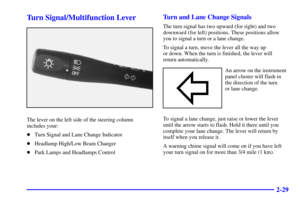
Turn Signal/Multifunction Lever
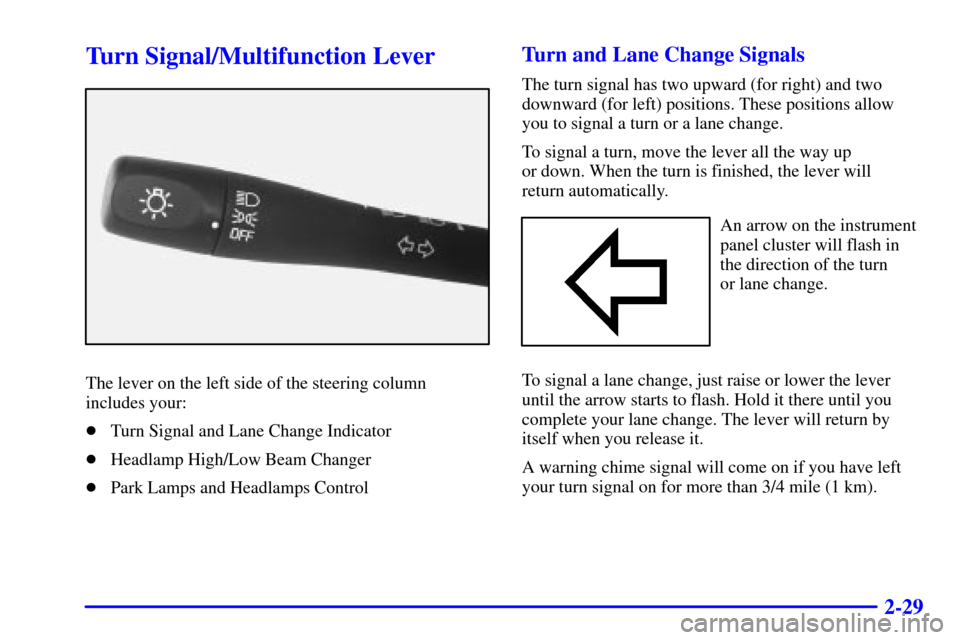
The lever on the left side of the steering column
includes your:
Turn Signal and Lane Change Indicator
Headlamp High/Low Beam Changer
Park Lamps and Headlamps Control
Turn and Lane Change Signals
The turn signal has two upward (for right) and two
downward (for left) positions. These positions allow
you to signal a turn or a lane change.
To signal a turn, move the lever all the way up
or down. When the turn is finished, the lever will
return automatically.
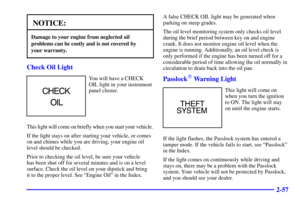
An arrow on the instrument
panel cluster will flash in
the direction of the turn
or lane change.
To signal a lane change, just raise or lower the lever
until the arrow starts to flash. Hold it there until you
complete your lane change. The lever will return by
itself when you release it.
A warning chime signal will come on if you have left
your turn signal on for more than 3/4 mile (1 km).
Page 93 of 326

2-30
As you signal a turn or a lane change, if the arrows
flash rapidly, a signal bulb may be burned out and
other drivers won't see your turn signal.
If a bulb is burned out, replace it to help avoid an
accident. If the arrows don't go on at all when you
signal a turn, check for burned
-out bulbs and then check
the fuse (see ªFuses and Circuit Breakersº in the Index).
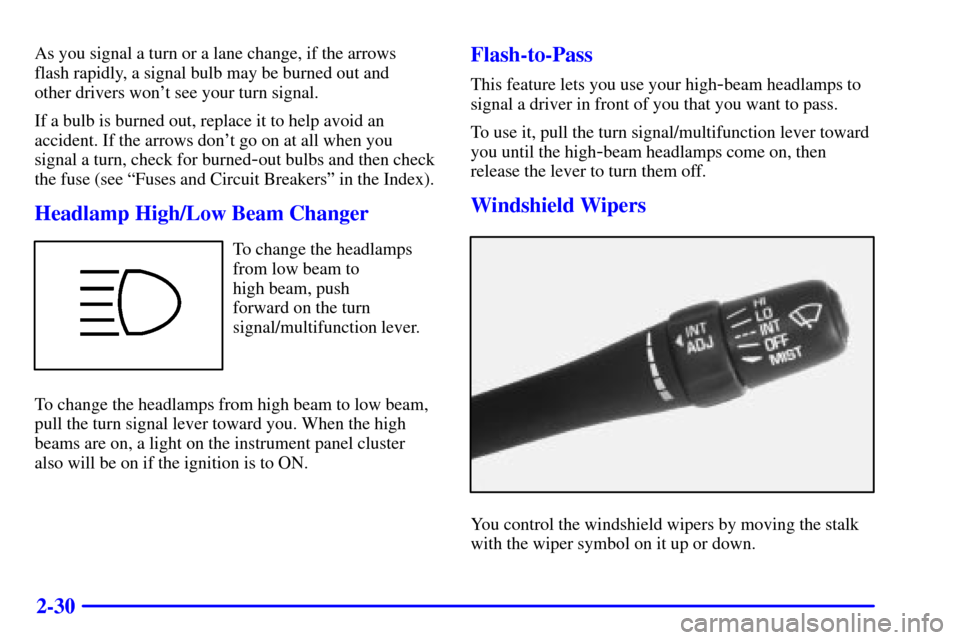
Headlamp High/Low Beam Changer
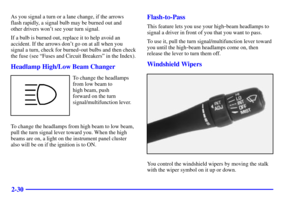
To change the headlamps
from low beam to
high beam, push
forward on the turn
signal/multifunction lever.
To change the headlamps from high beam to low beam,
pull the turn signal lever toward you. When the high
beams are on, a light on the instrument panel cluster
also will be on if the ignition is to ON.
Flash-to-Pass
This feature lets you use your high-beam headlamps to
signal a driver in front of you that you want to pass.
To use it, pull the turn signal/multifunction lever toward
you until the high
-beam headlamps come on, then
release the lever to turn them off.
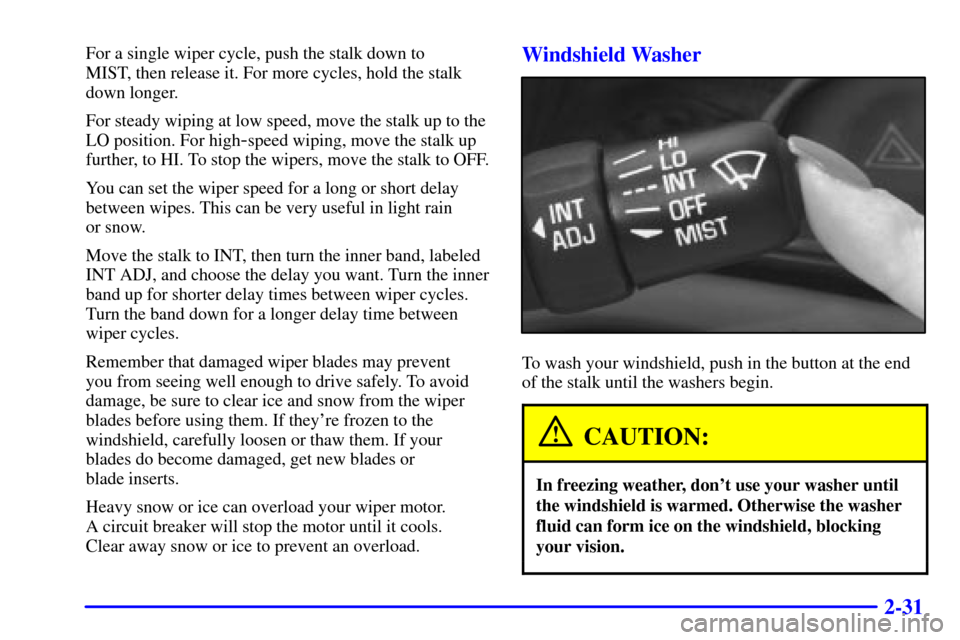
Windshield Wipers
You control the windshield wipers by moving the stalk
with the wiper symbol on it up or down.
Page 94 of 326

2-31
For a single wiper cycle, push the stalk down to
MIST, then release it. For more cycles, hold the stalk
down longer.
For steady wiping at low speed, move the stalk up to the
LO position. For high
-speed wiping, move the stalk up
further, to HI. To stop the wipers, move the stalk to OFF.
You can set the wiper speed for a long or short delay
between wipes. This can be very useful in light rain
or snow.
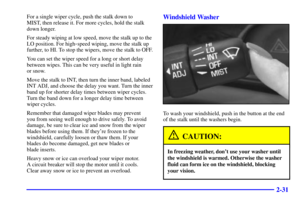
Move the stalk to INT, then turn the inner band, labeled
INT ADJ, and choose the delay you want. Turn the inner
band up for shorter delay times between wiper cycles.
Turn the band down for a longer delay time between
wiper cycles.
Remember that damaged wiper blades may prevent
you from seeing well enough to drive safely. To avoid
damage, be sure to clear ice and snow from the wiper
blades before using them. If they're frozen to the
windshield, carefully loosen or thaw them. If your
blades do become damaged, get new blades or
blade inserts.
Heavy snow or ice can overload your wiper motor.
A circuit breaker will stop the motor until it cools.
Clear away snow or ice to prevent an overload.
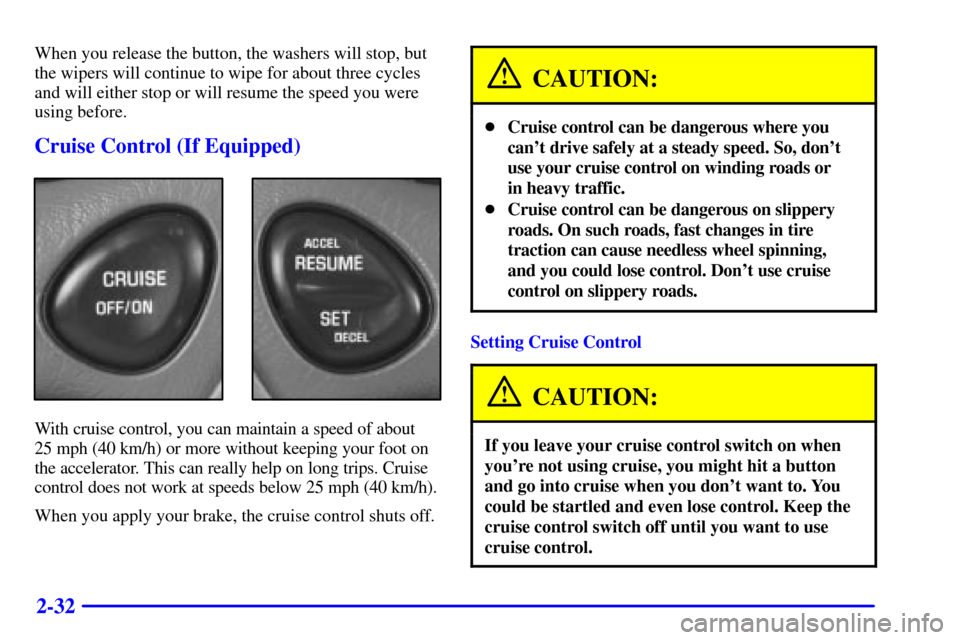
Windshield Washer
To wash your windshield, push in the button at the end
of the stalk until the washers begin.
CAUTION:
In freezing weather, don't use your washer until
the windshield is warmed. Otherwise the washer
fluid can form ice on the windshield, blocking
your vision.
Page 95 of 326

2-32
When you release the button, the washers will stop, but
the wipers will continue to wipe for about three cycles
and will either stop or will resume the speed you were
using before.
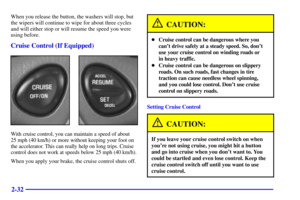
Cruise Control (If Equipped)
With cruise control, you can maintain a speed of about
25 mph (40 km/h) or more without keeping your foot on
the accelerator. This can really help on long trips. Cruise
control does not work at speeds below 25 mph (40 km/h).
When you apply your brake, the cruise control shuts off.
CAUTION:
Cruise control can be dangerous where you
can't drive safely at a steady speed. So, don't
use your cruise control on winding roads or
in heavy traffic.
Cruise control can be dangerous on slippery
roads. On such roads, fast changes in tire
traction can cause needless wheel spinning,
and you could lose control. Don't use cruise
control on slippery roads.
Setting Cruise Control
CAUTION:
If you leave your cruise control switch on when
you're not using cruise, you might hit a button
and go into cruise when you don't want to. You
could be startled and even lose control. Keep the
cruise control switch off until you want to use
cruise control.
Page 96 of 326

2-33
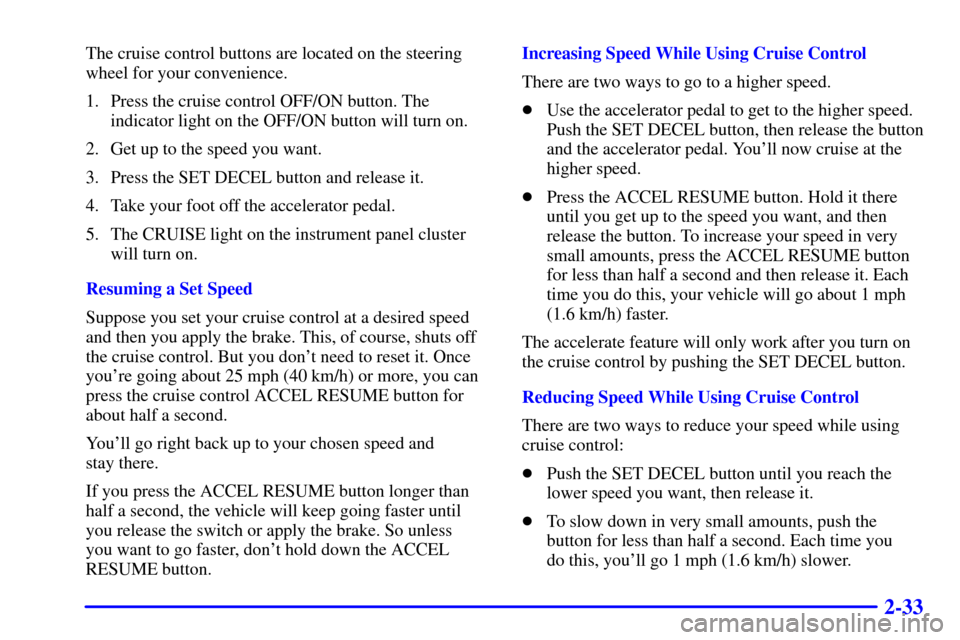
The cruise control buttons are located on the steering
wheel for your convenience.
1. Press the cruise control OFF/ON button. The
indicator light on the OFF/ON button will turn on.
2. Get up to the speed you want.
3. Press the SET DECEL button and release it.
4. Take your foot off the accelerator pedal.
5. The CRUISE light on the instrument panel cluster
will turn on.
Resuming a Set Speed
Suppose you set your cruise control at a desired speed
and then you apply the brake. This, of course, shuts off
the cruise control. But you don't need to reset it. Once
you're going about 25 mph (40 km/h) or more, you can
press the cruise control ACCEL RESUME button for
about half a second.
You'll go right back up to your chosen speed and
stay there.
If you press the ACCEL RESUME button longer than
half a second, the vehicle will keep going faster until
you release the switch or apply the brake. So unless
you want to go faster, don't hold down the ACCEL
RESUME button.Increasing Speed While Using Cruise Control
There are two ways to go to a higher speed.
Use the accelerator pedal to get to the higher speed.
Push the SET DECEL button, then release the button
and the accelerator pedal. You'll now cruise at the
higher speed.
Press the ACCEL RESUME button. Hold it there
until you get up to the speed you want, and then
release the button. To increase your speed in very
small amounts, press the ACCEL RESUME button
for less than half a second and then release it. Each
time you do this, your vehicle will go about 1 mph
(1.6 km/h) faster.
The accelerate feature will only work after you turn on
the cruise control by pushing the SET DECEL button.
Reducing Speed While Using Cruise Control
There are two ways to reduce your speed while using
cruise control:
Push the SET DECEL button until you reach the
lower speed you want, then release it.
To slow down in very small amounts, push the
button for less than half a second. Each time you
do this, you'll go 1 mph (1.6 km/h) slower.