Page 134 of 430
2-66
NOTICE:
Loading cargo that weighs more than 200 lbs.
(91 kg) on the luggage carrier may damage your
vehicle. When you carry large things, never let
them hang over the rear or the sides of your
vehicle. When loading cargo on the roof panel,
be sure it rests on the slats and does not scratch
or damage the vehicle.
Put the cargo against the side rails and fasten it
securely to the luggage carrier. Put the main
weight as far forward as you can and move the
rear crossrail forward as far as possible to keep
the load from shifting.
Don't exceed the maximum vehicle capacity when
loading your vehicle. For more information on vehicle
capacity and loading, see ªLoading Your Vehicleº
in the Index.
To prevent damage or loss of cargo as you're driving,
check now and then to make sure the luggage carrier and
cargo are still securely fastened.
Ashtrays and Cigarette Lighter
Pull the front ashtray door down to open it.
NOTICE:
Don't put papers and other things that burn
into your ashtray. If you do, cigarettes or other
smoking materials could set them on fire,
causing damage.
To remove the front ashtray, pull the bin upward.
To use the lighter, press it in all the way, and let go.
When it's ready, it will pop back by itself.
NOTICE:
Don't hold a cigarette lighter in with your hand
while it is heating. If you do, it won't be able to
back away from the heating element when it's
ready. That can make it overload, damaging the
lighter and the heating element.
Page 135 of 430
2-67
Sun Visors
To block out glare, you can pull the visor down. You can
also swing the visor from side
-to-side.
Visor Vanity Mirror
Pull the sun visor down and lift the cover to expose the
vanity mirror.
Illuminated Visor Vanity Mirror
(If Equipped)
Pull the sun visor down and lift the mirror cover to turn
on the lamps.
Accessory Power Outlets
(If Equipped)
If you have accessory power outlets, you can plug in
auxiliary electrical equipment. The accessory power
outlets are located near the center of the vehicle on the
lower part of the instrument panel. Just remove the plug
from the outlet and follow the proper installation
instructions that are included with any electrical
equipment you install.
These circuits are protected by a fuse and have
maximum current levels.
NOTICE:
When using the accessory power outlets,
maximum electrical load must not exceed
20 amps. Always turn off any electrical
equipment when not in use. Leaving electrical
equipment on for extended periods will drain
your battery.
Page 141 of 430
2-73
Instrument Panel
A. Air Vents
B. Instrument Cluster
C. Transfer Case (If Equipped)
D. Glove Box
E. Audio System
F. Auxiliary Power OutletsG. Rear Window Defogger
H. Comfort Controls
I. Ashtray
J. Rear Liftgate Release
K. Rear Window Washer/WiperL. Audio Steering Controls
(If Equipped)
M. Brake Release
N. Fog Lamps
O. Lamp Controls
Page 142 of 430
2-74
Instrument Panel Cluster
Your instrument panel cluster is designed to let you know at a glance how your vehicle is running. You'll know how
fast you're going, about how much fuel you've used, and many other things you'll need to know to drive safely
and economically.
Standard Cluster, Canada Similar
Page 146 of 430
2-78 Air Bag Readiness Light
There is an air bag readiness light on the instrument
panel, which shows the air bag symbol. The system
checks the air bag's electrical system for malfunctions.
The light tells you if there is an electrical problem.
The system check includes the air bag sensors, the air
bag modules, the wiring and the crash sensing and
diagnostic module. For more information on the air bag
system, see ªAir Bagº in the Index.
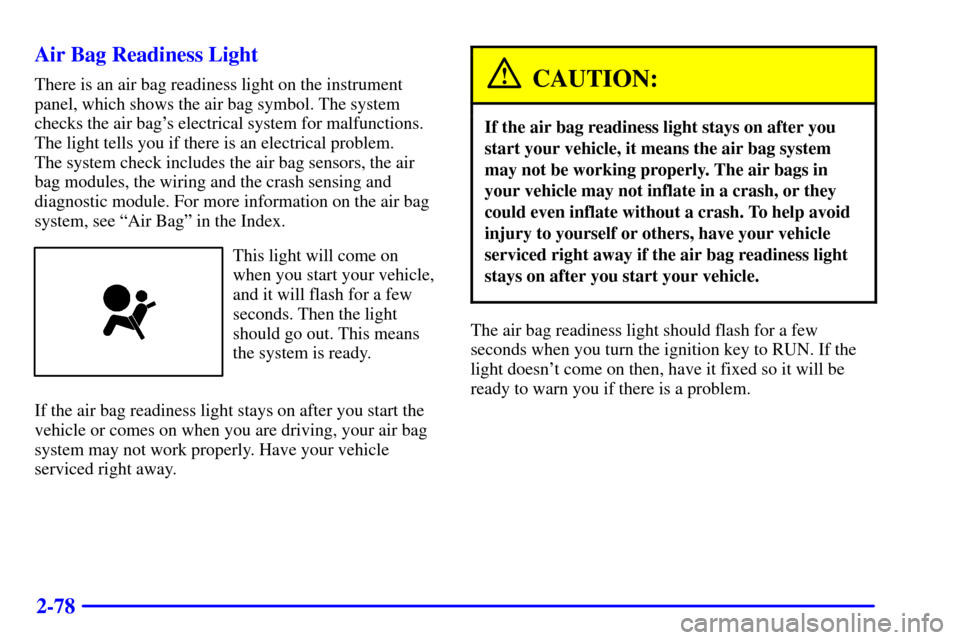
This light will come on
when you start your vehicle,
and it will flash for a few
seconds. Then the light
should go out. This means
the system is ready.
If the air bag readiness light stays on after you start the
vehicle or comes on when you are driving, your air bag
system may not work properly. Have your vehicle
serviced right away.
CAUTION:
If the air bag readiness light stays on after you
start your vehicle, it means the air bag system
may not be working properly. The air bags in
your vehicle may not inflate in a crash, or they
could even inflate without a crash. To help avoid
injury to yourself or others, have your vehicle
serviced right away if the air bag readiness light
stays on after you start your vehicle.
The air bag readiness light should flash for a few
seconds when you turn the ignition key to RUN. If the
light doesn't come on then, have it fixed so it will be
ready to warn you if there is a problem.
Page 148 of 430

2-80
You can only drive for a short time with the reading in
either warning zone. If you must drive, turn off all
unnecessary accessories.
Readings in either warning zone indicate a possible
problem in the electrical system. Have the vehicle
serviced as soon as possible.
Shift Light
You have the shift light
on the instrument panel
cluster if you have a
manual transmission.
Shifting when the indicator light is on will help you get
the best fuel economy. See ªShift Lightº in the Index.
Brake System Warning Light
When the ignition is on, the brake system warning light
will come on when you set your parking brake. The light
will stay on if your parking brake doesn't release fully.
If it stays on after your parking brake is fully released,
it means you have a brake problem.
Your vehicle's hydraulic brake system is divided into
two parts. If one part isn't working, the other part can
still work and stop you. For good braking, though, you
need both parts working well.
If the warning light comes on, there could be a brake
problem. Have your brake system inspected right away.
United States Canada
Page 159 of 430

3-2
Comfort Controls
With this system, you can control the heating, cooling
and ventilation in your vehicle.
Standard Climate Control System
Fan Control
The knob on the left side of the heating system control
panel controls the fan speed. To increase airflow, move
the knob clockwise. To decrease airflow, move
it counterclockwise.Temperature Knob
The middle knob on the control panel lets you select the
relative temperature of the air flowing into the passenger
area of your vehicle. Move the knob clockwise toward
the red area for warmer air. Move the knob
counterclockwise toward the blue area for cooler air.
Mode Knob
The right knob on the control panel allows you to
choose the direction of air delivery.
OFF: This setting turns the system off. Some outside
air will still enter the vehicle whenever the vehicle is
moving forward.
MAX A/C: This setting provides maximum cooling
with the least amount of work. MAX A/C recirculates
much of the air inside your vehicle so it cools quickly.
This setting directs most of the air through the
instrument panel vents and a small amount through the
floor vents.
A/C: This setting cools the air entering your vehicle and
directs most of the air through the instrument panel
vents and a small amount through the floor vents.
Page 160 of 430

3-3
BI-LEVEL A/C: This setting cools the air
entering your vehicle and directs it through the heater
floor outlets as well as the instrument panel outlets.
VENT: This setting directs most of the air through
the instrument panel outlets and a small amount through
the floor outlets. The air conditioning compressor is not
working when VENT is selected.
HEATER: This setting directs most of the
warmed air through the heater floor outlets and some air
through the windshield defroster outlets.
BLEND: Airflow is divided equally between the
heater floor outlet and the windshield defroster outlets.
DEFROST: This setting directs most air through
the windshield defroster outlets and some through the
heater (floor) outlets.
Electronic Climate Control System
(If Equipped)
Fan Control
The knob on the left side of the electronic climate
control panel controls the fan speed. To manually
increase airflow, move the knob clockwise. To manually
decrease airflow, move it counterclockwise.
OFF: If the knob is in OFF, outside air will still enter
the vehicle, and will be directed based on the position of
the mode knob.
AUTO: If the knob is in AUTO, the fan speed will vary
as the system maintains the selected temperature.