Page 140 of 321
2-75 Oil Pressure Light/Gage
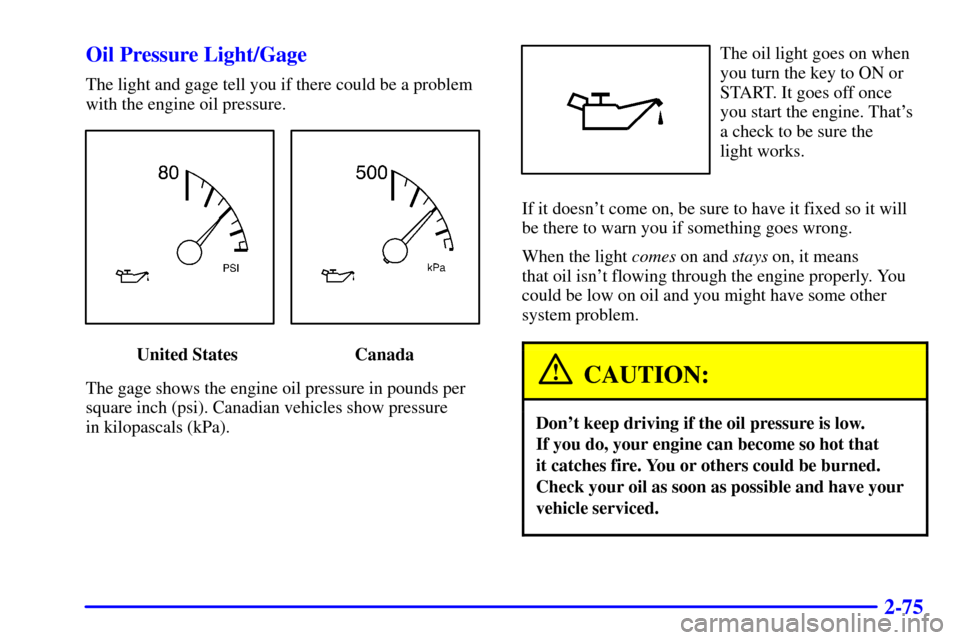
The light and gage tell you if there could be a problem
with the engine oil pressure.
United States Canada
The gage shows the engine oil pressure in pounds per
square inch (psi). Canadian vehicles show pressure
in kilopascals (kPa).
The oil light goes on when
you turn the key to ON or
START. It goes off once
you start the engine. That's
a check to be sure the
light works.
If it doesn't come on, be sure to have it fixed so it will
be there to warn you if something goes wrong.
When the light comes on and stays on, it means
that oil isn't flowing through the engine properly. You
could be low on oil and you might have some other
system problem.
CAUTION:
Don't keep driving if the oil pressure is low.
If you do, your engine can become so hot that
it catches fire. You or others could be burned.
Check your oil as soon as possible and have your
vehicle serviced.
Page 141 of 321
2-76
NOTICE:
Damage to your engine from neglected oil
problems can be costly and is not covered by
your warranty.
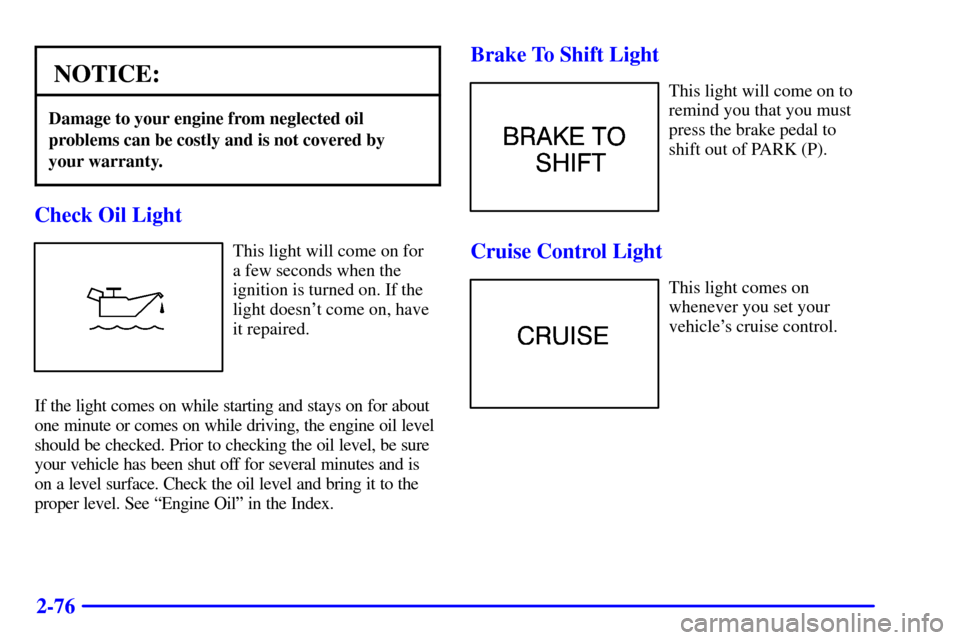
Check Oil Light
This light will come on for
a few seconds when the
ignition is turned on. If the
light doesn't come on, have
it repaired.
If the light comes on while starting and stays on for about
one minute or comes on while driving, the engine oil level
should be checked. Prior to checking the oil level, be sure
your vehicle has been shut off for several minutes and is
on a level surface. Check the oil level and bring it to the
proper level. See ªEngine Oilº in the Index.
Brake To Shift Light
This light will come on to
remind you that you must
press the brake pedal to
shift out of PARK (P).
Cruise Control Light
This light comes on
whenever you set your
vehicle's cruise control.
Page 142 of 321
2-77 Low Washer Fluid Warning Light
This light will come on
when you turn on the
ignition and the windshield
washer fluid container is
less than one
-third full.
Trunk Ajar Light
This light will come on if
your vehicle's trunk is not
completely closed.
Fuel Gage
United States Canada
The fuel gage shows approximately how much fuel is in
the tank. It works only when the ignition is in ON.
Here are a few concerns some owners have had about
the fuel gage. All of these situations are normal and do
not indicate that anything is wrong with the fuel gage.
�At the gas station the gas pump shuts off before
the gage reads F.
�The gage may change when you turn, stop or
speed up.
Page 143 of 321
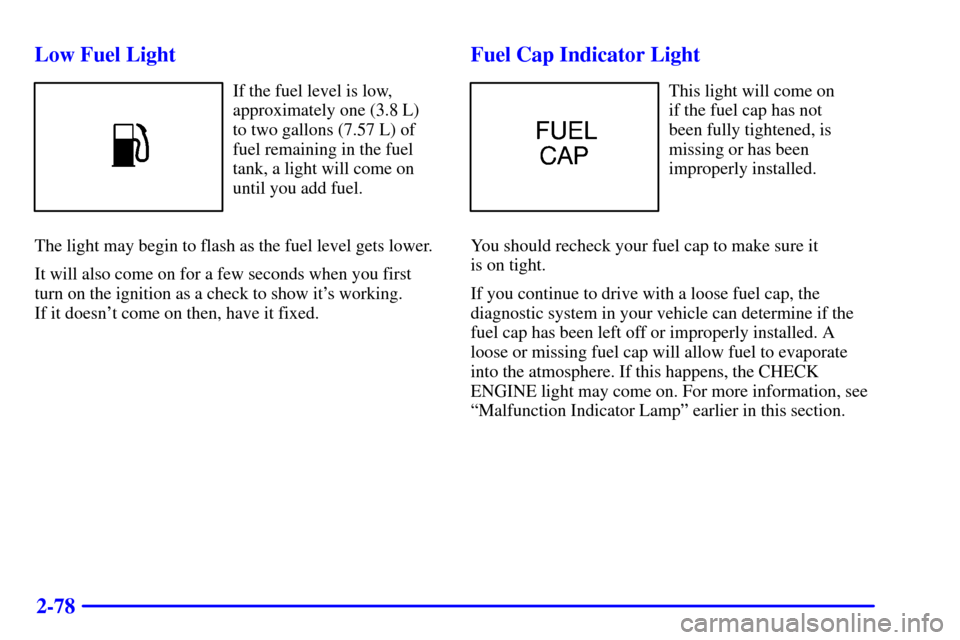
2-78 Low Fuel Light
If the fuel level is low,
approximately one (3.8 L)
to two gallons (7.57 L) of
fuel remaining in the fuel
tank, a light will come on
until you add fuel.
The light may begin to flash as the fuel level gets lower.
It will also come on for a few seconds when you first
turn on the ignition as a check to show it's working.
If it doesn't come on then, have it fixed.
Fuel Cap Indicator Light
This light will come on
if the fuel cap has not
been fully tightened, is
missing or has been
improperly installed.
You should recheck your fuel cap to make sure it
is on tight.
If you continue to drive with a loose fuel cap, the
diagnostic system in your vehicle can determine if the
fuel cap has been left off or improperly installed. A
loose or missing fuel cap will allow fuel to evaporate
into the atmosphere. If this happens, the CHECK
ENGINE light may come on. For more information, see
ªMalfunction Indicator Lampº earlier in this section.
Page 144 of 321
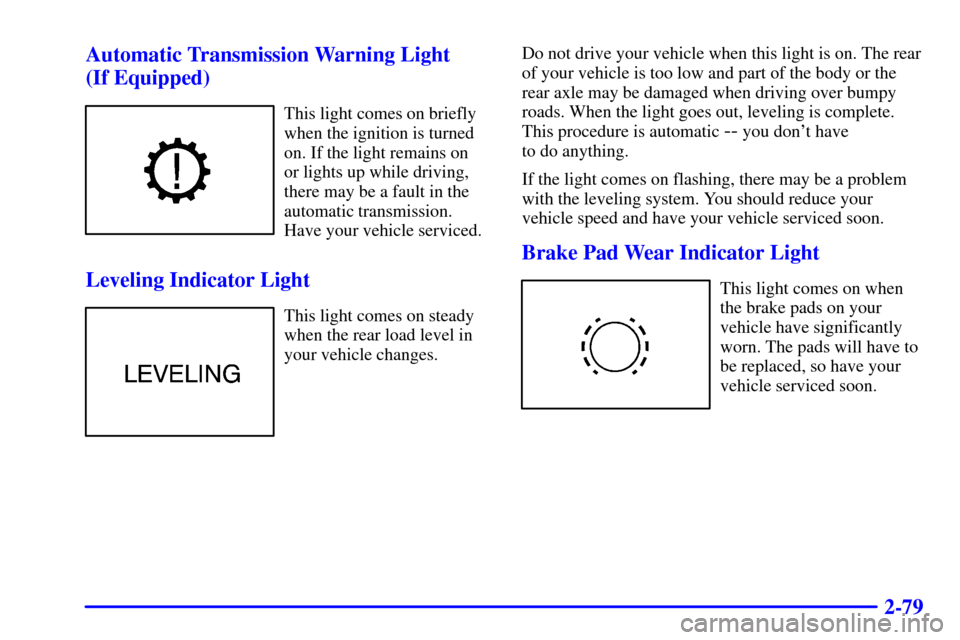
2-79 Automatic Transmission Warning Light
(If Equipped)
This light comes on briefly
when the ignition is turned
on. If the light remains on
or lights up while driving,
there may be a fault in the
automatic transmission.
Have your vehicle serviced.
Leveling Indicator Light
This light comes on steady
when the rear load level in
your vehicle changes.Do not drive your vehicle when this light is on. The rear
of your vehicle is too low and part of the body or the
rear axle may be damaged when driving over bumpy
roads. When the light goes out, leveling is complete.
This procedure is automatic
-- you don't have
to do anything.
If the light comes on flashing, there may be a problem
with the leveling system. You should reduce your
vehicle speed and have your vehicle serviced soon.
Brake Pad Wear Indicator Light
This light comes on when
the brake pads on your
vehicle have significantly
worn. The pads will have to
be replaced, so have your
vehicle serviced soon.
Page 153 of 321

3-9 AM-FM Stereo with Cassette Tape Player
Playing the Radio
PWR/VOL: Press this knob lightly to turn the
system on. Press the knob again to turn the system off.
To increase volume, turn the knob clockwise. Turn it
counterclockwise to decrease volume. The volume level
will appear on the display.HR or MN: Display the time with the ignition off by
pressing this button.
DSPL: Press this button to display the radio station
being played.
Finding a Station
BAND: Press this button to select AM, FM1 or FM2.
SEEK
-TUNE: Press and release this button to seek
to the next higher or lower radio station. Pressing and
holding this button until a chime sounds puts the radio
in a tune mode. In this mode, higher or lower radio
stations are advanced to in small increments until the
SEEK
-TUNE button is released. Tuning stops when
you release this button. If you press and hold the
SEEK
-TUNE button again within five seconds of
being in the tune mode, tuning will continue. Waiting
longer than five seconds places the radio back in the
seek mode.
SCAN: Press this button and SCAN will appear on
the display. Use SCAN to listen to stations for a few
seconds. The radio will go to a station, stop for a few
seconds, then go on to the next station. Press this
button again to stop scanning.
Page 154 of 321
3-10
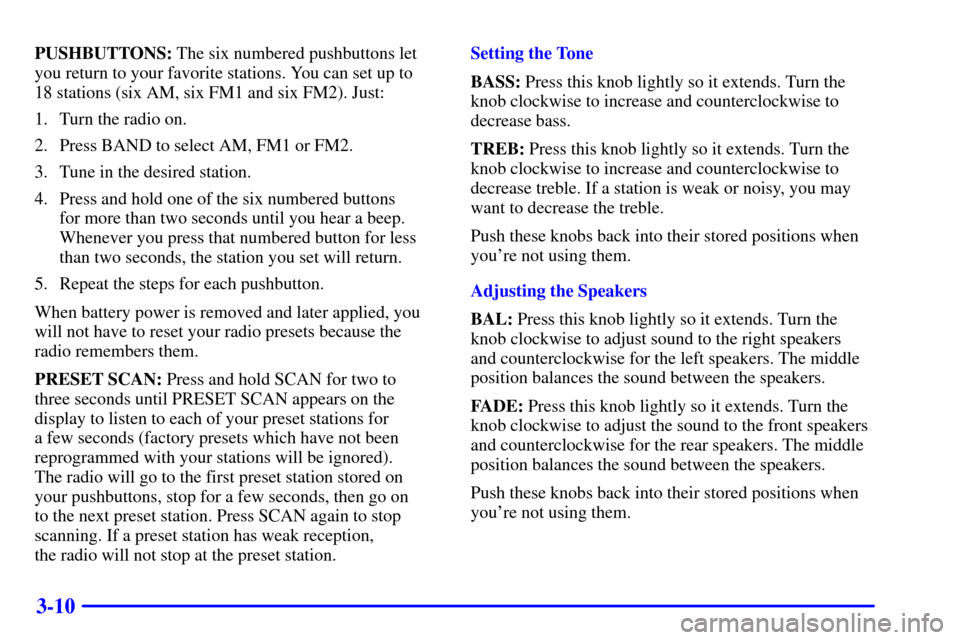
PUSHBUTTONS: The six numbered pushbuttons let
you return to your favorite stations. You can set up to
18 stations (six AM, six FM1 and six FM2). Just:
1. Turn the radio on.
2. Press BAND to select AM, FM1 or FM2.
3. Tune in the desired station.
4. Press and hold one of the six numbered buttons
for more than two seconds until you hear a beep.
Whenever you press that numbered button for less
than two seconds, the station you set will return.
5. Repeat the steps for each pushbutton.
When battery power is removed and later applied, you
will not have to reset your radio presets because the
radio remembers them.
PRESET SCAN: Press and hold SCAN for two to
three seconds until PRESET SCAN appears on the
display to listen to each of your preset stations for
a few seconds (factory presets which have not been
reprogrammed with your stations will be ignored).
The radio will go to the first preset station stored on
your pushbuttons, stop for a few seconds, then go on
to the next preset station. Press SCAN again to stop
scanning. If a preset station has weak reception,
the radio will not stop at the preset station.Setting the Tone
BASS: Press this knob lightly so it extends. Turn the
knob clockwise to increase and counterclockwise to
decrease bass.
TREB: Press this knob lightly so it extends. Turn the
knob clockwise to increase and counterclockwise to
decrease treble. If a station is weak or noisy, you may
want to decrease the treble.
Push these knobs back into their stored positions when
you're not using them.
Adjusting the Speakers
BAL: Press this knob lightly so it extends. Turn the
knob clockwise to adjust sound to the right speakers
and counterclockwise for the left speakers. The middle
position balances the sound between the speakers.
FADE: Press this knob lightly so it extends. Turn the
knob clockwise to adjust the sound to the front speakers
and counterclockwise for the rear speakers. The middle
position balances the sound between the speakers.
Push these knobs back into their stored positions when
you're not using them.
Page 157 of 321
3-13 AM-FM Stereo with Cassette Tape and
Compact Disc Player with Radio Data
Systems (RDS) (If Equipped)
Playing the Radio
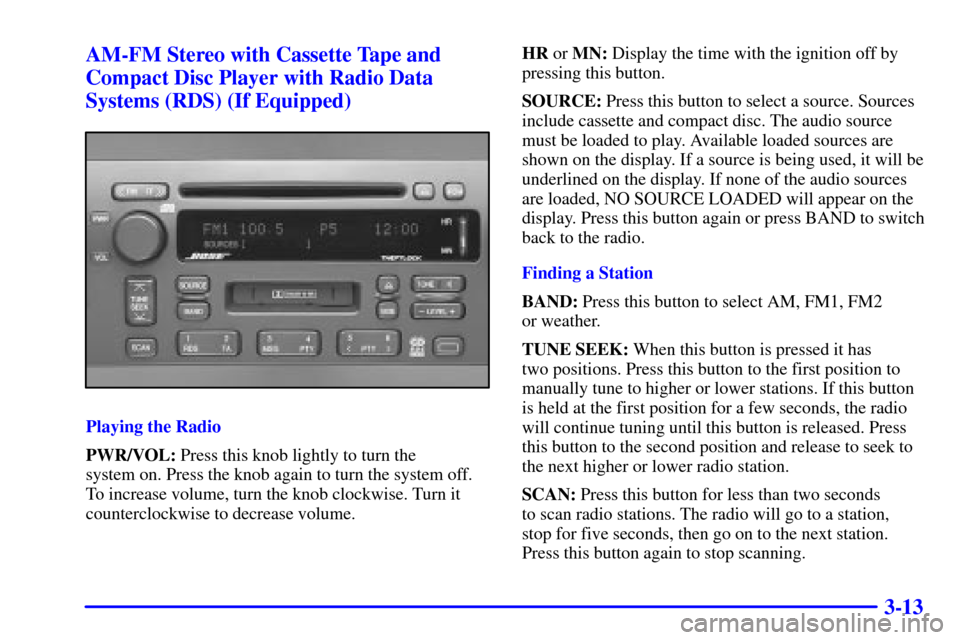
PWR/VOL: Press this knob lightly to turn the
system on. Press the knob again to turn the system off.
To increase volume, turn the knob clockwise. Turn it
counterclockwise to decrease volume.HR or MN: Display the time with the ignition off by
pressing this button.
SOURCE: Press this button to select a source. Sources
include cassette and compact disc. The audio source
must be loaded to play. Available loaded sources are
shown on the display. If a source is being used, it will be
underlined on the display. If none of the audio sources
are loaded, NO SOURCE LOADED will appear on the
display. Press this button again or press BAND to switch
back to the radio.
Finding a Station
BAND: Press this button to select AM, FM1, FM2
or weather.
TUNE SEEK: When this button is pressed it has
two positions. Press this button to the first position to
manually tune to higher or lower stations. If this button
is held at the first position for a few seconds, the radio
will continue tuning until this button is released. Press
this button to the second position and release to seek to
the next higher or lower radio station.
SCAN: Press this button for less than two seconds
to scan radio stations. The radio will go to a station,
stop for five seconds, then go on to the next station.
Press this button again to stop scanning.