Page 4 of 392
Table of Contents
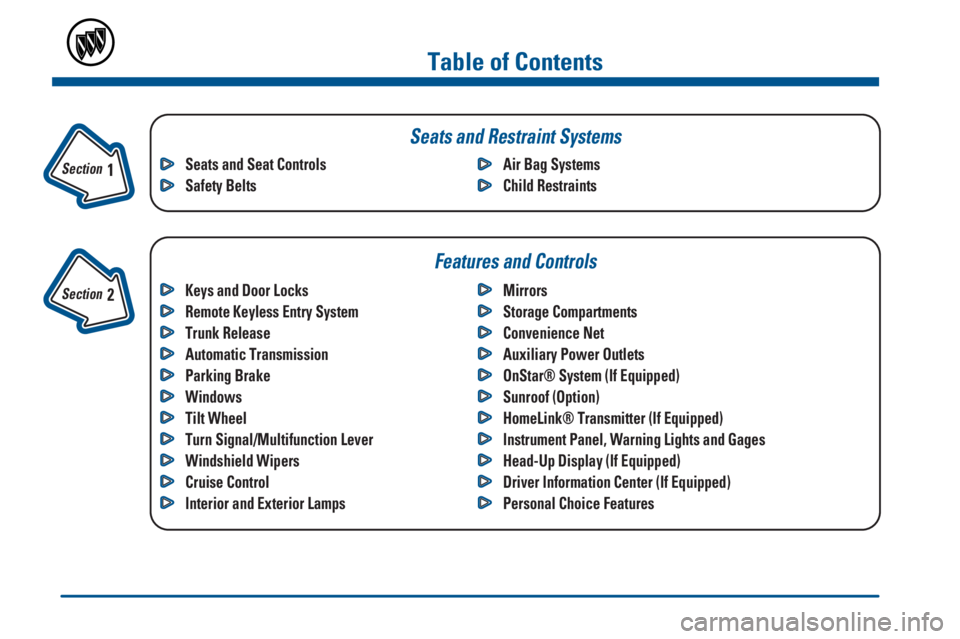
Keys and Door Locks
Remote Keyless Entry System
Trunk Release
Automatic Transmission
Parking Brake
Windows
Tilt Wheel
Turn Signal/Multifunction Lever
Windshield Wipers
Cruise Control
Interior and Exterior LampsMirrors
Storage Compartments
Convenience Net
Auxiliary Power Outlets
OnStar® System (If Equipped)
Sunroof (Option)
HomeLink® Transmitter (If Equipped)
Instrument Panel, Warning Lights and Gages
Head-Up Display (If Equipped)
Driver Information Center (If Equipped)
Personal Choice Features Seats and Seat Controls
Safety BeltsAir Bag Systems
Child Restraints
Section
1
Section
2
Seats and Restraint Systems
Features and Controls
Page 66 of 392

2-
2-1
Section 2 Features and Controls
Here you can learn about the many standard and optional features on your vehicle, and information on starting,
shifting and braking. Also explained are the instrument panel and the warning systems that tell you if everything is
working properly
-- and what to do if you have a problem.
2
-2 Keys
2
-4 Door Locks
2
-8 Remote Keyless Entry System
2
-13 Trunk
2
-15 Theft
2
-16 Content Theft-Deterrent System
2
-17 PASS-Key� III
2
-19 New Vehicle ªBreak-Inº
2
-20 Ignition Positions
2
-21 Starting Your Engine
2
-22 Engine Coolant Heater (If Equipped)
2
-23 Automatic Transaxle Operation
2
-27 Parking Brake
2
-28 Shifting Into PARK (P)
2
-30 Shifting Out of PARK (P)
2
-31 Parking Over Things That Burn
2
-31 Engine Exhaust
2
-32 Running Your Engine While You're Parked2
-33 Windows
2
-34 Tilt Wheel
2
-35 Turn Signal/Multifunction Lever
2
-42 Exterior Lamps
2
-45 Interior Lamps
2
-48 Mirrors
2
-53 Storage Compartments
2
-61 OnStar� System (If Equipped)
2
-61 Sunroof (Option)
2
-62 HomeLink� Transmitter (If Equipped)
2
-66 The Instrument Panel - Your
Information System
2
-68 Instrument Panel Clusters
2
-71 Warning Lights, Gages and Indicators
2
-82 Head-Up Display (HUD) (If Equipped)
2
-84 Driver Information Center (DIC)
(If Equipped)
Page 107 of 392
2-42
Passing Another Vehicle While Using Cruise Control
Use the accelerator pedal to increase your speed. When
you take your foot off the pedal, your vehicle will slow
down to the cruise control speed you set earlier.
Using Cruise Control on Hills
How well your cruise control will work on hills depends
upon your speed, load and the steepness of the hills.
When going up steep hills, you may have to step on the
accelerator pedal to maintain your speed. When going
downhill, you may have to brake or shift to a lower gear
to keep your speed down. Of course, applying the brake
takes you out of cruise control. Many drivers find this to
be too much trouble and don't use cruise control on
steep hills.
Ending Cruise Control
There are two ways to turn off the cruise control:
�Step lightly on the brake pedal, or
�Move the cruise switch to OFF. The CRUISE light
will also go out.
Erasing Speed Memory
When you turn off the cruise control or the ignition,
your cruise control set speed memory is erased.Exterior Lamps
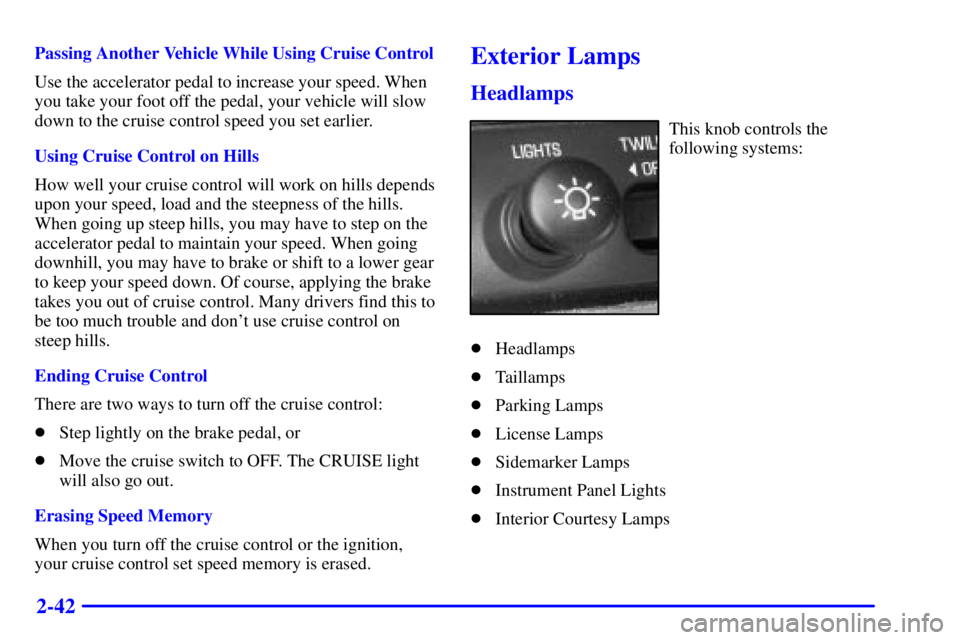
Headlamps
This knob controls the
following systems:
�Headlamps
�Taillamps
�Parking Lamps
�License Lamps
�Sidemarker Lamps
�Instrument Panel Lights
�Interior Courtesy Lamps