Page 154 of 432
yellowblue
2-82
Message Center
The message center is located above the transmission
temperature gage (if equipped) on the instrument panel
cluster. It gives you important safety and maintenance
facts. When you turn the ignition on, the entire center
lights up for just a few seconds. As needed, the message
center will display one of the following messages. The
message center is capable of alternating among different
messages if needed.
BATTERY
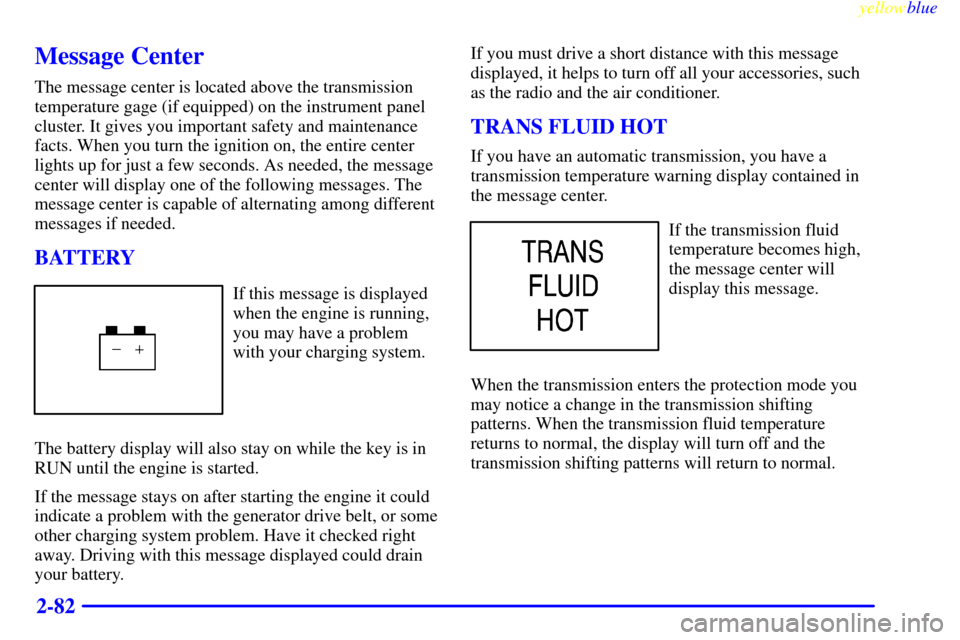
If this message is displayed
when the engine is running,
you may have a problem
with your charging system.
The battery display will also stay on while the key is in
RUN until the engine is started.
If the message stays on after starting the engine it could
indicate a problem with the generator drive belt, or some
other charging system problem. Have it checked right
away. Driving with this message displayed could drain
your battery.If you must drive a short distance with this message
displayed, it helps to turn off all your accessories, such
as the radio and the air conditioner.
TRANS FLUID HOT
If you have an automatic transmission, you have a
transmission temperature warning display contained in
the message center.
If the transmission fluid
temperature becomes high,
the message center will
display this message.
When the transmission enters the protection mode you
may notice a change in the transmission shifting
patterns. When the transmission fluid temperature
returns to normal, the display will turn off and the
transmission shifting patterns will return to normal.
Page 155 of 432
yellowblue
2-83
NOTICE:
If you keep driving your vehicle with the
transmission TRANS FLUID HOT message
displayed, you can damage the transmission.
This could lead to costly repairs that may not be
covered under your warranty.
The following situations can cause the transmission to
operate at higher temperatures:
�Towing a trailer
�Hot outside air temperatures
�Hauling a large or heavy load
�Low transmission fluid level
�High transmission fluid level
�Restricted air flow to the radiator and the auxiliary
transmission oil cooler (if equipped).
A temporary solution to hotter transmission operating
temperatures may be to let the transmission cool down.
If the transmission is operated at higher temperatures on
a frequent basis, see ªScheduled Maintenanceº in the
Index for the proper transmission maintenance intervals.
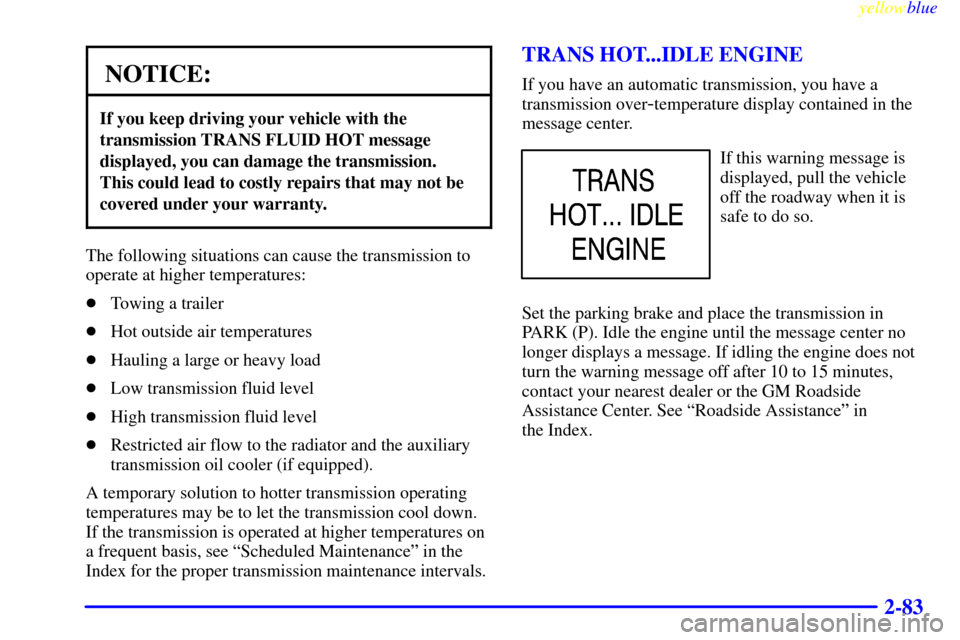
TRANS HOT...IDLE ENGINE
If you have an automatic transmission, you have a
transmission over
-temperature display contained in the
message center.
If this warning message is
displayed, pull the vehicle
off the roadway when it is
safe to do so.
Set the parking brake and place the transmission in
PARK (P). Idle the engine until the message center no
longer displays a message. If idling the engine does not
turn the warning message off after 10 to 15 minutes,
contact your nearest dealer or the GM Roadside
Assistance Center. See ªRoadside Assistanceº in
the Index.
Page 156 of 432
yellowblue
2-84
NOTICE:
If you keep driving your vehicle with the
transmission TRANS HOT...IDLE ENGINE
message displayed, you can damage the
transmission. This could lead to costly repairs
that may not be covered under your warranty.
The following situations can cause the transmission to
operate at higher temperatures:
�Towing a trailer
�Hot outside air temperatures
�Hauling a heavy load
�Low transmission fluid level
�High transmission fluid level
�Restricted air flow to the radiator and the auxiliary
transmission oil cooler (if equipped).
A temporary solution to hotter transmission operating
temperatures may be to let the transmission cool down.
If the transmission is operated at higher temperatures on
a frequent basis, see ªScheduled Maintenanceº in the
Index for the proper transmission maintenance intervals.
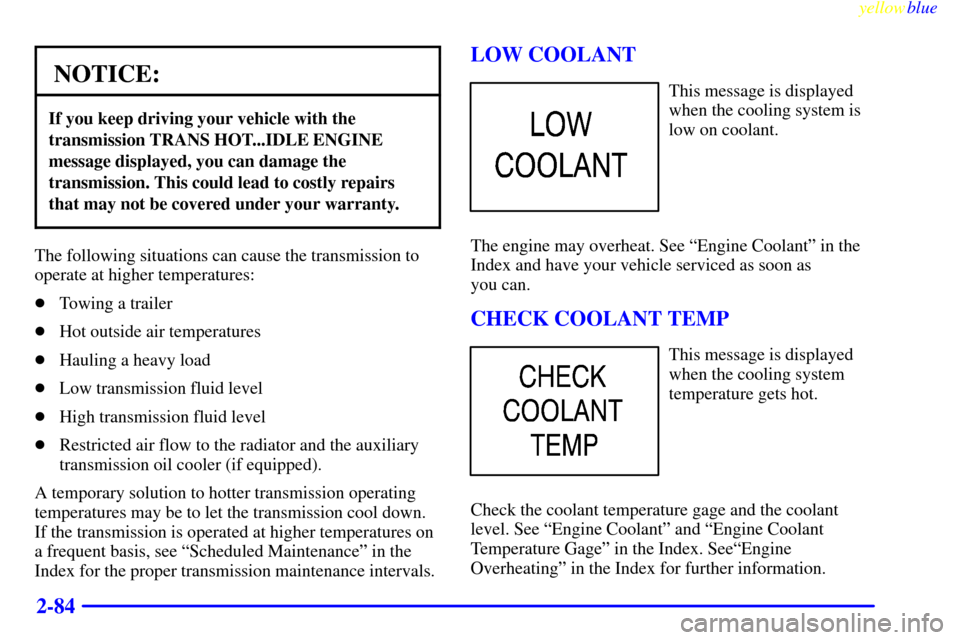
LOW COOLANT
This message is displayed
when the cooling system is
low on coolant.
The engine may overheat. See ªEngine Coolantº in the
Index and have your vehicle serviced as soon as
you can.
CHECK COOLANT TEMP
This message is displayed
when the cooling system
temperature gets hot.
Check the coolant temperature gage and the coolant
level. See ªEngine Coolantº and ªEngine Coolant
Temperature Gageº in the Index. SeeªEngine
Overheatingº in the Index for further information.
Page 157 of 432
yellowblue
2-85 ENGINE OVERHEATED
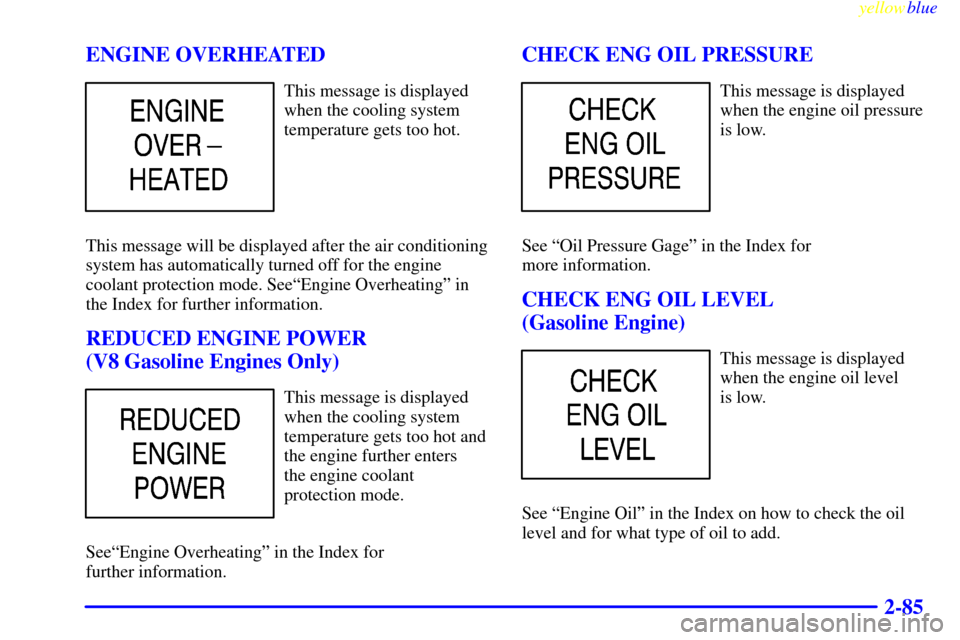
This message is displayed
when the cooling system
temperature gets too hot.
This message will be displayed after the air conditioning
system has automatically turned off for the engine
coolant protection mode. SeeªEngine Overheatingº in
the Index for further information.
REDUCED ENGINE POWER
(V8 Gasoline Engines Only)
This message is displayed
when the cooling system
temperature gets too hot and
the engine further enters
the engine coolant
protection mode.
SeeªEngine Overheatingº in the Index for
further information.
CHECK ENG OIL PRESSURE
This message is displayed
when the engine oil pressure
is low.
See ªOil Pressure Gageº in the Index for
more information.
CHECK ENG OIL LEVEL
(Gasoline Engine)
This message is displayed
when the engine oil level
is low.
See ªEngine Oilº in the Index on how to check the oil
level and for what type of oil to add.
Page 158 of 432
yellowblue
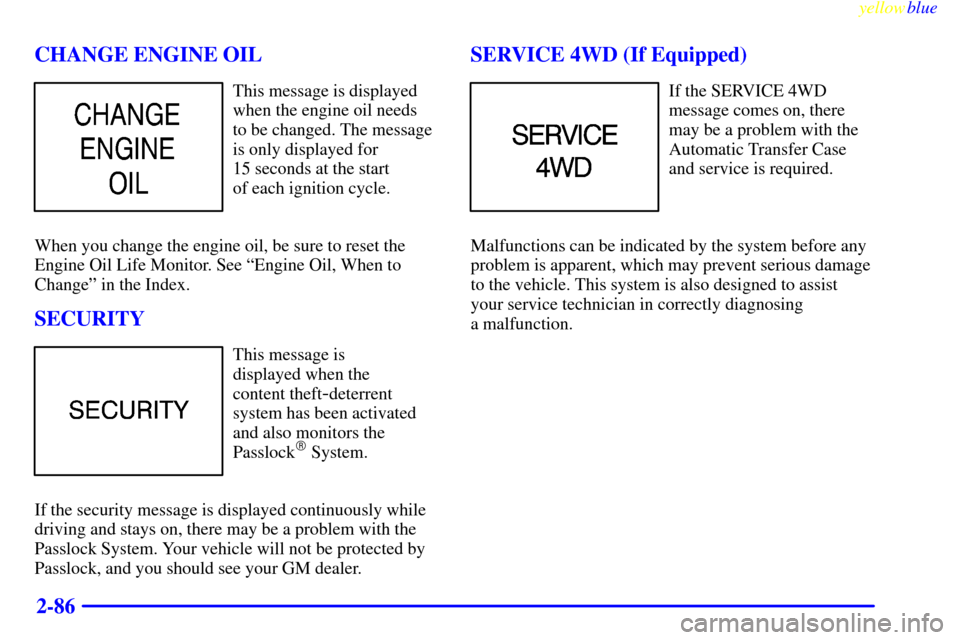
2-86 CHANGE ENGINE OIL
This message is displayed
when the engine oil needs
to be changed. The message
is only displayed for
15 seconds at the start
of each ignition cycle.
When you change the engine oil, be sure to reset the
Engine Oil Life Monitor. See ªEngine Oil, When to
Changeº in the Index.
SECURITY
This message is
displayed when the
content theft
-deterrent
system has been activated
and also monitors the
Passlock
� System.
If the security message is displayed continuously while
driving and stays on, there may be a problem with the
Passlock System. Your vehicle will not be protected by
Passlock, and you should see your GM dealer.
SERVICE 4WD (If Equipped)
If the SERVICE 4WD
message comes on, there
may be a problem with the
Automatic Transfer Case
and service is required.
Malfunctions can be indicated by the system before any
problem is apparent, which may prevent serious damage
to the vehicle. This system is also designed to assist
your service technician in correctly diagnosing
a malfunction.
Page 159 of 432
yellowblue
2-87 LOW WASHER FLUID
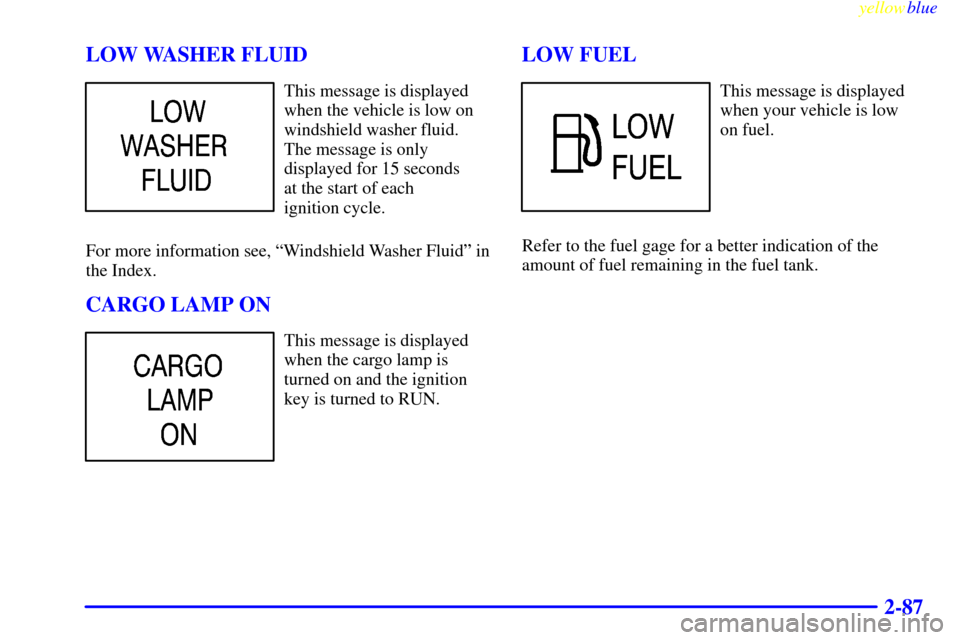
This message is displayed
when the vehicle is low on
windshield washer fluid.
The message is only
displayed for 15 seconds
at the start of each
ignition cycle.
For more information see, ªWindshield Washer Fluidº in
the Index.
CARGO LAMP ON
This message is displayed
when the cargo lamp is
turned on and the ignition
key is turned to RUN.
LOW FUEL
This message is displayed
when your vehicle is low
on fuel.
Refer to the fuel gage for a better indication of the
amount of fuel remaining in the fuel tank.
Page 168 of 432
yellowblue
3-8
Ventilation Tips
�Keep the hood and front air inlet free of ice, snow or
any other obstruction (such as leaves). The heater
and defroster will work far better, reducing the
chance of fogging the inside of your windows.
�When you enter a vehicle in cold weather, turn the
blower fan all the way to the right for a few moments
before driving. This helps clear the intake ducts of
snow and moisture, and reduces the chance of
fogging the inside of your windows.
�Keep the air path under the front seats clear of
objects. This helps air to circulate throughout
your vehicle.
�The use of hood air deflectors may adversely
affect the performance of the heating and air
conditioning system.Audio Systems
Your Delco Electronics audio system has been designed
to operate easily and give years of listening pleasure.
You will get the most enjoyment out of it if you acquaint
yourself with it first. Find out what your Delco
Electronics system can do and how to operate all its
controls, to be sure you're getting the most out of the
advanced engineering that went into it.
Setting the Clock for Systems with
SET Button
Press SET. Within five seconds, press and hold the
SEEK right arrow until the correct minute appears on
the display. Press and hold the SEEK left arrow until the
correct hour appears on the display.
Setting the Clock for Systems with HR
and MN Buttons
Press and hold HR until the correct hour appears on the
display. Press and hold MN until the correct minute
appears on the display. To display the clock with the
ignition off, press RECALL or HR/MN and the time
will be displayed for a few seconds. There is an initial
two
-second delay before the clock goes into the
time
-set mode.
Page 169 of 432
yellowblue
3-9 AM-FM Stereo
Playing the Radio
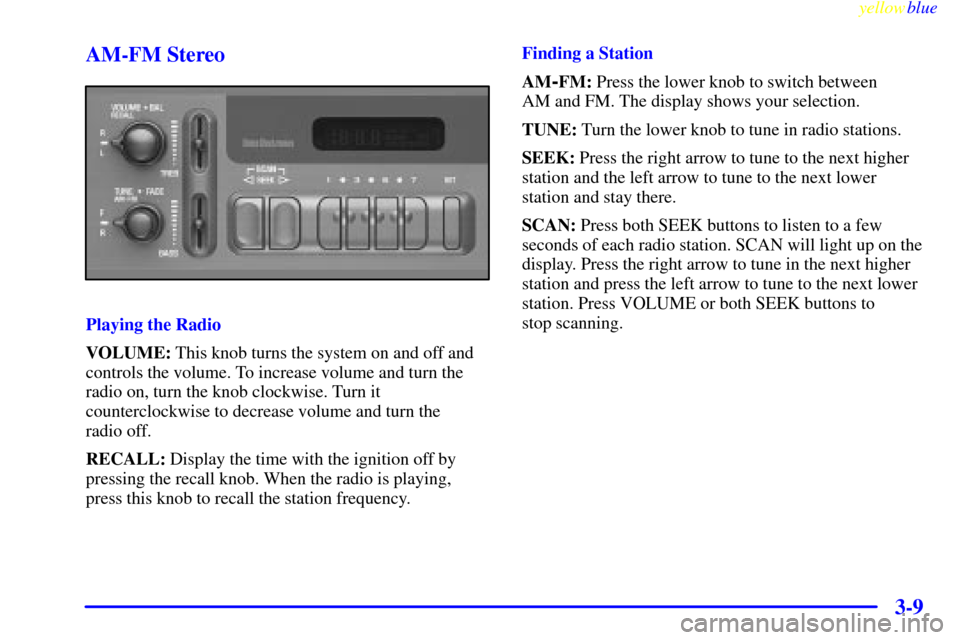
VOLUME: This knob turns the system on and off and
controls the volume. To increase volume and turn the
radio on, turn the knob clockwise. Turn it
counterclockwise to decrease volume and turn the
radio off.
RECALL: Display the time with the ignition off by
pressing the recall knob. When the radio is playing,
press this knob to recall the station frequency.Finding a Station
AM
-FM: Press the lower knob to switch between
AM and FM. The display shows your selection.
TUNE: Turn the lower knob to tune in radio stations.
SEEK: Press the right arrow to tune to the next higher
station and the left arrow to tune to the next lower
station and stay there.
SCAN: Press both SEEK buttons to listen to a few
seconds of each radio station. SCAN will light up on the
display. Press the right arrow to tune in the next higher
station and press the left arrow to tune to the next lower
station. Press VOLUME or both SEEK buttons to
stop scanning.